Customer Ratings & Reviews










- Model:
- i7440-7304BLU-PUS
- SKU:
- 10512977
Rating by feature
- Battery Life
Rating 4.6 out of 5 stars
- Speed
Rating 4.7 out of 5 stars
- Display
Rating 4.7 out of 5 stars
Customers are saying
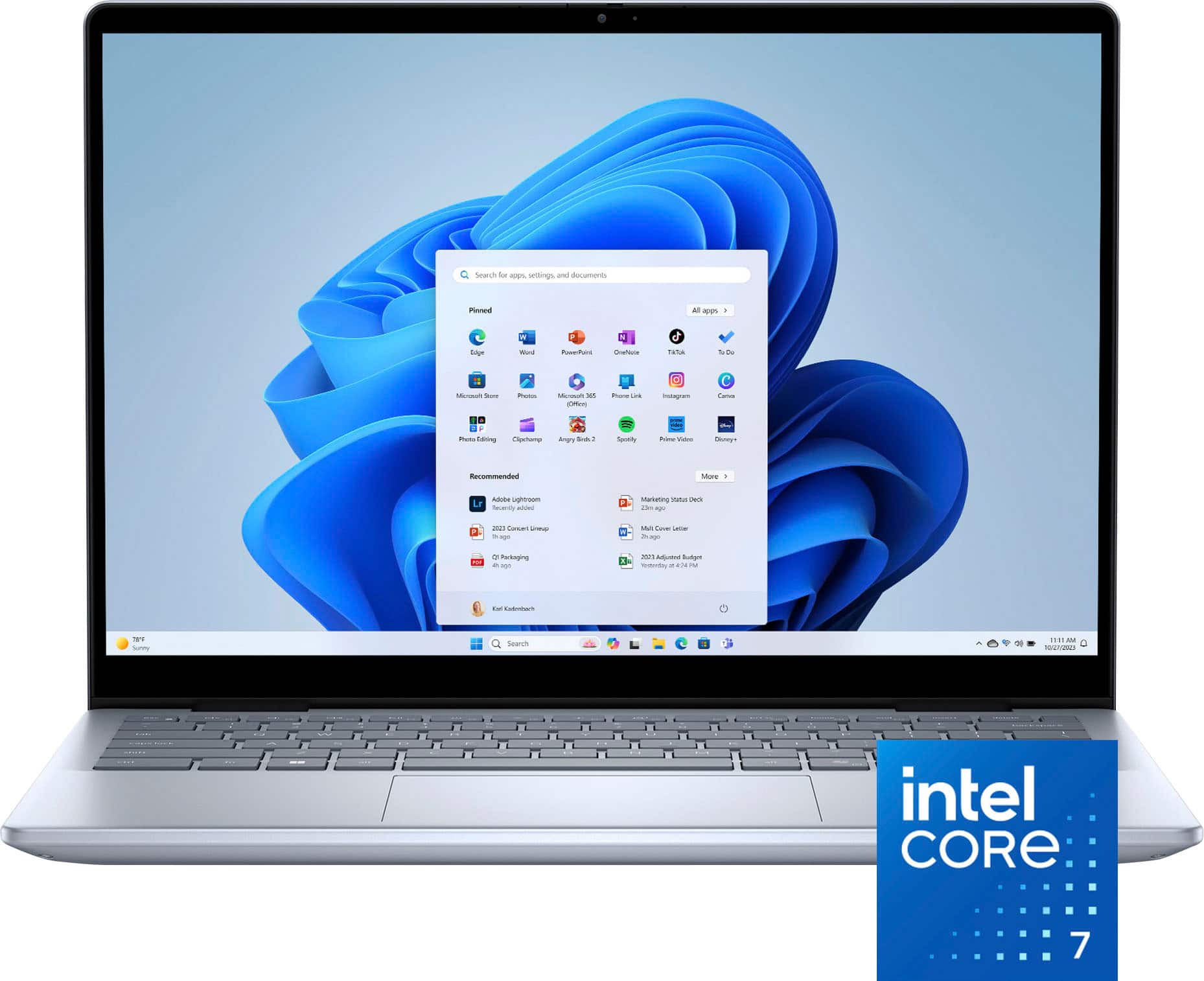
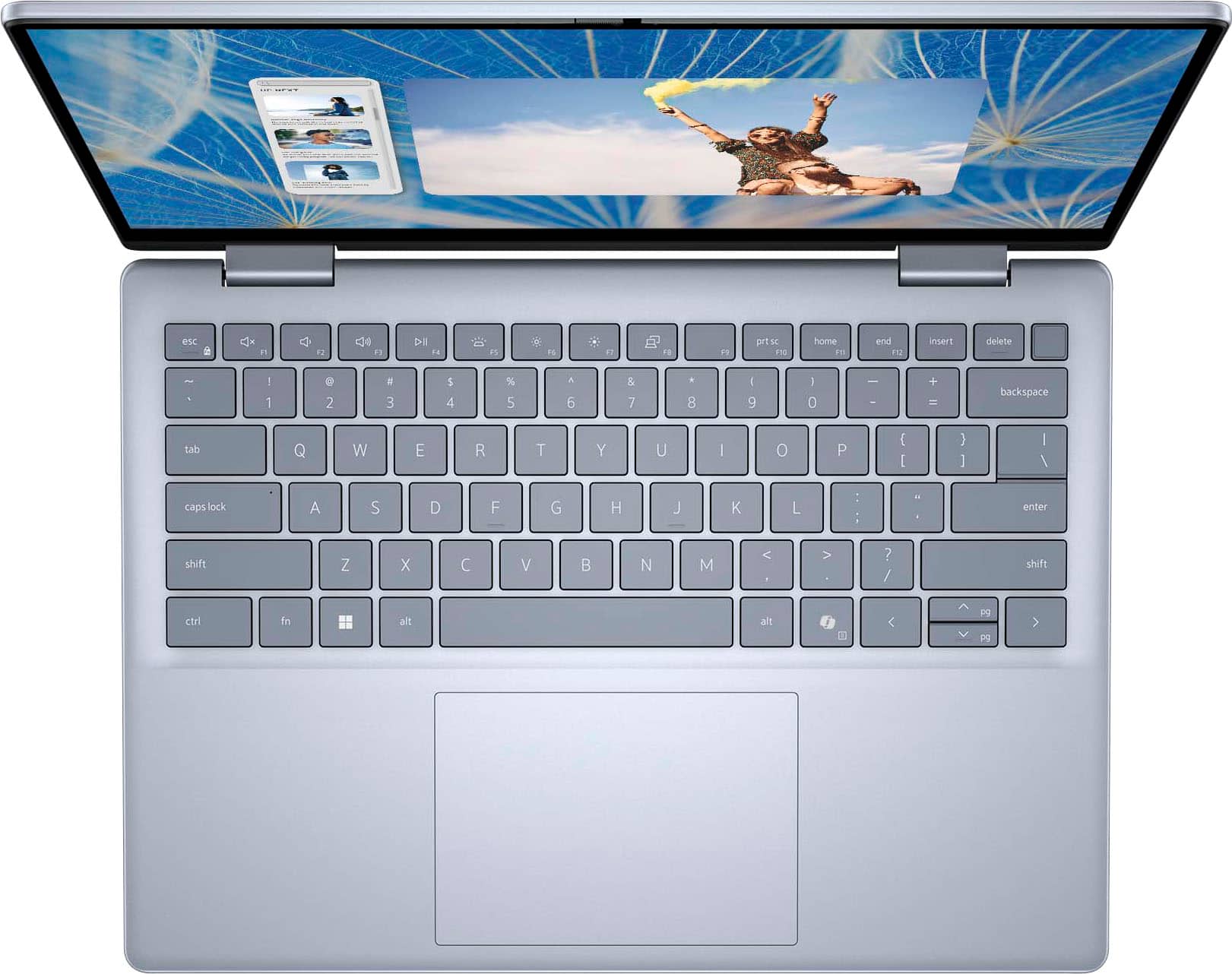
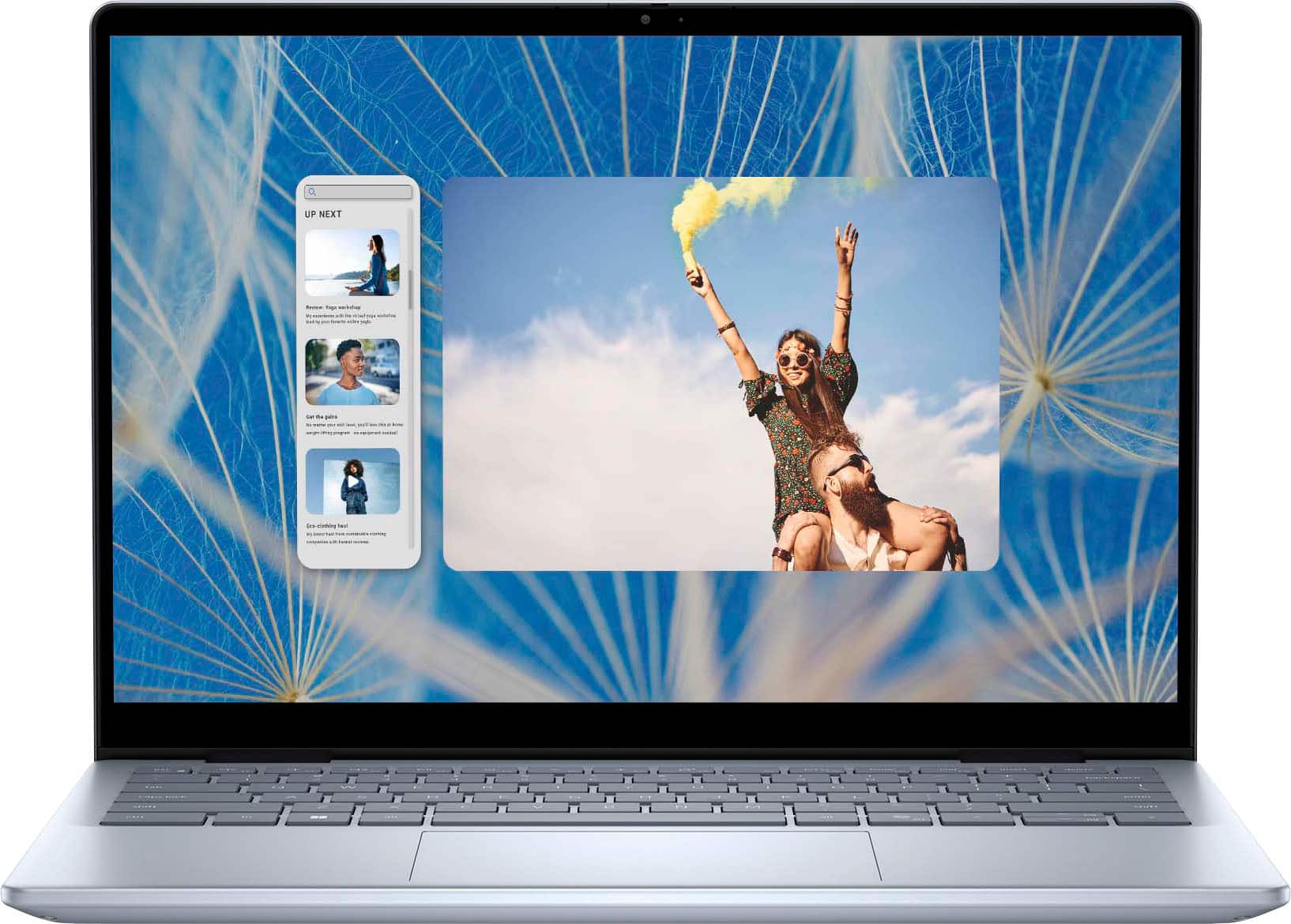
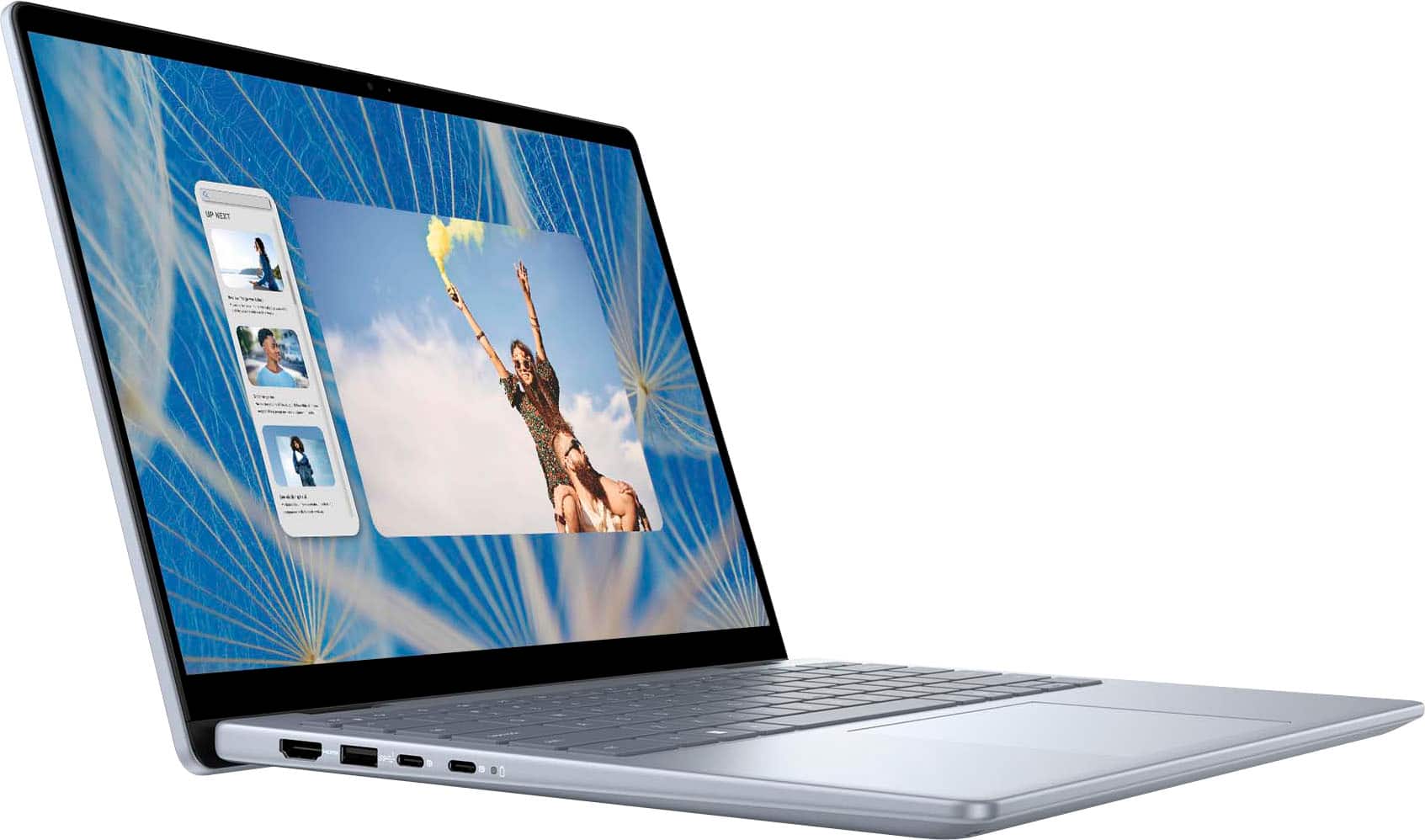
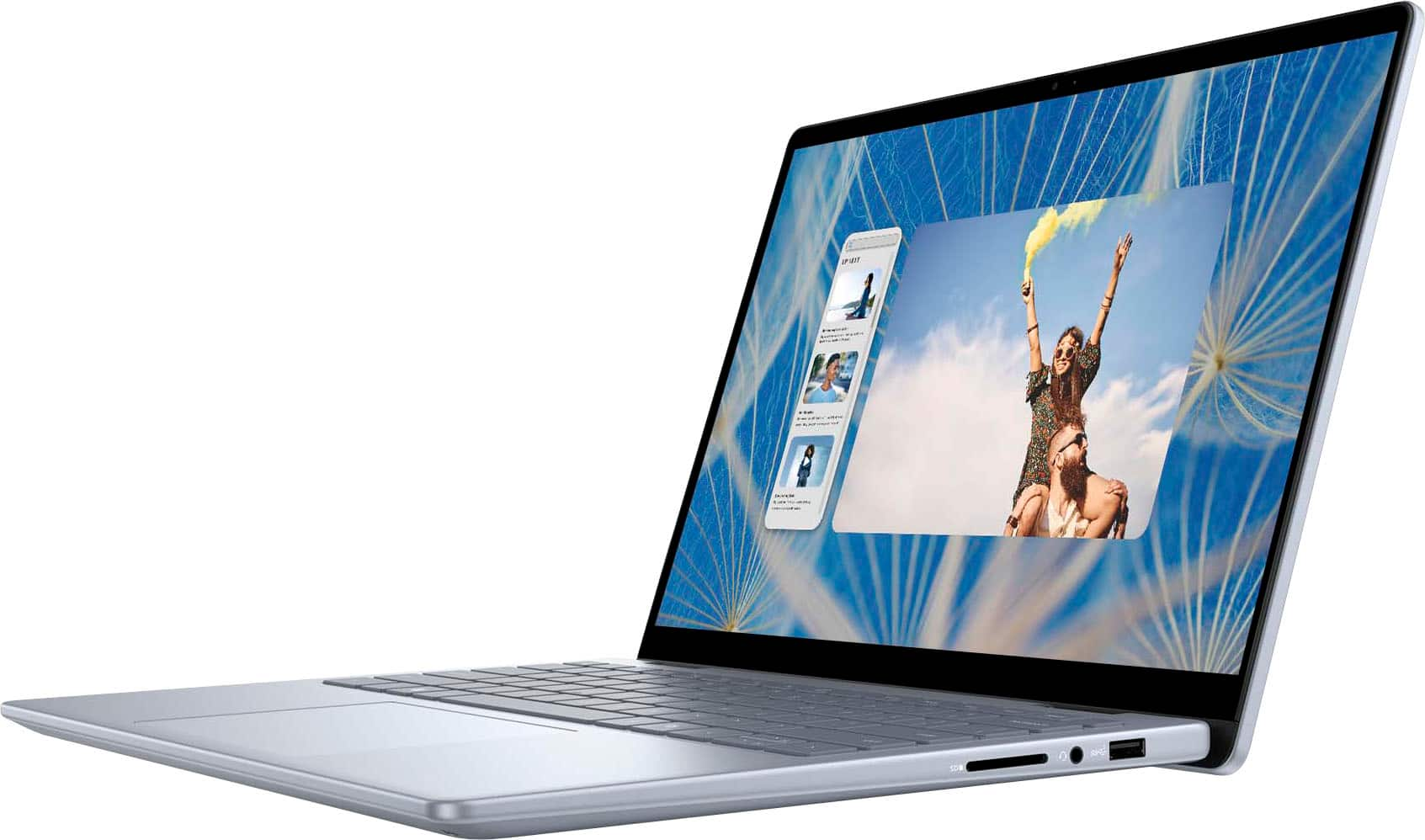
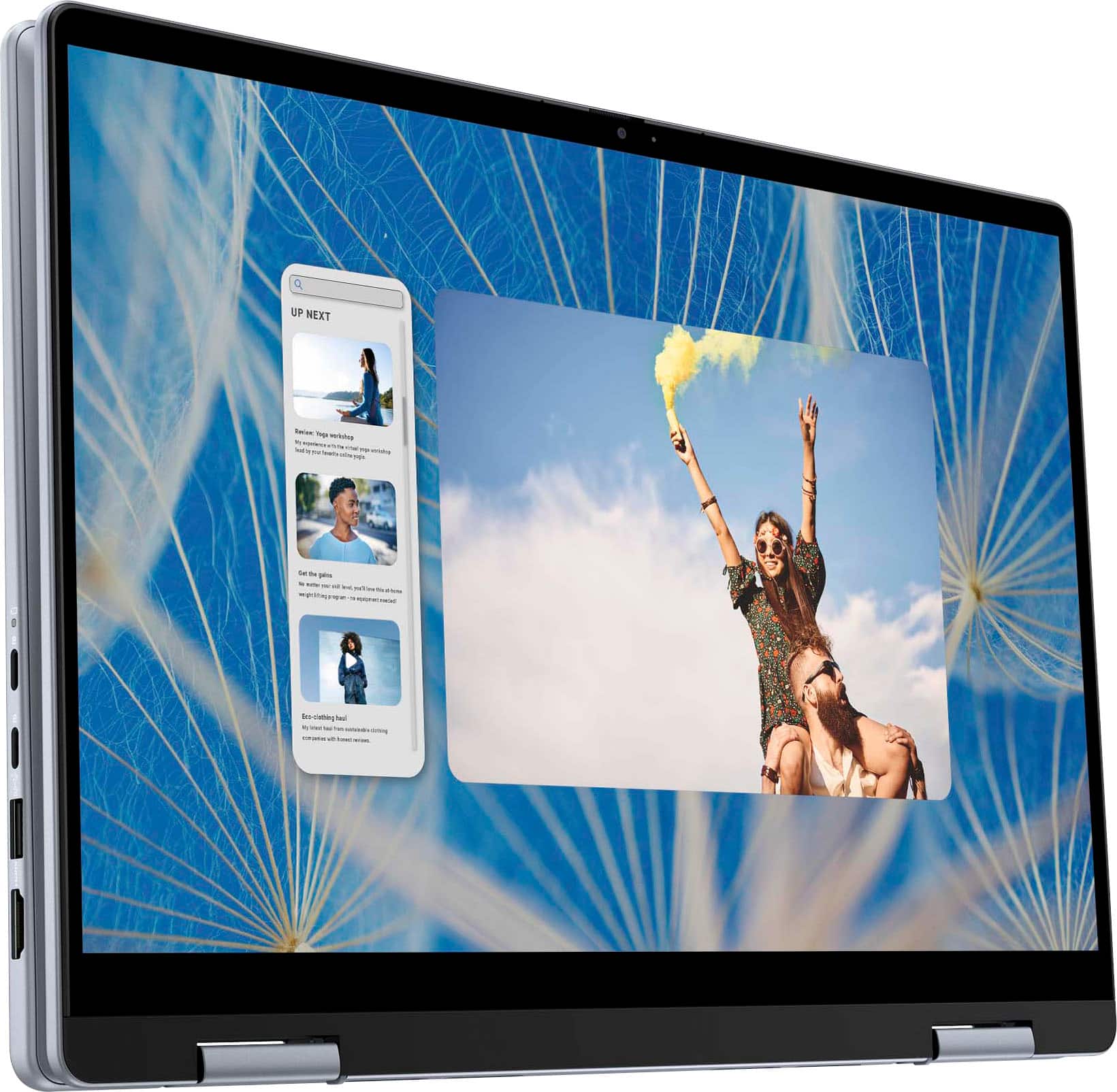
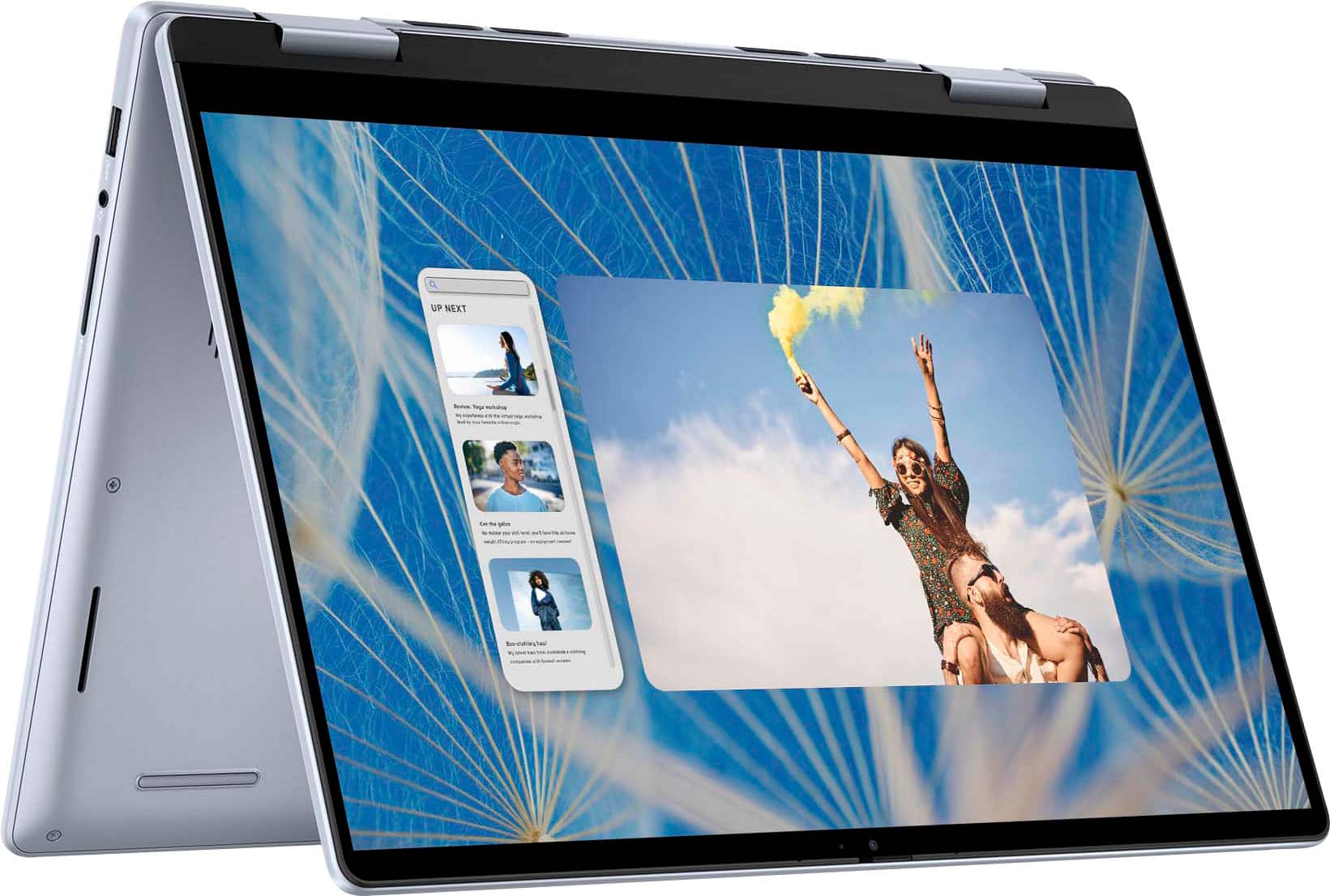
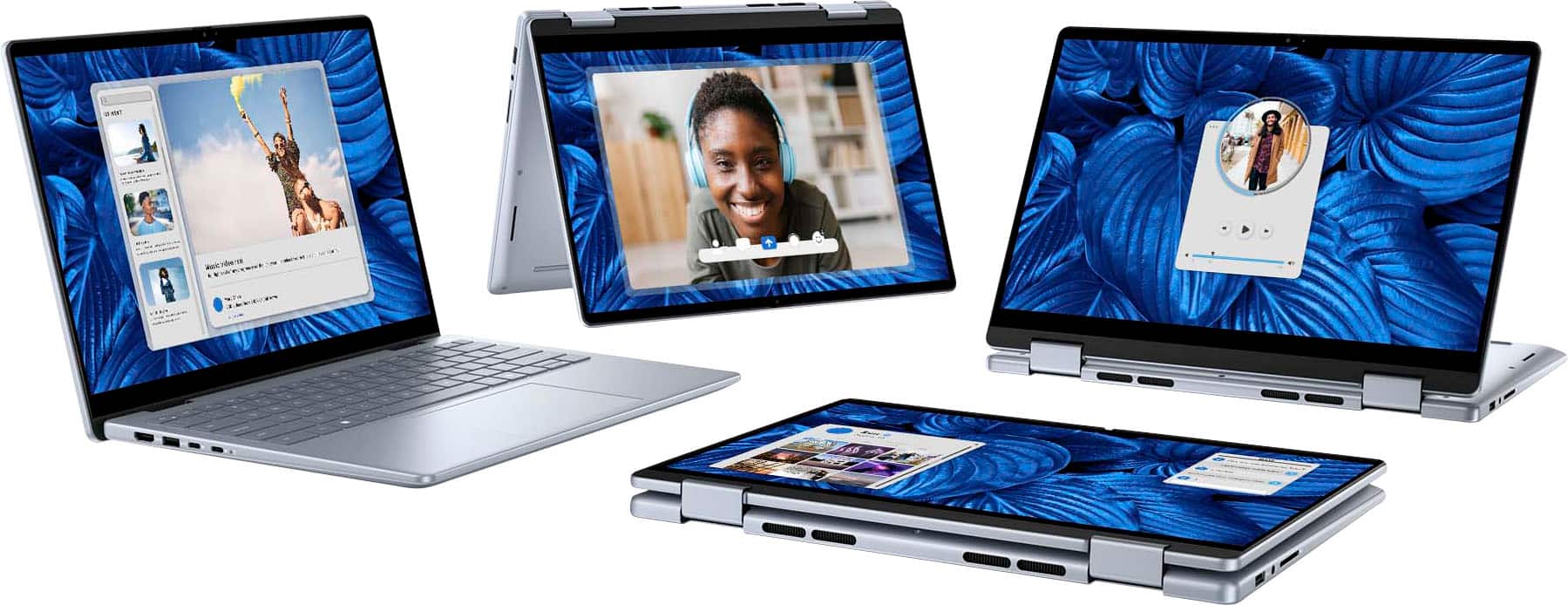
Customers find value in the Inspiron laptop's overall performance, processor speed, and convenient touchscreen. Its portability, good battery life, and light weight are also appreciated. The ample RAM and storage, along with the comfortable size, contribute to a positive user experience, though some users have noted fan noise.
This summary was generated by AI based on customer reviews.
Dell 2in1
||Posted . Owned for less than 1 week when reviewed.This reviewer received promo considerations or sweepstakes entry for writing a review.My favorite brand, for laptop, quality, Solid State, trim lines, lots of memory and more, my second one in 3 years.
I would recommend this to a friendGood laptop
||Posted . Owned for 2 months when reviewed.This reviewer received promo considerations or sweepstakes entry for writing a review.Good laptop for college students. Touchscreen is responsive
I would recommend this to a friendLaptop dell Inspiron 14
||Posted . Owned for 1 week when reviewed.This reviewer received promo considerations or sweepstakes entry for writing a review.It was good but my Frnd didn’t like it small issue with display but very god laptop
I would recommend this to a friendLaptop
||Posted . Owned for 1 month when reviewed.This reviewer received promo considerations or sweepstakes entry for writing a review.Very good quality and I’m really happy with it good material
I would recommend this to a friendGood Overall Laptop/Tablet
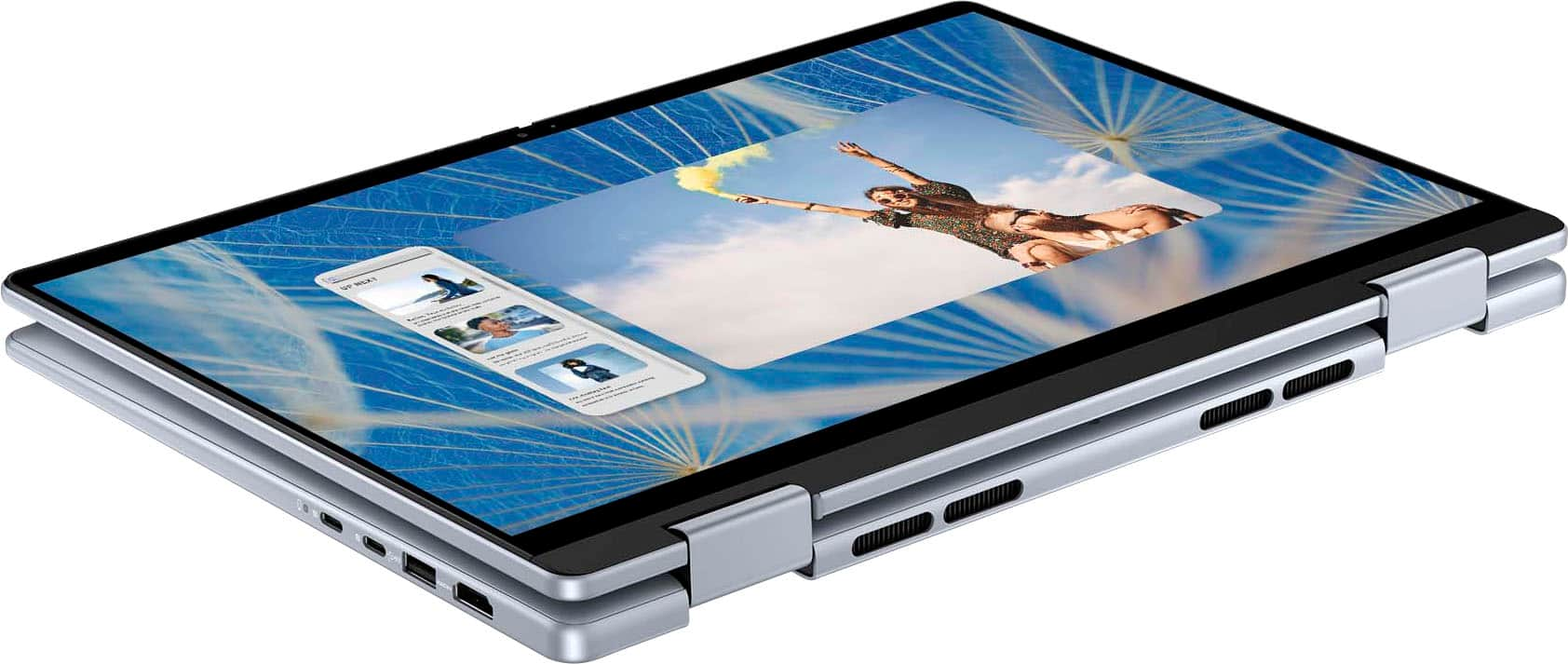
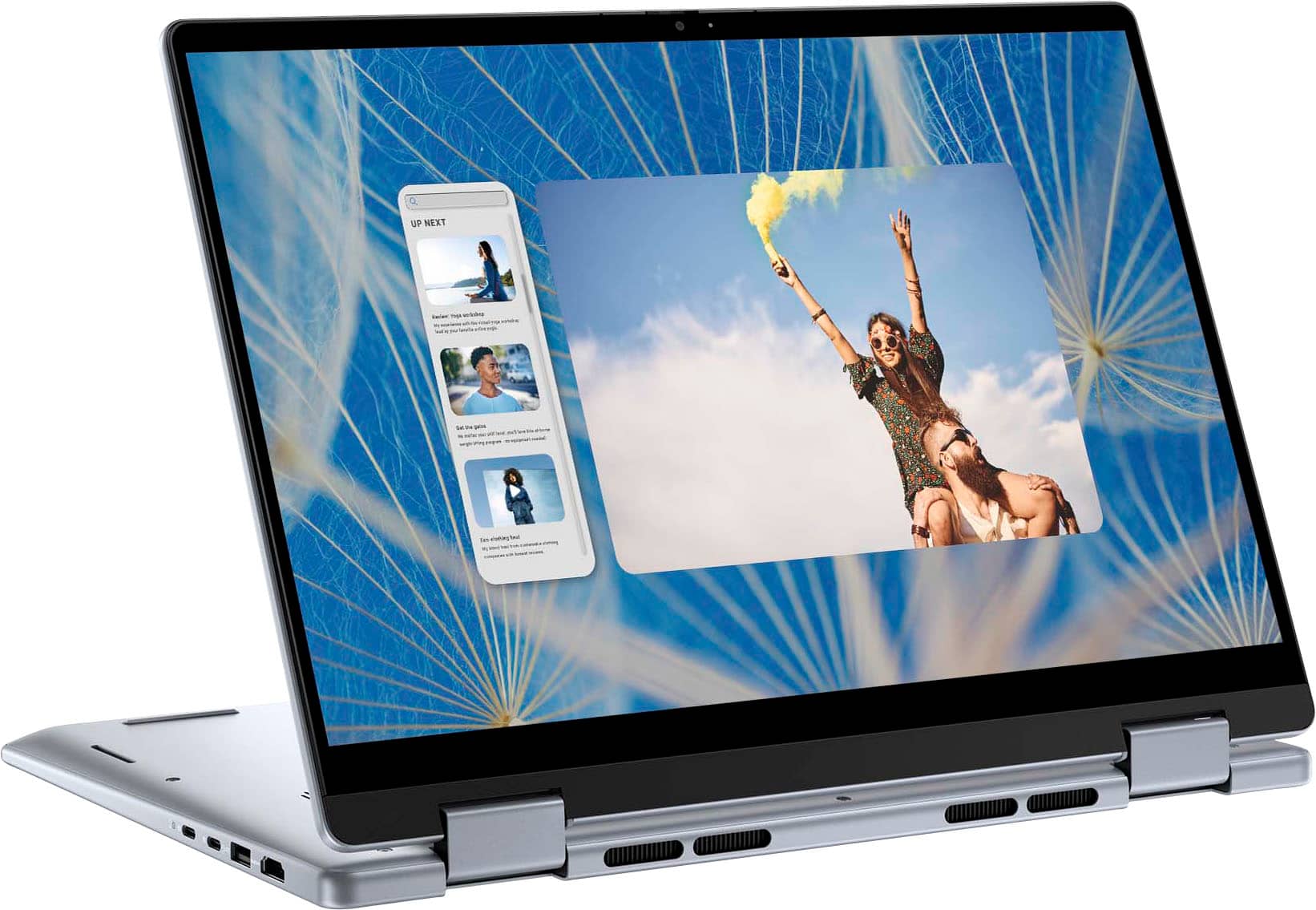
||Posted . Owned for 3 weeks when reviewed.This reviewer received promo considerations or sweepstakes entry for writing a review.Great Laptop. I like that it can be turned into a tablet. Open Box is the way to go.
I would recommend this to a friendConvenience
||Posted . Owned for 2 months when reviewed.This reviewer received promo considerations or sweepstakes entry for writing a review.Good purchase, good price. Is the laptop that I have.
I would recommend this to a friendBEAUTIFUL Laptop for a good price.
||Posted . Owned for 3 weeks when reviewed.This reviewer received promo considerations or sweepstakes entry for writing a review.It was a nice price!! I like the brand Dell. I always take a look at Bestbuy.
I would recommend this to a friendDell laptop
||Posted . Owned for 1 week when reviewed.This reviewer received promo considerations or sweepstakes entry for writing a review.Braintree is a great store very helpful. Thank you
I would recommend this to a friendNa
||Posted . Owned for 1 week when reviewed.This reviewer received promo considerations or sweepstakes entry for writing a review.Pretty cool deal with all required specifications.
I would recommend this to a friendMr
||Posted . Owned for 3 weeks when reviewed.This reviewer received promo considerations or sweepstakes entry for writing a review.Very happy with laptop easy set up and data transfer from old unit. Old unit has a failing hard drive.
I would recommend this to a friendLaptop review
||Posted . Owned for 2 weeks when reviewed.This reviewer received promo considerations or sweepstakes entry for writing a review.It was a very nice laptop but I wish it had a version that has no touch screen
I would recommend this to a friend- Cons mentioned:Fan noise
Loud when charging
||Posted . Owned for 1 week when reviewed.This reviewer received promo considerations or sweepstakes entry for writing a review.The laptop is worth the current price. Its just so unbelievably loud when its charging. This is a new laptop so I don't understand why it sound like a beat up pc. Also the directions on how to download the dell app and make the fan quieter were lacking.
No, I would not recommend this to a friendBrand response from YourDellTeam
Posted .Hello DiribaG,
Thank you for taking the time to leave us your review. We sincerely apologize for the trouble you have encountered with your Dell Inspiron 14 2-in-1 Touch Laptop. This is certainly not the type of feedback we like to hear from our valued customers.
Furthermore, we always strive to get better and reviews like yours help us develop products and services our customers love. Your feedback will be shared with our quality team for consideration in future enhancements in products and services.
Below I have provided troubleshooting instructions with the full article that can help resolve this issue.
1. Check and clean air vents.
2. Provide proper ventilation.
3. Run a hardware diagnostic test.
4. Update the BIOS and device drivers.
5. Download and install Microsoft Windows Updates.
6. Run optimize my computer using Dell Support Assist.
7. Limit startup programs.
8. Scan your computer for malware.
How to Troubleshoot Fan Issues: https://dell.to/33NYLLE
If you are still experiencing issues, with a little more information from you, we would like to help you resolve issues you may be facing to your satisfaction. Please do not hesitate to get in touch with a Dell representative using the information provided below.
Chat or call: https://bit.ly/DellSupportTeam
Phone number to Dell: 1-800-624-9896
Best,
Minhaj@Dell
Efficient laptop
||Posted . Owned for 2 weeks when reviewed.This reviewer received promo considerations or sweepstakes entry for writing a review.Very efficient. I love the color, the backlit keyboard, and the 2 in 1 feature. Perfect laptop if you dont mind the weight
I would recommend this to a friendLove it
||Posted . Owned for 1 week when reviewed.This reviewer received promo considerations or sweepstakes entry for writing a review.Great laptop! Got it for my college student and so far it’s been great
I would recommend this to a friendDell laptop
||Posted . Owned for 1 month when reviewed.This reviewer received promo considerations or sweepstakes entry for writing a review.Battery could last longer. A little heavier than I’m used to.
I would recommend this to a friendBusiness owner
||Posted . Owned for 1 month when reviewed.This reviewer received promo considerations or sweepstakes entry for writing a review.Dell has always been a preferred computer for my business and home needs.
I would recommend this to a friendLaptop
||Posted . Owned for 3 weeks when reviewed.This reviewer received promo considerations or sweepstakes entry for writing a review.Easy set up. Good graphics. Great for an incoming college student.
I would recommend this to a friendDell
||Posted . Owned for 1 week when reviewed.This reviewer received promo considerations or sweepstakes entry for writing a review.Good product and good shopping experience. Good assistance from assistant
I would recommend this to a friend- Cons mentioned:Fan noise
Not the best
||Posted . Owned for 3 weeks when reviewed.This reviewer received promo considerations or sweepstakes entry for writing a review.Started getting too hot just when browsing Chrome and the fan was too loud. Otherwise, I would have liked it
No, I would not recommend this to a friendBrand response from YourDellTeam
Posted .Dear KMAJW,
Thank you for taking the time to leave us your review. We sincerely apologize for the trouble you have encountered with the heating issues and fan noise of your Dell Inspiron 14 2-in-1 Touch Laptop. This is not the type of feedback we like to hear from our customers, or the type of product Dell intends to deliver.
We have noted the details of your statement, and your feedback will be shared with our quality team for consideration in future improvements. We always strive to get better, and reviews like yours are helping develop products our customers love.
Below I have provided troubleshooting instructions with the full articles that can help resolve the issue.
1. Use Dell Power Manager to adjust the thermal settings on the box to an option that suits you best. This tool adjusts the fans and processor power to make the system cooler, quieter, or more powerful.
2. Update the BIOS and Chipset driver.
3. Download and install Microsoft Windows updates.
4. Run a hardware diagnostic test.
5. Perform a Windows System Restore.
6. Restore the computer to factory settings.
How to use Dell Power Manager: https://bit.ly/48MAxRY
How to Troubleshoot Overheating, Shutdown, or Thermal Issues on a Dell Computer: https://dell.to/3oAEYsV
How to Troubleshoot Fan Issues: https://dell.to/33NYLLE
If you continue to experience any issues or require further assistance, please take a moment to call or chat to speak with a representative at your earliest convenience using the information provided below so that we can help you to your satisfaction.
Chat or call: https://bit.ly/DellSupportTeam
Phone number to Dell: 1-800-624-9896
Best,
Minhaj@Dell
Trust Best Buy
||Posted . Owned for 1 week when reviewed.This reviewer received promo considerations or sweepstakes entry for writing a review.Sales person was helpful in assisting with the purchase of a new home computer.
I would recommend this to a friend