Customer Ratings & Reviews

- Model:
- I5566-3000BLK-PUS
- SKU:
- 5709800
Rating by feature
- Value
Rating 4.1 out of 5 stars
- Quality
Rating 3.9 out of 5 stars
- Ease of Use
Rating 4.2 out of 5 stars
Customers are saying
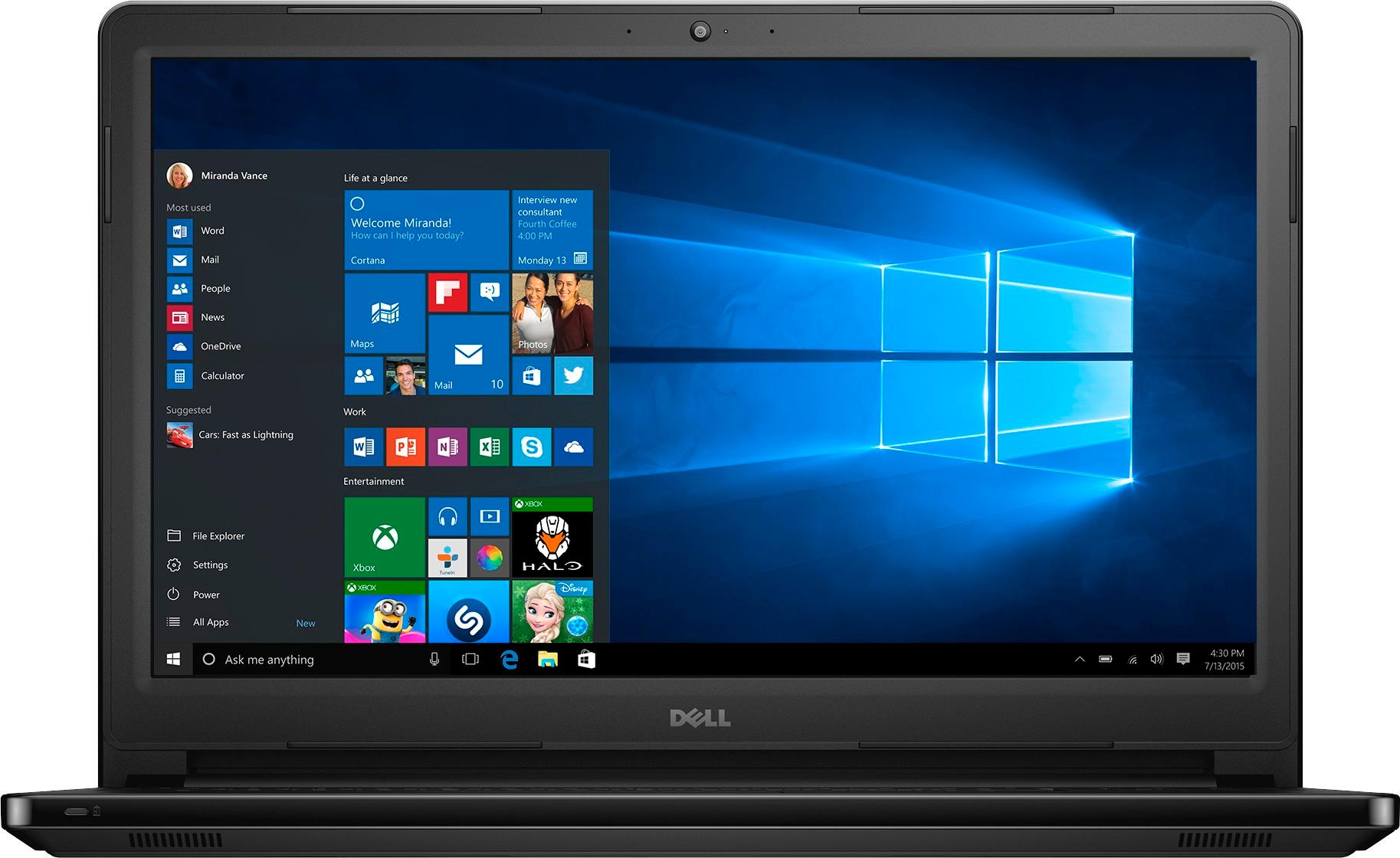
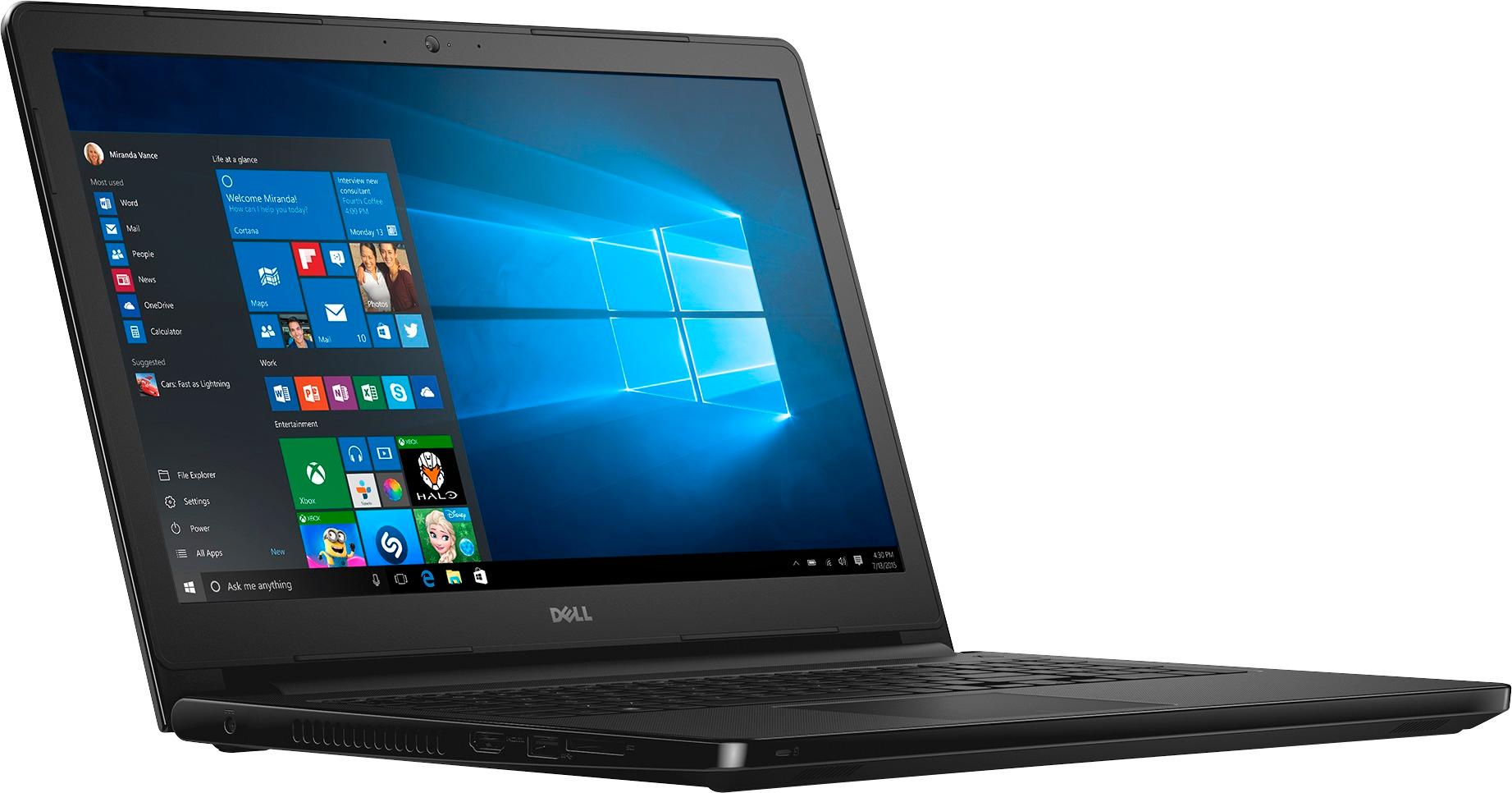
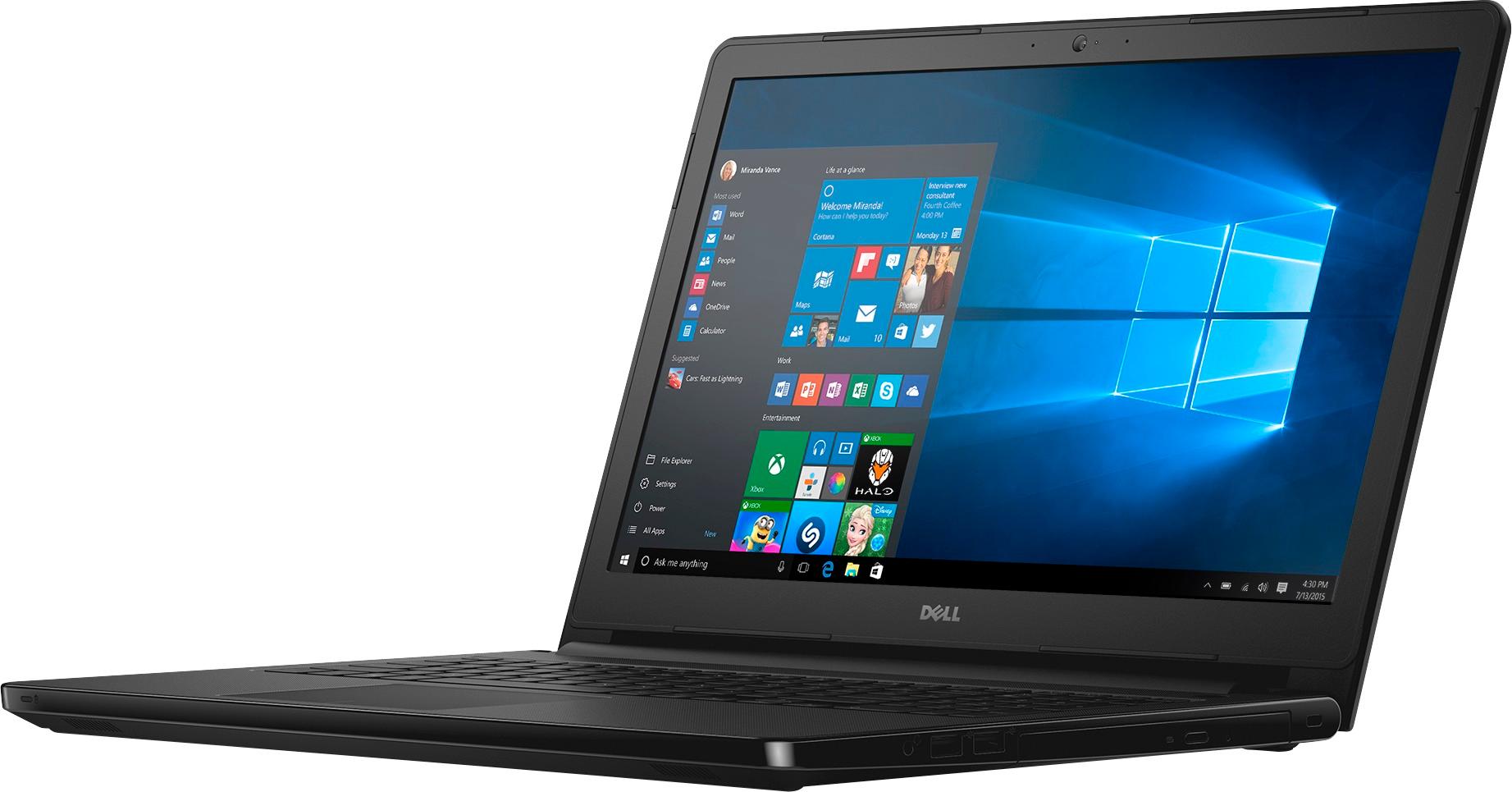
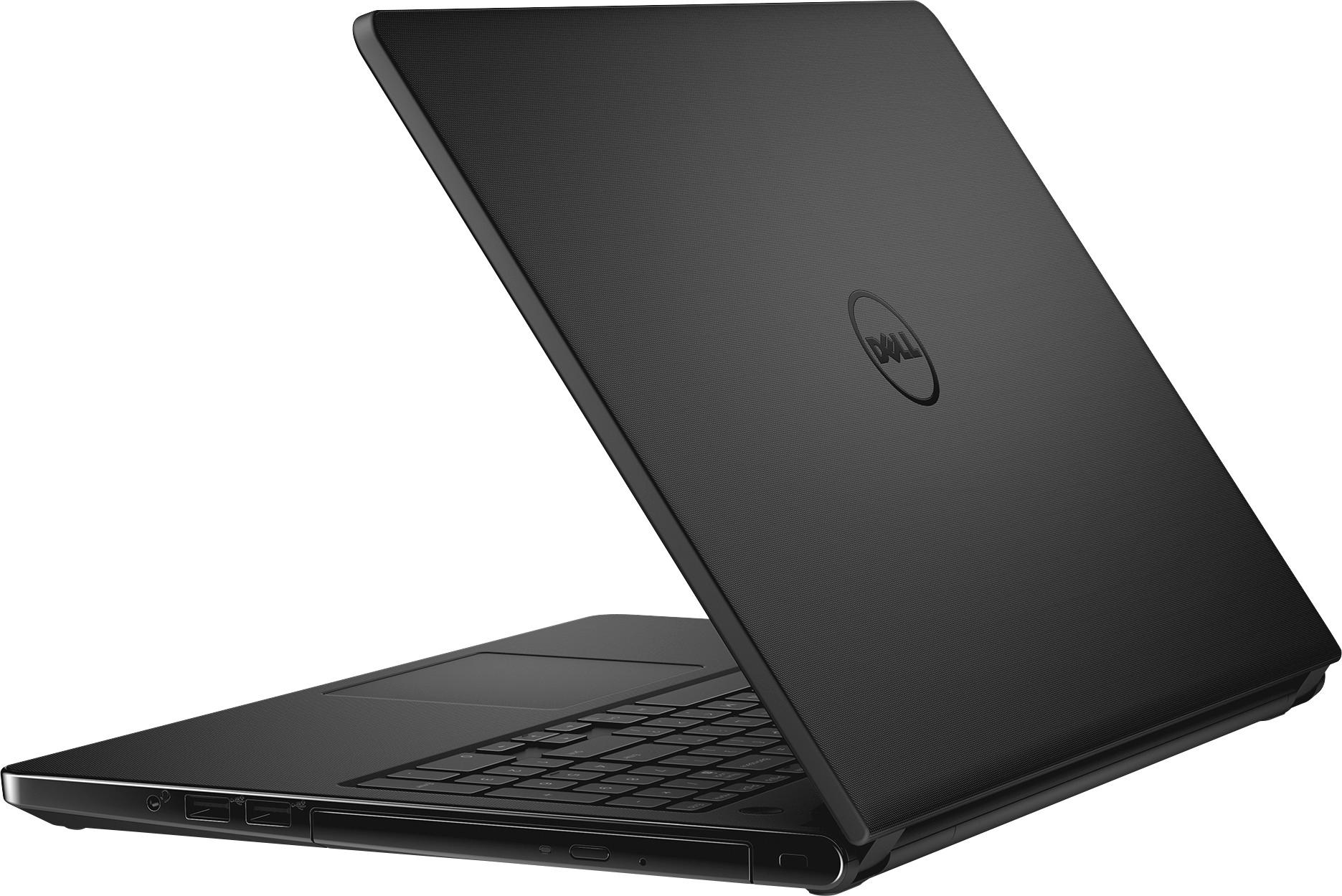
Customers admire the Inspiron 15.6" Touch-Screen Laptop's touch screen, ease of use, and its reasonable price. Positive feedback also highlights the laptop's performance, ample memory and storage, and lightweight design. Many appreciate the long battery life and sufficient RAM. However, some customers find the laptop's size to be somewhat large.
This summary was generated by AI based on customer reviews.
- Pros mentioned:Touch screen
Great lap top for a college student
||Posted .This reviewer received promo considerations or sweepstakes entry for writing a review.Got this for my daughter for her freshman year in college, she loves the touch screen and the laptop works great for her.
I would recommend this to a friend - Pros mentioned:Performance
Good for the small stuff
||Posted .This reviewer received promo considerations or sweepstakes entry for writing a review.I love my new laptop. However, it is a bit heavy but runs great. Added the Office 365 product and no problems to speak of.
I would recommend this to a friend - Pros mentioned:Performance
Great Purchase!
||Posted .This reviewer received promo considerations or sweepstakes entry for writing a review.Seems to work really well. Haven't had it long is the only reason I'm giving stars. Well review again in a couple months.
I would recommend this to a friend Just OK
||Posted .This reviewer received promo considerations or sweepstakes entry for writing a review.Not great but OK for the price--using for control of camera systems. A few compatibility issues but it appears to be with windows 10 rather than the computer.
I would recommend this to a friend- Pros mentioned:Ease of use
Good entry level computer
||Posted .This reviewer received promo considerations or sweepstakes entry for writing a review.Use the computer for Nexflix and spreadsheets. The setting up the computer was easy with a pre-existing Microsoft account.
I would recommend this to a friend - Pros mentioned:Touch screen
Love my laptop
||Posted .This reviewer received promo considerations or sweepstakes entry for writing a review.I love how it's touchscreen and the monitor is easy to see. I had a little trouble with the battery holding a charge, but Dell sent me a replacement battery at no cost and I haven't had any issues since.
I would recommend this to a friend - Pros mentioned:Speed
great laptop been looking for on for a while
||Posted .This reviewer received promo considerations or sweepstakes entry for writing a review.The price was right have been looking for a replacement for my old one. Saw that their was a sale on this model and it was a step above what i had been looking for the salesman was informative and it help me make my decision.
I would recommend this to a friend - Pros mentioned:Speed
A good basic laptop
||Posted .This reviewer received promo considerations or sweepstakes entry for writing a review.Fast, compared to old laptop. Dell has excellent customer service and we're able to help us when we first set up laptop.
I would recommend this to a friend great computer
||Posted .This reviewer received promo considerations or sweepstakes entry for writing a review.good quality i have had it for 10 months and works perfect
I would recommend this to a friend- Pros mentioned:Speed
Does what I need it to do
||Posted .This reviewer received promo considerations or sweepstakes entry for writing a review.Very good computer for the price. Dell - Inspiron is fast and smooth enough for the casual user, no issues after 6 weeks.
I would recommend this to a friend - Pros mentioned:Speed
Great inexpensive computer
||Posted .This reviewer received promo considerations or sweepstakes entry for writing a review.Good for my work! Nice speed and really good display!
I would recommend this to a friend - Pros mentioned:Touch screen
Ok for the money
||Posted .This reviewer received promo considerations or sweepstakes entry for writing a review.Wanted a bigger screen laptop. Figured it would help with being able to read and see image detail better. Screen is not very bright and optimum viewing angles are narrow. The touchpad is not that friendly, and the touch screen works in most cases. Outer casing shows finger prints that are difficult to clean. If you are considering this laptop, spend some time with it before making a decision.
No, I would not recommend this to a friendBrand response from YourDellTeam
Posted .@Martin, Thanks for your recent Dell laptop purchase. We're sorry to hear that your screen brightness is not working as well as you hoped it would. Please consider the following related to adaptive brightness on your device, Windows can adjust the brightness of the display based on how much light is reaching the system's ambient light sensor. This feature is referred to as 'adaptive brightness' and it can be disabled in Windows. Here are some steps to adjust this feature: 1. In the Search box, type Settings. 2. Touch or click Settings (Modern application). 3. Touch or click System. 4. On the Display screen find the Adjust my screen brightness automatically option. 5. Touch or click the slider to toggle the option on or off. 6. Touch or click Apply. 7. Close the System window. If you still require help with your touch pad you can following these steps: Some Notebooks and Tablets with Keyboards have added gesture features to the touchpad hardware and drivers. A few of these features are two or three finger scrolling, pinch zoom, circle zoom, rotate and swiping. These new features may be the reason for the erratic cursor movement since most are turned on by default. You can disable or modify the way the features work in the touchpad driver properties. Here are some tips to modify these settings: 1. In the Search box, type main.cpl. 2. Touch or click main.cpl in the list of programs. 3. Touch or click the Dell Touchpad tab. 4. Touch or click on the picture of the touchpad. 5. Touch or click Gestures (depending on your computer there may not be a Gestures option). 6. Change the options as preferred. 7. Touch or click Save. 8. Touch or click the X in the upper-right corner to close the Dell Touchpad Utility. 9. Touch or click OK on the Mouse Properties window. 10. When the touchpad still does not work after following the preceding steps, refer to Dell Knowledge Base article - http://dell.to/2iaiujA. We hope these tips help your device operate the way you intended it to.

- Pros mentioned:Ease of use
So far, so good
||Posted .This reviewer received promo considerations or sweepstakes entry for writing a review.I purchased this for my 90 year old dad to replace his very, very old laptop. He is currently very happy. Pages load quick, he can find things easily, and he seems to enjoy his computer now that he has one that works well.
I would recommend this to a friend - Pros mentioned:Performance
Great overall laptop
||Posted .This reviewer received promo considerations or sweepstakes entry for writing a review.Needed this laptop in a pinch - performance has been good so far for all basic application needed to run on this laptop.
I would recommend this to a friend - Pros mentioned:Ease of use
Good laptop for what I need
||Posted .This reviewer received promo considerations or sweepstakes entry for writing a review.I am able to do everything I need to do with it. No real complaints. I would buy again if I needed to.
I would recommend this to a friend - Pros mentioned:Touch screen
Great product and good price
||Posted .This reviewer received promo considerations or sweepstakes entry for writing a review.This product matches what a laptop is good for. The touch screen is marvelous and the clarity of the photos and the easy way to manage make me recommend this purchase
I would recommend this to a friend - Pros mentioned:Touch screen
good for a laptop under $300
||Posted .This reviewer received promo considerations or sweepstakes entry for writing a review.Computer works well and the touch Screen works as expected. My only concern is the laptop is heavier than I expected.
I would recommend this to a friend Easy set up
||Posted .This reviewer received promo considerations or sweepstakes entry for writing a review.I came in just to look. The sales team was very helpful!
I would recommend this to a friend- Pros mentioned:Touch screen
Great Laptop for anyone
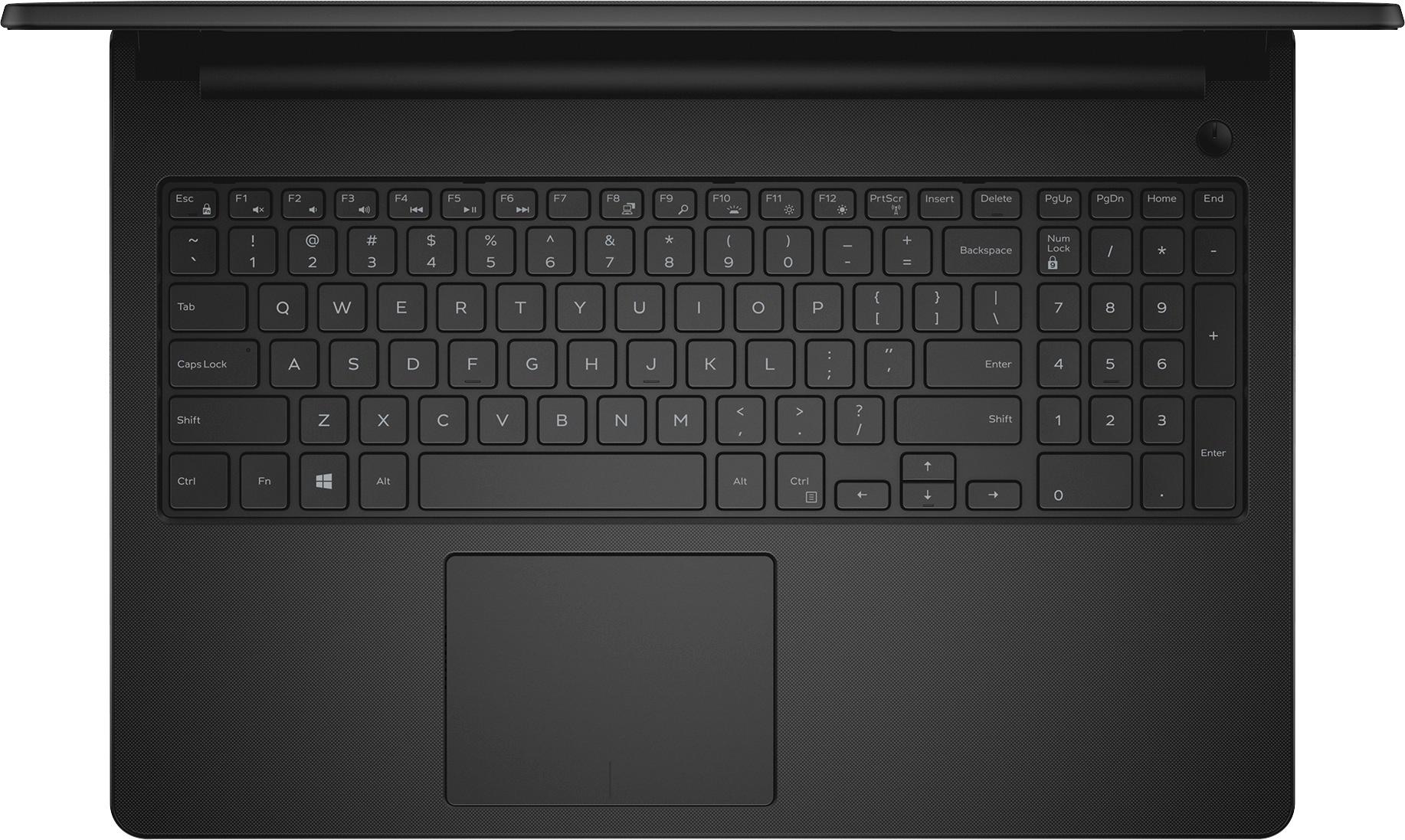
||Posted .This reviewer received promo considerations or sweepstakes entry for writing a review.I think this laptop is great!!! I can have multiple spreadsheets open and it does not skip a beat. Really like the touchscreen. For me the screen has great resolution. Like the big screen and has the separate numeric pad.
I would recommend this to a friend - Pros mentioned:Touch screen
Nice computer
||Posted .This reviewer received promo considerations or sweepstakes entry for writing a review.Does everything I need and more Now I just need to get a wireless printer for it
I would recommend this to a friend