Customer Ratings & Reviews

- Model:
- I5566-3000BLK-PUS
- SKU:
- 5709800
Rating by feature
- Value
Rating 4.1 out of 5 stars
- Quality
Rating 3.9 out of 5 stars
- Ease of Use
Rating 4.2 out of 5 stars
Customers are saying
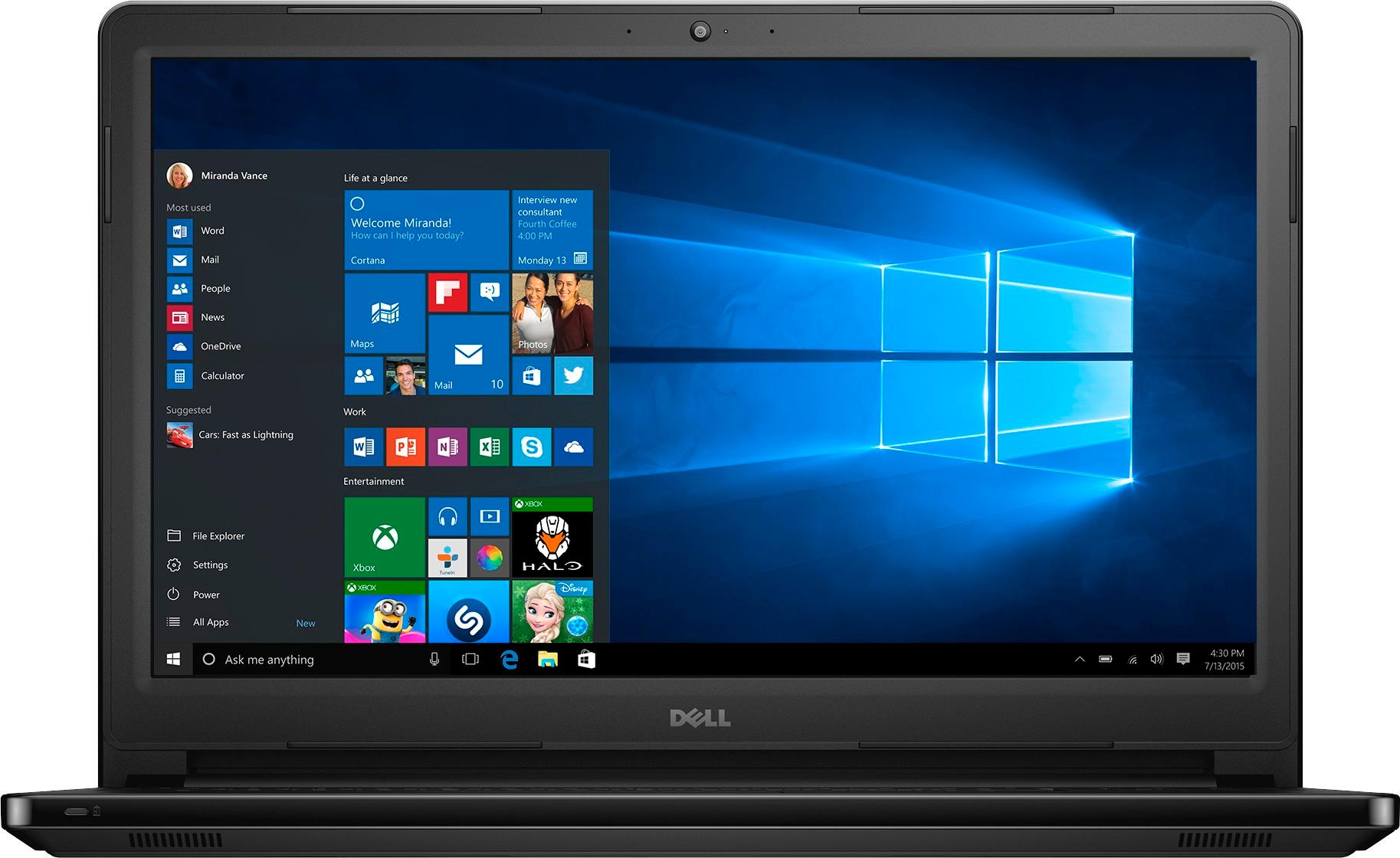
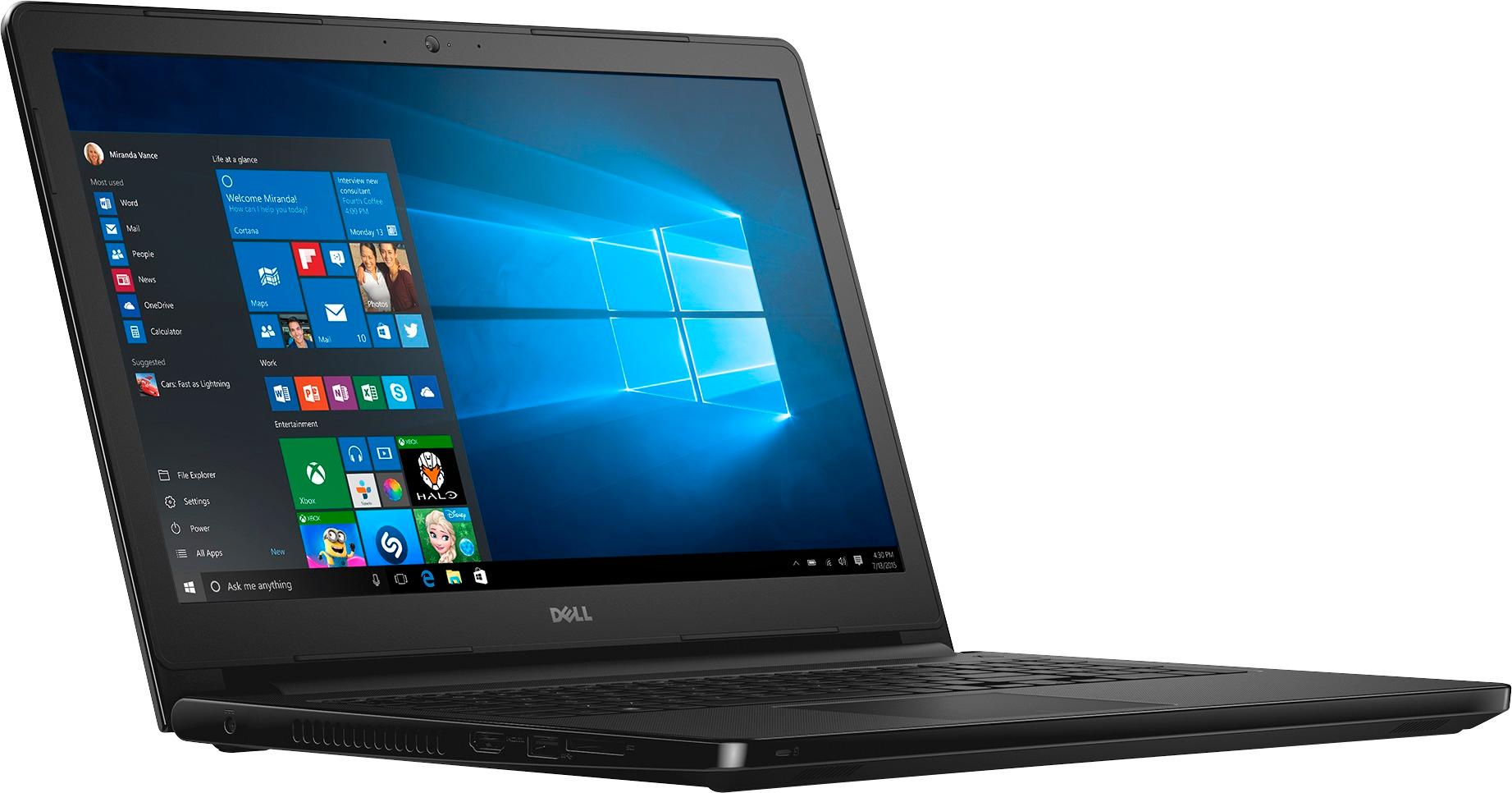
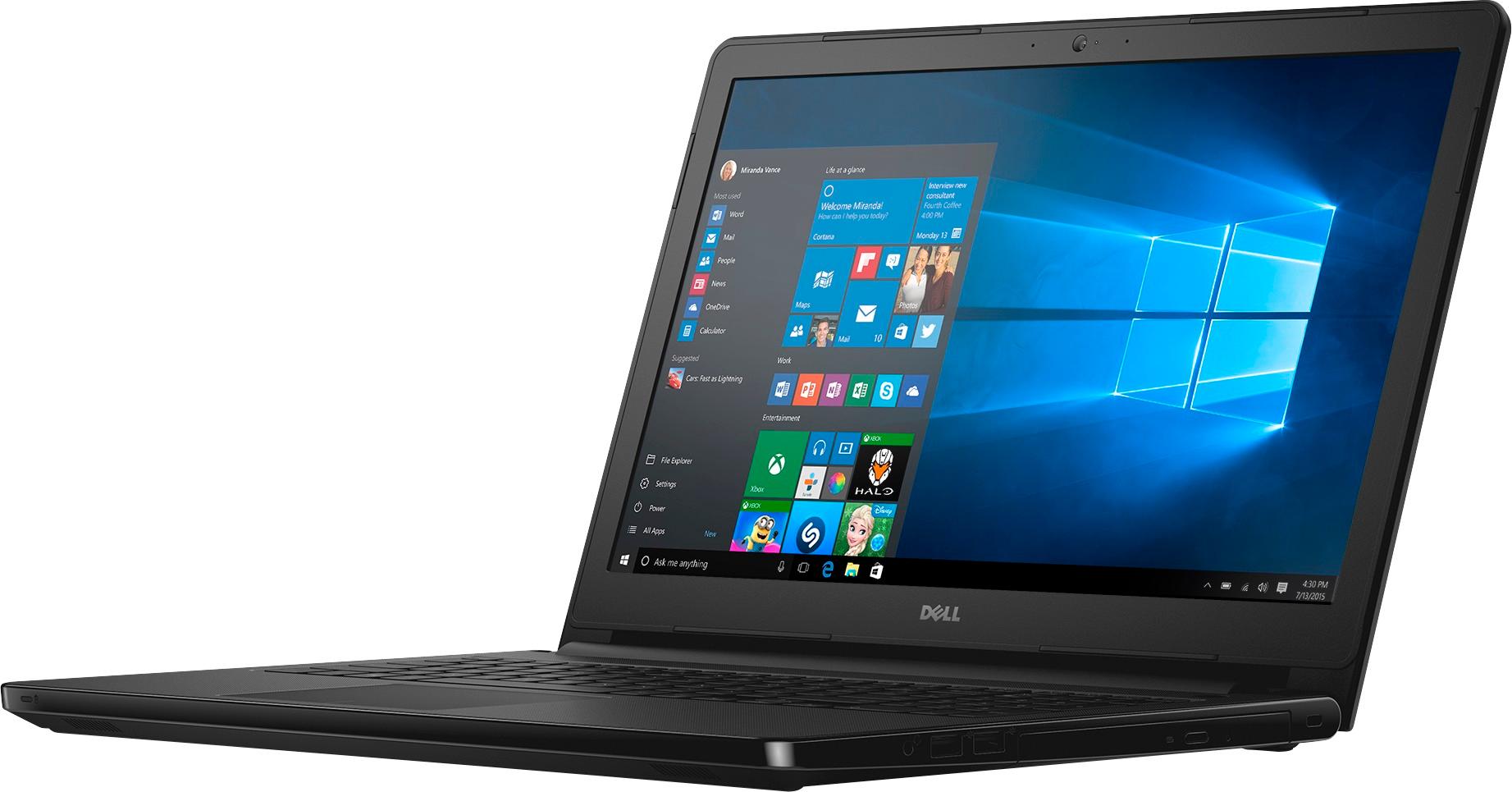
Customers admire the Inspiron 15.6" Touch-Screen Laptop's touch screen, ease of use, and its reasonable price. Positive feedback also highlights the laptop's performance, ample memory and storage, and lightweight design. Many appreciate the long battery life and sufficient RAM. However, some customers find the laptop's size to be somewhat large.
This summary was generated by AI based on customer reviews.
Like Dell Laptop with touch screen very much
||Posted .This reviewer received promo considerations or sweepstakes entry for writing a review.I like the Dell Inspiron Dell 15.6 laptop. Not crazy about Windows 10 No trouble adjusting to laptop from previous ASUS laptop.
I would recommend this to a friendGood Value
||Posted .This reviewer received promo considerations or sweepstakes entry for writing a review.I have not noticed a difference in speed between my new I3 and my older I5 processor. This computer was a great deal for $ 299.99.
I would recommend this to a friendEfficient product
||Posted .This reviewer received promo considerations or sweepstakes entry for writing a review.A really efficient product for the amount of money
I would recommend this to a friendPC
||Posted .This reviewer received promo considerations or sweepstakes entry for writing a review.Great low cost PC for the kid or for any light user
I would recommend this to a friendGreat computer
||Posted .This reviewer received promo considerations or sweepstakes entry for writing a review.I like it, it does everything I need it to do for work. With some Netflix on the side. :)
I would recommend this to a friendGreat pc fast. I love the touch screen.
||Posted .This reviewer received promo considerations or sweepstakes entry for writing a review.Enjoy using this pc. Has enough space for my needs.
I would recommend this to a friendgood for price
||Posted .This reviewer received promo considerations or sweepstakes entry for writing a review.does what I need it to do for a reasonable price..
I would recommend this to a friendGreat PC for the cost!
||Posted .This reviewer received promo considerations or sweepstakes entry for writing a review.I have 4 of these computers and they are excellent!
I would recommend this to a friendAnother Good Dell Value
||Posted .This reviewer received promo considerations or sweepstakes entry for writing a review.Fast easy set up. Have trusted Dell on several earlier computers and this laptop reinforced that trust. Great value at BEST n Buy
I would recommend this to a friendLove my laptop.
||Posted .This reviewer received promo considerations or sweepstakes entry for writing a review.Love my Dell laptop. The Geek Squad set it up for me from my old laptop and I just love it. Use it daily, almost too much. Ha Pat
I would recommend this to a friendGreat budget computer
||Posted .This reviewer received promo considerations or sweepstakes entry for writing a review.Works well for internet browsing and paying bills online. Also works well for some light word processing and kids watching movies.
I would recommend this to a friendI love it!
||Posted .This reviewer received promo considerations or sweepstakes entry for writing a review.It is everything I expected it to be. I love the touch screen. I have 2 boys that also use this computer and it is very durable.
I would recommend this to a friendUsing the touch screen.
||Posted .This reviewer received promo considerations or sweepstakes entry for writing a review.It takes a little getting use to the touch screen.
I would recommend this to a friendpoor performance
||Posted .This reviewer received promo considerations or sweepstakes entry for writing a review.The quality of audio and touch screen is bad. Overall poor performance of the computer. Hangs multiple times. Make a weird sound every time you wake up the computer from sleep. Image is squeaked sometime when you restart from sleep. Disappointed badly!
No, I would not recommend this to a friendBrand response from YourDellTeam
Posted .Anna, We're sorry to hear about the troubles that you are having with your computer. If you are still experiencing slowness we'd recommend the following steps: Delete temporary files and directories
1. Click Start, then in the search bar type "disk". Disk Cleanup should appear on the menu above the search box.
2. Run disk cleanup and eliminate unneeded temporary files (Search results, Internet Cache and other windows temp files you may no longer need)
3. Select files you want to delete then click OK to start the cleanup process. Uninstall applications you no longer use
1) Open the Programs and Features application in Control Panel.
2) Scan the list of applications installed for ones that you no longer use.
3) Highlight any application you no longer use and then click the uninstall button at the top of the list. Follow the prompts to uninstall.
4. Repeat for each application you want to uninstall.
5. Move large files and/or seldom used files to backup media (Photos, Music you seldom listen to, application downloads after the application has been installed etc.).
6. Empty the Recycle Bin.
You can read the full article here - http://dell.to/2tSulGV.
If you'd like help calibrating your touchscreen you can follow these steps:
1. Restart the Computer and the Monitor
2. Recalibrate the touch-screen. Steps to calibrate touch-screen:
3. Go to Control Panel and select Tablet PC Settings.
4. Under Display tab, select Calibrate....
5. Choose Pen or Touch input.
6. Perform the point calibration that appears on the screen to correct the linearity problems.
7. Save the calibrated data.
You can read the full article here - http://dell.to/2uLztub.
We hope these tips help your computer perform better for you. - Bryan
Perfect laptop for my needs.
||Posted .This reviewer received promo considerations or sweepstakes entry for writing a review.I chose this laptop for the cost and manufacturer. I have always had good luck with Dell. I am quite satisfied with it thus far.
I would recommend this to a friendGreat Laptop Good Price
||Posted .This reviewer received promo considerations or sweepstakes entry for writing a review.Our new laptop works great, much faster than our previous one was. We had great help from the Geek Squad stting it up Richard
I would recommend this to a friendExceptional product
||Posted .This reviewer received promo considerations or sweepstakes entry for writing a review.The HP computer performed both easily and perfectly right out of the box. The staff made sure we wouldn't have any problems.
I would recommend this to a friendVery good laptop at a reasonable price
||Posted .This reviewer received promo considerations or sweepstakes entry for writing a review.This laptop works great and does all the functions that we needed it for. Battery is good and the price was very competitive
I would recommend this to a friendExcellent
||Posted . Owned for more than 2 years when reviewed.This reviewer received promo considerations or sweepstakes entry for writing a review.It’s a great buy! I’ve had the computer for two years now and it still works great! Just like new!
I would recommend this to a friendMy son is in love....
||Posted .This reviewer received promo considerations or sweepstakes entry for writing a review.Got this for my son's 18th birthday and he is in love. The screen is amazing. He can't wait to use it for his senior year.
I would recommend this to a friend