Customer Ratings & Reviews
- Model:
- I3593-3992BLK-PUS
- SKU:
- 6403450
Rating by feature
- Battery Life
Rating 4.3 out of 5 stars
- Speed
Rating 4.5 out of 5 stars
- Display
Rating 4.6 out of 5 stars
Customers are saying
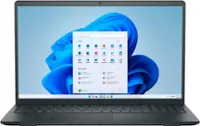
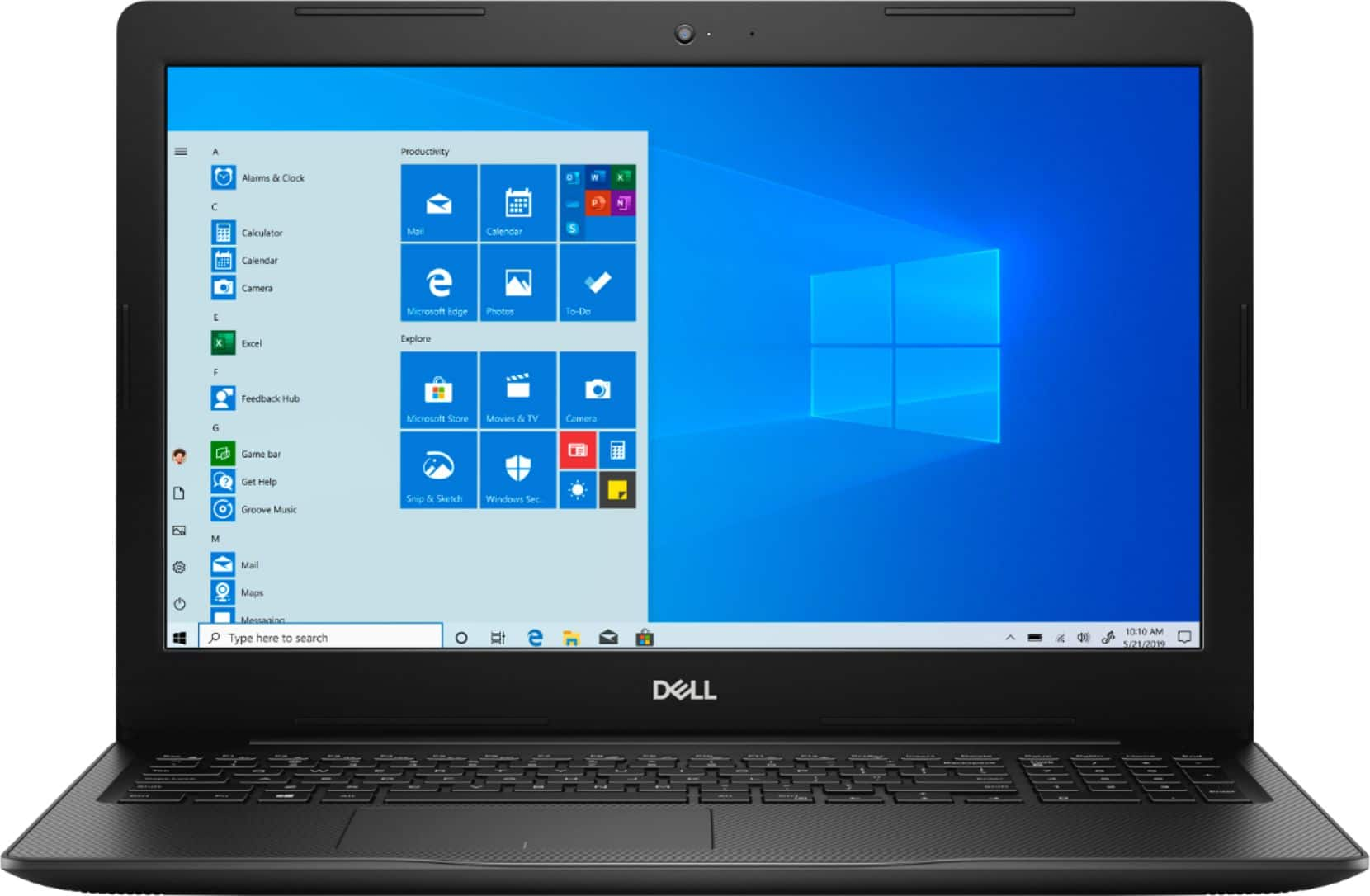
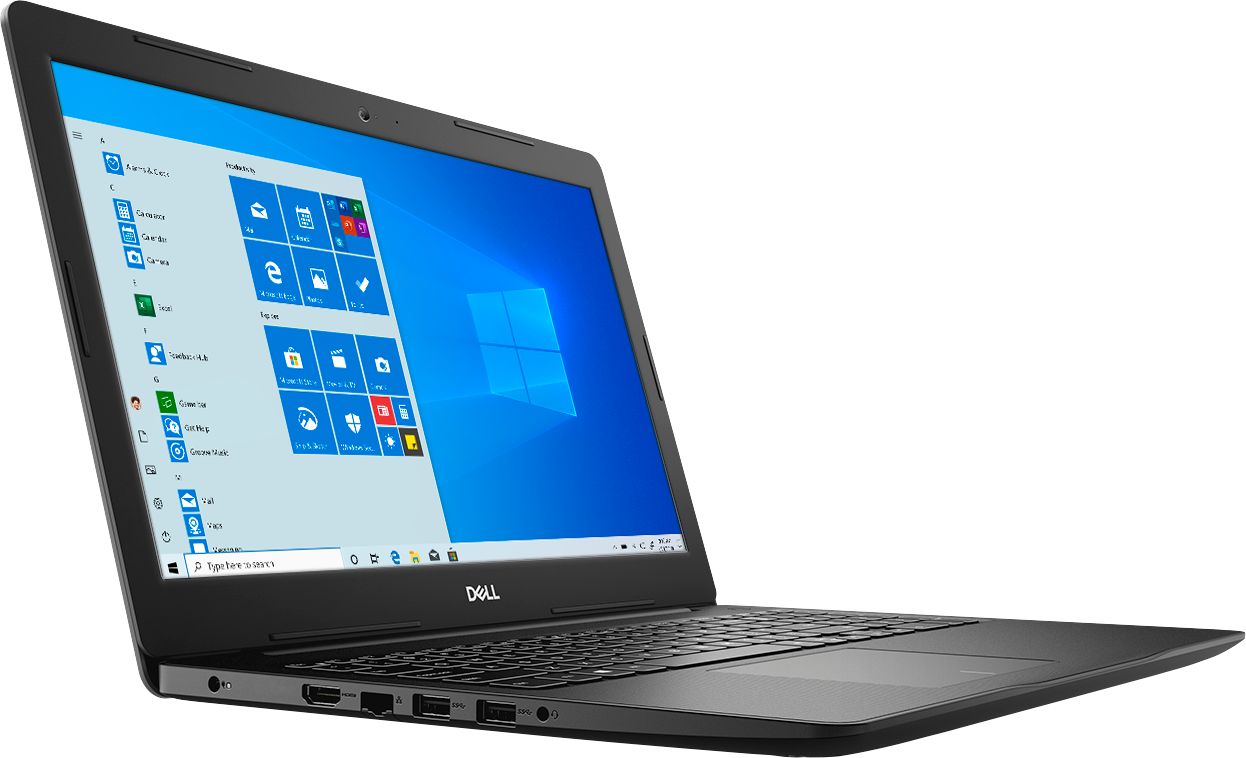
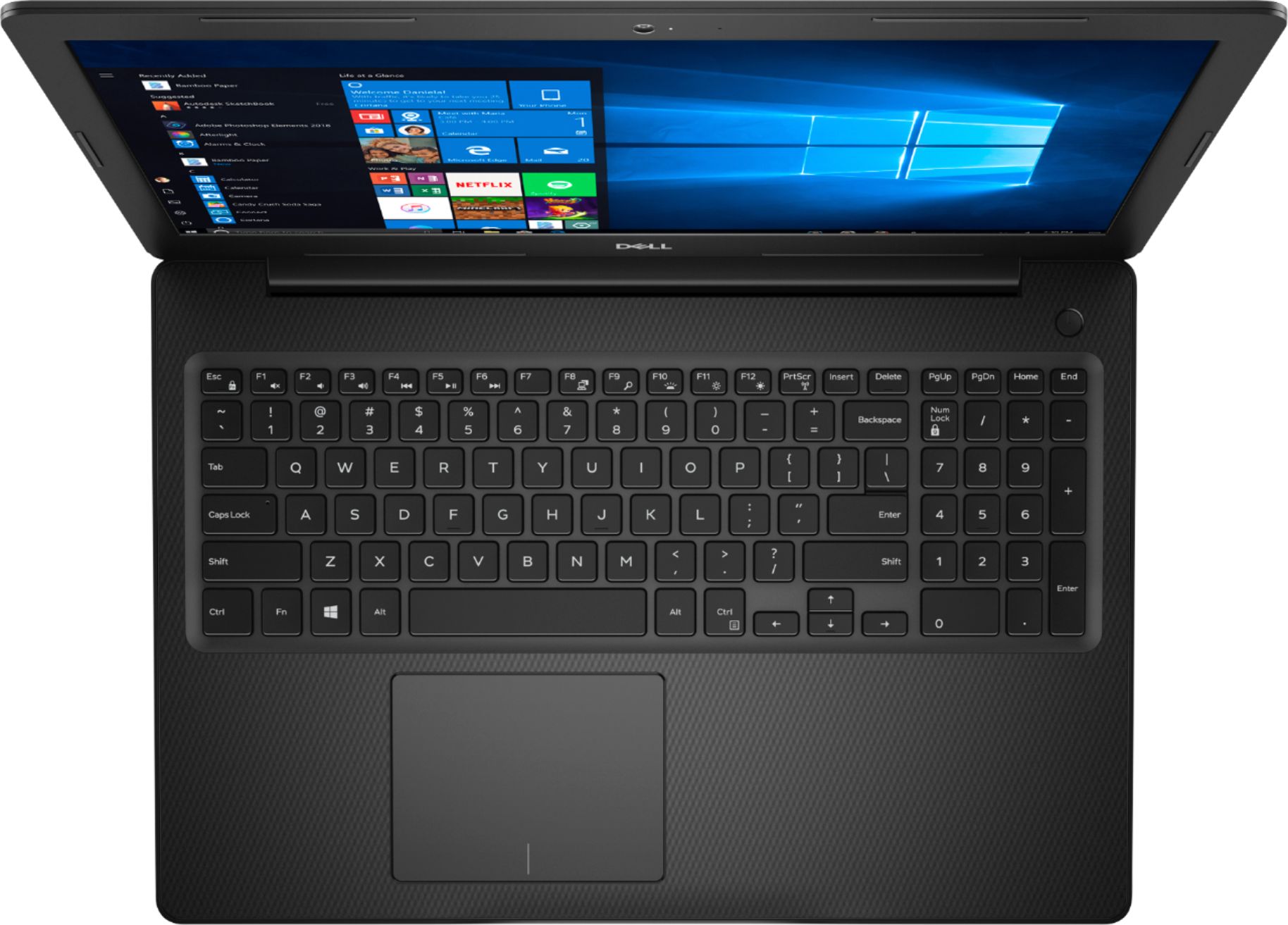
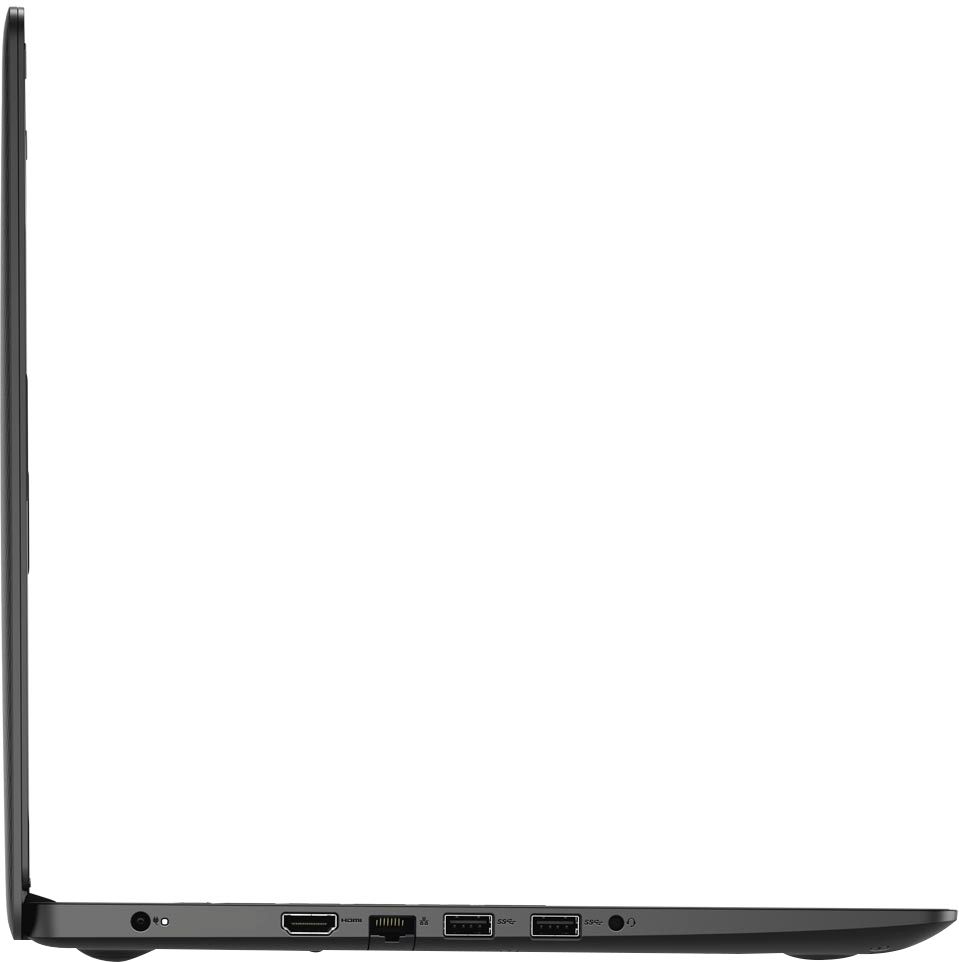
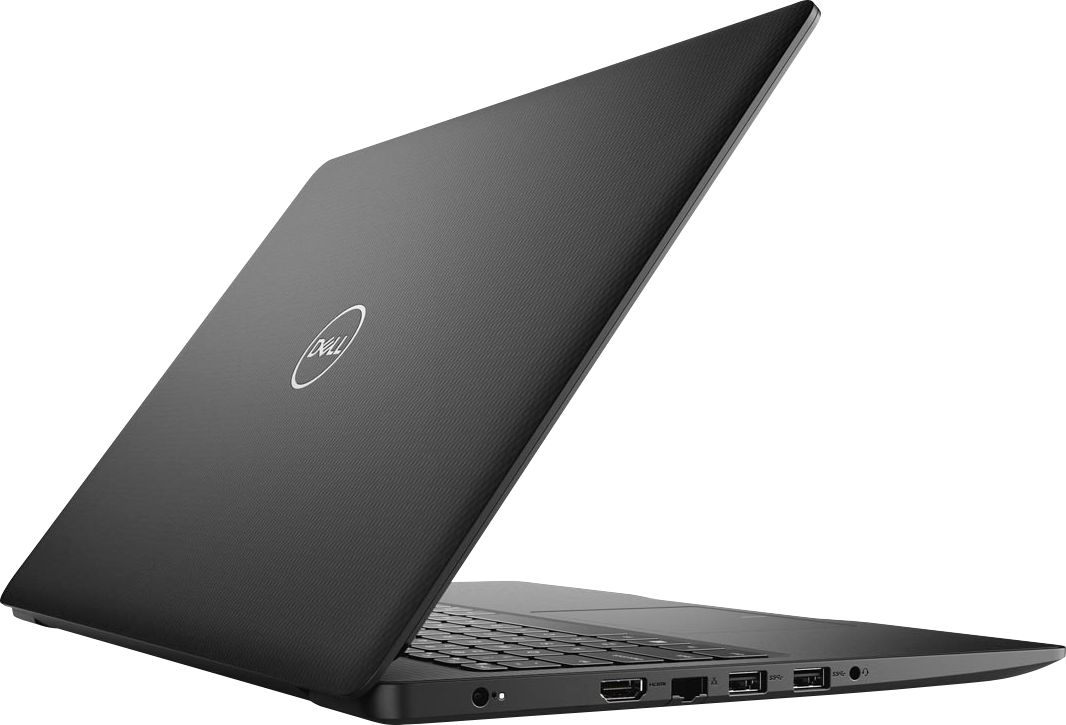
Customers commend the Inspiron 15.6" Touch-Screen Laptop for its reasonable price, user-friendly interface, and ample storage. Many users appreciate the convenience of the touchscreen feature, while others find the laptop lightweight and easy to carry. However, some customers have concerns about the short battery life and the limitations of Windows 10 S mode.
This summary was generated by AI based on customer reviews.
- Pros mentioned:Speed
Great for my personal work
||Posted . Owned for 1 month when reviewed.This reviewer received promo considerations or sweepstakes entry for writing a review.Great fast computer . nice screen and fast keyboard
I would recommend this to a friend - Pros mentioned:Price
Great laptop
||Posted .This reviewer received promo considerations or sweepstakes entry for writing a review.Great laptop! Decent price! Has everything needed!
I would recommend this to a friend - Pros mentioned:Touch screen
All good
||Posted . Owned for 3 weeks when reviewed.This reviewer received promo considerations or sweepstakes entry for writing a review.Fast easy to work with like touch screen easy to use
I would recommend this to a friend - Pros mentioned:Price
good for my age
||Posted . Owned for 1 week when reviewed.This reviewer received promo considerations or sweepstakes entry for writing a review.good for my age . good price.good for my granchildren
I would recommend this to a friend - Pros mentioned:Price
Good value
||Posted . Owned for 1 month when reviewed.This reviewer received promo considerations or sweepstakes entry for writing a review.Pretty good value, works for what i need. ********
I would recommend this to a friend - Cons mentioned:Battery life
Everything is awesome
||Posted . Owned for 3 weeks when reviewed.This reviewer received promo considerations or sweepstakes entry for writing a review.Everything with this computer is awesome i like how it had has two drives to save to. The only thing I don't like about this computer is the internal battery's charge. It dies after two hours so it is constantly on the charger. This the only I don't like about it.
I would recommend this to a friendBrand response from YourDellTeam
Posted .AliChr622,
Thanks for your review and we're sorry to hear that your computer's battery is not what you were hoping for. Here are some tips to help extend the life of your computer's battery:
Change the Power Plan:
1. On the notification area of the taskbar, right-click the Battery icon.
2. On the options list, click Power Options.
3. Select a power plan on the battery meter, such as Power Saver or Balanced. Windows 10 has a built in 'Battery Saver' mode that can be activated to extend your system's battery life. The Battery Saver mode will monitor and limit background activity and other features such as push notifications. You do have the option to enable or disable this mode within settings or within advanced Battery Saver settings, you can customize the mode to best suit your needs.
a) Click on the Action Center icon in the taskbar and select the tile for Battery Saver.
b) If running Cortana then type Battery Saver into the search box and select from the results.
Within the Battery Saver settings page, you will be able to turn on and off the feature and customize the feature to best meet your needs.
c) Turn Battery Saver On or Off.
d) Additional settings available via the Battery use and Battery saver settings links.
e) Battery use shows further info on apps and their power usage.
f) Battery Saver Settings screen allows you to customize further Battery Saver feature.
You can read the full article here - http://dell.to/2vfXWf4.
Best,
Bryan
1-800-624-9896
- Cons mentioned:Customer service
Get what you pay for.
||Posted . Owned for 6 months when reviewed.This reviewer received promo considerations or sweepstakes entry for writing a review.All in all, not the best laptop I've ever owned. The hard drive went out on it shortly after it was too late to take back and I had to deal directly with Dell "customer service." That was a nightmare but I finally managed to get it repaired. I don't know if it's the sensitivity of the keys, but it's constantly bringing up support windows when I'm trying to toggle a link or something with the mouse- extremely annoying. The touchscreen monitor is cool, although I don't use it that often. No backlit display- that's advertised, but I missed it- my fault. But really, why would anyone still make a keyboard without backlighting?? I would not buy this one again and it's soured me on anything Dell.
No, I would not recommend this to a friendBrand response from YourDellTeam
Posted .Hello Frank,
Thank you for your input and feedback. We apologize for the issues you have come across with your product and have noted the details of your statement to help improve our products now and in the future. We would love to help you as soon as possible. Please, use the information below to contact Dell Support at your earliest convenience.
For additional support, please call Dell directly at 1-800-624-9896
Best,
Lexy@Dell
Chat or Call:
https://bit.ly/DellSupportTeam
Good laptop
||Posted . Owned for 3 weeks when reviewed.This reviewer received promo considerations or sweepstakes entry for writing a review.Have to get used to using apps to do things rather than programs. Not sure of the difference. It has 1Tb memory so I should have to worry about running out of space. So far it seems pretty quick processing info. Very happy with my purchase. I was disappointed that it does not have a dvd reader/writer. But overall very good.
I would recommend this to a friend- Pros mentioned:Storage
Great computer
||Posted . Owned for 1 month when reviewed.This reviewer received promo considerations or sweepstakes entry for writing a review.Pretty fast. SSD for the OS plus a TB for program
I would recommend this to a friend - Pros mentioned:Price
good value
||Posted . Owned for 1 month when reviewed.This reviewer received promo considerations or sweepstakes entry for writing a review.its very nice for the price i paid for the lap top
I would recommend this to a friend - Pros mentioned:Touch screen
great
||Posted . Owned for 3 weeks when reviewed.This reviewer received promo considerations or sweepstakes entry for writing a review.love it great product filled a void really needed
I would recommend this to a friend - Pros mentioned:Touch screen
Excellent laptop with touch screen.
||Posted . Owned for 1 month when reviewed.This reviewer received promo considerations or sweepstakes entry for writing a review.Great laptop and love the touchscreen. 5 out of 5.
I would recommend this to a friend - Pros mentioned:Touch screen
Fantastic laptop
||Posted . Owned for 3 weeks when reviewed.This reviewer received promo considerations or sweepstakes entry for writing a review.It is an amazing laptop. The fastest I've ever had!
I would recommend this to a friend - Pros mentioned:Easy to use
Satisfied
||Posted . Owned for 1 month when reviewed.This reviewer received promo considerations or sweepstakes entry for writing a review.Just as described, easy setup, love this purchase.
I would recommend this to a friend - Pros mentioned:Easy to use
great product
||Posted . Owned for 1 month when reviewed.This reviewer received promo considerations or sweepstakes entry for writing a review.great product it is easy to use and very efficient
I would recommend this to a friend - Pros mentioned:Easy to use
Excellent
||Posted . Owned for 1 week when reviewed.This reviewer received promo considerations or sweepstakes entry for writing a review.Easy to set up better than my last laptop that I had
I would recommend this to a friend - Cons mentioned:Battery life
Fast, but battery life is not as long as expected.
||Posted . Owned for 5 months when reviewed.This reviewer received promo considerations or sweepstakes entry for writing a review.I've had this laptop for about 4 months now, and at first it was great. As time passed however, I found that the battery life did not last longer than 2 hours, which is really sad. Overall the laptop is great and fast, but battery life is a disappointment.
No, I would not recommend this to a friendBrand response from YourDellTeam
Posted .Cmae,
We're sorry to hear that your computer's battery life is not meeting your needs. Here are some tips to help extend the life of your computer's battery:
Change the Power Plan:
1. On the notification area of the taskbar, right-click the Battery icon.
2. On the options list, click Power Options.
3. Select a power plan on the battery meter, such as Power Saver or Balanced. Windows 10 has a built in 'Battery Saver' mode that can be activated to extend your system's battery life. The Battery Saver mode will monitor and limit background activity and other features such as push notifications. You do have the option to enable or disable this mode within settings or within advanced Battery Saver settings, you can customize the mode to best suit your needs.
a) Click on the Action Center icon in the taskbar and select the tile for Battery Saver.
b) If running Cortana then type Battery Saver into the search box and select from the results.
Within the Battery Saver settings page, you will be able to turn on and off the feature and customize the feature to best meet your needs.
c) Turn Battery Saver On or Off.
d) Additional settings available via the Battery use and Battery saver settings links.
e) Battery use shows further info on apps and their power usage.
f) Battery Saver Settings screen allows you to customize further Battery Saver feature.
You can read the full article here - http://dell.to/2vfXWf4.
Best,
Bryan
1-800-624-9896
- Cons mentioned:Battery life
Overall great computer
||Posted . Owned for 1 month when reviewed.This reviewer received promo considerations or sweepstakes entry for writing a review.Great computer but the battery life could be longer.
I would recommend this to a friend Good for students
||Posted . Owned for 1 month when reviewed.This reviewer received promo considerations or sweepstakes entry for writing a review.I like this laptop for my school work. However only thing I need to adjust is the touch screen and it jump out of line :) I wish the laptops were made with metals like the old ones. This plastic things are not that durable as it started scratching ! This is my first DELL; I always used Lenovo or HP! I like it. Thank you
I would recommend this to a friend- Pros mentioned:Price
great laptop for this price!
||Posted . Owned for 2 weeks when reviewed.This reviewer received promo considerations or sweepstakes entry for writing a review.liked the item, not bad for this price, i recommend
I would recommend this to a friend