Customer Ratings & Reviews
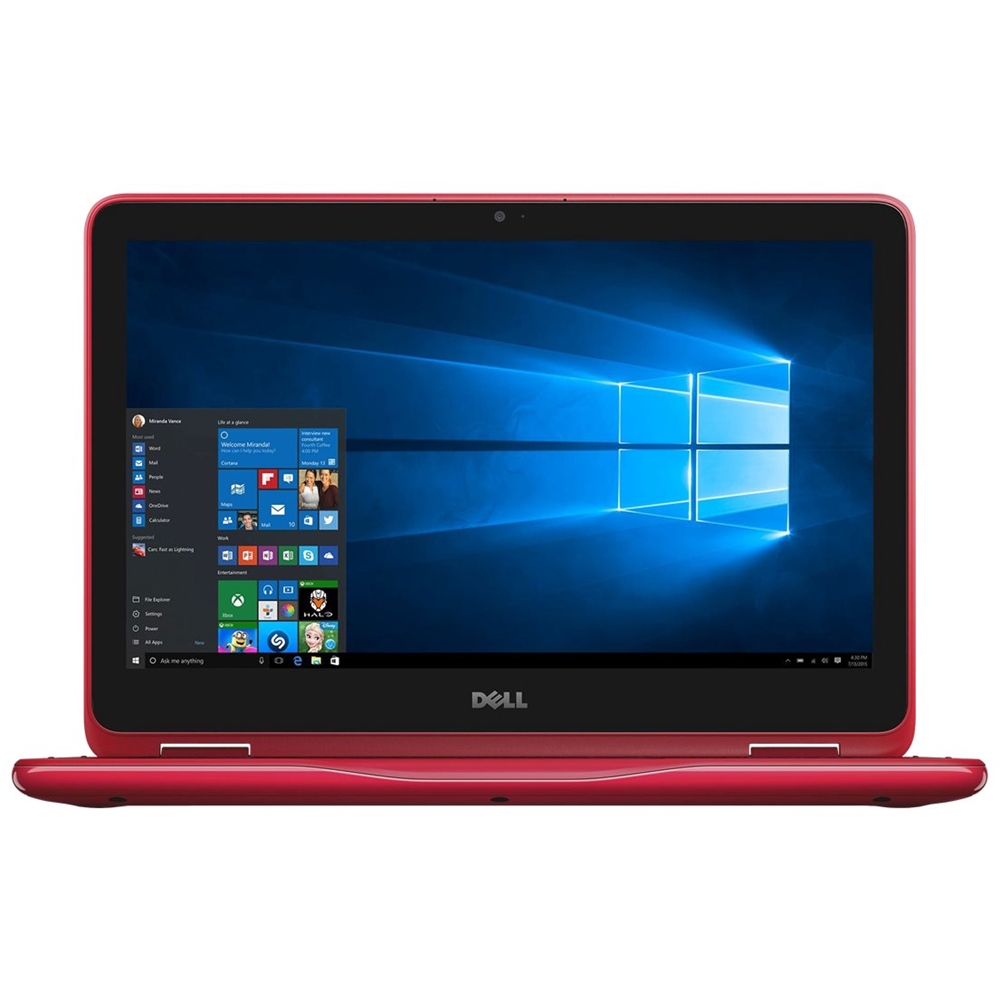
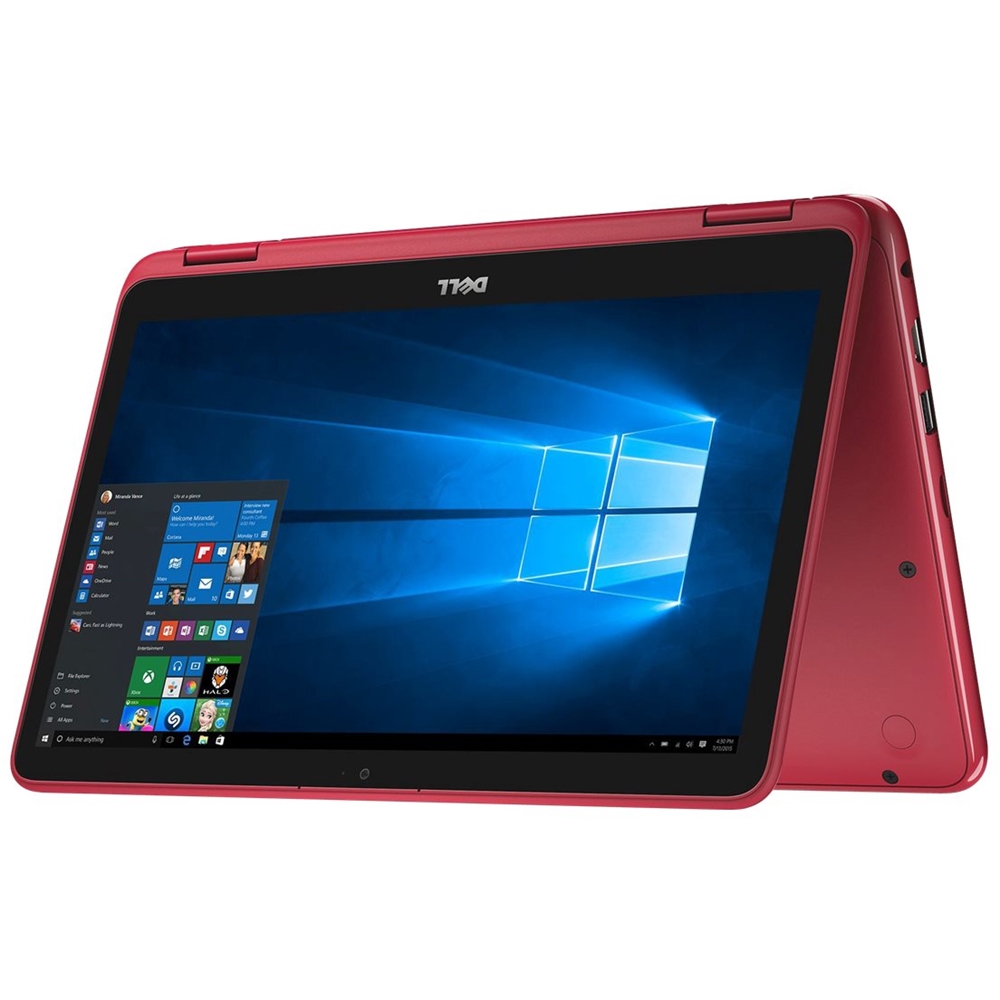
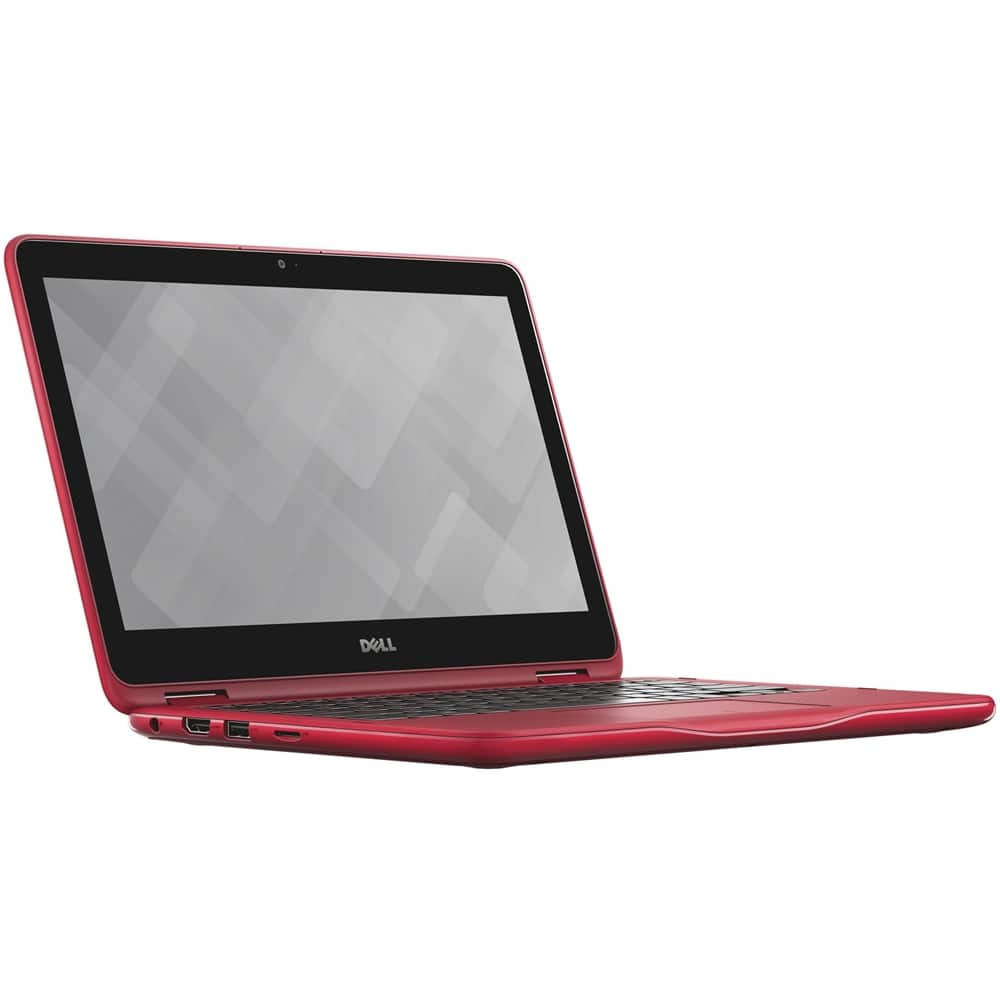
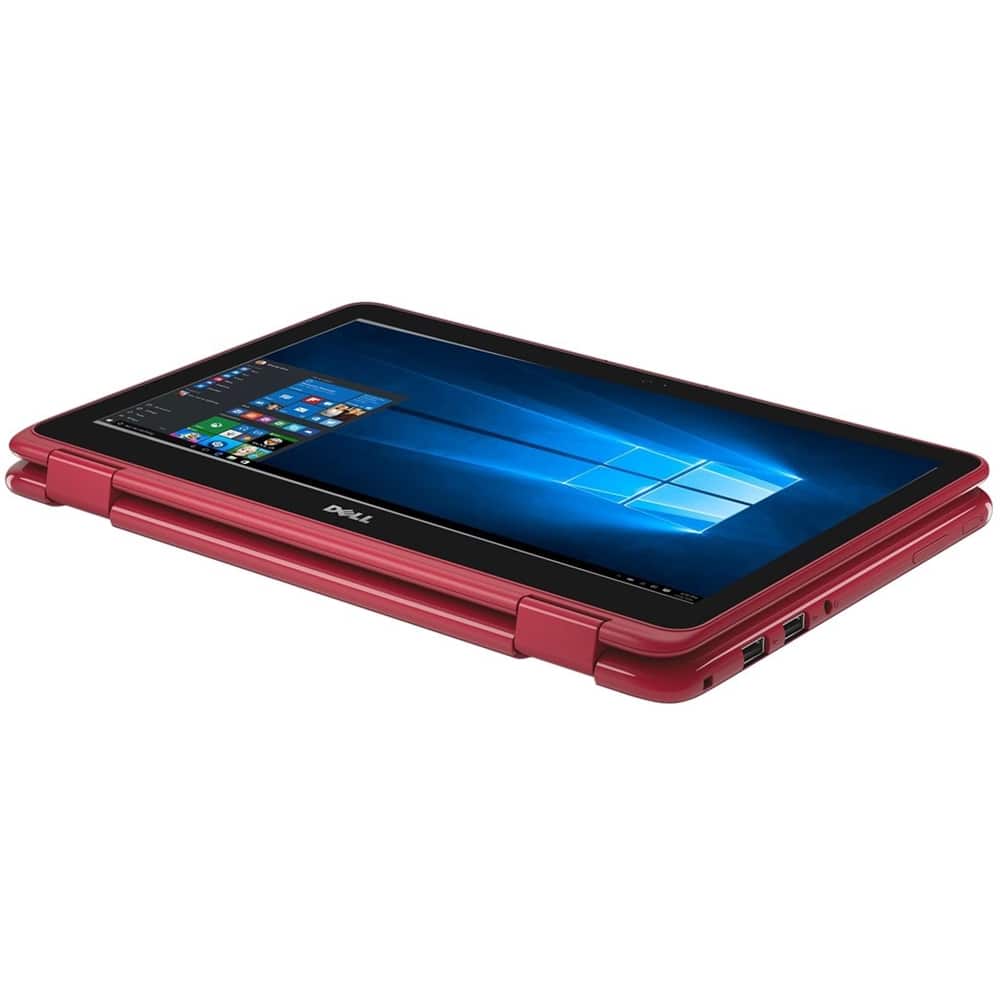
- Model:
- I31683270RED
- SKU:
- 5296503
to a friend
Customers are saying
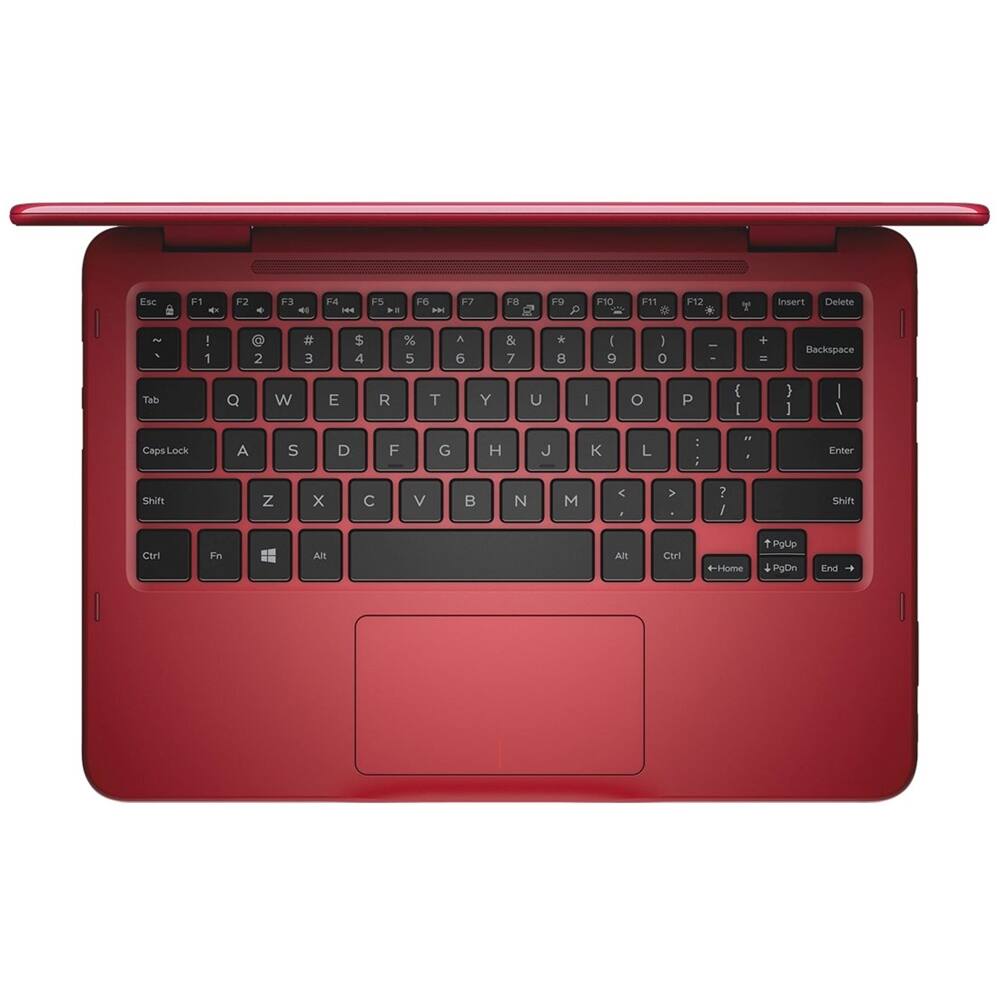
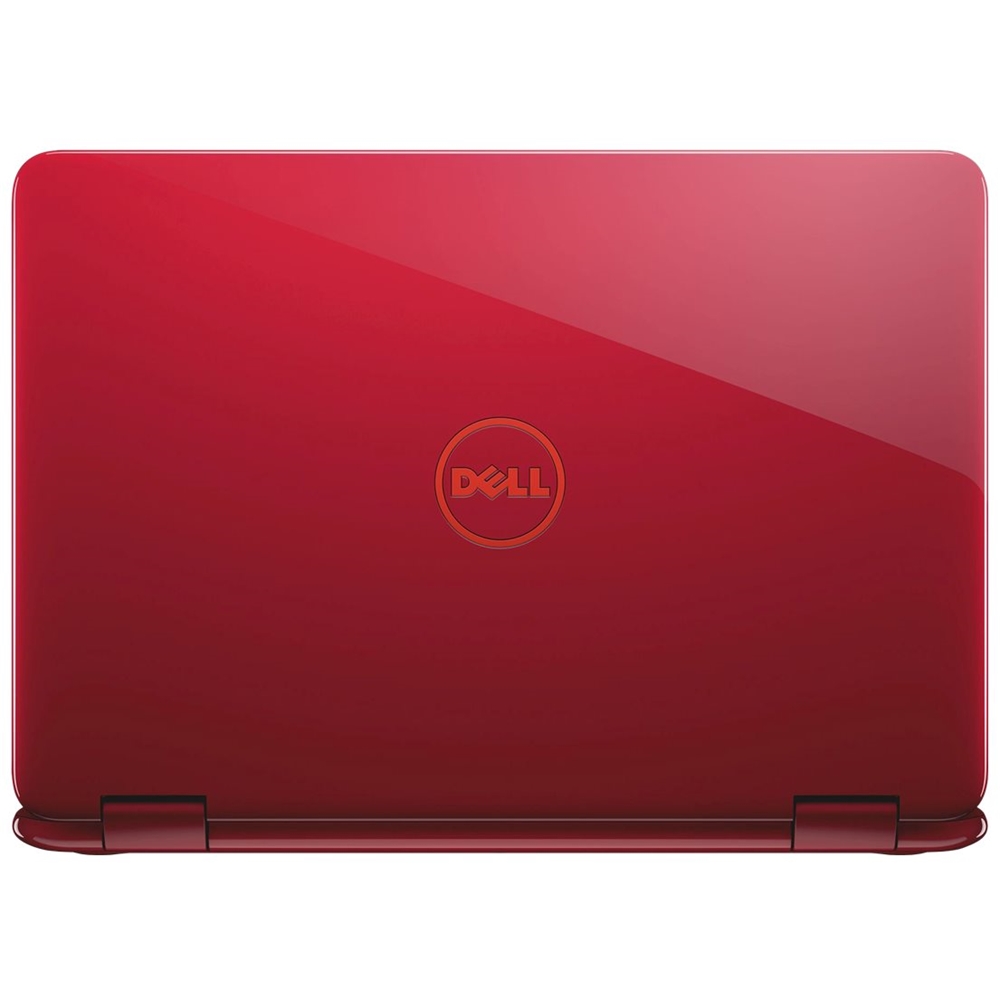
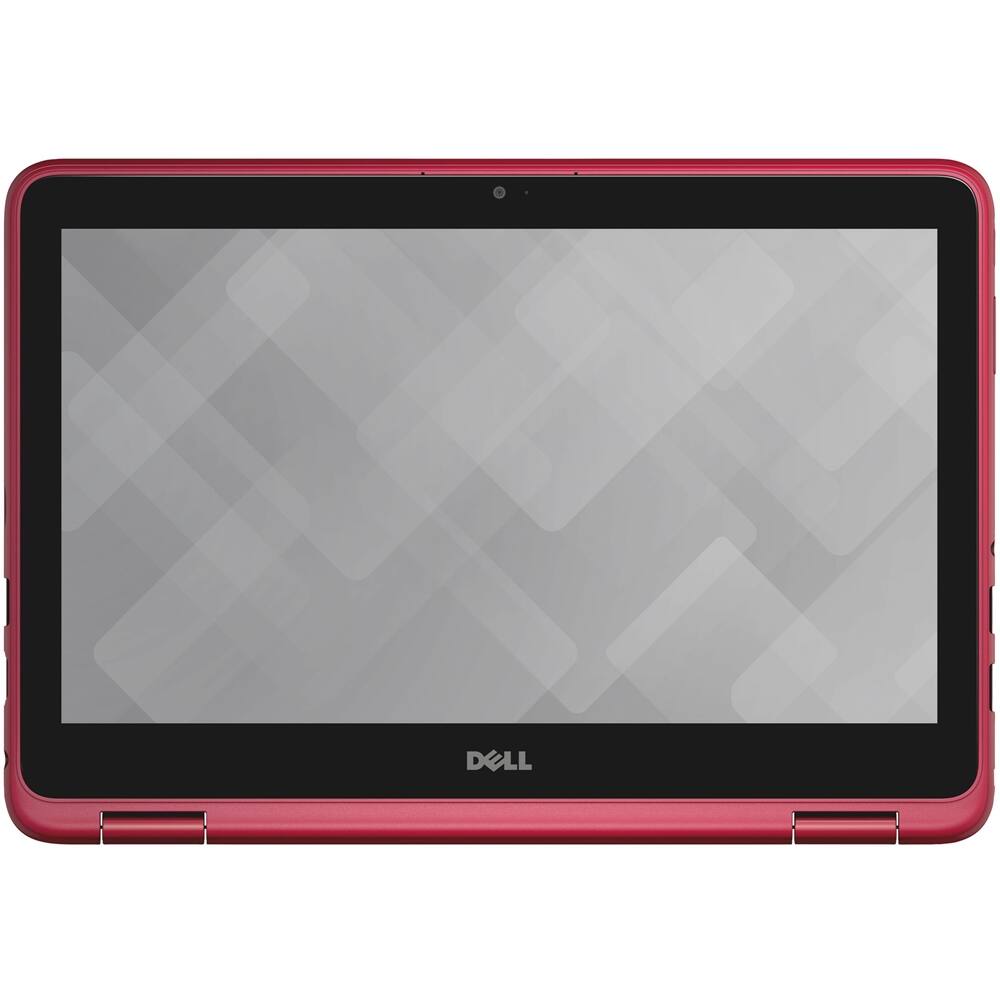
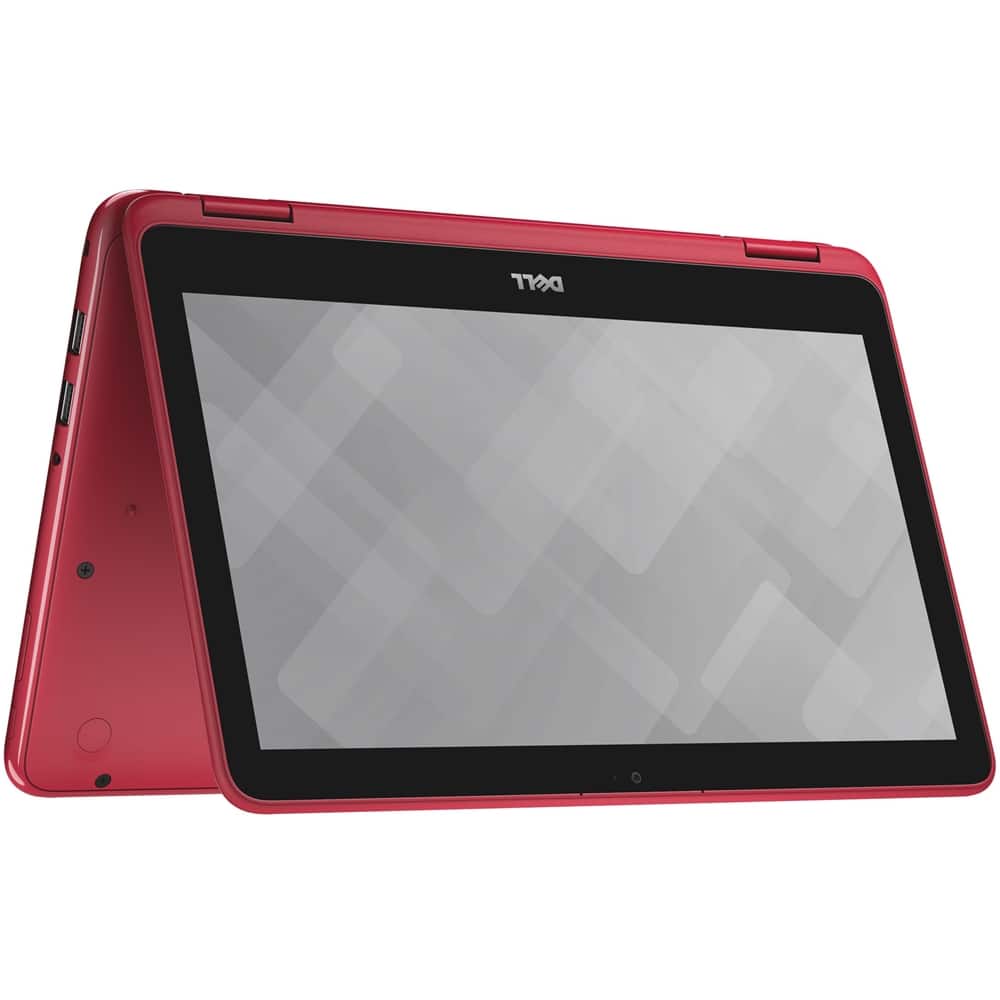
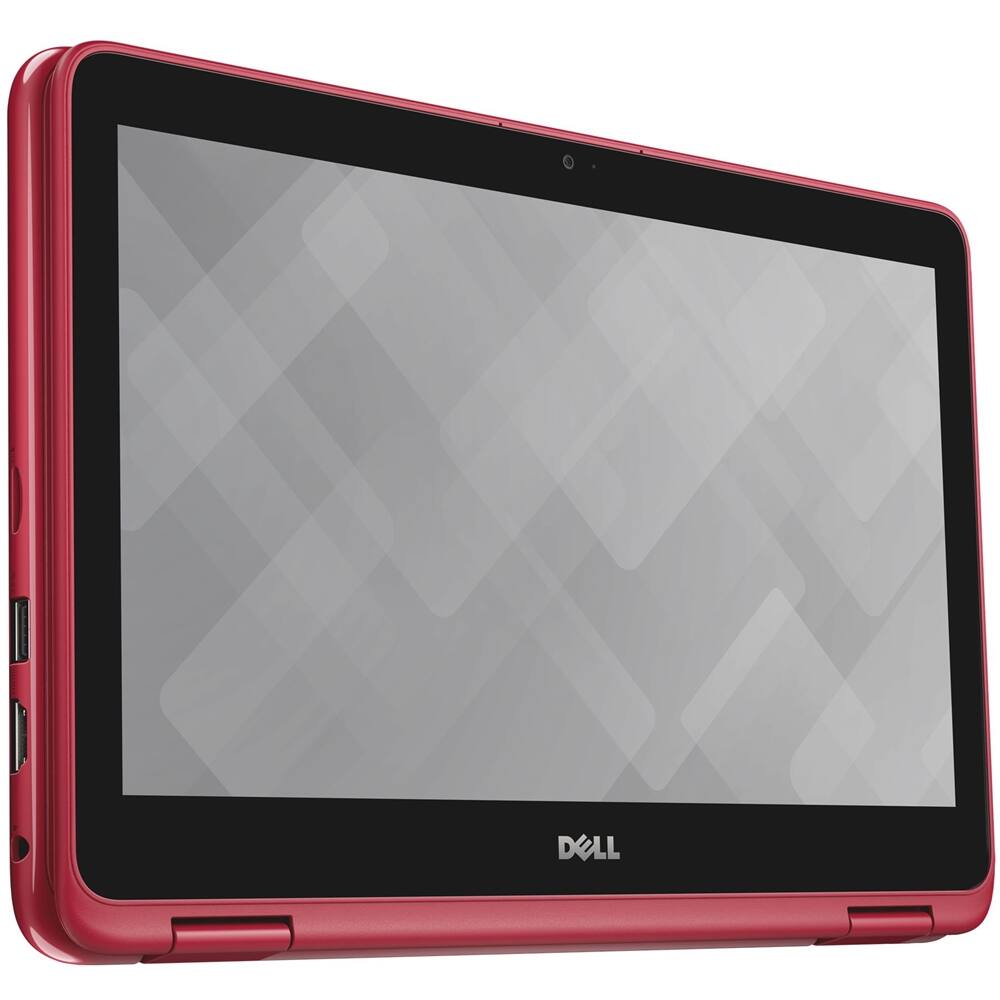
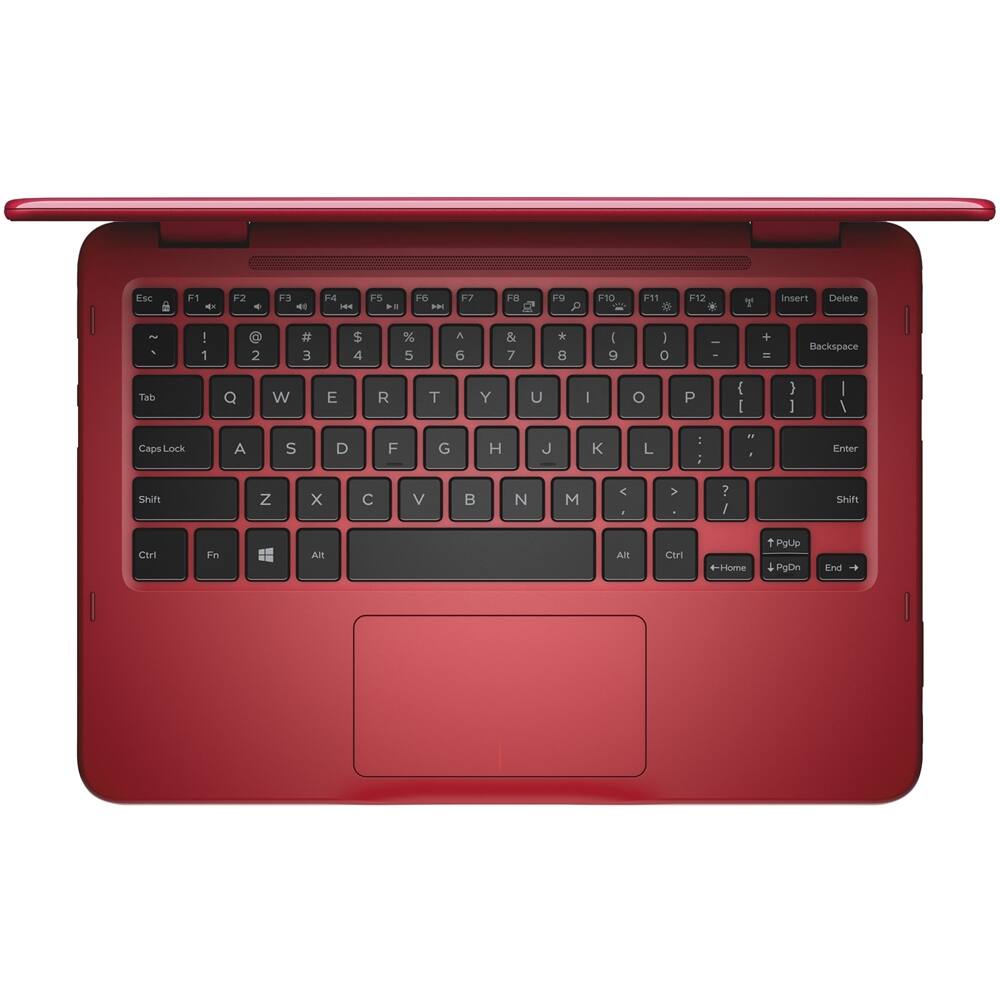
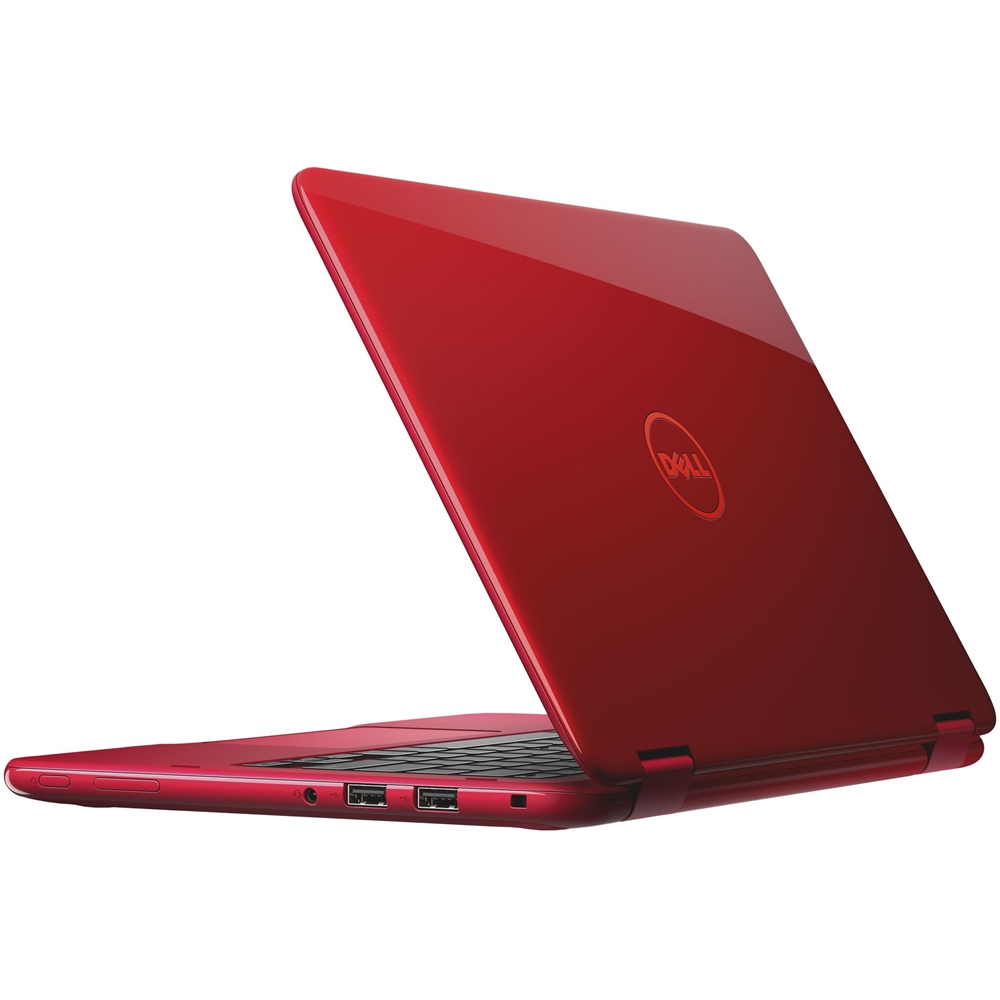
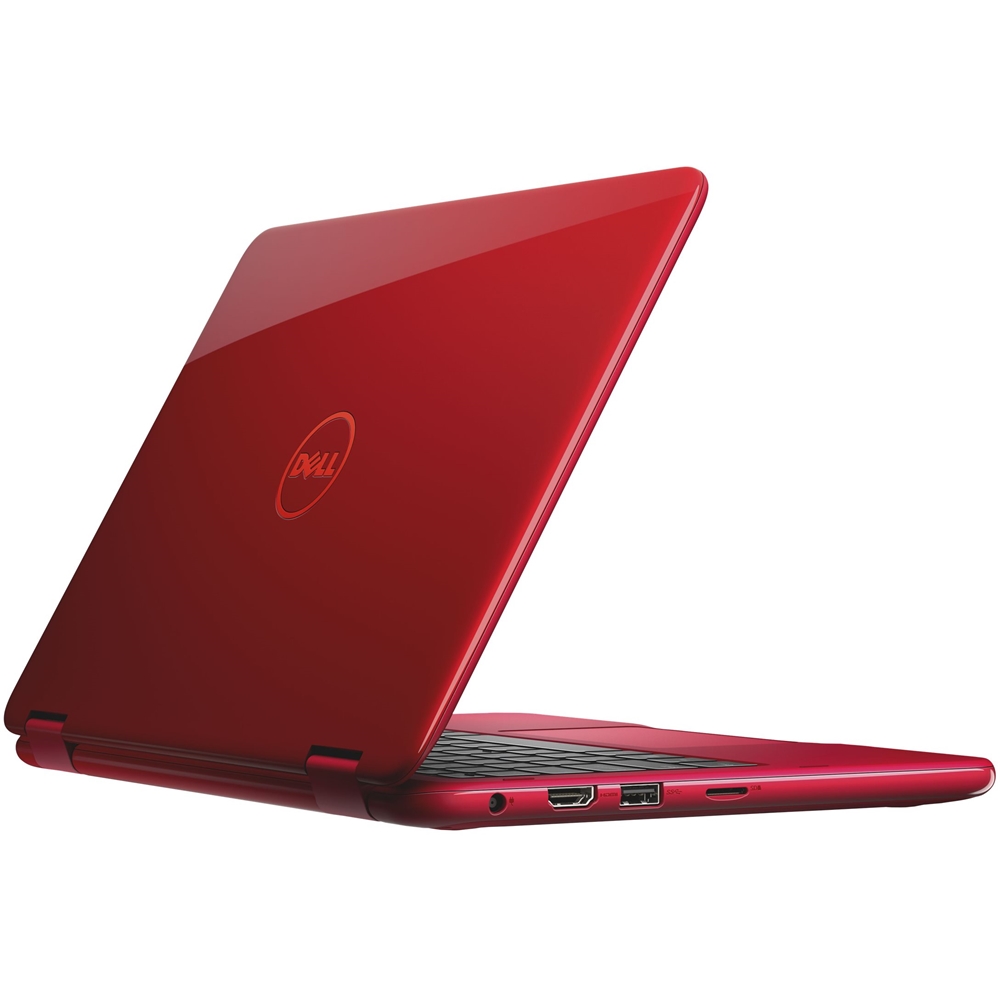
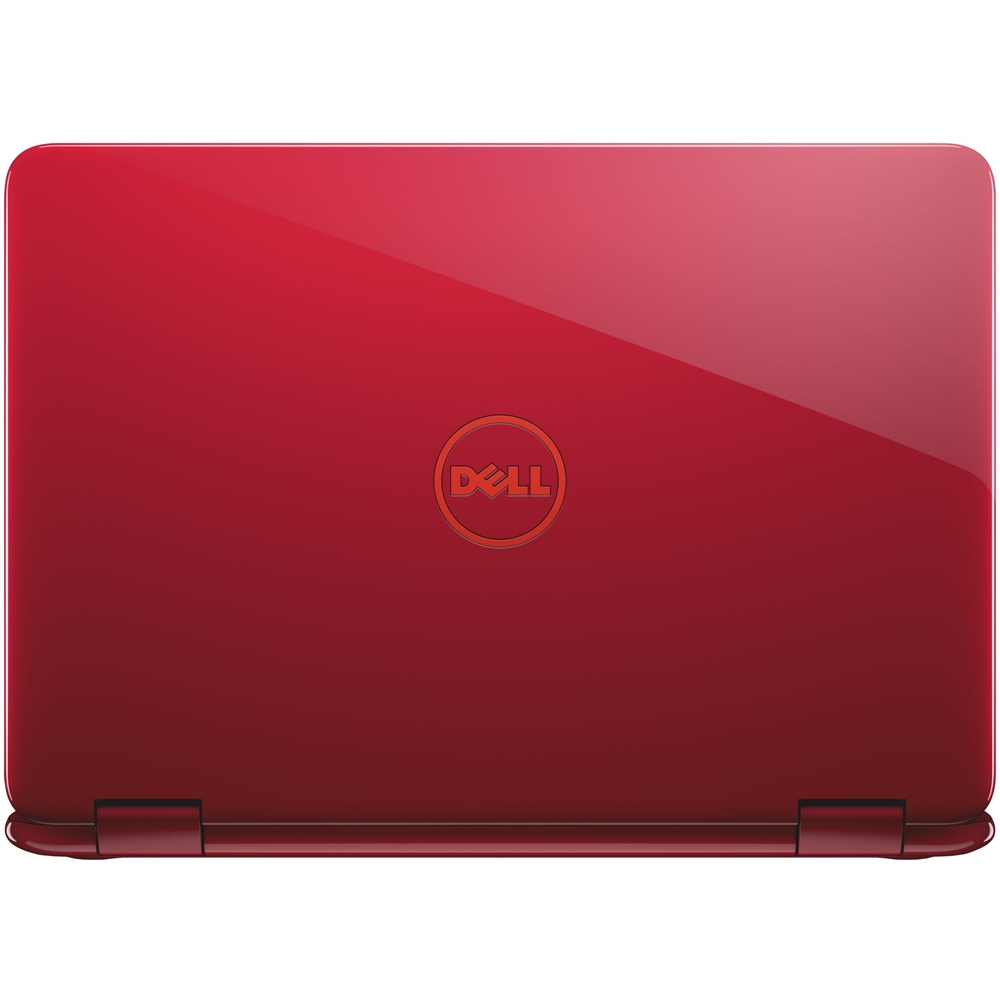
Customers are enthusiastic about the Inspiron 11.6" Touch-Screen Laptop's compact size, touch screen, and color. They appreciate that it is small and portable, with a responsive touch screen and an attractive color. However, some customers have expressed concerns about its slow performance.
This summary was generated by AI based on customer reviews.
- Pros mentioned:Compact size
Perfect
||Posted .This reviewer received promo considerations or sweepstakes entry for writing a review.I love this computer it was a perfect for school work!' I really enjoy using it!' It has a lot of features for the size
I would recommend this to a friend - Cons mentioned:Slow
Screen is a bit blurry
||Posted .This reviewer received promo considerations or sweepstakes entry for writing a review.Since the laptop is a bit slow and screen is blurry I wouldn’t recommend this to others.
No, I would not recommend this to a friendBrand response from YourDellTeam
Posted .Tta1,
Thanks for your review. We're sorry to hear that your screen is not as clear as you hoped it would be. We'd recommend refreshing the settings on your computer so that the screen will look clearer to you:
Windows 10 is capable of resetting all of its system files without affecting your personal data. Refresh will do the following:
• Reinstalls Windows 10 and keeps your personal files.
• Removes apps and drivers you installed.
• Removes changes you made to settings.
• Removes any apps your PC manufacturer installed. (If your PC came with Windows 10, apps from your PC manufacturer will be reinstalled.)
To get started with a refresh of your system files, follow these steps:
1. At the desktop, click the Search the web and Windows box and type "reset".
2. Select Reset this PC (System Setting).
3. Under Reset this PC, select Get Started.
4. Select the option to Keep my files.
5. Note any apps or drivers that will need to be reinstalled after the refresh has completed.
6. Follow the on-screen instructions to complete the refresh process. This will take some time and your computer will restart.
Click here to read the full article: https://dell.to/2VGi4F3.
Best,
Bryan
1-800-624-9896
- Pros mentioned:Compact size
Love my Dell
||Posted .This reviewer received promo considerations or sweepstakes entry for writing a review.I got this for graduate school and I love it. Small and very useful. LOVE IT
I would recommend this to a friend - Pros mentioned:Compact size
Handy laptop
||Posted .This reviewer received promo considerations or sweepstakes entry for writing a review.Great laptop for use without using a larger laptop. Smaller and easier to use
I would recommend this to a friend - Pros mentioned:Compact size
Love this computer
||Posted . Owned for more than 2 years when reviewed.This reviewer received promo considerations or sweepstakes entry for writing a review.Love the size forctraveling & work. Great price & quality
I would recommend this to a friend Small footprint
||Posted .This reviewer received promo considerations or sweepstakes entry for writing a review.This little computer meets our needs to work with a Windows system for an embroidery sewing machine.
I would recommend this to a friend- Pros mentioned:Touch screen
Perfect size
||Posted .This reviewer received promo considerations or sweepstakes entry for writing a review.Liked the size most, and the touch screen features.
I would recommend this to a friend - Pros mentioned:Compact size
perfect for students who need a laptop for school
||Posted .This reviewer received promo considerations or sweepstakes entry for writing a review.great size and weight for students to take to class
I would recommend this to a friend - Cons mentioned:Slow
Too slow
||Posted .This reviewer received promo considerations or sweepstakes entry for writing a review.Returned this as it was too slow for what I needed
No, I would not recommend this to a friend Great laptop
||Posted .This reviewer received promo considerations or sweepstakes entry for writing a review.User friendly, convenient to use anywhere you go..
I would recommend this to a friendgood laptop
||Posted .This reviewer received promo considerations or sweepstakes entry for writing a review.Had the laptop about a week, brought it into store for setup & was told there was malware or a virus in it. Had to leave it with the Geek Squad to repair. Hope it is corrected & able to use again
I would recommend this to a friendGorgeous desktop!
||Posted .This reviewer received promo considerations or sweepstakes entry for writing a review.I purchased a Dell desktop computer with monitor and am very happy with it It looks perfect in our small office. Love how it powers up and down so quickly, no need to turn it off. Also very helpful staff, which I also appreciate tremendously.
I would recommend this to a friendAwesome bargin
||Posted .This reviewer received promo considerations or sweepstakes entry for writing a review.This television is a great deal for under 500 bucks. Great picture, great sound, and the built in chromecast was easy to setup and use. I'm considering purchasing another for my master bedroom.
I would recommend this to a friendDell Laptop
||Posted .This reviewer received promo considerations or sweepstakes entry for writing a review.Daughter loves her new laptop. She's used to mostly for school and activities on line. Great speed and looks great too in the blue. Her favorite color. Thanks again Chan P.
I would recommend this to a friendok
||Posted .This reviewer received promo considerations or sweepstakes entry for writing a review.this laptop meets our needs however it is slower than i thought. the mousepad does not work as well as we would like.
I would recommend this to a friendBrand response from YourDellTeam
Posted .Hi rkrr,
Thanks for your feedback on your new Dell computer. You may want to try to run the Windows Performance Troubleshooter to see what is causing your computer to run slower than you'd like:
1. Close all open windows.
2. Press the Windows logo key + X key on the keyboard.
3. Click Control Panel.
4. Click System and Security.
5. Under Security and Maintenance, select Troubleshoot common problems.
6. Under System and Security, click Run maintenance tasks.
7. Follow the on-screen instructions and prompts to complete the process.
8. Restart the PC.
You can read the full article here - http://dell.to/2tSulGV.
If you'd like to re-calibrate your touchpad you can follow these steps:
Some Notebooks and Tablets with Keyboards have added gesture features to the touchpad hardware and drivers. A few of these features are two or three finger scrolling, pinch zoom, circle zoom, rotate and swiping. These new features may be the reason for the erratic cursor movement since most are turned on by default. You can disable or modify the way the features work in the touchpad driver properties. Here are some tips to modify these settings:
1. In the Search box, type main.cpl.
2. Touch or click main.cpl in the list of programs.
3. Touch or click the Dell Touchpad tab.
4. Touch or click on the picture of the touchpad.
5. Touch or click Gestures (depending on your computer there may not be a Gestures option).
6. Change the options as preferred.
7. Touch or click Save.
8. Touch or click the X in the upper-right corner to close the Dell Touchpad Utility.
9. Touch or click OK on the Mouse Properties window.
10. If the touchpad still does not work after following the preceding steps, refer to Dell Knowledge Base article - http://dell.to/2iaiujA.
You can read the full article here - http://dell.to/2tqmS02.
Best,
Bryan
1-800-624-9896
GOOD PRODUCT
||Posted .This reviewer received promo considerations or sweepstakes entry for writing a review.THE PRODUCT IS GOOD . I LIKE IT VERY MUCH. BEST BUY IS ALWAYS MY STORE ALL THE TIME
I would recommend this to a friendLight and compact
||Posted .This reviewer received promo considerations or sweepstakes entry for writing a review.It is very light,compact and easy to use. I would recommend it for all ages.
I would recommend this to a friendMinimal touch computer
||Posted .This reviewer received promo considerations or sweepstakes entry for writing a review.Great price for a low-end user with no power needs. The touch screen is a must nowadays.
I would recommend this to a friendGreat Laptop
||Posted .This reviewer received promo considerations or sweepstakes entry for writing a review.Fast Shipping and Awesome Laptop Love how laptop doubles as a Tablet
I would recommend this to a friendHighly portable, tablet-sized computer
||Posted .This reviewer received promo considerations or sweepstakes entry for writing a review.Works with full Windows suite; great for light, frequent traveling
I would recommend this to a friend