Customer Ratings & Reviews



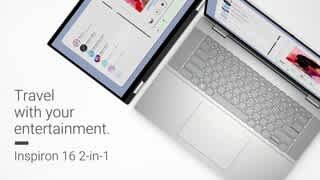



- Model:
- i7630-7312SLV-PUS
- SKU:
- 6539902
Rating by feature
- Battery Life
Rating 4.7 out of 5 stars
- Speed
Rating 4.8 out of 5 stars
- Display
Rating 4.8 out of 5 stars
Customers are saying
Customers value the Inspiron 2-in-1's large, responsive touchscreen and its impressive performance and battery life. Many appreciate its ease of use, lightweight design, and ample RAM and storage. While some found the keyboard slightly less sturdy than expected, the overall positive feedback highlights the laptop's strong performance and features. The price point also receives positive comments.
This summary was generated by AI based on customer reviews.
I'd buy again
||Posted . Owned for 3 weeks when reviewed.This reviewer received promo considerations or sweepstakes entry for writing a review.over all very satisfied! wish it was a bit louder though.
I would recommend this to a friendCollege Student
||Posted . Owned for 1 month when reviewed.This reviewer received promo considerations or sweepstakes entry for writing a review.Great laptop. Cool that you can switch to a tablet.
I would recommend this to a friendGood Laptop
||Posted . Owned for 3 weeks when reviewed.This reviewer received promo considerations or sweepstakes entry for writing a review.Have not had any issues, far its been running great!
I would recommend this to a friend14-inch is the best
||Posted . Owned for 2 months when reviewed.This reviewer received promo considerations or sweepstakes entry for writing a review.As a 2-in-1 laptop, it is too big and heavy. I have already returned it and exchanged it for a 14-inch one, which is very good and works the same as a tablet.
No, I would not recommend this to a friendBrand response from YourDellTeam
Posted .Hey Qingyuan,
We value your feedback and want to thank you for taking the time to leave a review of your Inspiron 7630. We are sorry to hear that you were not completely satisfied with the size of your device and made the decision to return it. We are happy to hear that you exchanged it for the smaller one. We have noted the details of your statement and will use them to improve current and future products.
If you need further assistance, we recommend using the toll-free number or chat link below to reach a member of our Dell Support Team.
Chat or call: https://bit.ly/DellSupportTeam
Phone number to Dell: 1-800-624-9896
Best,
Summer@Dell
- Pros mentioned:Battery life, Processor speed, Screen size

Very Good Experience
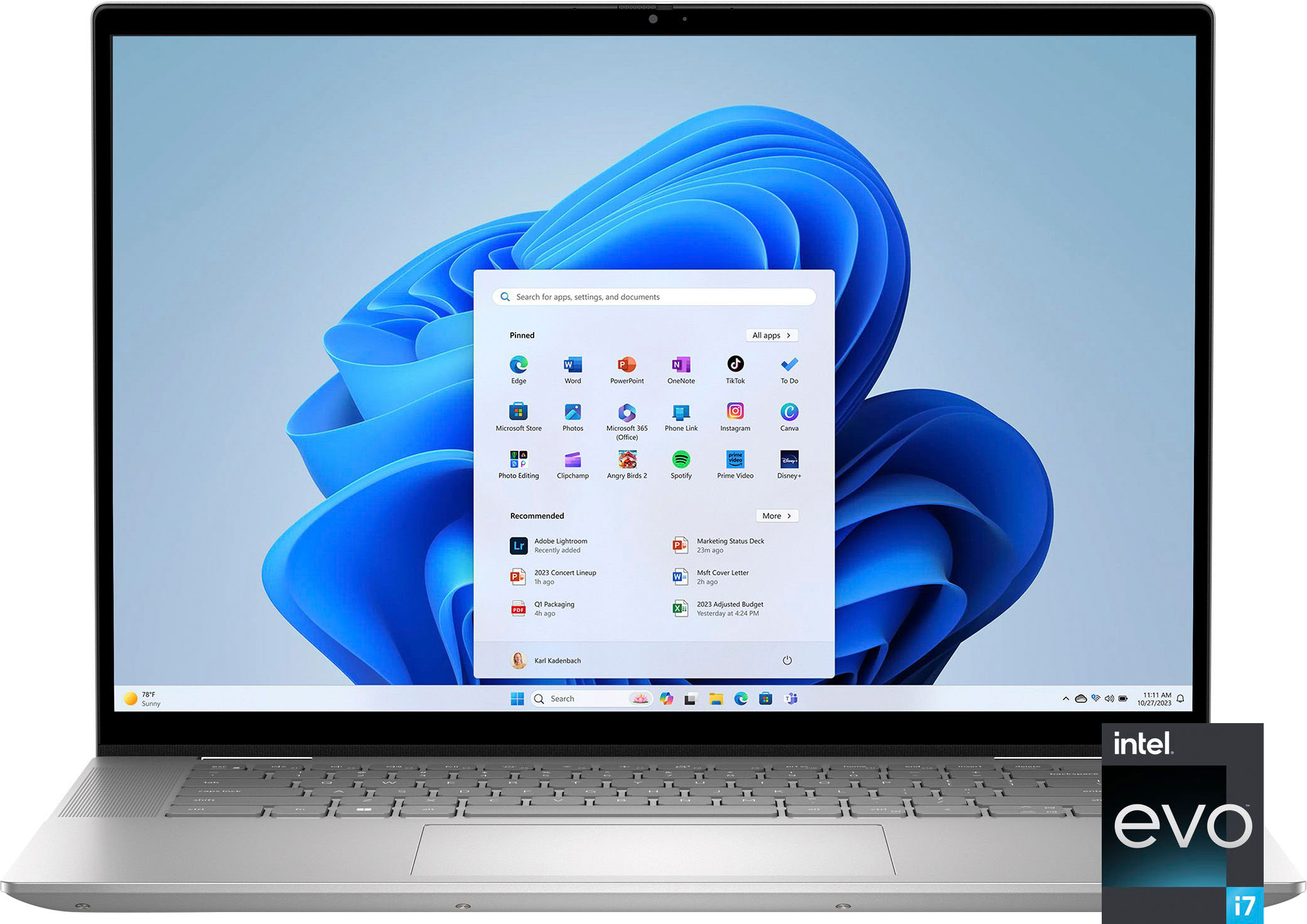
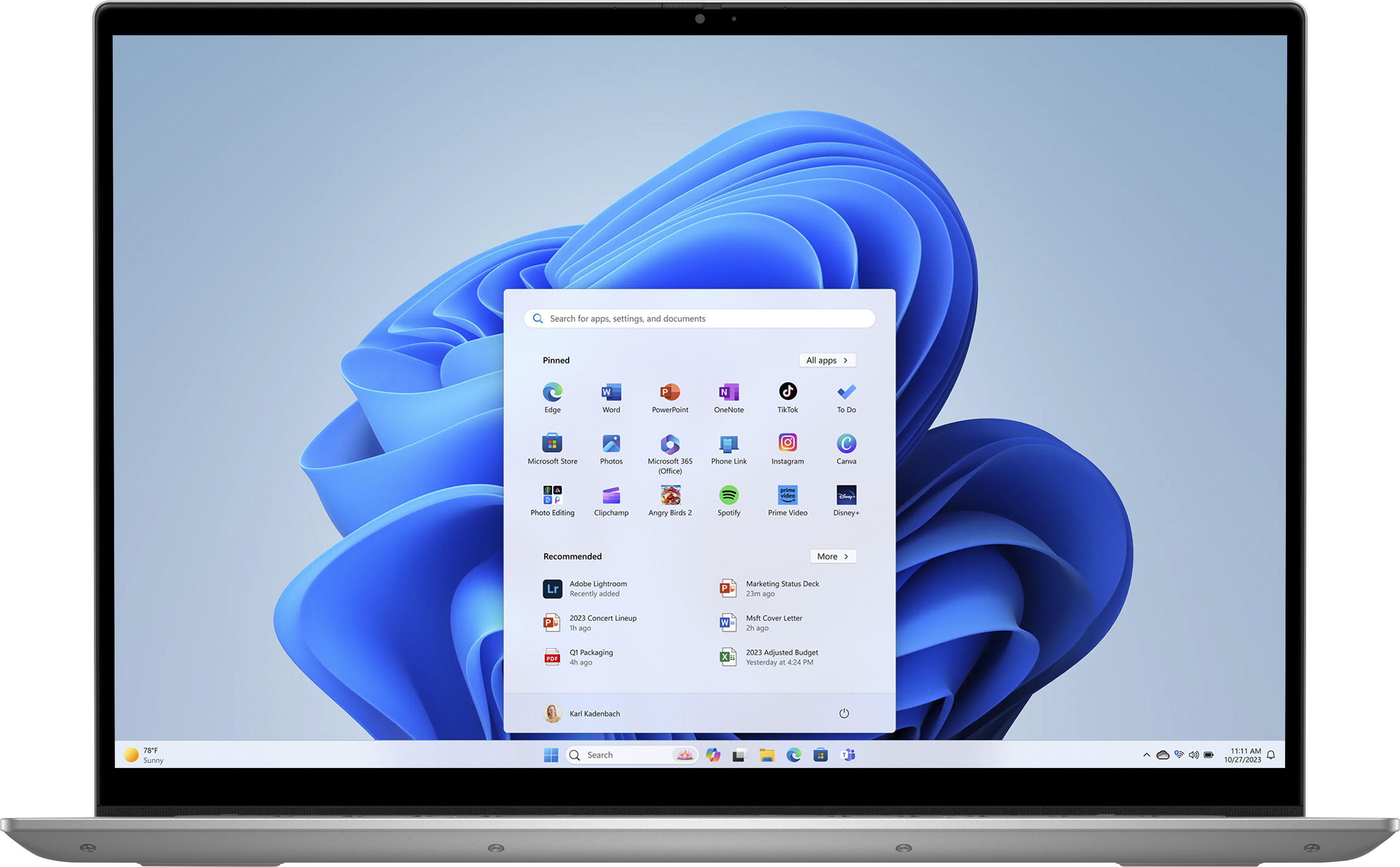
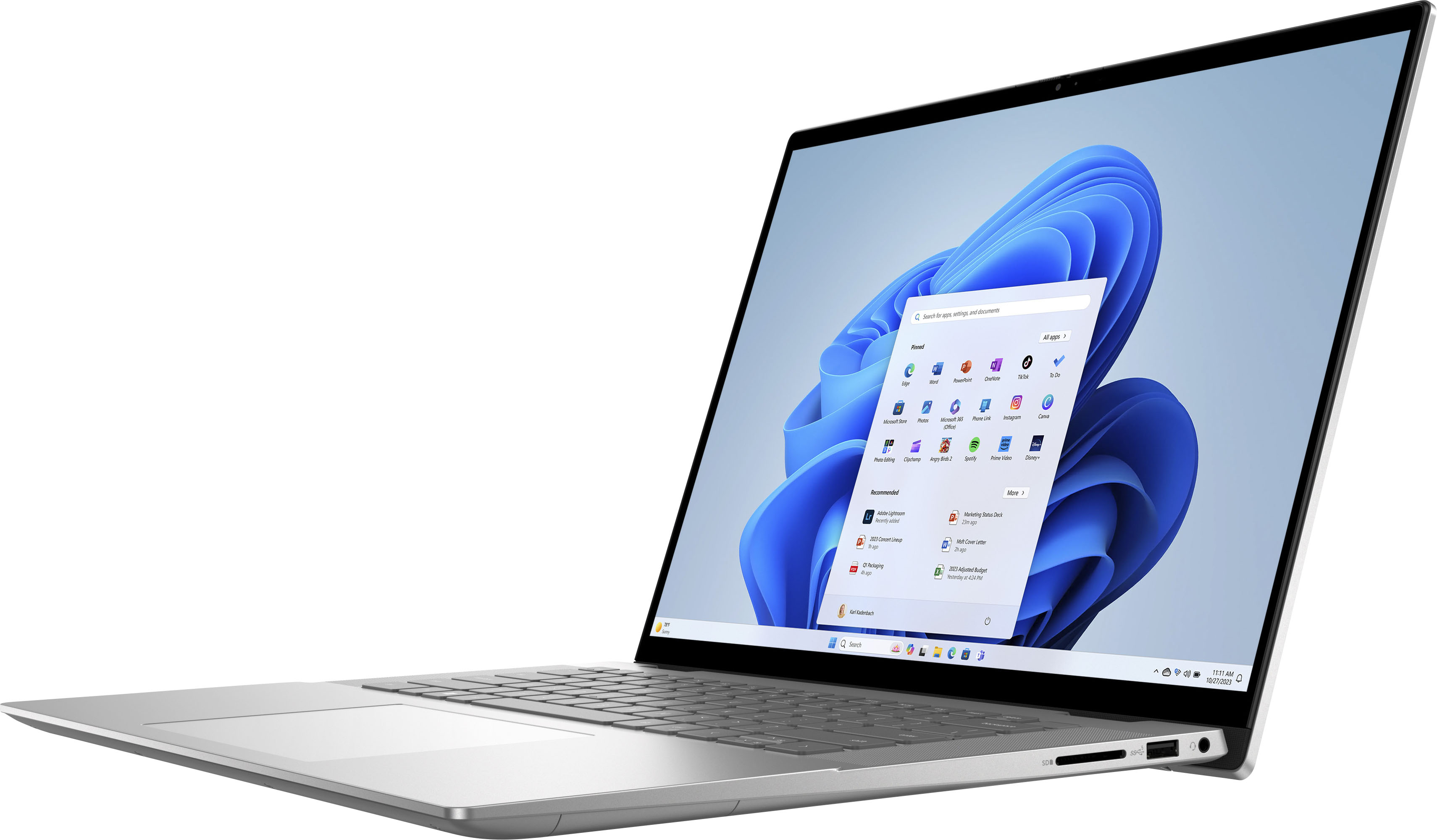
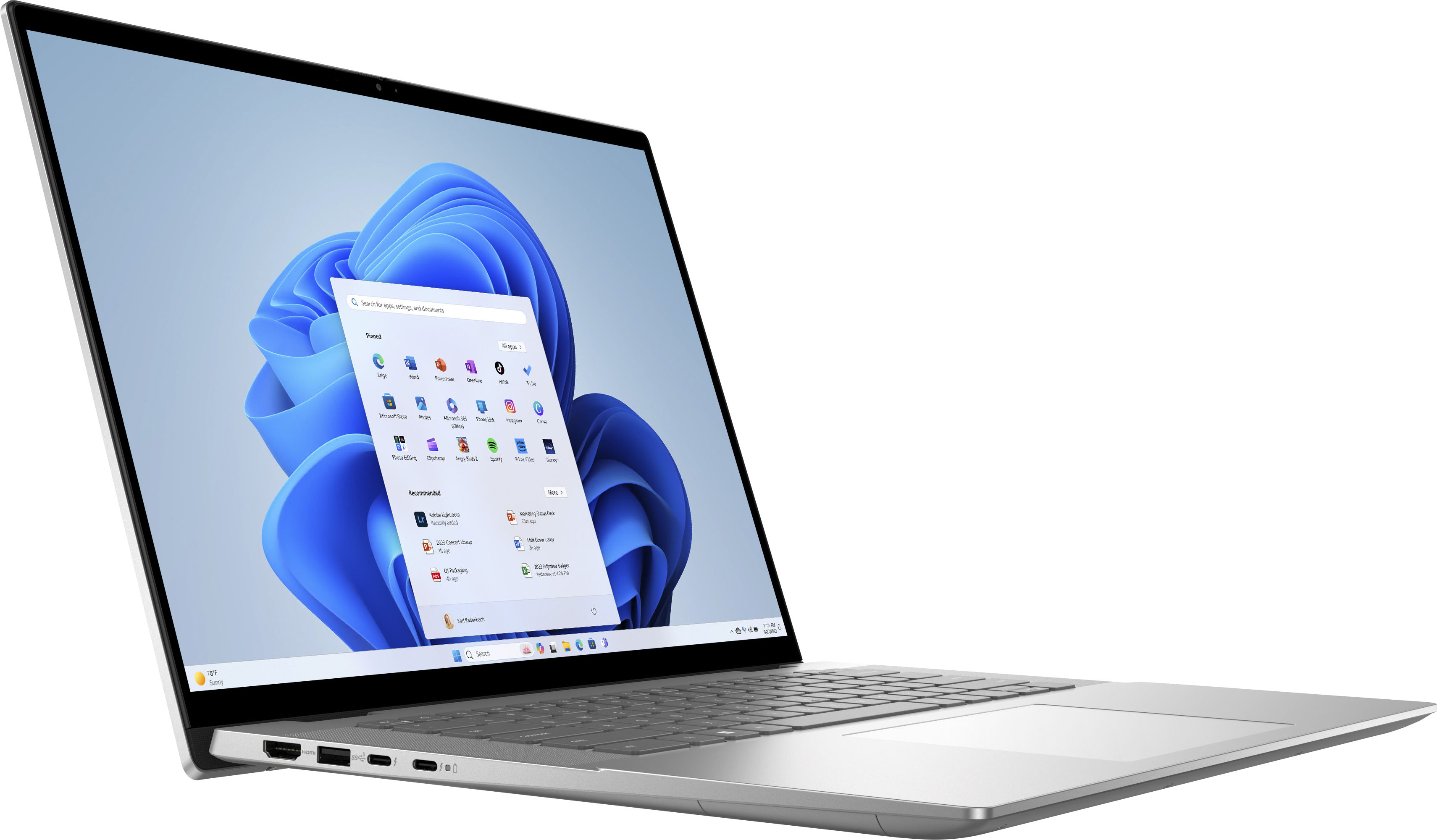
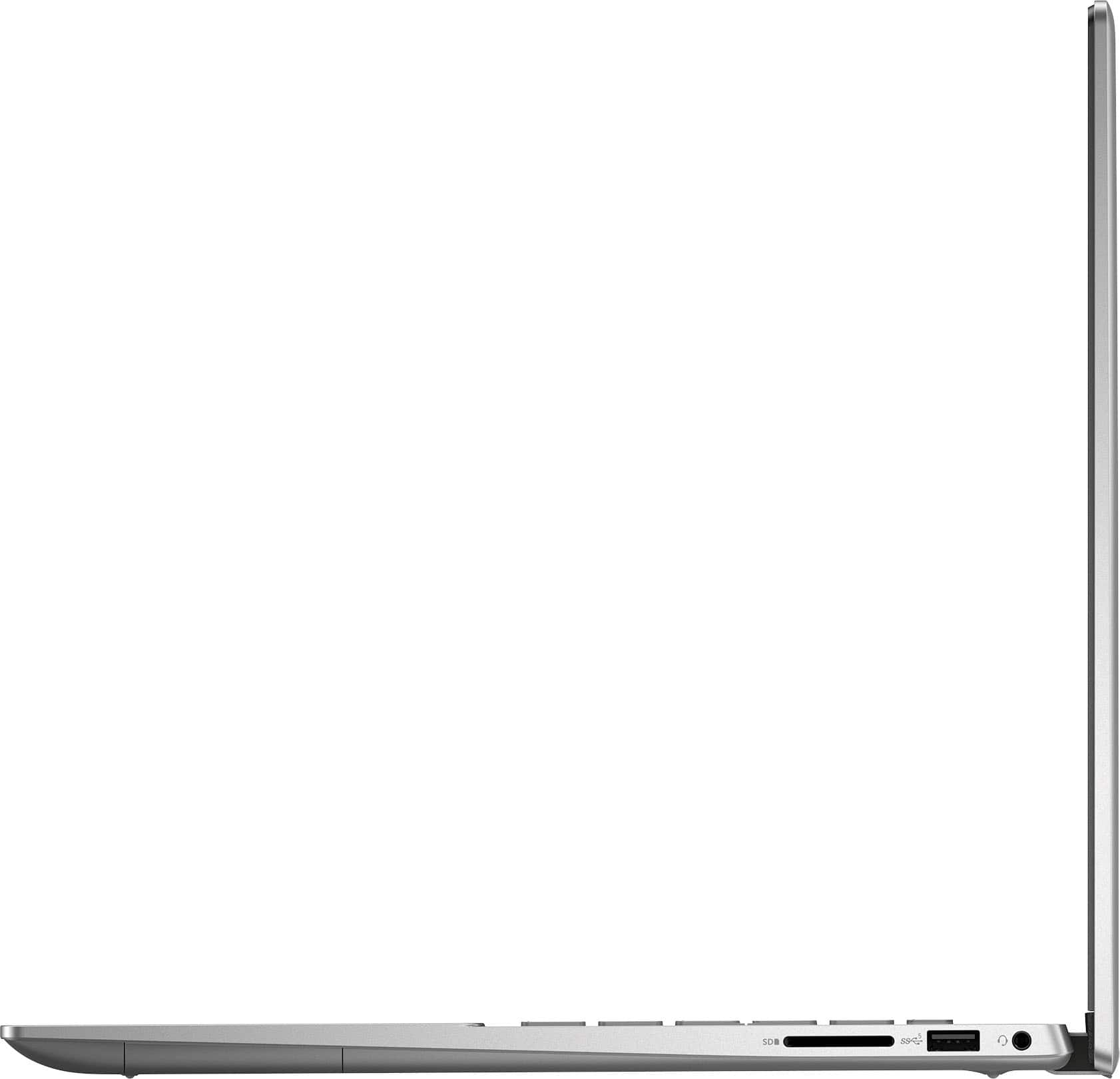
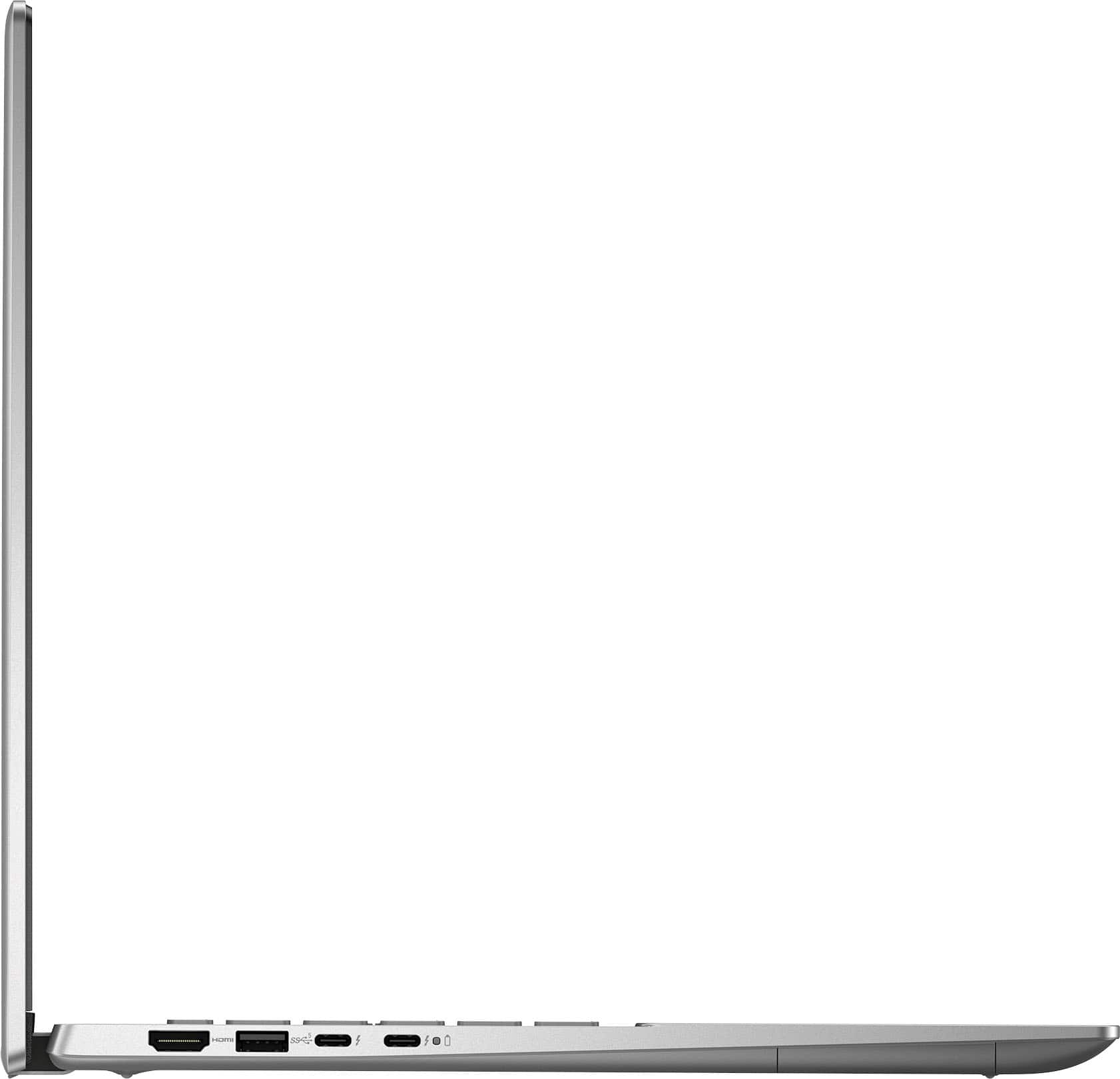
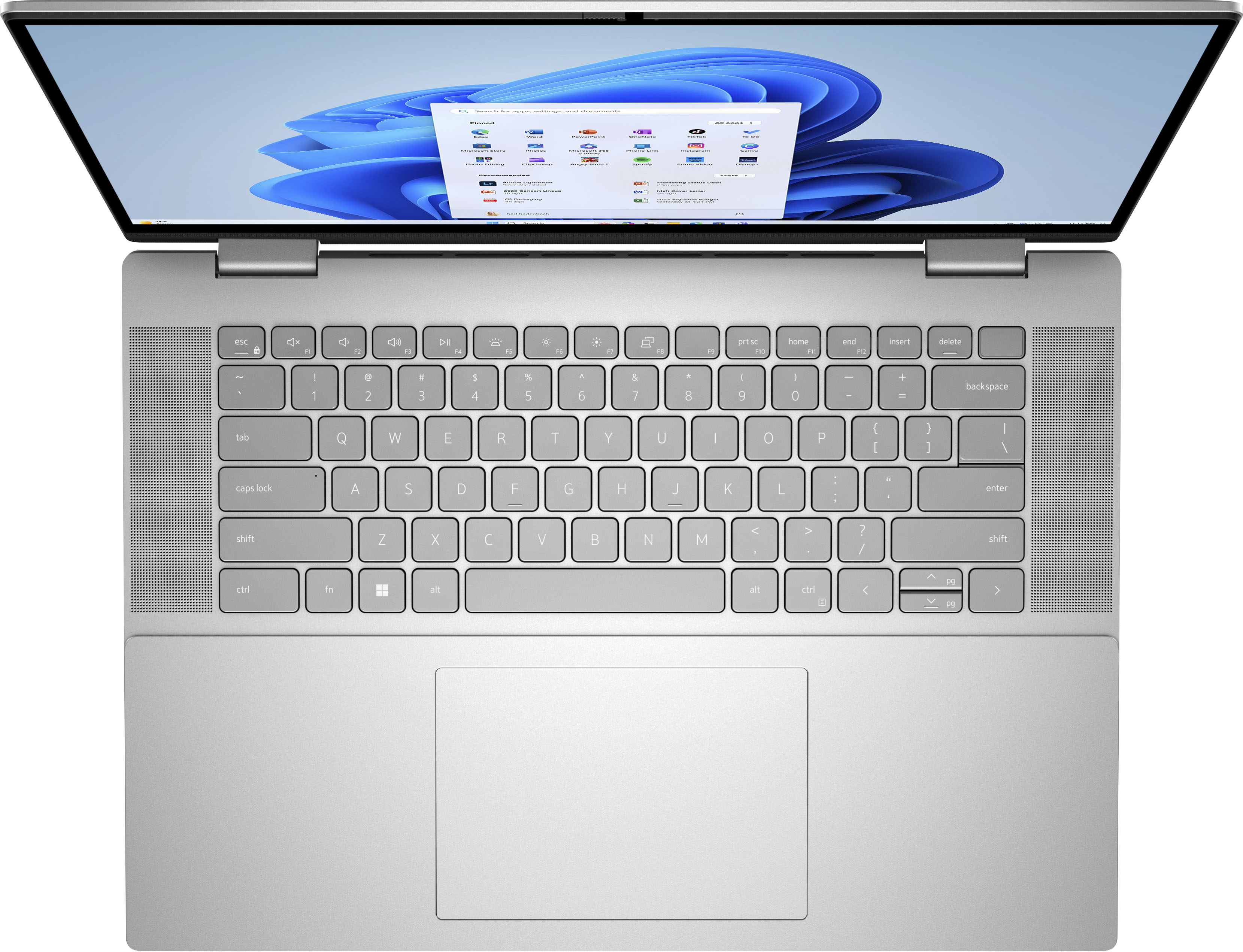
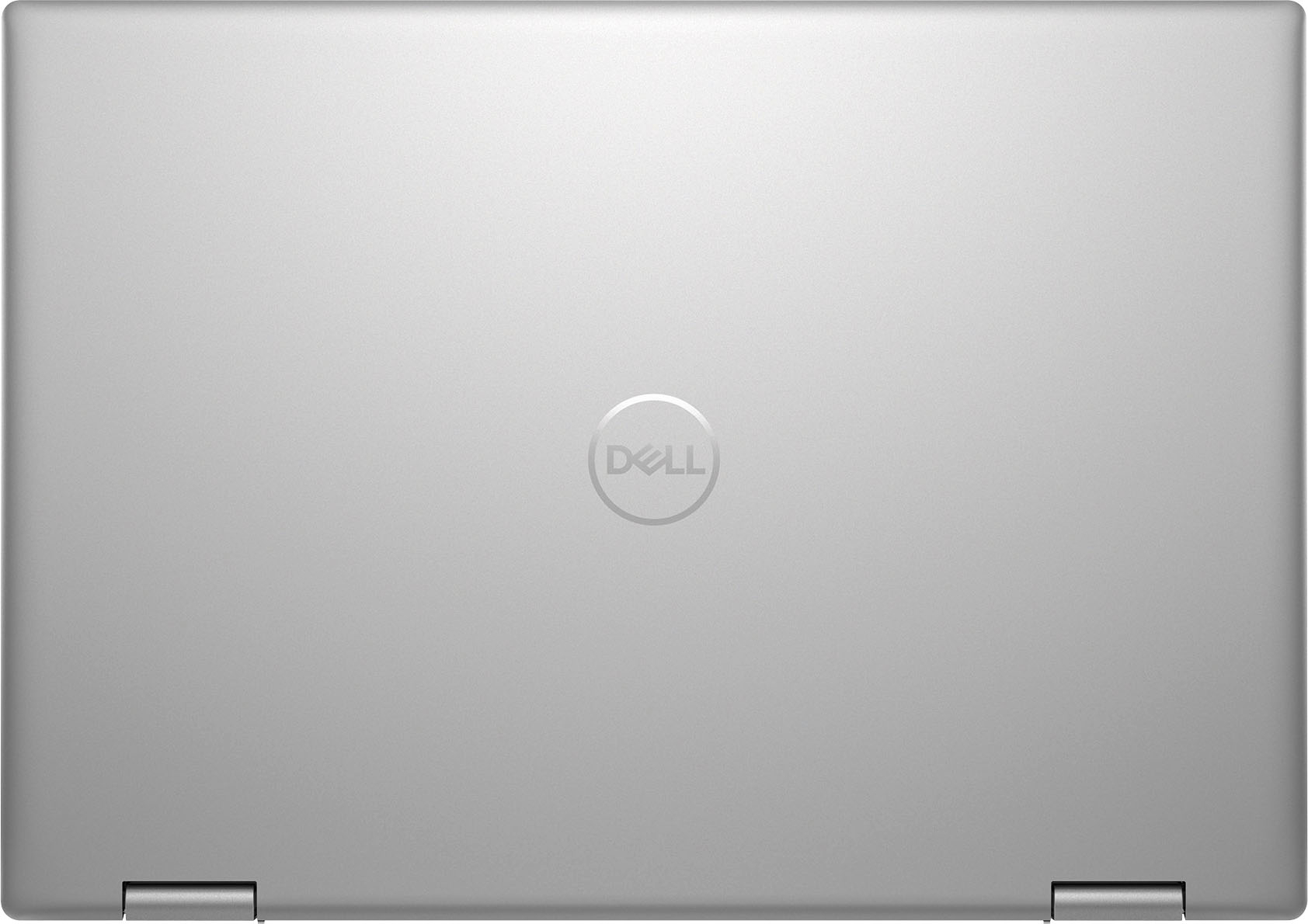
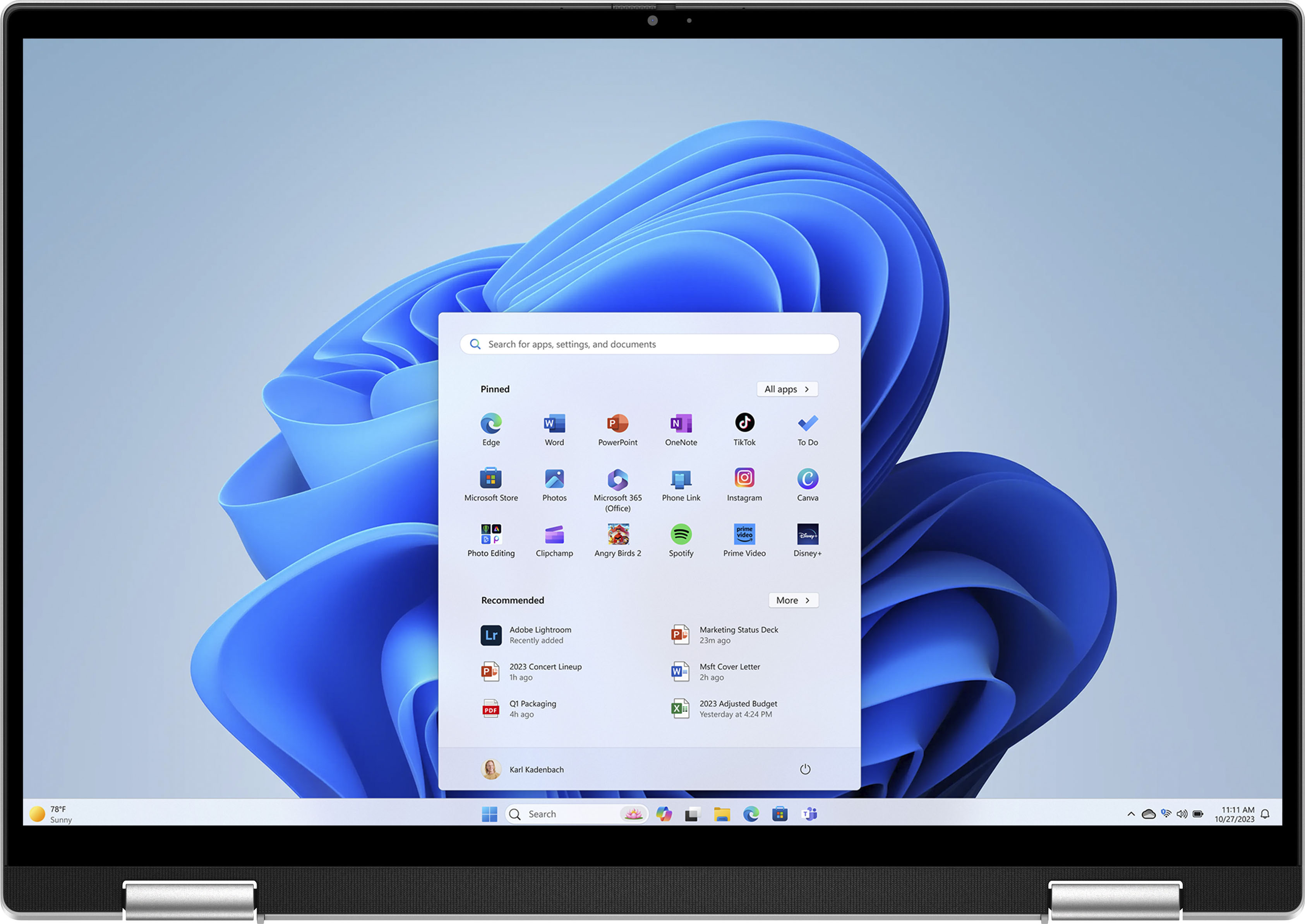
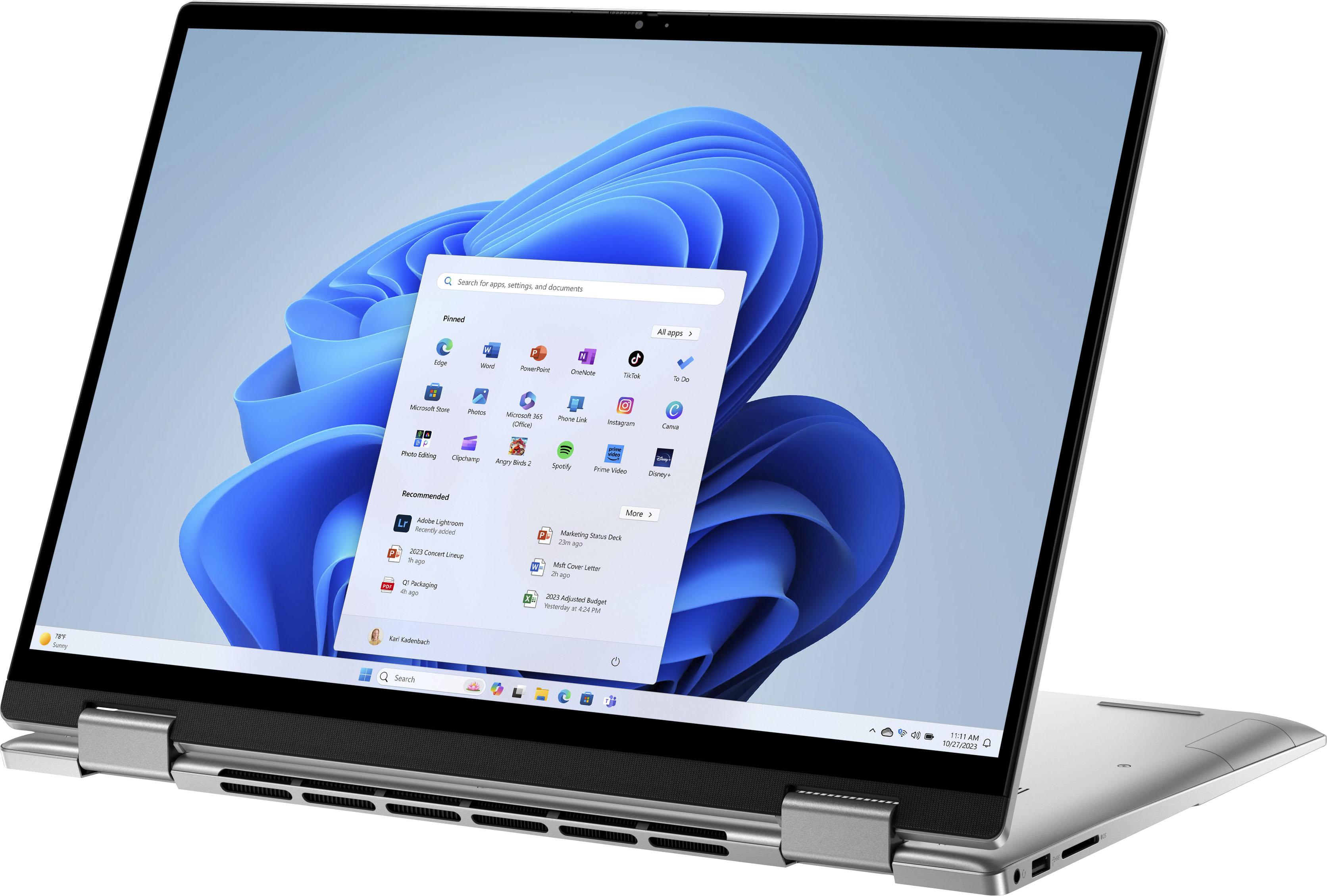
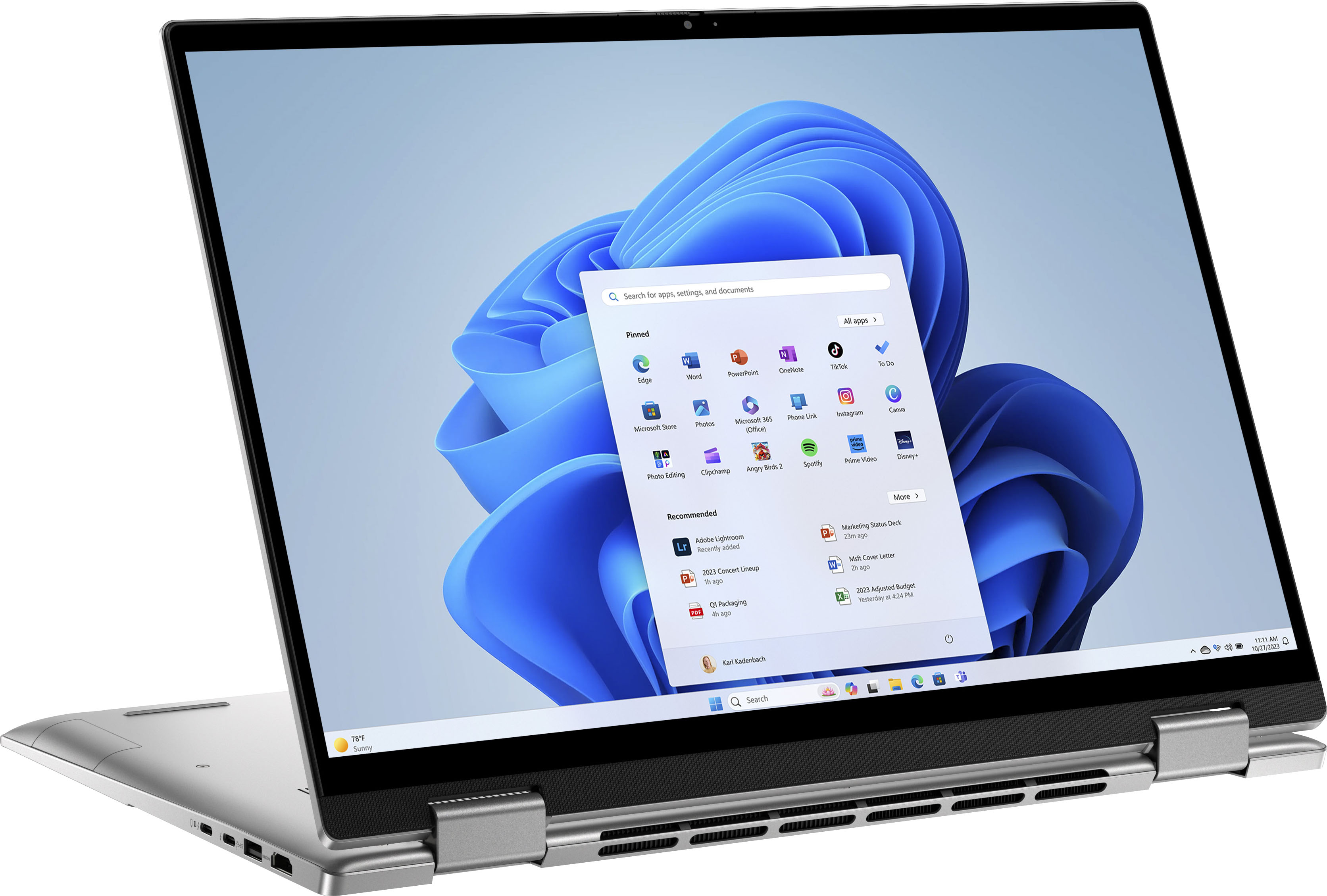
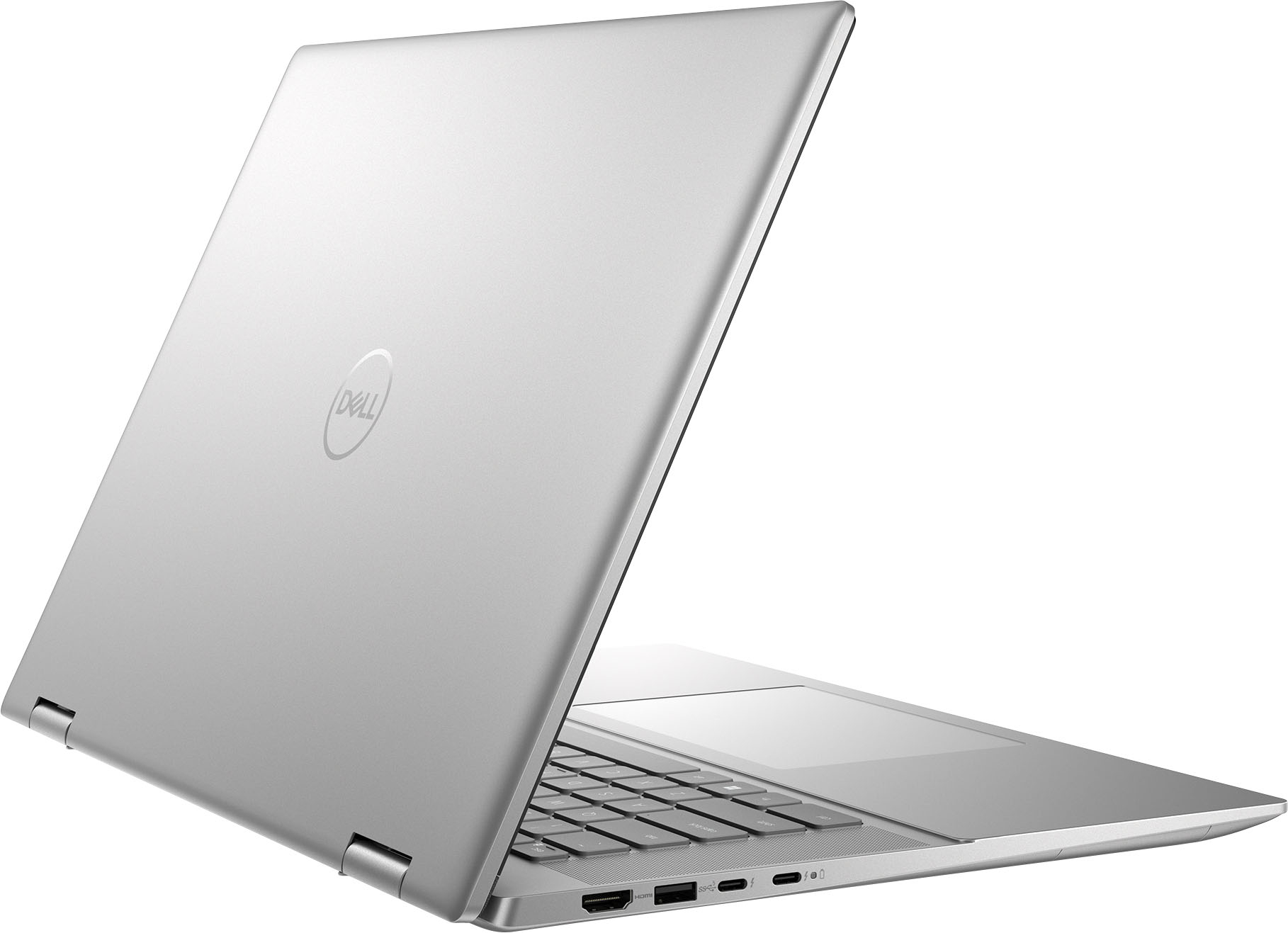
|Posted .This reviewer received promo considerations or sweepstakes entry for writing a review.Just received this beautiful laptop a few days ago. Everything set up perfectly with no errors. Very fast and fluid experience. Feels like a solid build aluminum chassis and the 16” screen is great. A lot of pluses make this a great product from Dell. All my first impressions: 13th Gen I7 intel processor does well with multi-task, Music and video production. Can use for gaming if your on a budget. Two thunder bolt USB C ports, Two A USB ports, HDMI port and SD card media slot. So Far battery life has been very good. Only charged when I first set up a few days ago. Watched videos, listened to music, Used Excel and word programs, surfed internet and still have 37% battery life and tells me that will last 4 hours. I guess time will tell if that Is true. I checked internal specs, found a Samsung M.2 ssd installed 1 TB. 16 Gb memory WiFi AX For 1200 mbps. Other features I love. Backlit keyboard, LT turns on automatically when the screen is opened. fingerprint reader. Dell Software to help PC run smoothly. Quad Speakers for a immersive sound experience and gets nice and loud if desired. The large touch pad is very precise and works well. Great 2in1 touch operation. Bouncing screen to TV worked great. HD Screen is beautiful! Great colors and easy on the Eyes. This is a quality-built machine and its just fast, fast, fast. My one disappointment is Laptop manufacturers including Dell in general are excluding the 10 keypad which I Tend to use a lot. More convenient when performing calculations. Otherwise I would definitely recommend if your looking for a well rounded PC. Very impressed with this build and design!
I would recommend this to a friend - Pros mentioned:Battery life, Ease of use, Processor speed
Nice touchscreen 2-in-1 laptop
|Posted .This reviewer received promo considerations or sweepstakes entry for writing a review.Right out of the box this laptop came charged at fifty percent. It took about forty-five minutes to get to eighty percent charge. I used it to stream, surf the net and my son played games on it for a a few hours. At an eighty percent charge, it took about four hours for it to reach down to five percent. The laptop was very easy to set-up and connect to the internet. The only thing I will say that you should keep in mind about the set-up is to check the updates. I had a bunch of updates that I needed to install that was causing problems on keeping the connection to the internet. Prior to installing the update, I kept getting kicked off the internet. I tried restarting the computer and the internet, nothing worked until I installed all the updates that were not installed while setting up the laptop. It was not a huge deal, but it did take some time before I figured that out. The laptop can be folded back and converted to tablet mode which is always convenient. The screen is also touch screen which is always a nice bonus. The laptop runs pretty quickly and does not freeze up when several windows are open. My son has not had any problems playing games on the laptop or the laptop slowing down while he is playing. I'm not sure how long other laptops last while gaming, but I feel like 4 hours at eighty percent is a good amount of time. I would def recommend this laptop to other people.
I would recommend this to a friend Sale item
||Posted . Owned for 2 months when reviewed.This reviewer received promo considerations or sweepstakes entry for writing a review.Geek squad refuses to wrk on it. Unless you drive an hour to drop off, then another hour home and refuse to to stand by warranty
No, I would not recommend this to a friendLacking features
||Posted . Owned for 1 month when reviewed.This reviewer received promo considerations or sweepstakes entry for writing a review.Limited to 1T ssd. This bothered me off. Computer is a little slow compared to the lenovo. No pen compatibility that i could find.
No, I would not recommend this to a friend- Cons mentioned:Keyboard
Nothing but issues
||Posted . Owned for 7 months when reviewed.This reviewer received promo considerations or sweepstakes entry for writing a review.We purchased the computer for my college son. The computer had issues from the very beginning. It was replaced and we still had issues. Keyboard stopped working and one day the computer would not turn on. Best Buy worked with us and tried to repair it but could not. We ended up getting an HP and now no issues!!
No, I would not recommend this to a friend Idk maybe not
||Posted . Owned for less than 1 week when reviewed.This reviewer received promo considerations or sweepstakes entry for writing a review.This laptop crash on me twice a week after purchasing it brand new. Third times the charm I guess. The 14” I never had issues with.
No, I would not recommend this to a friendBrand response from YourDellTeam
Posted .Hi There User82747858,
We appreciate you taking the time to leave us your review. We sincerely apologize for the crashing issues that you are experiencing with your Inspiron 7630. It's important for us to hear about inconsistencies in our products for consideration of future development. Below I have provided troubleshooting instructions with the full article that can help resolve this issue.
Here are the steps to help resolve your crashing issue:
1. At the desktop, click the Search the web and Windows box and type "problem reports".
2. Select View all problem reports viewing a list of errors that have occurred on your computer and possible solutions for them, such as updating drivers, flashing your system BIOS, or checking for updates to the software.
3. Under the Source column, look for Windows and under Summary, look for Shut down unexpectedly.
4. Right-click the line item and select Check for a solution.
We'd also suggest checking to make sure that your software and drivers are up to date on Dell's Product Page here: https://dell.to/3khR75H
You can read the full article on solving PC crashing issues here: http://dell.to/2u98Cct
If you still experience any issues after you have finished troubleshooting your device using the steps above, please reach out to us at: https://bit.ly/DellSupportTeam.
If you continue to experience issues, please reach out to Dell Support directly by using the information provided below.
Chat or call: https://bit.ly/DellSupportTeam
Phone number to Dell: 1-800-624-9896
Best,
Summer@Dell
- Pros mentioned:Battery life, Screen sizeCons mentioned:Keyboard
Best Mid-level 2 in 1 that covers all your needs
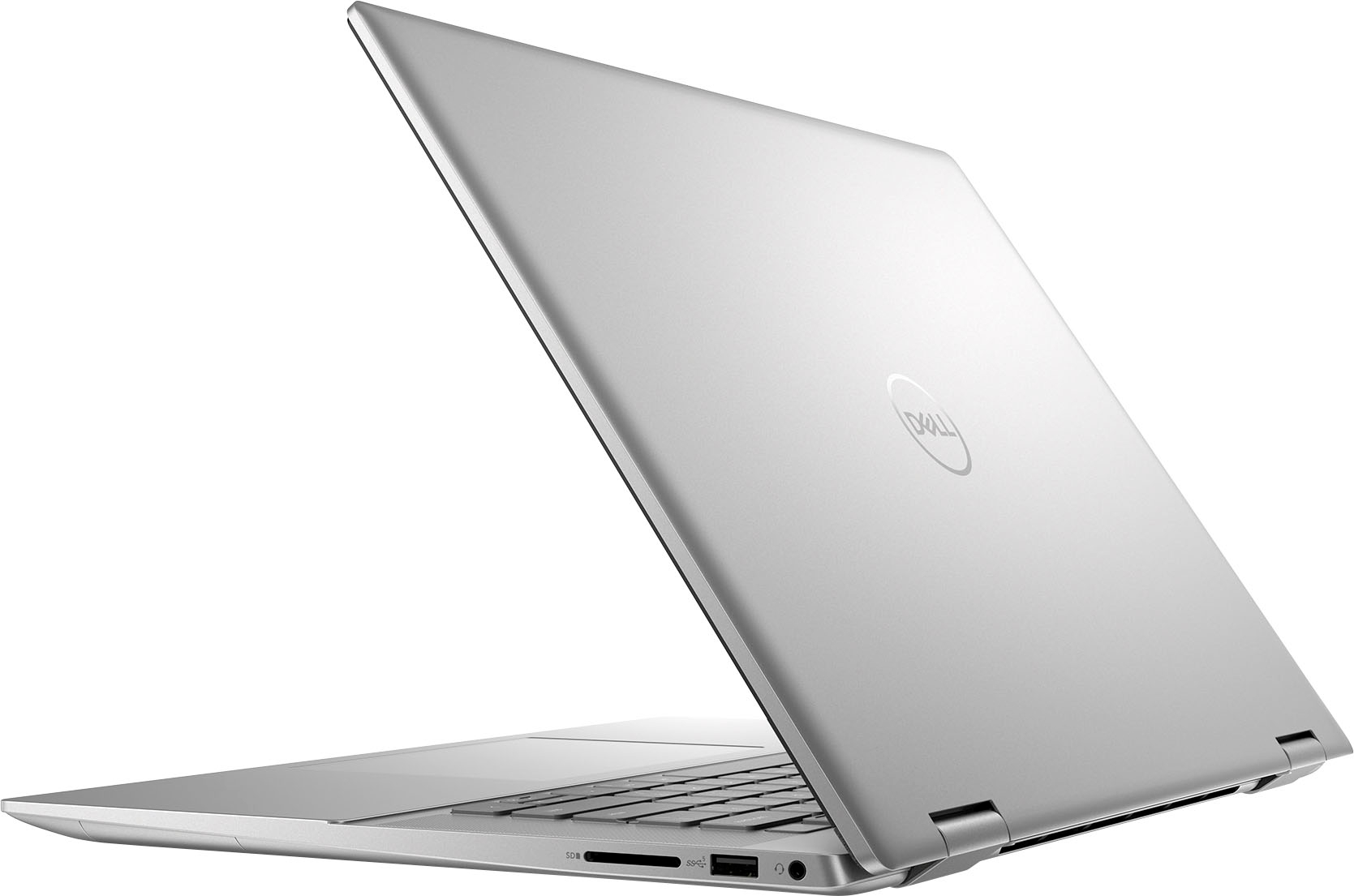
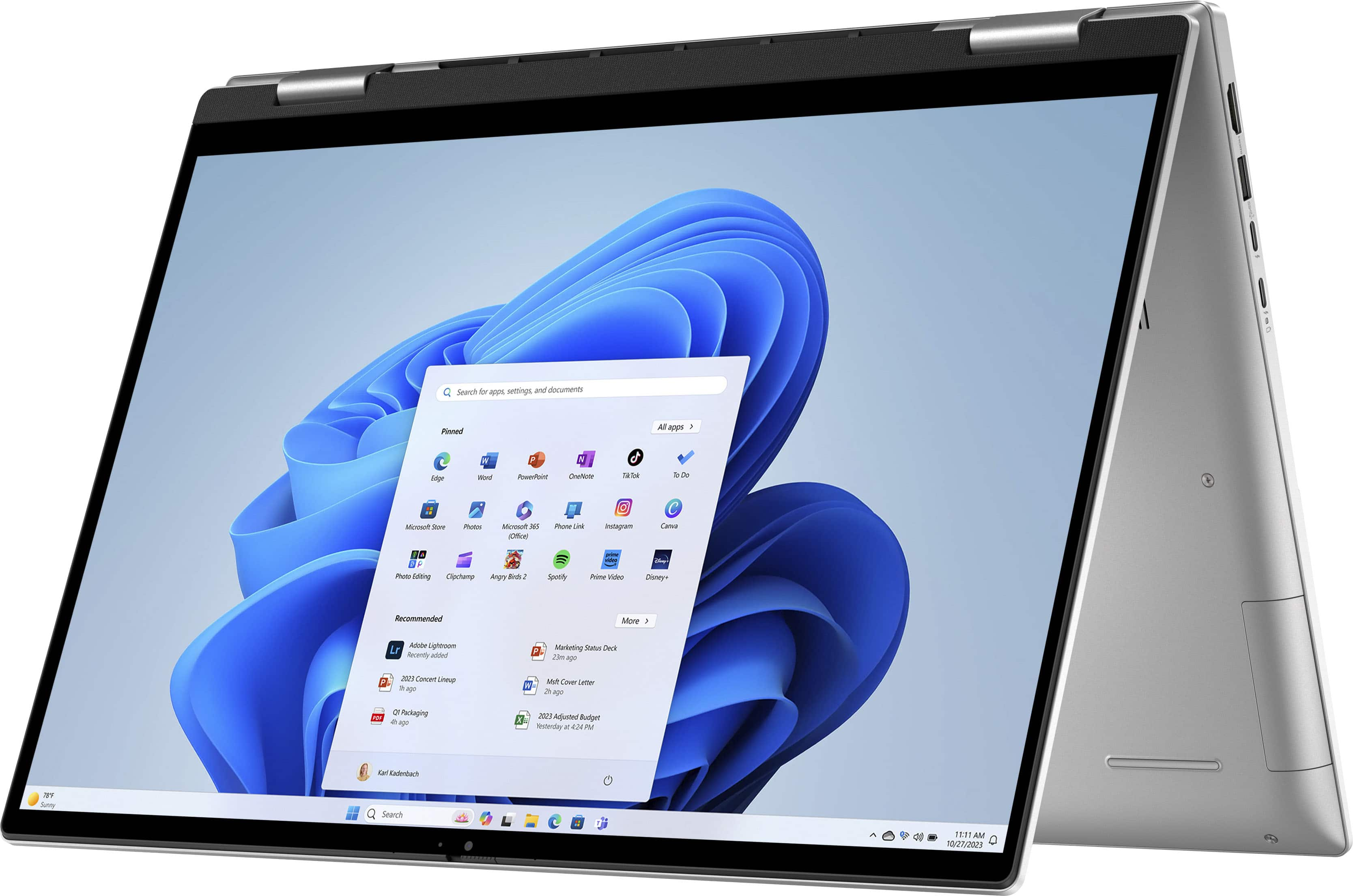
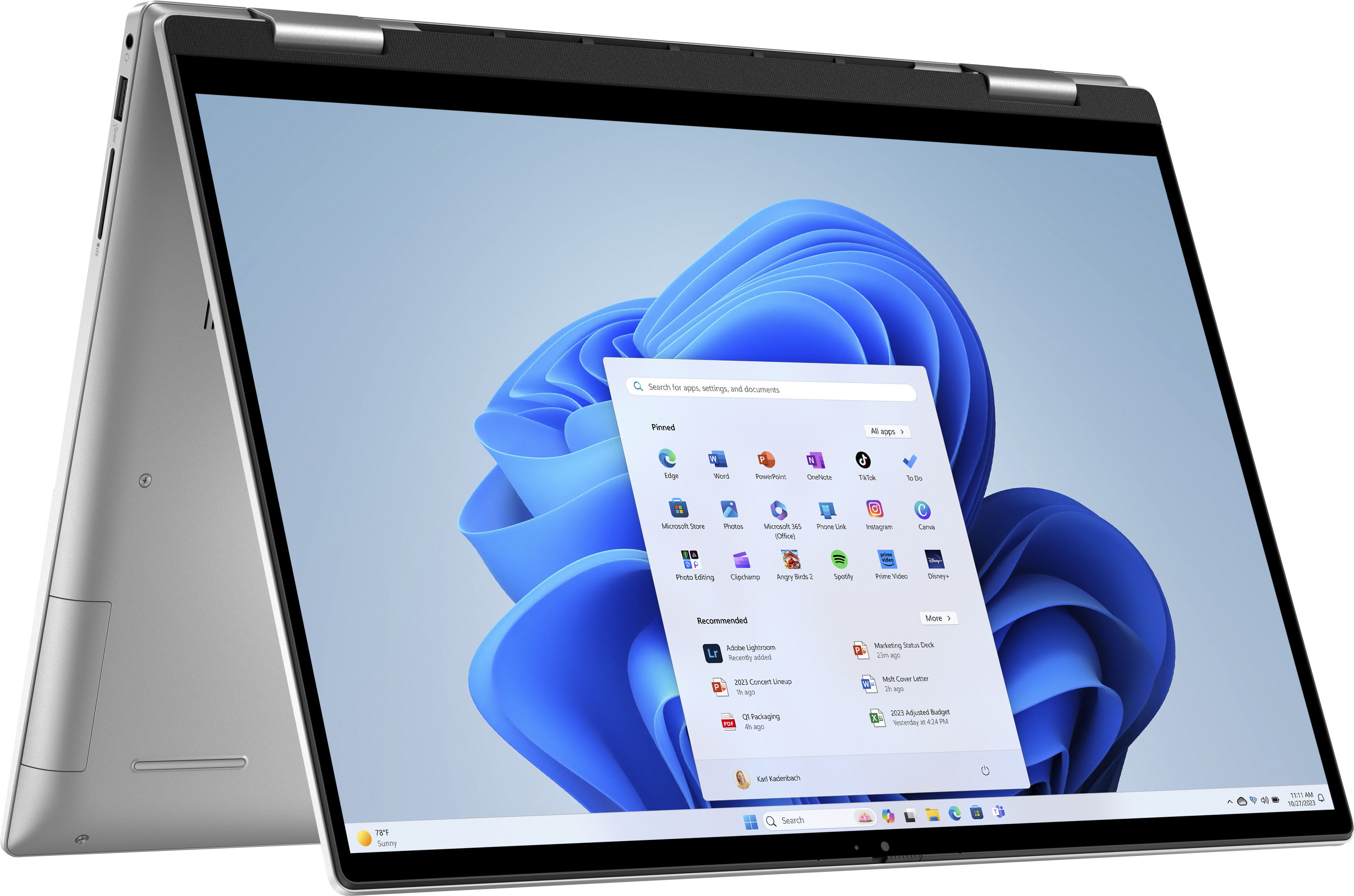
|Posted .This reviewer received promo considerations or sweepstakes entry for writing a review.This laptop isn’t beefy enough to be a graphic heavy production machine, but it’s not just another document processor and internet surfer machine either. It’s sitting somewhere in the middle. WIth an i7 and 1TB of SDD space, this Dell 2 in 1 definitely has the ability to handle some heavy work. As a photographer and videographer, it won’t be my go to work machine, but in a pinch on the road, I know it’ll be able to do some simple level work. I already have been able to smoothly use photoshop and lightroom, although once I start any heavy processing it does start to stutter. (even my editing PC with top end specs struggles eventually though.) Video editing is a bit more complicated, but if you plan on just making simple one to two track video projects with no heavy coloring or graphics work, it should be able to handle that. Think of your basic youtube vlog style type videos. The specs on this machine are available everywhere, including this best buy listing, so I won’t bother writing them all out, but I will say they come together to make a really solid, mid-level laptop/tablet. Running windows 11 and not an apple or android OS makes using the 2 in 1 as a tablet a little odd at first. But so far the touchscreen has been a joy to use, and most of the gestures are intuitive and easy to learn. I LOVE how big the screen is. In laptop mode, it doesn’t feel all that massive, but when you flip it into a tablet and hold it in your hands, you suddenly feel like you have a HUGE screen to work in. I set it up in …well, I just call it tripod mode, but when it’s open all the way like a triangle and you can prop it up on a table. Anway, I had the screen propped up like that using the touchscreen to put on some youtube videos while I was cooking in the kitchen and, compared to my small tablet that usually does this role, I was blown away at the size, the picture quality and the audio quality of the “tablet.” I got this 2 in 1 because my wife and I needed to replace our “family tablet” and also needed to update our traveling laptop. Before we got this, we would pack a small chromebook for computing needs and a tablet for entertainment. My personal laptop would also come with sometimes in case I found myself needing to do production work on the road but that laptop is huge, heavy, and overkill for most situations. But with this new Dell 2 in 1, we can just pack the one machine and have a tablet when we need it, a chromebook level “internet surfer” for her and a somewhat decent production worker for me. Somehow we made a 2 in 1 replace 3 machines we usually pack on a trip. And BONUS, it’s so small and easy to pack. It’s not crazy light, but not too heavy either. Honestly, the lighter ones just feel like they’re going to break to me. I prefer a little heft in my laptop. So what about the CONS? So far I haven’t noticed a lot or anything that would make me regret my choice. There’s not a ton of bloatware on the machine, the touch screen responds well, the battery lasts a long time and the keyboard has a good feel to it. All the usual suspects for cons are not really an issue. The closest thing is the keyboard. I noticed when pushing on some of the numbers like 8 and 9, that the keyboard really gives way under the press. Pushing with a little more than normal pressure makes the keys all around start to bend inward. It’s not a huge issue, it just makes me question the longevity of the keyboard quality and the build frame overall in that area. And while we’re on the subject of the keyboard: As a 2 in 1, when flipped all the way open, the keyboard becomes the outside bottom edge. Essentially meaning if you set the tablet on a surface, or holding it in your hand, the keys are being pressed in and touching whatever surface you set it on. Or in the case of holding it, your fingers awkwardly crush the keys underneath with a decent amount of pressure to keep a good grip on the machine. I caught myself once or twice about to set it down on a table surface before realizing the table wasn’t very clean and had crumbs or sticky residue on it that would essentially be pushed against the keys if I were to set it down. I would simply switch to the “kickstand” or tripod style and prop the tablet up. This might not always be an option though and I’d like to see some sort of protection cover or soft case that can cover the keys when in tablet mode. One thing to note too, when it’s opened all the way like that, the laptop automatically turns the keys off so you won’t be pressing buttons and messing things up. Another con about tablet mode is that there is no power button on the screen itself. What I mean is, if you have it opened all the way into a tablet and say you’re on battery so your screen is set to turn off in a short amount of time, eventually you need to turn it back on right? With a phone or tablet we generally tap the power button on the side or double tap the screen to turn it back on. However, on this computer, you can’t do that. There is no way to turn the screen back on by touching the screen, no matter how many fingers you use. I searched for an answer from Dell and all I could find were people saying at this time there is no way to turn the screen back on other than pressing the power button/fingerprint scanner on the keyboard. There’s no secondary screen on/off button on the screen edge itself or anything like that. This means if you have the tablet laying on your lap or even propped up in the kickstand mode, you have to awkwardly flip it over and press the power button, probably put in your pin or fingerprint depending on your security settings, and then can go back to work. This became very annoying when I had the machine propped up next to me while I worked at my desk on my PC and was occasionally using the laptop to check some files or emails etc. The laptop would turn off from no activity after about 3 or 5 min and then I would want to quickly reference something but have to flip it over and press the power button and do the whole process over. Speaking of the fingerprint reader, it’s not that great so far. I may need to scan my print again, but I’ve noticed it works about 65% of the time, usually resulting in having to put the pin in because the print wasn’t read. Also, during the aforementioned tablet screen shutting off situation, I found out it will not read your print upside down. So when it’s propped up as a touchscreen and you think you can just reach over the top and scan your print, it won’t work because your finger is “upside down” from the scanner. These are nitpicky things I know, but when there’s not much bad to talk about, you gotta get picky. OVERALL I think this 2 in 1 is a perfect computer for mid-level needs. Someone who wants to do more than just scroll websites and word documents but doesn’t need to have a graphic erupting power beast either. You can probably do some casual gaming and low level graphic work but primarily this machine will shine when you need a laptop that sometimes is a tablet or vice versa. It’s small and compact with powerful speakers and a comfortable weight that makes this 2 in 1 an awesome companion for any vacation traveler, commuter, or on the go user.
I would recommend this to a friend Left speaker not working
||Posted . Owned for 3 months when reviewed.This reviewer received promo considerations or sweepstakes entry for writing a review.It is good , but there is some issue with this series as far as my 2 models get damged left speakers
No, I would not recommend this to a friendBrand response from YourDellTeam
Posted .Dear Valued Customer,
We appreciate you taking the time to leave us your review of your Inspiron 7630. We are sorry to hear that you are having issues with your audio quality. It's important for us to hear about any inconsistencies in our products for consideration of future development. Below, I have provided troubleshooting instructions with the full article that can help you troubleshoot and resolve this issue.
Here are the steps to help resolve your audio issue:
1. Check the audio ports for damage and clean ports.
2. Restart your computer.
3. Check the microphone connection. (external microphone only)
4. Set the default recording device and check the microphone volume.
5. Check the settings in voice communication apps.
6. Run Microsoft Sound Troubleshooter.
7. Troubleshoot Bluetooth devices. (Bluetooth speakers or headphones)
8. Reinstall or Update the chipset driver, audio driver, and BIOS.
9. Run a hardware diagnostic test.
10. Download and install Microsoft Windows updates.
11. Perform Windows System Restore.
12. Restore your computer to factory defaults.
How to Troubleshoot Audio or Sound Recording Issues: https://dell.to/3p73Us3
If you continue to experience issues, please reach out to Dell Support directly by using the information provided below.
Chat or call: https://bit.ly/DellSupportTeam
Phone number to Dell: 1-800-624-9896
Best,
Summer@Dell
Dell Computer
||Posted . Owned for 3 weeks when reviewed.This reviewer received promo considerations or sweepstakes entry for writing a review.We haven't had a chance to set up this computer because of Best Buy's expensive set up charges
I would recommend this to a friendBrand response from YourDellTeam
Posted .Hello LynnP,
Thank you for taking the time to leave us your review. If you come across any further questions, issues, or concerns, please use the information below to contact Dell Support at your earliest convenience.
Chat or call: https://bit.ly/DellSupportTeam
Phone number to Dell: 1-800-624-9896
Best,
Jay@Dell
Blue tooth sucks
||Posted . Owned for 3 weeks when reviewed.This reviewer received promo considerations or sweepstakes entry for writing a review.Blue tooth does not work correctly. I have to restart the computer every time I hook to a blue tooth device.
No, I would not recommend this to a friendBrand response from YourDellTeam
Posted .Greetings ShannonA,
We value your feedback and want to thank you for taking the time to leave a review of your Inspiron 2-in-1 laptop. We are sorry to hear that you are experiencing an issue with your Bluetooth connectivity. That is not the type of feedback we like to hear from our customers, or the type of product Dell intends to deliver. We have noted the details of your statement and will use them to improve current and future products. Below I have provided a troubleshooting link to help resolve your issue.
Bluetooth Connectivity Troubleshooting Link: https://dell.to/3bHojMR
If you continue to experience issues, please reach out to Dell Support directly by using the information provided below.
Chat or call: https://bit.ly/DellSupportTeam
Phone number to Dell: 1-800-624-9896
Best,
Summer@Dell
Lap top
||Posted . Owned for 1 week when reviewed.This reviewer received promo considerations or sweepstakes entry for writing a review.The size of theblap top is nice. Can not give it a real review havent used it much.
I would recommend this to a friendBrand response from YourDellTeam
Posted .Greetings Becca,
We value your feedback and want to thank you for taking the time to leave a review of your Inspiron 7630. We are happy to hear that you are enjoying the size of your device. We hope that once you have used your laptop for a period that you will leave us another honest review. If you need further assistance, we recommend using the toll-free number or chat link provided below to reach a member of our support team.
If you still experience any issues after you have finished troubleshooting your device using the steps above, please reach out to us at: https://bit.ly/DellSupportTeam.
Chat or call: https://bit.ly/DellSupportTeam
Phone number to Dell: 1-800-624-9896
Best,
Summer@Dell
Did not even last a year before it needed repairs
||Posted . Owned for 10 months when reviewed.This reviewer received promo considerations or sweepstakes entry for writing a review.Eleven months after purchasing this item, one of the hinges broke. The manufacturer would not cover the item under warranty. Geek Squad quoted nearly $500 for the repair, while Dell, the manufacturer, quoted $350. This was very upsetting to me.
No, I would not recommend this to a friendbuyer
||Posted . Owned for 1 month when reviewed.This reviewer received promo considerations or sweepstakes entry for writing a review.there isn't key pad included, not convenience at all
No, I would not recommend this to a friendBrand response from YourDellTeam
Posted .Hi Chole,
Thank you for taking the time to leave a review of your Inspiron 7630. We are sorry to hear that you were unaware that this device did not have a keypad included. It is feedback like yours that helps us to improve our current and future products. We have noted the details of your statement and will use them to improve current and future products.
If you continue to experience an issue and need further assistance, we recommend using the toll-free number or chat link below to reach a member of our Dell Support Team.
Chat or call: https://bit.ly/DellSupportTeam
Phone number to Dell: 1-800-624-9896
Best,
Summer@Dell
Camera not good
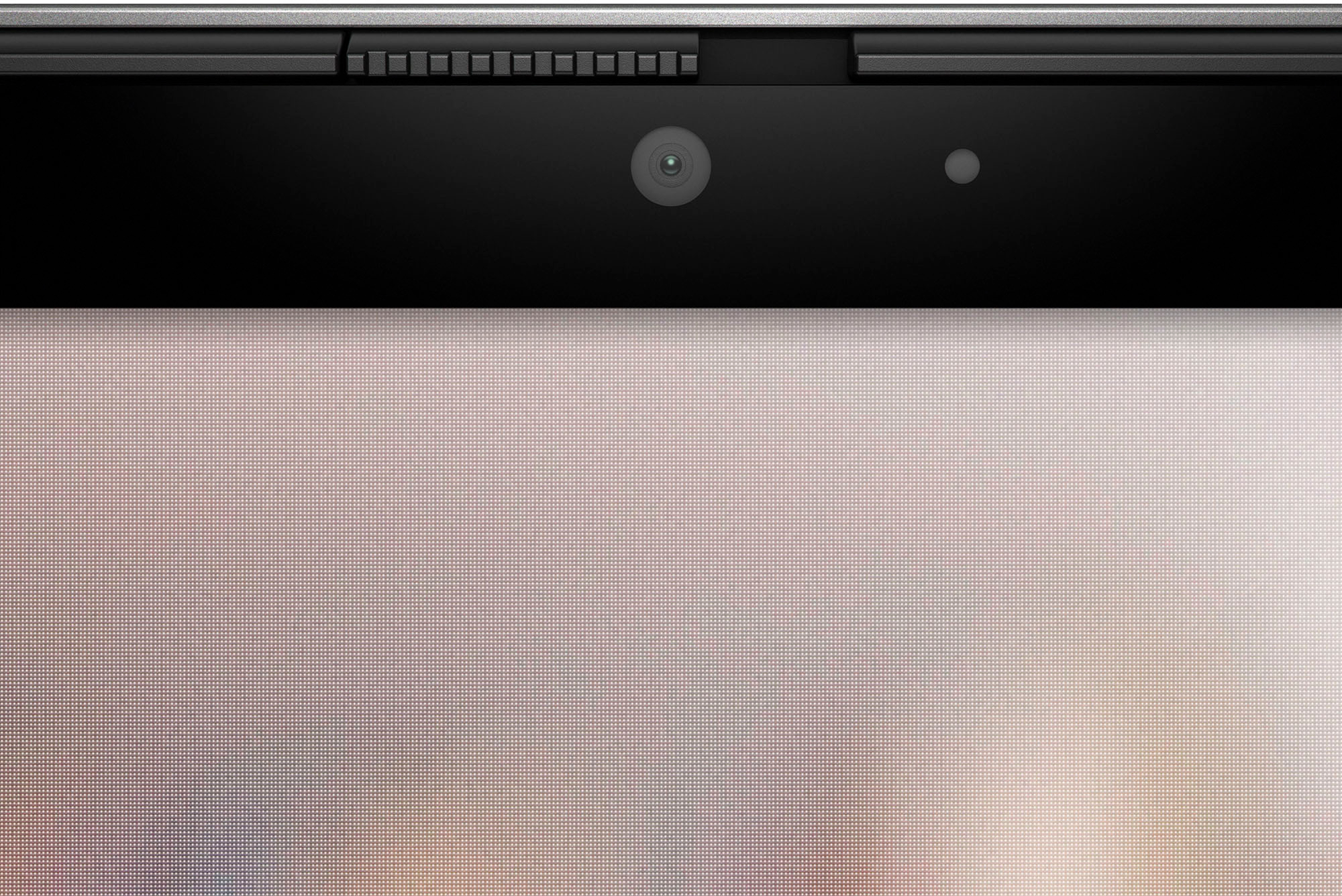
||Posted . Owned for 3 weeks when reviewed.This reviewer received promo considerations or sweepstakes entry for writing a review.Everything is nice except the megapixel of the camera
No, I would not recommend this to a friendBrand response from YourDellTeam
Posted .Hello RenukaT,
We appreciate you taking the time to leave a review of your Dell Inspiron 7630. We are sorry to hear that you are not completely satisfied with the camera resolution on your device. That is not the type of product Dell intends to deliver or the type of feedback we like to hear from our customers. We have noted the details of your statement and will use them to improve current and future products.
If you need further assistance, we recommend using the toll-free number or chat link below to reach a member of our Dell Support Team.
Chat or call: https://bit.ly/DellSupportTeam
Phone number to Dell: 1-800-624-9896
Best,
Summer@Dell
Buy better laptop
||Posted . Owned for 1 month when reviewed.This reviewer received promo considerations or sweepstakes entry for writing a review.It's alright laptop, but freezes and requires restart.
No, I would not recommend this to a friendBrand response from YourDellTeam
Posted .Hello Jo3e,
Thank you for taking the time to leave a review and for your feedback. We are sorry to hear that you are experiencing freezing issues with your Inspiron 16.0 2-in-1 Touch Laptop. It's important for us to hear about inconsistencies in our products for consideration of future development. Below I have provided troubleshooting instructions with the full article that can help resolve this issue.
Here's the steps to help resolve your issue:
1. Search for Windows Error Codes.
2. Run a Computer Diagnostic.
3. Run Routine System Maintenance.
4. Update Drivers and BIOS.
5. Check Air Vents.
6. Check Safe Mode Symptoms.
7. Update Windows.
8. Uninstall, Reinstall and Update Software.
9. Look for Multiple Anti-Virus Programs.
10. Check for Malware.
11. Use System Restore.
12. Factory Install or Reinstall Microsoft Windows.
You can read the full article on solving freezing issues here: https://dell.to/33Y2KFn
I have also added a video link for additional troubleshooting:
If you continue to experience issues or need further assistance, please reach out to Dell Support directly by using the information provided below.
Chat or call: https://bit.ly/DellSupportTeam
Phone number to Dell: 1-800-624-9896
Best,
Jay@Dell
Dell
||Posted . Owned for 4 months when reviewed.This reviewer received promo considerations or sweepstakes entry for writing a review.Average. It does what’s it supposed to. The display is great.
I would recommend this to a friendBrand response from YourDellTeam
Posted .Greetings KimberlyW,
Thank you for taking the time to leave a review of your Inspiron 2-in-1 laptop. We are happy to hear that you are enjoying your device. That is the type of feedback we like to hear from our customers, and the type of product Dell intends to deliver. If you come across any questions or concerns or need assistance we recommend using the toll-free number or chat link below to reach our support team.
If you continue to experience issues, please reach out to Dell Support directly by using the information provided below.
Chat or call: https://bit.ly/DellSupportTeam
Phone number to Dell: 1-800-624-9896
Best,
Summer@Dell