Customer Ratings & Reviews



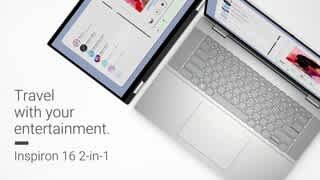



- Model:
- i7630-7312SLV-PUS
- SKU:
- 6539902
Rating by feature
- Battery Life
Rating 4.7 out of 5 stars
- Speed
Rating 4.8 out of 5 stars
- Display
Rating 4.8 out of 5 stars
Customers are saying
Customers value the Inspiron 2-in-1's large, responsive touchscreen and its impressive performance and battery life. Many appreciate its ease of use, lightweight design, and ample RAM and storage. While some found the keyboard slightly less sturdy than expected, the overall positive feedback highlights the laptop's strong performance and features. The price point also receives positive comments.
This summary was generated by AI based on customer reviews.
- Pros mentioned:Battery life, Processor speed, Screen size

Great laptop with large vivid and bright screen
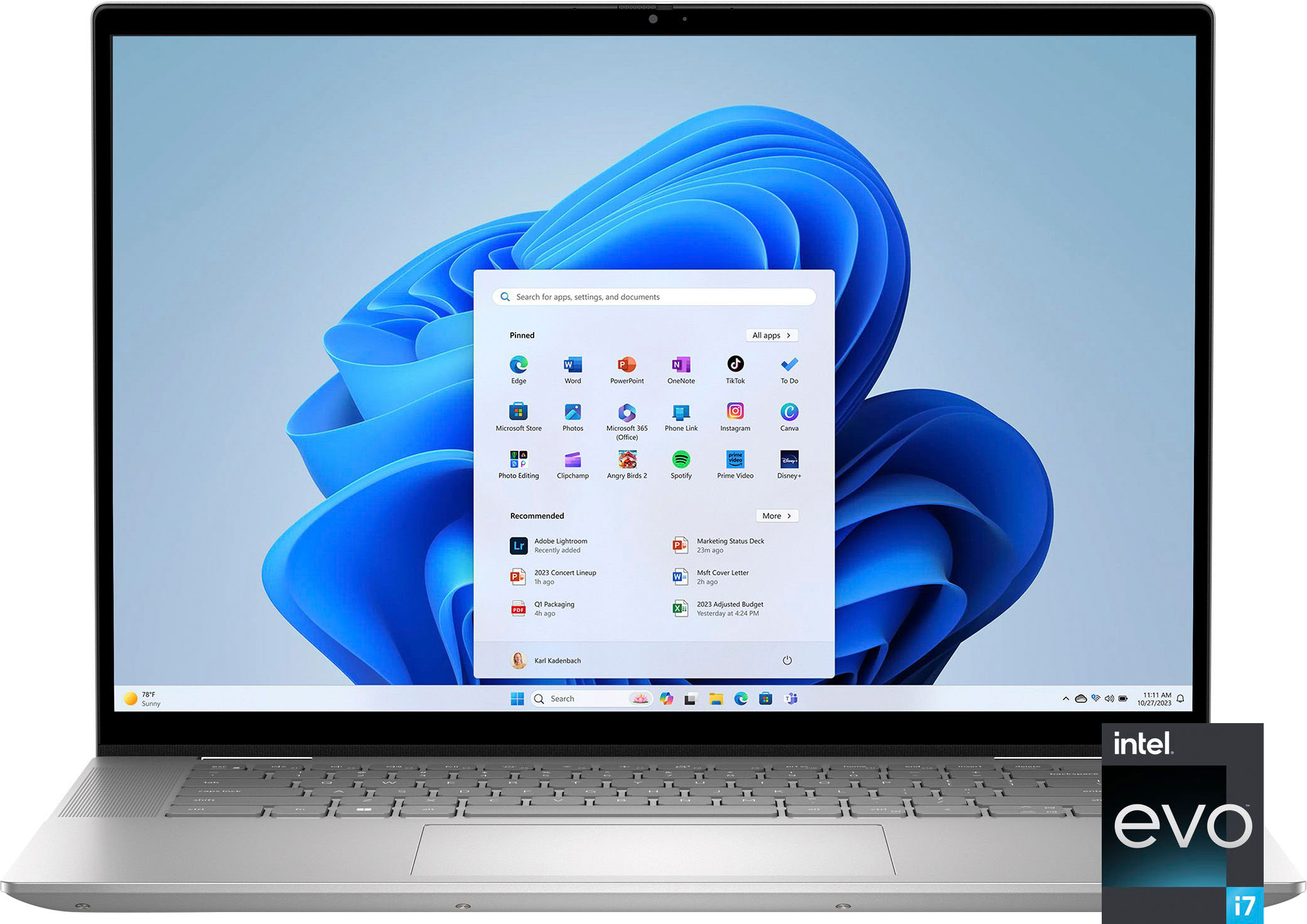
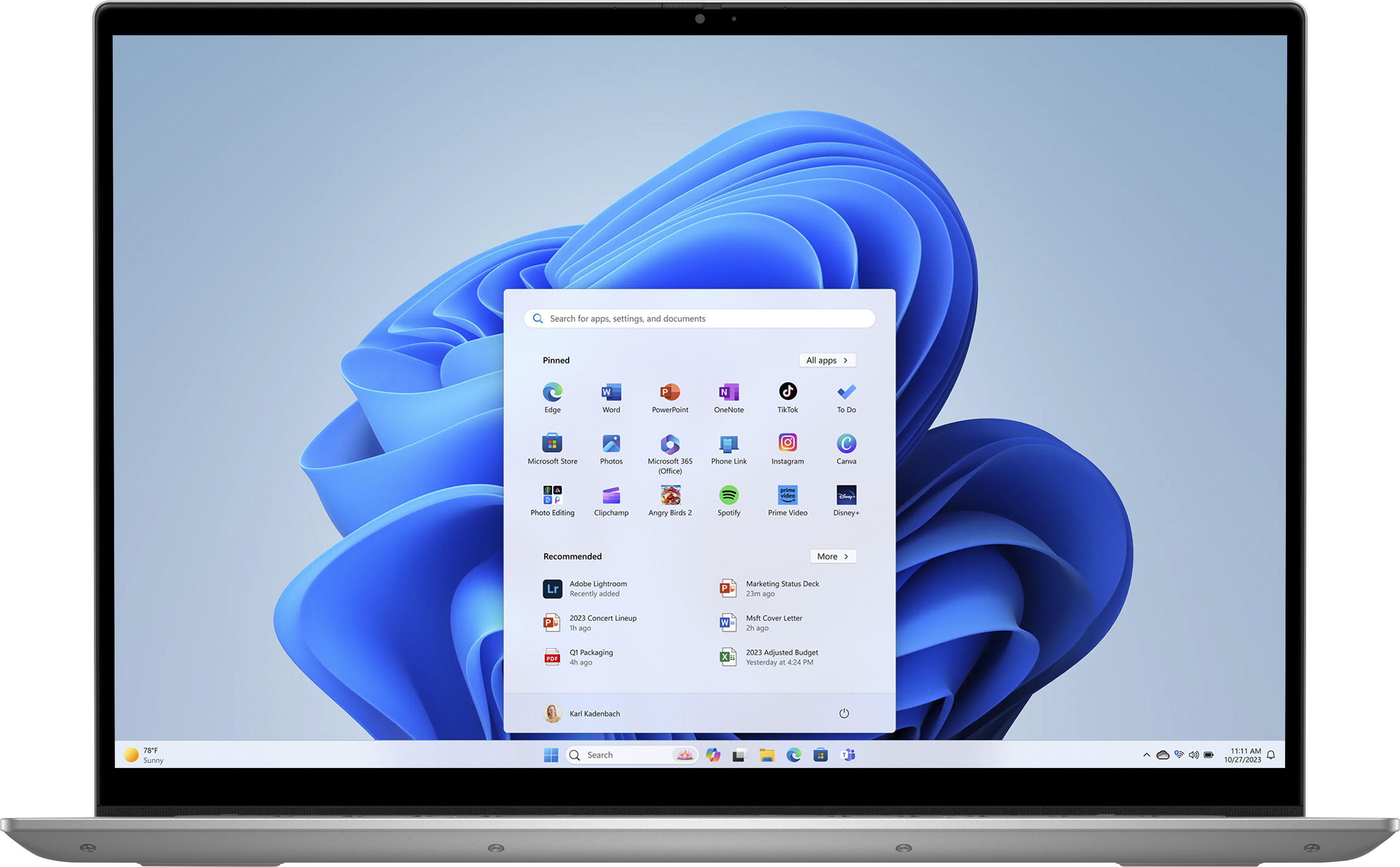
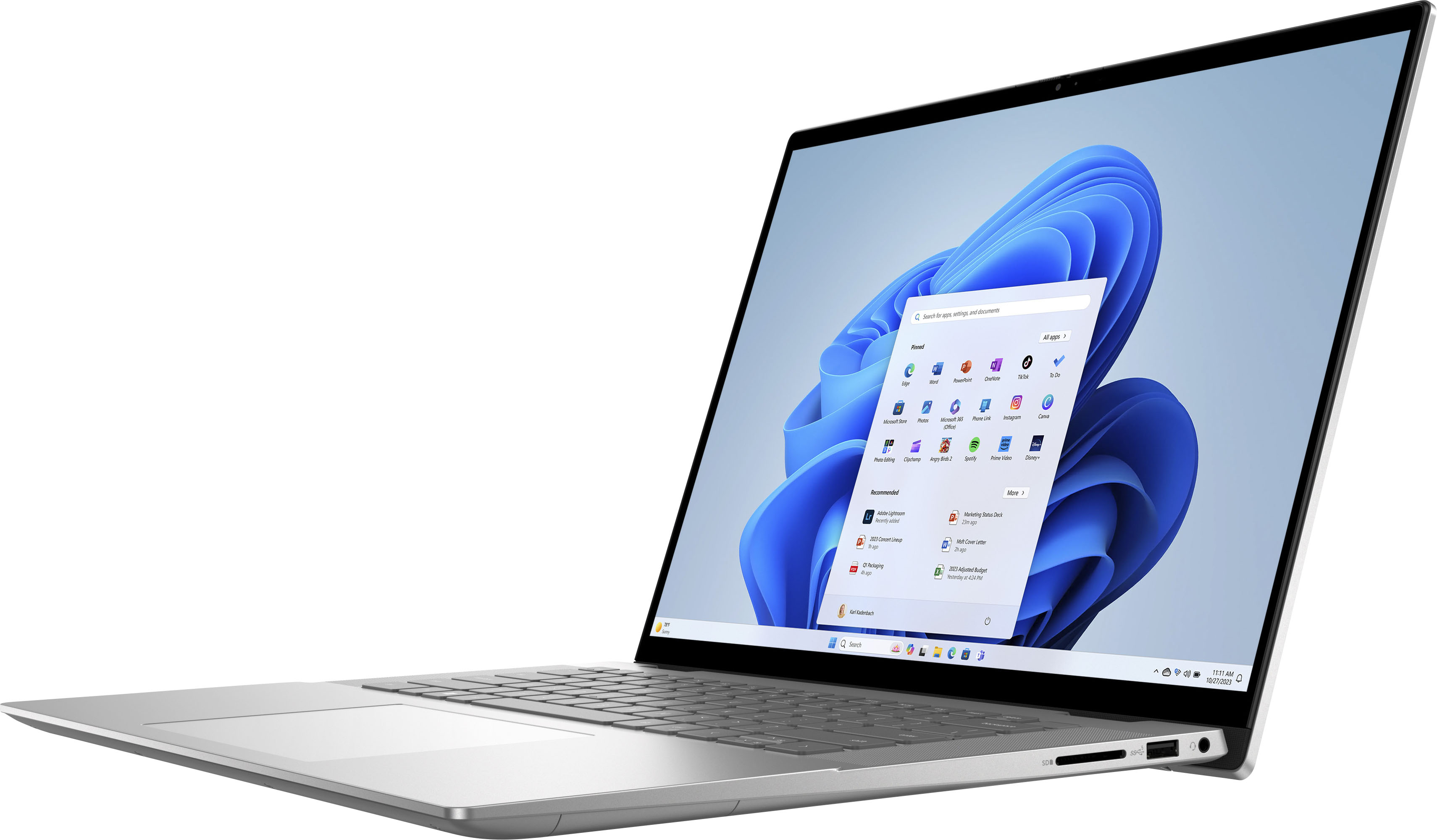
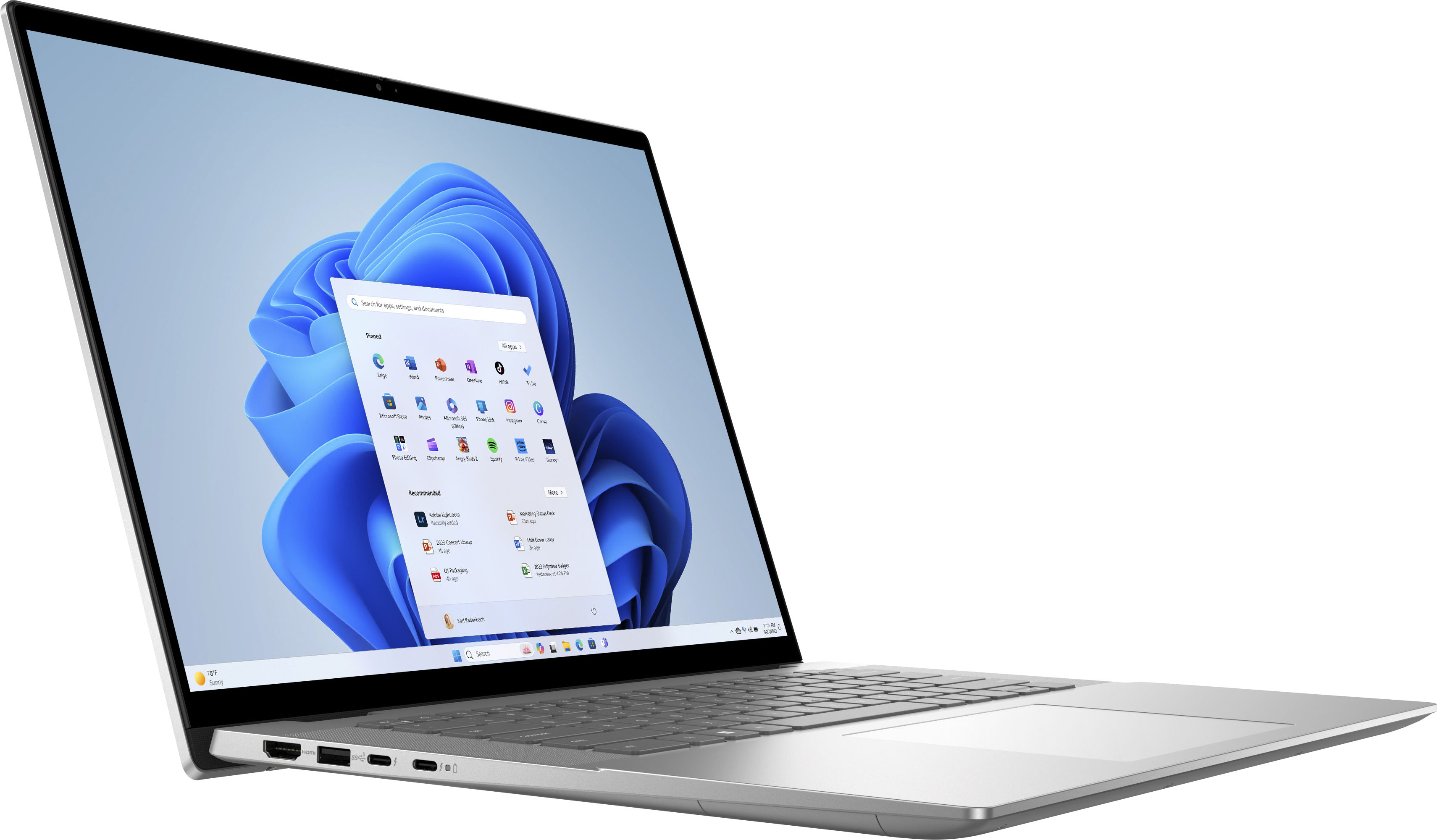
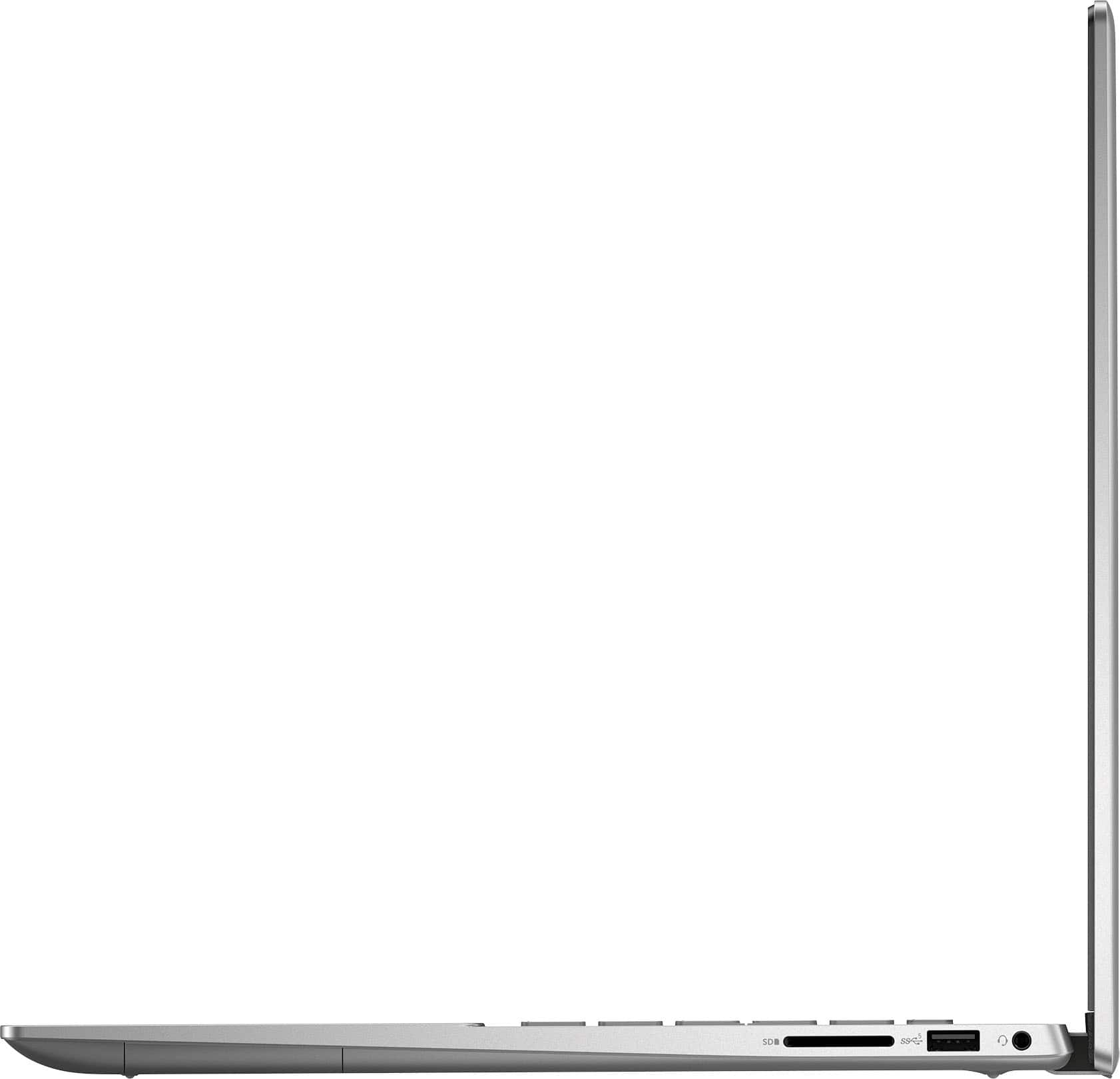
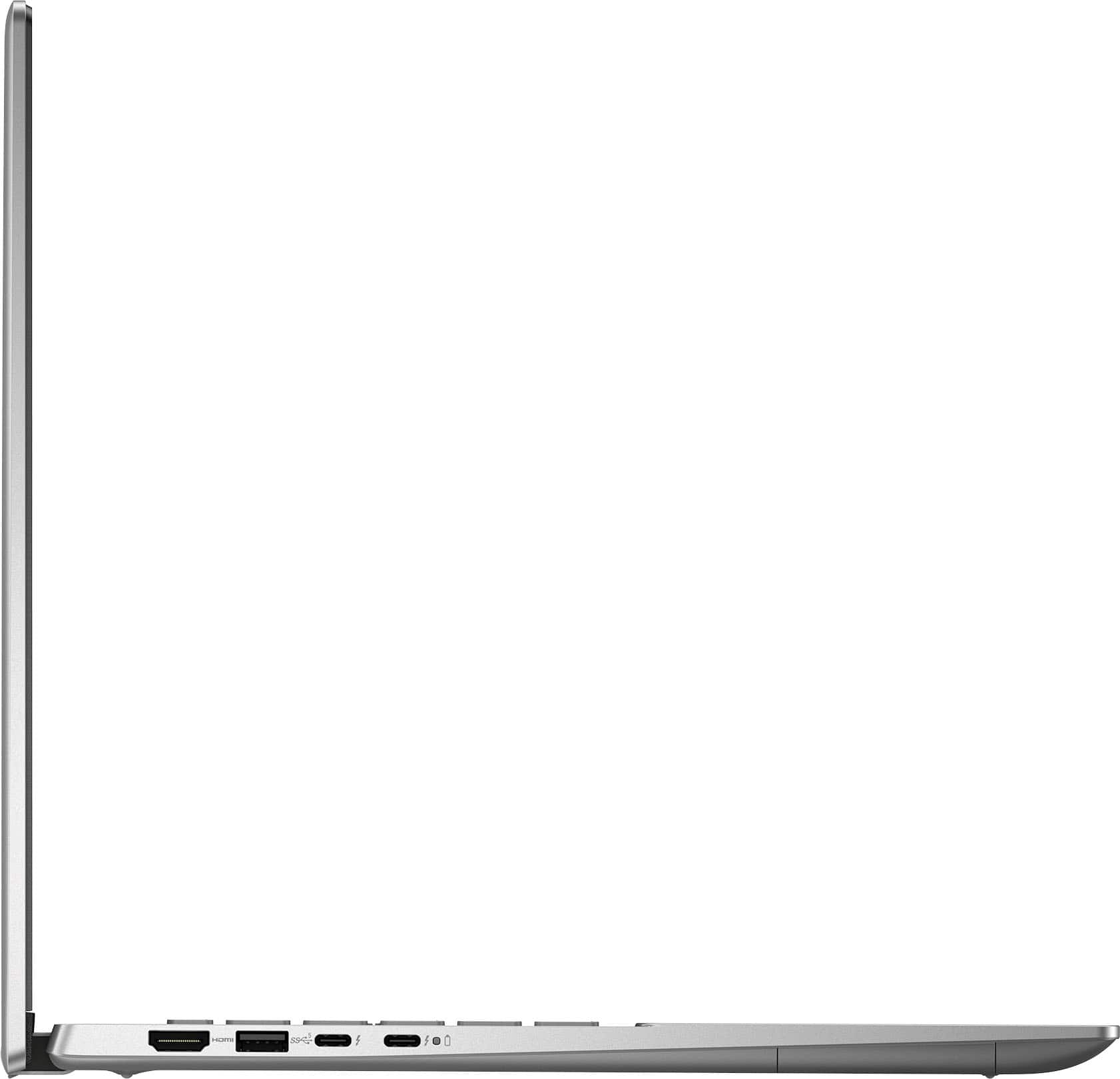
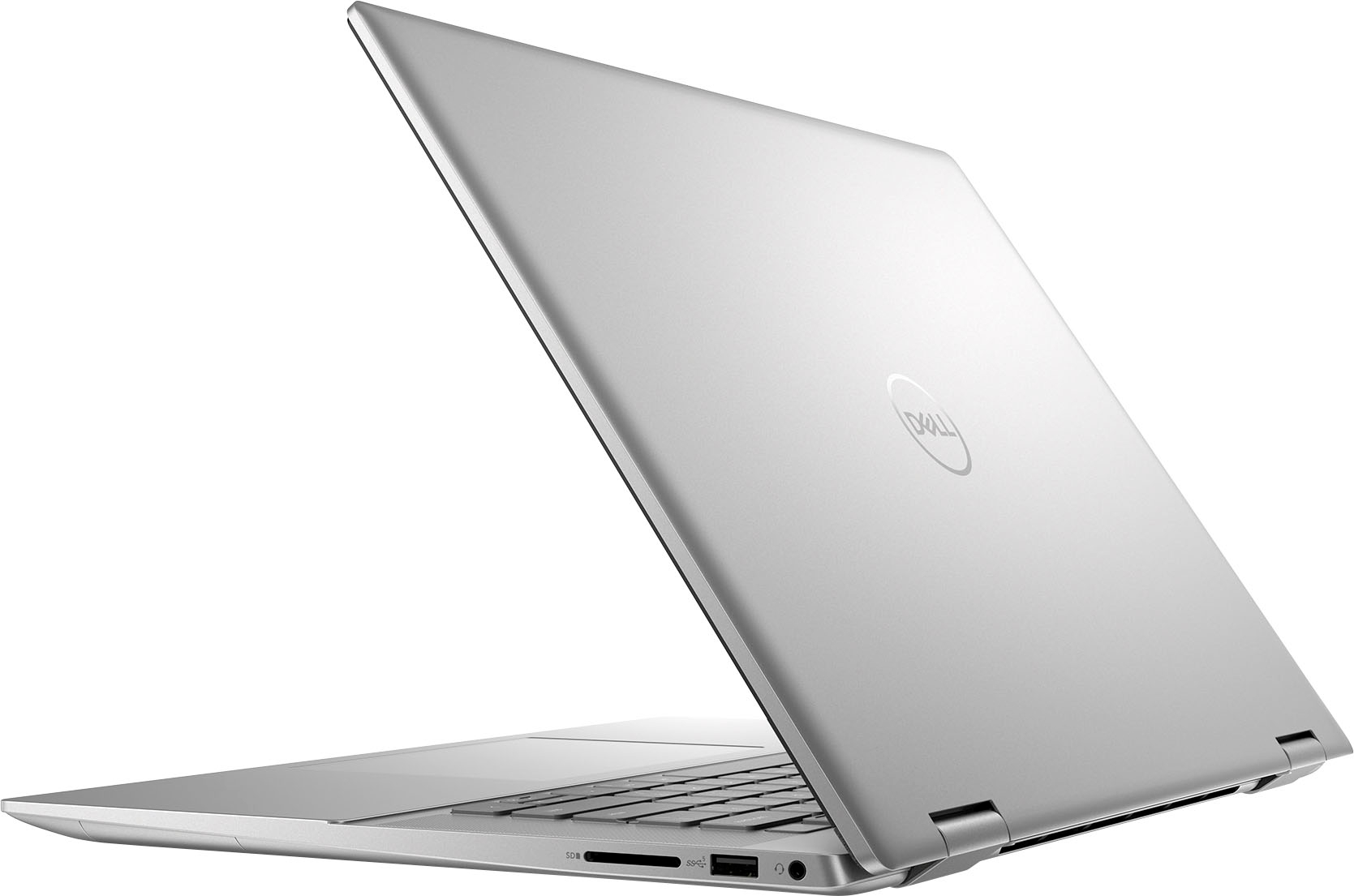
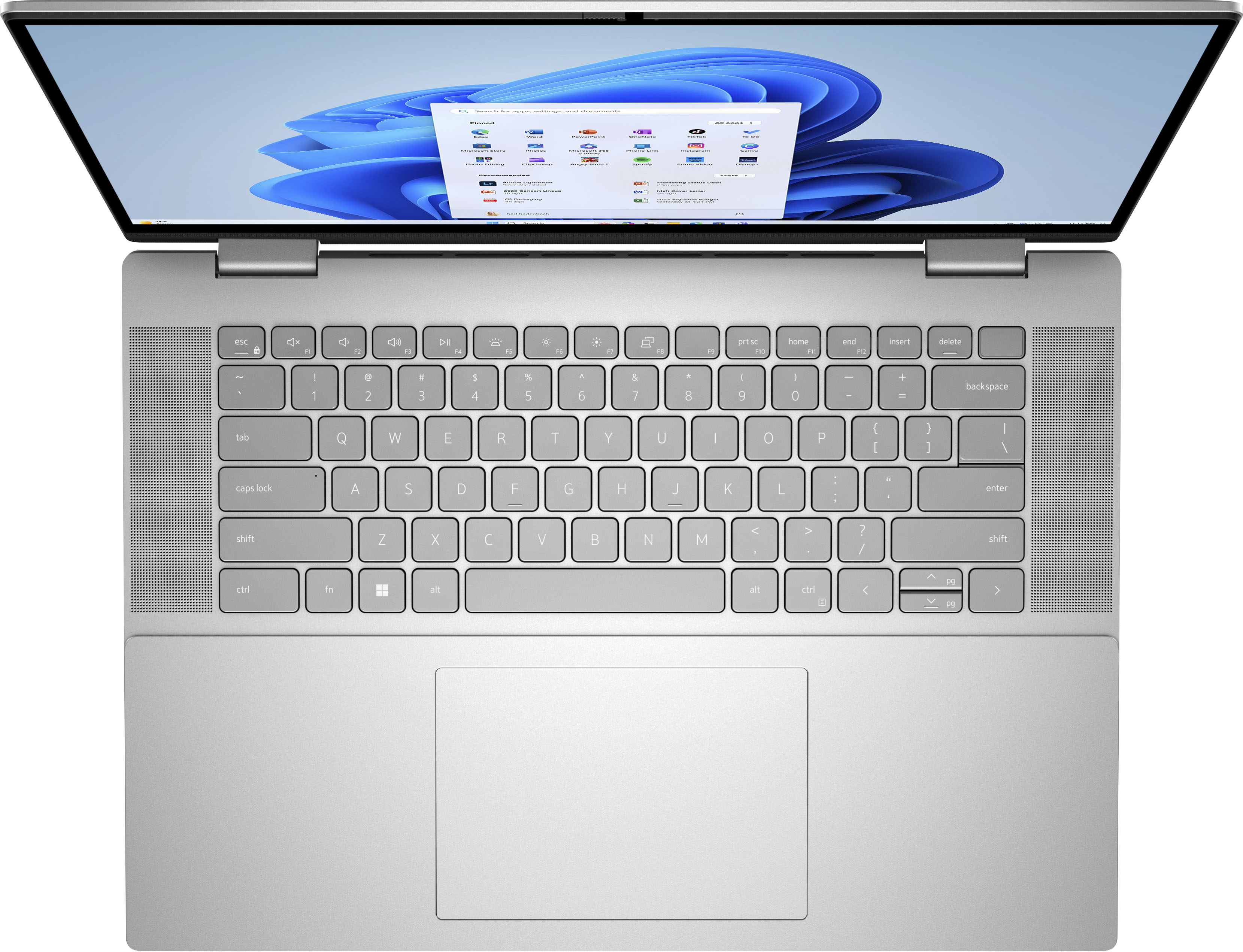
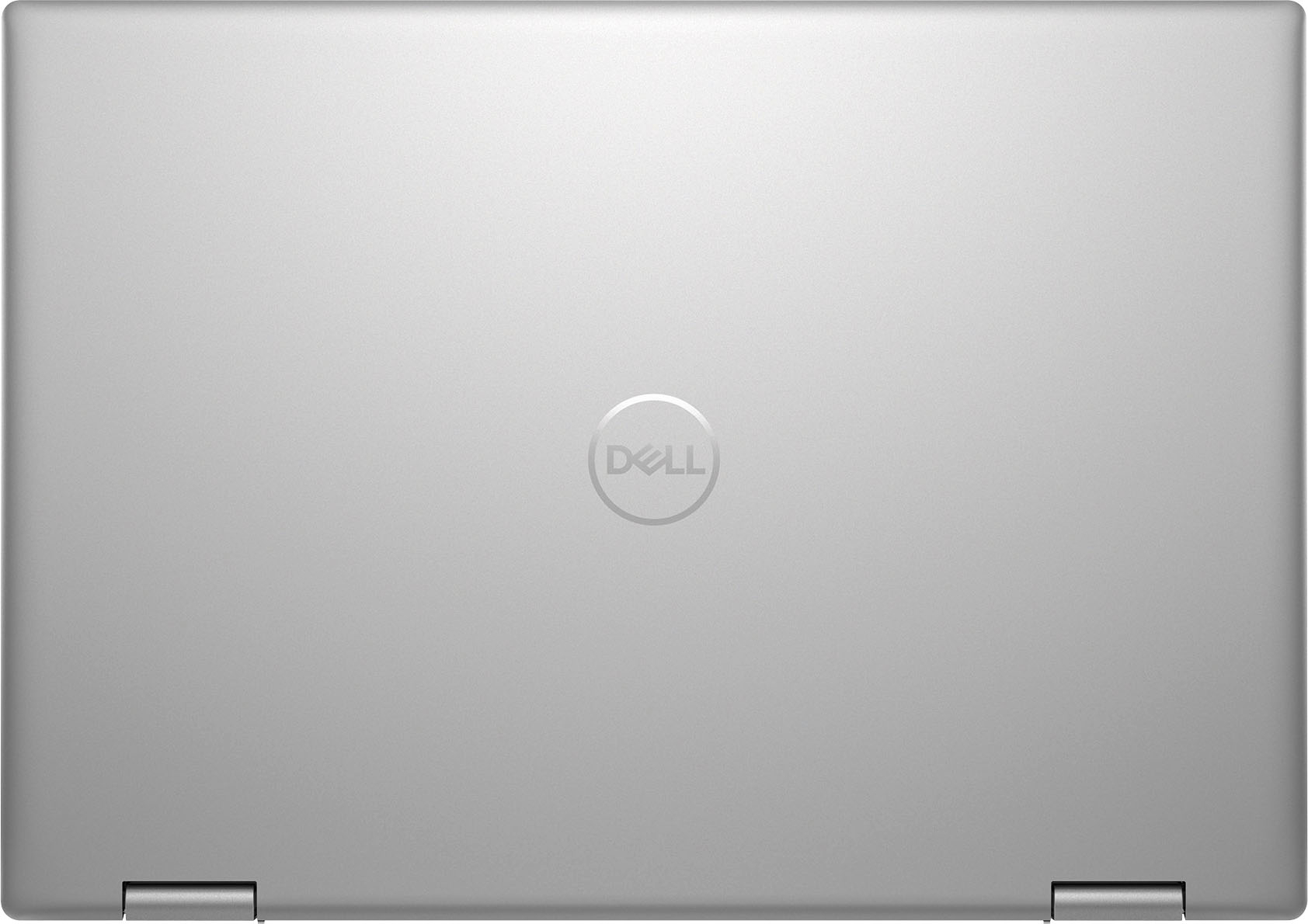
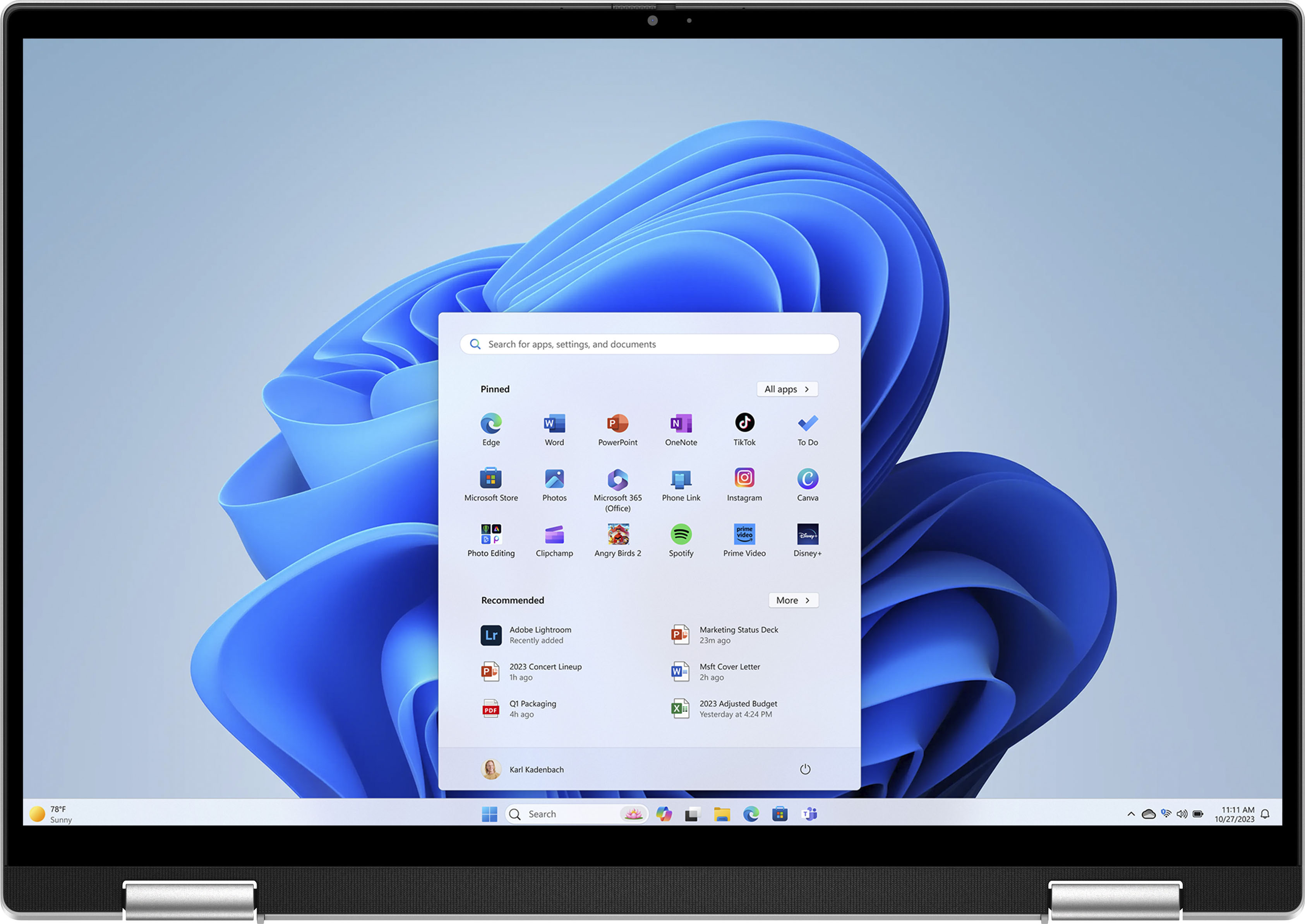
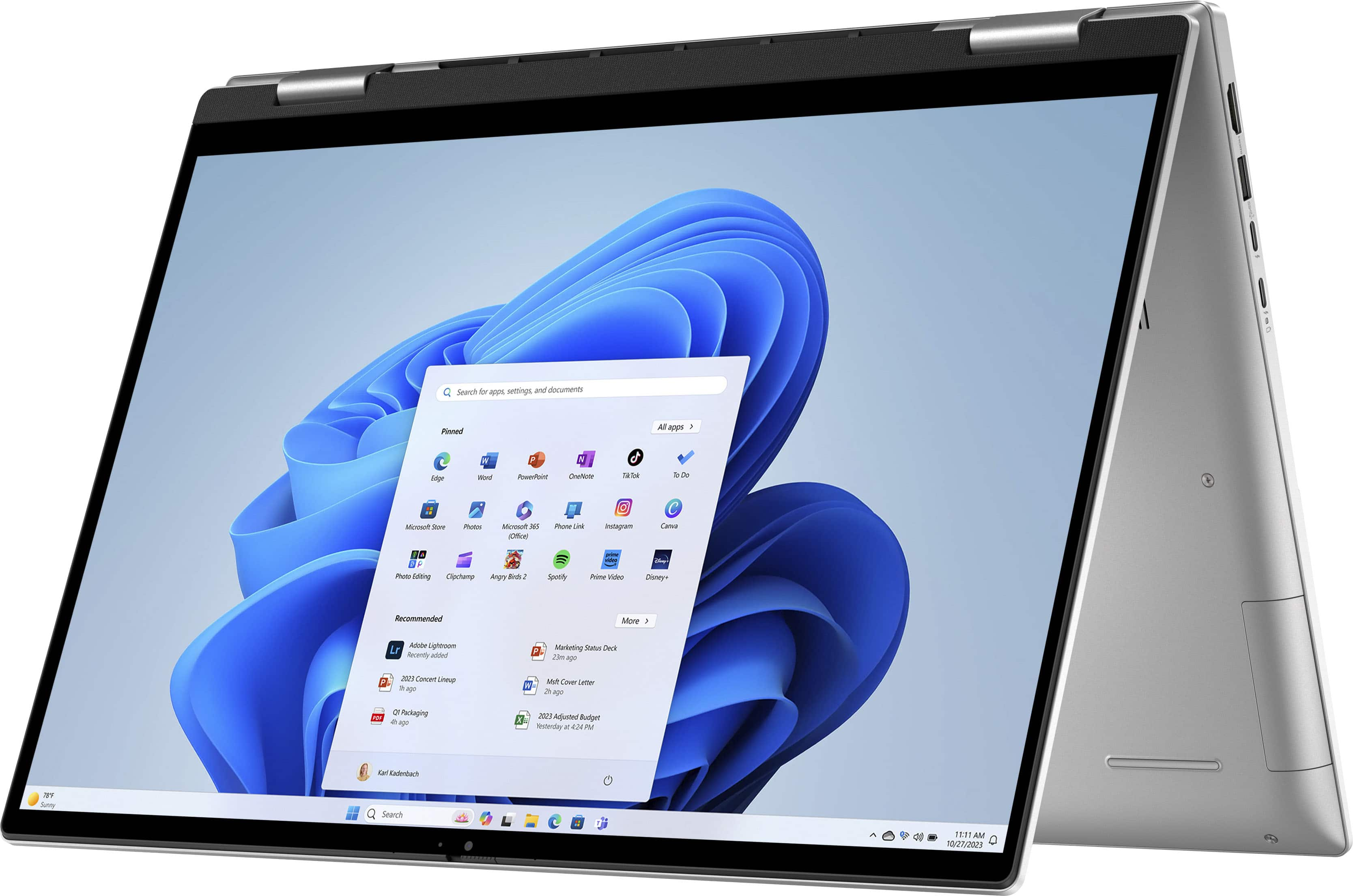
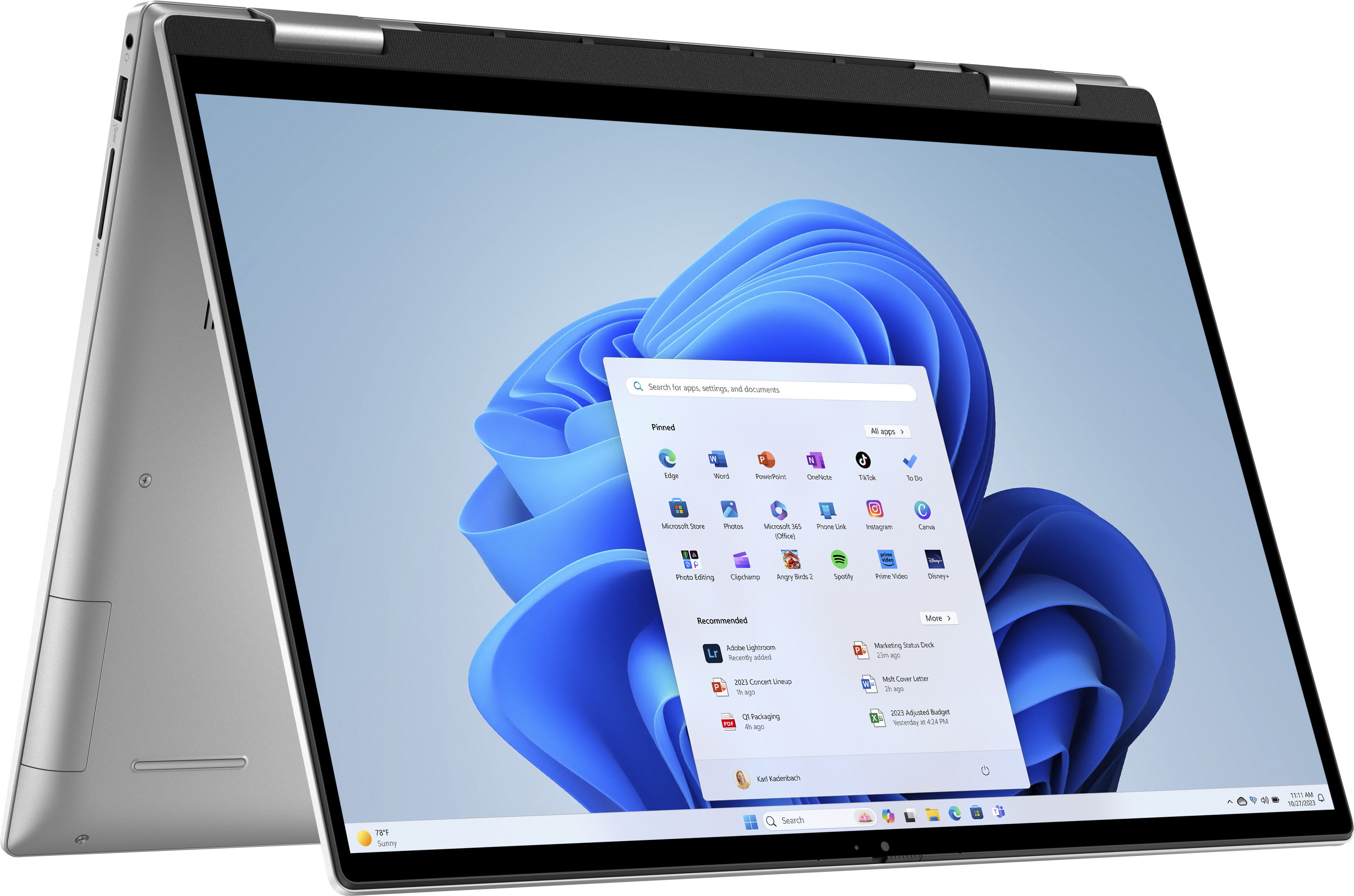
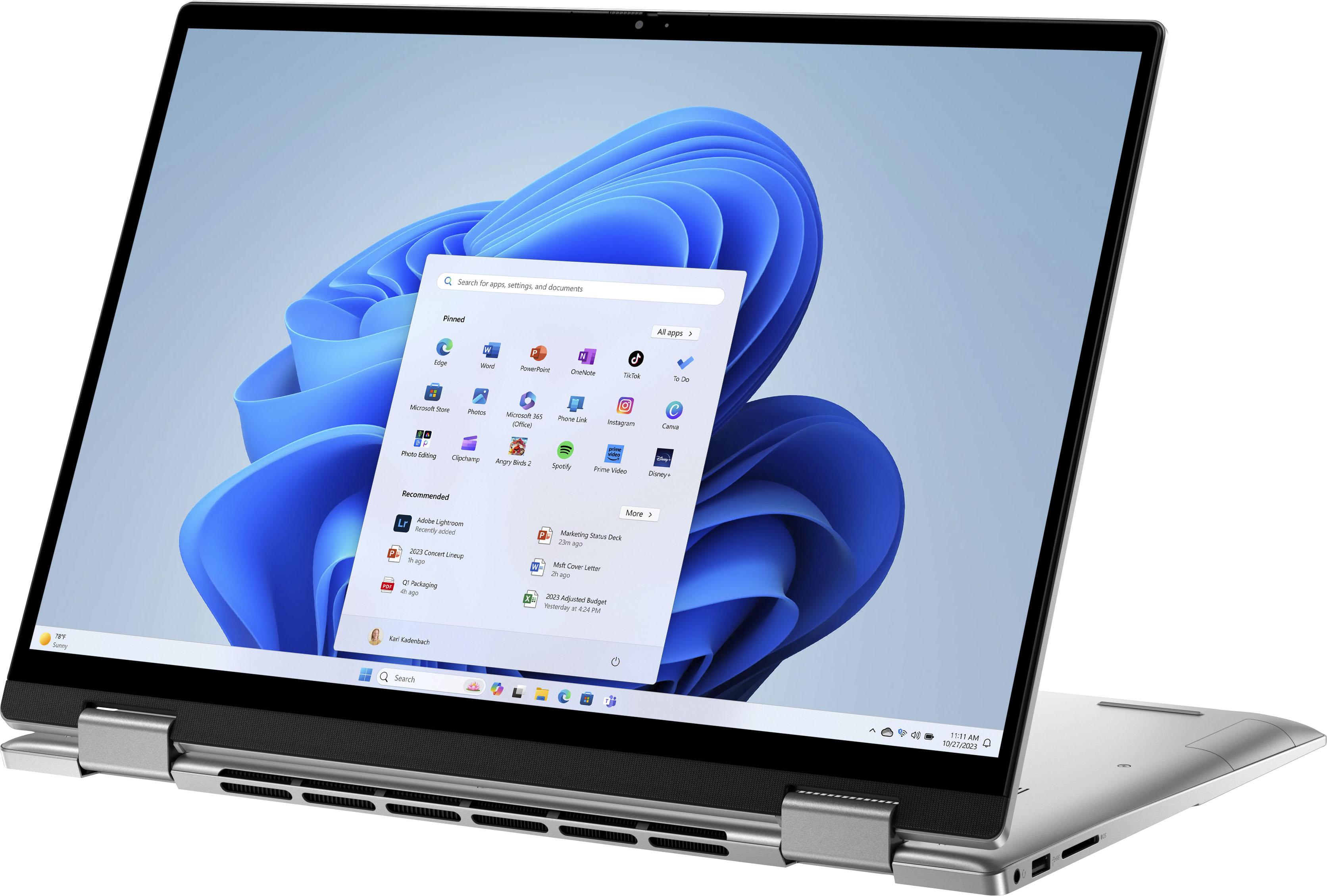
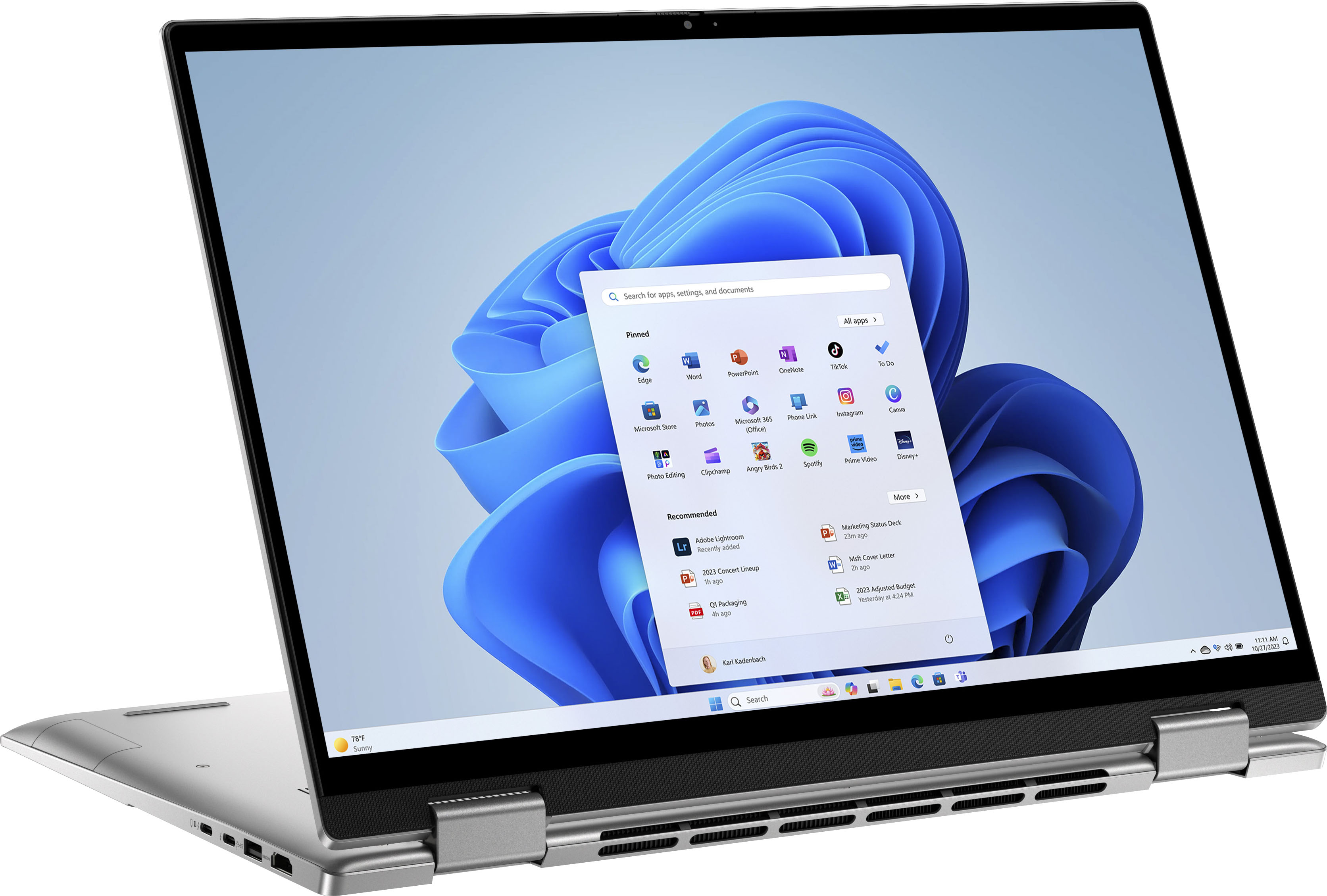
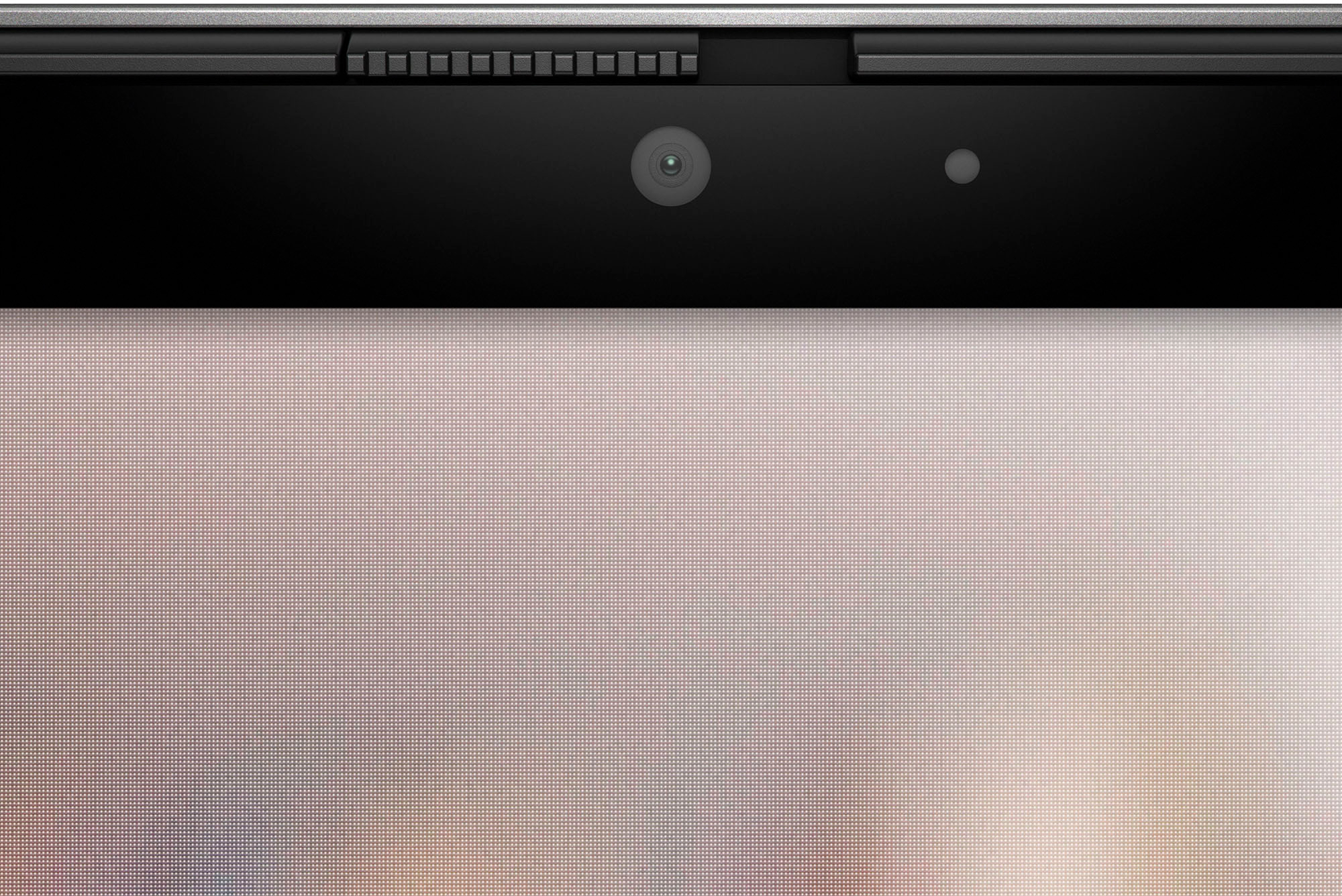
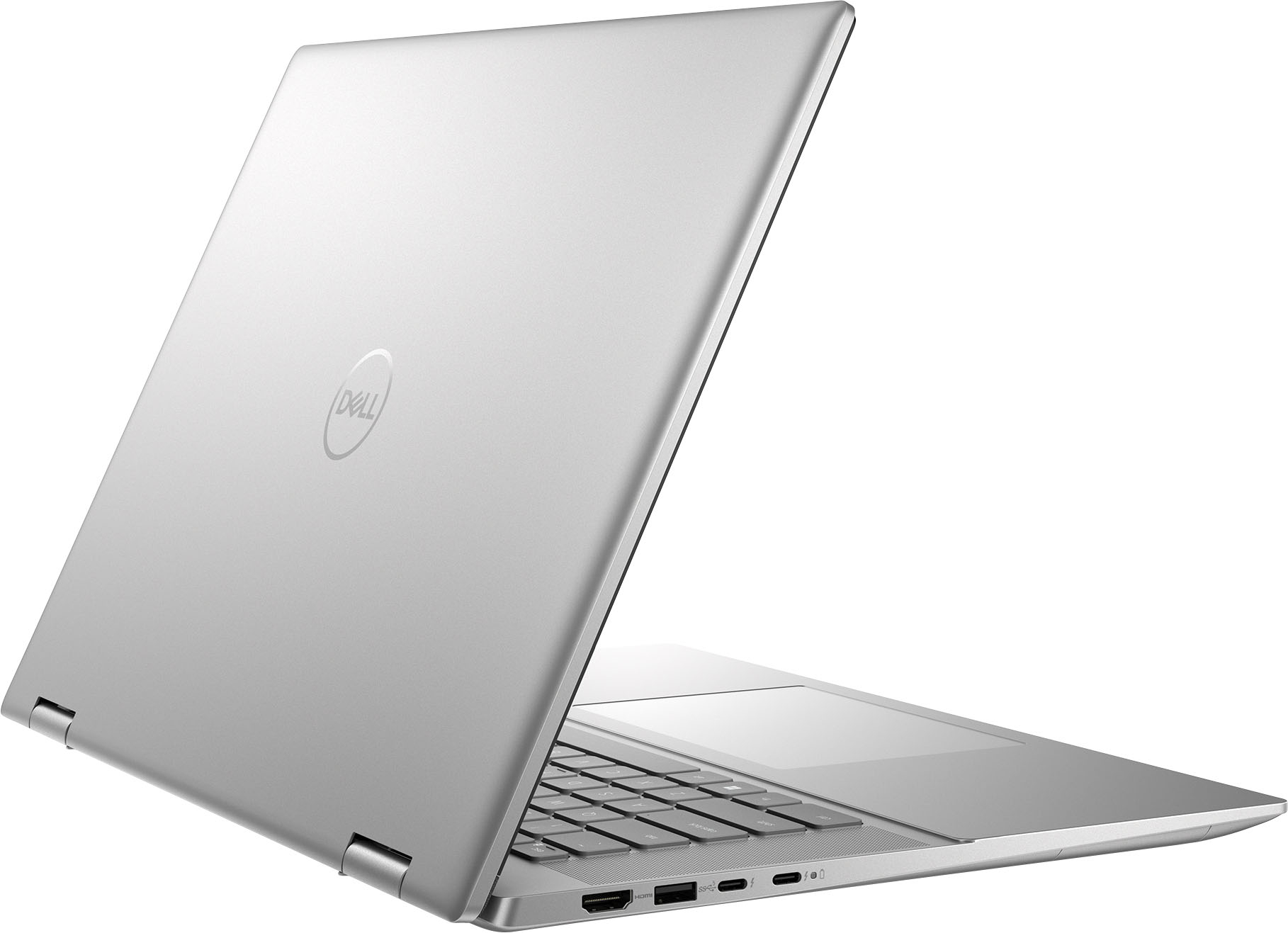
|Posted .This reviewer received promo considerations or sweepstakes entry for writing a review.The Dell Inspiron 7630 is a 16" touchscreen laptop sporting a 13th Generation Intel i7-1360p CPU with 16 GB of Memory and a 1TB SSD. Upon lifting the monitor, there is a lid switch that automatically turns the system on. Upon booting up, the first thing I notice is that the screen is quite vivid and bright. I'm quite thankful for that. Specs wise, its 300 nits of brightness and that allows me to take this anywhere even bright light situations. The keyboard has a power button which doubles as a fingerprint reader. The keyboard is backlit. But what also catches the eye is that the touchpad is quite large. It measures about 3.5" by 5.25". What's also interesting is that the palm rest seems to be slightly elevated. I think it's to keep the keyboard slightly lower so that it doesn't touch the monitor. This is my first 16" monitor. It's glossy and could probably use an oleophobic coating to keep away fingerprints. It has a resolution of 1920x1200 making it Full HD+. At the top of the monitor is the webcam. What's nice is that there is a slider built into the bezel that controls the privacy shutter. When the privacy shutter is on, you'll see white bars covering the camera lens. The monitor doesn't feel flimsy and holds the set angle very well. It's able to swing to tent mode and tablet mode very nicely. Although having a 16" tablet just seems a little too large for me. The monitor is driven by Intel Iris XE graphics, which isn't going to allow you to do more than basic games. The laptop measures 14" x 10" x 0.85" with the rubber feet. It's about 4.7 lbs. Now let's get into the performance specs. This Inspiron 7630 sports an Intel i7-1360p which is a 13th generation processor with a total of 12 cores, 4 of them being P-cores and 8 E-cores. This gives you the ability for 16 threads. The RAM Is LPDDR5 @ 4800MHz. The storage is a Kioxia branded NVMe with a 2230 form factor. It's Sequential Read is 3500 MB/s and Sequential Write is 2900 MB/s. What was interesting to me is that this Inspiron is certified Intel EVO, which implies it’s a premium laptop. To attain EVO certification, it must also meet some minimum requirements such as 9+ hour batter life with up to a 4 hour charge in under 30 minutes. It also means that the laptop needs to have WiFi 6 and has to have Thunderbolt 4 connectivity with USB-C charging. As for ports, this laptop has a headphone jack, USB-A and an SD Card slot on the right hand side. On the left hand side, there is an HDMI port, another USB-A and two USB-C ports with Thunderbolt 4. I'm very pleased with the inclusion of the HDMI 2.0 port and the USB-A ports so that I don't need to haul around adapters for various peripherals. The speakers are decent sounding. They're a little light on the bass, but most laptops are. The speaker grills are on either side of the keyboard. The performance of this laptop is about what I expected with these specifications. The system is plenty fast. It kept up with me through everything and I don’t feel like I was waiting for anything. While the Inspiron line has been marketed towards home users, it's a decent office computer and I had no problems running a virtual machine.
I would recommend this to a friend Don't Be Amazed By The Picture On The Screen
||Posted . Owned for 3 weeks when reviewed.This reviewer received promo considerations or sweepstakes entry for writing a review.Terrible Laptop! At the beginning I was amazed of it. But then the problem happened out of nowhere at the time that it did updates. The worst is that when there was these updates, it just didn't allowed to ignore and continue navigating. It completely blocked everything. I didn't had no choice but to allow do updates. That's when the laptop at no time turned back on. Right away in minutes I went into the store to see if a tech can make the computer turn on but he was unable to. At the end he gave me the credit that I paid. It's a no good laptop. Don't buy it!!
No, I would not recommend this to a friendlaptop
||Posted . Owned for 1 month when reviewed.This reviewer received promo considerations or sweepstakes entry for writing a review.Nice lap top . A little heavy and runs a little slow
I would recommend this to a friendBrand response from YourDellTeam
Posted .Hi There Kiki,
Thank you for taking the time to leave us your review. We are sorry to hear that you are experiencing slow performance issues with your Inspiron 7630 . It's important for us to hear about inconsistencies in our products for consideration of future development. Below I have provided steps with the full article that can help you with slow performance issues with your laptop.
Here are the steps to help you with slow performance issues:
1. Run the automated tools in SupportAssist to ensure that the drivers are up to date and your computer is optimized.
2. Restart the computer
3. Run a hardware diagnostic test
4. Scan your computer for malware
5. Restore the computer using Windows System Restore
6. Restore the computer to factory default settings
You can read the article that can help you with slow performance issues here: https://dell.to/3yqre8r
If you still experience any issues after you have finished troubleshooting your laptop using the steps above, please reach out to us at: https://bit.ly/DellSupportTeam
If you still experience any issues after you have finished troubleshooting your laptop using the steps above, please reach out to us at: https://bit.ly/DellSupportTeam
Chat or call: https://bit.ly/DellSupportTeam
Phone number to Dell: 1-800-624-9896
Best,
Summer@Dell
Don't buy this one
||Posted . Owned for 1 month when reviewed.This reviewer received promo considerations or sweepstakes entry for writing a review.Does not thoroughly dry the clothes. Waistband are always damp. Throws an error message saying it is overheating when it is not. Many technicians have come out to inspect this
No, I would not recommend this to a friend- Pros mentioned:Screen size
Fast, efficient and easy to use
|Posted .This reviewer received promo considerations or sweepstakes entry for writing a review.When I received the Dell - Inspiron 16.0" 2-in-1 Touch Laptop -13th Gen Intel Evo i7 - 16GB Memory - 1TB SSD - Platinum Silver, it was packaged well, no worries about shipping mishaps. It was very easy to get up and running. The instructions were basic, only how to get the laptop powered up. I was pleased by the speed while Windows was getting set up and also with the download of the extra apps I wanted on my laptop. As we only have DSL in our area, this was great! There is the option for fingerprint security and it, to my surprise, easily took my fingerprint. I opted instead for a PIN as readers never work well for me due to cold hands. I absolutely love the backlit keyboard. Due to others I've had, I never saw what the big deal was but this one has won me over as it functional and not just showy. The keyboard is also touch-typist friendly which I always look for. It has two USB-A ports and two Thunderbolt ports, one of which is needed for the charger. The second can be used as a USB-C port. It has an HDMI port as well as a media reader. It has camera, speakers and microphone. It has bluetooth and paired my phone quickly and easily. The screen size is 16" but it seems much bigger to me. I love it as I prefer a larger screen as with old eyes, larger is seen easier. An added feature it has is an integrated Alexa app. I was hoping that it was similar to what I have on my mobile but it really is just an echo. I will caution that if you have an echo in the same room you will want to change your wake word as having two of them trying to answer your questions is a bit like listening to the Weasley twins speak. The graphics are great. While my games are not the shoot-em-up variety, they are graphics heavy so I was pleased with how quickly they downloaded. I'm finding this a great replacement to my previous laptop. The extra storage will be welcome for my business needs as well as when student papers are needed. I will definitely be recommending the Dell - Inspiron 16.0" 2-in-1 Touch Laptop -13th Gen Intel Evo i7 - 16GB Memory - 1TB SSD - Platinum Silver to anyone who asks.
I would recommend this to a friend Just don’t buy it
||Posted . Owned for 3 weeks when reviewed.This reviewer received promo considerations or sweepstakes entry for writing a review.This Dell Inspiron is the worst PC I have ever owned. I used to be a huge buyer of Dell years ago, not anymore. Battery life is 4 hours tops, there are a ton of resident memory programs from Dell services and other 3rd parties, I constantly have to restart my browser because it leaks memory and hangs. Trackpad is horrible and randomly does stuff without even touching it, including tripling bids on live auctions. Really really disappointing for this one.
No, I would not recommend this to a friendBrand response from YourDellTeam
Posted .Hey There JamesF,
Thank you for taking the time to leave a review. We apologize for the battery performance and touchpad issues you are experiencing with your Inspiron 7630. It's important for us to hear about inconsistencies in our products for consideration of future development. Below I have provided steps with the full articles that can help you improve the battery performance of your laptop and an additional link to help with your touchpad issues.
Here are the steps to help improve the battery performance of your laptop:
1. On the notification area of the taskbar, right-click the Battery icon.
2. On the options list, click Power Options.
3. Select a power plan on the battery meter, such as Power Saver or Balanced. Windows 10 has a built-in 'Battery Saver' mode that can be activated to extend your system's battery life. The Battery Saver mode will monitor and limit background activity and other features such as push notifications. You do have the option to enable or disable this mode within settings or within advanced Battery Saver settings, you can customize the mode to best suit your needs.
a) Click on the Action Center icon in the taskbar and select the tile for Battery Saver.
b) If running Cortana, type Battery Saver into the search box and select from the results.
Within the Battery Saver settings page, you will be able to turn on and off the feature and customize the feature to best meet your needs.
c) Turn the Battery Saver On or Off.
d) Additional settings are available via the Battery use and Battery saver settings links.
e) Battery use shows further info on apps and their power usage.
f) Battery Saver Settings screen allows you to customize further the Battery Saver feature.
How to Improve the Performance of a Dell Laptop Battery: http://dell.to/2vfXWf4
Touchpad Troubleshooting Link: https://dell.to/3tXxiof
If you still experience any issues after you have finished troubleshooting your laptop using the steps above, please reach out to us at: https://bit.ly/DellSupportTeam
Chat or call: https://bit.ly/DellSupportTeam
Phone number to Dell: 1-800-624-9896
Best,
Summer@Dell
- Pros mentioned:Performance
Solid Machine with Good Specs
|Posted .This reviewer received promo considerations or sweepstakes entry for writing a review.This is a very solid overall laptop. I will go into details shortly but Dell has always built quality products and this continues that trend. Build - The build is very solid. Metal for the body and the keyboard is very responsive. It lends on the heavier side of a laptop but nothing that would stop me from buying. Something very minor is I like the power to plug into the right side of the machine and this one is on the left but again its personal preference. Screen - The screen is very good and clean. The resolution is 1900x1200 so basically HD which is good for an multi purpose device. When you flip it into tablet mode, the screen will rotate vertically. Performance - Overall the performance is snappy. It's not a gaming machine but for day to day or light gaming, it will handle everything well. The processor is a mid range processor that is capable. It's the laptop model so not as powerful as the desktop equivalent. I have the 16GB memory and would recommend 16GB going forward for future proofing. The good news is you can replace the current memory stick with an upgrade (single DIMM) to 32GB. However I would get the 16GB version built in if possible. The graphics are onboard graphics meaning it is not a separate graphics card but "on board" graphics though the process. However, for the tasks that this device is meant to handle it works very well. Overall I believe this is a good option for those looking for a solid daily workstation that has mid to high power to handle more than web browsing and watching videos. The all in one feature is a nice touch as well. I would recommend this.
I would recommend this to a friend Disappointed.
||Posted . Owned for 2 weeks when reviewed.This reviewer received promo considerations or sweepstakes entry for writing a review.The motherboard completely fried in 5 days. The computer seemed great. I only noticed sometimes it wouldn’t come on immediately. Well.. day 5 after turning the laptop off and trying to turn it back on… Laptop wouldn’t even boot on. Took it to a specialist and they confirmed the motherboard has died and Best Buy won’t even pay to fix it.
No, I would not recommend this to a friendDelivery disappointment
||Posted . Owned for 3 weeks when reviewed.This reviewer received promo considerations or sweepstakes entry for writing a review.I'm disappointed with the recent delivery of my order through OnTrac. The package was delayed by 4 days, and it was left on the floor without notice. Unfortunately, this caused a significant inconvenience as I needed the items for a new employee who did not receive them on time. Considering this experience, I'm hesitant to place future orders as long as OnTrac is used for deliveries.
I would recommend this to a friendBrand response from YourDellTeam
Posted .Hi EssentialsmilesD,
Thank you for taking the time to leave us your review. We sincerely apologize for any inconvenience you experienced with the shipment of your Inspiron 16.0 2-in-1 Touch Laptop and appreciate your understanding. We will share your feedback with our quality team so we can make improvements to our delivery process. Should you need further assistance please use the information below.
If you continue to experience issues, please reach out to Dell Support directly by using the information provided below.
Chat or call: https://bit.ly/DellSupportTeam
Phone number to Dell: 1-800-624-9896
Best,
Jay@Dell
Blah
||Posted . Owned for 1 month when reviewed.This reviewer received promo considerations or sweepstakes entry for writing a review.Slow, no numeric keypad. Flicker and color change when opening photos. Not intuitive. Must burrow 3-4 menues to get to tabs.
No, I would not recommend this to a friendBrand response from YourDellTeam
Posted .Hello Giophoto,
Thank you for taking the time to leave us your review. We are sorry to hear that you are not 100% satisfied with your Inspiron 16 7630 2-in-1 laptop computer because it is not equipped with a numeric keyboard, you are experiencing issues with its flickering display, and it is performing slower than you expected.
It's important for us to hear about inconsistencies in our products for consideration of future development.
Below I have provided the steps to run a diagnostic test on the display and the full article link, which has more options if they are needed. We also suggest making sure all video drivers are up to date on your PC. I have given you a link to the Drivers and Downloads page for your computer below.
Method 1
1. Power off the Dell Laptop PC.
2. Disconnect any peripherals that are connected to the PC and connect the AC Adapter (charger) to the PC.
3. Make sure that the LCD screen is clean (no dust particles are on the surface of the screen).
4. Press and hold the D key and power on the PC to enter LCD built-in self-test (BIST) mode.
Continue to hold the D key until you see the entire screen change colors.
5. The screen changes colors to black, white, red, green, and blue.
6. Carefully inspect the screen for abnormalities.
7. Press the Esc key to exit.
How to Troubleshoot Display Issues: https://dell.to/2O1UnnF
Drivers and Downloads Page: https://dell.to/3Zbr9TZ
I have also included steps with the full article that can help you with slow performance issues with your laptop:
1. Run the automated tools in SupportAssist to ensure that the drivers are up to date and your computer is optimized.
2. Restart the computer
3. Run a hardware diagnostic test
4. Scan your computer for malware
5. Restore the computer using Windows System Restore
6. Restore the computer to factory default settings
You can read the article that can help you with slow performance issues here: https://dell.to/3yqre8r
If you continue to experience issues, please reach out to Dell Support directly by using the information provided below.
Chat or call: https://bit.ly/DellSupportTeam
Phone number to Dell: 1-800-624-9896
Best,
Katarina@Dell
Laptop
||Posted . Owned for 1 year when reviewed.This reviewer received promo considerations or sweepstakes entry for writing a review.The laptop was nice but the battery was terrible so I had returned it.
No, I would not recommend this to a friendBad mouse and SD reader
||Posted . Owned for less than 1 week when reviewed.This reviewer received promo considerations or sweepstakes entry for writing a review.Mouse freeze, left click freeze, SD Reader not working, replaced 2 times
No, I would not recommend this to a friendBrand response from YourDellTeam
Posted .Hey Derbala,
Thank you for taking the time to leave us your review. We are sorry to hear that you are having touchpad sensitivity issues in regards to your Inspiron 2-in-1 touch laptop. This is certainly not the experience that we like to hear from our customers. We will share your concern with our quality team so that improvements can be made to our current and future products and services. Below I have provided troubleshooting instructions with the full article that may be able to resolve the issue.
Here are the steps to help resolve your touchpad issue:
1. Ensure the touchpad and your finger do not have any dirt, grease, liquids, or food on them (the touchpad has to make good contact with your finger to work correctly).
2. Ensure that the touchpad is turned on.
3. Save any data, close any open programs and restart the computer by using a wired USB mouse (if available) or Bluetooth mouse if it is already installed, if not, press hold the power button for at least 15 seconds to turn the computer off.
4. Unplug everything except the power cable.
5. Turn the computer back on and retest the touchpad.
6. When the cursor does work correctly, attach one device at a time, and test the cursor movement to see which one may have caused the issue.
7. Ensure that the BIOS and Chipset drivers are updated to the latest version.
Touchpad Usage and Troubleshooting Guide: https://dell.to/3zwM1rp
If you continue to experience touchpad issues, please reach out to Dell Support directly by using the information provided below.
Chat or call: https://bit.ly/DellSupportTeam
Phone number to Dell: 1-800-624-9896
Best,
Summer@Dell
- Pros mentioned:Processor speed, Screen size
Great laptop with many features & ways to connect
|Posted .This reviewer received promo considerations or sweepstakes entry for writing a review.I've owned a few Dell laptops (and other brands) over the years and this model is a very good offering by Dell. This is definitely an around the house or office model, it's a bit large and heavy for traveling, with a 16-inch screen and weighing between 4 1/2 and 5 pounds. If you wanted to use it for traveling, it has everything you need. The screen is very bright and clear, with the touch screen feature pretty much a necessity these days. People are accustomed to touching their phone and tablet screens, so I can't imagine many laptops without touch screens are big sellers. The keyboard is backlit, which to me is also a necessity, since I often use laptops in dark rooms. The combination of Intel's newest generation i7 processor, 16 gigabytes of RAM and a 1 terabyte solid-state hard drive makes this a fast and pretty future-proof setup. About the only thing Dell skimped on was the integrated Intel graphics. If you're a gamer you'd want to get better graphics, but for casual gaming the Intel graphics are fine. The laptop has quite a few ports, including HDMI for hooking up to a monitor or other AV equipment, two legacy USB ports, two Thunderbolt/USB-C ports, an SD card reader and a headphone port (something that is disappearing in many devices since Bluetooth headphones are popular). One interesting feature is that the webcam has a built-in privacy shutter. When you're using the webcam you can open it, but when you're not you close it. A nice feature that keeps privacy-minded people from having to put a piece of tape over the camera. The laptop comes in silver or dark blue, mine is silver. A nice change of pace from the traditional black laptop.
I would recommend this to a friend Worked good but did not last long
||Posted . Owned for 1 year when reviewed.This reviewer received promo considerations or sweepstakes entry for writing a review.Laptop lasted just over a year. Just 2 months after the warranty expired the motherboard goes out. Worked well but unfortunately did not last long.
No, I would not recommend this to a friendBad Computer
||Posted . Owned for 1 month when reviewed.This reviewer received promo considerations or sweepstakes entry for writing a review.I had the computer for less than than two weeks and the screen went dark, brought it to geek squad and they said it's a motherboard issue that couldn't be fixed.
No, I would not recommend this to a friendBrand response from YourDellTeam
Posted .Hello CodyP,
We're sorry to hear about the difficulty that you had with Dell. This is certainly not the experience we like to hear from our customers. We will share your feedback with our quality team to help improve our current and future products and services. Please call, or chat with a Dell Support Representative at your earliest convenience so they can help you with your concerns: https://bit.ly/DellSupportTeam.
Chat or call: https://bit.ly/DellSupportTeam
Phone number to Dell: 1-800-624-9896
Best,
Jay@Dell
Laptop failed.
||Posted . Owned for less than 1 week when reviewed.This reviewer received promo considerations or sweepstakes entry for writing a review.1st unit failed within 2 weeks. A new unit was shipped and received within 5 days. The new unit seems to work but only time will tell. My last Dell laptop lasted 10 years.
No, I would not recommend this to a friendBrand response from YourDellTeam
Posted .Hi There AlanS,
We value your feedback and want to thank you for taking the time to leave a review of your Inspiron 7630 2-in-1 touch laptop. We are sorry to hear that your first device failed. That is not the type of feedback we like to hear from our customers, or the type of product Dell intends to deliver. However, we are happy to hear that you received a new device. If you come across any questions or need further assistance I have provided the toll-free number and chat link below to reach a member of our Dell Support Team.
If you need further assistance, please reach out to us at: https://bit.ly/DellSupportTeam.
Chat or call: https://bit.ly/DellSupportTeam
Phone number to Dell: 1-800-624-9896
Best,
Summer@Dell
Problem with the equipment
||Posted . Owned for 3 weeks when reviewed.This reviewer received promo considerations or sweepstakes entry for writing a review.Les than a month and doesn’t turn on. Tomorrow I will go to the store for warranty.
No, I would not recommend this to a friendBrand response from YourDellTeam
Posted .Greetings CarmeloP,
We want to thank you for taking the time to leave a review of your Inspiron 7630. We are sorry to hear that you are experiencing an issue with your system not powering up. That is not the type of feedback we like to hear from our customers. Below I have provided a troubleshooting link to help resolve your issue.
Troubleshooting Computer Power Issues: https://rb.gy/dtibm
If you continue to experience issues, please reach out to Dell Support directly by using the information provided below.
Chat or call: https://bit.ly/DellSupportTeam
Phone number to Dell: 1-800-624-9896
Best,
Summer@Dell
Dell isn’t what it used to be
||Posted . Owned for 3 weeks when reviewed.This reviewer received promo considerations or sweepstakes entry for writing a review.Bought this on cyber Monday 2023. Used it for approximately 2 weeks and while helping my son with homework, the motherboard crashed. The geek squad couldn’t repair it. Tried reloading the operating system but nothing worked.
No, I would not recommend this to a friendBrand response from YourDellTeam
Posted .Hi JillA,
We're sorry to hear about the difficulty that you had with Dell. This is certainly not the experience we like to hear from our customers. Please take a moment to call or chat in order to speak with another representative at your earliest convenience: https://bit.ly/DellSupportTeam. We hope that the next representative you speak with is able to help resolve your concerns.
Chat or call: https://bit.ly/DellSupportTeam
Phone number to Dell: 1-800-624-9896
Best,
Jay@Dell
DO NOT BUY
||Posted . Owned for 1 year when reviewed.This reviewer received promo considerations or sweepstakes entry for writing a review.Worst laptop I’ve ever bought. Slow, freezes up, doesn’t update properly
No, I would not recommend this to a friendThe worst laptop stay away from dell
||Posted . Owned for 9 months when reviewed.This reviewer received promo considerations or sweepstakes entry for writing a review.The laptop literally came apart from the hinges. Dell refuse to fix it and Best buy said its not covered under the regular warranty they offered.
No, I would not recommend this to a friend