Customer Ratings & Reviews
- Model:
- I3455-10041WHT
- SKU:
- 4205600
Rating by feature
- Value
Rating 4.4 out of 5 stars
- Quality
Rating 4.2 out of 5 stars
- Ease of Use
Rating 4.1 out of 5 stars
Customers are saying
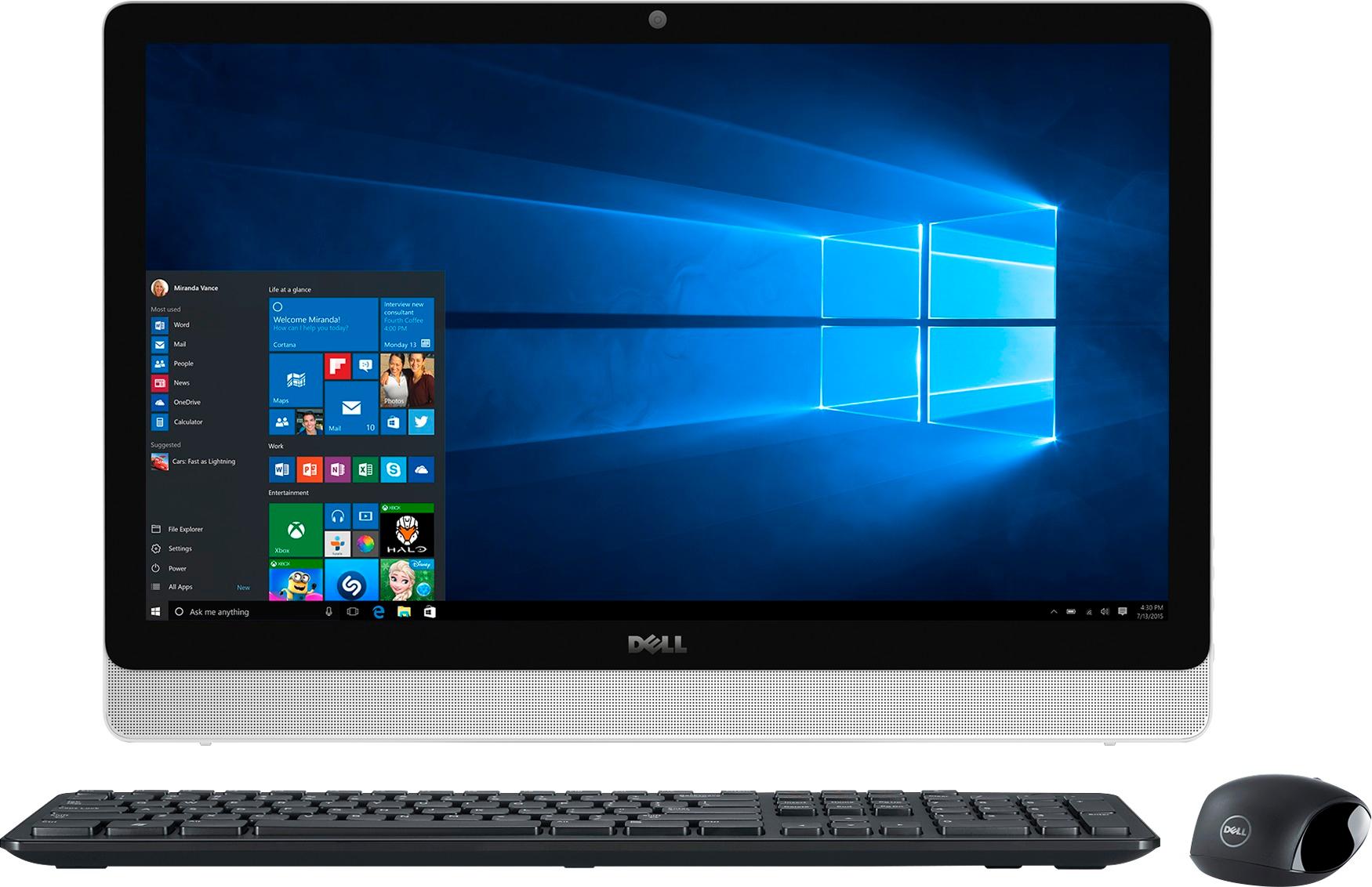
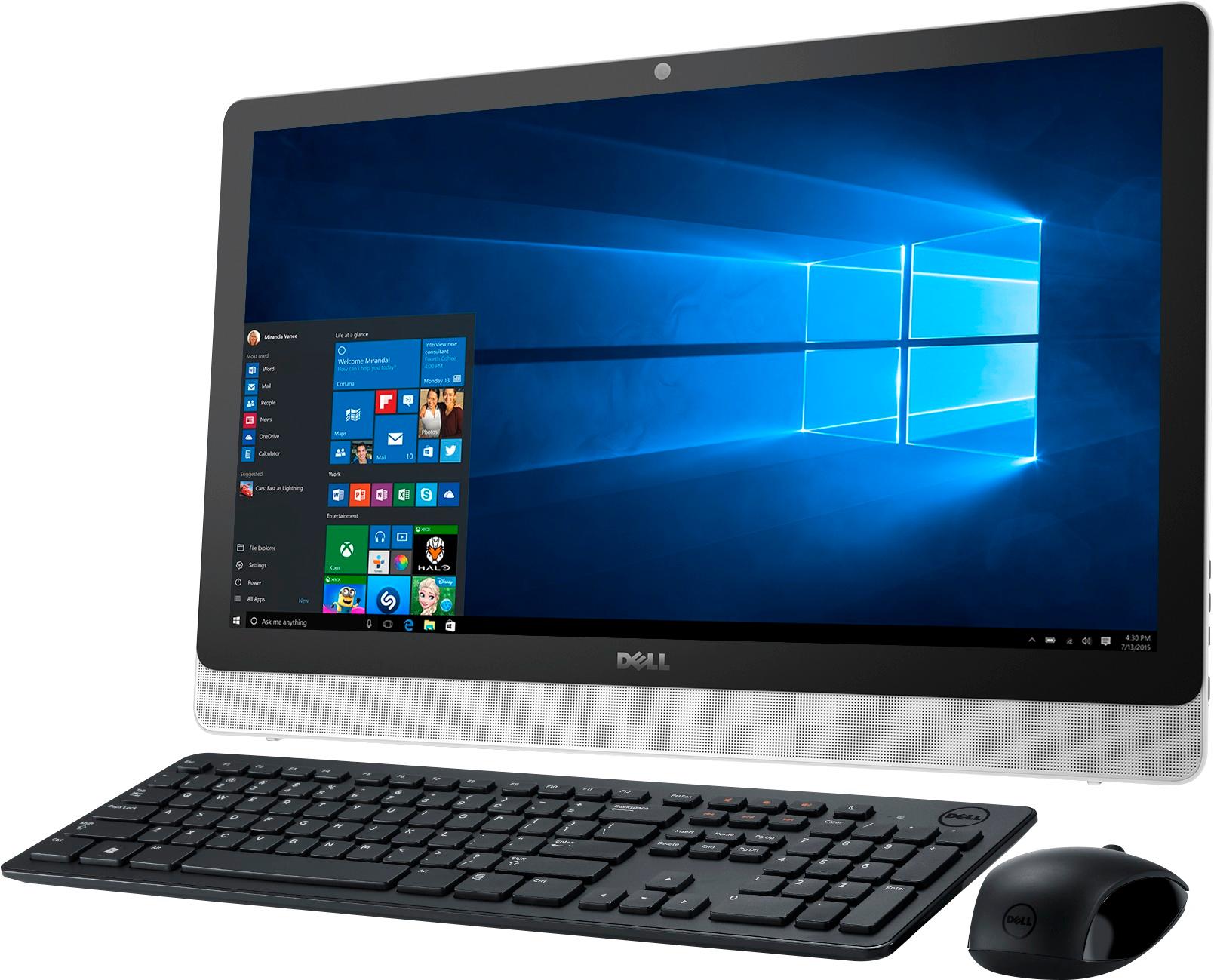
Customers are impressed with the large screen size, ease of use, and touchscreen functionality of the Inspiron 23.8" All-in-One. Many also appreciate the value for the price and the sleek design. However, some experienced issues with the hard drive, and others expressed dissatisfaction with the pre-installed operating system and occasional software problems. A small number of users reported problems with the motherboard and Wi-Fi connectivity.
This summary was generated by AI based on customer reviews.
Excellent All-In-One Touch Screen Desktop
||Posted .This reviewer received promo considerations or sweepstakes entry for writing a review.Very satisfied with this purchase. It did have one glitch and Geek Squad had it fixed within two days. No regrets. Would recommend this computer to family and friends.
I would recommend this to a friend- Pros mentioned:Screen size
not a bad all in one
||Posted .This reviewer received promo considerations or sweepstakes entry for writing a review.This is not a bad all in one, screen is awesome, but not the fastest computer, I had hoped for more
I would recommend this to a friendBrand response from YourDellTeam
Posted .Hi rgphone,
We appreciate your feedback. We are glad that the screen is working out so well for you. If you'd like help troubleshooting the speed of your computer we'd recommend running the Windows Performance Troubleshooter:
1. Close all open windows.
2. Press the Windows logo key + X key on the keyboard.
3. Click Control Panel.
4. Click System and Security.
5. Under Security and Maintenance, select Troubleshoot common problems.
6. Under System and Security, click Run maintenance tasks.
7. Follow the on-screen instructions and prompts to complete the process.
8. Restart the PC.
You can read the full article here - http://dell.to/2tSulGV.
We hope these steps help your computer perform better for you.
Best,
Bryan
1-800-624-9896
Gadget is good
||Posted .This reviewer received promo considerations or sweepstakes entry for writing a review.It is serving the purpose, it is not fAst enough. We only use this computer to surf the computer
I would recommend this to a friendVery pleased with product
||Posted .This reviewer received promo considerations or sweepstakes entry for writing a review.This computer is just what a needed. The only downside of it is that the photo program is not as good as in the previous Dell computer I had.
I would recommend this to a friendStill learning
||Posted .This reviewer received promo considerations or sweepstakes entry for writing a review.This is a new direction unfamiliar to me. Still discovering how to use this computer. I then a smaller screen might have been better for focusing.
I would recommend this to a friendI always get a Dell
||Posted .This reviewer received promo considerations or sweepstakes entry for writing a review.I like the computer. When I ask simple questions, I get complicated answers that I cannot follow. It would be great to click on a novice, advanced, etc
I would recommend this to a friendgreat
||Posted .This reviewer received promo considerations or sweepstakes entry for writing a review.The company made a great computer I am sure it's going to be a great tool for me to have access network and resources, and experience working knowledge to make me know how to provide adequate knowledge about windows 10
I would recommend this to a friendgreat camera for the Autistic
||Posted .This reviewer received promo considerations or sweepstakes entry for writing a review.I bought It for my 12 year old. He loves it and its good for beginners . Takes good pictures, as good as the user. Yes to the outdoor person
I would recommend this to a friendOkay
||Posted .This reviewer received promo considerations or sweepstakes entry for writing a review.It's a pretty good computer. It runs a little slow and the camera isn't that great but overall it's okay.
No, I would not recommend this to a friendGreat All in One computer
||Posted .This reviewer received promo considerations or sweepstakes entry for writing a review.I didn't think I would like this computer. After using for a month, I don't miss my desk top at all. I would recommend this computer just for gaming, movies etc...
I would recommend this to a friendGood PC adequate touch screen
||Posted .This reviewer received promo considerations or sweepstakes entry for writing a review.Good PC with an adequate touch screen. I must hammer on the screen sometimes to get it to respond.
I would recommend this to a friendBrand response from YourDellTeam
Posted .Thurgenon, We're sorry to hear that your computer seems unresponsive at times. Here are some tips to help with lockups and freezes on your device:
1. Run a Computer Diagnostic. To determine if your computer is experiencing a hardware problem, run the Dell Preboot System Assessment (PSA) Diagnostics. For information on how to run Diagnostics, and to determine the issue, refer to Dell Knowledge Base Article: http://dell.to/2iaiujA.
2. Check Safe Mode for Symptoms. To boot into safe mode, please follow the instructions below: 1) Start the computer. 2) Tap 'F8' on the keyboard immediately and every one second until the Dell logo screen disappears. From there you will see the Windows Advanced Options Menu on the screen. (If the Windows Advanced Options Menu does not appear, restart the system and try again.) 3) Select Safe mode with Networking and press Enter. 4) Log on as the administrator or as a user with administrative access. 5) Open applications and test the computer in safe mode. If the symptoms exist in safe mode, please continue the troubleshooting steps in this article. If the symptoms do not exist in safe mode, the issue is likely related to a driver or software and you may wish to complete steps 6 and 7 to see if you are able to resolve the lockups or freezing.
3. Check for Malware. Malware (Virus, Spyware, etc.) can definitely cause a Windows system to lock up or appear to hang. To check for malware on your system and to ensure that your computer is up to date on security software, visit Dell Knowledge Base Article: http://dell.to/2wWP1zI.
You can read the full article here - http://dell.to/2tW5m33.
We hope these tips help and that your computer continues to meet your needs. - Bryan
- Pros mentioned:Screen size
S0000 COOL!!!!
||Posted .This reviewer received promo considerations or sweepstakes entry for writing a review.This computer is awesome! The huge touch screen is very convenient and so much easier to use than a mouse!!!!!
I would recommend this to a friend Great computer for the home
||Posted .This reviewer received promo considerations or sweepstakes entry for writing a review.This is a great home computer, it has everything I need and want. Had awesome customer service to help explain the computer to me!
I would recommend this to a friendinstuction manuals left alot to be desired.
||Posted .This reviewer received promo considerations or sweepstakes entry for writing a review.Computer froze one time. Instuction manual on set up of computer left a lot to be desired for 1st time installer, but I got the job done.
I would recommend this to a friendHas issues
||Posted .This reviewer received promo considerations or sweepstakes entry for writing a review.Bought it April 13th, 2016. Took it home and it would not do the initial setup on it. Took it back the same day, was replaced with a new one and now a month later, im having monitor issues with the second one. Monitor is only working half the time. It won't come on. The computer itself is running but the monitor is blank, won't even show the Dell logo on startup. Geek Squad didn't find anything wrong with it so I don't know what its issue is.
No, I would not recommend this to a friend- Pros mentioned:Speed
Unstable and unrewarding
||Posted .This reviewer received promo considerations or sweepstakes entry for writing a review.Although the computer is an upgrade for us as far as speed it is terribly unreliable. The browser stops working a couple of times every session. The screen freezes frequently. Every couple of days the screen goes blank and the computer stops responding to the keyboard and mouse and then we have to shut down and restart from the power switch.
No, I would not recommend this to a friendBrand response from YourDellTeam
Posted .Hi CCMAN, Thanks for your review. We're glad to hear that the speed of your new computer has been working well for you. If you'd like some tips to help with your computer freezing on you we'd suggest the following:
1. Run a Computer Diagnostic. To determine if your computer is experiencing a hardware problem, run the Dell Preboot System Assessment (PSA) Diagnostics. For information on how to run Diagnostics, and to determine the issue, refer to Dell Knowledge Base Article: http://dell.to/2iaiujA.
2. Check Safe Mode for Symptoms. To boot into safe mode, please follow the instructions below:
1) Start the computer.
2) Tap 'F8' on the keyboard immediately and every one second until the Dell logo screen disappears. From there you will see the Windows Advanced Options Menu on the screen. (If the Windows Advanced Options Menu does not appear, restart the system and try again.)
3) Select Safe mode with Networking and press Enter.
4) Log on as the administrator or as a user with administrative access.
5) Open applications and test the computer in safe mode. If the symptoms exist in safe mode, please continue the troubleshooting steps in this article. If the symptoms do not exist in safe mode, the issue is likely related to a driver or software and you may wish to complete steps 6 and 7 to see if you are able to resolve the lock ups or freezing.
3. Check for Malware. Malware (Virus, Spyware, etc.) can definitely cause a Windows system to lock up or appear to hang. To check for malware on your system and to ensure that your computer is up to date on security software, visit Dell Knowledge Base Article: http://dell.to/2wWP1zI.
You can read the full article here - http://dell.to/2tW5m33.
We hope this helps your computer perform better for you. - Bryan
Screen
||Posted .This reviewer received promo considerations or sweepstakes entry for writing a review.I really like this product. Just have something on the screen (best guess is some kind of glue residue) and don't know how to remove it.
I would recommend this to a friendgood home computer w/ not enough USB ports
||Posted .This reviewer received promo considerations or sweepstakes entry for writing a review.This is my first Dell. It's fine and I like having an all-in-one computer. My only complaint is that there are not enough USB ports. Dell uses one of the three for the wireless keyboard and mouse. My previous all-in-one was an HP and it had the connection for the wireless mouse built in so a USB port was not wasted. I find that I need to keep switching what I have plugged in since there are not enough USB ports.
No, I would not recommend this to a friendBrand response from YourDellTeam
Posted .Hello Mike,
Thanks for your review. We're sorry to hear that there are not as many USB ports as you need on your new computer. If you have additional questions about your computer you can check our Product Support Page here - http://dell.to/2w6TEq8. We hope this helps.
Best,
Bryan
1-800-624-9896
Dryer and washer excellent.
||Posted .This reviewer received promo considerations or sweepstakes entry for writing a review.The Samsung products that I purchased are excellent. Usually a purchase Whirlpool but this time I decided to buy Samsung and I am very satisfied. Also the salesperson that took care of me, Edward, was excellent.
I would recommend this to a friend- Pros mentioned:Screen size
Good PC for Home
||Posted .This reviewer received promo considerations or sweepstakes entry for writing a review.Great PC for home, nice and easy touch screen and easy fir my little ones to play and do work with.
I would recommend this to a friend