Customer Ratings & Reviews
- Model:
- I3455-10041WHT
- SKU:
- 4205600
Rating by feature
- Value
Rating 4.4 out of 5 stars
- Quality
Rating 4.2 out of 5 stars
- Ease of Use
Rating 4.1 out of 5 stars
Customers are saying
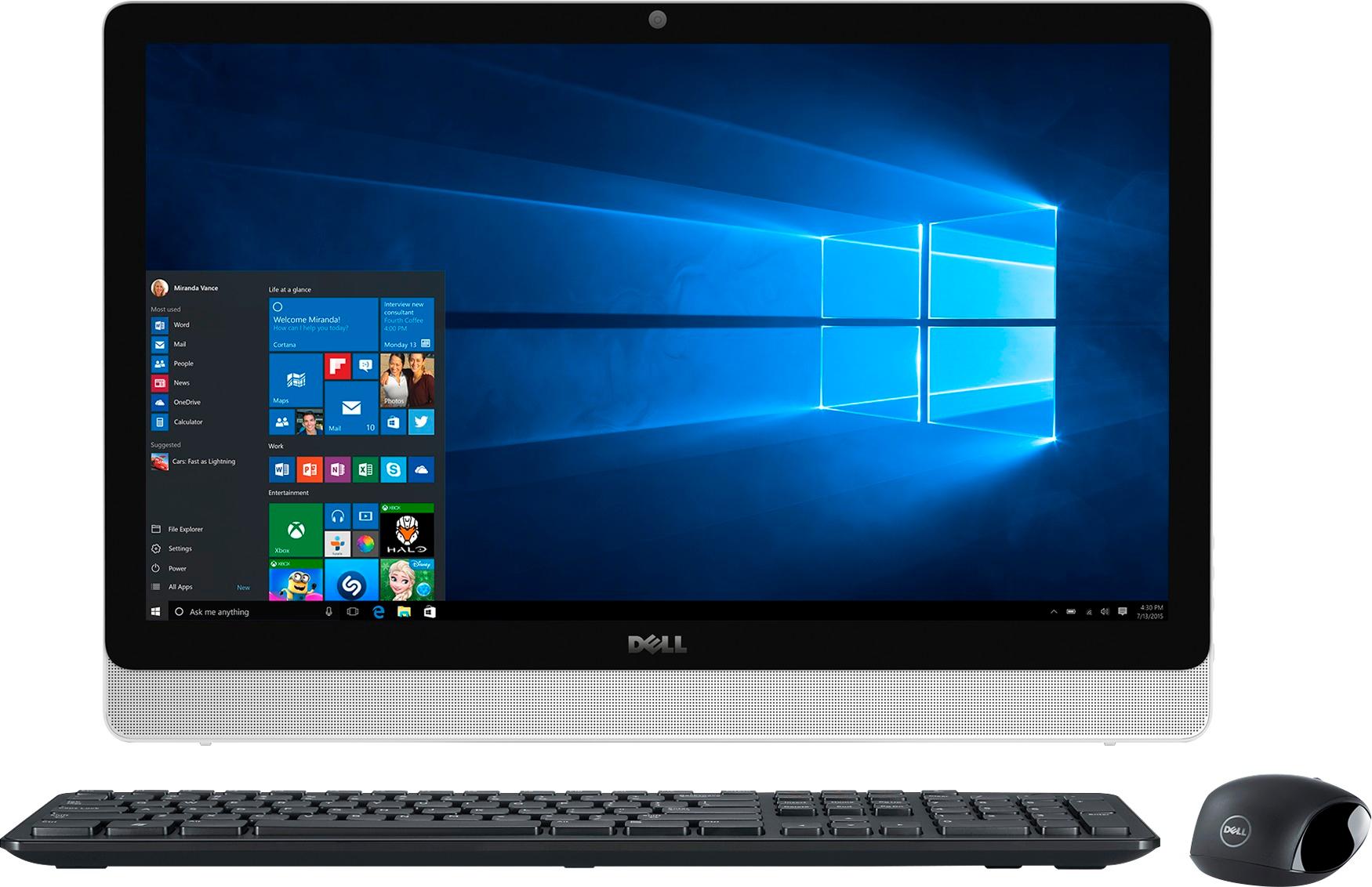
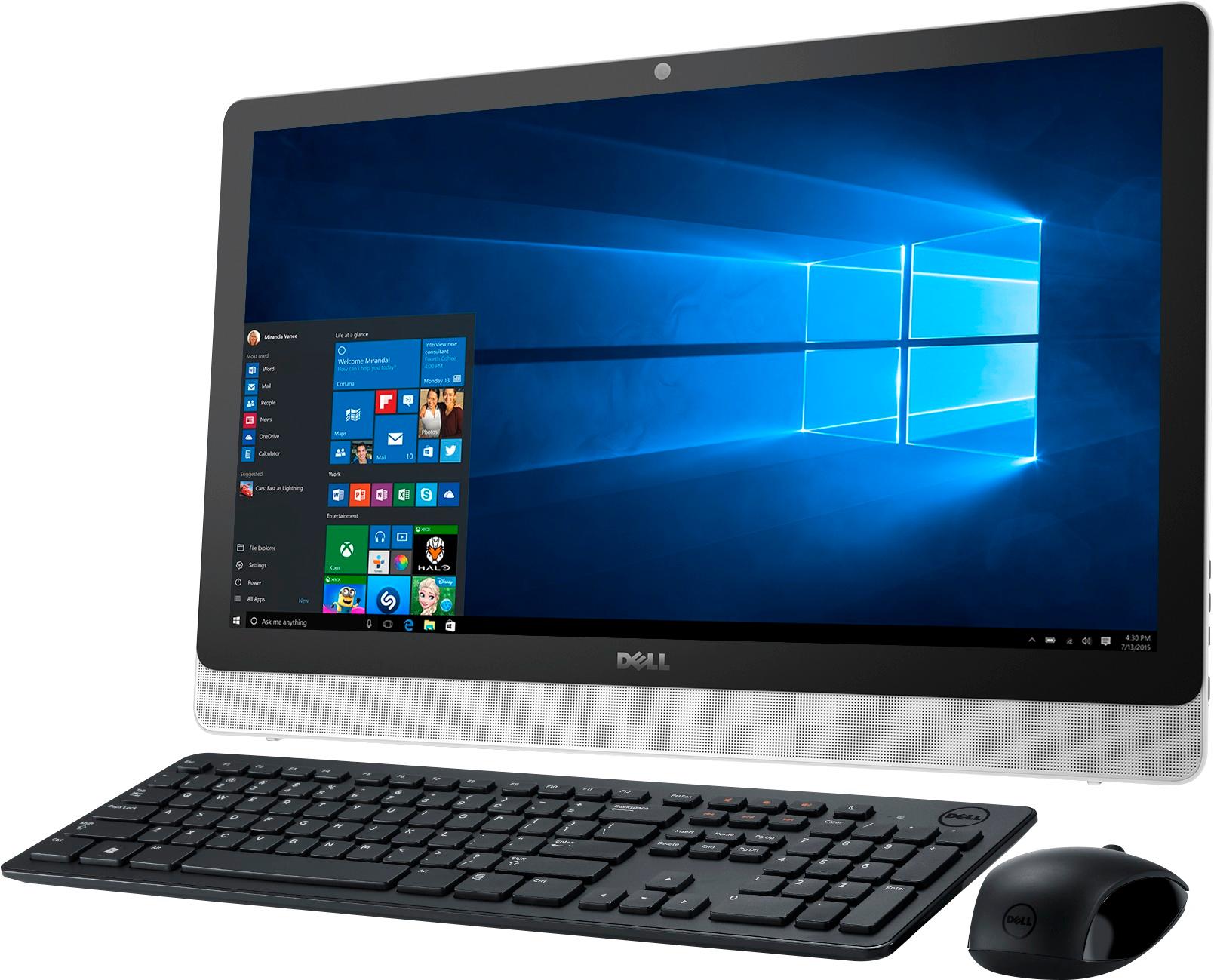
Customers are impressed with the large screen size, ease of use, and touchscreen functionality of the Inspiron 23.8" All-in-One. Many also appreciate the value for the price and the sleek design. However, some experienced issues with the hard drive, and others expressed dissatisfaction with the pre-installed operating system and occasional software problems. A small number of users reported problems with the motherboard and Wi-Fi connectivity.
This summary was generated by AI based on customer reviews.
Not bad for this money
||Posted .This reviewer received promo considerations or sweepstakes entry for writing a review.Not bad Windows working computer for this price ! Problem with card sd card reader!
I would recommend this to a friendDell Good Cmpany
||Posted .This reviewer received promo considerations or sweepstakes entry for writing a review.Dell computers are made to last. I run this computer all day long, everyday, there are no problems with it.
I would recommend this to a friendGreat for PC, touch screen, we love it
||Posted .This reviewer received promo considerations or sweepstakes entry for writing a review.We had to take the visio laptop back, software was bad. So of course we purchased a bigger better product. Must be a great deal for best buy, considering the exchange.
I would recommend this to a friendLove it
||Posted .This reviewer received promo considerations or sweepstakes entry for writing a review.Got for 9 year old who wanted a desk top. Only thing I would want to be different is the color they only had white.
I would recommend this to a friendDoesn't take up alot of room. Nice, clear screen
||Posted .This reviewer received promo considerations or sweepstakes entry for writing a review.I have not had the opportunity to work on it much. I am not tech savvy and I get easily frustrated. It should work just fine for my needs, but I just haven't gotten there yet.
I would recommend this to a friendGood computer
||Posted .This reviewer received promo considerations or sweepstakes entry for writing a review.The only thing that I would change is provide more instructions. No booklet for how to use the computer.
I would recommend this to a friendlove the touch screen
||Posted .This reviewer received promo considerations or sweepstakes entry for writing a review.also love that the hard drive is all in one. Uses less space and less equipment to connect/put together.
I would recommend this to a friendGood
||Posted .This reviewer received promo considerations or sweepstakes entry for writing a review.Tho only bad thing when I use cap look there is no light on the key board.
I would recommend this to a friendIt is what was expected
||Posted .This reviewer received promo considerations or sweepstakes entry for writing a review.The process to buy was easy. Best supplied the needed accessories and software that I needed to make my purchase a one stop shop
I would recommend this to a friend- Pros mentioned:Screen size
Typical PC product
||Posted .This reviewer received promo considerations or sweepstakes entry for writing a review.I specifically needed a large presentation screen so the touch screen was important. If you are looking for a large display home computer, spend the extra money and get the Mac. The fact that this thing wants to update every other day and has frozen twice in 2 weeks makes this typical PC junk.
No, I would not recommend this to a friendBrand response from YourDellTeam
Posted .Hi Jason, Thanks for your review and for your Dell All-In-One purchase. We're sorry that the updates you are receiving are getting frustrating for you. We'd suggest that you run Dell's Support Assist App to make sure that you are running all of the current drivers and software on your computer. If you are still experiencing issues with your computer freezing on you we'd suggest the following:
1. Run a Computer Diagnostic. To determine if your computer is experiencing a hardware problem, run the Dell Preboot System Assessment (PSA) Diagnostics. For information on how to run Diagnostics, and to determine the issue, refer to Dell Knowledge Base Article: http://dell.to/2iaiujA.
2. Check Safe Mode for Symptoms.
To boot into safe mode, please follow the instructions below:
1) Start the computer.
2) Tap 'F8' on the keyboard immediately and every one second until the Dell logo screen disappears. From there you will see the Windows Advanced Options Menu on the screen. (If the Windows Advanced Options Menu does not appear, restart the system and try again.)
3) Select Safe mode with Networking and press Enter.
4) Log on as the administrator or as a user with administrative access.
5) Open applications and test the computer in safe mode. If the symptoms exist in safe mode, please continue the troubleshooting steps in this article. If the symptoms do not exist in safe mode, the issue is likely related to a driver or software and you may wish to complete steps 6 and 7 to see if you are able to resolve the lockups or freezing.
3. Check for Malware. Malware (Virus, Spyware, etc.) can definitely cause a Windows system to lock up or appear to hang. To check for malware on your system and to ensure that your computer is up to date on security software, visit Dell Knowledge Base Article: http://dell.to/2wWP1zI.
You can read the full article here - http://dell.to/2tW5m33.
We hope that these tips help your computer perform the way you'd like it to. - Bryan
- Pros mentioned:Screen size
Good deal
||Posted .This reviewer received promo considerations or sweepstakes entry for writing a review.It's for my daughter and it was a great gift. Like that it's wireless and touch
I would recommend this to a friend No graphics card
||Posted .This reviewer received promo considerations or sweepstakes entry for writing a review.Thought this could be a decent gaming computer but without a graphics card, it can't handle most games.
No, I would not recommend this to a friendBrand response from YourDellTeam
Posted .Savvy - We're sorry to hear that the included AMD Radeon graphics card is not meeting your gaming needs on your new computer. If there are any issues that you'd like to troubleshoot with your new Dell computer you can always refer to our Product Support page here - http://dell.to/2w6TEq8. - Bryan
Slow start up and loading
||Posted .This reviewer received promo considerations or sweepstakes entry for writing a review.Not so great for simple gaming Expected quicker startup then my older pc
No, I would not recommend this to a friendGood system
||Posted .This reviewer received promo considerations or sweepstakes entry for writing a review.Like the system for the most part. Having a little trouble with getting icons installed where I want them and then to get them to work, but otherwise system is good.
I would recommend this to a friendSlow
||Posted .This reviewer received promo considerations or sweepstakes entry for writing a review.This computer has been very slow right from the start. Not a happy camper.
No, I would not recommend this to a friendOk
||Posted .This reviewer received promo considerations or sweepstakes entry for writing a review.Is ok. If you need for simple use. Too slow not enough memory
No, I would not recommend this to a friendOK for the price
||Posted .This reviewer received promo considerations or sweepstakes entry for writing a review.Crashes and slow. Love the design but it's just a little too slow
I would recommend this to a friendBrand response from YourDellTeam
Posted .Eaudu - Thanks for your feedback and we're sorry to hear that your computer is a little slower than you'd like it to be. We'd recommend the following tips to help speed up your computer a little:
Delete temporary files and directories
1. Click Start, then in the search bar type "disk". Disk Cleanup should appear on the menu above the search box.
2. Run disk cleanup and eliminate unneeded temporary files (Search results, Internet Cache and other windows temp files you may no longer need)
3. Select files you want to delete then click OK to start the cleanup process. Uninstall applications you no longer use
1) Open the Programs and Features application in Control Panel.
2) Scan the list of applications installed for ones that you no longer use.
3) Highlight any application you no longer use and then click the uninstall button at the top of the list. Follow the prompts to uninstall.
4. Repeat for each application you want to uninstall.
5. Move large files and/or seldom used files to backup media (Photos, Music you seldom listen to, application downloads after the application has been installed etc.).
6. Empty the Recycle Bin.
You can read the full article here - http://dell.to/2tSulGV.
If your computer is still freezing on you, we'd recommend the following:
1. Run a Computer Diagnostic. To determine if your computer is experiencing a hardware problem, run the Dell Preboot System Assessment (PSA) Diagnostics. For information on how to run Diagnostics, and to determine the issue, refer to Dell Knowledge Base Article: http://dell.to/2iaiujA.
2. Check Safe Mode for Symptoms. To boot into safe mode, please follow the instructions below:
1) Start the computer.
2) Tap 'F8' on the keyboard immediately and every one second until the Dell logo screen disappears. From there you will see the Windows Advanced Options Menu on the screen. (If the Windows Advanced Options Menu does not appear, restart the system and try again.)
3) Select Safe mode with Networking and press Enter.
4) Log on as the administrator or as a user with administrative access.
5) Open applications and test the computer in safe mode. If the symptoms exist in safe mode, please continue the troubleshooting steps in this article. If the symptoms do not exist in safe mode, the issue is likely related to a driver or software and you may wish to complete steps 6 and 7 to see if you are able to resolve the lock ups or freezing.
3. Check for Malware. Malware (Virus, Spyware, etc.) can definitely cause a Windows system to lock up or appear to hang. To check for malware on your system and to ensure that your computer is up to date on security software, visit Dell Knowledge Base Article: http://dell.to/2wWP1zI.
Here's a link to the full article - http://dell.to/2tW5m33.
We hope these tips help your computer perform a little better for you. - Bryan
Horrible PC
||Posted .This reviewer received promo considerations or sweepstakes entry for writing a review.Had frequent problems with ghost clicks on the touchscreen. PC would operate on its own, without me touching the screen. Would enlarge resolution by itself while I was working on items. Took it in to Geek Squad for repair twice. Problems persisted. I finally gave up and bought a Mac.
No, I would not recommend this to a friendBrand response from YourDellTeam
Posted .Hello Robert, this is not what we expect our customers to face with our products and we're sorry for the frustrations. We hope you found something that fits your need and thank you for taking the time to provide feedback.
Good but not great
||Posted .This reviewer received promo considerations or sweepstakes entry for writing a review.The machine is nice looking and has worked fine since we got it. We thought there was a way to mount the stand so that it doesn't sit directly on the desk but, after buying it, we were informed that's not the case. Although it has worked well, it's not as fast a processor as I had anticipated.
I would recommend this to a friendGood So Far
||Posted .This reviewer received promo considerations or sweepstakes entry for writing a review.Is a bit slow on startup, but gives me time to get other things done. Overall, a good product for the price.
I would recommend this to a friend