Customer Ratings & Reviews
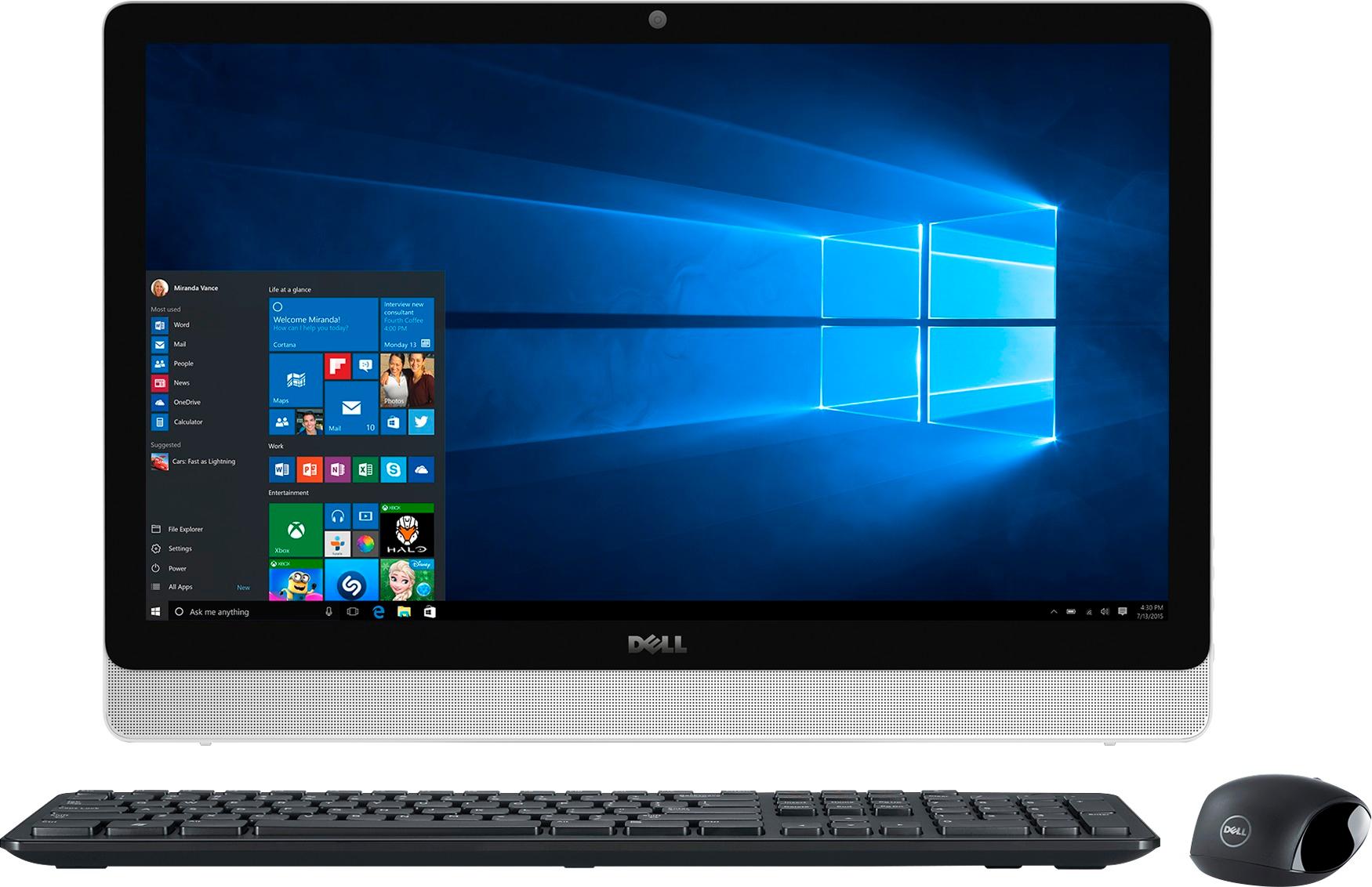
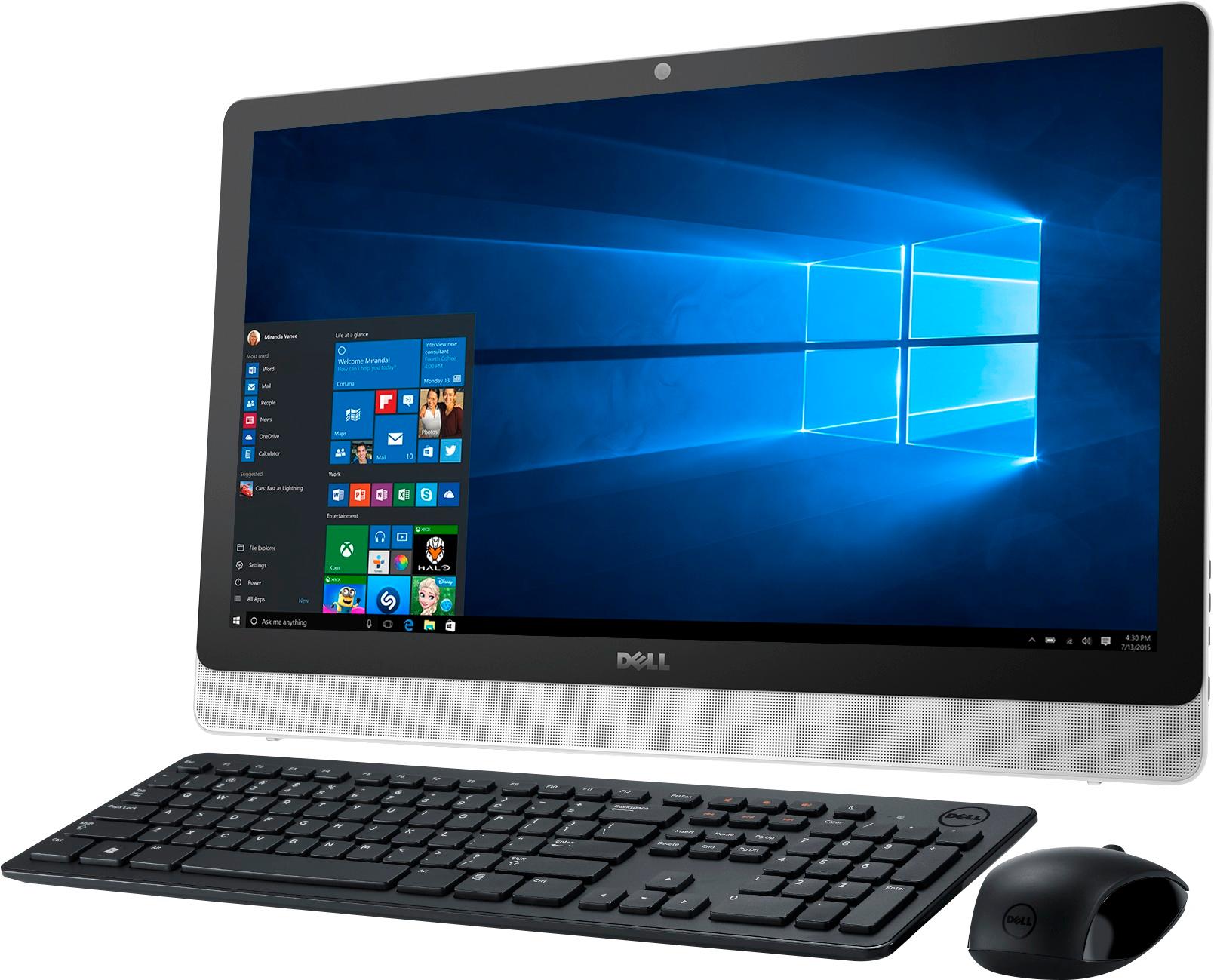
- Model:
- I3455-10041WHT
- SKU:
- 4205600
Rating by feature
- Value
Rating 4.4 out of 5 stars
- Quality
Rating 4.2 out of 5 stars
- Ease of Use
Rating 4.1 out of 5 stars
Customers are saying
Customers are impressed with the large screen size, ease of use, and touchscreen functionality of the Inspiron 23.8" All-in-One. Many also appreciate the value for the price and the sleek design. However, some experienced issues with the hard drive, and others expressed dissatisfaction with the pre-installed operating system and occasional software problems. A small number of users reported problems with the motherboard and Wi-Fi connectivity.
This summary was generated by AI based on customer reviews.
Crashing Beauty
||Posted .This reviewer received promo considerations or sweepstakes entry for writing a review.Have not had the computer 2 months and it has crashed 3 times. Not operating as I write this. Geeks set it up at store. Then it crashed the first week. I reloaded everything. Then it crashed again. Geeks worked on it remotely; found a virus; removed. Now it is down again. Cannot get on Internet so I have to take it to the store for repair. I have never had problems with a new computer. Would never buy or recommend this computer!
No, I would not recommend this to a friendBad experience with Open Box
||Posted .This reviewer received promo considerations or sweepstakes entry for writing a review.Return computer after 2 times exchanged with defective. 1st time computer came with Windows 8 instead of 10 then 2nd time exchanged computer with Windows 10 but with license cannot activate due to the product key had been used by another computer...
No, I would not recommend this to a friendgreat graphics
||Posted .This reviewer received promo considerations or sweepstakes entry for writing a review.so far so good, could be faster when loading, like
I would recommend this to a friendNice look
||Posted .This reviewer received promo considerations or sweepstakes entry for writing a review.Was too big for area. Went with the smaller version.
I would recommend this to a frienda good older machine
||Posted .This reviewer received promo considerations or sweepstakes entry for writing a review.A good older machine. Good value for the money.....
I would recommend this to a friendIt has issues
||Posted .This reviewer received promo considerations or sweepstakes entry for writing a review.The first windows 10 update... it crashed and died
No, I would not recommend this to a friendRegret purchase
||Posted .This reviewer received promo considerations or sweepstakes entry for writing a review.Unsure why it would keep shutting down or not connect to web ages and finally Dell had to send us a new memory. So lots of tech time and expense, a new piece on a brand new computer and I'm still not convinced it will perform as it is supposed to.....
No, I would not recommend this to a friendGood at first
||Posted .This reviewer received promo considerations or sweepstakes entry for writing a review.Worked well but now it isn’t working. Keeps crashing on me. Called dell to resolve it and they said I would have to uninstall windows 10 and reinstall. I don’t know how to do all that. I’ve only had it since March.
No, I would not recommend this to a friendBrand response from YourDellTeam
Posted .Hi Kaitlyn,
Thanks for your review. We're sorry to hear about the crashes that you're experiencing on your computer. You're also able to diagnose the causes of crashes by following these steps:
1. At the desktop, click the Search the web and Windows box and type "problem reports".
2. Select View all problem reports to view a list of errors that have occurred on your computer and possible solutions for them, such as updating drivers, flashing your system BIOS, or checking for updates to the software.
3. Under the Source column, look for Windows and under Summary, look for Shut down unexpectedly.
4. Right-click the line item and select Check for a solution.
You can read the full article here - http://dell.to/2u98Cct.
If you need help uninstalling and reinstalling Windows you can follow the steps on this site - http://dell.to/2wBxtJR.
We hope this helps your computer perform the way that you'd like it to.
Best,
Bryan
1-800-624-9896
Already glitched out
||Posted .This reviewer received promo considerations or sweepstakes entry for writing a review.I helped my parents by a computer. We chose this one because it was on the “Open Box” special. 3 weeks into using it and the screen went black. Everything was on and running but no response from the screen.
No, I would not recommend this to a friendHorrible computer
||Posted .This reviewer received promo considerations or sweepstakes entry for writing a review.This computer was so slow that I took it back and wound up purchasing an HP that cost just a bit more but, is well worth it. Think I'll stay away from Dell for a while.
No, I would not recommend this to a friendToo Slow
||Posted .This reviewer received promo considerations or sweepstakes entry for writing a review.This computer was too slow (out of the box). With nothing downloaded on the hard drive it still operated slow just opening the start menu and boot up time was slow.
No, I would not recommend this to a friendPoor reliability, lacking (available) supporting d
||Posted .This reviewer received promo considerations or sweepstakes entry for writing a review.Computer "FREEZES", Outlook 2016 erases "CONTACTS", Word 2016 frequently "NOT RESPONDING" and the document is lost, both Windows AND Office 2016 will not update. After 8 1/2 hours of waiting, with nothing but 'rotating circles', I am returning to my old and broken VISTA laptop with 2003 Office Pro for sending/receiving "Emails" (Outlook 2003) and using Word (2003) for my library of documents. This "NEW" equipment has little, if any value!
No, I would not recommend this to a friend- Cons mentioned:Motherboard
Motherboard croaked after 39 days, need I say more
||Posted .This reviewer received promo considerations or sweepstakes entry for writing a review.Motherboard died after 39 days. It is currently off to a service center for repair. Very disappointed
No, I would not recommend this to a friend Don't waste your money.
||Posted .This reviewer received promo considerations or sweepstakes entry for writing a review.This ' all in one' needs some more work. It doesn't perform as billed. Slow and repeatedly reports "hmmmm, can't seem to find the connection. "
No, I would not recommend this to a friend- Pros mentioned:Screen size
gift
||Posted .This reviewer received promo considerations or sweepstakes entry for writing a review.got it for my 7 year old grandaughter she really enjoys it. She is now learning all about it on her own. first dell i have bought.
I would recommend this to a friendBrand response from YourDellTeam
Posted .Puppylove - Thanks for your recent Dell All-in-One purchase. We're happy to hear that it's working out well for your granddaughter. If you have any questions or would like to find out more information about this device you can always visit the product support page here - http://dell.to/2w6TEq8. Thanks again and good luck!
Dell disappointed
||Posted .This reviewer received promo considerations or sweepstakes entry for writing a review.I was excited when I bought this product. I was disappointed by the performance. Slow. Very slow. Good price but I needed more power.
No, I would not recommend this to a friend- Cons mentioned:Hard drive
worthless
||Posted .This reviewer received promo considerations or sweepstakes entry for writing a review.2 years in after buying three of those , two of them died completely. one a bad hard drive and the other can not start
No, I would not recommend this to a friendBrand response from YourDellTeam
Posted .Hi gCub,
We're sorry to hear that your computers are no longer performing the way that you had anticipated they would. If you are having trouble starting up one of your computers we'd recommend trying these steps:
1. If the computer is displaying the Dell logo and does not move past that point, it has probably failed POST.
2. If the power indicator lights up and it is amber or orange, this is usually an indicator that it has failed POST.
3. If you see text on a black screen, the computer is currently performing the POST. If the computer stays in that condition and does not move past it, it has probably failed POST.
4. If the video screen displayed anything at all during the startup process but is now black, this probably indicates that the computer failed POST.
5. If the computer is beeping or if Caps/Num/Scroll Locks are flashing, note if there is a particular pattern in which it beeps or flashes.
6. If the computer is not beeping and caps/num/scroll locks are not flashing, unplug all connections and remove all media communication devices (e.g. external monitors); reconnect one at a time and check if the computer functions.
7. For a notebook, press and hold the Fn key and then press the power button. This starts the pre-boot testing and will launch ePSA. In case you have a Desktop at the Dell logo screen tap the F12 key to enter One Time Boot Menu and use the arrow keys to highlight Diagnostics and press enter.
You can read the full article here - http://dell.to/2uj1Sby.
Best,
Bryan
1-800-624-9896
Not enough processing power
||Posted .This reviewer received promo considerations or sweepstakes entry for writing a review.I bought this computer with advice from a Best Buy associate. It worked well for the Microsoft suite (Word, Excel, etc). However, it is unsatisfactory for Photoshop and Premiere Elements. I specifically told the Best Buy associate that I needed a computer that would work well with these software products. It does not. It takes 20 minutes to process a video compared to the 5 year old Dell i5 that it was supposed to replace. Unfortunately I will need to return this product.
No, I would not recommend this to a friendExtremely slow
||Posted .This reviewer received promo considerations or sweepstakes entry for writing a review.Extremely slow and for no apparent reason. They definitely saw me coming.
No, I would not recommend this to a friendBrand response from YourDellTeam
Posted .Dear Valued Customer, Thanks for your review. It's unfortunate to hear that your computer is running slower than you had planned. We'd recommend looking at the software that is installed on your computer and seeing if any pre-installed programs are ones that you can remove if you do not plan to use them in order to speed up your computer. Here's a video of how to remove these programs: http://bit.ly/2ALK0IH. We hope this helps your computer run faster for you. - Bryan
Had many problems with it.
||Posted .This reviewer received promo considerations or sweepstakes entry for writing a review.Experienced many problems with this computer. Finally took it back. I was really sad because we'd had a Dell for many years but had trouble with this one from day one.
No, I would not recommend this to a friend