Customer Ratings & Reviews
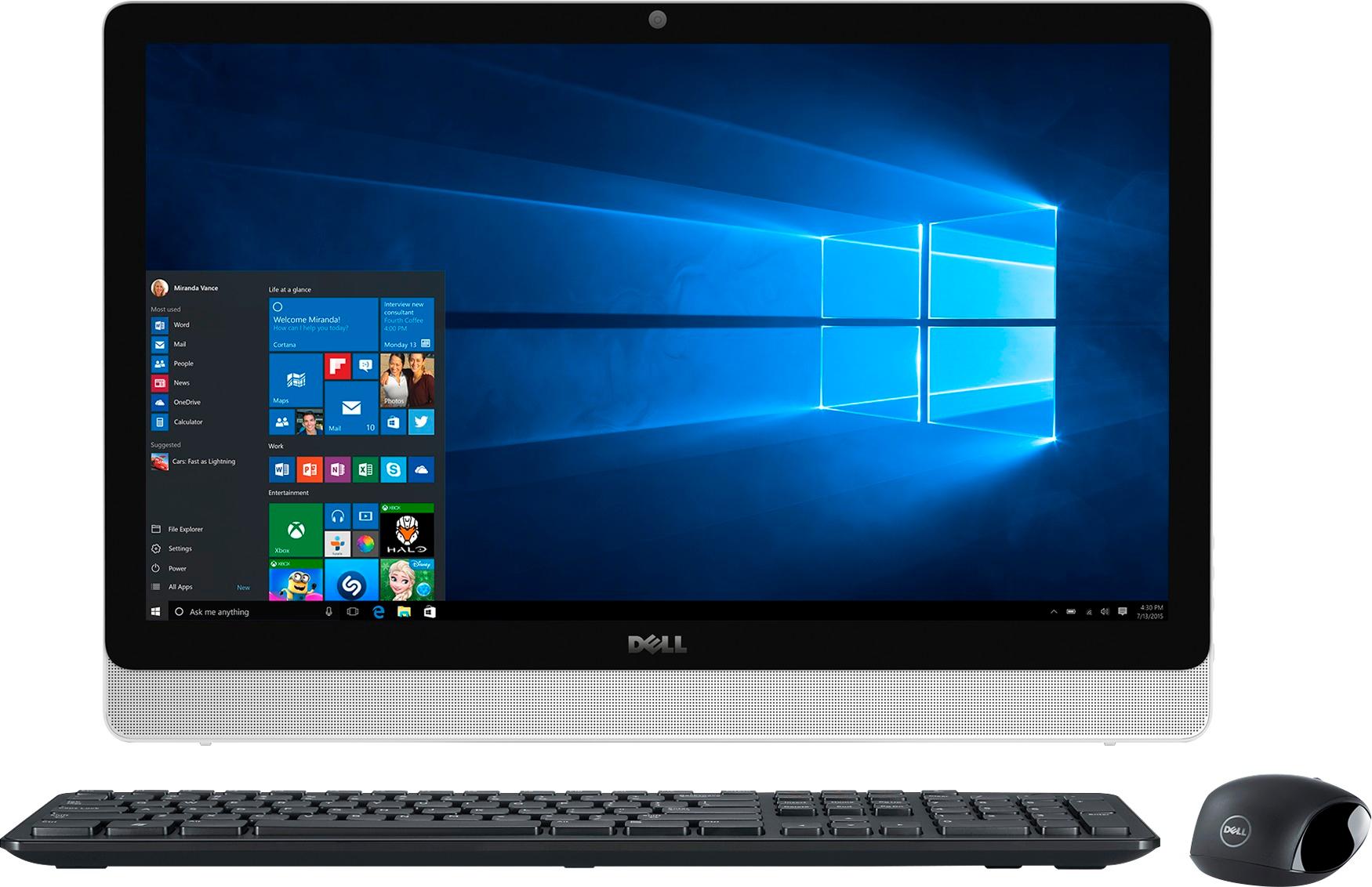
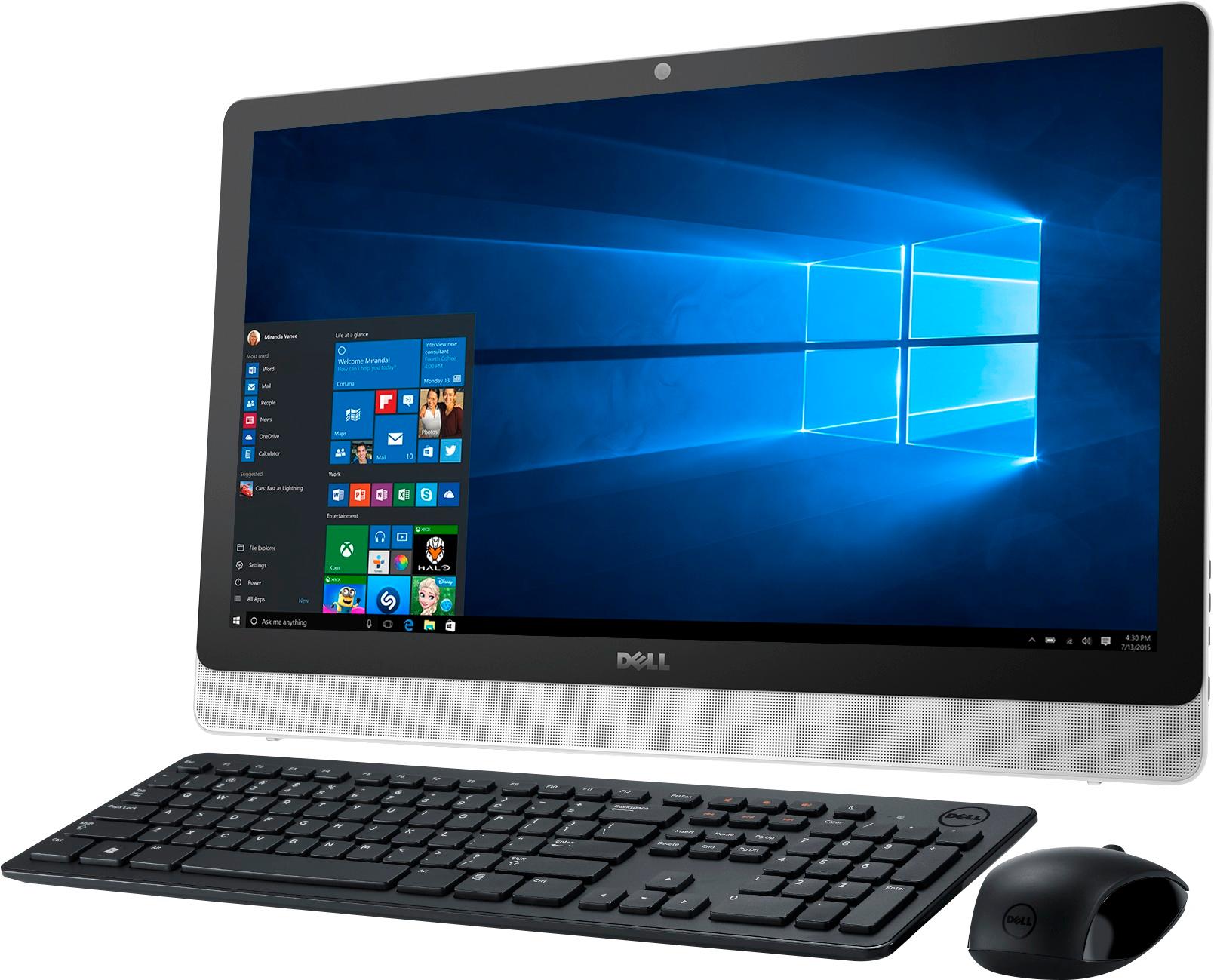
- Model:
- I3455-10041WHT
- SKU:
- 4205600
Rating by feature
- Value
Rating 4.4 out of 5 stars
- Quality
Rating 4.2 out of 5 stars
- Ease of Use
Rating 4.1 out of 5 stars
Customers are saying
Customers are impressed with the large screen size, ease of use, and touchscreen functionality of the Inspiron 23.8" All-in-One. Many also appreciate the value for the price and the sleek design. However, some experienced issues with the hard drive, and others expressed dissatisfaction with the pre-installed operating system and occasional software problems. A small number of users reported problems with the motherboard and Wi-Fi connectivity.
This summary was generated by AI based on customer reviews.
Can not install SSD - Dell Support useless
Posted .This reviewer received promo considerations or sweepstakes entry for writing a review.Do not buy an Inspiron 3455 The system is quite slow compared to my 7 yr old HP it is not much faster... So I decided I was spoiled by the SSD that I had installed in my HP and would follow suite and install an SSD in this system to improve performance. It can not be done! For 3 weeks I have tried and even from Dells Community forum there is no solution. There is a lot of information and a lot of people with the problem... No Solution. Even Crucial failed me on this one as having no solution. With 37 years of experience this is my first NO-Solution could be found. And, Dell support what a joke. This is a bug in their system and the only response I got was "we would request you to please contact our Dell paid support for assistance on 8777903355" So, I can pay Dell, for me to help them figure out what is wrong with their system. No, I'll eat the $600 and use this as a target. A little tannerite and my 30-06 could maybe make this unit useful. For a minute. This is a really bad system don't waste you money. No way I can imagine the 90% approval rating shown here.... No way!!
No, I would not recommend this to a friendBrand response from YourDellTeam
Posted .kwade,
Thanks for your review. We're sorry that you've had trouble upgrading the drive on your Dell computer. If you do have additional questions about your device you can check our Product Support Page here - http://dell.to/2w6TEq8. We hope that your computer will perform the way you'd like it to soon.
Best,
Bryan
1-800-624-9896
- Cons mentioned:Hard drive
Run Away from this Computer
Posted .This reviewer received promo considerations or sweepstakes entry for writing a review.Hard drive crashed within a year. Now repaired, it still runs slow as molasses--both keyboard as well as access to internet. So tired of waiting as the spinner icon goes round and round and round. As soon as possible, this piece of junk will be replaced with a more dependable and faster desktop. My Kindle runs faster than this computer. Bottom line: run as fast as you can away from this model.
No, I would not recommend this to a friend Sucks
Posted .This reviewer received promo considerations or sweepstakes entry for writing a review.I purchased this computer for Christmas after doing a lot of research.. 2 weeks after the return policy expires I get a blue screen of death. I have taken it in to best buy who sends it to whoever they send it to get it back and I have lost my 6months of virus protection which is the only thing that was on the computer since I hadn't had a chance to mess with it much. 1 week after I get it home set back up and want to get on it to pay a bill.. Well you guessed it crashed again... Save your $700!!
No, I would not recommend this to a friendGreat looking, but may be the slowest PC ever
Posted .This reviewer received promo considerations or sweepstakes entry for writing a review.We bought this all in one due to limited space and the need to fit something under a 16" cabinet. This was perfect for that. The "pros" is that it's very attractive, has decent sound, and is a good price. The "cons" are many. First off, it takes this PC forever to boot up. I can literally go make breakfast while it starts. I've disabled all but the most essential startup items, cleaned the registry and temporary files, run various malware and virus scans, etc. No change. On top of that, sometimes it decides to not turn on or wake up, and to fix that I need to unplug the PC, hold down the power button for 10 seconds, then try again. Sometimes it starts (painfully slowly), and sometimes it doesn't. I thought a solution might be to put in a SSD, but I tried several cloning programs and none could create a bootable copy of the OS. Doing research, this is a well documented problem. So, I just went out and bought a Asus AIO that runs rings around this PC. Even the internet speed test is telling (same connection, same location) the Dell gets a 25mbps download, while the Asus does 180mbps. It's just staggering how something with decent specs like this can be so painfully slow.
No, I would not recommend this to a friendBrand response from YourDellTeam
Posted .sdmike,
Thanks for your review and we're sorry to hear how slow you're finding your new Dell computer. We're glad that you were able to disable several unnecessary start-up items. We'd also recommend that you run the Windows Performance Troubleshooter to see what can speed up your computer:
1. Close all open windows.
2. Press the Windows logo key + X key on the keyboard.
3. Click Control Panel.
4. Click System and Security.
5. Under Security and Maintenance, select Troubleshoot common problems.
6. Under System and Security, click Run maintenance tasks.
7. Follow the on-screen instructions and prompts to complete the process.
8. Restart the PC.
You can read the full article here - http://dell.to/2tSulGV.
Best,
Bryan
1-800-624-9896
Ultra Slow
Posted .This reviewer received promo considerations or sweepstakes entry for writing a review.I have a very high speed internet wireless system in my house, but this must be the slowest computer on the planet. I'm not a computer geek who expects lightening speed, but this computer is much slower than my last one when on the internet just browsing. When you initially get online, the homepage takes almost 45 seconds just to load up. Almost that slow on every page you move to after that. If I could return this, I would.
No, I would not recommend this to a friendScreen Resolution isn't great, Windows Edge Freeze
Posted .This reviewer received promo considerations or sweepstakes entry for writing a review.I purchased this all in one on August 5, 2016. The screen resolution is cloudy, not very clear at all. Windows Edge freezes up A LOT, daily. I had to download Google Chrome because the Windows Edge browser is not reliable at all. Photos don't show very nice with the poor resolution. I wouldn't buy this again.
No, I would not recommend this to a friendProblematic computer
Posted .This reviewer received promo considerations or sweepstakes entry for writing a review.On my 3rd computer. 1computer problem w/dvd reader, 2 computer constantly lost Wi-Fi conection, 3 computer power button doesnt always engage and wont stay in sleep mode it would always shut down & slow, all in four months, last Dell I'll ever buy . Impressed with Best Buy they have been great!
No, I would not recommend this to a friendSoooo Slowwww
Posted .This reviewer received promo considerations or sweepstakes entry for writing a review.This is the slowest machine I have ever owned. Constant errors, constant losing WiFi connection, constant rebooting and taking forever to install updates. Don’t go with a Dell! It looks pretty but doesn’t function!
No, I would not recommend this to a friendBrand response from YourDellTeam
Posted .@CindyD - Thanks for your review. We're so sorry to see that your new computer is not running the way that you had planned on it working. We'd recommend running the following troubleshooter:
1. Run the Network Troubleshooter.
a) Touch and hold or right-click the network icon (Available Networks or Network Icon, located in the lower right-hand corner).
b) Touch or click Troubleshoot problems and then follow the prompts.
You can read the full article here - http://dell.to/2sLtwRh.
We hope this helps improve the performance of your All-In-One. - Bryan
Just bought today.
Posted .This reviewer received promo considerations or sweepstakes entry for writing a review.This is my second Dell All in One. My windows 7 lasted 5 years hopefully this one will exceed that.
I would recommend this to a friend- Pros mentioned:Screen size
DO NOT WASTE YOUR TIME
Posted .This reviewer received promo considerations or sweepstakes entry for writing a review.I am a student and thought this would be perfect for what I needed it for. Aesthetically, it is a beautiful desktop computer. Saves space, the huge screen is useful when I need to do split screen it, sounds are great, but apart from that, it is sooooo slow. I have only had it for 7 days, exactly today, and it has crashed twice. The typing response is horrible, the touch screen function is delayed. and pages take eons to load. I set up the Trend Micro protection it came with and I am sure, this computer is not protected still. I keep getting those spam messages and a random page will load. Anyways, I would not recommend this and will be returning it this weekend.
No, I would not recommend this to a friend slow as molasses
Posted .This reviewer received promo considerations or sweepstakes entry for writing a review.This computer is incredibly slow. I bought it to replace an 8 year old desktop, thinking an 8 year newer computer would be faster than the old one. WRONG!! This computer is the slowest computer I've been on in years. I regret not returning it in the 15 day period Best Buy allows returns, but I kept thinking if I adjusted different things the computer would work at a normal speed. It hasn't. My 10 year old laptop is faster than this thing. I would not recommend this computer to anyone. I thought Best Buy sold good technology. I am disappointed in both Dell and Best Buy.
No, I would not recommend this to a friendBrand response from YourDellTeam
Posted .Hello Wayne,
Thank you for your review. We're sorry that your new computer is running slower than you had hoped it would. We'd recommend running the Windows Performance Troubleshooter to see if there is anything you can do to help your computer run faster for you. Here are the steps:
1. Close all open windows.
2. Press the Windows logo key + X key on the keyboard.
3. Click Control Panel.
4. Click System and Security.
5. Under Security and Maintenance, select Troubleshoot common problems.
6. Under System and Security, click Run maintenance tasks.
7. Follow the on-screen instructions and prompts to complete the process.
8. Restart the PC.
You can read the full article here - http://dell.to/2tSulGV.
We hope this helps your computer speed up for you.
Best,
Bryan
1-800-624-9896
So far so good
Posted .This reviewer received promo considerations or sweepstakes entry for writing a review.I've only had it for 24 hours so far, but everything seems to be great up to this point.
I would recommend this to a friendI caution you against buying this computer
Posted .This reviewer received promo considerations or sweepstakes entry for writing a review.My wife and I purchased this computer from Best Buy in December 2017. Upon first using it we really liked it quite a bit. However, within the first two weeks of ownership we had a slew of issues. We got the blue screen of death, crackly sound coming from the speakers, driver installation issues, etc. We then brought the computer back and Best Buy replaced it with another one no questions asked. However, within two weeks, we had issues where the speakers were emitting a horrible crackly sound when playing music or watching YouTube videos. This computer is junk according to our experiences. The problem (that I've now learned) with all-in-one computers is that if you have an issue with say the sound or the screen, etc. then the entire computer is no good. Best Buy gave us store credit for the second one and refused to give us a refund to our credit card which was our original method of payment. It's not our fault that these Dells are junk and because of this situation, I will no longer purchase products from Best Buy. I now have $600 of store credit I do not intend on using, thanks a lot Best Buy.
No, I would not recommend this to a friend- Pros mentioned:Screen size
Slow computer, slow Wi-Fi, crashed once
Posted .This reviewer received promo considerations or sweepstakes entry for writing a review.I have had this All-in-One for about a year and a half and have had multiple issues. For starters, it crashed with one of the routine Dell recommended system upgrades. Wi-Fi is painfully slow (this was not an internet service provider issue as all other devices in the home work fine). Finally, system performance in general is slow. For example, I don't think this type of system is designed for movie maker software, i.e. Pinnacle. Touch screen is a nice to have, not need to have.
No, I would not recommend this to a friendBrand response from YourDellTeam
Posted .@jrip, Thanks for your review. We're sorry to hear about the difficulties that you've been having with your All-in-One. Here are some tips we recommend for the future if you experience another crash: 1. At the desktop, click the Search the web and Windows box and type "problem reports". 2. Select View all problem reports to view a list of errors that have occurred on your computer and possible solutions for them, such as updating drivers, flashing your system BIOS, or checking for updates to software. 3. Under the Source column, look for Windows and under Summary, look for Shut down unexpectedly. 4. Right-click the line item and select Check for a solution. Here's a link to a Dell Support article about system crashes - http://dell.to/2u98Cct. If you continue to experience issues with your connectivity we would recommend some of the following steps: 1. Run the Network Troubleshooter. a) Touch and hold or right-click the network icon (Available Networks or Network Icon, located in the lower right-hand corner). b) Touch or click Troubleshoot problems, and then follow the prompts. For additional troubleshooting tips for your connection please visit - http://dell.to/2sLtwRh. Lastly, if you are continuing to experience slow performance please follow these steps: Delete temporary files and directories 1. Click Start, then in the search bar type "disk". Disk Cleanup should appear on the menu above the search box. 2. Run disk cleanup and eliminate unneeded temporary files (Search results, Internet Cache and other windows temp files you may no longer need) 3. Select files you want to delete then click OK to start the cleanup process. Uninstall applications you no longer use 1. Open the Programs and Features application in Control Panel. 2. Scan the list of applications installed for ones that you no longer use. 3. Highlight any application you no longer use and then click the uninstall button at the top of the list. Follow the prompts to uninstall. 4. Repeat for each application you want to uninstall. 5. Move large files and/or seldom used files to backup media (Photos, Music you seldom listen to, application downloads after the application has been installed etc.). 6. Empty the Recycle Bin. Here's the Dell Support article related to slowness on your device - http://dell.to/2tSulGV. We hope that these tips help get your All-in-One performing the way you hoped it would.
Great all in one system
Posted .This reviewer received promo considerations or sweepstakes entry for writing a review.So far love my ALL IN ONE system. Learning a lot!!
I would recommend this to a friendDisappointed with the all in one
Posted .This reviewer received promo considerations or sweepstakes entry for writing a review.I’m very disappointed with this computer as it did not last as long as I expected it to. I expected it to last as long as my HP laptop that was use 75% more than the all in one. I bought this all and one as a backup for my household the same day I purchased my HP laptop. We all have laptops 2 HP and 2 Macs so it got use for web browsing and scanning documents on the printer that was hooked up to it. The all in one have a black screen whenever powered on or it immediately shut off at powered on. I’ve taken it to two different Bestbuy geek squad and I’m being told I need to purchase a new computer because the monitor can’t be replaced being that it’s an all in one. Had I known this could be an issue, I would had purchased a desktop version.
No, I would not recommend this to a friend- Cons mentioned:Hard drive
Slow bad hard drive
Posted .This reviewer received promo considerations or sweepstakes entry for writing a review.This system is very slow and and after a year of very very light use the hard drive crashed I have been a dell fan for years now I’m not so sure. This was a very expensive unit when first released I am very unhappy lost all data
No, I would not recommend this to a friendBrand response from YourDellTeam
Posted .- Gingersnapsmom, We're so sorry to hear that you lost your data due to your computer crashing. Hopefully, you had a chance to set-up Microsoft One Drive so that you can recover your data on a new device or once you are able to restart this computer. If you continue to experience slow performance on your new computer we'd recommend the following tips to keep in mind:
Delete temporary files and directories
1. Click Start, then in the search bar type "disk". Disk Cleanup should appear on the menu above the search box.
2. Run disk cleanup and eliminate unneeded temporary files (Search results, Internet Cache and other windows temp files you may no longer need)
3. Select files you want to delete then click OK to start the cleanup process.
Uninstall applications you no longer use
1) Open the Programs and Features application in Control Panel.
2) Scan the list of applications installed for ones that you no longer use.
3) Highlight any application you no longer use and then click the uninstall button at the top of the list. Follow the prompts to uninstall.
4. Repeat for each application you want to uninstall.
5. Move large files and/or seldom used files to backup media (Photos, Music you seldom listen to, application downloads after the application has been installed etc.).
6. Empty the Recycle Bin.
You can read the full article here - http://dell.to/2tSulGV.
We hope these tips help get your computer up and running again. - Bryan
Avoid
Posted .This reviewer received promo considerations or sweepstakes entry for writing a review.I bought this computer hesitantly as I'm not a fan of Dell or the all-in-one design. I should have listened to my intuition. This thing is a massive piece of junk. Right out of the box it took FOREVER to boot up which I figured to be normal. Once it was started it wouldn't open anything. It took several minutes to open Microsoft Edge alone and then wouldn't let me click on anything. It wouldn't let me download any apps or even click on them for that matter. I did try to download Google Chrome and it said the estimated time to download was 6 hours and the bar wasn't even moving. So after 3 hours of literally not getting anywhere with it I boxed it up and took it back. I exchanged it for a Lenovo which ran like a dream. Do NOT buy this computer. It has all the specs to be great but it is not.
No, I would not recommend this to a friend2nd Product defect in 2 days
Posted .This reviewer received promo considerations or sweepstakes entry for writing a review.keyboard and mouse don't work..........................
No, I would not recommend this to a friendBuy the Extended Warranty!
Posted .This reviewer received promo considerations or sweepstakes entry for writing a review.I am really disappointed in Dell. This computer is in my kitchen so it doesn’t see a lot of use but the screen went out after 14 months. I expected a little bit more?? I have always been an advocate for Dell because I use them at work but now I am in a position were it is cheaper to replace then repair. My expectations for a computer to work is only about 3 years since I so upgrade in about that time so I think it’s time to try something else.
No, I would not recommend this to a friend