Customer Ratings & Reviews
- Model:
- I3455-10041WHT
- SKU:
- 4205600
Rating by feature
- Value
Rating 4.4 out of 5 stars
- Quality
Rating 4.2 out of 5 stars
- Ease of Use
Rating 4.1 out of 5 stars
Customers are saying
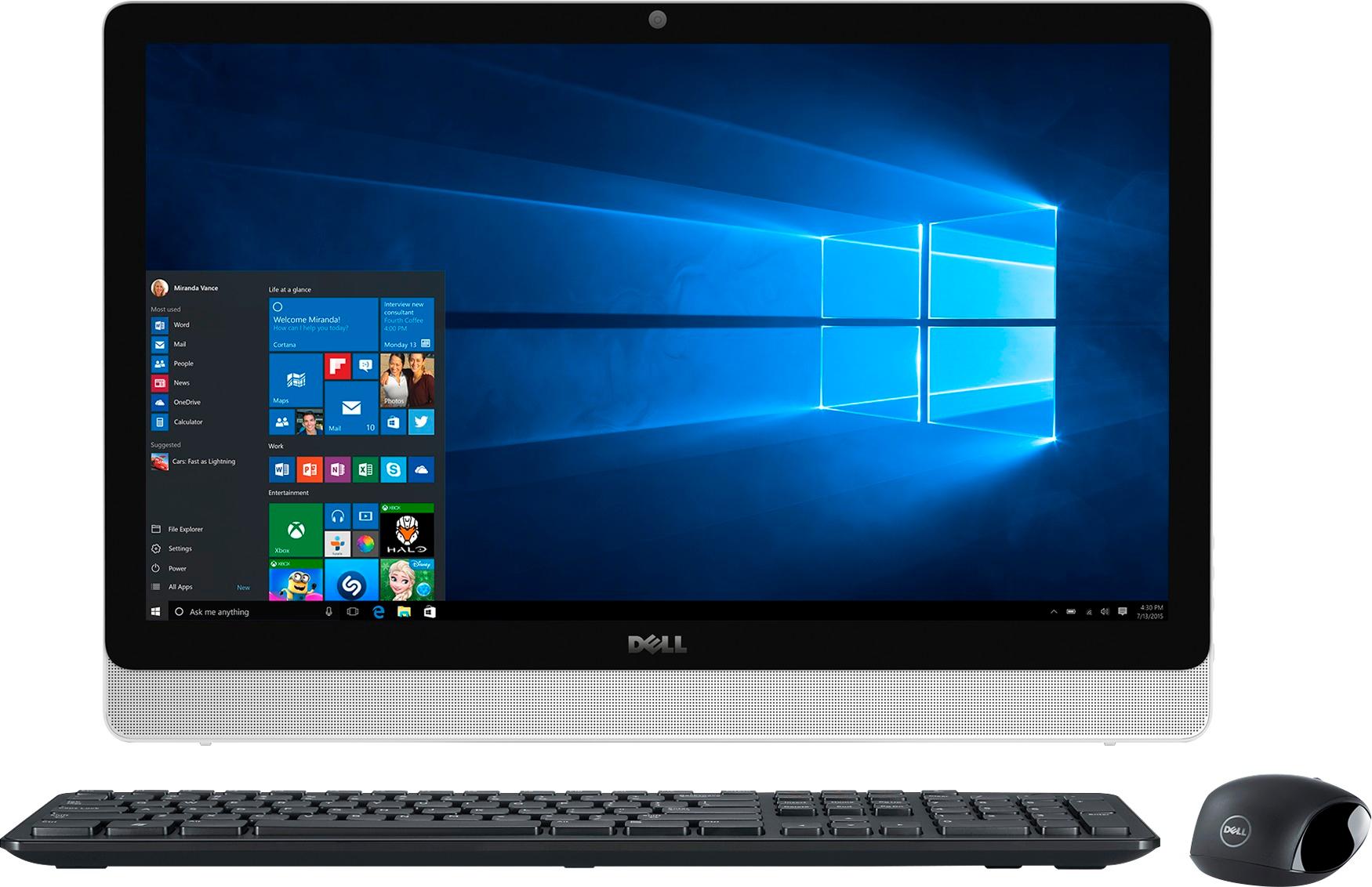
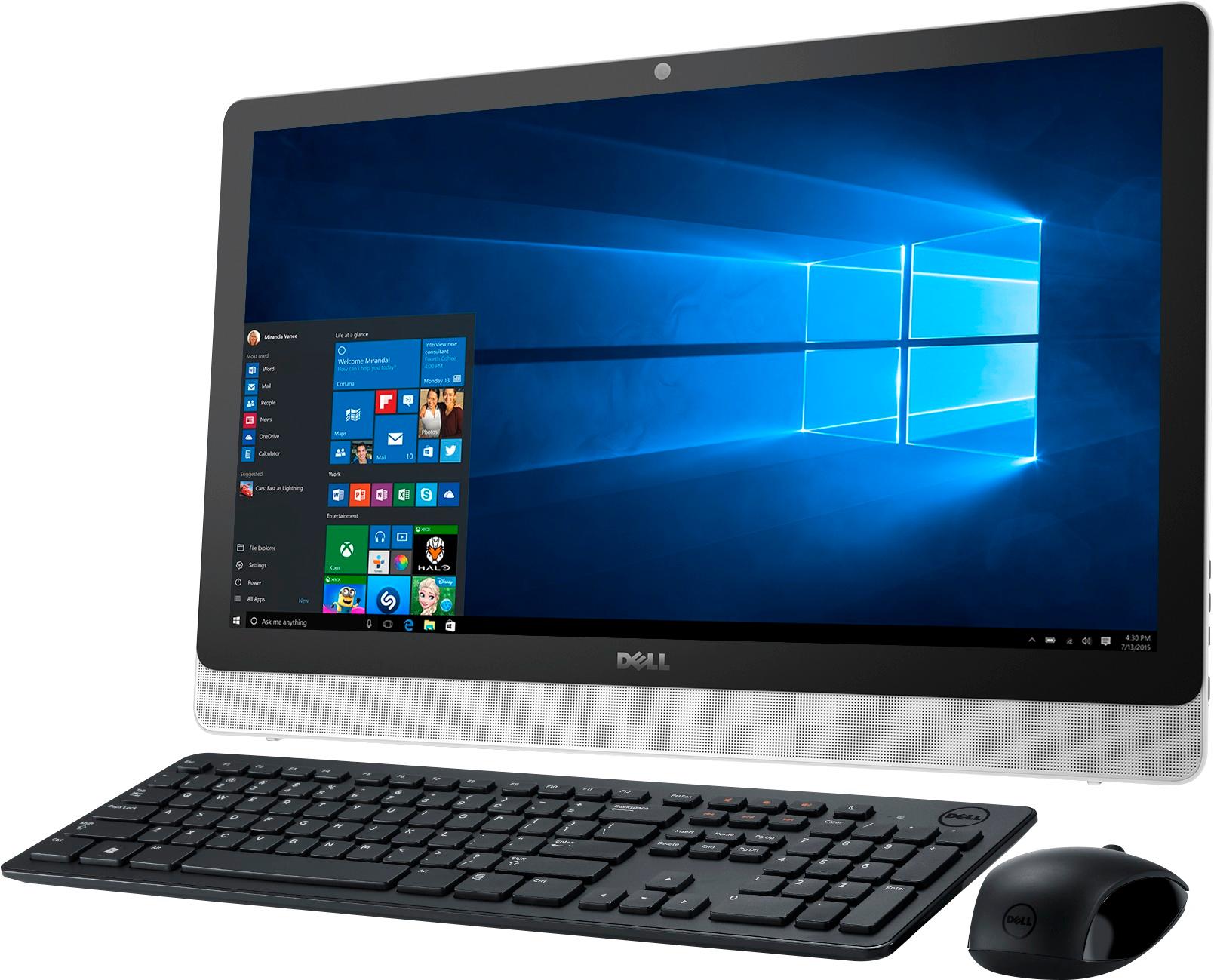
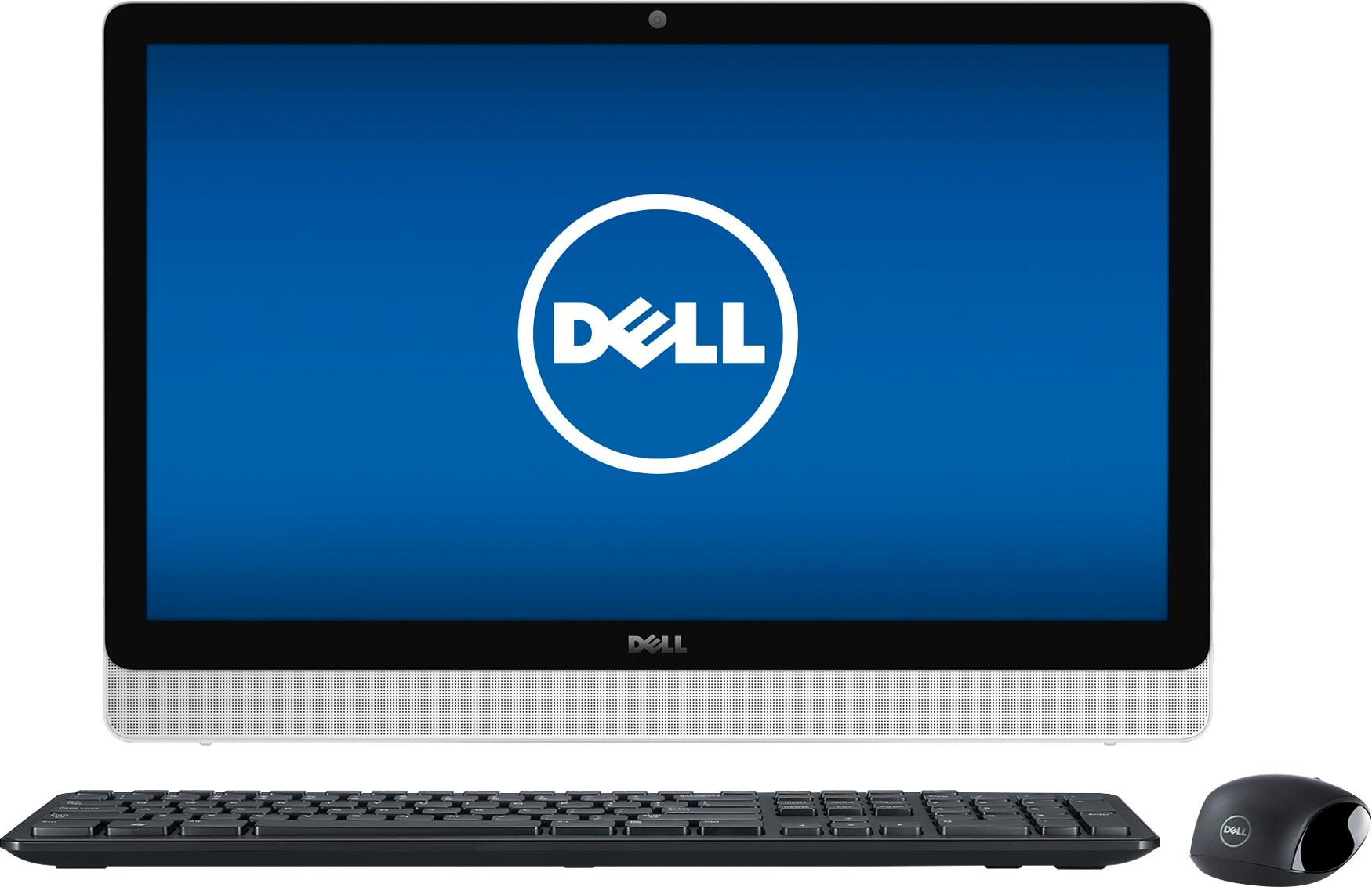
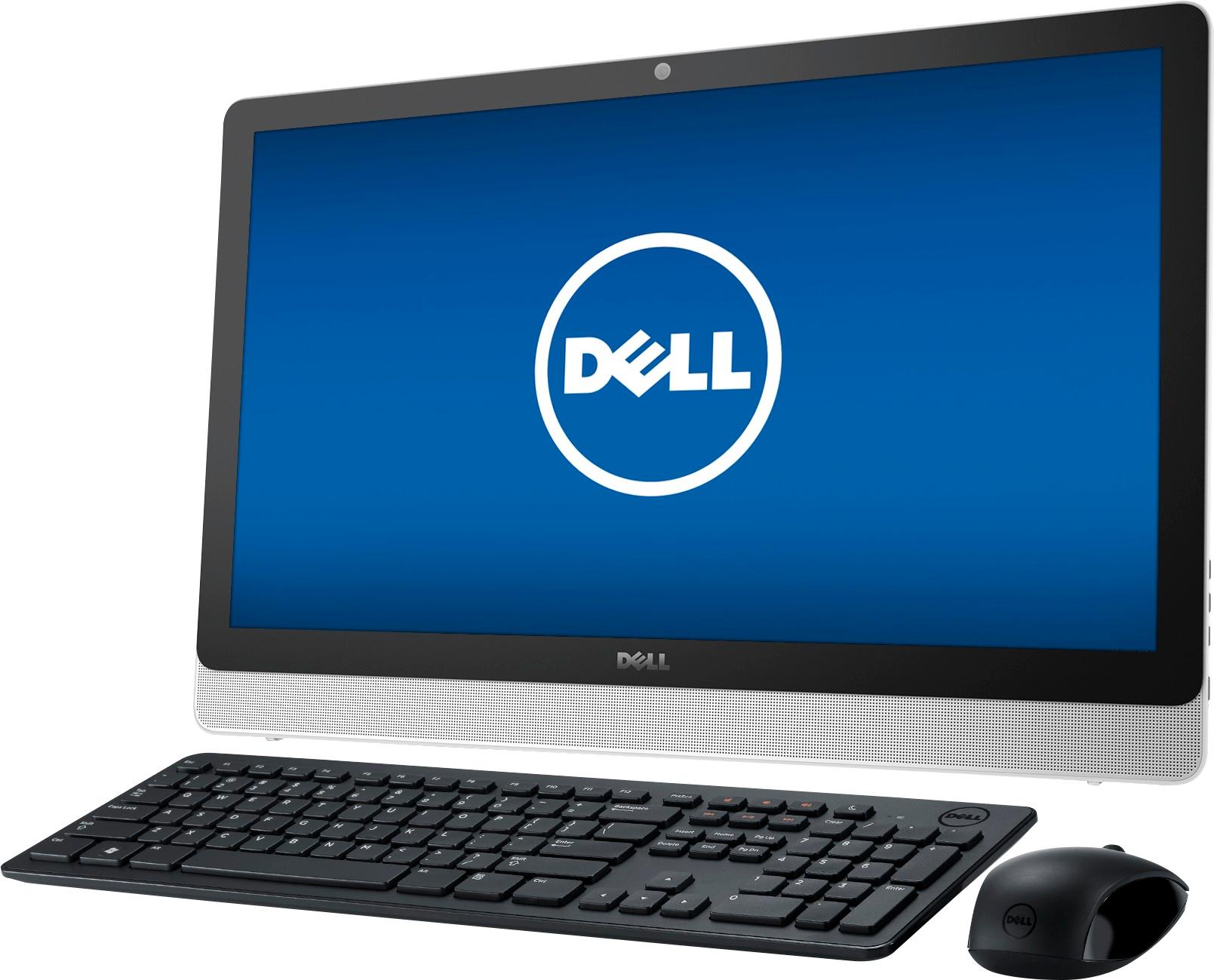
Customers are impressed with the large screen size, ease of use, and touchscreen functionality of the Inspiron 23.8" All-in-One. Many also appreciate the value for the price and the sleek design. However, some experienced issues with the hard drive, and others expressed dissatisfaction with the pre-installed operating system and occasional software problems. A small number of users reported problems with the motherboard and Wi-Fi connectivity.
This summary was generated by AI based on customer reviews.
great computer
||Posted .This reviewer received promo considerations or sweepstakes entry for writing a review.I like not having a tower & it gives me more room.
I would recommend this to a friend- Pros mentioned:Touchscreen
How could I go wrong, it's a Dell!!!
||Posted .This reviewer received promo considerations or sweepstakes entry for writing a review.I'm glad I stuck with my first mind, Lovely computer I truly appreciate my decision.
I would recommend this to a friend - Pros mentioned:Screen size
I don't know about this...
||Posted .This reviewer received promo considerations or sweepstakes entry for writing a review.My only bad review is that it can't play some of my older DVDs or view my photos by clicking the arrows on the key board like my older computer. I wouldn't recommend this to someone looking to play older DVDs. Other wise it's a good computer.
I would recommend this to a friend Not too easy to set up for a beginner.
||Posted .This reviewer received promo considerations or sweepstakes entry for writing a review.I found the set up for this computer to be somewhat difficult.
No, I would not recommend this to a friendBrand response from YourDellTeam
Posted .Dear appleton - Thanks for your review. We're sorry to hear that you had a little bit of trouble setting up your new computer. We'd recommend that you try Dell's Support Assist app to help with your setup. If you have additional questions related to your device you can check out our Product Support Page here - http://dell.to/2w6TEq8. - Bryan

Great storage
||Posted .This reviewer received promo considerations or sweepstakes entry for writing a review.Great storage, even better camera, not bulky. I love it, serves it's purpose
I would recommend this to a friendIt's okay
||Posted .This reviewer received promo considerations or sweepstakes entry for writing a review.Everything is good with the quality but for some reason this thing is extremely slow. The touch screen and mouse are slow to respond. I only use it for videos a few times a month but my 5 year old MacBook Pro is faster.
I would recommend this to a friendBrand response from YourDellTeam
Posted .Kayymichey,
We're sorry to hear that the responsiveness of your touchscreen and touchpad are not what you were hoping for. Here's a way to calibrate your touchscreen: Below are the steps required to calibrate your Touchscreen.
1. Restart the Computer and the Monitor
2. Recalibrate the touch-screen. Steps to calibrate touch-screen:
3. Go to Control Panel and select Tablet PC Settings.
4. Under Display tab, select Calibrate.
5. Choose Pen or Touch input.
6. Perform the point calibration that appears on the screen to correct the linearity problems.
7. Save the calibrated data.
You can read the full article here - http://dell.to/2uLztub.
If you'd also like to calibrate your touchpad you can follow these steps:
Some Notebooks and Tablets with Keyboards have added gesture features to the touchpad hardware and drivers. A few of these features are two or three finger scrolling, pinch zoom, circle zoom, rotate and swiping. These new features may be the reason for the erratic cursor movement since most are turned on by default. You can disable or modify the way the features work in the touchpad driver properties. Here are some tips to modify these settings:
1. In the Search box, type main.cpl.
2. Touch or click main.cpl in the list of programs.
3. Touch or click the Dell Touchpad tab.
4. Touch or click on the picture of the touchpad.
5. Touch or click Gestures (depending on your computer there may not be a Gestures option).
6. Change the options as preferred.
7. Touch or click Save.
8. Touch or click the X in the upper-right corner to close the Dell Touchpad Utility.
9. Touch or click OK on the Mouse Properties window.
10. If the touchpad still does not work after following the preceding steps, refer to Dell Knowledge Base article - http://dell.to/2iaiujA.
You can read the full article here - http://dell.to/2tqmS02.
We hope these tips help your touch functionality speed up.
Best, Bryan 1-800-624-9896
- Pros mentioned:Screen size
Awesome
||Posted .This reviewer received promo considerations or sweepstakes entry for writing a review.I'm not very computer savvy but not difficult, love the size love being wire free
I would recommend this to a friend - Pros mentioned:Screen size
Awesome product
||Posted .This reviewer received promo considerations or sweepstakes entry for writing a review.Great price point for a touch screen all in one. very nice quality.
I would recommend this to a friend GREAT DESKTOP FOR THE PRICE
||Posted .This reviewer received promo considerations or sweepstakes entry for writing a review.I bought this desktop because my previous Sony VAIO desktop died on me... I went to the store and the salesman told me that it was the best value for the money - I was never a fan of Dell as I always thought of it as a seller of business computers. But it turns out this is a very good desktop indeed - it should have more memory, but it works very well. Good value. Happy with my purchase!
I would recommend this to a friend- Pros mentioned:Ease of use
Great for Anyone
||Posted .This reviewer received promo considerations or sweepstakes entry for writing a review.This computer is awesome, easy to use and great for everyone in the family.
I would recommend this to a friend - Pros mentioned:Screen size
touch screen
||Posted .This reviewer received promo considerations or sweepstakes entry for writing a review.Love the size of the screen and the touch screen feature and it works great
I would recommend this to a friend Could be a little faster
||Posted .This reviewer received promo considerations or sweepstakes entry for writing a review.This is a newer version of what I previously owned so it was easy to get used to.
I would recommend this to a friend- Pros mentioned:Screen size
Easy to use
||Posted .This reviewer received promo considerations or sweepstakes entry for writing a review.Great system with lots of power and compact.everything is simple with powerful machine
I would recommend this to a friend - Pros mentioned:Screen size
Great all around computer
||Posted .This reviewer received promo considerations or sweepstakes entry for writing a review.This computer is great. We love the fact that you can use the touch screen option also.
I would recommend this to a friend - Pros mentioned:Screen size
Great
||Posted .This reviewer received promo considerations or sweepstakes entry for writing a review.Love this. Got it for our shop and the size of the screen is awesome ,
I would recommend this to a friend - Cons mentioned:Software
The computer itself is great
||Posted .This reviewer received promo considerations or sweepstakes entry for writing a review.The computer itself is great; however, the software has been a bit challenging.
I would recommend this to a friend - Pros mentioned:Screen size
Great Computer.
||Posted .This reviewer received promo considerations or sweepstakes entry for writing a review.Bought this for my adult autistic son. He loves it. Love the touch screen.
I would recommend this to a friend - Pros mentioned:Ease of use
Great computer
||Posted .This reviewer received promo considerations or sweepstakes entry for writing a review.This has been a great product for our business. It was easy to set up and use.
I would recommend this to a friend Great PC for me, I love it!
||Posted .This reviewer received promo considerations or sweepstakes entry for writing a review.Still getting used to windows 10, but is going well with all the help included.
I would recommend this to a friend- Pros mentioned:Ease of use
Great buy
||Posted .This reviewer received promo considerations or sweepstakes entry for writing a review.Got why i wanted and just few minutes in the store I purchase right away
I would recommend this to a friend