Customer Ratings & Reviews
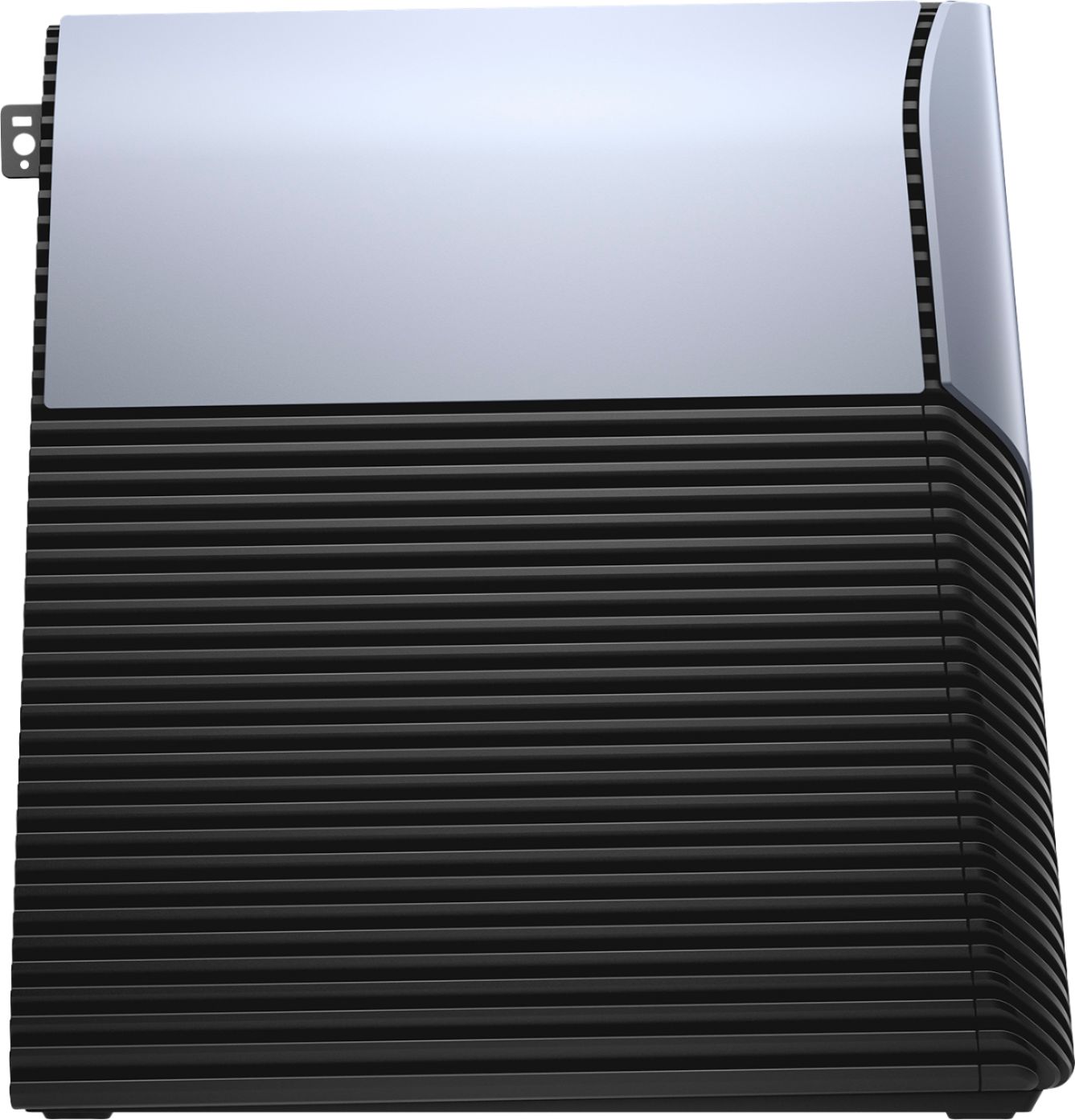
- Model:
- I5676-A702BLU-PUS
- SKU:
- 6251737
to a friend
Customers are saying
Customers love the Inspiron Gaming Desktop's performance, especially its speed and ability to handle gaming and video editing smoothly. The fast SSD is also a highlight, improving system responsiveness. While some users experienced noticeable fan noise, many others praised the overall gaming experience and the computer's reliability.
This summary was generated by AI based on customer reviews.
- Pros mentioned:Performance
Great computer
||Posted .This reviewer received promo considerations or sweepstakes entry for writing a review.This gaming desktop replaced our laptop that was no longer working. We have been pleased with this purchase.
I would recommend this to a friend - Pros mentioned:Performance
Exactly what I was looking for
||Posted .This reviewer received promo considerations or sweepstakes entry for writing a review.Runs smooth easily set up wish it had 2 hdmi outlets but other than that I love it
I would recommend this to a friend - Pros mentioned:Performance
nice desktop computer
||Posted .This reviewer received promo considerations or sweepstakes entry for writing a review.The system is fast and reliable so far, I'm very happy with the performance
I would recommend this to a friend - Pros mentioned:Processor speed
Fast
||Posted .This reviewer received promo considerations or sweepstakes entry for writing a review.This Dell is great & fast! Using it for work & I have no complaints!
I would recommend this to a friend Gaming computer
||Posted .This reviewer received promo considerations or sweepstakes entry for writing a review.Great price and is vr ready. Couldn't ask for more
I would recommend this to a friendsolid computer for the price!
||Posted .This reviewer received promo considerations or sweepstakes entry for writing a review.this gaming computer is an excellent value for the price. it will run anything that I throw at it.
I would recommend this to a friendworks awesome
||Posted .This reviewer received promo considerations or sweepstakes entry for writing a review.this works really well for my gaming needs. i have had no lag and the graphics are awesome!
I would recommend this to a friend- Cons mentioned:Fan noise
Operates well but has bad fan issues
||Posted .This reviewer received promo considerations or sweepstakes entry for writing a review.So far everything is great...except for one thing. The fans on this thing kick up randomly really loud. It's obscene. Once they fix that issue it will be great. Until then though I'd not buy it again.
No, I would not recommend this to a friendBrand response from YourDellTeam
Posted .kevmelbel,
Many of our customers have solved fan noise issues by updating the BIOS on their computer by following these steps: An out-of-date BIOS can cause loud fan noises by having an outdated temperature table for the system. Refer to update BIOS and follow the instructions to update the BIOS on your computer. You can also follow up with our Technical Support Team here - 1-800-624-9896.
You can read the full article here - http://dell.to/2ENlXfz.
We hope this helps resolve the fan noises that you're experiencing.
Best,
Bryan
1-800-624-9896
- Pros mentioned:PerformanceCons mentioned:Fan noise
Solid Performance
Posted .This reviewer received promo considerations or sweepstakes entry for writing a review.Before purchasing this machine I read the reviews and complaints, so I knew what I was getting into. As soon as I set up the computer I updated the BIOS and drivers, which is highly recommended otherwise you may have issues with fan noise. I have not had any issues with fan noise since my initial purchase a week ago. I bought the model of this computer that has the Ryzen chipset in it because it is better at multi-threaded performance which for encoding, editing, streaming or any multi threaded operation. It works great for gaming at 1080p at 60fps, which if you're making content this is what you want. I don't recommend overclocking this processor because it has shown to provide very little performance gains. If you want this computer to be faster then upgrade your RAM with RAM that has higher speeds/clocks(Ryzen Processors are greatly impacted in performance gains through upgraded and overclocked RAM). I will say that I got Geek Squad on this device and for the first time I do not feel as though Geek Squad is worth what Best Buy is charging for it. Before they used to include Anti-Virus software and Microsoft Office, but now they don't. Instead they want me to sign up to Geek Squad Total Tech Support, which if you'r 55+ or don't know how to follow an owners manual then Total Tech Support is great. Total Tech support is $200 a year (It's a subscription)... On top of the geek squad coverage that covers hardware malfunctions or power surges for 3 years which I was charged $249 for. A year ago geek squad on a computer covered the accidental/malfunction plus antivirus and Microsoft Office. So in total Best Buy and Geek Squad would like to charge me $849 for 3 years of the coverage that their old Geek Squad used to cover. I do think it is important to say that they do provide a ton of extra services with total tech support, but I don't need all that for just a computer just like most people
I would recommend this to a friend Disappointed
||Posted . Owned for 4 months when reviewed.This reviewer received promo considerations or sweepstakes entry for writing a review.Bought in July 2019, now October 2019 and have black screen, won’t load windows etc, almost a 1000 paperweight and have no idea how to get it fixed.
No, I would not recommend this to a friendbreakdown
||Posted . Owned for 1 year when reviewed.This reviewer received promo considerations or sweepstakes entry for writing a review.this computer just shut down i purchsed on sept1 2019 and 12/10/2019 completly not working
No, I would not recommend this to a friend- Pros mentioned:Ssd
Excellent for video rendering!
Posted .This reviewer received promo considerations or sweepstakes entry for writing a review.So I've recently begun creating online video courses and have been doing the video editing on my laptop using Filmora. I'm no tech wizard, so I'm not going to blather on about threads and a bunch of other things that make my eyes glaze over. My hubby is pretty expert with these things though and, after I had narrowed my search, he had a look at all the contenders and concluded that this one was a lot of power for the $. I got it setup quickly and used my own monitor, keyboard and mouse (bluetooth- hate having cords everywhere). I wasn't sure if it had WiFi (didn't even think about it, honestly), so was happy to see that it did. I installed Filmora and moved my working files for a video I created last week onto the SSD (C drive). Obviously, there's not a lot of space there, so I won't leave these files on there, but Hubby gave me the low-down that the rendering will go a lot faster if the files are on the SSD rather than the HDD. I then rendered/exported to video the video I created last week. It took 40+ minutes on my laptop last week and on this baby... a cool 8 minutes. 8 MINUTES. Boom. Done. Worth every penny. I just cut my video rendering time by 80%, meaning if it usually takes me 3 days to render all the videos for one course, it will now take me less than a day. That means this equipment already pays for itself after creating ONE COURSE. :)
I would recommend this to a friend - Pros mentioned:Gaming
Great gaming computer
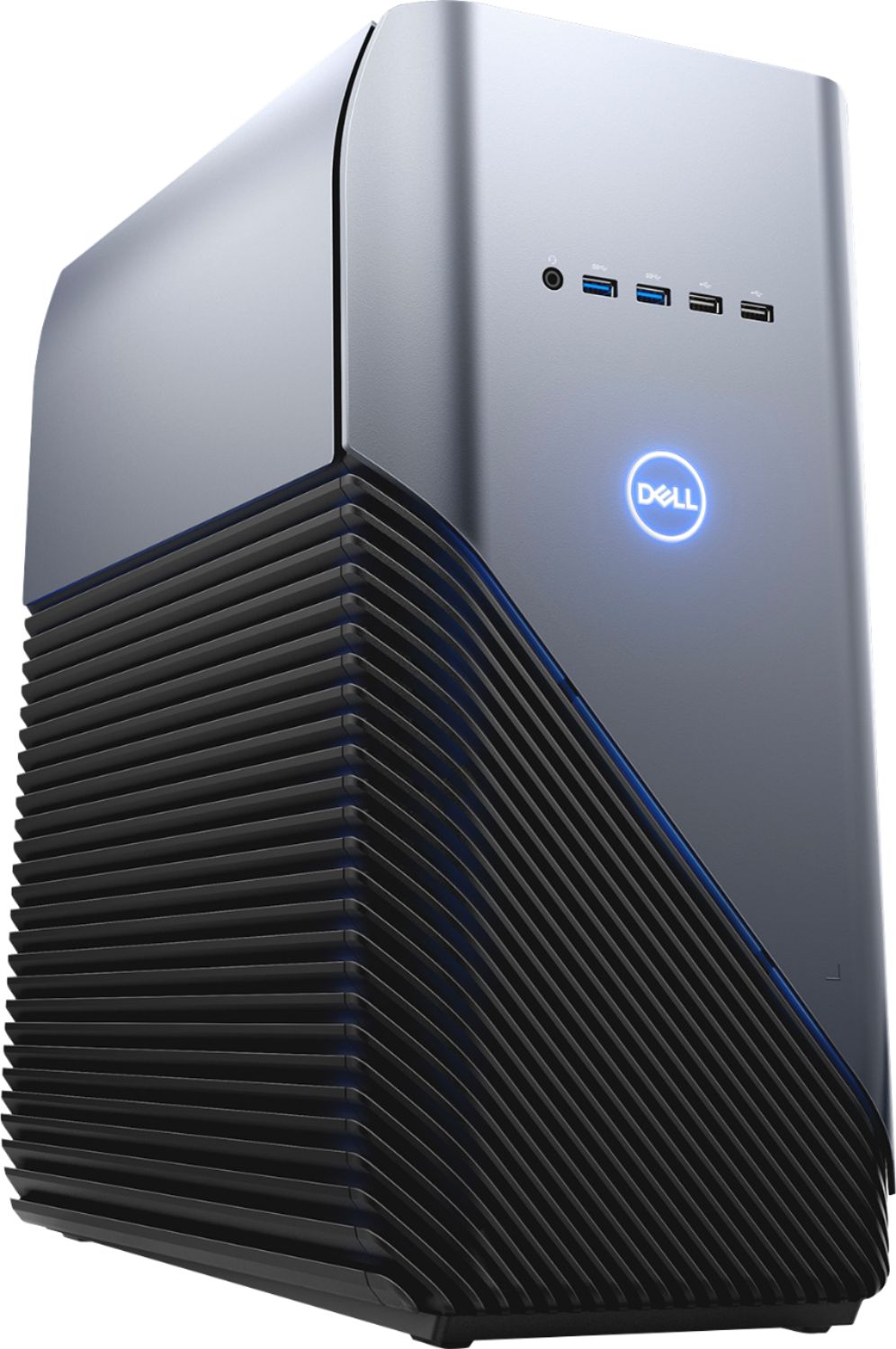
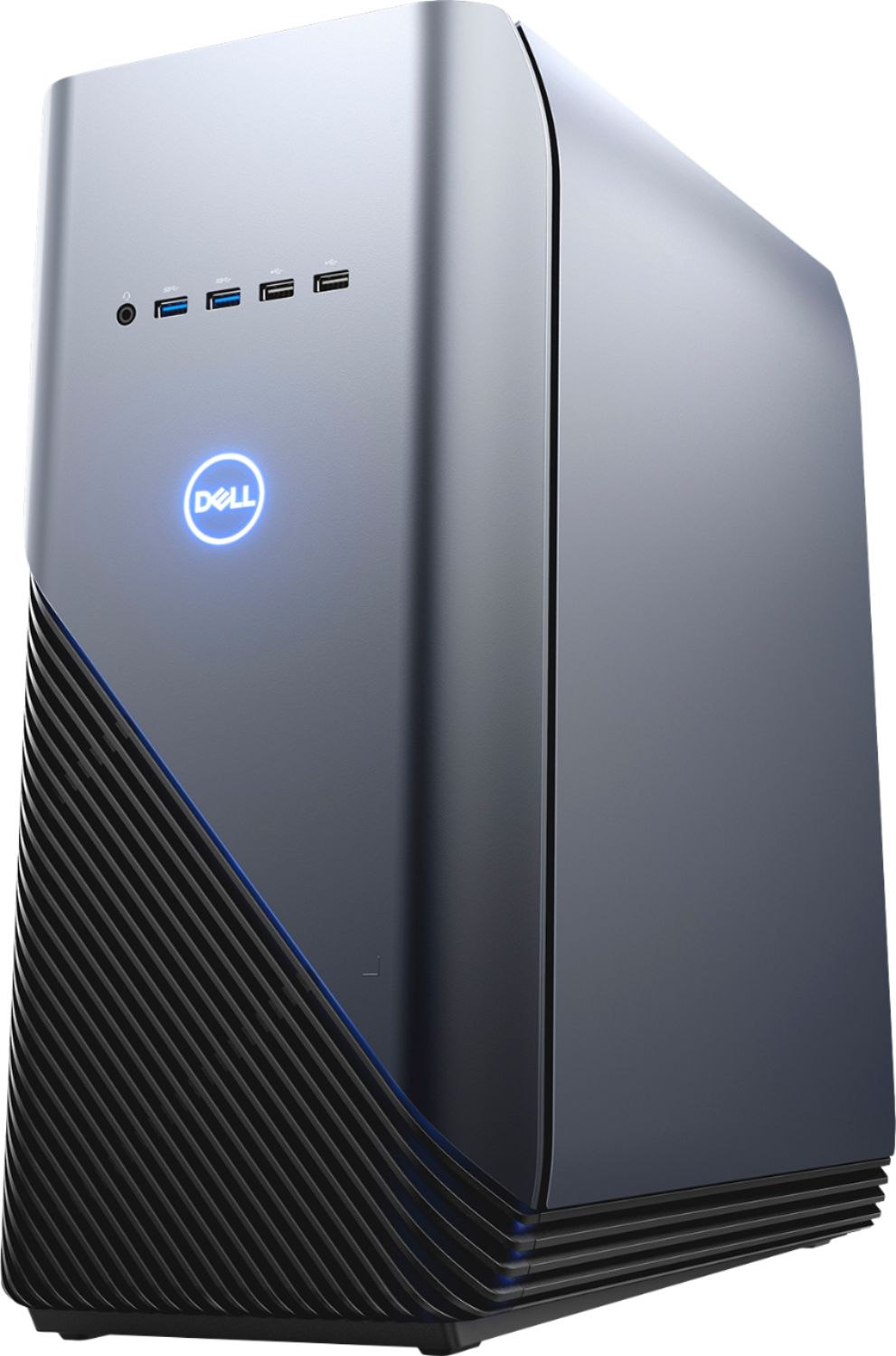
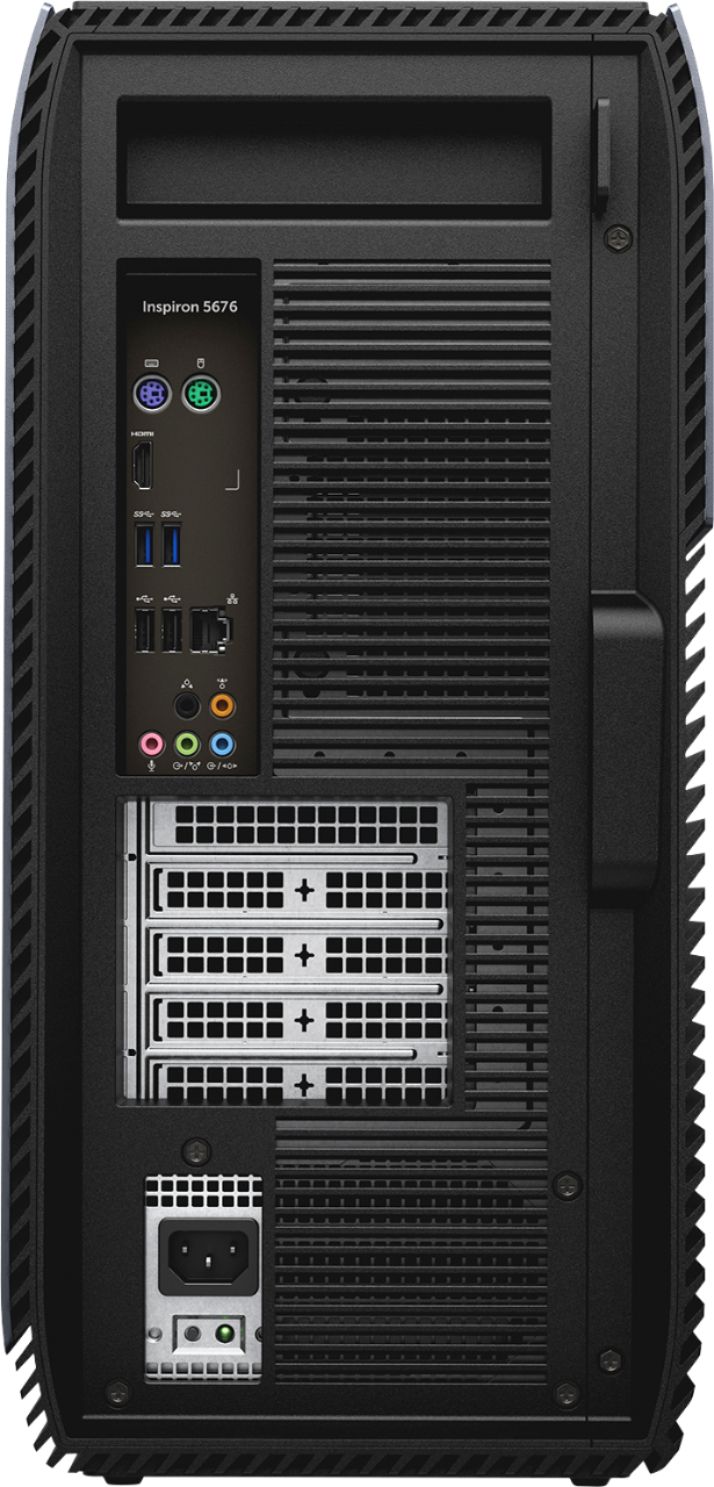
Posted .This reviewer received promo considerations or sweepstakes entry for writing a review.Have had it for a few days. Great gaming computer. Starts in just a few seconds. I believe this computer is VR ready. Beside those two USB 2 and two USB 3 ports in the front, there are also two USB 2 and four USB 3 ports in the back.
I would recommend this to a friend Ridiculously slow to get going, bogs down
Posted .This reviewer received promo considerations or sweepstakes entry for writing a review.I bought this computer last year from best buy, same exact specs, except no SSD drive. While the start up is fine as far as bios time, it can take up to 30 minutes before programs run smoothly, It truly blows me away in this age that a $1000 tower could work like that. I have also had issues with my wireless mouse freezing and jumping at times and I have gone through the steps of trying to update drivers by deleting the old one. I sold my last Dell all-in-one with an AMD processor for similar reasons, it was so slow but a little cheaper. The reviews on this were pretty good, and I guess one benefit is that it's upgradeable, but I don't know what I'm doing. I guess if you bought from Dell there was an option to upgrade to an SSD drive for $100 more but I didn't realize the computer would be brutal without it. I don't even game. I just wanted a fast computer that I could work on and stream some things and unfortunately I made a bad decision. At least the fan works normally.
No, I would not recommend this to a friendBrand response from YourDellTeam
Posted .Hello Dave,
Thanks for your review. We're sorry to hear that your computer is freezing on you. We're also sorry that your programs do not operate as smoothly as you hoped they would. We'd recommend that you run the Windows Performance Troubleshooter as a good way to keep your computer running faster for you:
1. Close all open windows.
2. Press the Windows logo key + X key on the keyboard.
3. Click Control Panel.
4. Click System and Security.
5. Under Security and Maintenance, select Troubleshoot common problems.
6. Under System and Security, click Run maintenance tasks.
7. Follow the on-screen instructions and prompts to complete the process.
8. Restart the PC.
You can read the full article here - http://dell.to/2tSulGV.
We'd also recommend that you diagnose any freezes on the computer with the following steps:
1. Run a Computer Diagnostic. To determine if your computer is experiencing a hardware problem, run the Dell Preboot System Assessment (PSA) Diagnostics. For information on how to run Diagnostics, and to determine the issue, refer to Dell Knowledge Base Article: http://dell.to/2iaiujA.
2. Check Safe Mode for Symptoms. To boot into safe mode, please follow the instructions below:
a) Start the computer.
b) Tap 'F8' on the keyboard immediately and every one second until the Dell logo screen disappears. From there you will see the Windows Advanced Options Menu on the screen. (If the Windows Advanced Options Menu does not appear, restart the system and try again.)
c) Select Safe mode with Networking and press Enter.
d) Log on as the administrator or as a user with administrative access.
e) Open applications and test the computer in safe mode. If the symptoms exist in safe mode, please continue the troubleshooting steps in this article. If the symptoms do not exist in safe mode, the issue is likely related to a driver or software and you may wish to complete step 3 to see if you are able to resolve the lockups or freezing.
3. Check for Malware. Malware (Virus, Spyware, etc.) can definitely cause a Windows system to lock up or appear to hang. To check for malware on your system and to ensure that your computer is up to date on security software, visit Dell Knowledge Base Article: http://dell.to/2wWP1zI.
You can read the full article here - http://dell.to/2tW5m33.
Best,
Bryan
1-800-624-9896
Great gaming PC
Posted .This reviewer received promo considerations or sweepstakes entry for writing a review.Bought this PC for use with Oculus rift and it works great. Case is nice looking and has some room for expansion.
I would recommend this to a friend- Cons mentioned:Fan noise
A lot of promise...I wanted to love it.
Posted .This reviewer received promo considerations or sweepstakes entry for writing a review.It looks great, runs decently fast BUT...every 10 minutes the power supply fan will turn on and drown out any conversation going on within 15' of the thing. I don't mind a little humming from a fan, but this sounds like a vacuum cleaner being turned on right next to your ear. Best Buy promised they'd fix it - I'm hoping it's just a bad power supply or temperature sensor, but it's too insanely loud as it is to be acceptable.
No, I would not recommend this to a friendBrand response from YourDellTeam
Posted .Hi Vinny,
Thanks for your review and we're sorry to hear that your computer's fan noise is too loud. If this continues after you get your computer back from Best Buy here are the steps we'd recommend:
Update the BIOS: An out-of-date BIOS can cause loud fan noises by having an outdated temperature table for the system. Refer to update BIOS and follow the instructions to update the BIOS on your computer. You can also follow up with our Technical Support Team here - 1-800-624-9896.
You can read the full article here - http://dell.to/2ENlXfz.
Best,
Bryan
1-800-624-9896