Customer Ratings & Reviews










- Model:
- XPS9440-7134SLV-PUS
- SKU:
- 6575150
Rating by feature
- Battery Life
Rating 4.5 out of 5 stars
- Speed
Rating 4.7 out of 5 stars
- Display
Rating 4.7 out of 5 stars
Customers are saying
Customers love the XPS 14 for its overall performance, processor speed, and stunning screen quality, making it a great choice for various tasks including photo editing. Its sleek design and portability are also appreciated, along with ample RAM and storage capacity. However, some customers have expressed concerns about the battery life and the absence of a USB A port.
This summary was generated by AI based on customer reviews.
- Pros mentioned:Processor speed, Ram, Screen quality

Simply Beautiful!
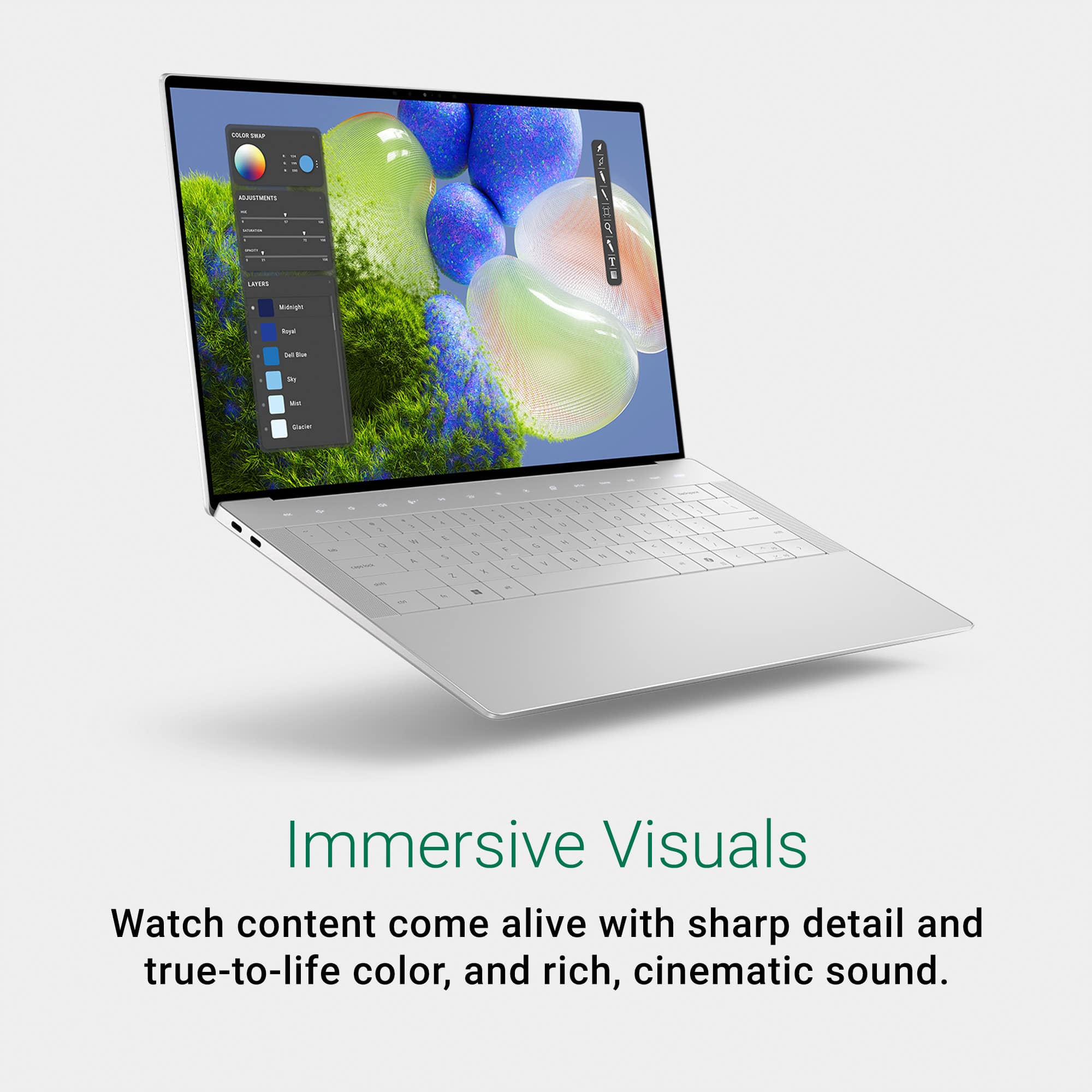
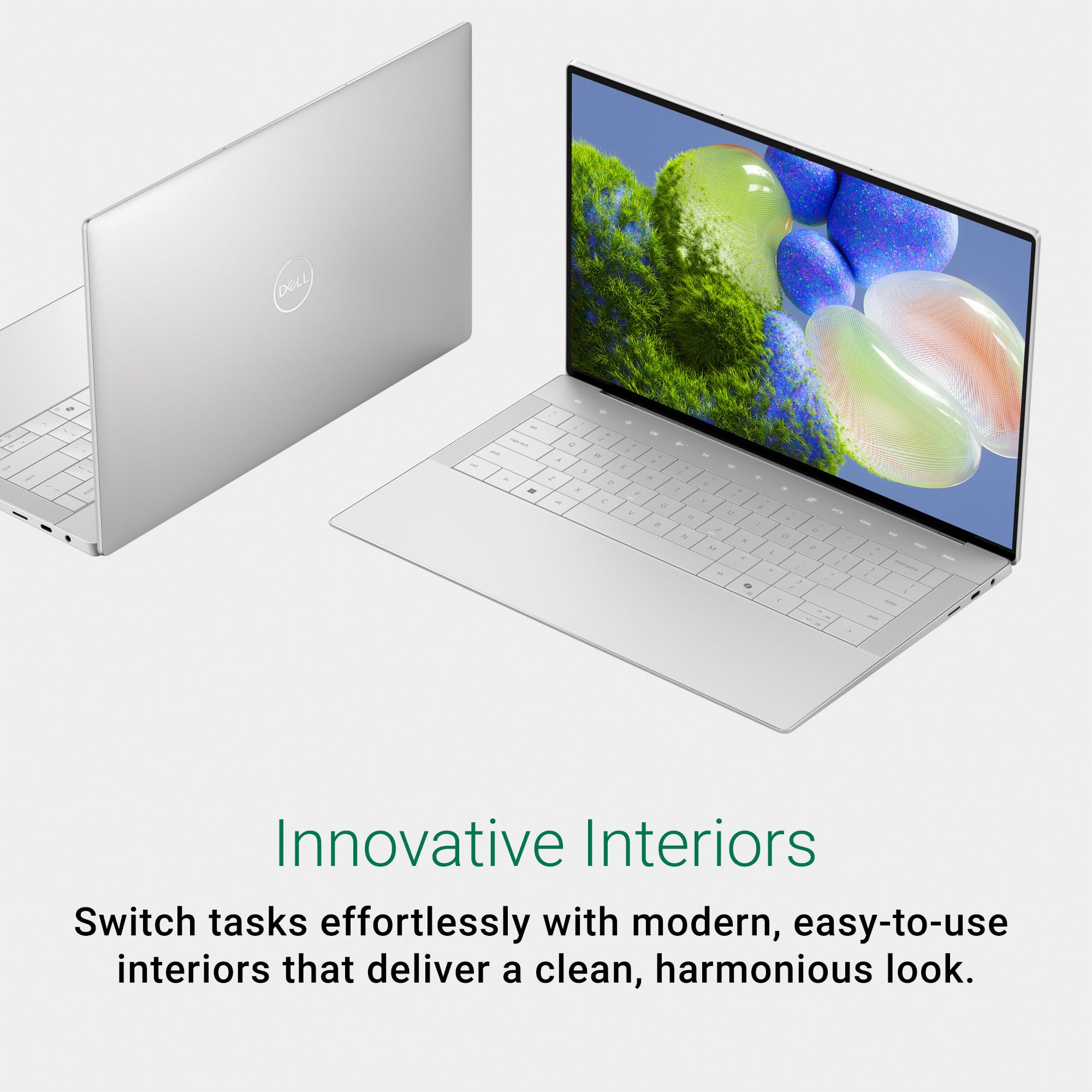
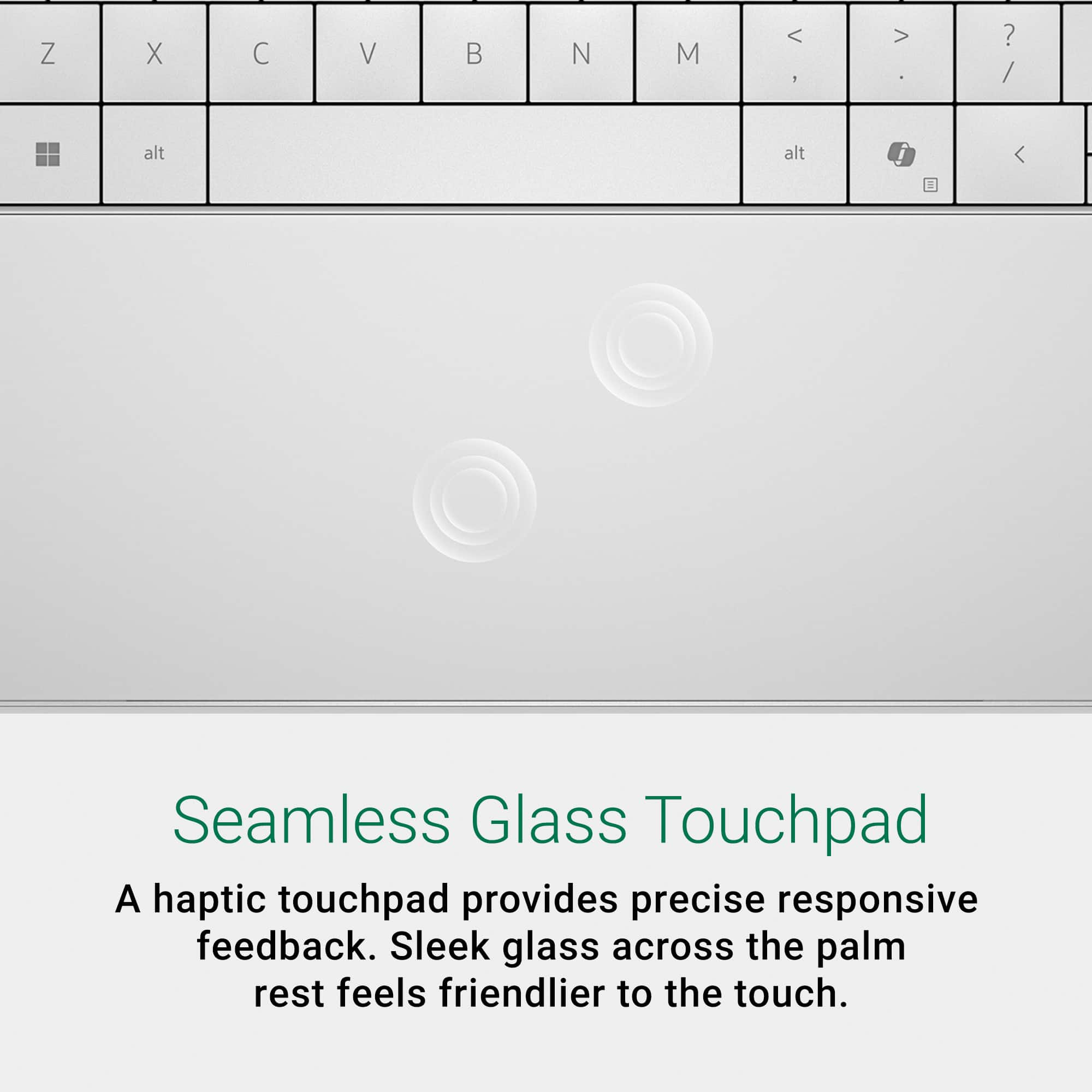
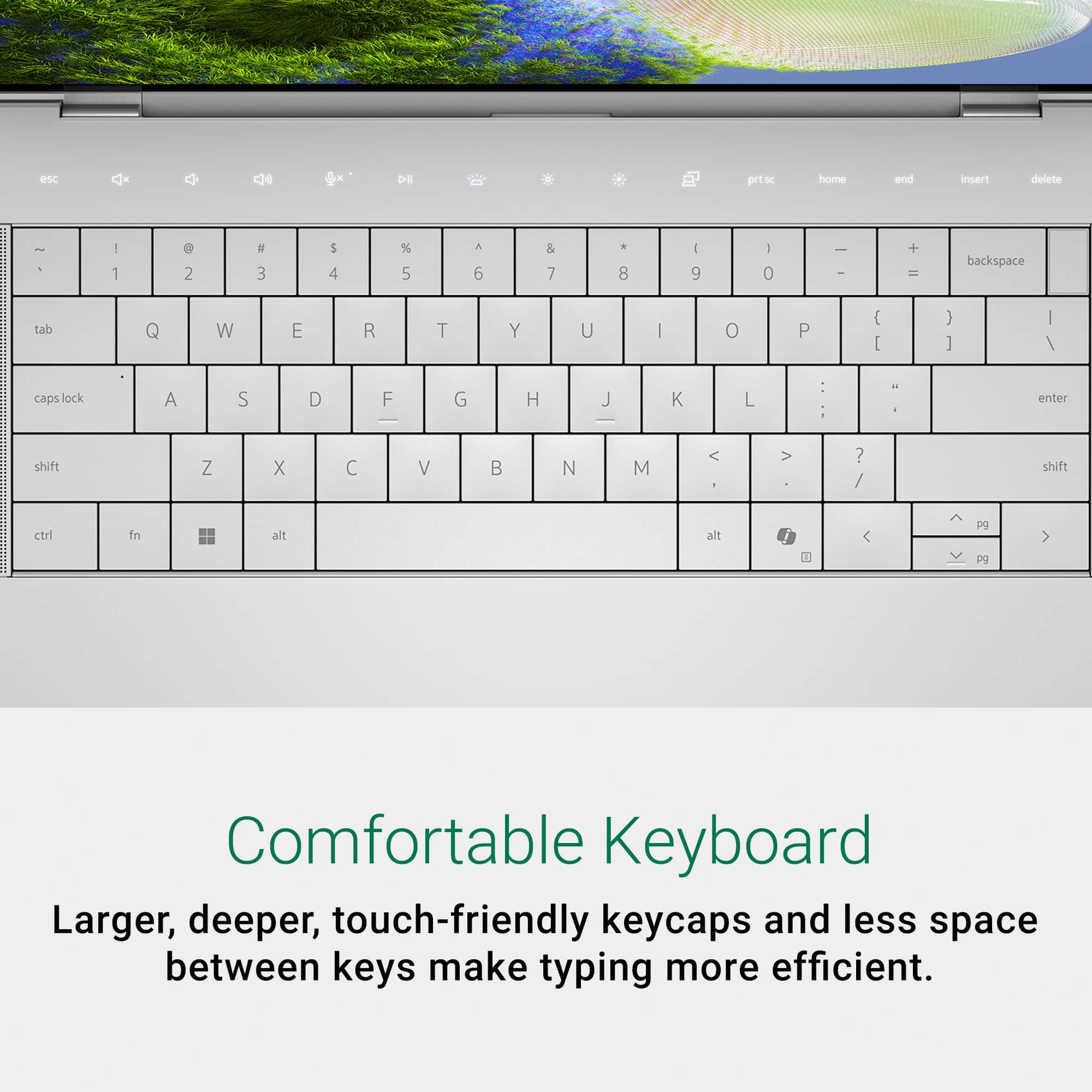
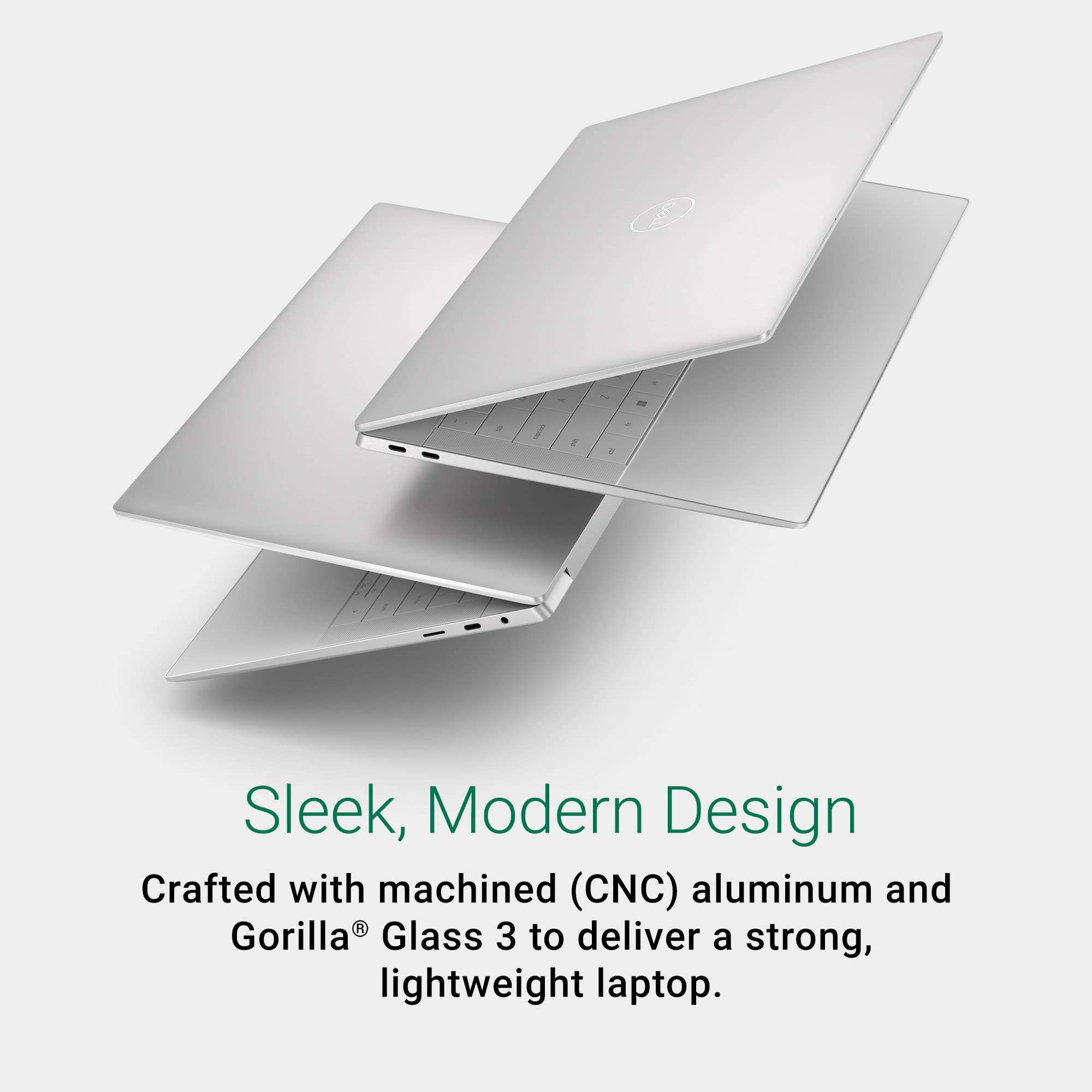
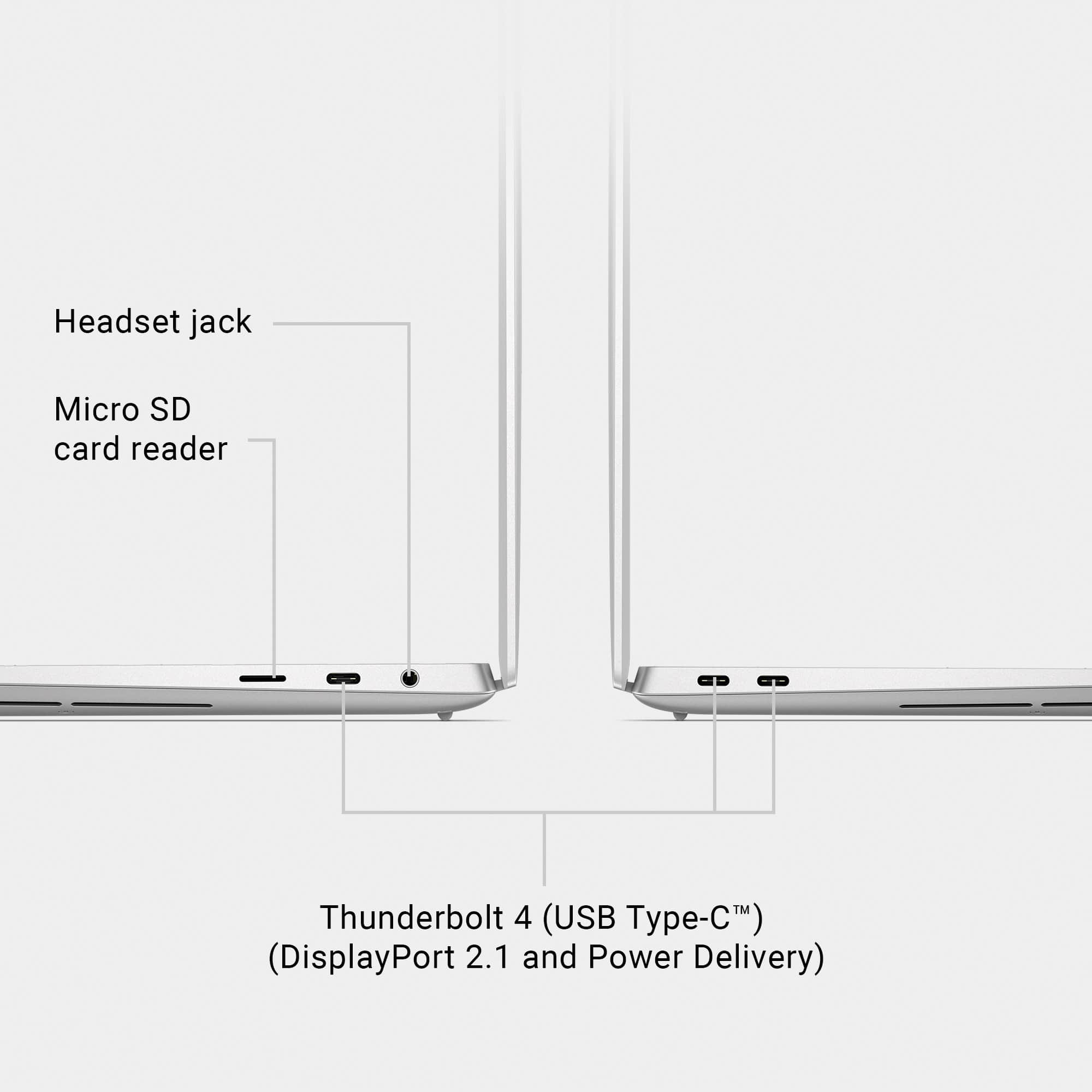
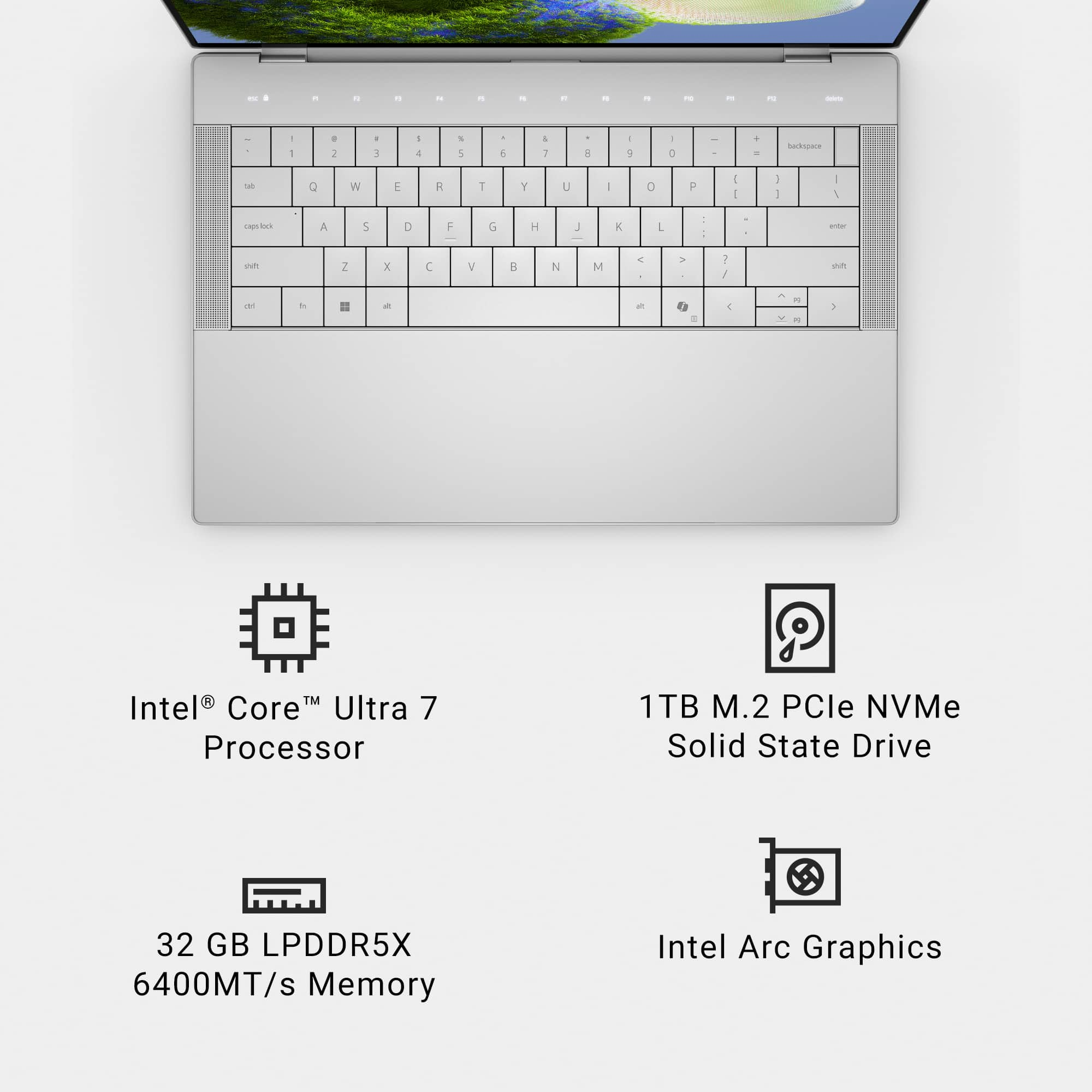
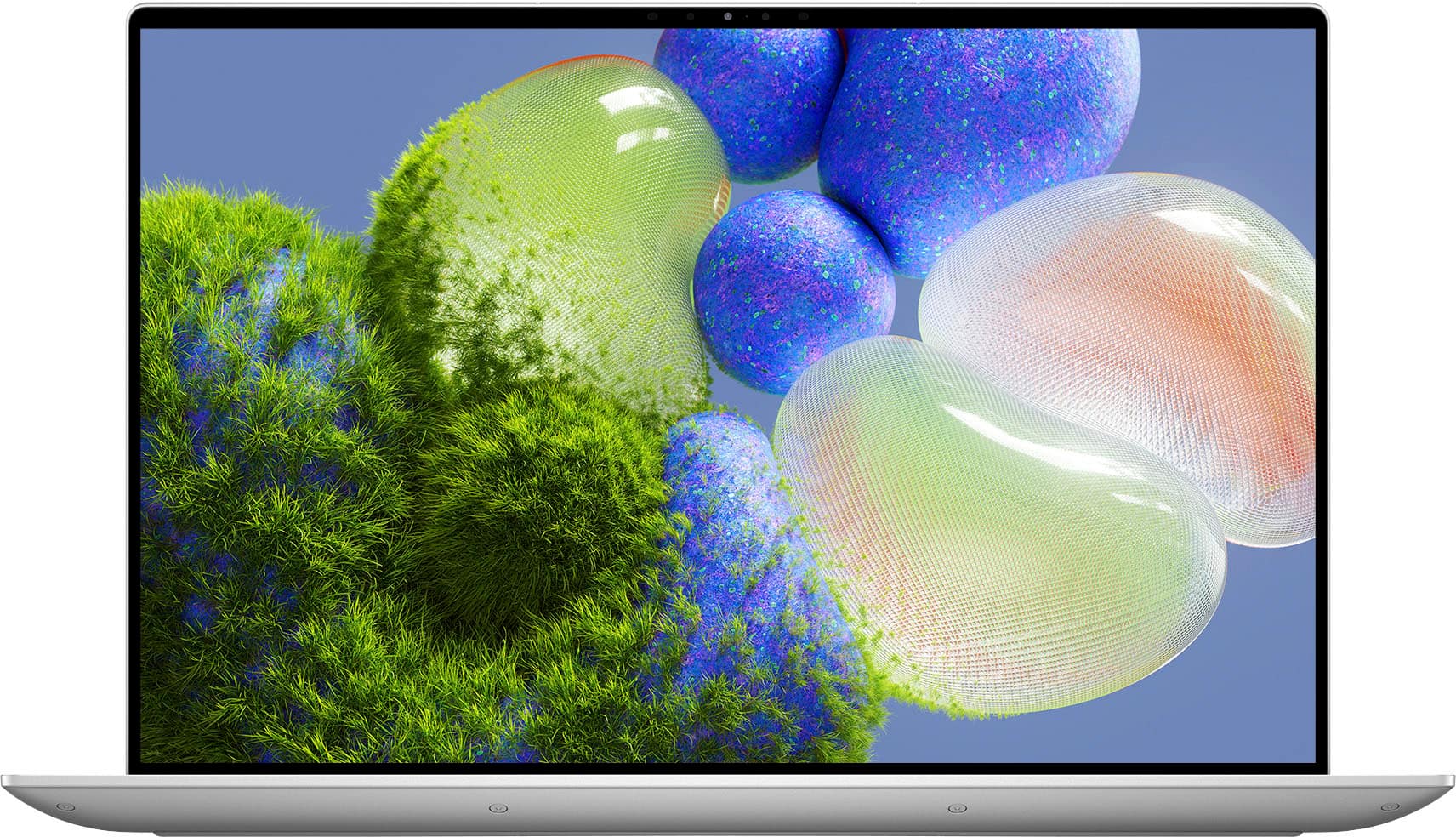
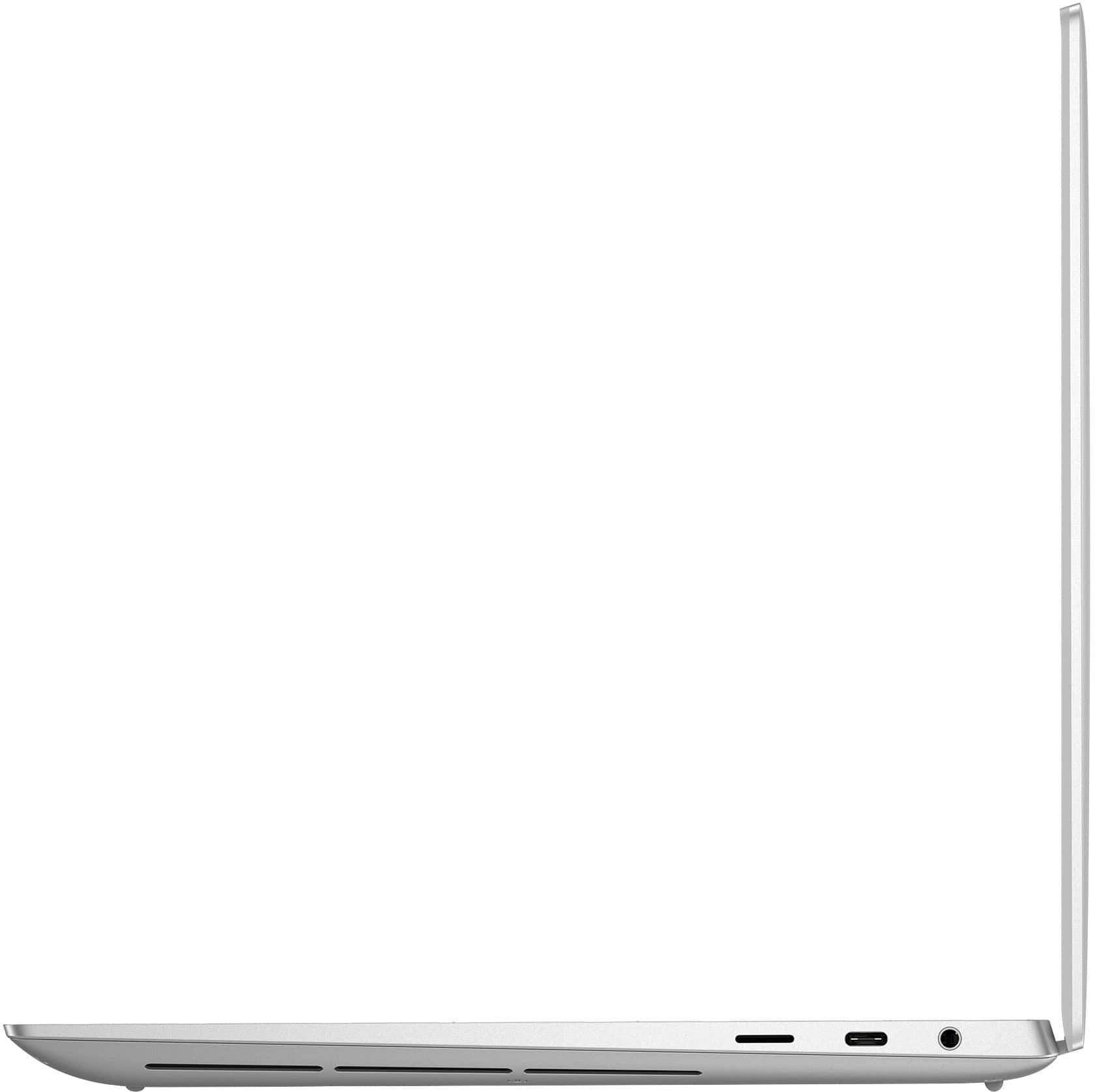
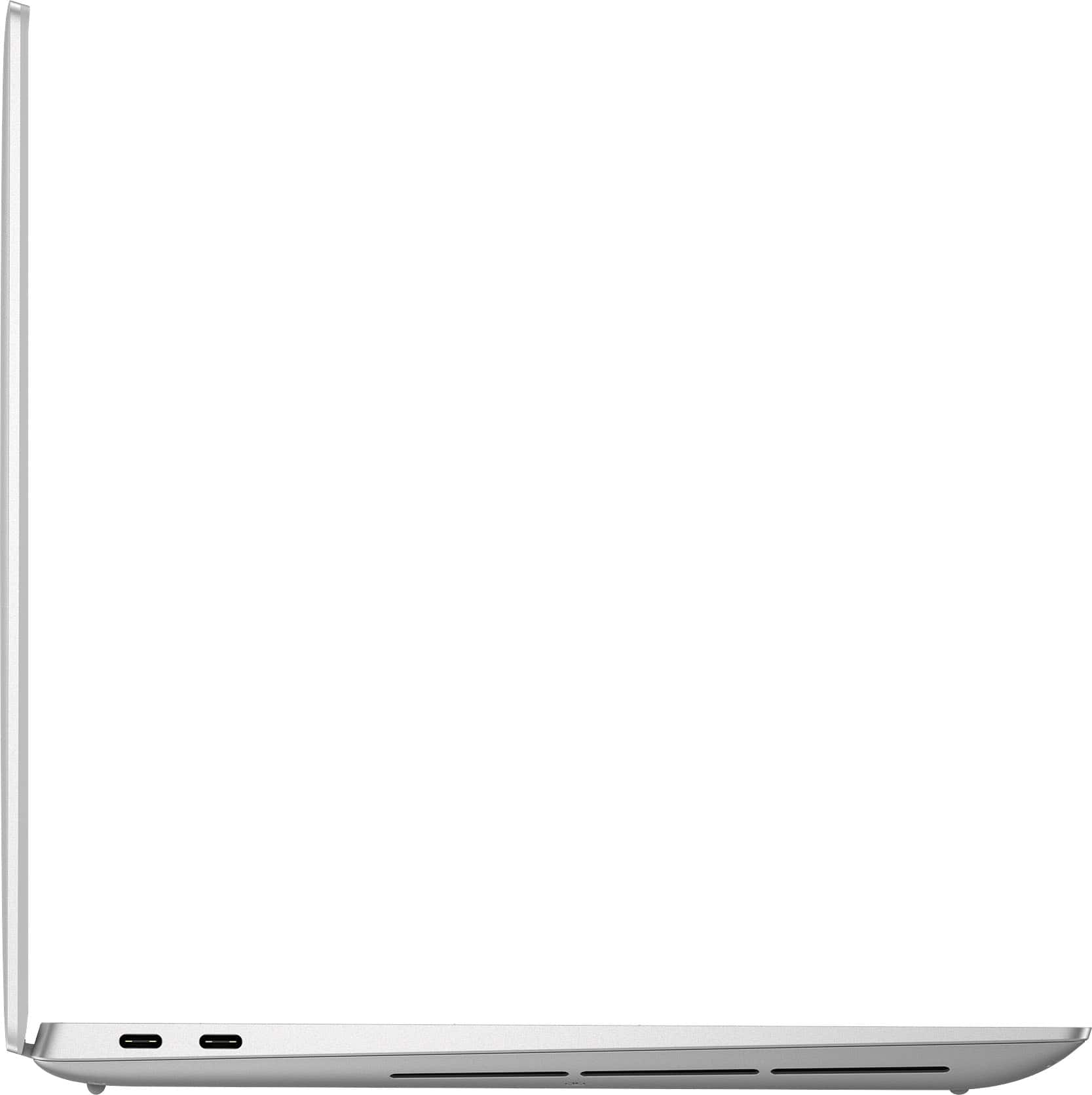
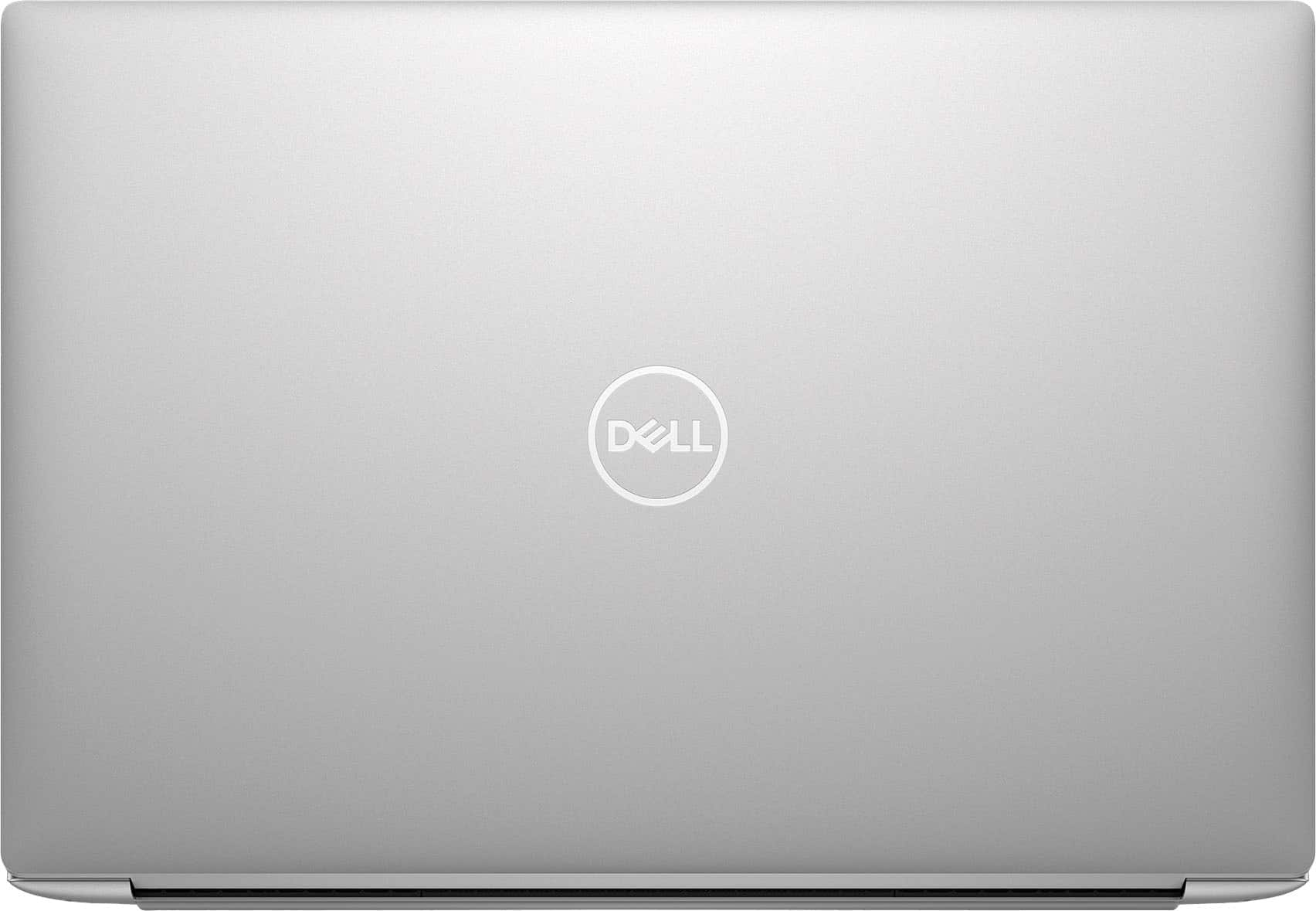
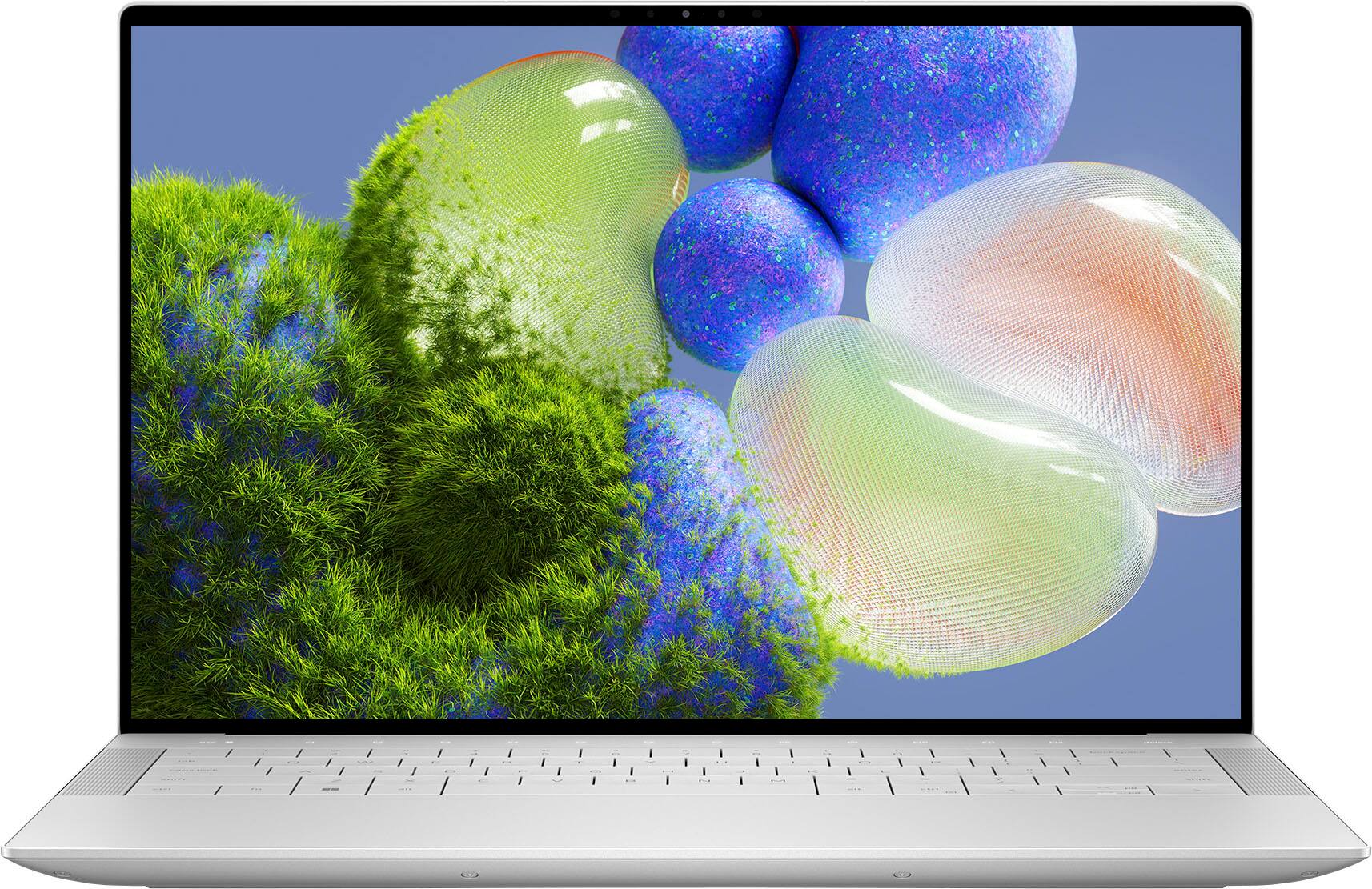
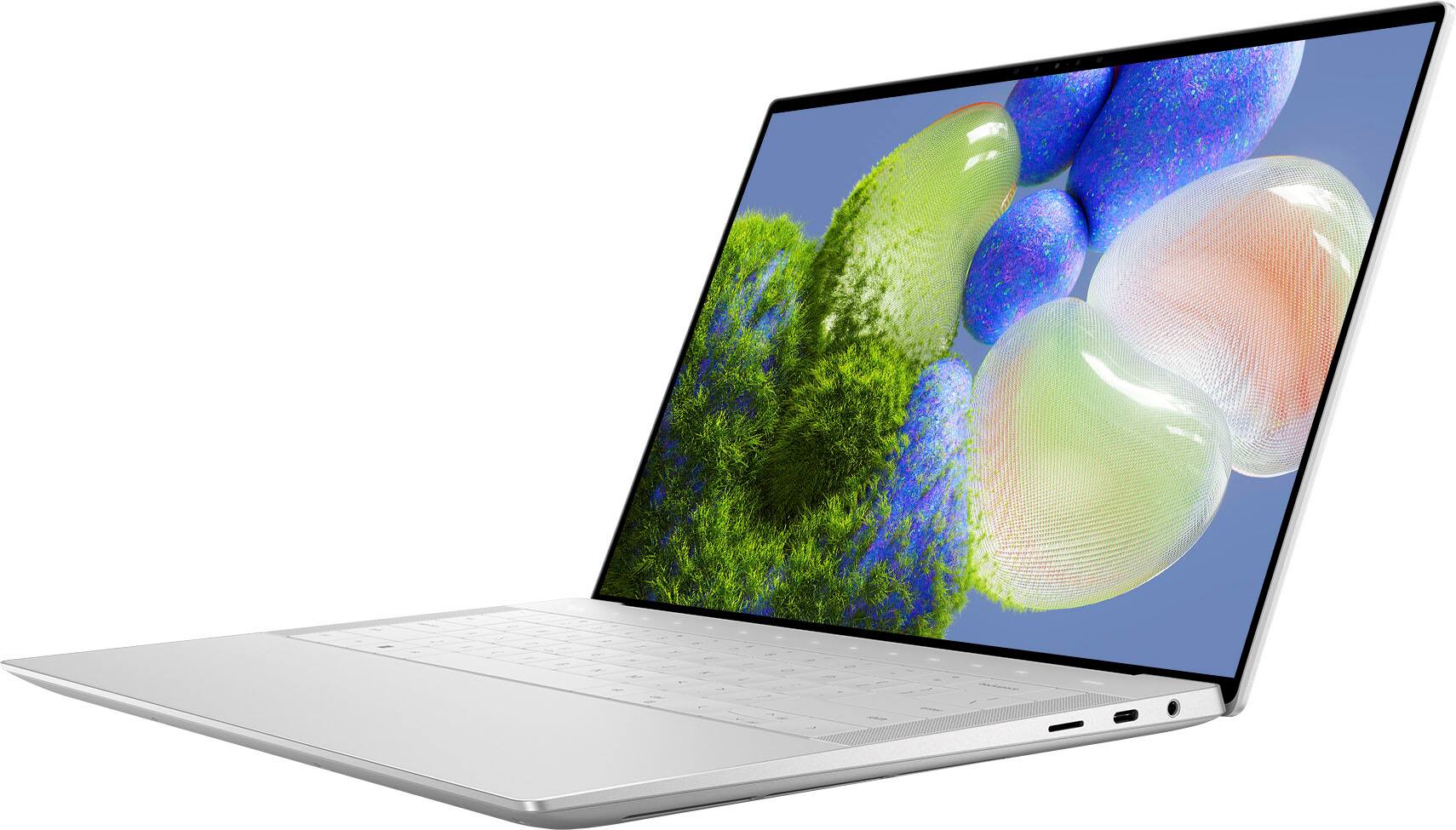
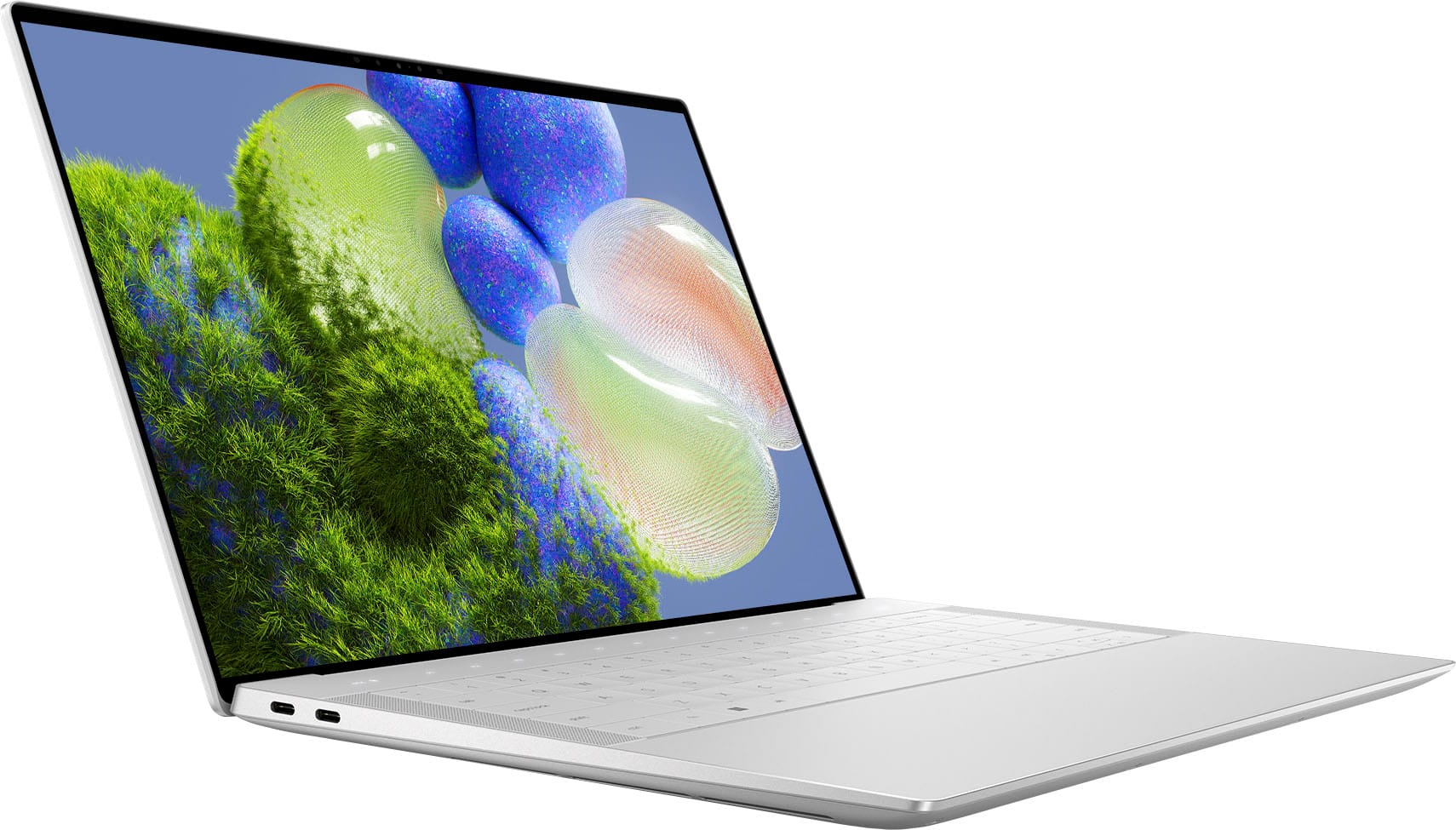
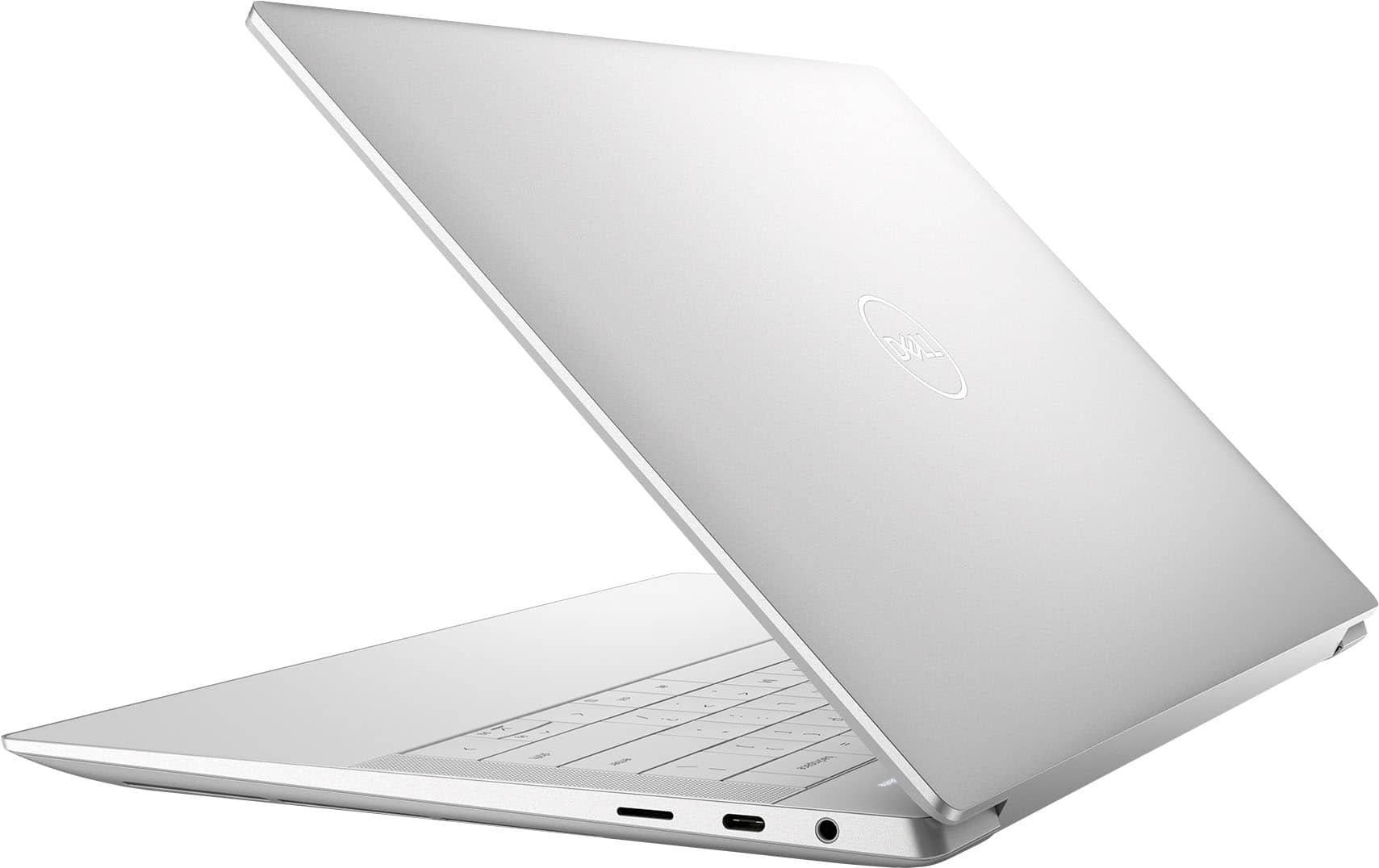
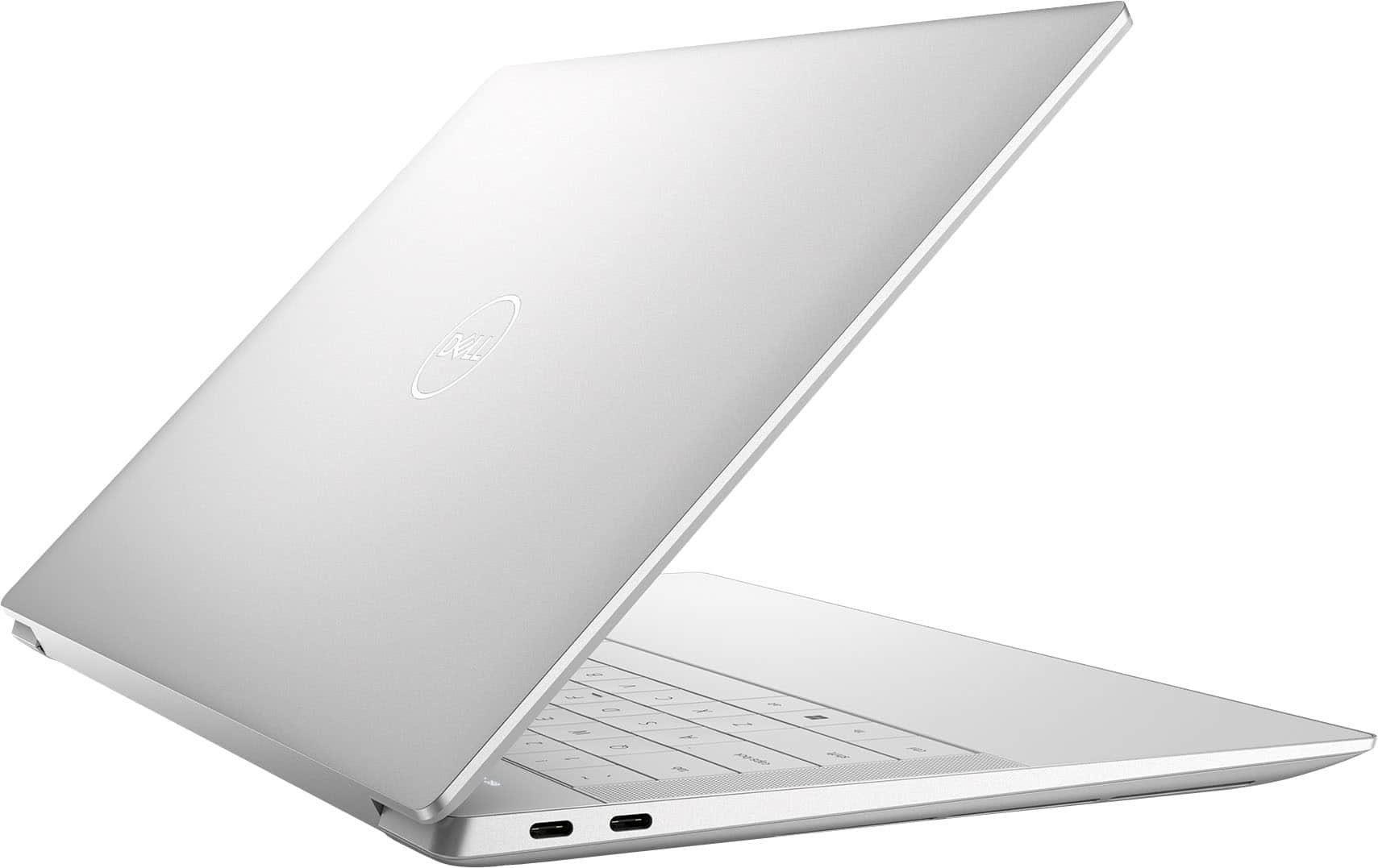
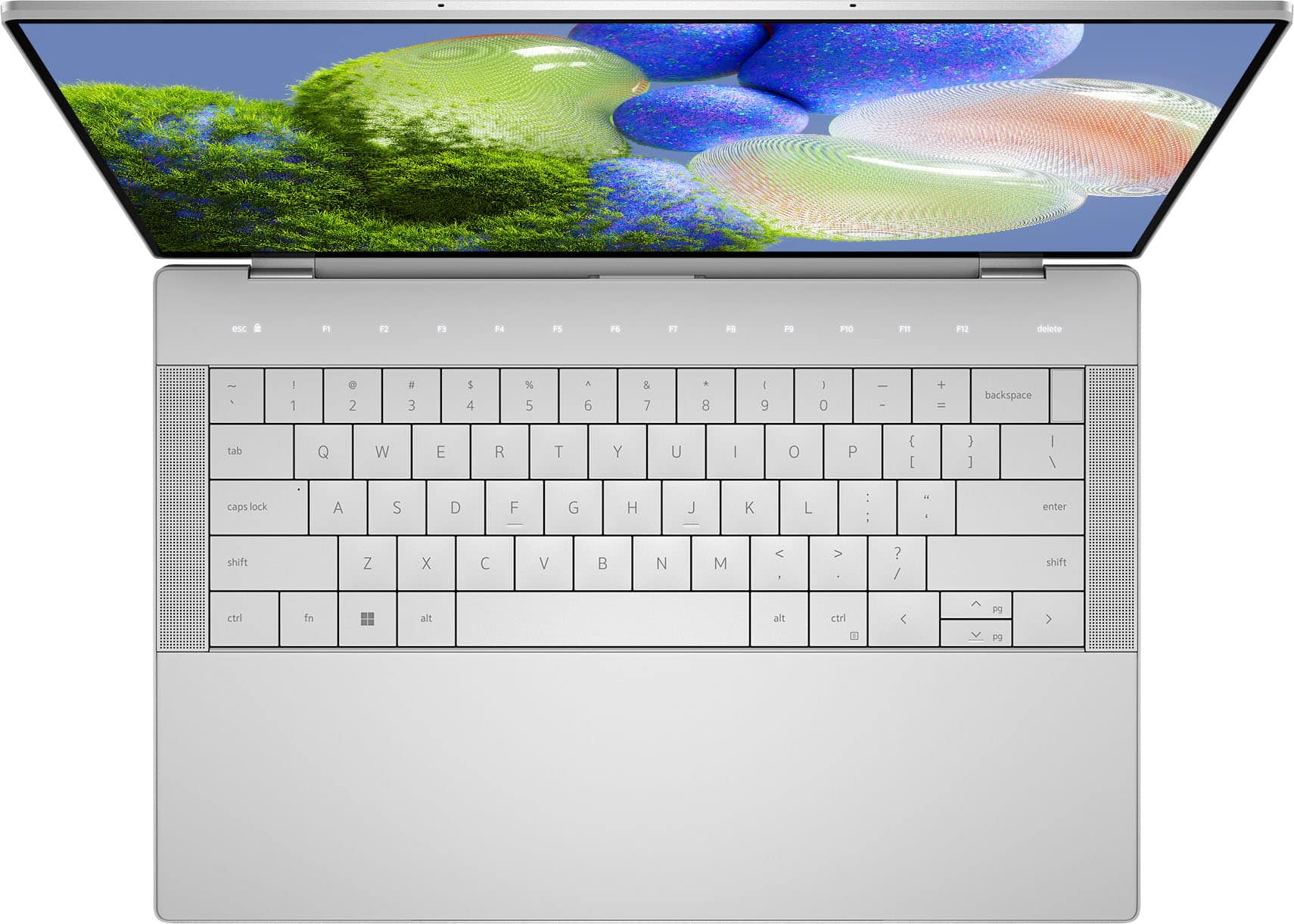
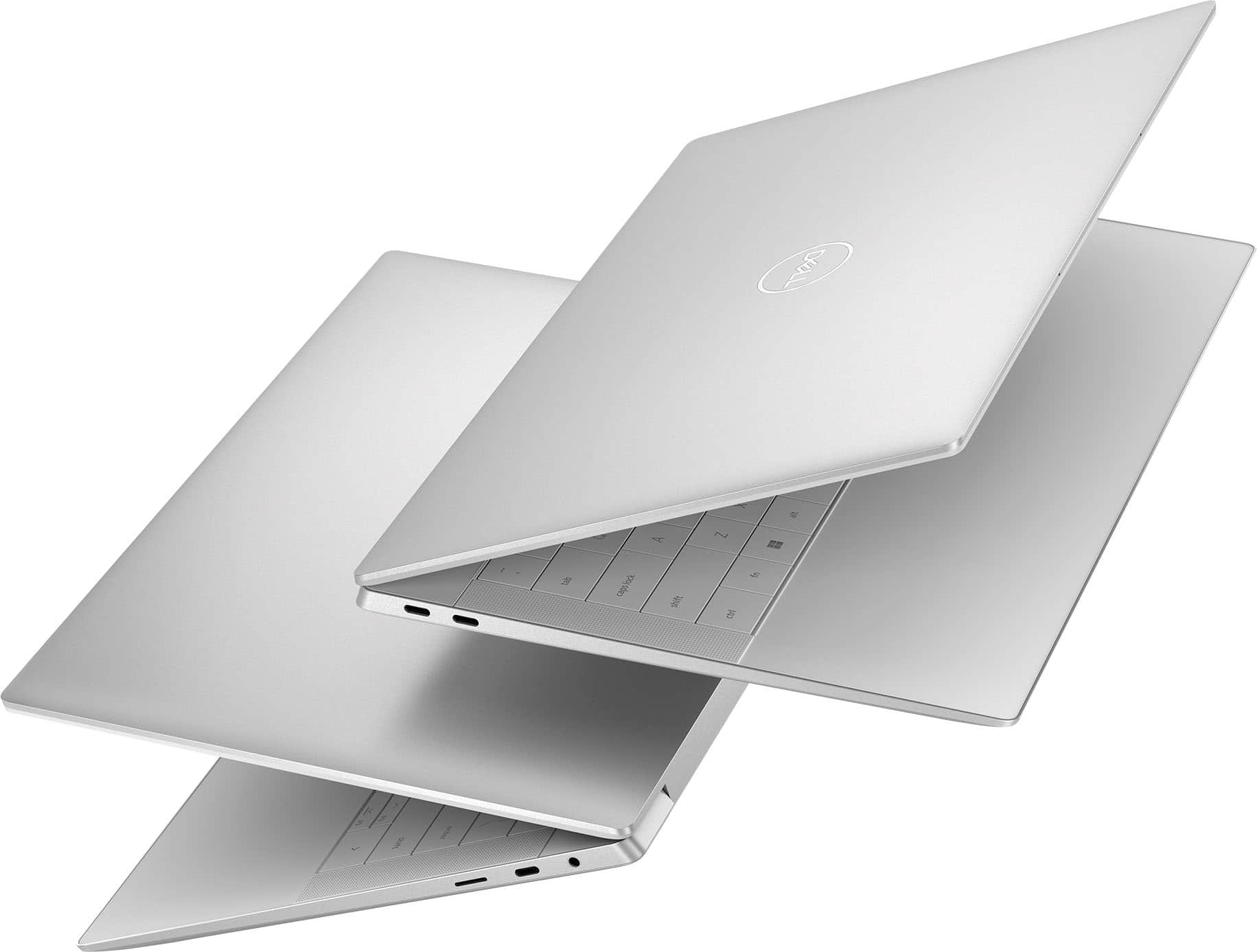
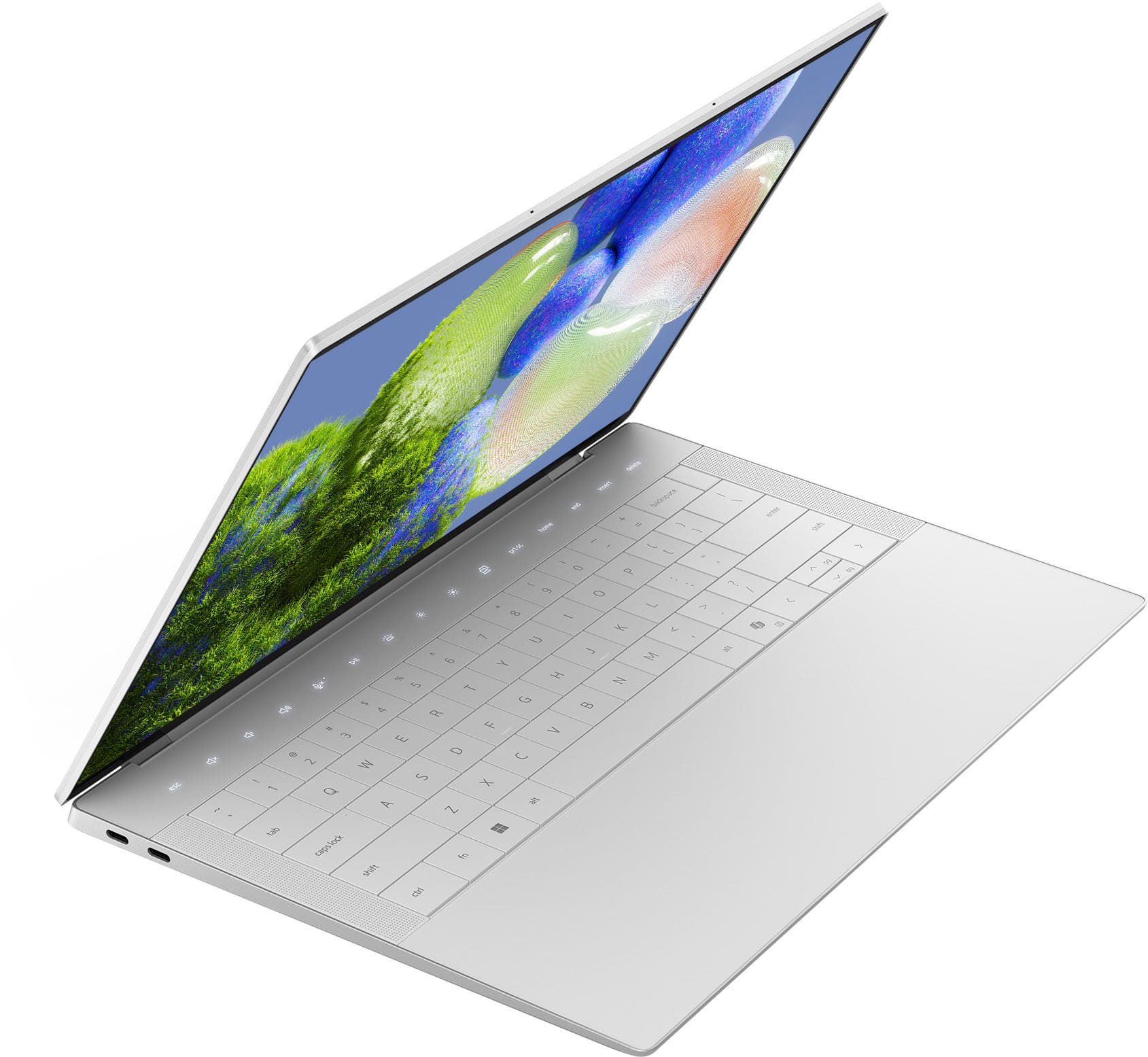
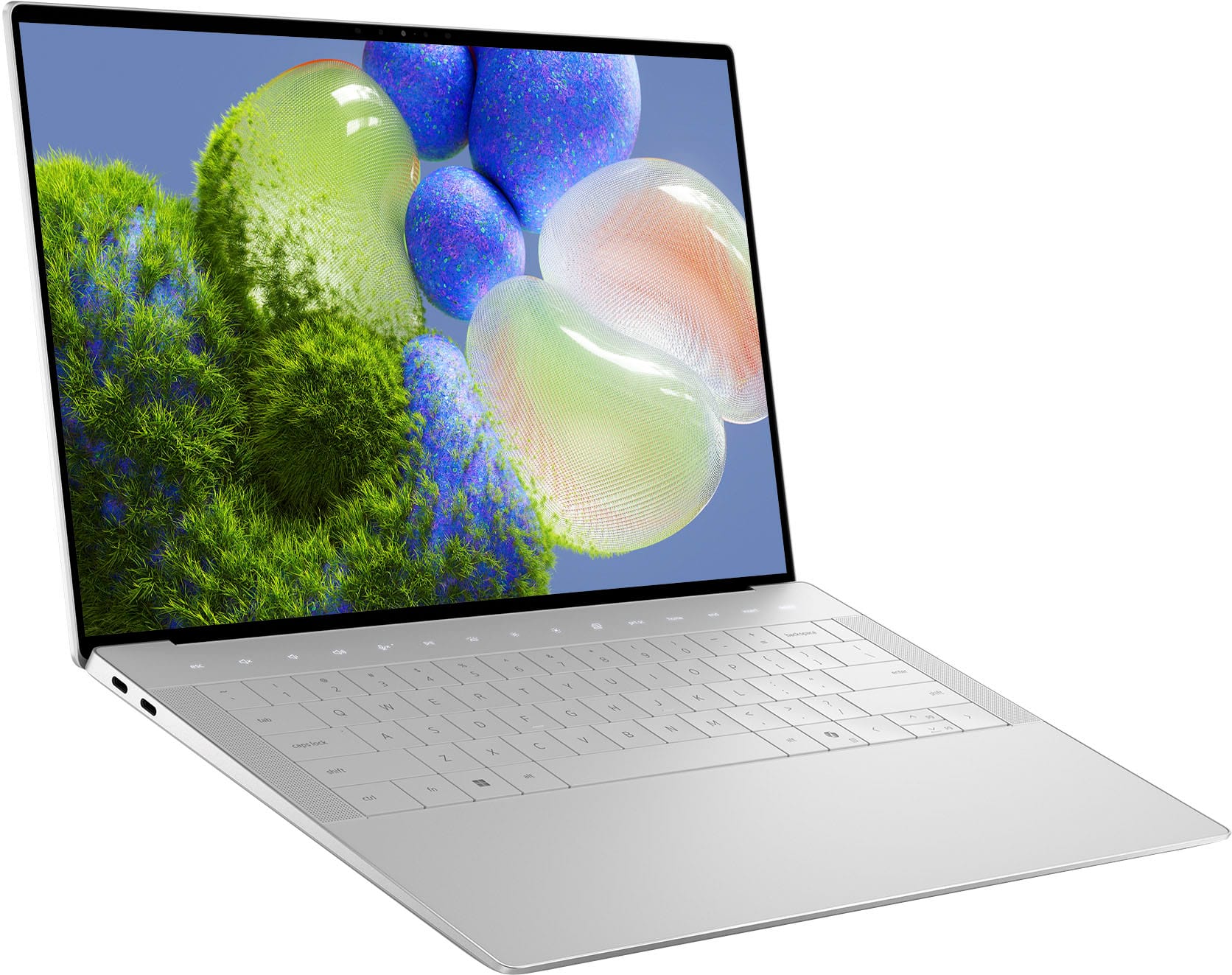
|Posted .This reviewer received promo considerations or sweepstakes entry for writing a review.I have always been a fan of a minimalistic form factor as well as smaller sized laptops / ultrabooks and this unit is simply exceptional in its appearance. Unboxing - this unit showed premium packaging and included in the box: laptop, 60W charger, dongle (USB-c to USB-A/HDMI). Initial impression of the laptop – I will have to admit that it takes a lot to impress me after having numerous high-end laptops in my years, but this unit truly makes quite the impression. The infinity edge of the screen is almost bezel-less as advertised. The keys of the keyboard are not raised but flush with the chassis to give a very nice, minimalistic appearance to the keyboard. The keys of the keyboard are also gapless and larger than most laptop keys in this size. The haptic glass touchpad is also seamless and invisible. This took a minute to get used to as one is used to seeing the touchpad but after a few minutes it was readily apparent that I had zero misses on the trackpad. Simply a beautiful design. Ports – This unit has 3, thunderbolt 4 USB-C ports, a headphone jack as well as a micro-SD card slot which I certainly appreciate as I take a lot of landscape photographs and find it much easier to simply insert my card and transfer files. This unit also comes with the dongle as mentioned above which I prefer over having a dedicated USB-A (antiquated) and HDMI. I feel this helps to minimize the size of the chassis required. I tested both of the dongle ports and they worked flawlessly. Sound – Overall I feel this performed as well as any of my other ultrabooks – it won’t blow you out of the water but performs well in average use scenarios. Screen – Simply stunning and I feel the best I have seen on a laptop. The colors are bright, the blacks are deep black and color representation is top notch on this 3.2K OLED. I did some work outside on a nice sunny day and had no problems with seeing the screen – with brightness at about 80%. One cannot possibly be disappointed in this category. Battery Life – No problems here as I was able to get a solid 7-8 hours of moderate usage without difficulty. I do not know of many that need more than this at a sitting and intermittent charging (which is quite fast with the 60W charger) is standard for most laptop users. Performance – I put this unit to a four-hour test with various modalities of usage (video, audio, photo management, daily work and email tasks, web browsing etc. I did not once hear the fan engage and the laptop remained cool to touch throughout. The 32Gb RAM performed flawlessly for multiple tasks opened at the same time and the Intel Core Ultra 7 processor was up to the task for everything thrown at it. The side venting works very well as I was able to use this on my lap without the unit getting warm. Overall, I am very pleased with this units’ capabilities and performance. Please note that I am not a gamer so I did not test the capabilities in that arena. Last Impression – I think it will be very difficult to find many flaws with this Dell offering and I would have to give this a 10/10 for what I use a laptop to do. Simply a beautiful machine!
I would recommend this to a friend Dell laptop
||Posted . Owned for 1 month when reviewed.This reviewer received promo considerations or sweepstakes entry for writing a review.Honestly, this computer has not worked since I got it. I have loved Dell for years. However, the last 2 laptops have been a mess.
No, I would not recommend this to a friend- Pros mentioned:Screen qualityCons mentioned:Usb ports
Top tier Windows system
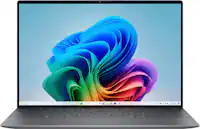
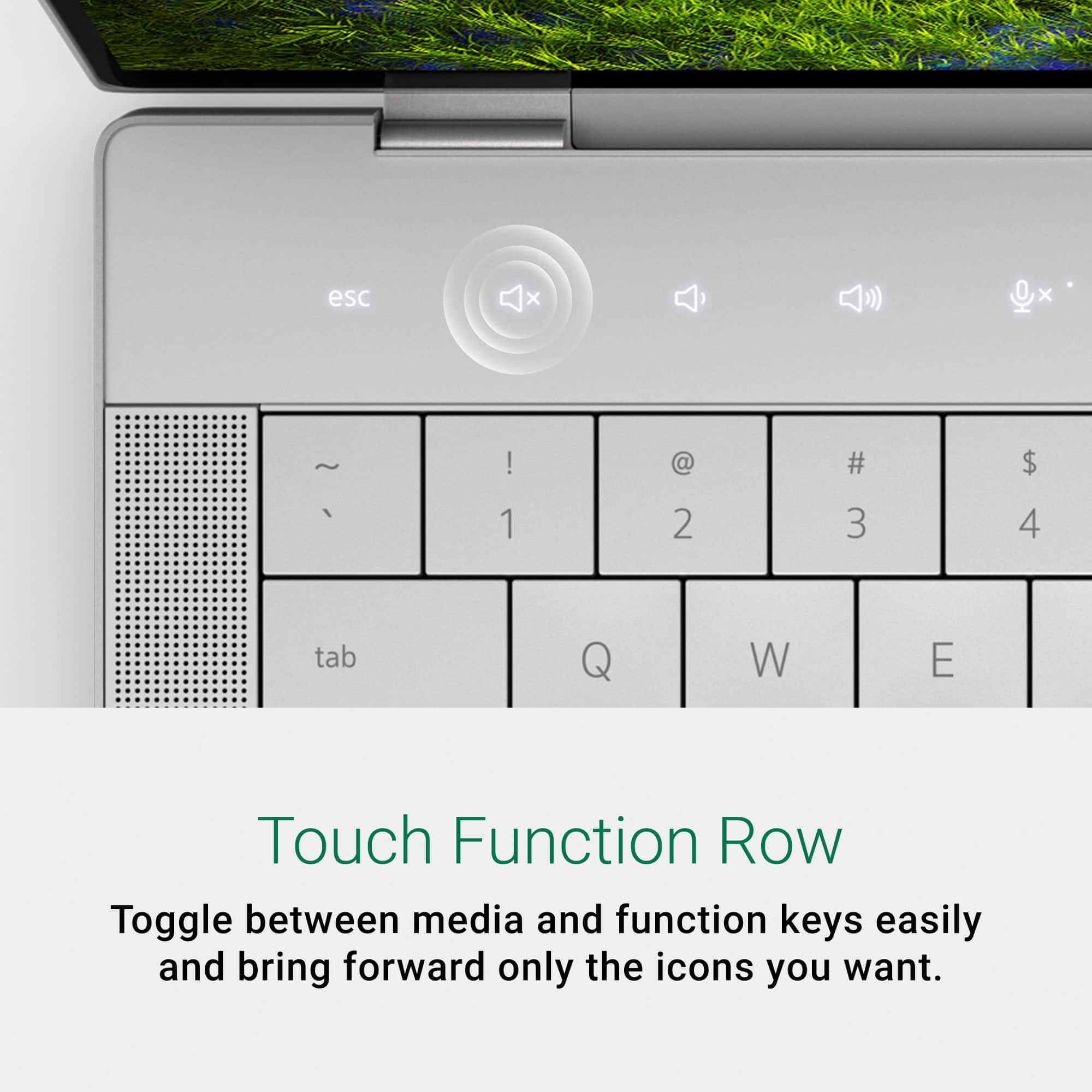
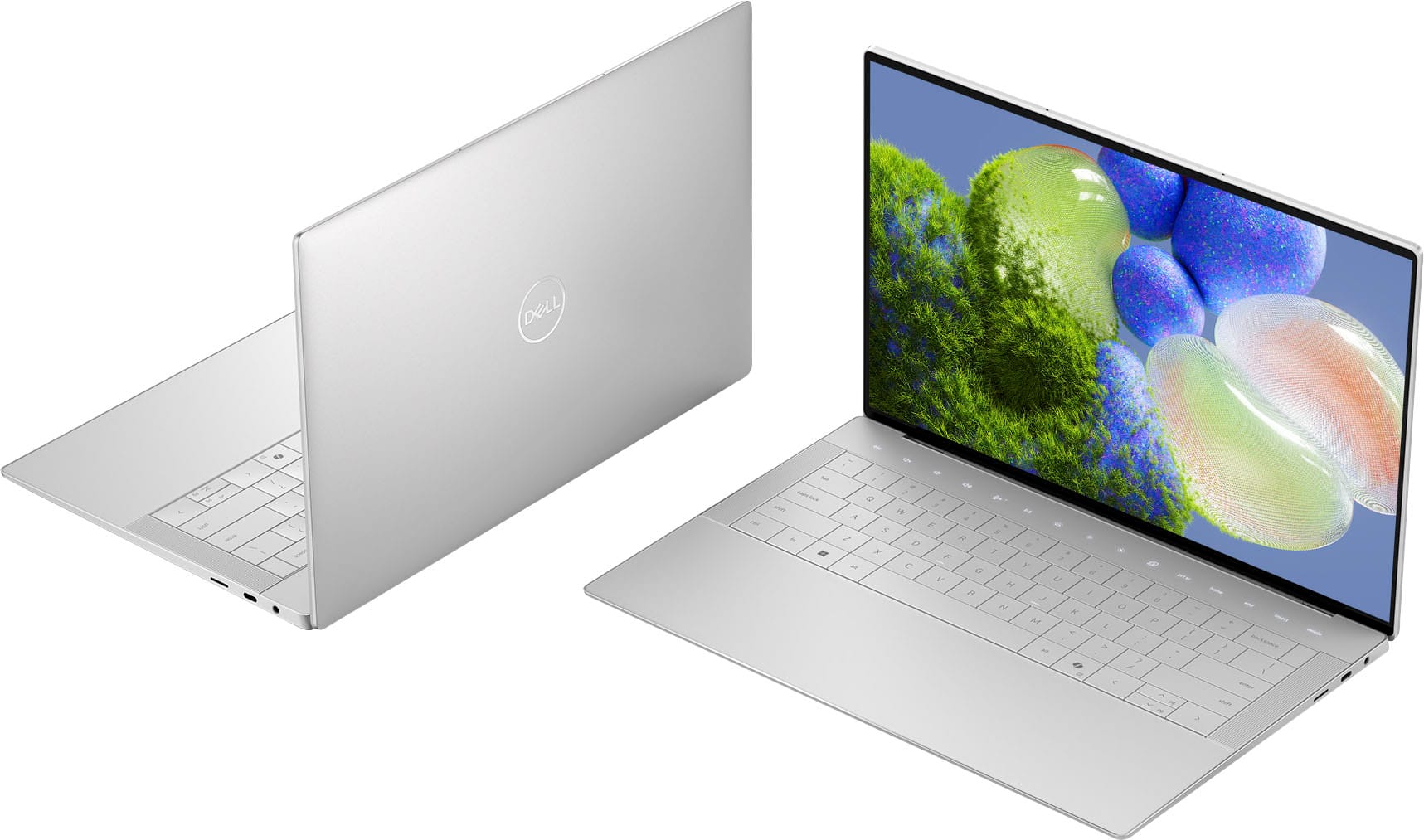
|Posted .This reviewer received promo considerations or sweepstakes entry for writing a review.Dell continues to revise and update their XPS lineup, now offering the new XPS 14 in place of the XPS 15. This is one of the most aesthetically pleasing laptops I have ever seen or used, they did a fantastic job of essentially making a "MacBook for windows". The chassis is aluminum and very rigid which inspires confidence as you haul this thing wherever you need to go. One of the more "controversial" changes they have made in the name of aesthetics is with the track pad and function buttons. The track pad is essentially "invisible" and integrated into the wrist rest without any outline to show where the track pad starts and finishes, they used something similar on the xps13 plus. So far, I haven't found this too difficult to use but it is a change from the ordinary and some might find it to be more difficult than others. Overall, it is a nice trackpad and after using it for a few days it starts to become a more normal feeling. They also replaced the function buttons with touch buttons which I have found to be responsive enough and no real complaints using these versus normal function buttons. I also don't typically use the function buttons much in general so your results may vary. The screen on this laptop is fantastic, I got the 3.2K OLED model and I think I would recommend this for most. It does have a glossy finish as most OLED's do, so if you use this in extremely bright environments it might not be for you. It also doesn't offer the same peak brightness as some other OLED equipped laptops, but for media consumption and general productivity tasks in my home or office it really delivers a great experience. Internals on this feature the new Intel Ultra 7 155H processor, mine has 32gb of ram, and a 1TB SSD so overall competitive. They also have an option with a RTX4050 for those that use an application that can benefit from GPU compute, otherwise look elsewhere for a gaming system other than candy crush and solitaire. I do have one major gripe about the new internals on this system, Dell is now pulling an Apple and making their devices harder to repair and nearly impossible to upgrade. The ram and the SSD are soldered onto the motherboard meaning you must buy what you want upfront, there is no modularity to add ram or another SSD down the road. This is extremely disappointing honestly and a step in the wrong direction for sustainability and e-waste. Keep this in mind when choosing the specs for your XPS14. Otherwise, the Intel Ultra 7 is Intel's new attempt to provide better power efficiency and battery life for laptops, and it is definitely superior in that regard to my older XPS 15 9510. Just web browsing you might be able to pull a full 7-8hrs out of it, with any more intensive task play on 5hrs or less. Unfortunately, windows machines are still massively lagging behind Apple in battery life, but this one does provide better than most performance for a windows system. The LPDDR5x ram is quick at 6400Mhz and as I mentioned above, I would recommend getting more than less due to the lack of upgradability, same with the soldered on SSD. A few last things to mention, connectivity is just 3 Thunderbolt 4 USB-C ports and a microSD card slot so you will be living life with a dongle or docking station depending on what you normally hook up to your system. All 3 ports can provide both power delivery and DisplayPort functionality. Also, the speakers are pretty good on this if that matters to you, they are upward firing, so they don't sound muffled. Doesn't provide a ton of bass which is to be expected out of something this size but more than adequate for daily use. The last thing I want to mention is this laptop suffers from the same issue all Dell laptops do, massive amounts of bloatware. Among the 7 different Dell branded applications that pretty much seem to all do the same thing to the pre-loaded version of Mcafee anti-virus the first thing I do with any Dell laptop is a fresh windows install which is pretty disappointing. I am probably more particular about this than most but keep in mind all this junk just slows down your system and uses more battery. Overall, this is about as high end as windows laptops get with a beautiful aesthetic and lightweight build. If you are looking for one of the best available now this should be on your short list to consider if the track pad and function buttons don’t scare you away.
I would recommend this to a friend - Pros mentioned:Overall performance, Portability
Best, and most gorgeous laptop, I've ever used!
|Posted .This reviewer received promo considerations or sweepstakes entry for writing a review.In the past I have always looked for a laptop with top end credentials, but also with the ability to play high end games, ie the best video card that I could get. However, after really thinking about how I used my laptop in the past, I have realized that I never actually play any games when I travel, as I tend to "take a break from gaming" on the road. So this time, I decided the video card didn't matter, I wanted the best laptop that I could get. I have had success with Dell and Alienware (a subsidary now of Dell) in the past. Even with laptops that had issues, Dell stood behind their products and replaced or repaired in a very reasonable amount of time. So I felt very comfortable with the Dell brand. This laptop, when opened up for the first time is incredibly impressive. Honestly I had the feeling that Dell is sort of emulating Apple with how they package their premium products, and that's a great idea, learn from the best and emulate when possible, in your own, unique style. That's what this laptop does. The feeling of the entire surface of the laptop is unlike any other laptop I've ever used, and it's because it's made of gorilla glass, which is, as most of us know, what our phone screens are made of, so the security, safety and, general elegance, of the brand is very apparent and prominent. You know, just by one look, or one feel, this is a premium product. But the best is yet to come. When you turn on the monitor you will notice the OLED screen is amazing. It's really close to a Retina screen, which Apples use and we all know how fantastic their displays are. I would not say that this equals an Apple Macbook in it's display, but it's very close in regards to beauty, performance and response. I was able to test some games and the lower ends do run, once you update your Arc graphics drivers. Anything pulling any heavy weight though is not going to run well. This is a laptop made for multitasking or general business use, but it's not entirely without any fun times. Lastly, the laptop is incredibly fast, there's no bloatware and it's a joy to use, so thin and so light, it's just incredible that they can pack this much speed and beauty into such a thin package. Unless you're a gamer, this is going to be a great laptop for anyone, especially artist and those of us who do not wish to get into the Apple Macbook arena, whether for compatibility reasons or financial. I would heartily recommend this to all who are looking for something ultra fast, great looking and a real sense of style. Dell has made yet another winner here and I look forward to using it!
I would recommend this to a friend - Pros mentioned:Processor speed, Ram
Super versatile laptop!
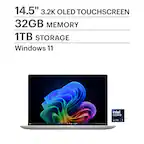
|Posted .This reviewer received promo considerations or sweepstakes entry for writing a review.This Dell XPS 14 14.5” 3.2K OLED Touch Laptop is a powerhouse that combines stunning visuals with impressive performance. This baby is powered by the Intel Core Ultra 7 processor and Intel Evo platform which allows it to deliver smooth, responsive performance for multitasking, creative work, and entertainment. You know you have purchased a top of the line laptop as soon as you take it out of the box. The 14.5-inch 3.2K OLED touch display is the star of the show, offering vibrant colors, deep blacks, and excellent contrast. Whether you're editing photos, watching movies, or browsing the web, the OLED panel provides an immersive viewing experience. With 32GB of memory, this laptop offers ample RAM for multitasking and running demanding applications. You can easily switch between tasks without experiencing any lag or slowdown. The inclusion of Intel Arc graphics ensures smooth graphics performance for gaming and multimedia tasks. While not as powerful as dedicated gaming GPUs, the Intel Arc graphics deliver a decent gaming experience for casual gamers. In terms of design, the Dell XPS 14 is sleek and modern, featuring a slim profile and premium materials. The keyboard is comfortable to type on, and the touchpad is responsive and accurate. I easily transport it to work and back home everyday without it taking up a lot of space in my bag and best of all it is really lightweight. Overall, the Dell XPS 14 14.5” 3.2K OLED Touch Laptop is a premium laptop that offers a stunning display, powerful performance, and a sleek design. It's a great choice for professionals, creatives, and anyone looking for a high-end laptop for work and entertainment.
I would recommend this to a friend - Pros mentioned:Screen qualityCons mentioned:Battery life
WOW - What a screen!
|Posted .This reviewer received promo considerations or sweepstakes entry for writing a review.Upon opening this new machine, I was immediately impresssed with the new design keyboard and the "missing" touch pad. This will take some getting used to, but I love the design. The bezel is almost non-existent and the screen is simply stunning with color rendition. I have not tried it at night or in a dimly lit room, but in daylight in my office, it is by far the best screen I have ever owned that was built into a computer! The sound was very good, but just short of impressive. I suppose there is only so much that can be done in the physical space for the speakers, but you will not be dissapointed. There is so much to like about this laptop, I can only gripe about battery life, and that applies to almost any laptop on the market. It seems as if Dell sacrafices battery life for the many other super-high end accoutrements of their laptops. Batter life is just OK in my opinion. It fits my needs, but someone looking for an all-day machine needs to look elsewhere. I don't know if the OLED screen is a power hog or perhaps the processer, but bottom line, it delivers just average battery life. If you are looking for a fabulous screen with stunning color rendition, you just found your laptop. The keyboard and touchpad will take a bit of time to get used to, but that is OK. I did not stress test it by gaming, but in heavy viewing of videos and normal business use, I never heard a fan come on. I am not sure it even has fans or if they do come on, they are the quietest fans ever. It must have really good heatsinks because it never felt anything more than slightly warm under heavy use. The laptop screams high quality, but is a minimalist design. Frankly, the design is something I care nothing about as I want a computer that is small, light, powerful, and has good graphics and a fantastic display. This model from Dell hits all those criteria with a lot more to give. Very impressive laptop - probably the best one I have ever owned - highly recommended!
I would recommend this to a friend - Pros mentioned:Processor speedCons mentioned:Usb ports
Still kicking
Posted .This reviewer received promo considerations or sweepstakes entry for writing a review.Despite the fact that Windows 11 was not yet fully developed when it was released, I was able to get around all of Windows 11's problems with this laptop thanks to Dell's assistance. After a year, it has become evident that while this laptop is incredibly fast and sturdy compared to other laptops, its USB ports are, predictably, not as secure as they should be. Because of its monitor size, older people with vision problems cannot really use it, but you can always cast to a bigger screen. what I must add that is important is that the machine is very very fast as I stated. This is a great benefit for most people, and the small, light laptop will not hurt your shoulder when you carry it around. And Dell support turned out to be exceptional beyond my expectations.
I would recommend this to a friend - Pros mentioned:PortabilityCons mentioned:Usb ports
Tablet mode needed to overlook drawbacks
|Posted .This reviewer received promo considerations or sweepstakes entry for writing a review.The Dell XPS 14 with Intel Arc graphics is very sleek and portable with a few draw backs. Fir4st of the laptop chassis is all metal. Open it up and you will find touch controls (volume up, down, brightness, prt sc, delete, home end) at the top of the keyboard. My one issue I have is I use the delete button more than backspace, so having this on the top row of touch buttons vs mechanical buttons will take some getting used to. However, I understand I am in the minority here and the delete button is probably not as commonly used as I think. Using the laptop is nice, the keyboard is responsive and he trackpad is blended well into the chassis and it is massive. What I mean by blended is you don’t know where it starts or stops because the entire area below the keyboard feels like it could be the trackpad. The placement of the trackpad is directly below the space bar with a width slightly wider than the space bar, and it ends about a 1/2 inch from the bottom of the chassis. You can see why not having a designated box/enclosure for the trackpad isn’t much of an issue since it is large and placed appropriately. Another issue for me is that the keyboard keys don’t have the most space in between and as a result I have been more prone to typing errors since I am used to keyboard with more space between the keys. There are three USB C ports, a microsd slot, and a 3.5mm headphone jack, I am not the biggest fan of only having USB C ports on the laptop and I am a fan of having an ethernet port for when I need to trouble shoot my router or modem. Dell includes a USB C dongle that will convert one of the USB ports into a traditional USB port or an HDMI cable port, but omitted including an ethernet port on the dongle. I am also no the biggest fan of using a dongle since I will probably lose it eventually or not have4 it when I need it most, but Dell should have thrown in an ethernet port on the dongle. This is a great laptop that is light weight, has an OLED touch screen (perfect for watching videos due to the true black reproduction), and will handle any productivity/work tasks you throw at it since you’re utilizing an Ultra core 7 processor with 32GB of ram. The biggest thing that I believe would knock this out of the park and make up for the USB C ports only is if the laptop could fold over and be used in a tablet mode. There are too many drawbacks without a tablet mode feature where you can leverage the portability and touchscreen to the point where the limitations can be overlooked.
No, I would not recommend this to a friendBrand response from YourDellTeam
Posted .Hi AgentOJ,
We value your feedback and want to thank you for taking the time to leave a review of your Dell XPS 14 Touch Laptop. We are sorry to hear that you are not completely satisfied with the system design of your device. That is not the type of feedback we like to hear from our customers, or the type of product Dell intends to deliver. We have noted the details of your statement and will use them to improve current and future products.
If you need further assistance, we recommend using the toll-free number or chat link below to reach a valued member of our support team.
Chat or call: https://bit.ly/DellSupportTeam
Phone number to Dell: 1-800-624-9896
Best,
Summer@Dell
- Pros mentioned:Screen qualityCons mentioned:Usb ports
Solid performer, but lacking value
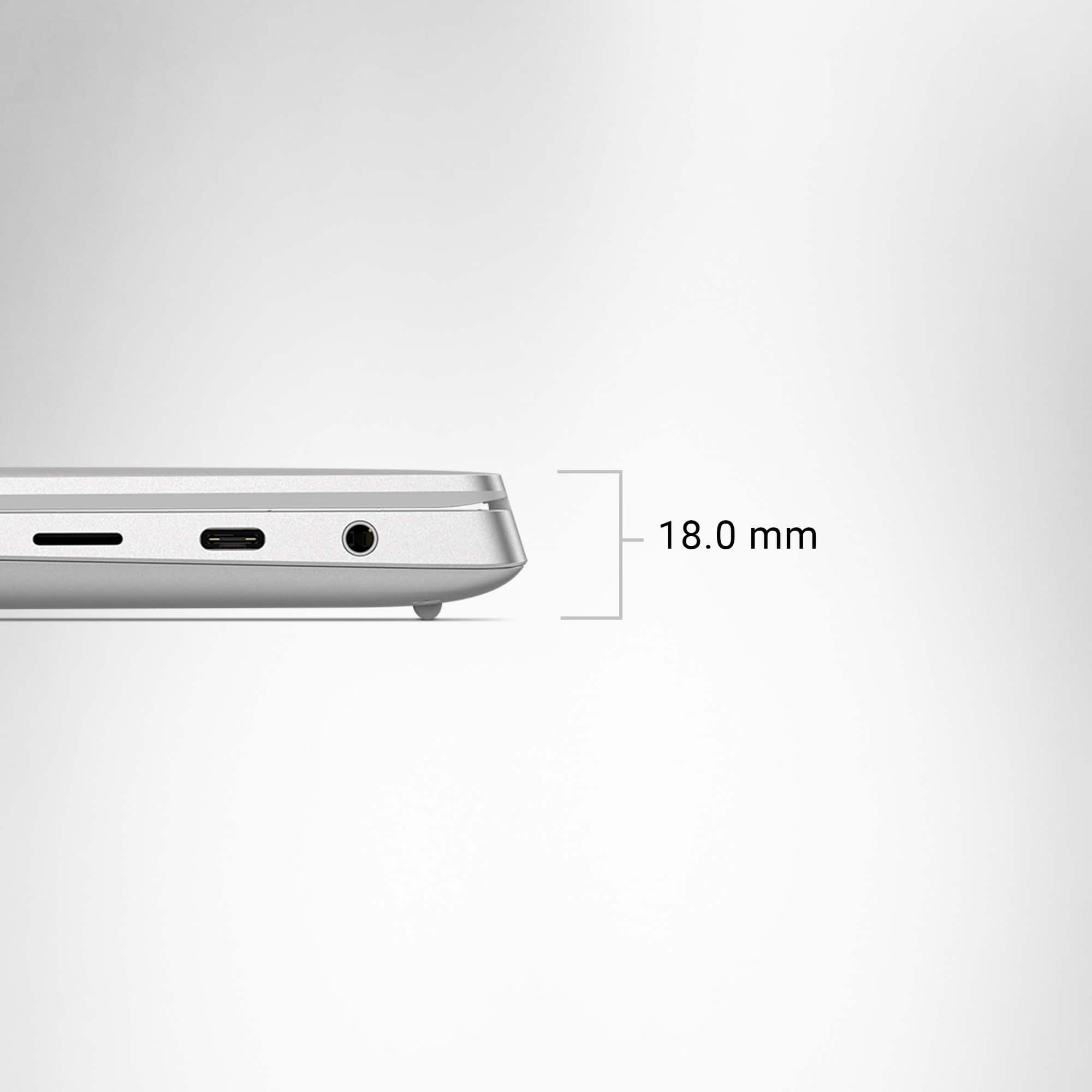
|Posted .This reviewer received promo considerations or sweepstakes entry for writing a review.I've been using my new Dell XPS 14 9440 for about a week now, and I've found the laptop to be a powerful, feature-packed device that has some serious ergonomic issues and a ridiculously high price. My favorite aspect of the laptop is probably the build. It is a well-built, solid-feeling beast of a laptop. Make no mistake, it's heavy, too. Many 15" laptops are actually thinner and lighter. However, the solidness and lack of flex anywhere makes some of the heft worth it. You'd think that the added bulk would mean more ability to cool the processor, but oddly enough, the CPU fan runs quite frequently and can be annoyingly loud. I also love the OLED screen. Yes, the screen consumes a bit more battery than a normal FHD LCD screen, but the depth of colors and contrast ratio make this absolutely the screen to get on this particular model. Three USB C Thunderbolt ports are nice, but I would like a legacy USB A port in addition to those. It also has a microSD slot, and that's cool. What's not so cool on the XPS 14? The keyboard is atrocious. I've been using the laptop for a week, and I'm still making typos left and right. All the keys are large and have a nice throw distance, but unfortunately, the design of the keyboard is very flat, and all the keys have no spacing between them. This makes locating specific keys difficult, and the lack of spacing causes me to hit two keys at once much too often. Yes, the whole "sleek" and "futuristic" design looks spiffy, but it's a huge step back from my previous XPS 15 9530 keyboard. And, if I'm being honest, I'd much prefer a dark colored keyboard as there's potential for them to get dirty and black hides the grub better. Another issue for me is the lack of a big upgrade over the previous gen CPU mixed with the high MSRP is the recipe for a bad value. The new Intel Core Ultra 7 155h is a fine processor, but it actually was a little slower in my Android Studio app project than the previous i7-13700h I had in my last laptop. Mind you, there was only about 15 seconds difference between the two (4m2s for the XPS 14 vs 3m49s for the XPS 15 9530), so not a huge difference. The iGPU is much more powerful in this guy though. But over $2000 for this laptop seems extreme. No dedicated GPU, awkward keyboard, and a clunky, bulky build makes me seriously wonder about the value proposition on the XPS 14 9440. Solid laptop? Yes. Best $2k+ you'll spend? Probably not.
I would recommend this to a friendBrand response from YourDellTeam
Posted .Greetings TomB,
Thank you for taking the time to leave us your review. We apologize for the fan noise you are having with your Dell XPS14 touch laptop. It's important for us to hear about discrepancies in our products for consideration of future development. Below I have provided troubleshooting instructions with the full articles that can help resolve this issue.
Here's the steps to help resolve your fan noise issue:
1. Use Dell Power Manager to adjust the thermal settings on the box to an option that suits you best. This tool adjusts the fans and processor power to make the system cooler, quieter, or more powerful.
2. Update the BIOS and device drivers.
3. Run a hardware diagnostic test.
4. Download and install Microsoft Windows Updates.
6. Run optimize my computer using Dell Support Assist.
7. Scan your computer for malware.
How to use Dell Power Manager: https://bit.ly/48MAxRY
How to Troubleshoot Fan Issues: https://dell.to/33NYLLE
If you need further assistance, we recommend using the toll-free number or chat link below to reach a valued member of our support team.
Chat or call: https://bit.ly/DellSupportTeam
Phone number to Dell: 1-800-624-9896
Best,
Summer@Dell
- Pros mentioned:Ram
Great machine, a little too "sleek"
|Posted .This reviewer received promo considerations or sweepstakes entry for writing a review.Great computer from the specifications standpoint - plenty of storage, RAM, etc. Great display! What's not to love about an OLED display? Clear text and graphics, great video. The audio is also very good. The touch screen capability is a plus though I find I don't use it much. It's a computer, not a tablet. Perhaps over time I'll find more uses for the touch screen, but as a computer (vs. a tablet) I find it a bit cumbersome reaching over the keyboard to switch between touch screen controls and necessary keyboard/touchpad controls. So I find I simply opt for keyboard/touchpad in all cases. It's a very sleek laptop; Dell clearly put attention to the "finish." Perhaps too much. The keyboard is a tad difficult to get used to due to the tightly spaced, square cut keys. Not bad, just different. I do wish the touchpad area was defined vs. hidden under the smooth face. I find I sometimes track my finger off of the touchpad area and have to keep repositioning my hand. And it is difficult to open the laptop and I can't do it without two hands. There's no recess on the front edge like most laptops and, because the hinge is so tight, I have to apply pressure to the back edge with one hand while using the other hand to tease the laptop open. It's minor but annoying. Overall it's a very good laptop and should serve my purposes well. My only negative thoughts are due to the over attention of "form" over "function."
I would recommend this to a friend