Customer Ratings & Reviews
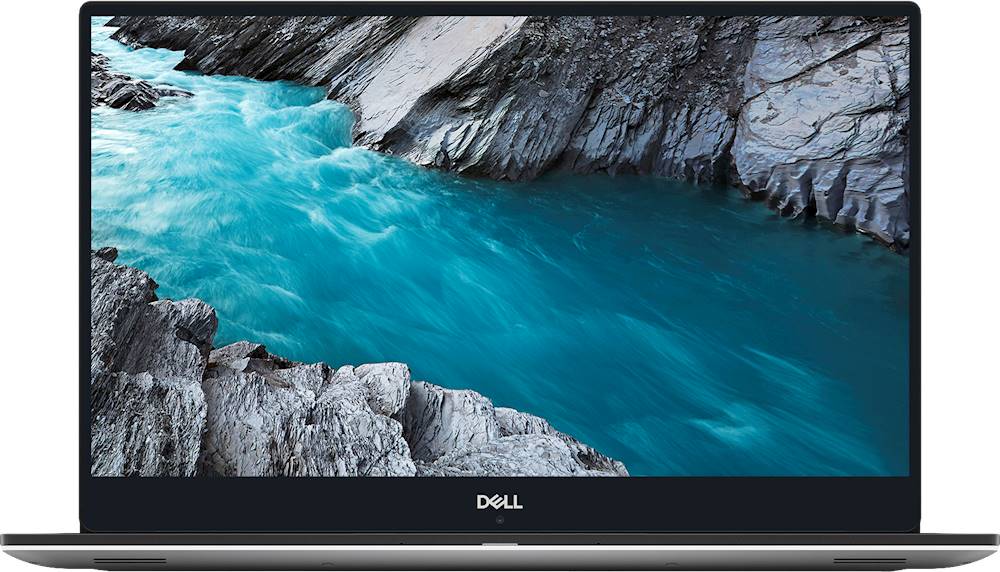
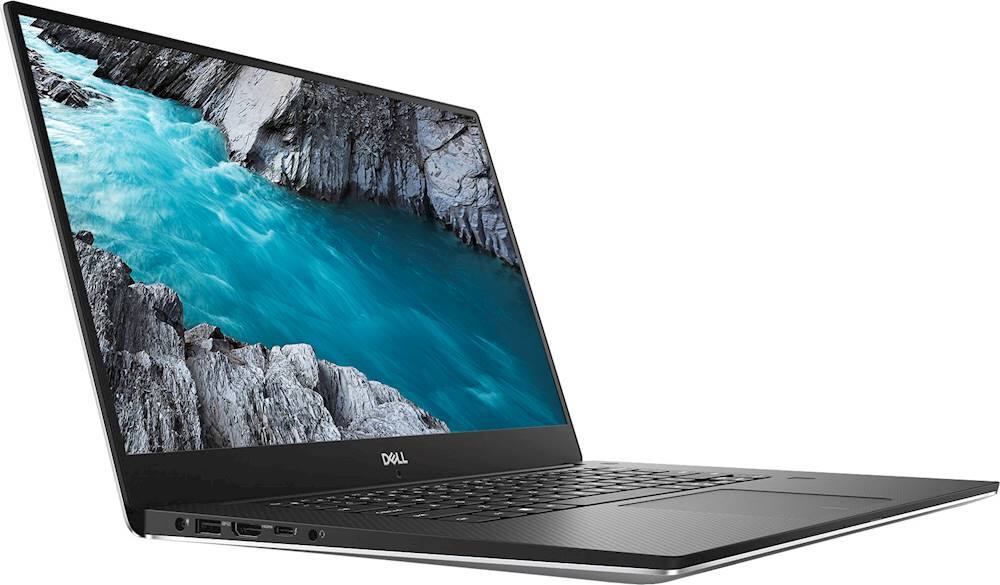
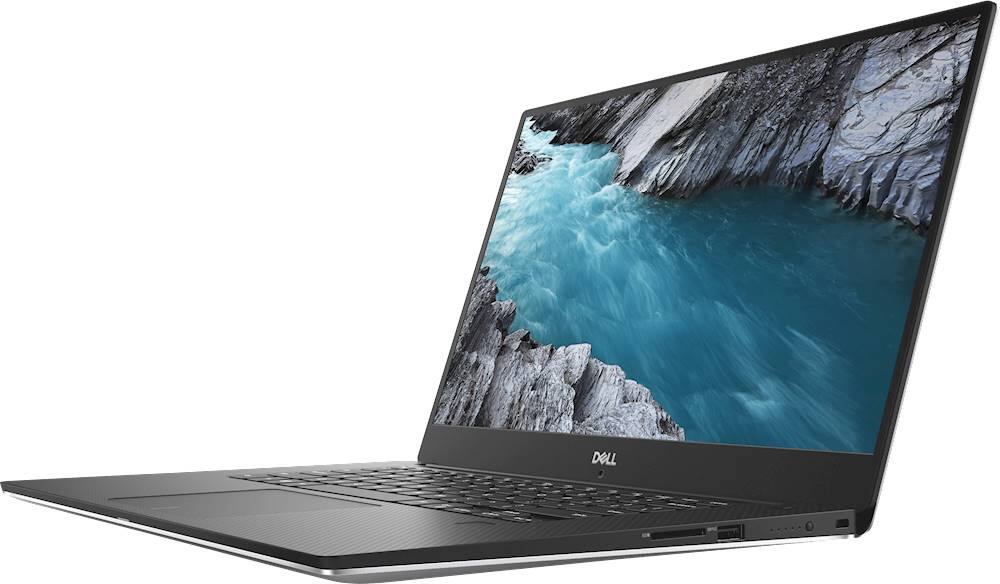
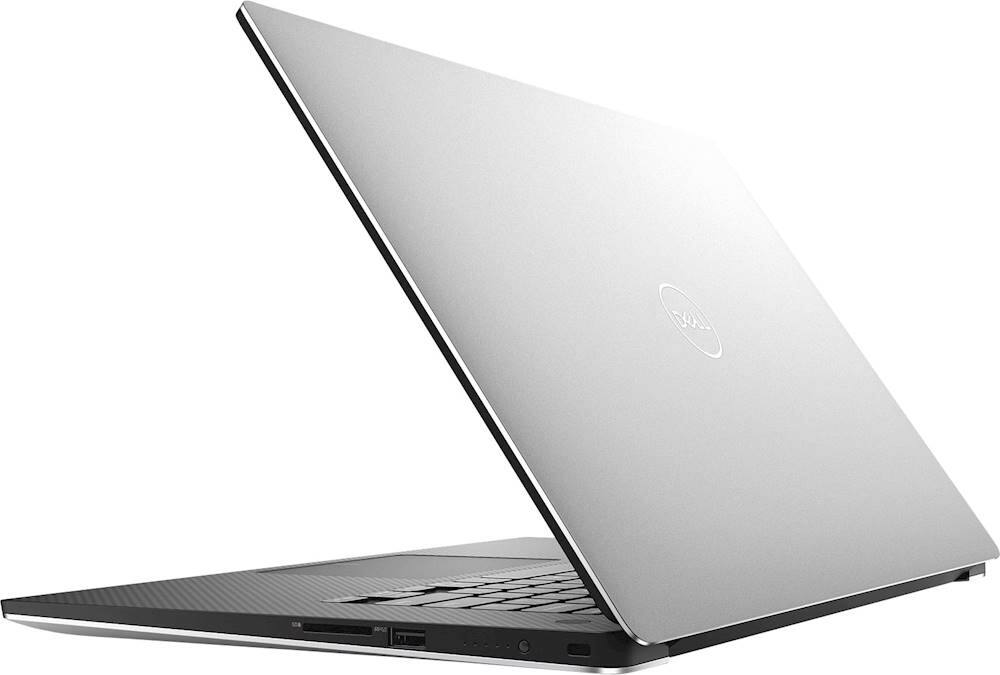

- Model:
- XPS9570MCMG6
- SKU:
- 6346465
to a friend
- Pros mentioned:DesignCons mentioned:Battery life, Storage
Amazing design, bad model/ version
||Posted . Owned for 1 week when reviewed.This reviewer received promo considerations or sweepstakes entry for writing a review.This is a rip off and im returning it. The design and quality where fantastic but the value is bad. Other laptops in this category have way better specs so the only thing you are getting that is better is design and the thunderbolt port. The biggest issue is the battery life. The tb hard drive is awesome but what they dont tell you is that you are sacrificing a decent battery life in order to have its not able to fit a good battery and a hard drive. You are paying 200 more for less battery life and more storage. Up to you if thats worth it but for me it was definitely not. I will be returning this and either getting the model without a hd and a good battery or opting for a razer.
No, I would not recommend this to a friendBrand response from YourDellTeam
Posted .Jonathan,
Thanks for your review. We're sorry to hear that you will be returning your XPS laptop. If you'd like tips on extending the battery life of your computer, we'd recommend the following:
Change the Power Plan:
1. On the notification area of the taskbar, right-click the Battery icon.
2. On the options list, click Power Options.
3. Select a power plan on the battery meter, such as Power Saver or Balanced. Windows 10 has a built in 'Battery Saver' mode that can be activated to extend your system's battery life. The Battery Saver mode will monitor and limit background activity and other features such as push notifications. You do have the option to enable or disable this mode within settings or within advanced Battery Saver settings, you can customize the mode to best suit your needs.
a) Click on the Action Center icon in the taskbar and select the tile for Battery Saver.
b) If running Cortana then type Battery Saver into the search box and select from the results.
Within the Battery Saver settings page, you will be able to turn on and off the feature and customize the feature to best meet your needs.
c) Turn Battery Saver On or Off.
d) Additional settings available via the Battery use and Battery saver settings links.
e) Battery use shows further info on apps and their power usage.
f) Battery Saver Settings screen allows you to customize further Battery Saver feature.
You can read the full article here - http://dell.to/2vfXWf4.
Best,
Bryan
1-800-624-9896
- Pros mentioned:Price
Good buy
||Posted . Owned for 1 month when reviewed.This reviewer received promo considerations or sweepstakes entry for writing a review.Nice computer for the price we are going to get a lot of use out of it
I would recommend this to a friend