Customer Ratings & Reviews
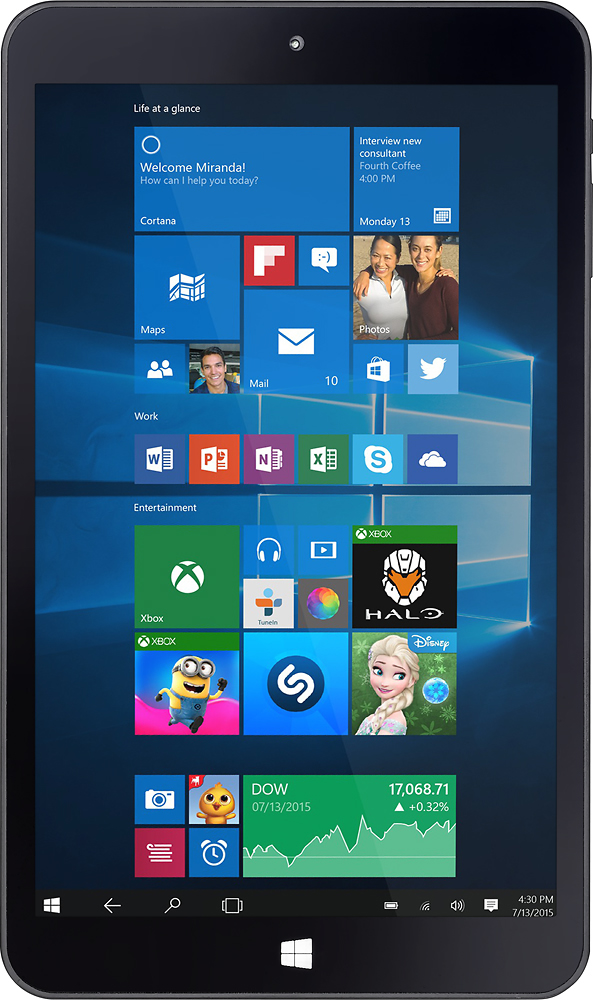
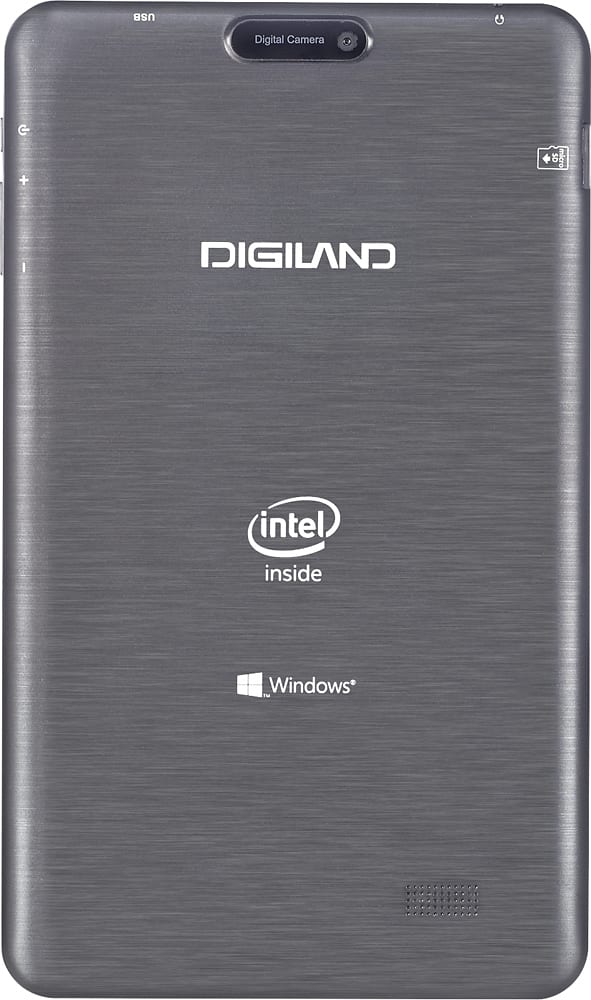
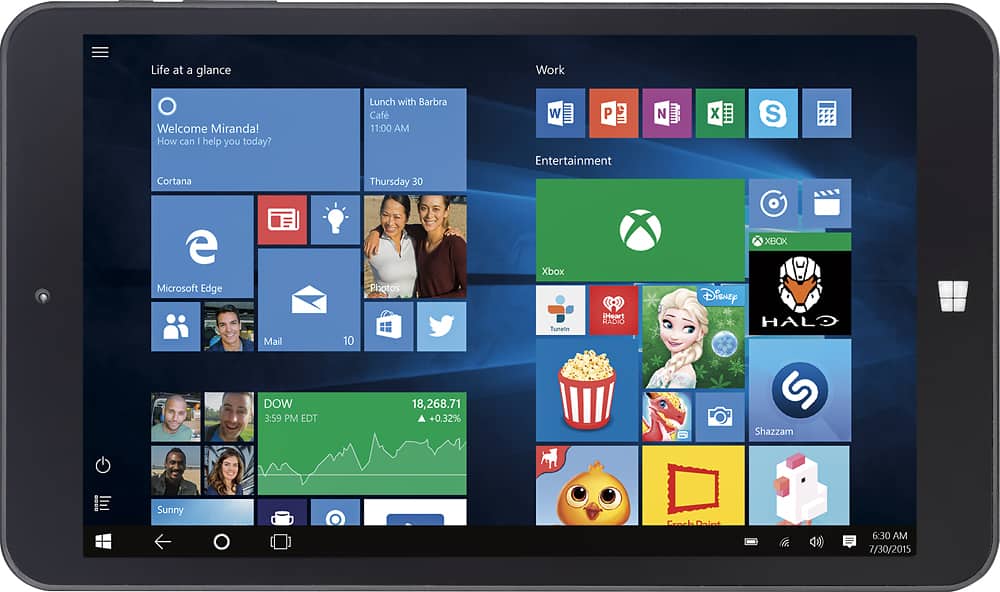
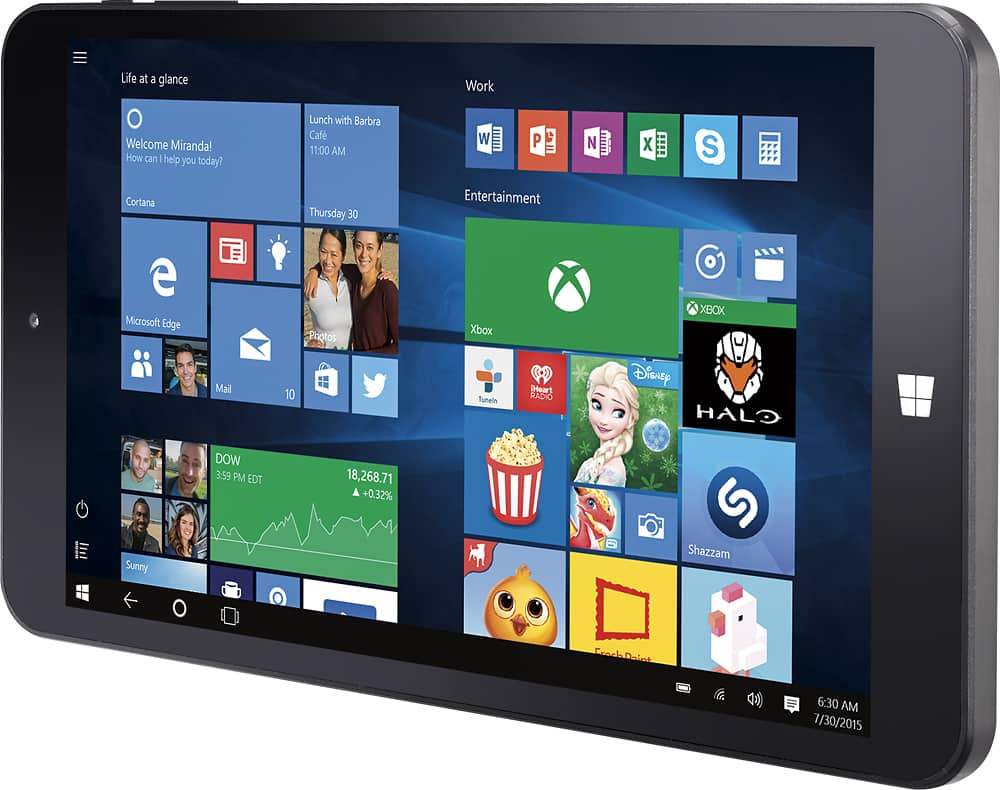
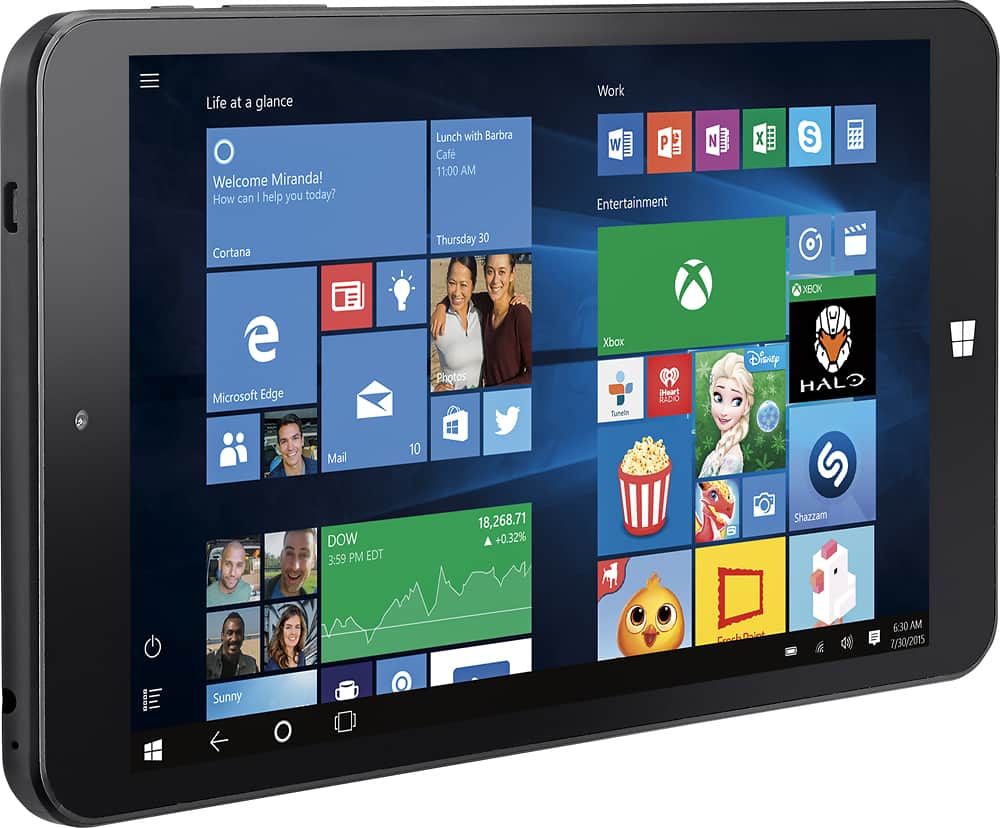



- Model:
- DL808W
- |
- SKU:
- 4306700
Customer reviews
Rating 3.7 out of 5 stars with 308 reviews
(308 customer reviews)to a friend
Customers are saying
Customers have good things to say about the 8" Tablet's ease of use, price, and Windows operating system. Many appreciate its decent battery life and find it useful for various tasks. However, some customers express concerns regarding the screen resolution, performance speed, limited RAM, and storage capacity. A few also mention the device's tendency to overheat during extended use.
This summary was generated by AI based on customer reviews.
- Pros mentioned:Battery lifeCons mentioned:Performance, Ram
Rated 3 out of 5 stars
It works well for an inexpensive Windows Tablet
||Posted .This reviewer received promo considerations or sweepstakes entry for writing a review.If you NEED a Windows Tablet, this one runs Windows well, is very portable and convenient, connects easily, runs applications and presentations well, and is a GREAT battery saver in Stand-by mode. I'm happy with the fact that I can be working, then just click the tablet power button quickly to Stand-by, and can come back hours or days later to pick up right where I left off. I just click it back on and resume with no problems. I wish it had more RAM, and I wish that the mini-USB port did more then just charge the device. It's also a lot heavier then my other Android Digiland Tablets. This is a great entry level Windows 10 Tablet and gets the job done if you need/want a Windows Tablet. If you want better performance, spend a little more. Please note, my McAfee Anti-Virus would not load because it required more then 1G memory. Think about what programs you use and what they'll need to run.
I would recommend this to a friend Rated 5 out of 5 stars
A Superbly Competent Windows 10 Tablet!
||Posted .This reviewer received promo considerations or sweepstakes entry for writing a review.PLEASE NOTE: My 5-Star rating WAS definitely influenced by a weekly "sale" price that I also applied "My Best Buy" reward certificate(s) to. YET, even at $99.99, I believe that my rating would still have been at least 4 Stars (or more, if fractional stars were allowed). Okay, here's what I know about the Digiland DL808W Windows 10 Tablet after seven weeks of set up and use, AND what I wish to impart to anyone considering the purchase of this device. - If you read this completely, it will (probably) save you hours of potential set up headaches, AND you WILL get some great accessory ideas along the way. I must preface my review by stating: INSPECT YOUR NEW TABLET CAREFULLY AFTER REMOVING IT FROM ITS BOX FOR THE FIRST TIME! My first DL808W had a chip/crack at the edge of the face plate. So I took it back to my local Best Buy store the next day for a "NO Hassles (AT ALL)" return/exchange. ... The "crack/chip" I found was NOT a result of "shipping damage"; it probably left the factory in China this way. - MY FIRST IMPRESSIONS : As mentioned in previous reviews: Clearly, having ONLY 1 GB of RAM really does put a "choke" on the processing performance that the Intel Atom Z3735F Quad-Core processor is capable of. ... You WILL get used to the delays in switching between "app"s, browsers and open explorer windows. Obviously, the more "windows" (browsers, "app"s, etc.) you have "open", the slower the transitions between those "windows" will be. ... It's a hindrance, BUT NOT a "Deal Breaker". The face plate IS relatively strong, but NOT NEARLY AS SCRATCH-RESISTANT as a "Gorilla Glass" screen would be. - GET A GOOD SCREEN PROTECTOR OVER-LAY KIT AND PUT IT ON YOUR NEW TABLET AS SOON AS YOU CAN. I also HIGHLY RECOMMEND getting a "TPU (Thermoplastic Polyurethane) Gel Shell Case Cover" ( - "Google" it) OR other "full-surround" shell or hard case (OtterBox or "other"). ... AND GET A water-resistant, padded, ZIPPERED, "sleeve" with a SOFT (read: fuzzy micro-fiber) lining. NOTE: MANY 8" tablet sleeves are available, BUT only a few of them have SOFT/FUZZY linings. The screen's "visual" performance is really as clear, crisp and bright as any 1280 x 800 pixel, TFT display can be. - My favorite 720p (MP4/.wmv) video clips look GREAT(!), AND ALL the j-peg photos that I normally use as my desktop "wallpapers" ARE as "fine" as they are on my 15.6" Compaq Presario laptop's 1280 x 800 display. ... KEEP IN MIND THOUGH: Playing/"streaming" videos on any tablet (or other rechargeable, battery-powered devices) WILL DEPLETE THE BATTERY'S CHARGE MUCH FASTER THAN just reading e-Books or browsing the web. I've been using my DL808W in "Battery saver" mode with a screen brightness level of 20% and getting between 5 and 6 hours of use between 5 to 6 hour "FULL" charge cycles. - Keep your screen "brightness" level ONLY AS BRIGHT AS YOU NEED, or can stand to have it. I HAVE watched videos stored on a 500 GB USB 3.0 portable, external hard disk drive plugged directly into the tablet, ... BUT the battery drain was more than 1% per minute! - "Normal" use, web browsing or reading e-Books (for example) is 3 to 4 minutes of tablet use per 1% of battery power. In short, YOU ARE NOT GOING TO BE WATCHING ANY 2 HR. MOVIES WITH AN EXTERNAL DVD PLAYER WHETER YOU ARE USING A POWERED USB HUB OR NOT. - NOTE: I have NOT tried watching "streaming" video using my huluPlus account yet, but I don't think that the power usage will be much less than watching a video clip stored on the tablet. Use your new tablet UNPLUGGED, AND let it run all the way down to 7 or 6% BEFORE SHUTTING IT DOWN and plugging it in to charge. By the seventh or eighth charge cycle, a "FULL" charge SHOULD NOT take more than 6 hours. - DON'T LEAVE IT PLUGGED IN AFTER IT IS FULLY CHARGED. Put your new tablet through AT LEAST 10 FULL charge AND discharge cycles before "short-charging" it "on-the-fly". BREAK THE BATTERIES IN PROPERLY AND THEY'LL PERFORM BETTER AND LAST LONGER. ... REMEMBER: THESE BATTERIES ARE NOT "USER" REPLACEABLE! - VERY(!) IMPORTANT SET UP NOTES : If you already have experience setting up a Windows 8, or 8.1 laptop or tablet, setting up this Windows 10 tablet is going to be A WHOLE LOT EASIER! I do have to pass on ONE IMPORTANT KEY to getting your first Windows 10 Home operating system (OS) update/"upgrade" PROPERLY downloaded AND installed. ... Fresh-out-of-the-box (in early January 2016) my Digiland DL808W tablet had ONLY the initial release of the Windows 10 OS dating back to July 2015. A VERY LARGE UPDATE came along in Mid-November 2015: "Upgrade to Windows 10 Home - 1511, 10586". You SHOULD pro-actively download and install this "upgrade" to have your Windows 10 OS COMPLETELY UP-TO-DATE. Downloading the 'Windows 10 Home "Upgrade" - 1511, 10586' should take around 45 minutes, depending on your WiFi signal strength. ... AND, YOU CANNOT JUST WALK AWAY AFTER STARTING THIS DOWNLOAD WITHOUT CHANGING YOUR "SLEEP" SETTINGS IN YOUR POWER MANAGEMENT SETTINGS FIRST! ... YOU SHOULD PLAN TO "babysit" your tablet during this particular download. - If the tablet shuts down completely during this download, you will have to "re-start" it completely the next time you turn your tablet on. AFTER THE DOWNLOAD IS 100% COMPLETE, YOU SHOULD BE ABLE TO LET YOUR TABLET GO TO (PUT YOUR TABLET TO) "SLEEP", BUT DON'T SHUT DOWN YOUR TABLET COMPLETELY BEFORE STARTING THE INSTALLATION PROCESS. JUST TO BE SAFE THOUGH, MAKE SURE YOUR TABLET IS PLUGGED IN(!) BEFORE IMMEDIATELY STARTING THE INSTALLATION PROCESS. HERE'S THE REAL KEY(!): YOU MUST HAVE YOUR TABLET PLUGGED IN TO AC POWER WHEN YOU INSTALL the "Upgrade to Windows 10 Home - 1511, 10586"!!! This "install" WILL take at least 40 minutes (and maybe as much as 2 hours) BUT, AND THIS IS REALLY IMPORTANT(!!!), THERE WILL BE AT LEAST THREE (maybe more) COMPLETE SYSTEM RE-STARTS DURING THIS PROCESS. IF THERE ARE ANY POWER INTERRUPTIONS DURING THIS INSTALLATION, THE WHOLE INSTALLATION PROCESS WILL FAIL, AND YOU WILL HAVE TO START BACK AT "SQUARE ONE", THE "UPGRADE" DOWNLOAD, ALL OVER AGAIN! - It took me three times to get through this correctly, ALL BECAUSE I DID NOT HAVE the tablet plugged in during the "install" process - Aaarrgghh! - I HOPE THIS INFORMATION SAVES YOU MANY HOURS OF FAILED "UPGRADE" ATTEMPS! AFTER ALL your initial set up/update steps, DON'T FORGET TO perform a "Disk Cleanup" operation, AND USE the "Clean Up System Files" "button". - The "Windows update cleanup" function (a sub-function of "Clean Up System Files") may take several minutes, BUT bear with it, because this is what recovers (frees up) the most "on-board" memory space (maybe as much as 3 to 5 GBs). - ALSO, remember to "optimize" ("defragment" for spinning hard disk drives) the SSD (Solid State Digital) memory. This WILL HELP your tablet's processing response times by logically grouping software elements and removing gaping holes in your tablet's memory/storage layout. !!! ---> THEN, AFTER YOUR INITIAL SET UP IS COMPLETE "BACK UP" ("Create a system image" of) YOUR TABLET TO A REMOVEABLE (TO BE STORED IN A SAFE PLACE(!)) EXTERNAL HARD DISK DRIVE (portable or "desktop"). - NOTE: You CANNOT create a "System Image Backup" on a flash drive. - I've tried it, and I could NOT make it work (on either of my Windows tablets), even after fully RE-formatting the flash drive. - THIS TABLET "WORKS AND PLAYS WELL WITH "OTHERS"" : A previous reviewer was disconcerted by just how deeply a Micro SD card has to be inserted into the shell of the tablet before it catches in its locking spring. ... I have a simple way to make inserting and removing Micro SD cards easier AND safer for your cards AND your new tablet. - Use the edge of the rounded corner of a thicker-than-average credit card (or other similarly sized plastic card). Insert your (properly oriented) Micro SD card with your fingers to start with, then use the edge of the rounded corner of the "helper" card on the top edge of the Micro SD card to push it down in to the tablet until you feel it click into the spring lock. To remove the Micro SD card, simply insert the "helper" card corner edge in to contact the top edge of the Micro SD card. Push down gently until you feel the click of the spring lock releasing. Remove the "helper" card and the Micro SD card should pop up out of the tablet slot just enough for you to get your fingers on it to pull it out. AND, YES(!), You can install software from CD Rom discs with an external USB 2.0 CD Rom (or DVD/CD - R/RW) drive using a Micro USB to USB 2.0/3.0 "jumper"/adapter cord (which you may already have for downloading photos from your "smart" phone, or loading music to your MP3 player). - NOTE: You WILL NEED to use a "POWERED" USB hub! (I'm currently using a Belkin, F4U040V, 4 Port Ultra Slim Desktop Hub.) This tablet might be able to (NO promises) power a newer USB 3.0 CD/DVD drive, but I have not tried it as I do not own a USB 3.0 CD/DVD external player. ... However, it WILL draw power out of the tablet at a much quicker rate than just plugging in a flash drive. ... Extreme power draw WILL happen any time you plug in ANY external drive with a motor that spins a disk. I have also purchased the following accessories for my tablet(s): a Logitech K480 Bluetooth keyboard - it can be "paired" with three different Bluetooth enabled devices. It has a switch to change between those devices. I am also using a Bluetooth mouse (because I am "OLD school"). Both devices "paired" with my Digiland tablet VERY easily, and have given me a "WHOLE" Windows 10 computer, albeit with a much smaller screen. ... All I need now is a copy of Windows Office 365 (2016) for 1 Computer & 1 Tablet and I am as completely set up as I need to be for the foreseeable future, YEA!!!
I would recommend this to a friend- Cons mentioned:Ram
Rated 3 out of 5 stars
Good for a first Windows tablet
||Posted .This reviewer received promo considerations or sweepstakes entry for writing a review.If you like Windows 10 on the desktop then the tablet interface will please you when using this tablet. It is temperamental - border actions accidentally selected, tough to select smaller items on screen, have to long press the power button it seems to turn it on - but once you've spent some time with the DigiLand product I think most first timers will like it. I would like to see it get a little more RAM than the 1 GB only option. Says it will support up to 32 GB flash drive but my 64 GB works just fine.(I doubt I'll be able to remove it though it's a tight fit and nearly disappears into the slot) You must treat this device like a laptop and not a tablet when it comes to battery life - in other words TURN IT OFF when you won't be using it for extended periods of time. I am liking it more and more so don't let the 3 Stars rating discourage you from purchasing, just be prepared to 'want' to like this little tablet. The price can't be beat for something that can double as an 8 inch Windows laptop that fits in your bag or purse. Lastly, there doesn't seem to be any custom case options so you'll likely have to remove it from whatever folio you end up with when you need to take pictures.
I would recommend this to a friend Rated 4 out of 5 stars
Digiland windows 10 tablet
||Posted .This reviewer received promo considerations or sweepstakes entry for writing a review.This is my first tablet. I purchased this after reading reviews on the best buy site. Overall its a very nice tablet, it does everything I need it to do. I didn't give it five stars because in order to transfer files from my pc to this tablet I have to do it via blue tooth which is slow. The usb port that the tablet does have is for the charger, but I am sure for an additional amount of money you can purchase a cord that will allow you to sync up with your laptop/desktop/phone. I am very happy that I made this purchase and would do it all over again if need be.
I would recommend this to a friend- Cons mentioned:Ram, Storage
Rated 4 out of 5 stars
Great at what it is, don't expect too much from it
||Posted .This reviewer received promo considerations or sweepstakes entry for writing a review.It is very low on memory, storage, and processing power, but as long as you keep that in mind, it is good for its price. (I got it on sale for $50). It WILL be laggy if you try to do too much with it at once, as the 1GB of ram is insufficient for lots of multitasking. If you run chrome, don't expect much. It will slow it to a crawl if you want chrome and a few other apps. Stick with edge or a browser designed to be lightweight if you want to browse the web and do other things at the same time. This is a great device for one thing at a time however. The build quality is actually quite good and the display is actually stellar for this price point. (I've owned android phones for twice as much with much worse screens.) However, the front "glass" is plastic that is not very well made, as you can see lots of warping, especially closer to the edges. One other thing to note is that the SD card slot works with SDXC cards perfectly. My 128GB card worked flawlessly, and in theory should work with anything up to 2TB cards when they hit the market in the next year or two. TL;DR It's good at what it does for the price. It's not a powerhouse, don't expect that.
I would recommend this to a friend - Pros mentioned:Battery lifeCons mentioned:Ram, Screen quality, Speed
Rated 1 out of 5 stars
Solid build but fails on performance
||Posted .This reviewer received promo considerations or sweepstakes entry for writing a review.Pros: solid durable build quality. Battery life is acceptable. Full windows 10 OS means you can run most PC Apps. Cons: Poor screen quality. There is about 1mm space between glass you touch and actual screen. Rrally slow! 1Gb of ram makes this such a slow tablet. Kinda heavy as well.
No, I would not recommend this to a friend - Pros mentioned:Ease of use
Rated 4 out of 5 stars
Does the job
||Posted .This reviewer received promo considerations or sweepstakes entry for writing a review.I purchased the tablet to have a more portable form of computer. I am not a big tech person (I have a trackphone) so don't need the high tech phone/computer. This lets me check my email and other online stuff, and do what I need to, without the bulk of a laptop. Works great.
I would recommend this to a friend - Cons mentioned:Screen quality
Rated 4 out of 5 stars
Very pleased with the product.
||Posted .This reviewer received promo considerations or sweepstakes entry for writing a review.This was a gift for my mother who is not very tech savvy. She has been very pleased with the product. The only thing that we would want different would be a better camera.
I would recommend this to a friend - Pros mentioned:Ease of use
Rated 4 out of 5 stars
Good price and good product.
||Posted .This reviewer received promo considerations or sweepstakes entry for writing a review.The tablet is good for my needs, as I don't spend a lot of time with tablets. I felt that the tablet was easy to use and was user friendly.
I would recommend this to a friend - Pros mentioned:PriceCons mentioned:Screen quality
Rated 3 out of 5 stars
Hard to Be too Rough on it for $79
||Posted .This reviewer received promo considerations or sweepstakes entry for writing a review.The screen is low quality and the response is a bit laggy but for $79 (price I paid), its a serviceable tablet for basic needs.
No, I would not recommend this to a friend - Pros mentioned:Operating system
Rated 4 out of 5 stars
Not bad for the money you pay.
||Posted .This reviewer received promo considerations or sweepstakes entry for writing a review.I'm looking for something that is Windows not android or I pad. It's working fine, big plus, it comes with Microsoft Word.
I would recommend this to a friend Rated 4 out of 5 stars
Great Windows tablet
||Posted .This reviewer received promo considerations or sweepstakes entry for writing a review.Good performance for a tablet of this size but only has one usb port, be nice to have a HDMI port.
I would recommend this to a friendRated 4 out of 5 stars
Great Tablet for price
||Posted .This reviewer received promo considerations or sweepstakes entry for writing a review.Great tablet for everyday use. Basically a mini computer . Uses Microsoft interface, nothing additional or special. The functionality without apps is great.
I would recommend this to a friend- Cons mentioned:Ram
Rated 4 out of 5 stars
You cant beat it for the price!
||Posted .This reviewer received promo considerations or sweepstakes entry for writing a review.I picked one of these up for my son on the 26th of November It was the last one they had in the store and was on sale for $69.00. When i got home I received an email from Best Buy with the Cyber Monday deal in it and it was marked down to $49.00. I wish I would have waited on the first purchase. I went ahead and ordered another for myself. was not expecting much. It turned out to be a bit of a surprise. The tablet is running Windows 10 Home. Granted the specs are on the low side of things but with a little work I was able to get a fully functional desktop OS in a very small portable package.The first thing added was a 64 gb micro sd card. That was followed by a full version upgrade of Windows 10. Then it was a matter of removing almost all of the metro apps that cam pre-installed and installing the programs I prefer. Currently installed are Office 365, Chrome and Firefox browsers, Gimp image manipulation, Thunderbird email client, Kodi with the lentechtv USA 1 build, the Google Drive application and a few other odds and ends. If you are looking for an inexpensive tablet to run a full blown desktop OS on this one is worth a shot. Not alot invested and performs decent enough to more than get by with. It is by no means a power house but I wasn't expecting one for the price. I was however pleasantly surprised with the performance and the ability to customize it with a little time and working knowledge.
I would recommend this to a friend - Cons mentioned:Speed
Rated 4 out of 5 stars
Works well.
||Posted .This reviewer received promo considerations or sweepstakes entry for writing a review.Bought this for my father and he seems to enjoy it. I set it up for him. A few updates and it was good to go. Not as snappy as a Surface Pro, but a good value.
I would recommend this to a friend - Pros mentioned:Ease of use
Rated 5 out of 5 stars
Windows base tablet!!!
||Posted .This reviewer received promo considerations or sweepstakes entry for writing a review.If you are looking for a windows base tablet that is not expensive, then this is the one for you. This tablet is so easy to use, it's like you have a mini computer right in the palm of your hands. I would recommend this tablet to anyone, it would be great for all ages.
I would recommend this to a friend - Pros mentioned:Ease of use
Rated 4 out of 5 stars
Excellent product
||Posted .This reviewer received promo considerations or sweepstakes entry for writing a review.No complaints berry nice tablet easy to use and easy for children for play
I would recommend this to a friend - Cons mentioned:Ram
Rated 4 out of 5 stars
Good starter tablet for kids.
||Posted .This reviewer received promo considerations or sweepstakes entry for writing a review.Bought for my kids. This tablet serves its duties well. A little lag sometimes due to only having 1 gig ram I think. Other than that touch screen works great and resolution is good.
I would recommend this to a friend - Pros mentioned:Operating systemCons mentioned:Screen quality
Rated 4 out of 5 stars
Amazed by its capabilities
||Posted .This reviewer received promo considerations or sweepstakes entry for writing a review.The best thing about this tablet is the fact that comes with Windows as its Operating System. It is basically a tiny computer, it even comes with Microsoft Office. It was really easy getting it connected with the pcs and tvs at home. All it needs is a better camera (it is only 2mp). I had too exchange it due to a minor fail with the front camera. This could be easily called the basic version of a Surface tablet.
I would recommend this to a friend - Pros mentioned:Operating system
Rated 4 out of 5 stars
Good product for the money
||Posted .This reviewer received promo considerations or sweepstakes entry for writing a review.Works well for a cheap tablet. I liked it because it offered Windows instead of Android.
I would recommend this to a friend