Customer Ratings & Reviews
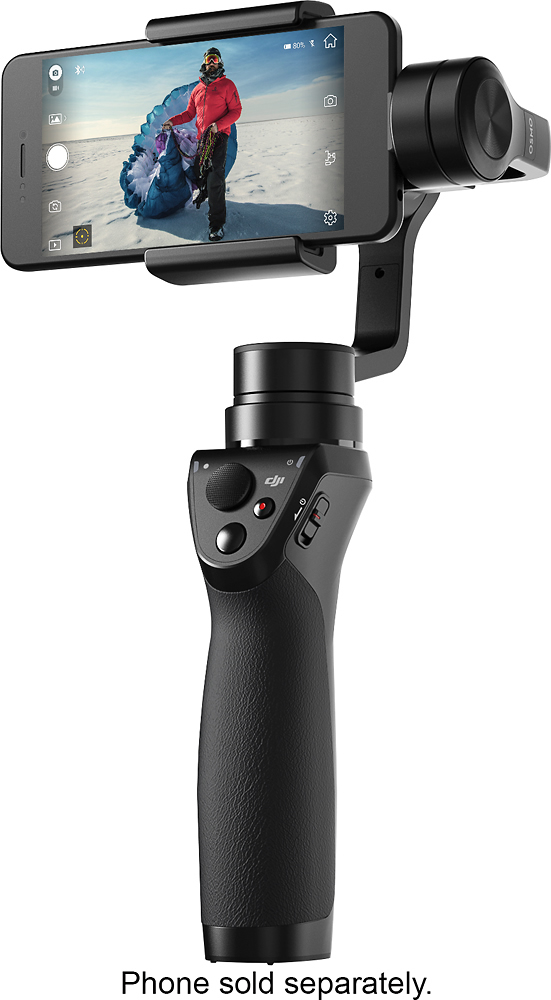
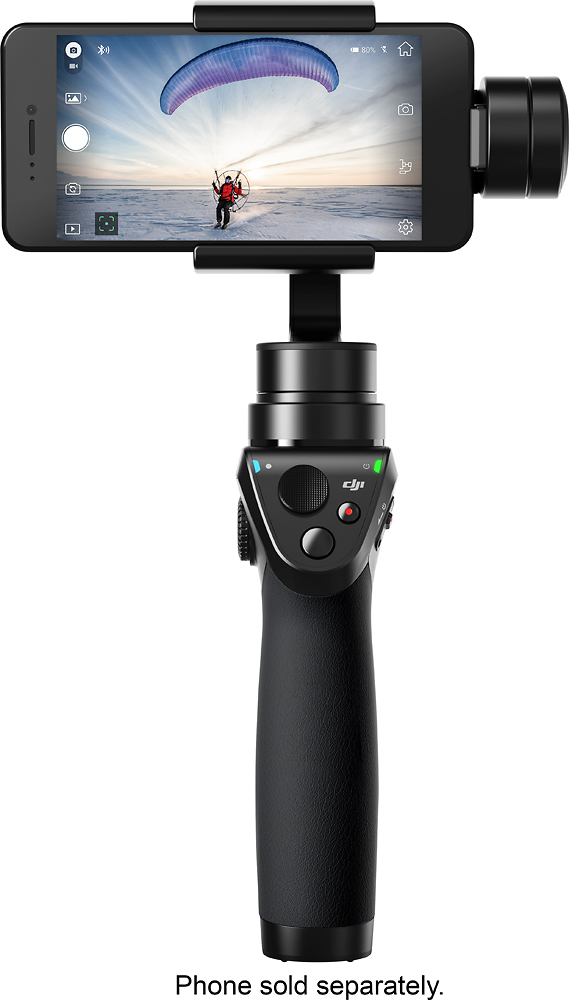
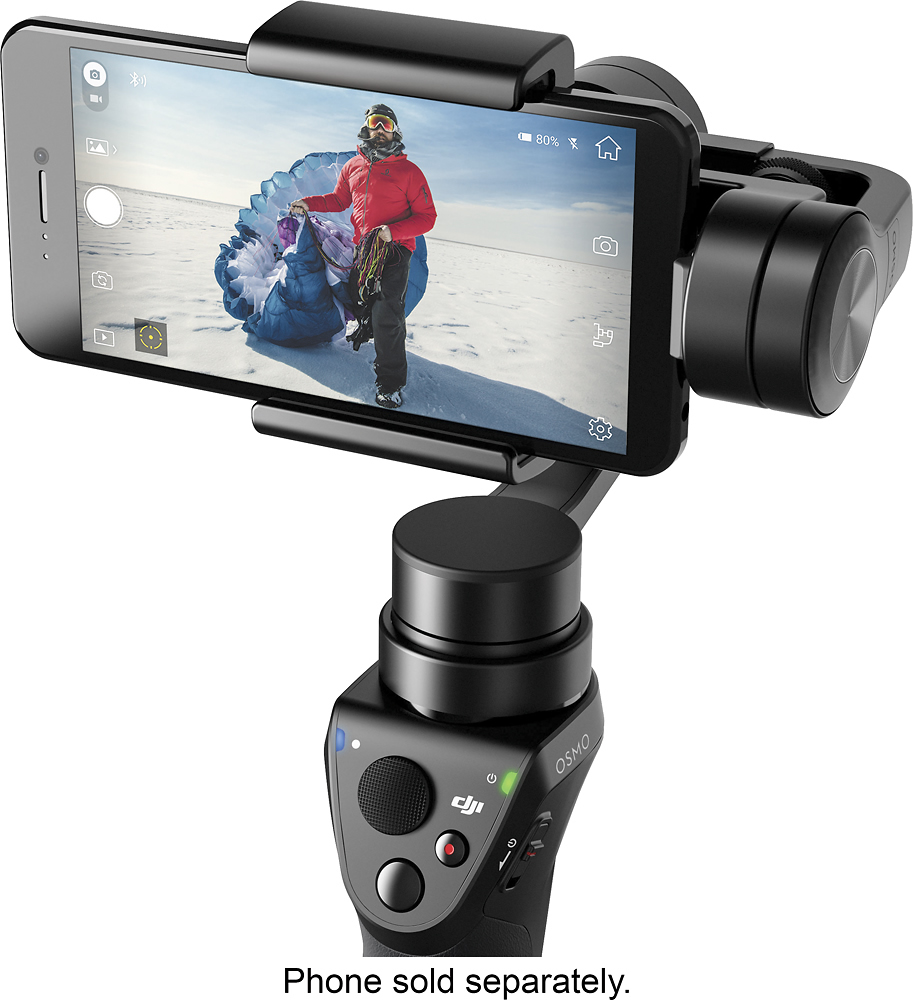

- Model:
- CP.ZM.000449
- |
- SKU:
- 5613400
Customer reviews
Rating 4.4 out of 5 stars with 583 reviews
(583 customer reviews)to a friend
Customers are saying
Customers appreciate the Osmo Mobile Gimbal Stabilizer's impressive video quality and ease of use, finding it simple to set up and operate. The gimbal's stability is also frequently praised, while some users mention challenges with battery life, software, and the device's size. A few customers also commented on the price point.
This summary was generated by AI based on customer reviews.
- Pros mentioned:Ease of use
Rated 3 out of 5 stars
Amazing ... in certain situations
||Posted .This reviewer received promo considerations or sweepstakes entry for writing a review.This gimbal is easy to set up. It's easy to figure out how to use. It produces some amazing results in certain situations. However, it has problems with the iPhone 7 and 7 Plus. The optical image stabilization of these phones is problematic in combination with the Osmo Mobile. A terrible juddering/shaking in the background is regularly produced. Since there is no way to turn off the optical image stabilization in the iPhone 7, one must find workarounds. The Osmo produces pretty good results close-up, but pretty poor results when the background is more expansive. If you have the iPhone 7 Plus, you can use the 2x lens which does not have optical image stabilization. I have not tried this product with other smart phones, but I think it would be a better match. I have made a variety of comparison videos on my YouTube channel (My Boring Channel) if you want to see the juddering problem with the iPhone 7 Plus.
I would recommend this to a friend - Pros mentioned:Stability
Rated 5 out of 5 stars
Note 8 compatible. So far so good.
||Posted .This reviewer received promo considerations or sweepstakes entry for writing a review.Amazing stabilization. Me and my boyfriend tried this on my iPhone and his Galaxy Note 8. We first thought it wasn't gonna work on his Note 8 because it was a bigger phone but we tested it out and adjusted the balance. It worked awesome.
I would recommend this to a friend - Pros mentioned:Video qualityCons mentioned:Battery life
Rated 5 out of 5 stars
Must Have Tool For Mobile Video Shooters
||Posted .This reviewer received promo considerations or sweepstakes entry for writing a review.If you enjoy shooting videos with your mobile device as much as I do then you will love this product. It stabilizes your videos, giving you a smooth video quality. It is very portable and you can take it anywhere and everywhere with you. I use it with my iPhone 7 plus to shoot 4k videos and the videos come out so good that I don't need to do anything to stabilize the video in post production. However, you do need to buy additional batteries as they don't last too long and additional accessories to help you up your game in shooting videos.
I would recommend this to a friend - Pros mentioned:Video quality
Rated 4 out of 5 stars
Works Great
||Posted .This reviewer received promo considerations or sweepstakes entry for writing a review.This thing is really cool but it's killing me with expensive accessories. Keep in mind that this unit uses your phone as the camera, so the quality of your pictures is contingent on what phone you have.
I would recommend this to a friend - Pros mentioned:Ease of use
Rated 5 out of 5 stars
Dji gimbal is the best choice!
||Posted .This reviewer received promo considerations or sweepstakes entry for writing a review.I purchased another iPhone gimbal that had issues right out of the box! Should have spent the extra and got the best, DJI works great with lots of options, you can’t go wrong buying this one. Very happy with my purchase!
I would recommend this to a friend - Pros mentioned:Video qualityCons mentioned:Size
Rated 4 out of 5 stars
Works, but has it's limitations
||Posted .This reviewer received promo considerations or sweepstakes entry for writing a review.The DJI stabilizer works as advertised but has it's limitations. The motors are very sensitive and the devise requires regular calibration. The calibration process is easy though. My biggest complaint is its bulky size and limited range of motion. Overall, it does a much better job of stabilizing your video than you can every hope to get from your phones image stabilization feature. If you dislike jittery video as much as I do, this is a good devise to have.
I would recommend this to a friend - Cons mentioned:Price
Rated 5 out of 5 stars
Worth the money
||Posted .This reviewer received promo considerations or sweepstakes entry for writing a review.I take time thinking about buying this stabilizer because it kind like a little bit pricey. After my first used, i absolutely like it. It helps my filming easier and my footages a lot nicer!! Highly recommended !!
I would recommend this to a friend - Pros mentioned:Video quality
Rated 4 out of 5 stars
Great alternative to the Osmo+, since it’s cheaper
||Posted .This reviewer received promo considerations or sweepstakes entry for writing a review.No need for gimbal camera which is the only limitation. The better your phone’s camera the better footage you can get. Also you operate in the ecosystem of your device instead of dji’s
I would recommend this to a friend - Pros mentioned:Ease of use
Rated 5 out of 5 stars
Great addition to any media project
||Posted .This reviewer received promo considerations or sweepstakes entry for writing a review.The Osmo mobile is not labeled as a "Professional" piece of gear but in turn it can be used as an addition to any video project or can be strictly for novices. Great product overall....Thanks DJI!
I would recommend this to a friend - Pros mentioned:StabilityCons mentioned:Size
Rated 5 out of 5 stars
Great gimbal which I expected from DJI
||Posted .This reviewer received promo considerations or sweepstakes entry for writing a review.I just got back from a whale watch on Maui. It was a rough day in the pacific even for a catamaran and the Osmo kept up with the punches. My videos and pictures turned out great! I have an older gimbal from a different company for my GoPro that is bulky and doesn't travel well. That being said, I found an attachment on Amazon for the Osmo Mobile that allows you to use it for GoPro 5. I highly recommend this product and you're sure to be pleased with the performance!
I would recommend this to a friend - Pros mentioned:Stability, Video quality
Rated 4 out of 5 stars
DJI is solid. Not top tier but SOLID
||Posted .This reviewer received promo considerations or sweepstakes entry for writing a review.I would prefer a real steadicam ( the cinema brand) but this one does the trick. All my normal videos have that cinematic smooth feel and it makes everything short video or home movie feel so dam professional. Don’t expect it to be free of bugs but do expect a solid piece of tech that delivers some great steady film footage that with the right post production, can be theatre quality stuff
I would recommend this to a friend - Pros mentioned:Ease of use, Time lapse
Rated 4 out of 5 stars
Great for shooting quick projects
||Posted .This reviewer received promo considerations or sweepstakes entry for writing a review.Great- compact, simple, user friendly, good design. DJI Go App allows you to easily edit your videos. My favorites: the moving time lapse. You can set it to move over time to create a moving time lapse. Also, I enjoy its ability to track or lock on to a subject Could be better: sometimes if you turn too much or move to fast the gimbal bogs out. But a quick double tap on the trigger sets it back to center.
I would recommend this to a friend - Pros mentioned:Video quality
Rated 5 out of 5 stars
Big Fan
||Posted .This reviewer received promo considerations or sweepstakes entry for writing a review.DJI is one of the best companies I like. Osmo mobile is fantastic I love this product from day one. Video quality improved to 200 percent. But I still need to learn a lot to become a pro.
I would recommend this to a friend - Pros mentioned:Ease of use, Stability
Rated 5 out of 5 stars
Great little stabilizer
||Posted .This reviewer received promo considerations or sweepstakes entry for writing a review.DJI has always been above and beyond with their tech items. This stabilizer is awesome. Love the way it handles my iPhone 7+ and the way you can mount it on any camera tripod. I use it a bunch with recording the DJI Phantom 4+ using its active track application through the DJI Go app. Very stable, very easy to use, and it even has a GoPro mount you can 3D print which the GoPro mounts the same as the mobile phone. Awesome tech gadget!
I would recommend this to a friend - Pros mentioned:Video quality
Rated 4 out of 5 stars
Great gimbal and product
||Posted .This reviewer received promo considerations or sweepstakes entry for writing a review.I’ve been using this to record my vlog and it’s great to get angles and action shots while moving. My video isn’t bouncy anymore with this product.
I would recommend this to a friend - Pros mentioned:Stability
Rated 4 out of 5 stars
Steady Gimbal
||Posted .This reviewer received promo considerations or sweepstakes entry for writing a review.The gimbal is a lot more stable then me holding my phone in my hand, making the playback 100% more enjoyable to watch. That alone makes it worth buying because I'm able to watch all those special moments in life. But there are a few minor points that shouldn't be overlooked. All based on iphone use: -iphone 7 plus barely fits on mount with a case. i bought the super thin apple case and that'll slide in. The symmetry otterbox is too big for it. -Sometimes you'll notice a slight bounce. That's because the phone and the gimbal are trying to stabilize at the same time. -DJI app doesn't shoot 4k -DJI app won't allow you to take video and pictures at the same time. Sometimes it's nice to do that, but I understand you will always get better picture if you're on the photo mode. -And the last thing may be a phone issue, but I'll write it anyways. It would be nice if the gimbal or app had controls that would allow you to zoom in and out. I know with the iphone you have to touch the screen to zoom, but maybe DJI can figure out a way to make it happen.
I would recommend this to a friend - Cons mentioned:Size
Rated 5 out of 5 stars
Amazing piece of tech, Great App
||Posted .This reviewer received promo considerations or sweepstakes entry for writing a review.This is a must have for a quick professional looking video on the move. It's too bulky to see as a daily use item, but if you need a quality Gimlet, This is a great go to
I would recommend this to a friend - Pros mentioned:Video quality
Rated 5 out of 5 stars
works like a charm
||Posted .This reviewer received promo considerations or sweepstakes entry for writing a review.didn't care much about using my iphone as a camera. Results were always poor. Now that I have my OSMO my home movies look smooth and steady and a joy to watch
I would recommend this to a friend - Pros mentioned:Gimbal
Rated 5 out of 5 stars
Great deal!
||Posted .This reviewer received promo considerations or sweepstakes entry for writing a review.Ive been eyeing this for a while, when it went on sale for 199 i had to make the purchase, and am glad i did, the osmo mobile is as advertised, amazing.
I would recommend this to a friend - Pros mentioned:Stability
Rated 4 out of 5 stars
Just as advertised
||Posted .This reviewer received promo considerations or sweepstakes entry for writing a review.Works really well with iPhone 7. Device ID heavier than I thought but the options that come with the software make up for that.
I would recommend this to a friend