Customer Ratings & Reviews
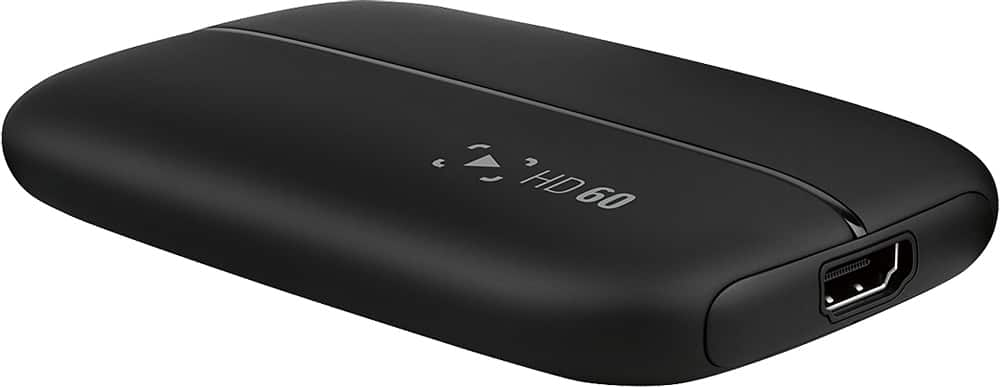

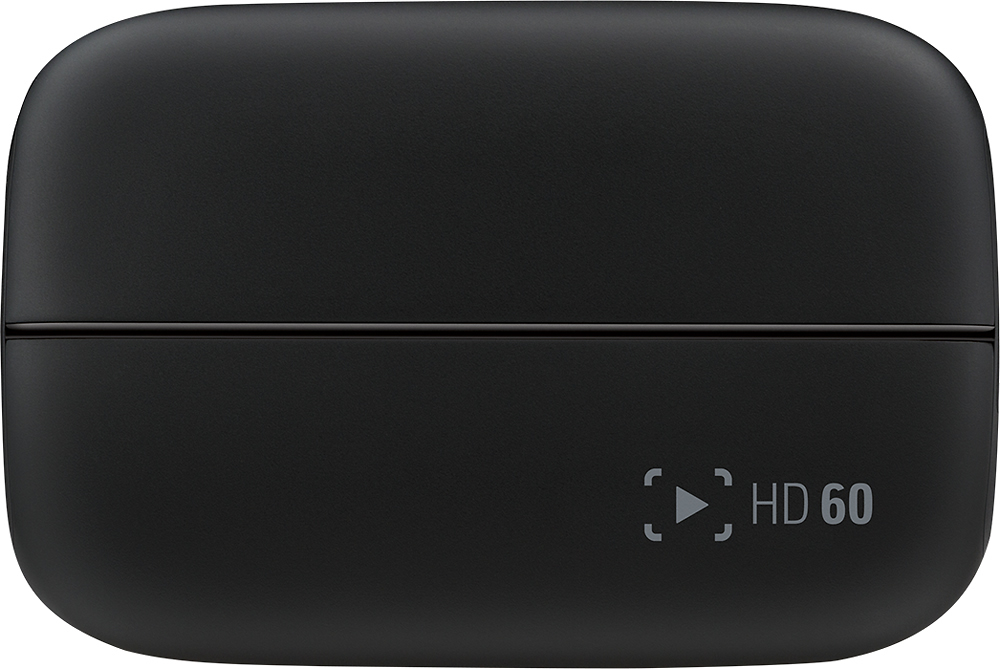
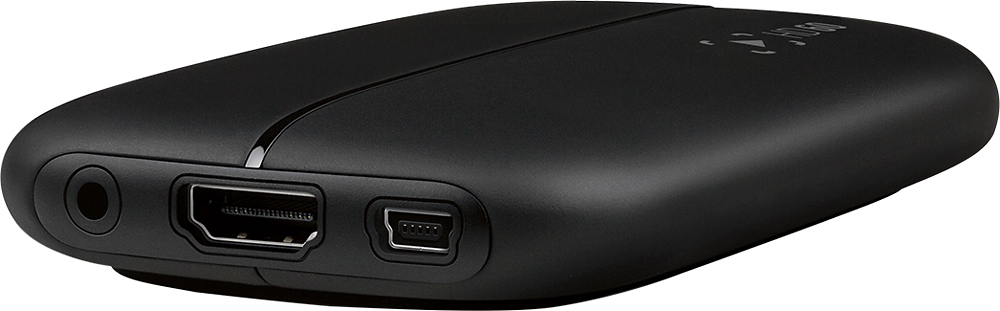

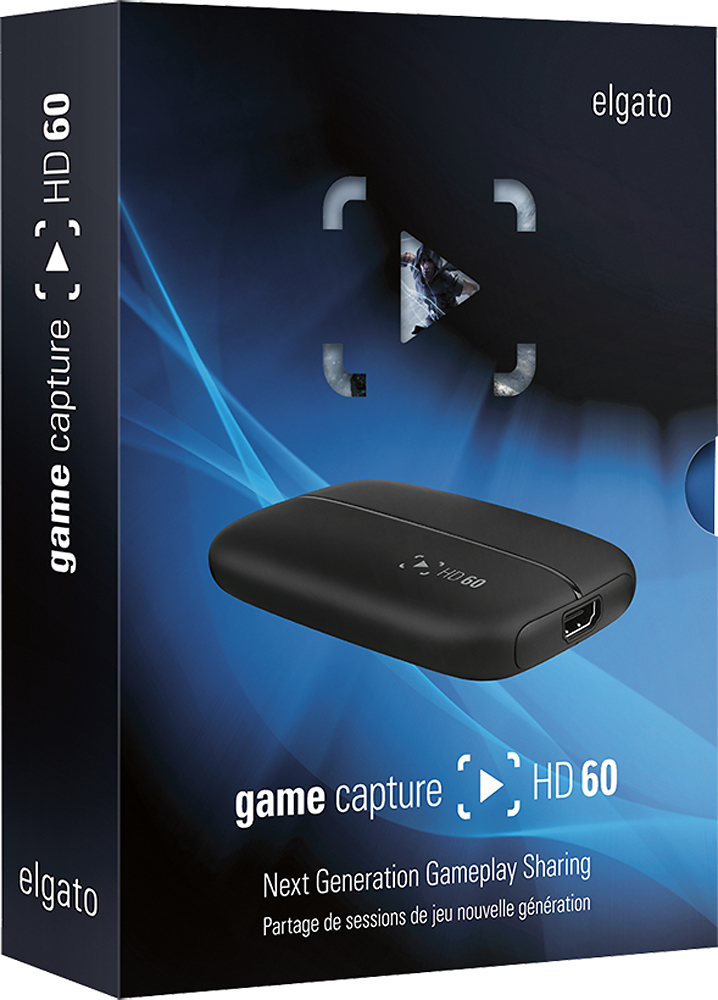

- Model:
- 60
- |
- SKU:
- 7634008
Customer reviews
Rating 4.6 out of 5 stars with 927 reviews
(927 customer reviews)to a friend
Customers are saying
Customers are impressed with the Game Capture HD60's ease of use and video quality, frequently praising its simple setup and excellent recording capabilities. Many also appreciate the compatibility with various gaming systems and the included software. While some find the price point high, the overall positive feedback highlights the device's strong performance.
This summary was generated by AI based on customer reviews.
- Pros mentioned:Fps, Software, Video quality
Rated 5 out of 5 stars
Great quality
||Posted .This reviewer received promo considerations or sweepstakes entry for writing a review.I love the quality! The 60fps looks amazing when played back, and the recording/ editing software is incredible to use!
I would recommend this to a friend - Pros mentioned:Fps, Software
Rated 5 out of 5 stars
Simple and works great
||Posted .This reviewer received promo considerations or sweepstakes entry for writing a review.I have used this on Windows 8.1, Windows 10, and Mac OS X Mavericks and it has installed seamlessly on all platforms. The Game Capture HD software is easy to operate and import into other editing programs. I have only been recording at 1080p/30fps and have had great results but I got the HD60 instead of the old model in case I ever use it for 60fps games. I have also used this to live stream footage from the HDMI output on my GoPro in real time and it worked great for that as well
I would recommend this to a friend - Pros mentioned:Ease of use
Rated 5 out of 5 stars
Super easy way to record your gameplay
||Posted .This reviewer received promo considerations or sweepstakes entry for writing a review.Really easy to set-up. Records PS4 gameplay through HDMI and software is extremely straightforward. I was able to post youtube recordings of my gameplay in 15 min from opening the box.
I would recommend this to a friend - Pros mentioned:Compatibility, Ease of use
Rated 5 out of 5 stars
Unbelieveable
||Posted .This reviewer received promo considerations or sweepstakes entry for writing a review.The Elgato HD is such an improvement over the past models much less their competition! It is extremely easy to hook up and even easier to capture-in our case mostly screen shots of video games. It's used on XBOX and PS4 without any issues. I would definitely recommend the HD model!
I would recommend this to a friend - Pros mentioned:Ease of use
Rated 5 out of 5 stars
Easy to use and great image quality
||Posted .This reviewer received promo considerations or sweepstakes entry for writing a review.It's easy to set up and the image quality is great. It has HDMI in and out so it works great with any video source, not just gaming systems. You can use it for transferring video, from a DLSR, video camera or any source with HDMI out.
I would recommend this to a friend - Pros mentioned:Ease of use, Software
Rated 5 out of 5 stars
Awesome for recording and editing
||Posted .This reviewer received promo considerations or sweepstakes entry for writing a review.The elgato hd 60 is an excellent recording tool for gameplay and using the diting software is easy. I love the fact that i can go back and record because i for get to start the record button when i start a game sometimes. definitely the way the go if your looking to get a recording device
I would recommend this to a friend - Pros mentioned:Software, Video quality
Rated 5 out of 5 stars
One of the best game captures I've used
||Posted .This reviewer received promo considerations or sweepstakes entry for writing a review.I've used different brands of game capture devices, but this one is the best so far. There's no external power supply, so it all depends if it's hooked up to your computer. The only thing I wish for for all the ports to be on one side. It can be a bit messy with all the wiring. Software is easy to use and you can stream straight to Twitch if you want to.
I would recommend this to a friend - Pros mentioned:Ease of use, Software
Rated 5 out of 5 stars
The standard for HD recording
||Posted .This reviewer received promo considerations or sweepstakes entry for writing a review.It is so easy to set up and start recording. The computer software is very user friendly and even making your own audio to sync up with the gameplay footage is as easy as plugging in a headset and microphone and choosing it in the on screen menus. Even streaming is simple to do.
I would recommend this to a friend - Cons mentioned:Lag
Rated 5 out of 5 stars
Great game recorder
||Posted .This reviewer received promo considerations or sweepstakes entry for writing a review.Great game recorder, very easy to set up and came with an extra HDMI cable to output from so you don't need to buy an extra one. I didn't notice a lag when recording, and I didn't notice any judder when replaying the game.
I would recommend this to a friend Rated 5 out of 5 stars
The Best Game Capture Device to date
||Posted .This reviewer received promo considerations or sweepstakes entry for writing a review.Comparing the elgato HD60 to other game capture devices, such as Dazzle Video Creator Plus is not a level playing field. This is largely due to the architecture of the elgato HD60 in it supporting HDMI HD quality. Dazzle, among others uses composite video (RCA) and / or S-Video (mini-DIN), as well as RCA x 2 for stereo audio. With the fine details mattering most, when it comes to capturing your game-play, regardless of the platform you choose to hook the elgato HD60 up to, this puts all others (to date) to shame. Search YouTube for those who have uploaded game capture footage and check the quality for yourself. Being High Definition obviously makes a monumental difference. (For those who don't know, the HD60 stands for High Definition (HD) , 60-frames per second, or fps.) As far as the technical specifications: the interface (to your PC/Mac) is USB 2.0 and the Input (to your PS4, Xbox One, Xbox 360) is an unencrypted HDMI input. The supported resolutions are 1080p60, 1080p30, 1080i, 720p60, 720p30, 376p, 576i, and 480p. The size is impressively unobtrusive, coming in at only 4.4 x 3 x 0.75 inches (or 112 x 75 x 19 mm), and weighs only 3.7 ounces (106g). If your PC/Mac has enough processing power, it also allows you to stream your gameplay live on Twitch. If you want to see the history behind Twitch, I suggest using your favorite search engine to see who owns it. You may be surprised at the amount of USD paid to acquire it. This 'Next Generation Streaming' has a Stream Command, which allows you to add webcam and overlays. It also allows touts a built-in live commentary feature. The software also allows you to immediately upload game-play to YouTube, as well as direct links to your Facebook, Twitter, email, Apple TV, iPad, iPhone, Movie Maker and to Export your game-play footage as an MP4 File. By the way, there is no disc to install, conversely, you will be given a link (inside the box) enabling you to download the latest software for your PC/Mac Now then, as far as System Requirements are concerned, and this is important! PC: Windows 7 SP1 (Service Pack 1) or later. Mac: OS X (10.9 or later). Also, 2 generation Intel Core i5 CPU (i5 2xx or comparable). Memory: 4GB RAM (Random Access Memory), built-in USB 2.0 port, and of course an Internet connection, preferably high speed. The elgato HD60 also supports a pretty impressive range of languages including Arabic, Dansk (Danish), Deutsch (German), English, Español (Spanish), Français (French), Italiano (Italian), Nederlands (Dutch), Português (Portuguese), Svenska (Swedish), 漢語 (Chinese), and more! One of the neatest features of their software is called "Flashback Recording". This allows you to retroactively (go back) and capture game-play from a game you just finished. Simply slide the timer bar back to whatever moment you wish to capture, and click on Capture. It will then process your finest moments! The only thing that took a while to figure out was the audio lag I was experiencing during local playback. This corrects itself once the file is uploaded to YouTube. I'm hoping a future software update will correct this, but otherwise, this is the best game capture device to date!
I would recommend this to a friend- Pros mentioned:Software, Video qualityCons mentioned:Price
Rated 5 out of 5 stars
Expensive yet great device
||Posted .This reviewer received promo considerations or sweepstakes entry for writing a review.This device does the job very well and even includes software that works with the device to record, add commentary, and stream live to various social media. Pros: Does the job very well and has very high quality video and audio due to it working on HDMI. Cons: Expensive even with the price match and warranty. and had a very minor issue that took a bit to figure out. Other thoughts: the issue was that if you were to switch out the HDMI input with the included program running you would have to disconnect the USB connection as well and reconnect it back into the computer. then it would recognize that the HDMI was connected back into the device. other than that its a great product! 5 STARS!
I would recommend this to a friend - Pros mentioned:Ease of use
Rated 5 out of 5 stars
Easy setup
||Posted .This reviewer received promo considerations or sweepstakes entry for writing a review.Took less than a minute to hook up and less than 10 to get the software from the website. Website software is okay but it works with any other like OBS, Xsplit and more. Capable of up to 1080P 60fps. Mainly using this for console streaming and older consoles via converter.
I would recommend this to a friend - Pros mentioned:Fps
Rated 4 out of 5 stars
Some short comings but good overall
||Posted .This reviewer received promo considerations or sweepstakes entry for writing a review.The Elgato HD60 is one of the first to support 1080P 60 FPS in capture . The prior version , as with many others on the market ,support 60 FPS for pass-through and 30 fps capture. Do not be fooled into buying a less expensive unit if you do not check that it is true 60 FPS capture. This unit works flawlessly and as advertised. The build quality is what you would expect for an electronic device in this price range, good overall. A drawback is that the Elgato's HD60 interface is USB 2.0. For higher frame rate, and longer files, it will take longer to for data migration. There seems to be some rumors of instability issue with game cards and USB 3.0 but I cannot substantiate. However, maybe that is why Elgato does not use the faster standard. The other downside is there are additional cables needed for full audio capture.
I would recommend this to a friend - Pros mentioned:Ease of use, Video quality
Rated 4 out of 5 stars
Not as good on a Mac
||Posted .This reviewer received promo considerations or sweepstakes entry for writing a review.For basic recording it's great but on a Mac they left off a feature I really wanted to use PIP (picture in picture). I make post a lot of videos on YouTube and I thought I would add some gaming to my channel and this system works really good. It's super easy to hook up but I just wish it had all the same features that it does when hooked up to a Windows computer.
I would recommend this to a friend - Pros mentioned:Ease of useCons mentioned:Lag
Rated 4 out of 5 stars
Great for Twitch
||Posted .This reviewer received promo considerations or sweepstakes entry for writing a review.I use this card for my streams. It proves for a great experience, with the exception that it has as much as a 3 second delay between the device and your PC. But this is mostly in part because of encoding and you can't instantly go from HDMI to H264. Aside from that, it's easy to use, light weight, and only requires one USB port.
I would recommend this to a friend - Pros mentioned:Ease of use, Video quality
Rated 5 out of 5 stars
Great capturing device for HD video games
||Posted .This reviewer received promo considerations or sweepstakes entry for writing a review.This device has amazing capturing capabilities. Great for laptop users and PC users alike. It has great video and audio quality, and editing the video is very easy right in the app. Has many options for video quality when capturing. Great for recording. Haven't tried streaming yet.
I would recommend this to a friend - Pros mentioned:Software, Video quality
Rated 5 out of 5 stars
Great for Online Streaming
||Posted .This reviewer received promo considerations or sweepstakes entry for writing a review.I use the Elgato Capture Card to record and live stream from my XboxOne. The included software is great, and provides excellent quality videos/streams. I highly recommend this item.
I would recommend this to a friend - Pros mentioned:Video quality
Rated 5 out of 5 stars
Great capture card
||Posted .This reviewer received promo considerations or sweepstakes entry for writing a review.This video capture device works really well, great for streaming. You could stream at full 1080p and 60fps on twitch tv and youtube gaming.
I would recommend this to a friend - Pros mentioned:Compatibility, Video quality
Rated 5 out of 5 stars
Great for gamer to share progress
||Posted .This reviewer received promo considerations or sweepstakes entry for writing a review.My grandson asked for this so he can play his games with others. He uses it on his Xbox One but will work on Xbox 360 and Play Station. This Game Capture HD 60 lets him record his favorite games with great clarity.
I would recommend this to a friend - Pros mentioned:Ease of use, Video quality
Rated 5 out of 5 stars
Great for XBox One Uploads
||Posted .This reviewer received promo considerations or sweepstakes entry for writing a review.This is a great system to capture video games on an XBox One and up load them to UTube. Easy, smooth operation that allows great video.
I would recommend this to a friend