Customer Ratings & Reviews




- Model:
- ET 4750
- SKU:
- 6042207
Rating by feature
- Value
Rating 4.3 out of 5 stars
- Quality
Rating 4.4 out of 5 stars
- Ease of Use
Rating 4.5 out of 5 stars
Customers are saying
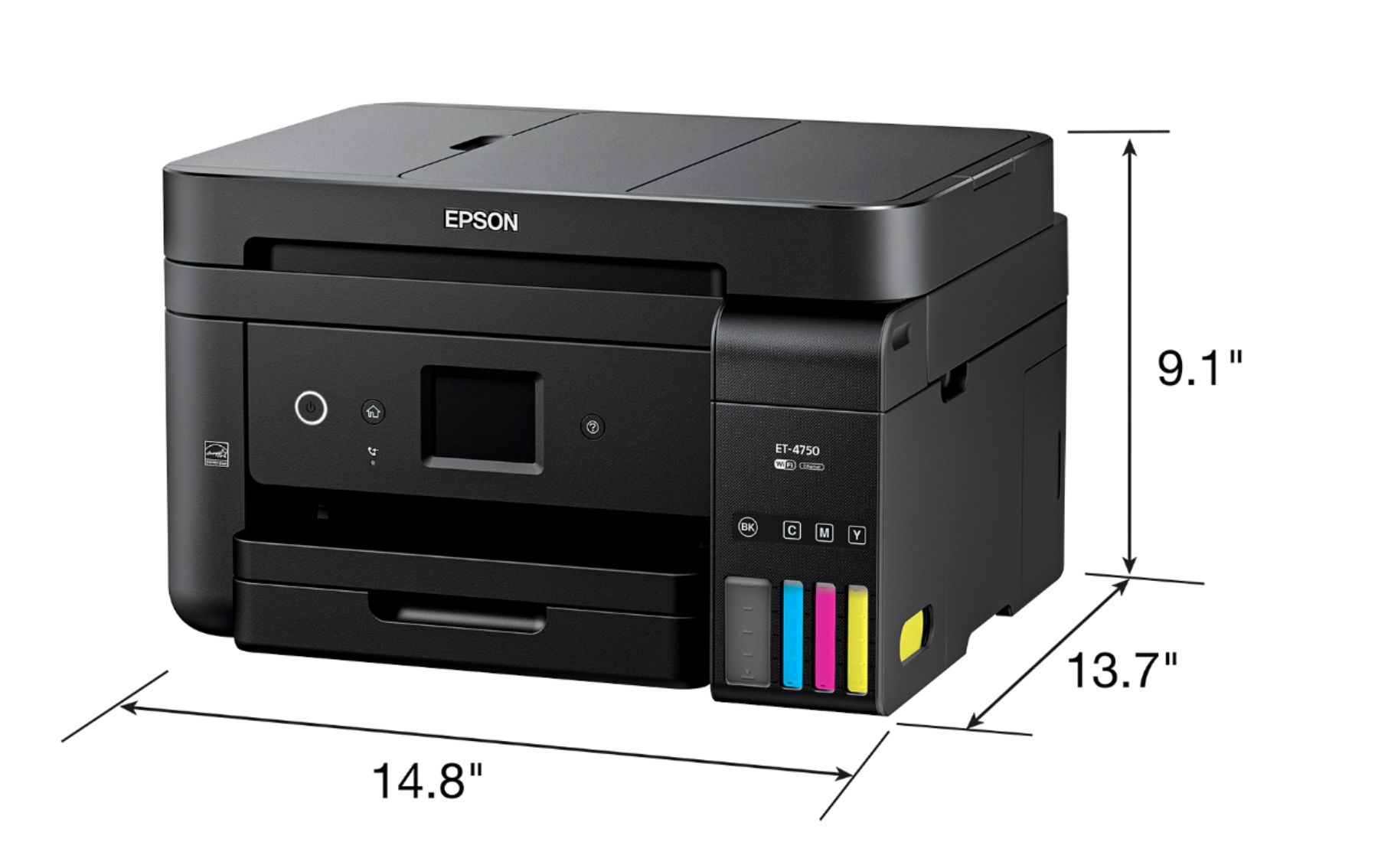
Customers value the excellent print quality and ease of use of the WorkForce EcoTank ET-4750 Wireless All-in-One Printer. Many appreciate its compact size and straightforward setup process. However, some users find the printer noisy and the price point to be a drawback. A few also reported issues with the document feeder and touch screen responsiveness.
This summary was generated by AI based on customer reviews.
- Pros mentioned:Ease of use, Print qualityCons mentioned:Noise level
No more ink cartridges, easy setup
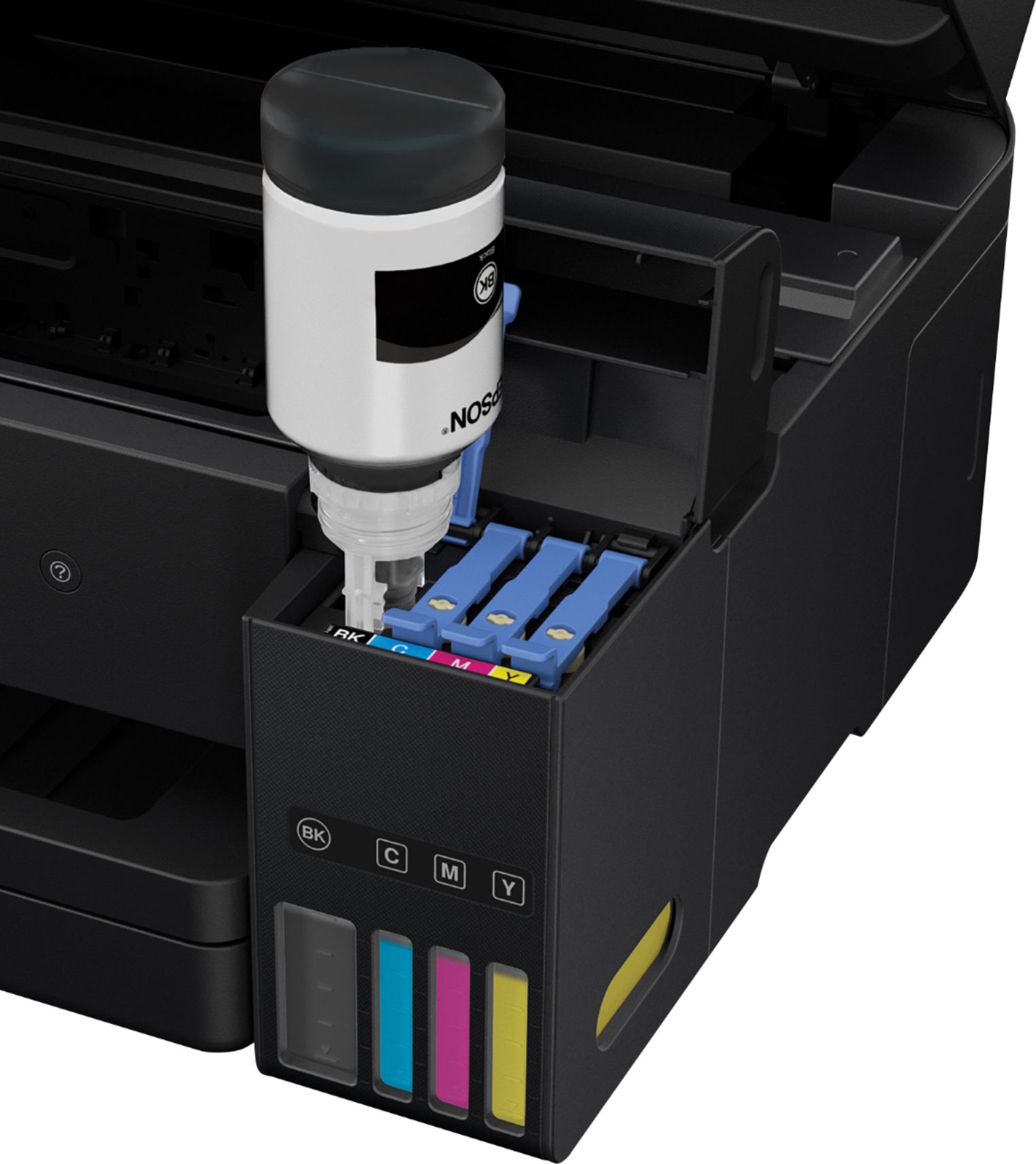
||Posted .This reviewer received promo considerations or sweepstakes entry for writing a review.Very pleased with the ink well design. At a glance, can determine if ink level is low. Setup was easy, especially the wireless network connection. Print quality very good. On the downside, printer is somewhat noisy. Printing can be slow, but typical for inkjet..
I would recommend this to a friend - Pros mentioned:Ease of use, Print quality
Perfect Printer
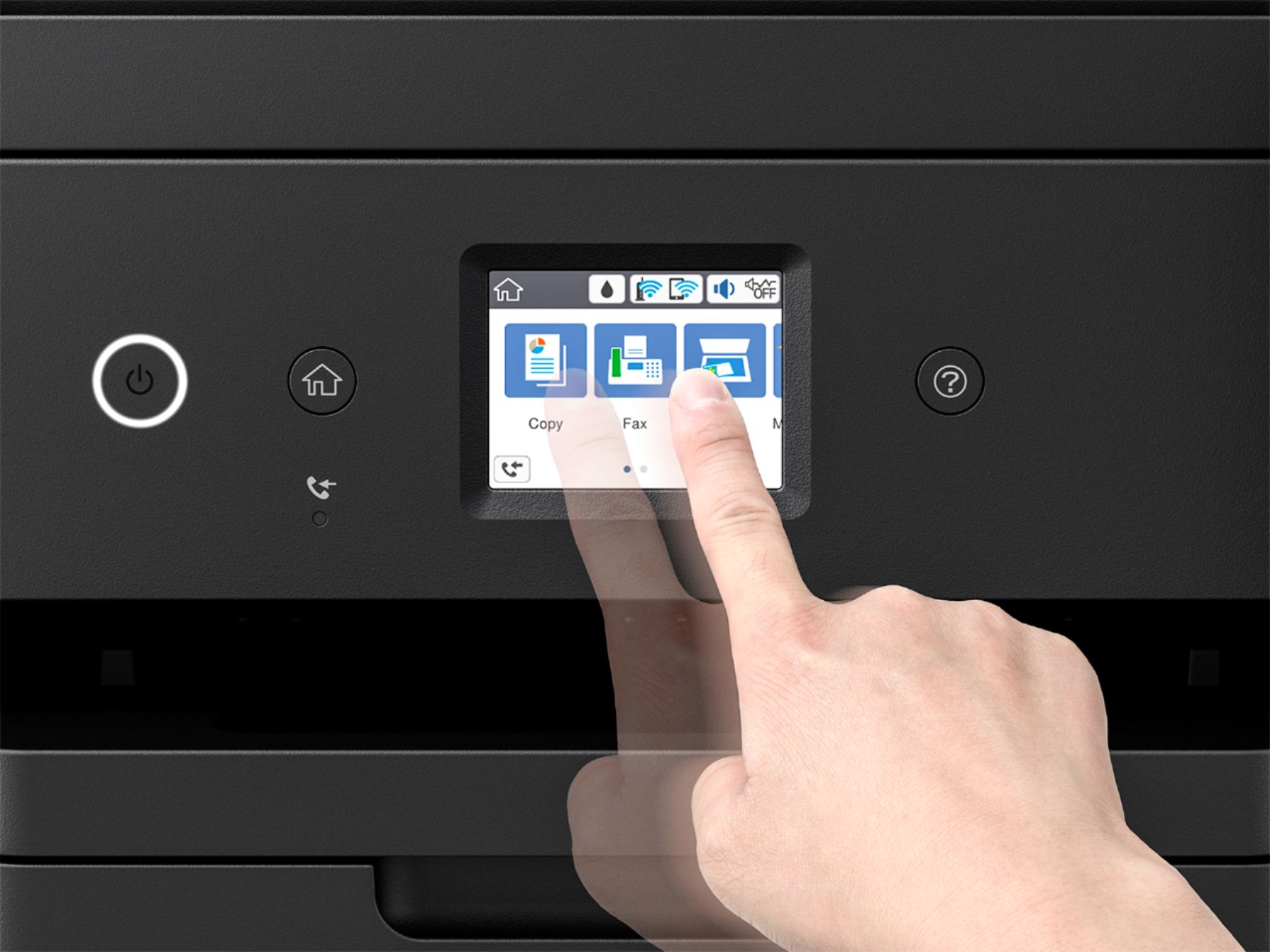
||Posted .This reviewer received promo considerations or sweepstakes entry for writing a review.so easy to set up, with lost of online training videos no more mess and expensive ink cartridges to buy i loved how easy and automated the set up was for the most part. the fact that we are not fulled with an inexpensive printer only to spend more money on ink cartridges for years, this makes absolute sense. it is so much faster and quieter than my canon or hp printers. the only issue i have is why they decided to put a super small size LCD panel with all the function you will need to access. this is not making sense to me for an expensive printer to have this size of scree. when i saw this at best buy, i seriously thought this was an old printer from 10 years go with such a small display. but all together i like the fact that i dont have deal with INK cartridges ever again
I would recommend this to a friend - Pros mentioned:Print qualityCons mentioned:Price
everything in 1
||Posted .This reviewer received promo considerations or sweepstakes entry for writing a review.this printer does pretty much everything, expensive, but u save on ink.
No, I would not recommend this to a friend - Pros mentioned:Print quality, SetupCons mentioned:Noise level
Solid overall printer.
||Posted . Owned for 3 weeks when reviewed.This reviewer received promo considerations or sweepstakes entry for writing a review.Print quality is good. I'm liking the EcoTank technology and look forward to not having to buy ink cartridges all the time. Printer was easy to set up. My only complaint, which is minor, is that it is a little noisy.
I would recommend this to a friend - Pros mentioned:Print quality
Great Quality and Performance
||Posted .This reviewer received promo considerations or sweepstakes entry for writing a review.The Epson ET-4750 is one of the best printers I have ever owned.Print Quality is excellent, ink included was a great bonus and, it outperforms my old HP printer hands down. Not the fastest printer but, Quality outweighs Speed. Mobile printing and Wi-Fi are easy to set up and work without any problems. This is a great printer!
I would recommend this to a friend - Pros mentioned:Print quality
So far, so good
||Posted .This reviewer received promo considerations or sweepstakes entry for writing a review.Works well over our wireless connection. I am satisfied with the print quality. Too soon to tell how long the ink will last. I am hopeful that this system will be more economical in the long run than buying expensive ink cartridges several times a year.
I would recommend this to a friend - Pros mentioned:Print quality, Setup
Good Product Second Time Around
||Posted .This reviewer received promo considerations or sweepstakes entry for writing a review.I love the idea of not having to purchase ink cartridges every few months. Setup was very easy; it took about 10 minutes total, including filling the ink tanks (not a drop spilled), charging the print head, and connecting to the wireless network The only problem I had was that the first printer left 8 horizontal lines across copies. I tried all the remedies suggested in the manual to no avail. When I exchanged the printer at Best Buy the next day, it was the best experience I’ve had with customer service reps in a long time. Kudos to the BEST BUY employees at the Rogers, AR. store. The replacement printer worked great setup was eas easy and as fast as the first one.
I would recommend this to a friend - Pros mentioned:Print quality, Setup
Effective for my small office needs
||Posted .This reviewer received promo considerations or sweepstakes entry for writing a review.I own a small private counseling practice where I need to quickly print forms in both color and b/w. The setup of this printer was simple using the onscreen prompts. The firmware update was easy using the wi-fi in my office. The ink filling process was simple, effective and I don't have to worry now about being away from the office for a long period of time worrying if the ink cartridges will dry up from lack of use. The printer does everything I need it to do, including making quiet, fast copies, scanning, and all producing a high quality copy. I'm pleased with this purchase, and can't think of anything about it that has disappointed me.
I would recommend this to a friend - Pros mentioned:Ease of use, Print qualityCons mentioned:Price
So easy and great results
||Posted .This reviewer received promo considerations or sweepstakes entry for writing a review.Love this purchase. So easy to setup with the epson software. Direct printing with Apple air print and Android devices a snap. A bit expensive but for all our printing needs is fantastic.
I would recommend this to a friend - Pros mentioned:Print quality, SizeCons mentioned:Price
Quick Printer
||Posted . Owned for 1 year when reviewed.This reviewer received promo considerations or sweepstakes entry for writing a review.Good print quality, good speed, compact, fairly quiet. Pretty much happy with all aspects Except for the scanning feature. HP had a glitch with this model and you can Not scan a multiple page document in the document feeder. You have to load the printer, walk to the computer and print from the screen. I've had several other HP printers that did not require the extra step, so feel this one was a more inconvenient downgrade with higher price. Good over all if you do not do much scanning.
No, I would not recommend this to a friend - Pros mentioned:Print quality
You won't be dissappointed!!
||Posted .This reviewer received promo considerations or sweepstakes entry for writing a review.I went back and forth on whether to spend so much money on a printer. I finally made the decision to buy one, but hesitated once I got to the store because there were some attractive, super small printers that were much less expensive. I recycled my old printer and got a credit to put towards the Epson so it brought the price down, but it was still close to $300. I ended up talking with a couple that had already purchased the ecotank and they were emphatic about how great the printer is and how it was their best purchase last year. The only downside he said is that the print quality is not top tier. Give that man a job at Best Buy because he sold me on the Epson. Setup was quick and fairly easy. The printing is incredibly fast, too. In my own opinion the print quality is great. I can't say enough good things about this printer - my last one was a Dell which was a nightmare trying to keep it connected to my network and spending $75 every few months for ink was costly and inconvenient. If you're still debating on spending the money I say stop hesitating and just do it. I've never felt so impressed with a home printer and I've gone through a lot.
I would recommend this to a friend - Cons mentioned:Document feeder
Over priced Printer Cheaply Built
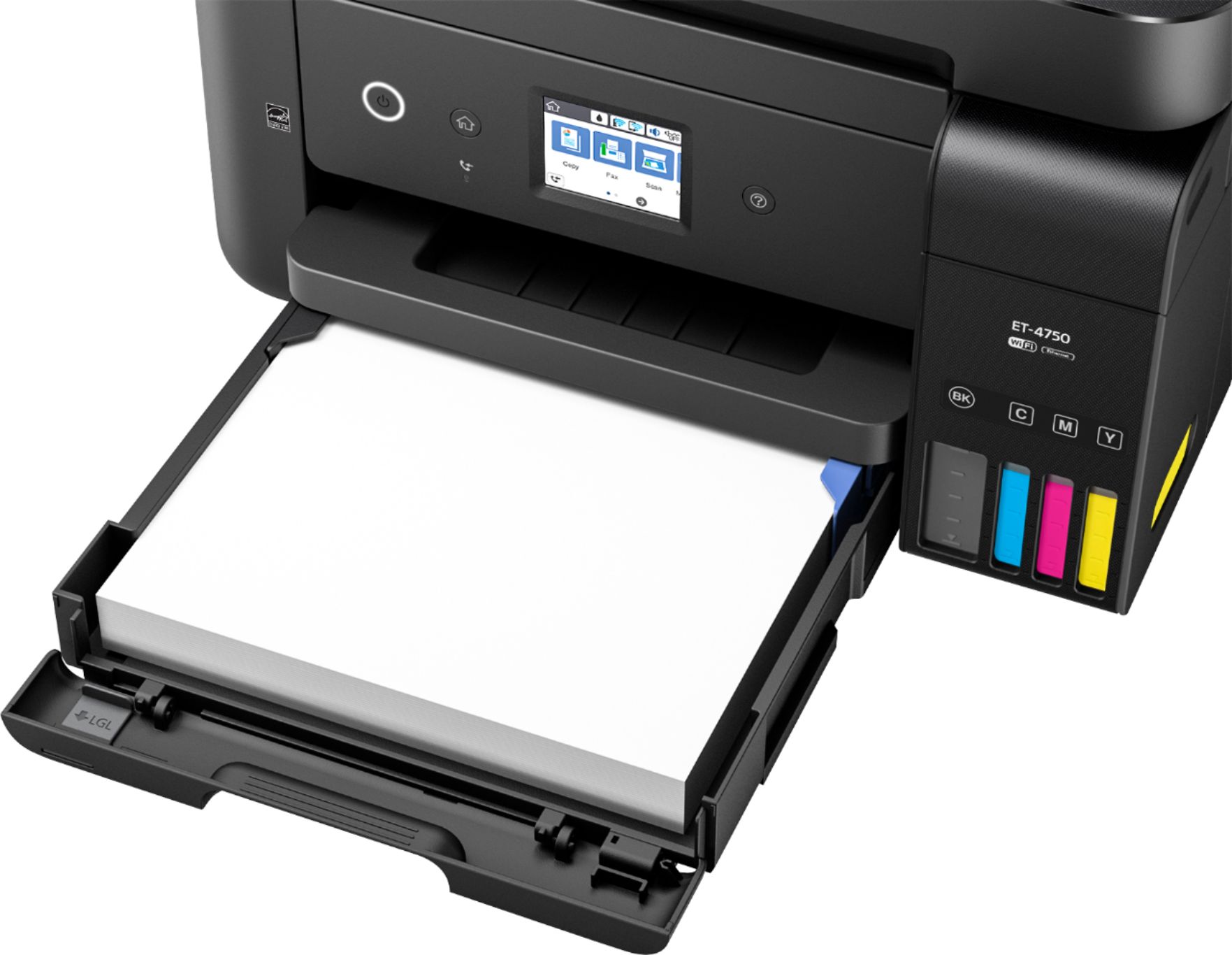
||Posted .This reviewer received promo considerations or sweepstakes entry for writing a review.I have always been an Epson printer fan and love the idea of the EcoTank printers. My first EcoTank ( Epson ET-4550) worked pretty good but had a bad scanner unit so I exchanged it for this newer model, the ET-4750. I was $100.00 more than the 4550 but the 4750 had bordless printing and a color touch screen which was an improvement over the 4550 model. However, the ET-4750 is extremely cheaply built. The paper tray is a joke. I could not figure out how to get the tray to come out all the way and they have eliminated some of the paper guides in the tray. Overall, it is more compact than the 4550 but it really looks cheap. The plastic looks like a lower grade and the document feeder on the top looks like a lower quality than on the old model. I feel the Epson gave us a few upgrades but then built the new model at lower quality to offset the cost of the upgrade but then added $100.00 to the new model price. I ended up returning the ET-4750 and bought the Epson Workforce WF-7610 which is much nicer, higher quality and has more feature even though I now have to buy expensive ink.
No, I would not recommend this to a friend - Pros mentioned:Print quality
Excellent Printer for ink usage costs
||Posted .This reviewer received promo considerations or sweepstakes entry for writing a review.The Epson WorkForce EcoTank printers are amazing. We have two of them and they are great because you don't have to worry about buying ink all the time. The cartridges last a VERY long time. The printers perform extremely well and we have really enjoyed them thus far.
I would recommend this to a friend - Pros mentioned:Print qualityCons mentioned:Document feeder
Good printer
||Posted .This reviewer received promo considerations or sweepstakes entry for writing a review.I was intrigued by the large printer ink capacities but did not investigate the features like I should have. The advantage of this printer is for those folks who print a lot of pages each month (that's not me) and are willing to give up some advanced features in exchange for savings on ink. The feature that killed this printer for me was the lack of a duplexing document feeder. I ended up taking it back and getting the Epson WorkForce Pro WF-4740 that does have a duplexing ADF. That fits my purposes much better because I do scan a lot of two sided documents. This Eco Tank printer is a great printer if you don't need those advanced features.
I would recommend this to a friend - Pros mentioned:Print quality
Prints nicely from Nikon D810
||Posted .This reviewer received promo considerations or sweepstakes entry for writing a review.I have hated ink jet printers for a long time however this Printer has changed that. Still have a HP with 7 color cartridges and if you haven’t printed for a while it tells me my cartridges are out of date. In disgust I bought a Kodak which promised economic ink usage and that was not what I found out and there cartridge dating. So there I was at Best Buy for a video cable just walking around the store happened to see the printer box under the display for the printer and it said on the box 2 years of ink included. Yea I thought and while talking to my Wife we decided to give it a try. We bought an extra set of ink bottles at the same time. Getting it home 65 miles from the store I set it up and filled up the printer with ink and let me tell you this does a nice 8 1/2 by 11 inch color picture taken with my Nikon D810. As long as you print at least something once a week which I have this seems to be the ansewer for me. They had 3 models on display I got the most expensive knowing what I know now I would have ordered the bigger model for almost twice the money for bigger printing. When you buy a ink jet printer you can buy quality and pay a little more the first time or continue to pay through the nose feeding those ink cartridges. I convinced my buddy to get one. I took a picture of one of the 8 1/2 x 11 inch pictures.
I would recommend this to a friendBrand response from Epson
Posted .Hi Richandtd, thank you for this five-star review of your new Epson ET-4750 EcoTank printer. We appreciate your business and hope you continue to enjoy the cartridge-free printing. Have a great day! Best, Brandon – The Epson Team.

- Pros mentioned:Print quality, Setup
Easy set up and quality printing
||Posted .This reviewer received promo considerations or sweepstakes entry for writing a review.Decided to purchase this printer for the ink supply. It seems like the print cartridges on our other printers just weren't lasting. And how can you tell thru black plastic?! You can actually see the ink levels on this printer. So far this printer has performed as described. Easy set up. Just follow the easy set up guide. Works well with WiFi. My wife just printed from her iPhone and I from my Mac. I have not tried my Android phone or PC yet but I am sure it will be fine. I am pleased with the printer so far. I will try to remember to leave an update in 6 months.
I would recommend this to a friend - Pros mentioned:Print qualityCons mentioned:Noise level
Great Long Term Value but it is Loud
||Posted .This reviewer received promo considerations or sweepstakes entry for writing a review.I believe this printer presents a good value because the ink seems to be a smarter way to print. I printed a color picture of our daughter's birthday and yes, it is better than a black and white laser. However, it is loud. I was shocked the first time I heard it. If you can deal with the loudness, I think you will be fine. On other matters, the feed tray for additional paper for scanning and copying is very smart. I love everything about this printer (except the loudness). Set-up was surprisingly easy (I almost threw my old Brother out the window in frustration but this was easy.
I would recommend this to a friend - Pros mentioned:Print qualityCons mentioned:Touch screen
Good quality to value balance
||Posted .This reviewer received promo considerations or sweepstakes entry for writing a review.I purchased this because I was tired or buying expensive ink for my other Canon printer. The quality of the ink is not as good comparatively speaking, pictures/ink is not quite as bright however I don’t really use it for printing pictures. I purchased this for the long term cost savings. The ink levels seem to drop slowly and the tanks are easy to fill. WiFi is quick and the document feeder works fine. The touch screen could be a little bigger. I will provide another update when it’s time to change the ink.
I would recommend this to a friend - Pros mentioned:Ease of use, Print quality
Great printer that saves lots of ink!
||Posted .This reviewer received promo considerations or sweepstakes entry for writing a review.I am very satisfied with the Epson ET 4750. Got it in June just before having to print a program book for a school and went through a ream of paper with very little ink gone from the cartridges. Wish it copied both sides of a document when copying 2 sided to 2 sided but its ok because I am not buying ink every month. Easy set-up. Still learning commands from computer to printer as all are different than your last printer. Took me a long time to decide which one to buy but happy with my decision.
I would recommend this to a friend - Pros mentioned:Print quality
Looks like a great idea for saving ink costs
||Posted .This reviewer received promo considerations or sweepstakes entry for writing a review.I bought this as a Christmas gift for a family member, so it has not been set up yet. The Epson Eco-Tank system promises to save a lot on money in ink costs. This model appears to have every feature my family member needs.
I would recommend this to a friend