Customer Ratings & Reviews


- Model:
- C11CG01201
- SKU:
- 5732903
Rating by feature
- Value
Rating 4.2 out of 5 stars
- Quality
Rating 4.3 out of 5 stars
- Ease of Use
Rating 4.2 out of 5 stars
Customers are saying
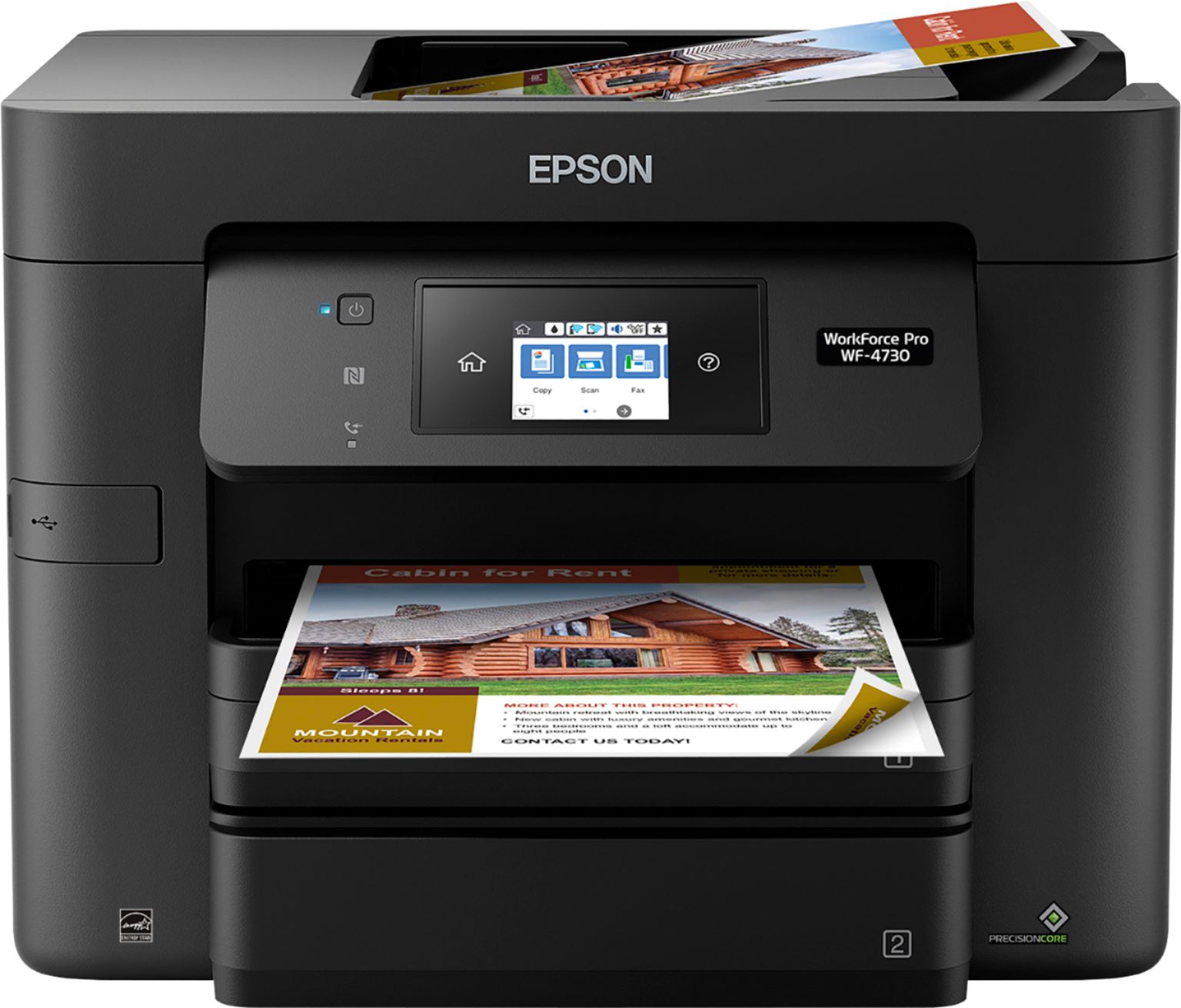
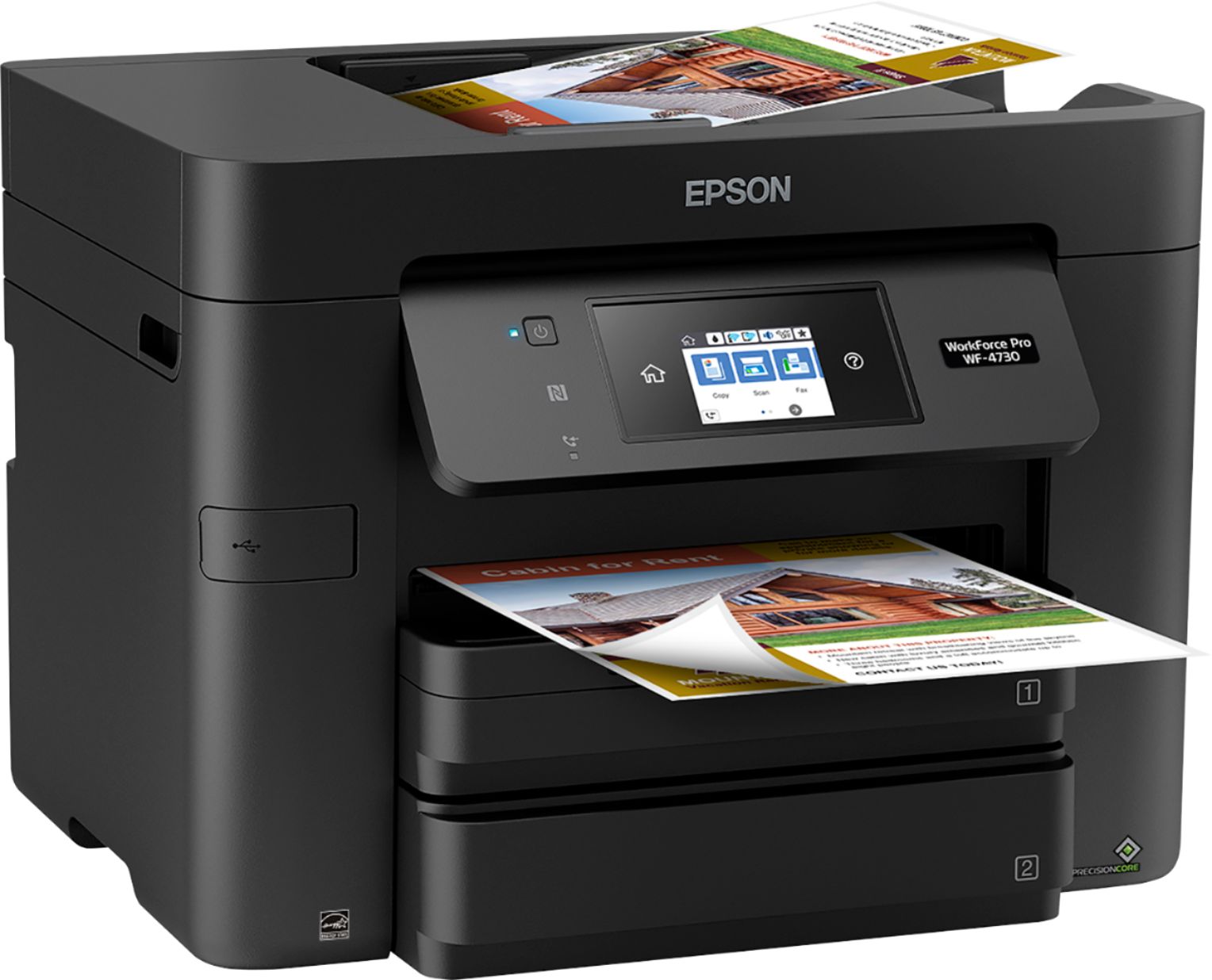
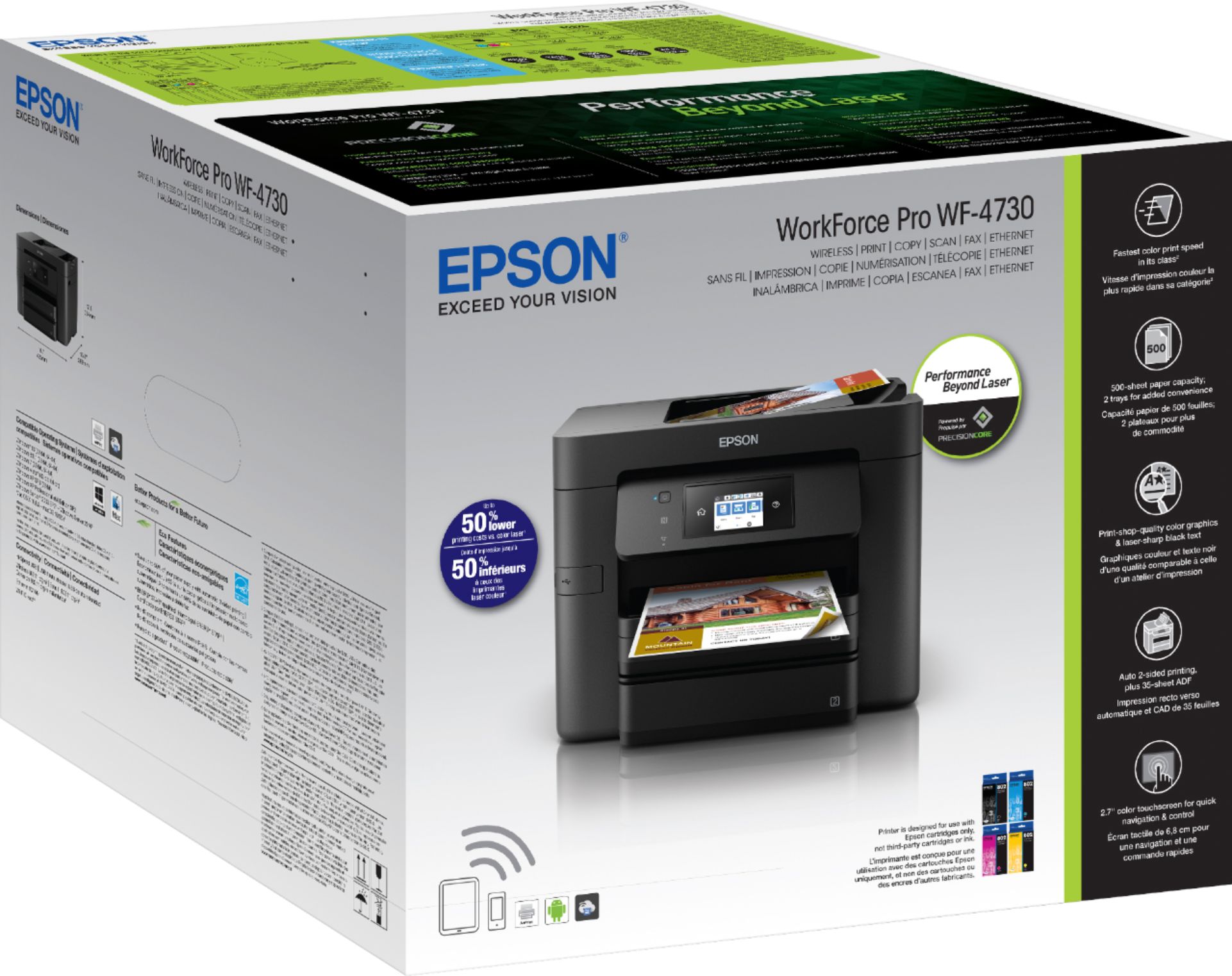
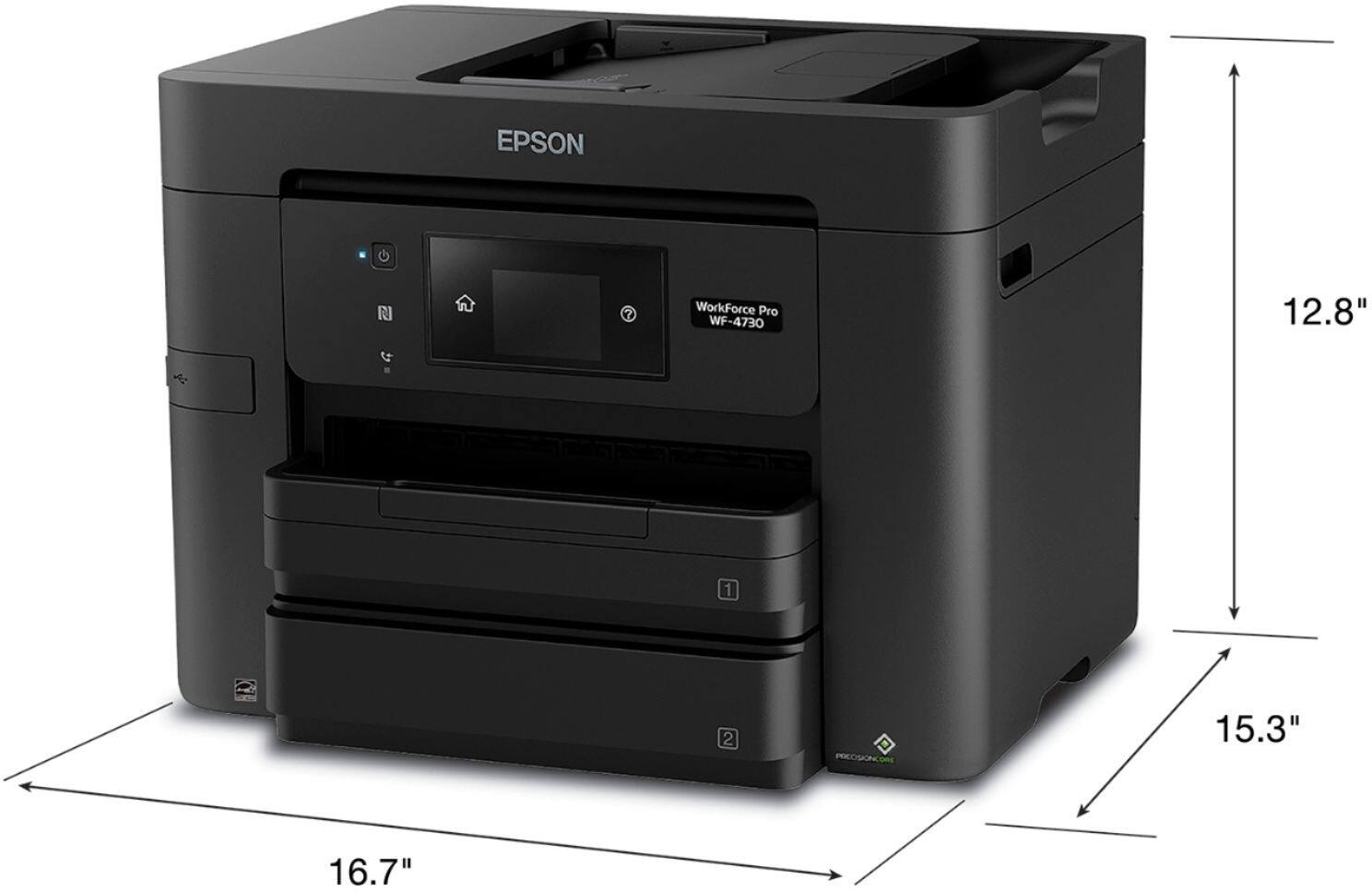
Customers enjoy the high-quality prints and ease of use offered by the WorkForce Pro WF-4730 Wireless All-In-One Inkjet Printer. Many appreciate the convenient features like the multiple paper trays, wireless printing, and responsive touchscreen. While some find the printer larger than expected, positive feedback outweighs negative comments regarding reliability. The printer's price point also receives favorable mentions.
This summary was generated by AI based on customer reviews.
Better than HP
||Posted .This reviewer received promo considerations or sweepstakes entry for writing a review.After owning sever different HP printers it was time for a new one. We saw this one in the sale ad and thought why not. This printer is so good. With HP we always had to “help” feed the paper just so it would go in the feed and print. With this Epson, it has worked like a charm all on its own. While printing it is quite, unlike the HP witch was always noisy. The copies from email, internet or a copy of a copy is always clear, legible and clean. If you really want a great printer, I would recommend the Epson Workforce Pro.
I would recommend this to a friend- Pros mentioned:Setup
Colors are nice, paper and ink are problematic
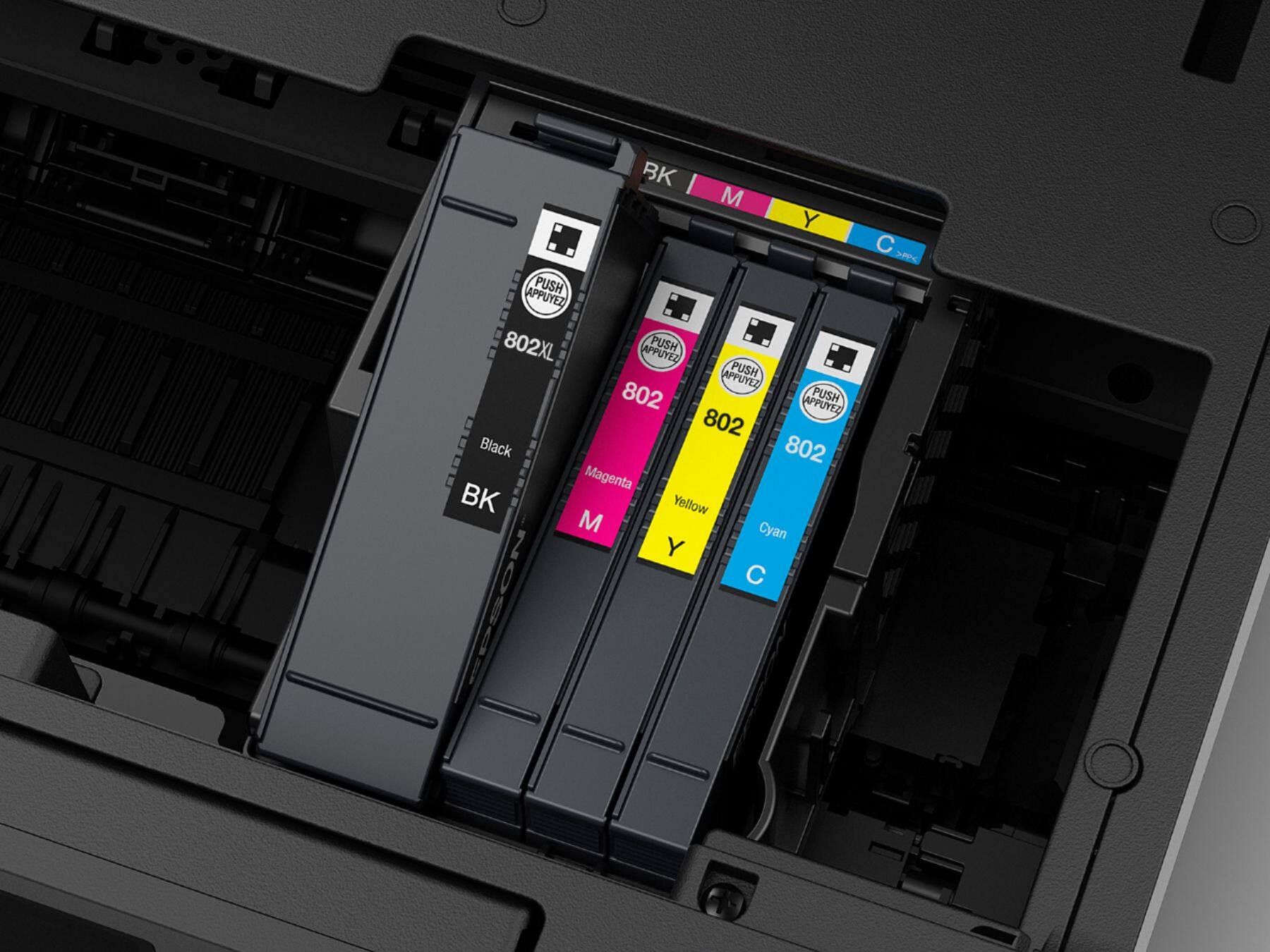
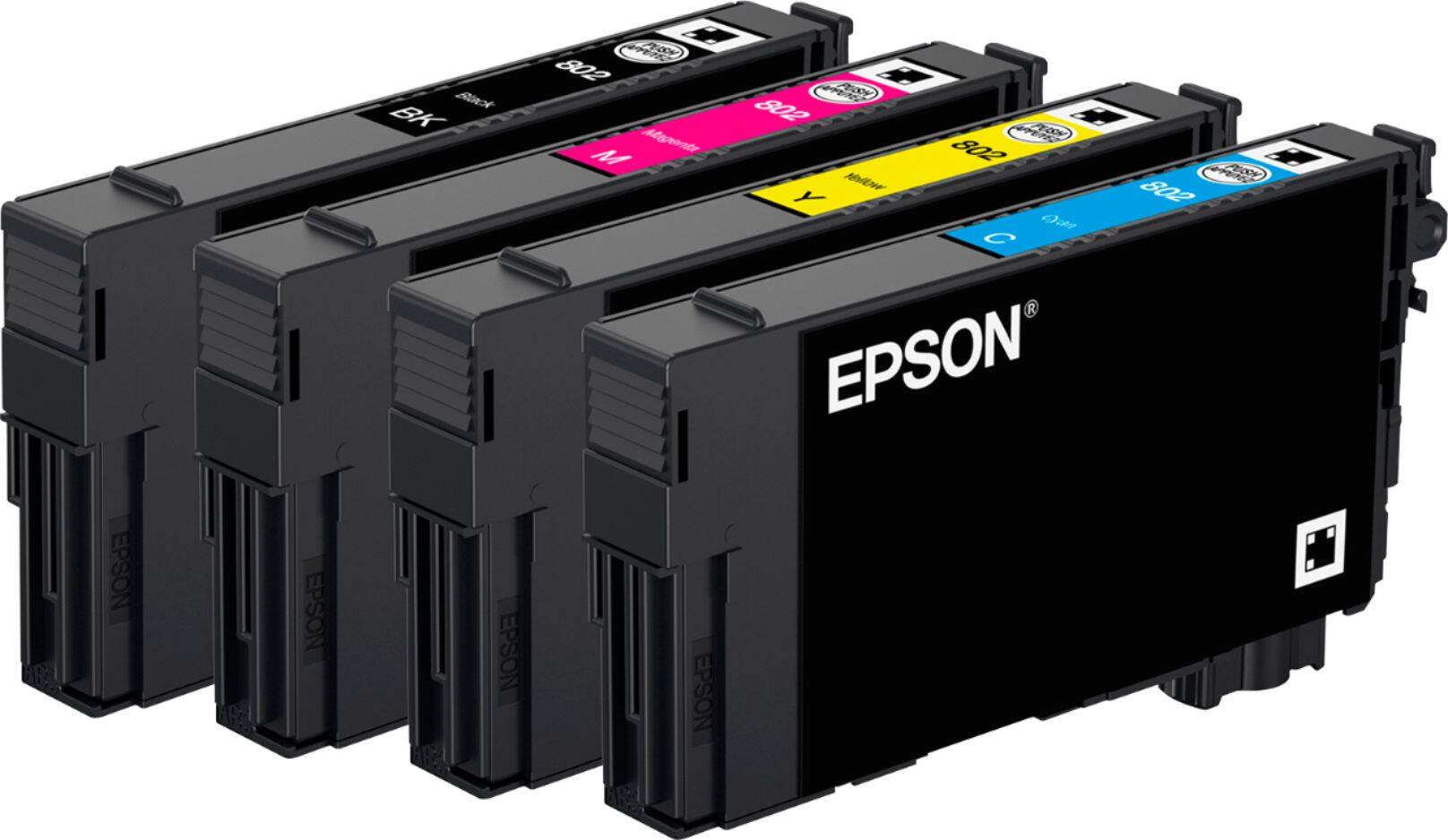
||Posted .This reviewer received promo considerations or sweepstakes entry for writing a review.I bought this after comparing the image printout color and quality with other ink jets and a color HP laser. The HP laser was a great printer but the picture print was not good enough for the kids school homework. It was easy to setup, does decent scanning and printing. Mine has issues pulling multiple pieces of paper when printing. Some of the time the one that gets printed on is the "front" page and there is a blank behind it. Other times it prints half on one sheet and then the "front page" is halfway down so the top is printed on the "back" page and the bottom is at the top of the "front" page. This thing guzzles ink! The first time my cartridges were getting low I replaced the one that ran out. After changing cartridge #1 and the printer doing the things it does when you put in a new cartridge another one was empty. So I put in new cartridge #2 and it did its thing. Now a 3rd cartridge was empty and the first one I replace is down 10%. I replace #3 and it does its thing and empties cartridge #4. Now 1 is down 20%, 2 is down 10% and 3 is full. I replace cartridge #4 (the last one) and after it finishes cartridge #4 is full, #3 is 60%,#2 is a bit over 50% and cartridge #1 is 50%. (see image, you can guess what one I replaced last) The initial cartridge plus changing them had printed 299 pages (138 of those color) and 3 of the 4 new cartridges are significantly lower than 80% with no printing at all. The new cartridges I bought were Epson brand 802 and were the only new cartridges ever in the printer. I always use Epson ink for the theoretical quality and consistency. Reading other notes on the net the printer uses chip technology to reject 3rd party ink you might be inclined to use since the branded "pricey" cartridges perform so poorly. When the black ran out I did before and after of the ink display to see the loss for swapping the black cartridge (no printing at all between the 2 shots below)- note the loss of color ink after replacing the black.
No, I would not recommend this to a friendBrand response from Epson
Posted .Hi Shelby, we are sorry you are disappointed with your Epson printer. Your WF-4730 includes free technical support for the life of your product. Our Epson Support Team may be able to help you customize your settings for a more efficient performance. Please contact us at (562) 276-4382; Hours: Monday – Friday, 6am – 8pm PT; Saturday, 7am – 4pm PT. Also note that the Epson WF-4730 is designed to use only genuine Epson-brand ink cartridges. Other brands of ink cartridges, and ink supplies, are not compatible, and even if described as compatible, may not function properly. Epson provides information about the design of the printer on the box, as well as many other locations, including materials shipped with the printer. Regards, Marina – The Epson Team.

- Pros mentioned:Print qualityCons mentioned:Reliability
Printer failed in just under a year of light use
||Posted .This reviewer received promo considerations or sweepstakes entry for writing a review.It worked OK for just under a year. Print speed good. Print quality good. Scan good. Did not use Fax feature. Printer failed during print of a three-copy, two page Open Office document. with the following on the printer message screen: Printer Error Turn on the printer again. See your documentation for more details. 031008 Now every time I send a job to the printer, I get the message, I restart, and I get it again. Firmware and drivers up to date as of 7/1/2018
No, I would not recommend this to a friend - Pros mentioned:Wireless
As good as your Office Printer
||Posted .This reviewer received promo considerations or sweepstakes entry for writing a review.This is light years ahead of our last HP. Needed a printer for the home for our new Dell All-in-One, and this is perfect. Have not tried all the features yet, but presume it will not disappoint. Wireless/Bluetooth works great. And it matches well with the stand I got on Amazon.
I would recommend this to a friend Excellent performance for printing and scanning
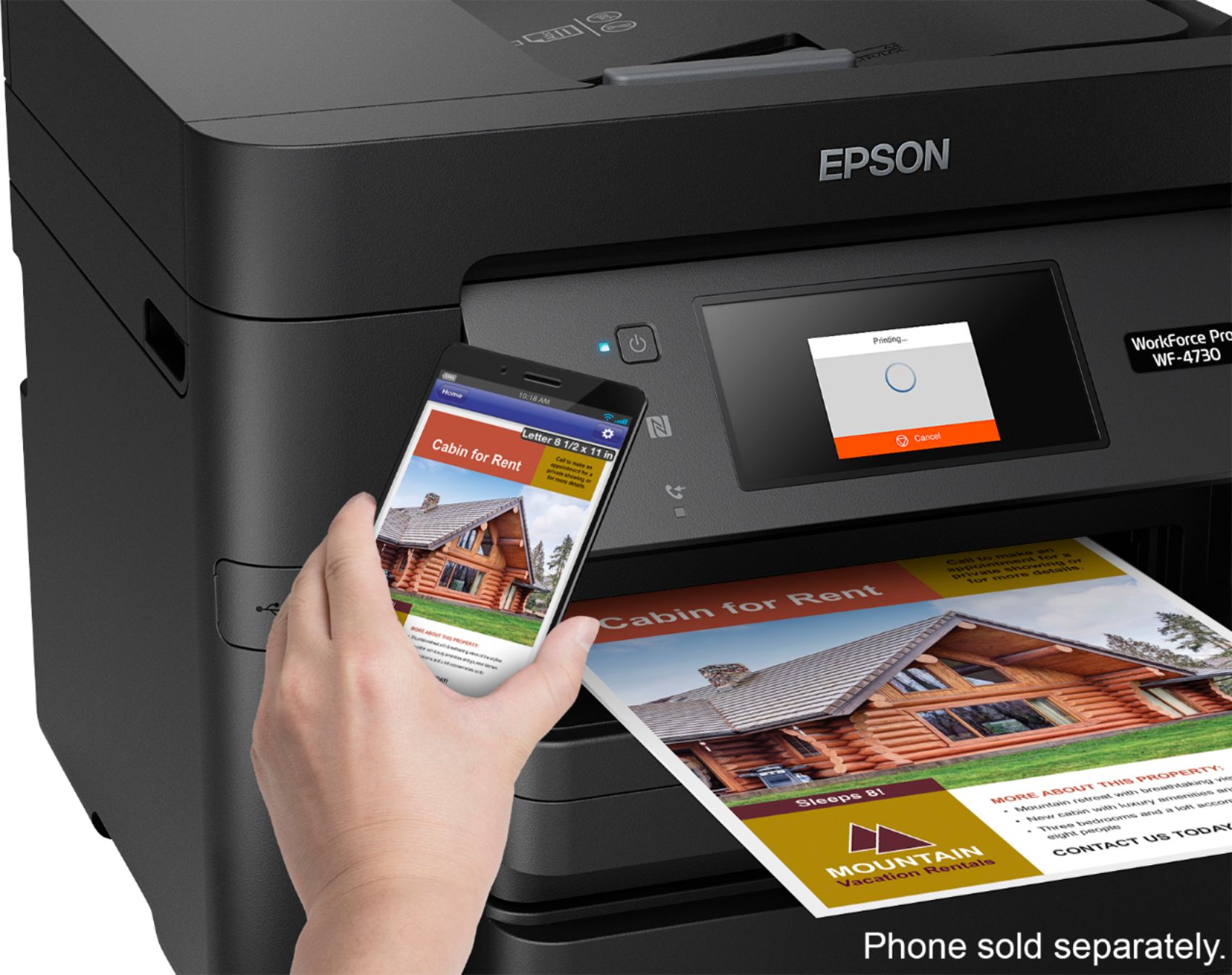
||Posted .This reviewer received promo considerations or sweepstakes entry for writing a review.The instructions and software with the WF4730 printer allowed for easy setup. I opted for the wireless setup that allows printing from the 3 computers that get wifi signal from my router. Setup also allows me to print photos from my cell phone with high resolution and accurate color. Also, based on reviews, the per-page cost of inks for this printer is among the lowest.
I would recommend this to a friend- Pros mentioned:Paper trays
Good replacement with little noise
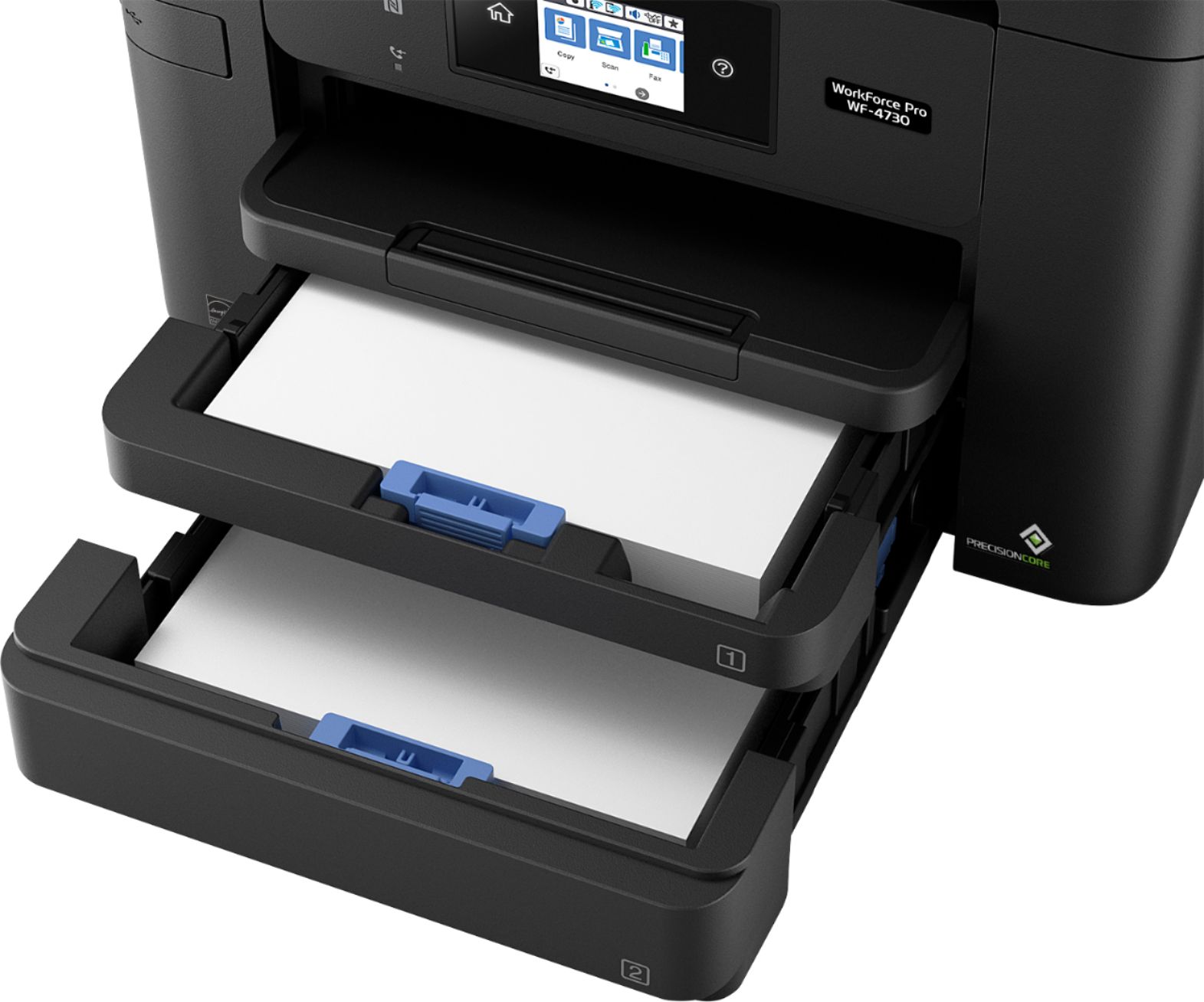
||Posted .This reviewer received promo considerations or sweepstakes entry for writing a review.When my wife and I bought her another brand printer to replaced an aged HP, we didn't realize the amount of squealing during the maintenance and printing stages there would be. After a year of putting up with this we decided to get her a new one and decided upon the Epson, after reading many reviews and seeing very few comments/complaints on noise. She absolutely loves it, being almost quiet and has 2 paper cassettes which can hold 500 pages of printer paper. We would give it 5 stars, but like my Epson, it lost it function to scan from the function screen, However she can use the Epson app on her desktop to scan items. Still a mystery, at best!
I would recommend this to a friend - Pros mentioned:Print quality
Excellent value for the price!
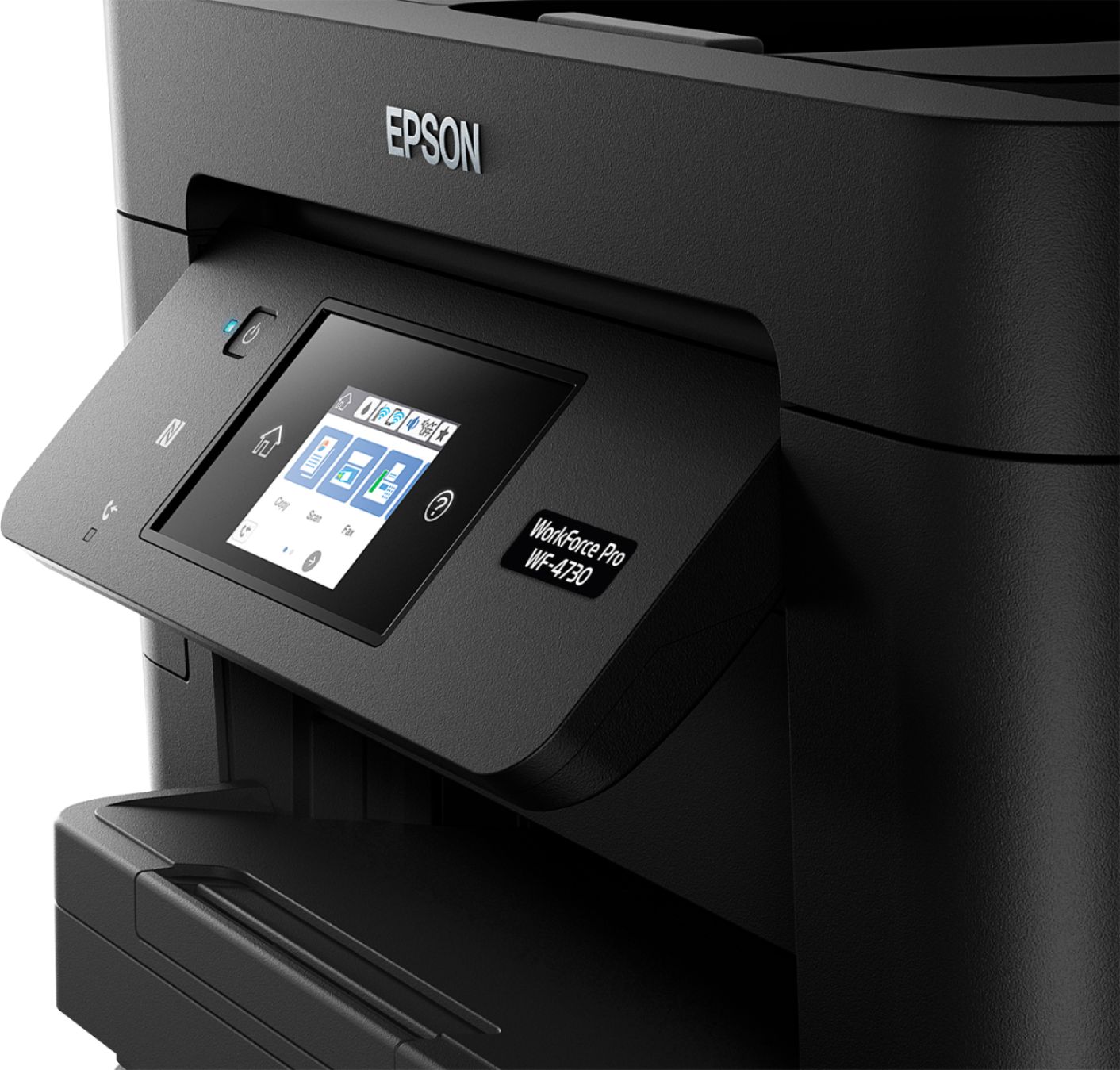
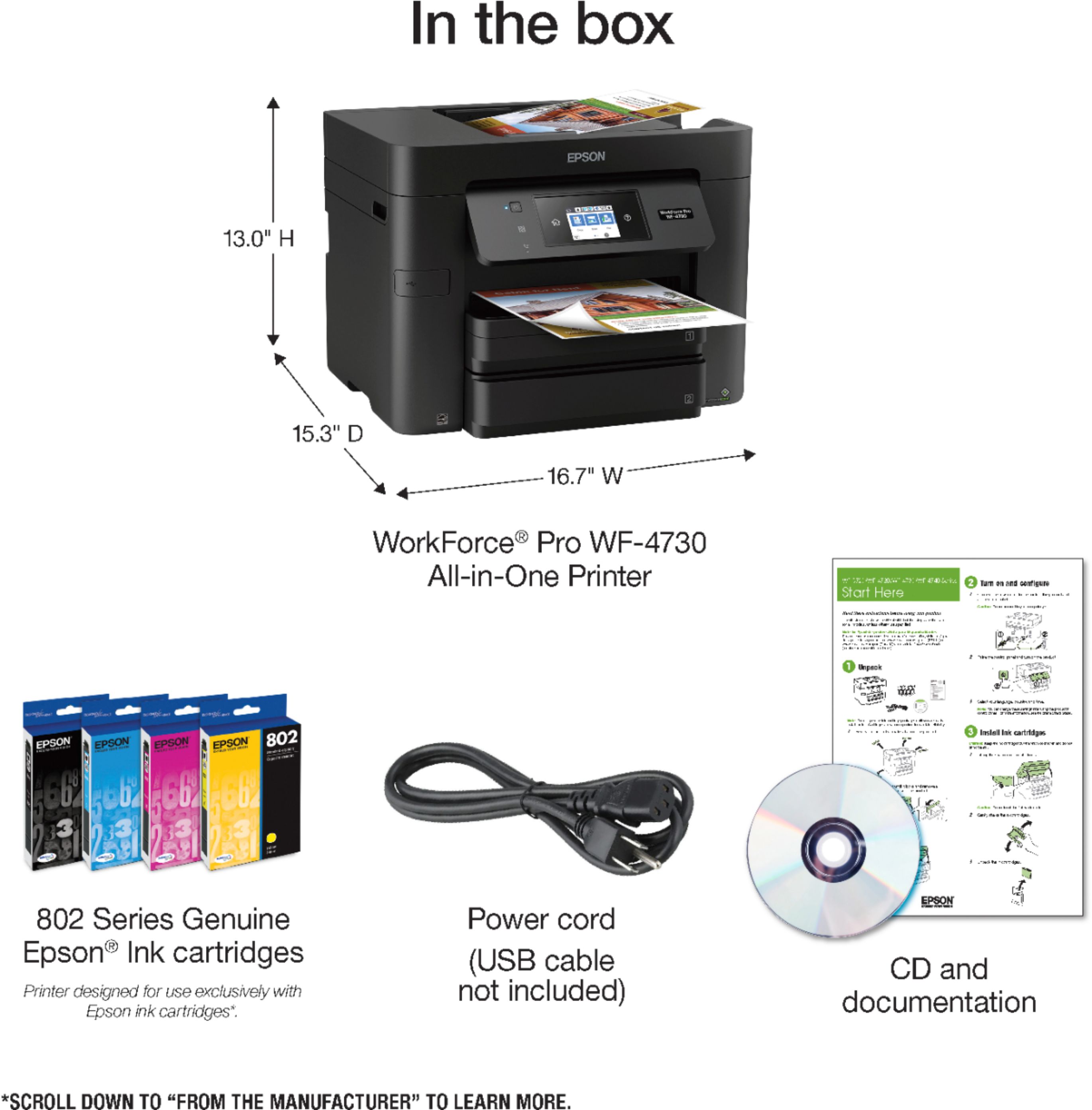
Posted .This reviewer received promo considerations or sweepstakes entry for writing a review.Review of Epson Workforce Pro WF-4730: Unpacking: Unpacking was a pleasure, despite me being 50 years old with several herniated disks and no assistance available at the time that I opened the box. The printer is nestled inside four separate pieces of styrofoam, two of which you simply pull straight up on to remove from the box after you open it. Then, the printer itself is contained inside a very strong, clear plastic bag which has handles cut into the plastic. You simply pull straight up on the handles, and the printer comes easily out of the box so that you can set it on a flat surface, roll the sides of the bag down around the printer and then grab the printer itself for easy placement in its permanent location. The power cord and ink cartridges are tucked under the top printer tray feed area. The entire printer arrives taped everywhere to prevent any trays or doors opening and being potentially damaged. Each piece of tape has a folded tab for easy grasping ( see attached pics if able to post) and all the tape pulls off easily and leaves no residue. Set up and installation: Pay attention to your instructions and do not install the printer software on your computer until you have set up and turned on your printer. Plugging in the power cable was the only cable that I had to hook up prior to turning the printer on, since I intended to use it as a wireless device only. You can attach a phone line to the printer for fax purposes, but since I have Vonage and not a separate phone line, I will have to move my Vonage line from my phone to the Epson printer when I need to fax. Once I plugged in and turned on the printer, I installed the four ink cartridges, confirmed my language choice and changed the date, time and season/daylight savings time information. Making changes to the set up was easy and very intuitive based on the touch screen display. I also set up any "Scan To" information for scanning to the cloud, adding my email address, and my One Drive and Google Drive account information. After downloading the most updated software for the printer from the Epson support site, and restarting the computer, I was then prompted by the auto-check feature of the printer software to update the firmware. That took about three minutes and was easy to do. It was all automated. If you do not want automated software checking, you can turn that feature off. Use: This printer is extremely easy to use. The touchscreen for the device is clear, bright and easy to read and understand. The brightness can be adjusted and the touchscreen sounds can be turned off or set to be off during a "quiet hours" set time. I needed no assistance from the manual to perform the basic print and scan functions since the touchscreen walks you through everything. I anticipate using the fax function would be just as simple. The "Scan To Cloud" function for each of my set up options performed flawlessly. If you want to use the "Scan To Email" function, you will need to have a PC in your home set up as a dedicated email server and connect that to the Epson. Most home users will not have this type of advanced computer set up, and will use the email portion of "Scan To Cloud" instead to get a scan to their email address. Build Quality: My overall review of this printer will deduct one star in the final tally due to build quality. While the printer is somewhat solid feeling and certainly no lightweight (it is about 15-20 lbs to carry), all of the important tabs, clips and gears appear to be all plastic. For example, the gear wheel used to hold the scan tray open any time you need to change the ink cartridges is plastic, and to close the tray, you need to apply force against the plastic teeth. I can see this being a problem over time. Especially since the plastic already makes a loud cracking sound as you open the tray and another as you close it. The entire device is all black plastic on its outer facing surfaces with the exception of the touchscreen. The LED light showing power is bright blue, but not obnoxiously bright. The control panel swivels out for easy viewing and back in to stay out of the way. The paper tray extension that pulls out to catch your printed material is about three inches too short. You will probably find you printed items on the floor if you are not there to catch them. Overall: This printer is a very nice upgrade from my old HP LaserJet that prints only in black and white. Do I think it will last as long as the old HP, which is still going strong? No, but I do love that I now have wireless connectivity so that I can place this printer anywhere I want it. I also love the features that I mentioned in this review that once were only available on very high end business office printers. I love how easy it was to set this up and get it going. I also appreciate that I was able to unbox and set it up without needing the spouse around to help. I am extremely computer literate, having built gaming PCs and set up and maintained the home networks for us and my parents. I think the average user would still be fine setting up, configuring and using this printer since the touchpad walks you through so much step by step. Reading the manual for clarification on some issues will still be needed by everyone at some point, I am sure. This thing is fast too. Compared to what I am used to, it was a surprise to have my first print job spit out at me so quickly. So far, I would definitely recommend this printer to friends and family. My husband, who is picky and hard to please, says he likes it very much as well. This is a review for the Epson WorkForce Pro WF-4730 All-in-One Printer that I received free of charge to do a beta test and review.
I would recommend this to a friend Beautiful & fast prints
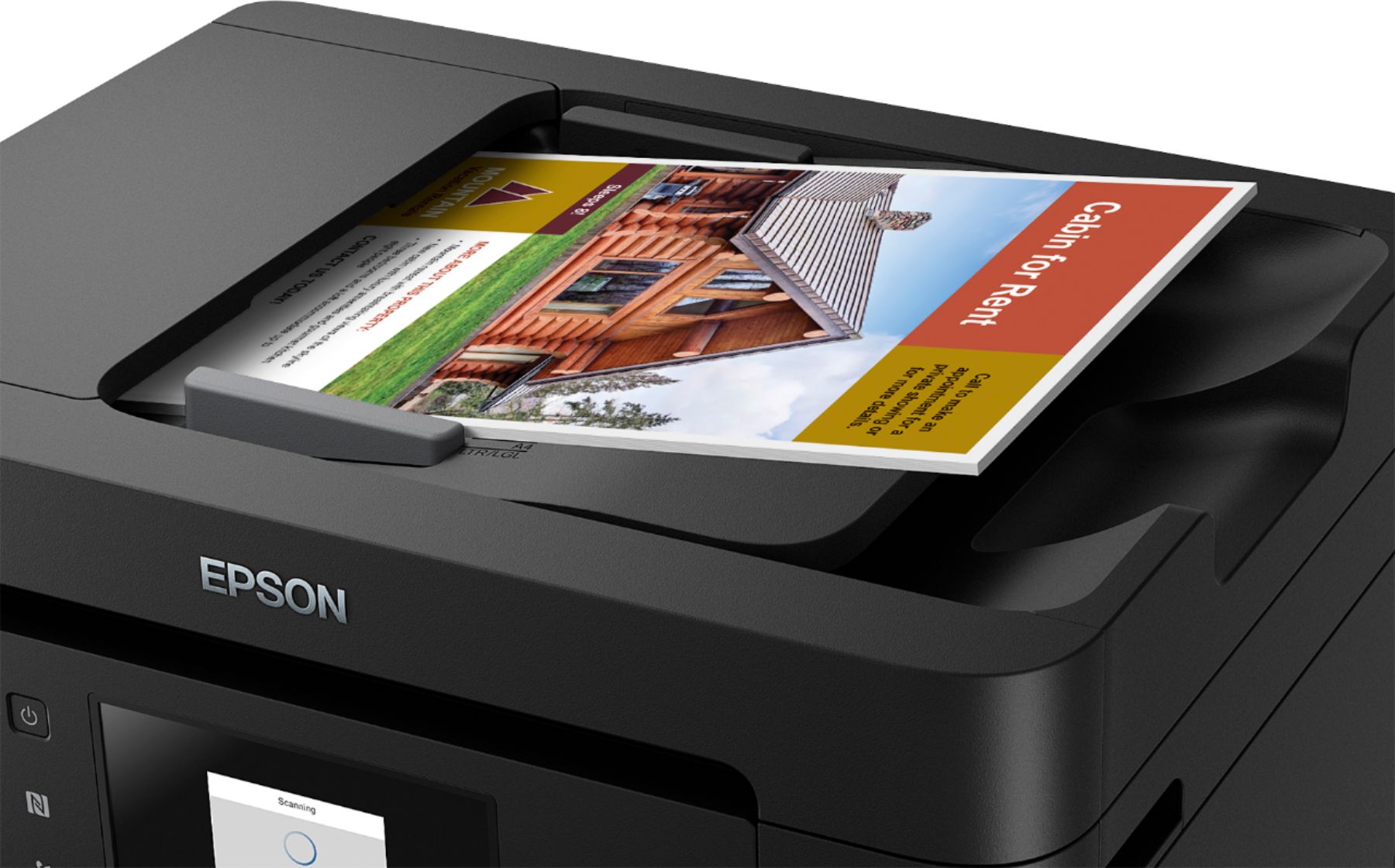
Posted .This reviewer received promo considerations or sweepstakes entry for writing a review.This Epson WorkForce Pro WF-4730 printer replaced an Epson Workforce printer (WF-3620) that my family share at home. I found that the Epson printer was affordable, reliable, great features, versatility, easy setup, and overall use. For my family, black and white prints are typically all we need and tend to be lower in cost. I like the availability to replace ink cartridges with XL cartridges lasting longer between replacements. The black ink well is large and can be replaced independently with an oversized chamber upon ink refill, which is an incredible convenience for us. The Epson WorkForce Multifunction Printers are easy to master by everyone in our family. We have two daughters that are college students and can quickly scan and save directly to their own USB thumb-drive from a USB slot located on the front face of these printers. When it comes to find the best Color Inkjet Multifunction Printers for our family there are a few features that are a must in order to meet our needs in a printer. Those features are: duplex printing, Wi-Fi enabled printing, scanning (to the cloud/email and even to USB flash drive), ADF (auto document feeder), FAX capable and the ability to print on a variety of papers. I think Epson MF's are a top choice in multi-function printers. The simple, yet sleek design makes this printer easy to use for any person. All-in-all, it is easy to manage and is a quality household or office printer. This is a review for the Epson WorkForce Pro WF-4730 All-in-One Printer that I received free of charge to do a beta test and review.
I would recommend this to a friend- Pros mentioned:Paper trays, Wireless
Much Prefer to Inkjet
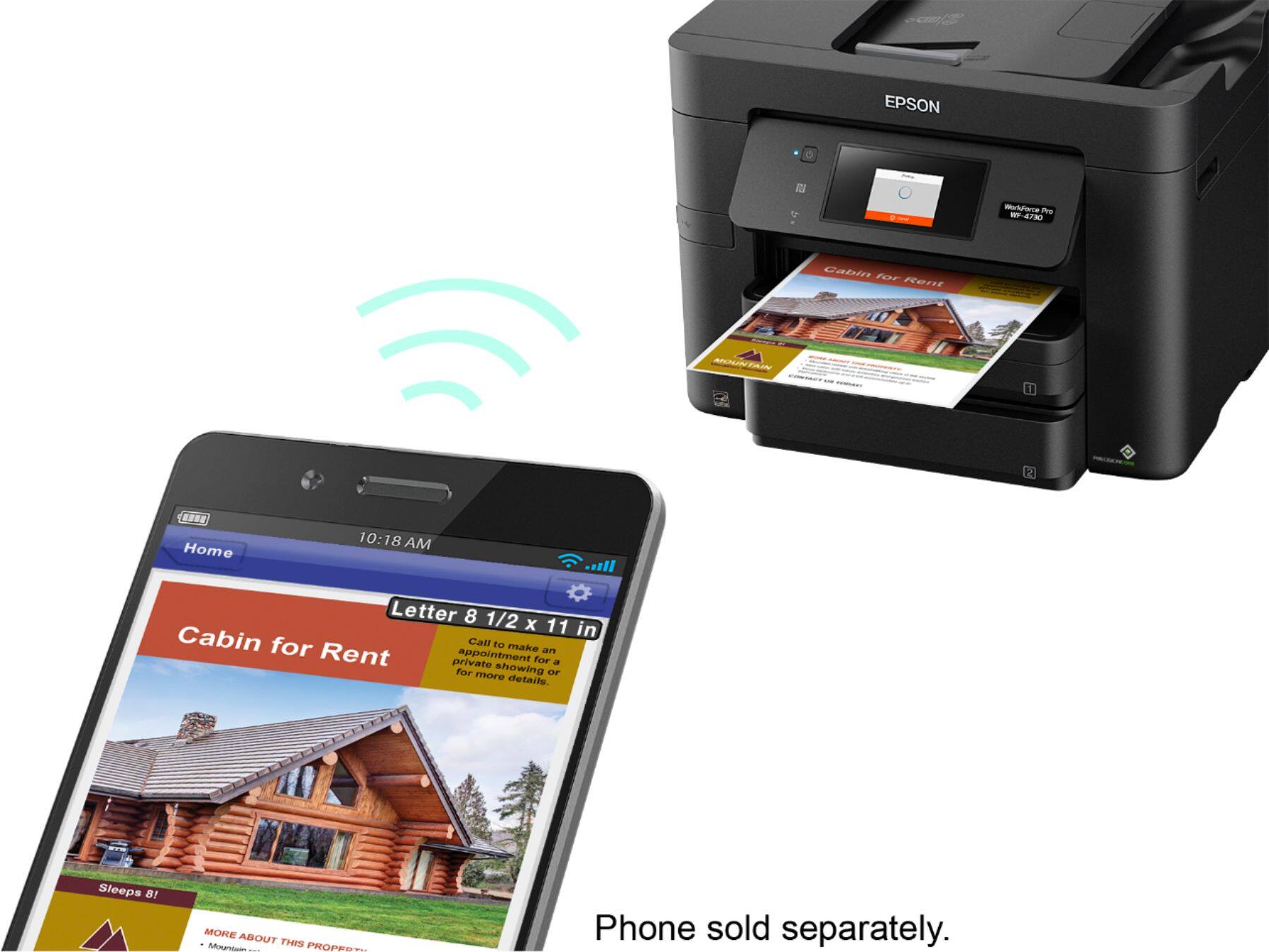
||Posted .This reviewer received promo considerations or sweepstakes entry for writing a review.I love my laser printer! I use it the wireless option to print from my phone, I have it sitting next to my modem so I connected it to my landline for fax capability (no more trips to the store at $1 per page). Having the 2 paper trays is great for if I need to print different sized items. The document feeder at the top is my favorite feature. The user interface is nice, clean and easy to use.
I would recommend this to a friend - Pros mentioned:Ease of use, Print quality
Great Printer
||Posted .This reviewer received promo considerations or sweepstakes entry for writing a review.I needed a new printer, as the one I owned had given me issues nearly the entire time I owned it. We read reviews on this, and many other printers, and decided to get this one. We have been very pleased with the purchase. It is easy to use and I'd recommend it to anyone looking for a good quality printer that doesn't cost an enormous amount of money.
I would recommend this to a friend - Pros mentioned:Print quality
Great printer, good color reproductions
||Posted .This reviewer received promo considerations or sweepstakes entry for writing a review.Prints nicely and does a decent job with color photos for a business printer. It prints quickly and does good job scanning. I did have an issue with a printer driver and it claiming the printer was offline and could not be found even when other computers could print and I could get to the Web interface from the computer that claimed it was offline. Had to uninstall drivers and then go with a generic since it refused to install the driver on win10. This worked for printing. The driver originally installed and worked easily for both printing and scanning.
I would recommend this to a friend - Pros mentioned:Ease of use, Print quality
Excellent printer right out of the box!
||Posted .This reviewer received promo considerations or sweepstakes entry for writing a review.The Epson WF 4730 was an excellent choice for my insurance business. I scan lots of documents and the scanning feature is trouble-free. Also it prints very fast and the color prints are very good quality. It was super easy to set up. I am very satisfied with this product.
I would recommend this to a friend - Pros mentioned:Print quality, Setup
New Printer in the Mix
||Posted .This reviewer received promo considerations or sweepstakes entry for writing a review.Price point from BestBuy was amazing (currently at 99.99). Super easy set up.. Super compact. Has all the necessary home features.. And quite fast on the speed. Like all printers these days its all about consumables..Not at that stage yet so lets see what goes next time I need to replace toner
I would recommend this to a friend - Pros mentioned:Ease of use, Print quality
Best printer in the market
||Posted .This reviewer received promo considerations or sweepstakes entry for writing a review.This printer is great, fast convenient easy to use and all in one (pronter -two trays perfect for enevelopes and letters, two side printer, b/w and color, and scaner)
I would recommend this to a friend - Pros mentioned:Print quality, Setup
Simple set up, great printer
||Posted .This reviewer received promo considerations or sweepstakes entry for writing a review.Replaced another brand printer. Set up was simple, the printer works great, quick response and clear print.
I would recommend this to a friend - Pros mentioned:Print quality, Setup, Wireless
EPSON WF-47320
||Posted . Owned for 3 weeks when reviewed.This reviewer received promo considerations or sweepstakes entry for writing a review.I am very happy with this purchase. Setup was very easy, including connecting to WIFI and printing remotely. Printer quality is high, duplicate printing available. I did not use fax or emailing scanned documents from the printer. Scanning documents to USB is very easy. I could not figure out how to email scanned documents. Overall for simple printing, via WIFI it is a very good printer.
I would recommend this to a friend - Pros mentioned:Ease of use, Print quality
Great All in One
||Posted .This reviewer received promo considerations or sweepstakes entry for writing a review.Easy to set up, and prints at lightning speed! Everything is sharp & crisp. I’m a happy camper.
I would recommend this to a friend - Pros mentioned:Ease of use, Print quality
Excellent Printer
||Posted .This reviewer received promo considerations or sweepstakes entry for writing a review.Simple, inexpensive, high quality and easy to use. I was blown away at how simple this printer was to set up and extremely pleased with it’s consistent quality.
I would recommend this to a friend - Pros mentioned:Print quality
Great printer!
||Posted .This reviewer received promo considerations or sweepstakes entry for writing a review.I’ve been very happy with my Epson WF-4730 purchase. The printer produces quality prints and I love the Bluetooth printing capabilities for easy wireless access.
I would recommend this to a friend - Pros mentioned:Print quality
Epson All in one printer
||Posted .This reviewer received promo considerations or sweepstakes entry for writing a review.This was a great deal for the price works well. Having some issues trying to get it to scan to computer. Wifi worked right out of the box, the fax set up required some help to work correctly. A nice machine for the price. prints nicely and not a ink hog.
I would recommend this to a friend