Customer Ratings & Reviews

- Model:
- C11CF76201
- SKU:
- 5117200
Rating by feature
- Value
Rating 4.1 out of 5 stars
- Quality
Rating 3.8 out of 5 stars
- Ease of Use
Rating 3.8 out of 5 stars
Customers are saying
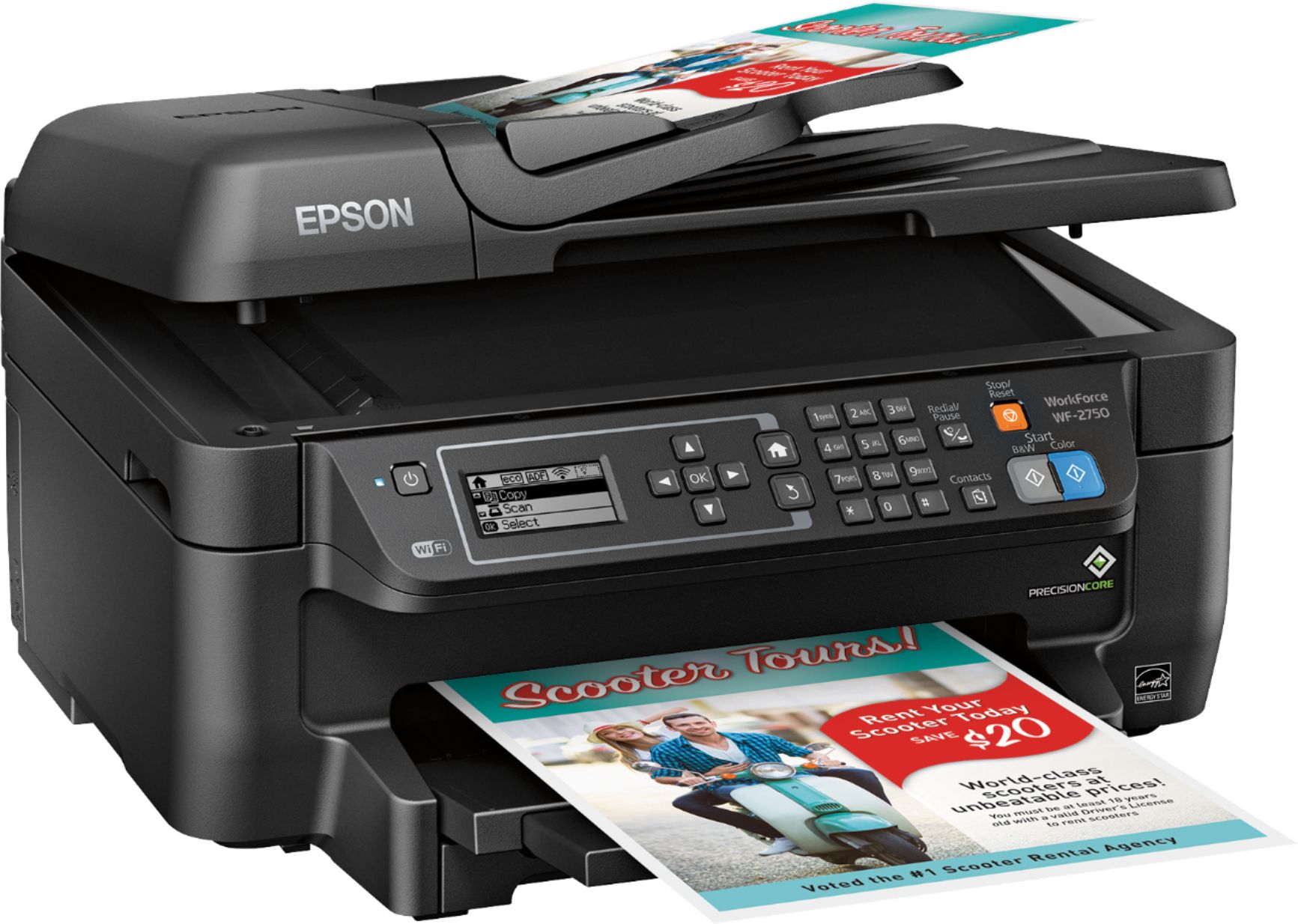
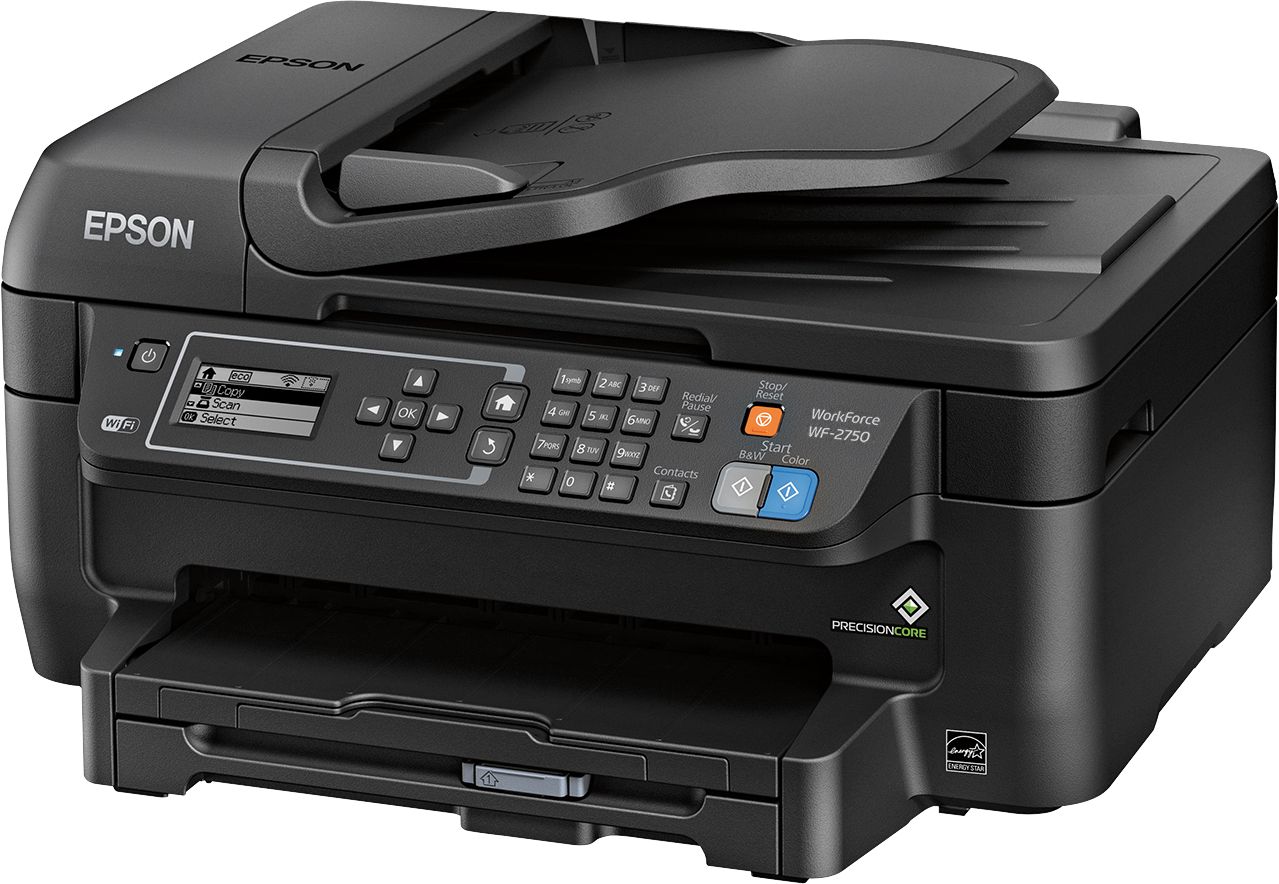
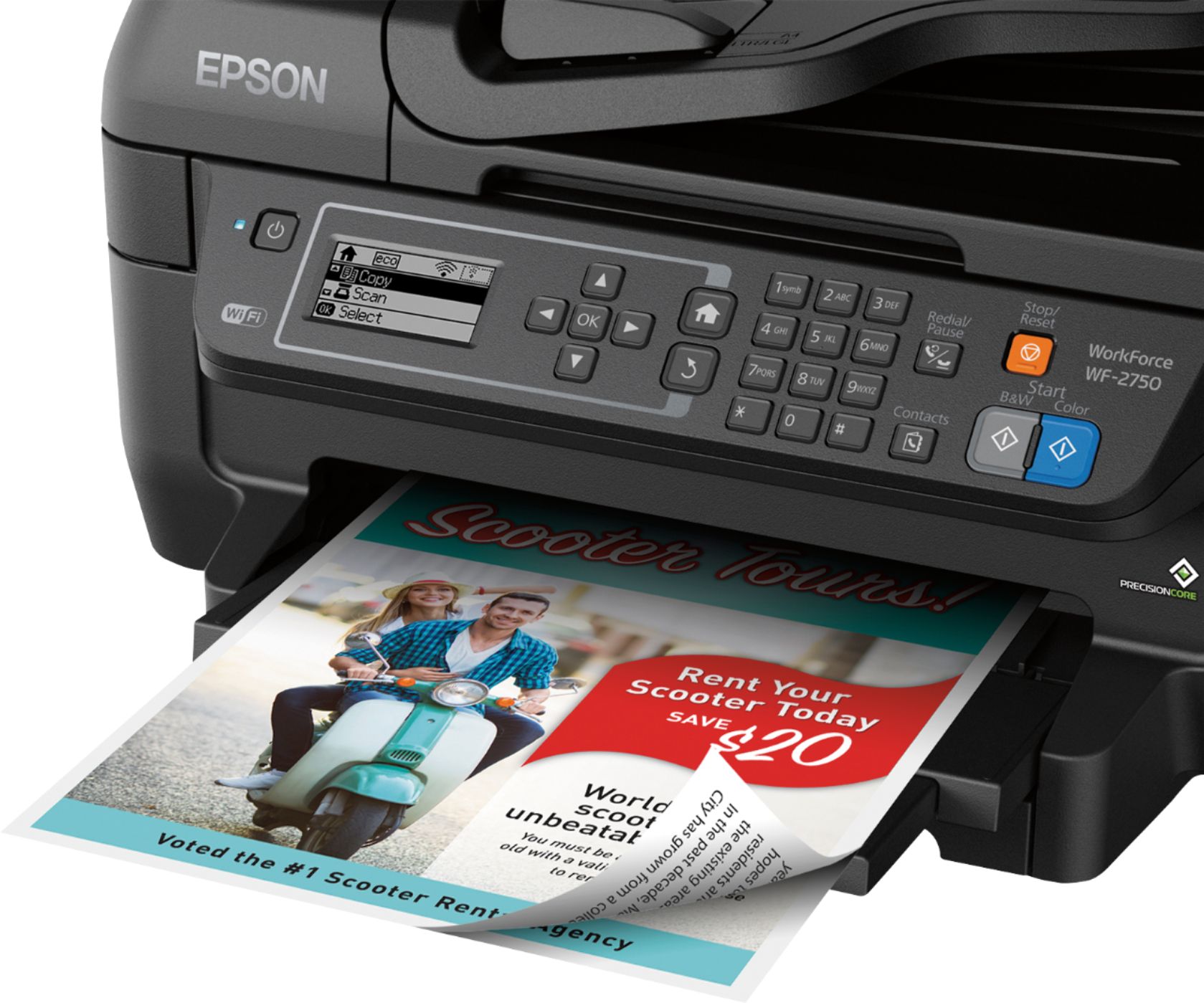
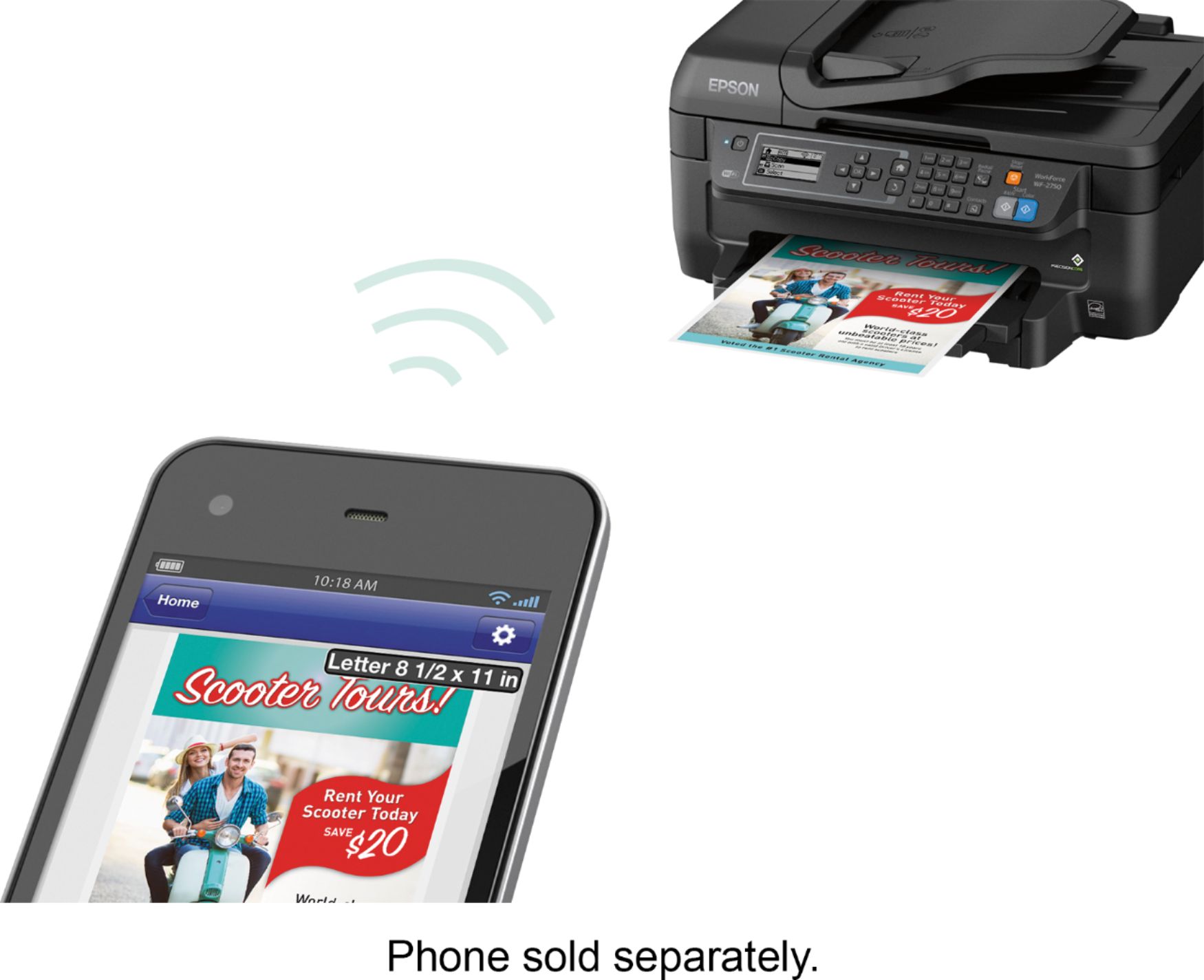
Customers regard the WorkForce WF-2750 Wireless All-In-One Printer highly for its impressive print quality and ease of use, praising its straightforward setup and convenient wireless functionality. Many appreciate its compact size and the value for its price. However, some users noted that the printer can be louder than expected and occasionally experiences paper jams.
This summary was generated by AI based on customer reviews.
- Pros mentioned:Ease of use, Print quality
Epson does the job!
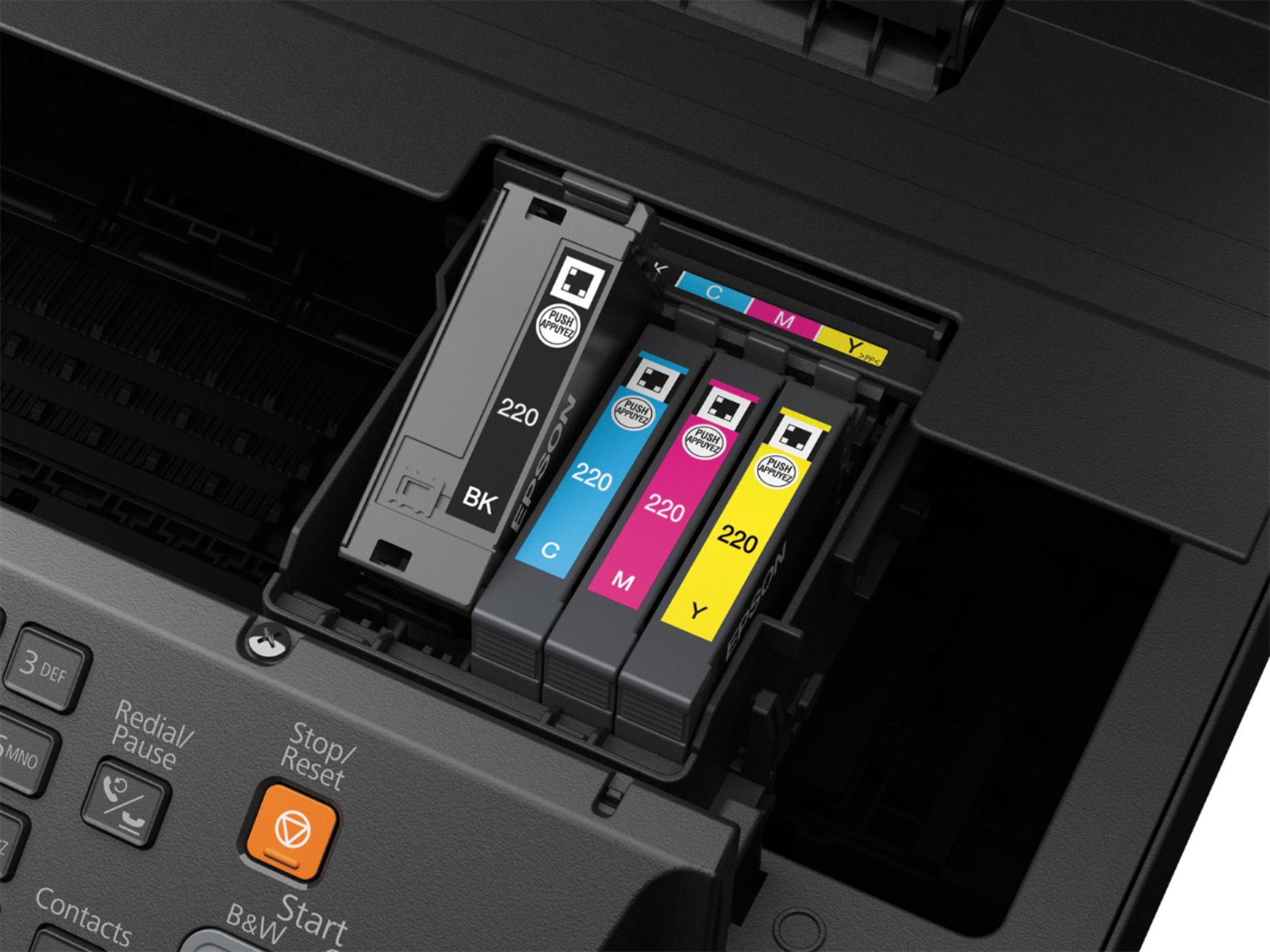
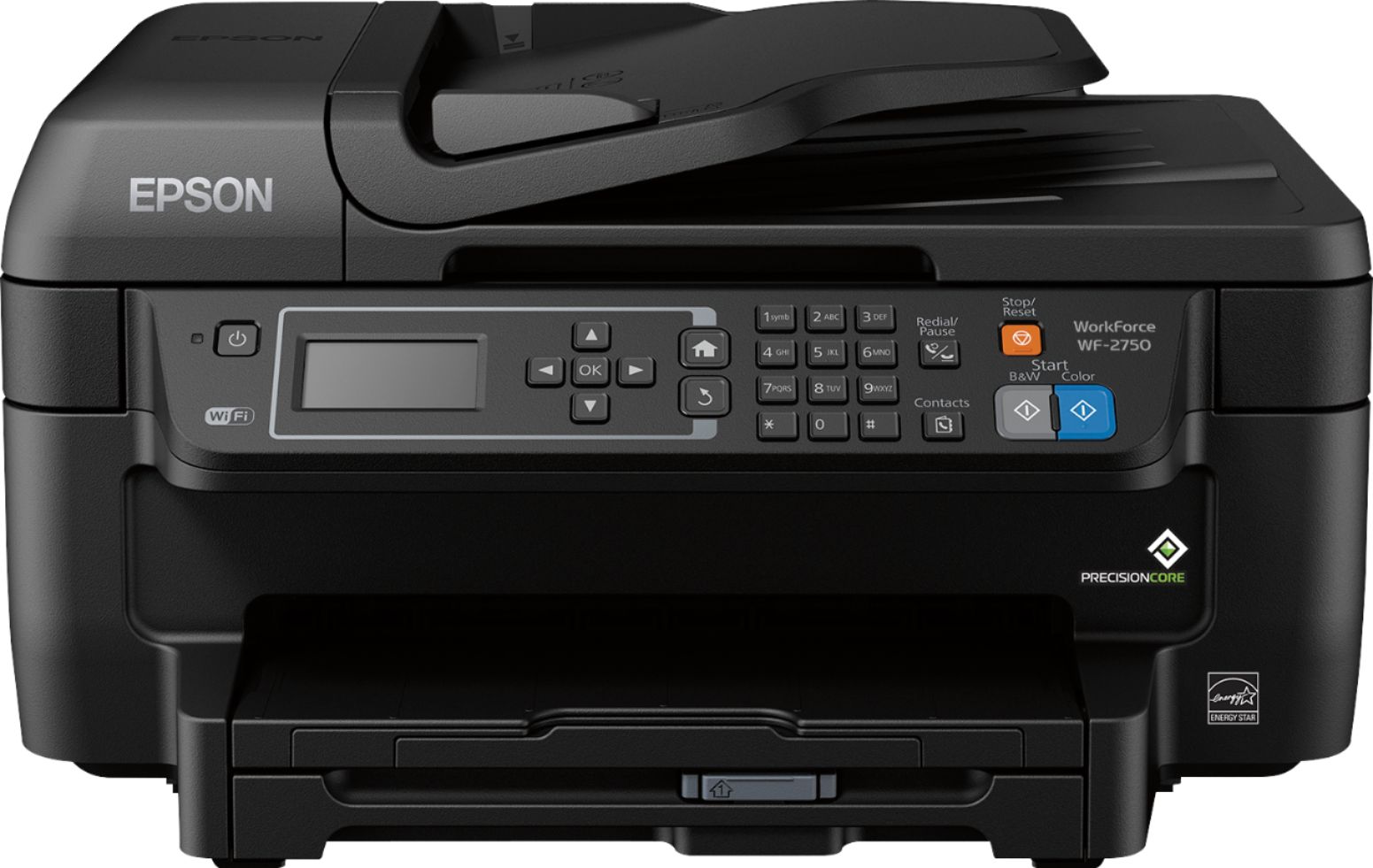
||Posted .This reviewer received promo considerations or sweepstakes entry for writing a review.I mainly got this unit for home use like printing documents, etc, photos. With no landline the fax didn't mean much to me as it's not a feature I would use. After downloading the CD included on my laptop, setting up with good instructions was easy and connecting to wifi great. I went to the website that Epson provided for wifi in the instructions for setting up my iPhone and iPad and have excess to print. This is a big factor using it from both of these. The machine itself is very well made and I like the tray that the paper sits in. This was another feature that I wanted. And it has a another tray you pull out to hold the paper on when it's coming out from printing. Installing the ink was no problem just make sure you install the correct color provided inside the slots, it shows the colors. It has lots of options that I will explore like printing out pictures. No doubt so far as to how I'm really liking it. Best choice on tons of ones I looked at!! It's a very professional looking machine!!!
I would recommend this to a friend - Pros mentioned:Setup, Wireless
Great Price All in One Printer
Posted .This reviewer received promo considerations or sweepstakes entry for writing a review.I've been able to use the Epson WorkForce WF-2750 for a couple of weeks and haven't had any issues. The setup was very straightforward. The printer is boxed with 4 print cartridges which makes it simpler to replace just the one that is empty. It does have built in WiFi which is very simple to set up. It also comes with a software disc that contains the drivers and walks you through the rest of the set up. You are able to print from your smartphone or tablet w/out any issues. It copies, scans, prints and faxes multiple media sizes. I didn't try out the fax functionality but scanning, printing and copying worked as expected. You are able to see the amount of ink left in each cartridge through the app and it takes the guess work out so you can be prepared before you're out of ink. It does support duplex printing which is great for projects that I work on. Great price for a very good multifunction printer that can do most office or personal jobs in a high quality and expedient way. This is a review for the Epson WorkForce WF-2750 that I received free of charge to do a beta test and review.
I would recommend this to a friend - Pros mentioned:Print quality, Setup
One of the Better InkJets
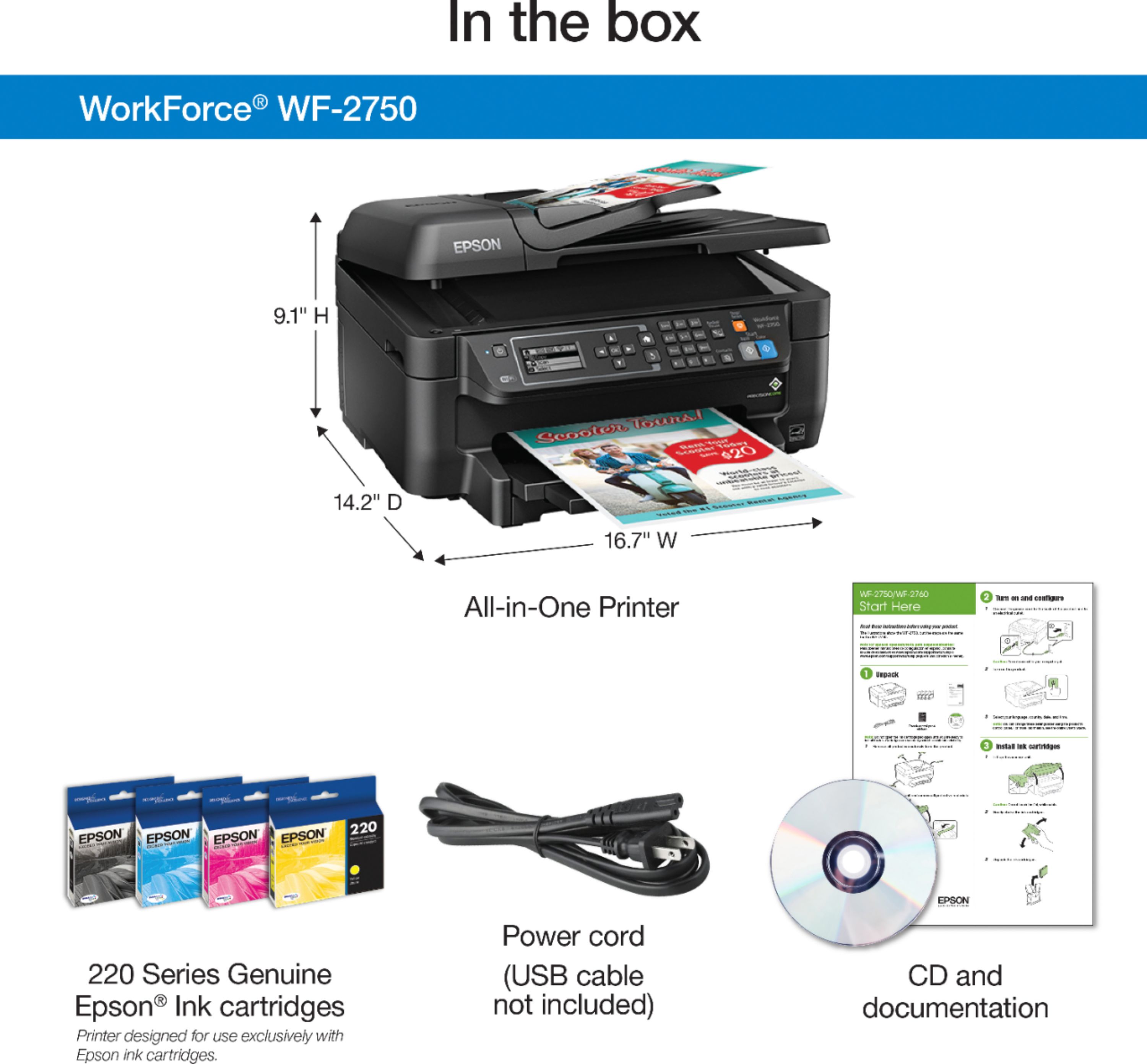
Posted .This reviewer received promo considerations or sweepstakes entry for writing a review.When you first open the box you see a nice little letter on a yellow paper that outlines what you have in store for you. In the box you will get the following: - Welcome Letter - User Manual - Setup CD Disk - 4 Starter Ink Cartridges - Power Cable The setup is fairly easy, it takes about 10 minutes from the time you plug in the printer and hit the power button. After the initial setup of the date and time, the printer does its own thing and takes a good 8 minutes for setup. This process tends to get loud but it is all hands off. I found the printer to be very easy to set up. All the inputs such as the power and the Ethernet jacks are tucked nicely in the corner in the back of the printer. This keeps wires out of the way. I love the fact that the printer can be controlled by apps so you can easily scan documents and retrieve it on your phone. I have not used inkjets in a very long time since laser printers are fairly inexpensive so I was very impressed by the speed and the quality of the printing. I would highly recommend this to anyone interested in photo printing and for college students who need a low key, minimalistic design that can be easily tucked in a dorm room.
I would recommend this to a friend - Pros mentioned:Ease of use, Print quality
Good printer for a great price
||Posted .This reviewer received promo considerations or sweepstakes entry for writing a review.This printer is easy to set-up and to go wireless. Print quality is really nice and able to print a variety of sizes including envelopes. I have an older version of Photoshop CS3 - but I couldn't get a plug-in for it to work with the printer like my last Epson. Maybe I have to get the updated version of photoshop in order for that to work. But the scans are still pretty good, but would like a chance to preview and adjust like before.
I would recommend this to a friend - Pros mentioned:Ease of use, Wireless
Great printer
||Posted .This reviewer received promo considerations or sweepstakes entry for writing a review.Great printer. Great price. Easy to assemble. Love that I can print from my phone!!!
I would recommend this to a friend - Pros mentioned:Ease of use, Wireless
Great home office all in one!
||Posted .This reviewer received promo considerations or sweepstakes entry for writing a review.This printer is easy to set up and use! I love the WIFI option.
I would recommend this to a friend - Pros mentioned:Print qualityCons mentioned:Noise level
Good Replacement for Our Old Printer
||Posted .This reviewer received promo considerations or sweepstakes entry for writing a review.After using the same Rebuilt HP printer for 11 years, we purchased this Epson Workforce 2750 all in one. For our purposes, it appears to be working fine, except for photo print quality. That may be something we can remedy if there’s a feature on the printer for printing higher-quality photos. We haven’t gotten that far yet. The old printer was an analog device. This printer is fast. As soon as I click the print command, the printer gets going. It’s very LOUD, and that’s why it didn’t get 5 stars. We are not proficient in setting up wireless and WIFI devices, and got a neighbor to help. He knew what to do and everything is working. We would recommend this printer to a friend as long as they don’t mind the noise.
I would recommend this to a friendBrand response from Epson
Posted .Hi volunteer32046, we appreciate your time in reviewing your new Epson WF-2750 printer. We value your business, and will be sure to pass your feedback along to our product teams. For assistance with your print settings, please reach out to our Epson Support Team at (562) 276-4382; Hours: Monday – Friday, 6am – 8pm PT; Saturday, 7am – 4pm PT. Kind Regards, Brandon – The Epson Team.

- Pros mentioned:Print quality, Wireless
Giood, inexpensive , multifunction printer
||Posted .This reviewer received promo considerations or sweepstakes entry for writing a review.All functions work well, I have sent a lot of faxes that went well. I haven't figured out how to print out confirmations yet. Print is very clear, wifi is great and so is scanning This is a vrey nice printer for the money.
I would recommend this to a friend - Pros mentioned:Ease of use, Price
Great All in One Printer
||Posted .This reviewer received promo considerations or sweepstakes entry for writing a review.Easy to use All in One Printer Scanner Fax for awesome price
I would recommend this to a friend - Cons mentioned:Noise level, Paper jam
Looks good , works good.
||Posted .This reviewer received promo considerations or sweepstakes entry for writing a review.I only had a couple of weeks and works well so far. Bought this to replace my 2 year old Epson which worked well until it got stuck in 'paper Jam' mode.Hope this does not happen to the new WF-2750..A little noisy if you do not put on the 'quite mode' setting, which just removes some of the noisiness. All in all, a good machine for the price(.$69.00) I like it so far.
I would recommend this to a friend - Pros mentioned:Print quality
Epson is the best; you can't go wrong
||Posted .This reviewer received promo considerations or sweepstakes entry for writing a review.I have always loved Epson printers for what they provide. This one is my favorite printer of all time. I have stuck with them for many years; they are awesome; they never have paper jams and I have never had a problem with any of them. The printing is precise and clear; scanning is easy and faxing is super easy. What a great price for a worthy printer. The ink is also not very expensive. Epson has always been known for very high quality inkjet output. I do highly recommend this printer.
I would recommend this to a friend - Pros mentioned:Print quality, Setup
Great features!
||Posted .This reviewer received promo considerations or sweepstakes entry for writing a review.My primary reason for the Epson printer was the individual ink cartridges. My previous HP printer had a 3 color cartridge and a single black cartridge. You could not replace one color, only all three. The printer set-up was a snap, and it turns on quickly, and is relatively quiet! My previous printer went through a number of cycles when starting up, and took quite a while before being ready to print. Very pleased with the print quality and would highly recommend this to anyone looking for a great price and great value!
I would recommend this to a friend - Pros mentioned:Ease of use, Price
Great for price
||Posted .This reviewer received promo considerations or sweepstakes entry for writing a review.Very affordable printer and easy to set up. Not to bulky and cheap to refill
I would recommend this to a friendBrand response from Epson
Posted .Hi samsung65intv, thank you for reviewing your new Epson WF-2750 all-in-one printer. We're glad to hear you're happy with your purchase and hope you have a nice day! Best, Marina – The Epson Team.
- Pros mentioned:Ease of use, Print quality
Fast printing and easy scanning
||Posted .This reviewer received promo considerations or sweepstakes entry for writing a review.My old printer finally died so I looked at a variety of different makes and models. I liked the features (all-in-one) and reviews of this printer. I have not regretted the purchase. Set-up was easy, and it prints so much faster than my old one. The wi-fi set-up was very easy and makes this printer even easier to use.
I would recommend this to a friend - Pros mentioned:Print quality
Great Product
||Posted .This reviewer received promo considerations or sweepstakes entry for writing a review.This is my second Epson printer after many HP printers. I was skeptical of the switch but am pleasantly surprised. Serves the purpose for my needs with no issues and reasonably priced replacement ink.
I would recommend this to a friend - Pros mentioned:Ease of use
GREAT FOR THE PRICE
||Posted .This reviewer received promo considerations or sweepstakes entry for writing a review.NO MORE TRIPS OUT TO FAX DOCUMENTS AND SUCH HAVING ITS OWN EMAIL ADDRESS IS EXCELLENT EASY SET UP EASY TO USE....MY NEXT 1 WILL BE ET VERSION
I would recommend this to a friend - Pros mentioned:Ease of use
Why look for other machines this is great!!
||Posted .This reviewer received promo considerations or sweepstakes entry for writing a review.It's all I could want in one unit! Stays connected to wifi. Easy set up for my iPhone and iPad. I never had this feature before and it's a click away to print. The pull out slot where the paper goes is a good feature cause it keeps the paper aligned and doesn't jam up!! I like the size of it, fits on my desk and looks very professional. Follow the directions for installing the ink cartridges as it's color coded. Over all this machine is a great buy!!
I would recommend this to a friend - Pros mentioned:Ease of use, Price, Print quality
Decent printer
||Posted .This reviewer received promo considerations or sweepstakes entry for writing a review.Great quality print. Easy set up and seamless wireless printing. Great value at good price point
I would recommend this to a friend - Pros mentioned:Ease of use, Print quality
great printer
||Posted .This reviewer received promo considerations or sweepstakes entry for writing a review.purchased this after poor results with a low end canon printer that gave me problems from the beginning. Set up is very easy. Prints well with minimal effort on my part. Many options available--ie: double sided pages, print from UBS sources. Ink cartridges go in MUCH easier then the canon.
I would recommend this to a friend - Cons mentioned:Paper jam
Good printer for the money.
||Posted . Owned for 1 month when reviewed.This reviewer received promo considerations or sweepstakes entry for writing a review.I bought the Epson printer for my scanning and printing needs, and so far have been very pleased with the Epson printer. I have had small problems with imaginary paper jams and recognizing the ink system, but other than that I have been very pleased with the machine.
I would recommend this to a friend