Customer Ratings & Reviews
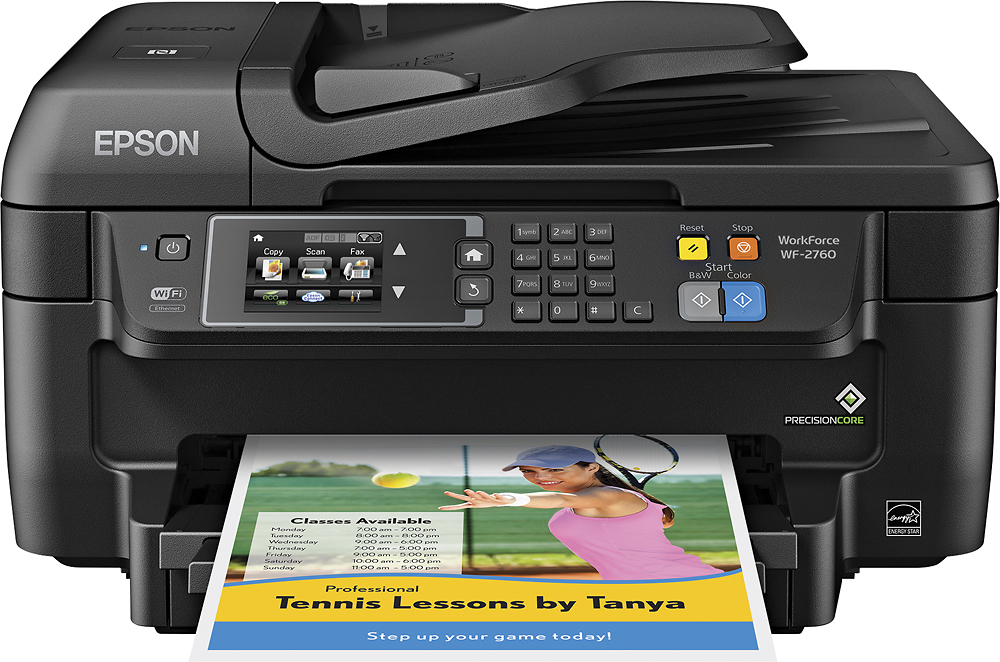
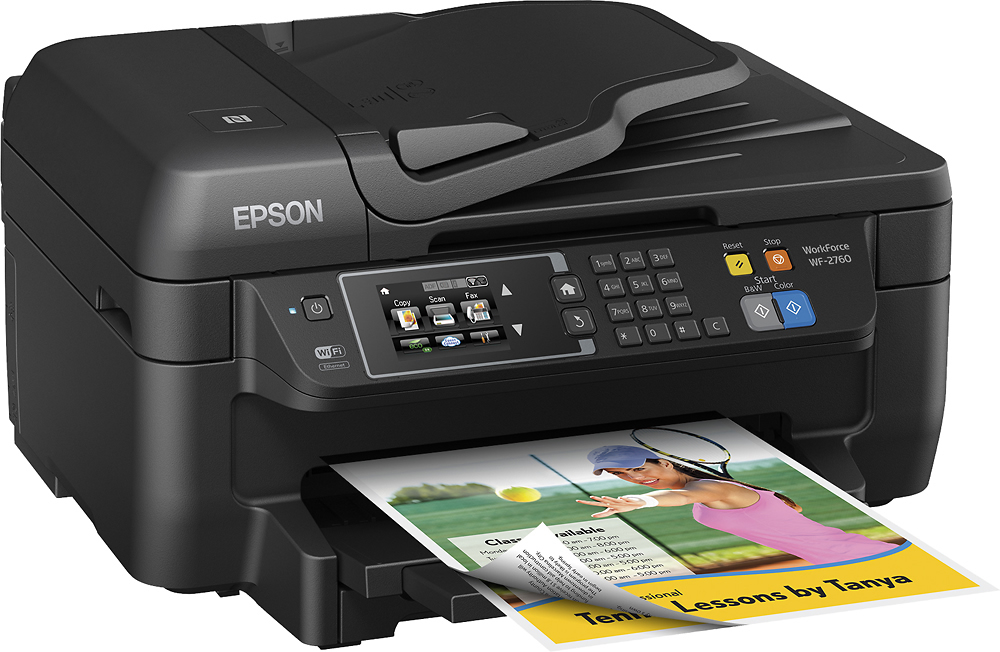
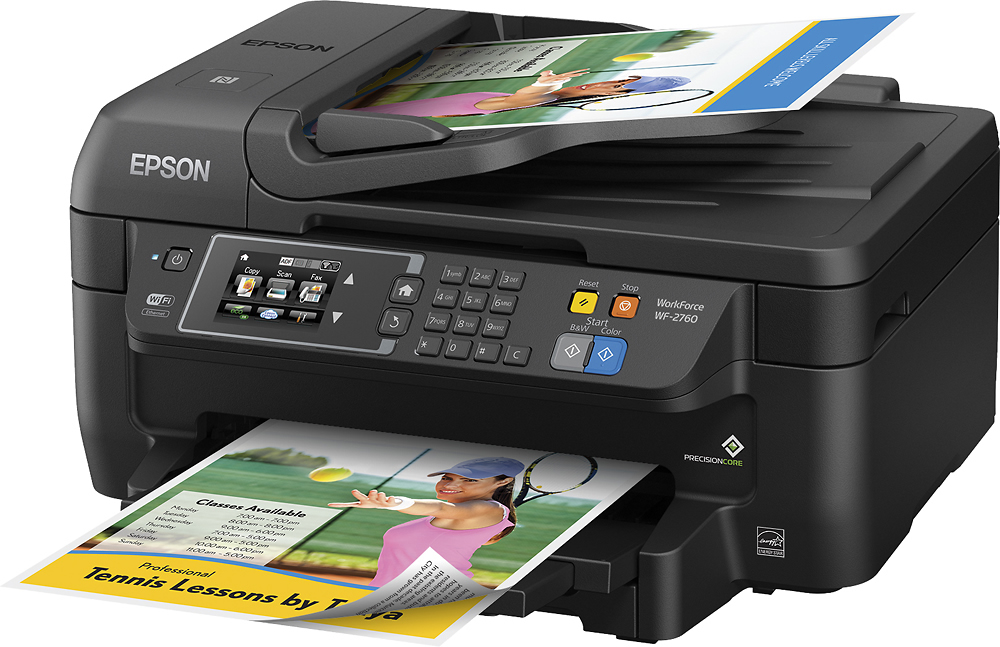
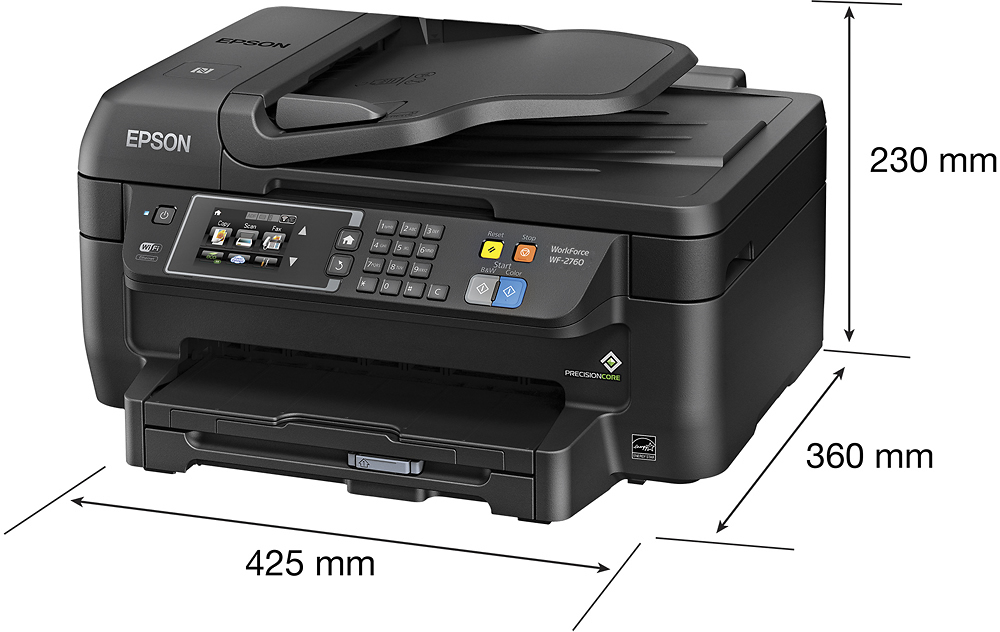
- Model:
- C11CF77201
- |
- SKU:
- 5117300
Customer reviews
Rating 4.4 out of 5 stars with 1759 reviews
(1,759 customer reviews)Rating by feature
- Value4.0
Rating 4.0 out of 5 stars
- Quality3.9
Rating 3.9 out of 5 stars
- Ease of Use4.0
Rating 4.0 out of 5 stars
Customers are saying
Customers often highlight the WorkForce WF-2760's excellent print quality and ease of use, along with its convenient wireless functionality and reasonable price. Positive feedback also mentions the printer's compact size and straightforward setup process. However, some users note that the printer can be noisy and that the paper tray could be more robust.
This summary was generated by AI based on customer reviews.
- Pros mentioned:Print qualityCons mentioned:Noise level
Rated 4 out of 5 stars
Does the work
||Posted .This reviewer received promo considerations or sweepstakes entry for writing a review.I am overall satisfied with this Epson printer. It's fast, the quality of the printed pages is good, faxing and scanning are easy as well. The set up was a breeze. The only aspect I wish was different is that it's a bit noisy while printing compare to my previews printers. Great product overall!
I would recommend this to a friend - Pros mentioned:Ease of use, Print quality, Wireless
Rated 5 out of 5 stars
Great printer. Easy to use.
||Posted .This reviewer received promo considerations or sweepstakes entry for writing a review.Printer is very easy to use and to connect to wireless internet. love being able to print from computer, and phones. prints are excellent color.
I would recommend this to a friend - Pros mentioned:Price
Rated 5 out of 5 stars
Awesome printer
||Posted .This reviewer received promo considerations or sweepstakes entry for writing a review.This is a great printer for the home office owner at it's price range!
I would recommend this to a friend - Pros mentioned:Print quality
Rated 5 out of 5 stars
Good printer
||Posted .This reviewer received promo considerations or sweepstakes entry for writing a review.I like this printer is great it makes good copies.
I would recommend this to a friend - Pros mentioned:Ease of use, Print quality
Rated 5 out of 5 stars
easy to use
||Posted .This reviewer received promo considerations or sweepstakes entry for writing a review.smaller machine does it all and prints very fast for the price and easy set up this was a good choice,,,
I would recommend this to a friend - Pros mentioned:Print quality
Rated 5 out of 5 stars
A Pleasant Surprise All-in-One
||Posted .This reviewer received promo considerations or sweepstakes entry for writing a review.While replacing an old Epson Workforce printer, the sales person Pointed me to a newer model that has turned out to be even better than I expected. The new WF-2760 is crisper, much faster and less expensive to operate than the old model. It even copies faster than the old WF-840 that was replaced. This has truly turned out to be a very pleasant surprise.
I would recommend this to a friend - Pros mentioned:Ease of use
Rated 5 out of 5 stars
Easy start up self explanitory
||Posted .This reviewer received promo considerations or sweepstakes entry for writing a review.This machine is very easy to set up right out of the box. Beginner friendly.
I would recommend this to a friend - Pros mentioned:Print quality
Rated 5 out of 5 stars
Great Orintet
||Posted .This reviewer received promo considerations or sweepstakes entry for writing a review.Printer does what I need it to do. Very pleased with my purchase
I would recommend this to a friend Rated 5 out of 5 stars
Great Printer at this price
||Posted .This reviewer received promo considerations or sweepstakes entry for writing a review.I needed to replace my old Workforce Printer, many years old, and was looking for a new Multifunction printer. Best Buy had this one on sale and the features were just what I was looking for. It was a bit ornery in scanning until I figured out that it didn't like borderless scanning. I am very happy with this purchase.
I would recommend this to a friendRated 5 out of 5 stars
Excellent choice for price
||Posted .This reviewer received promo considerations or sweepstakes entry for writing a review.This printer does everything as advertised and I will recommend it to friends.
I would recommend this to a friend- Pros mentioned:Ease of use
Rated 4 out of 5 stars
Dependable Household Inkjet Printer
Posted .This reviewer received promo considerations or sweepstakes entry for writing a review.**This is a review for the Epson Workforce WF-2760 that I received free of charge to do a beta test and review. ** Features I Love. • Google Cloud Printing from chrome • Scanning from device • Scanning to Cloud (Dropbox and E-Mail) • Network connectivity (print from any phone, laptop, desktop) • NFC Epson iPRINT -=Unboxing=- Unboxing the Workforce 2760 unboxing the is not difficult. The unit is placed in between 2 Styrofoam cuts out which cutting open either the top or bottom of the box and flipping it on the cut side will come straight out, or if you prefer to pull the unit out of the box. Only ink and power cable is included but what more do you need now in days with wireless networks being the norm in every household. -=Cloud Printing=- You have the Epson E-Mail Print and/or Google Cloud Print. I myself Love the Google Cloud print because I can print documents from chrome at works, home, parents’ house and on my android device to my Epson WF-2760 -=Scanning=- We scan quite a bit of documents (receipts, documents mainly) here at home and the ease of use of selecting between devices is great. Walk up to the printer place your documents, select location, select device and scan! -=Network Printing=- No more having to share a printer via USB from a single computer. Printing from any device on the network including Android phones is great. We have a wired network at home so configurations are quick. I recommend if you can plug this straight into your router it would be best. But if you have a need to install it wireless in a different area of the house go for it. -=Overall=- The workforce WF-2760 I feel is a good home or small business printer. I love my WF-3640 and loved my WF-640 that is still working today at my parents’ house. When asked at work what printer I recommend I always say Epson. HP does not fall far behind they are bit nicer in design but I prefer performance and reliability over sleekness. I can state this because I have a friend with HP printers and every now and then I have to help her with minor issues. -=About the Reviewer=- 10+ years in Information technology field, and experience with various brand of printers, Brother, Canon, HP, Xerox, Ricoh, Lexmark (DELL), I switched over to Epson after one of my brother printer failed and have been in love ever since. Moreover, growing up at home I left my Epson WF-640 to my parents who still use to date. When moving into my new home 2+ years ago I purchased a WF-3640. In past employments Epson has always been the one to stand out in the area of desktop printers for users and photo printing. You have options but I can say you will not be disappointed with Epson
I would recommend this to a friend Rated 2 out of 5 stars
Printer not recognized
||Posted .This reviewer received promo considerations or sweepstakes entry for writing a review.Set up was too complex not user friendly, should be plug and play.
No, I would not recommend this to a friend- Pros mentioned:Print qualityCons mentioned:Paper tray
Rated 5 out of 5 stars
Easy setup and easy to use
||Posted .This reviewer received promo considerations or sweepstakes entry for writing a review.We've been printing Christmas cards every winter and we've had enough hassles with our legacy HP 7280 AIO and buying ink cartridges when one runs out. So this year, we've decided to get a new inkjet printer. Instructions were clear, inks were easy to install. The printer was also easy to add to the network and did not do a whole lot getting the Google print, Google Drive, OneDrive, and Dropbox to work so we can scan to the cloud. We have 2 other desktop PCs and the Epson printer was already discovered and set up on the other PCs. We mainly use this printer for Xmas cards and school projects. For the Xmas cards, there is no setting for card stock. Epson website or blog recommended Premium Matte for the paper setting. Cardstock sucks up a whole bunch of ink so for a 2-sided half fold greeting card, I was able to only print on one side with 18 sheets until the yellow ink cartridge ran out. No biggie. Text and picture quality was great! The paper tray felt flimsy and the cork strip on the back of the tray got stuck on the paper. It was easy enough to stick it back in the slot. Putting a sheaf of paper was a bit fidgety trying to keep them in the guides. Doesn't seem to lay flat. All in all, a good purchase for an excellent product and a great price point. Even the Cartridges were cheaper than my old HP 7280 AIO. That one is going to a good home at the Salvation Army,
I would recommend this to a friend - Pros mentioned:Ease of use, Price, Print quality
Rated 5 out of 5 stars
Great wireless all in one printer
||Posted .This reviewer received promo considerations or sweepstakes entry for writing a review.Best wireless printer, scanner, copier for the money. Easy to set up and works great, good quality.
I would recommend this to a friend - Pros mentioned:Print quality
Rated 5 out of 5 stars
Working Great so Far!
||Posted .This reviewer received promo considerations or sweepstakes entry for writing a review.After reading the reviews, I had some reservations. However, I found the setup to be easy. It took a little time to download the most recent software, but it was worth it. The fax was easy to set up. I like all the features, and I am happy with the print quality. Good sale price.
I would recommend this to a friend - Pros mentioned:Print quality
Rated 5 out of 5 stars
Absolutely awesome printer!
Posted .This reviewer received promo considerations or sweepstakes entry for writing a review.This is a review for the Epson WorkForce WF-2760 that I received free of charge to do a beta test and review. My review is meant to be unbiased. That said - this printer really is great. In a world of millions of printers to pick from, this is a solid choice. Once unwrapped, I set this up on a TV-stand in my family room because let's face it - that's where our laptops and such are so why not print in the same room? The printer connected to wifi via WPS without any issues and has been connected since even after multiple reboots of our routers (was switching ISP's back and forth the past few weeks) -- I mention this because my other wireless printer has disconnected through all the router reboots but the Epson maintained its connection. Without doing anything - no apps or special set up - my wife printed a picture from her iPhone 6. We were both stunned at how good the quality was. Now my wife wants to go buy photo paper to print more photos lol. I was also able to print to the printer through my Android phone but I had to install the Epson printer app. I was really impressed with how easy it is to print from both our phones. I then opened up my Windows 10 laptop and told it to search for new printers. Within seconds it found the Epson printer and connected my computer to it. I've since been able to print without any issues. The print quality is very, very good considering how fast it prints. That's really what I've been most impressed about. Sometimes when a printer spits the pages out really fast you kind of expect a not-so-crisp print job, but this one is fast and very crisp. Overall, I've been extremely happy with this printer and I'll likely be replacing my main printer with it!
I would recommend this to a friend - Pros mentioned:Ease of use, Print quality, Size
Rated 5 out of 5 stars
Love it!
||Posted .This reviewer received promo considerations or sweepstakes entry for writing a review.Went to the store and a very helpful associate recommended it to me. I love it! Perfect size and easy to use and the wireless printing is so cool
I would recommend this to a friend - Pros mentioned:Wireless
Rated 5 out of 5 stars
Much needed upgrade
||Posted .This reviewer received promo considerations or sweepstakes entry for writing a review.The first wireless printer we bought was probably 10 years ago and it was the Epson Workforce 645, no longer available. This was a great asset to our lives but the day came and we had to say goodbye. Naturally, when shopping for a new wireless printer, we went straight to the Epson brand. When this printer arrived it was like Christmas. It was so easy to set up and sync to our devices. There were no issues with internet connection and to this day we've had no issues with the printer. I love this product and will be an Epson fan for life.
I would recommend this to a friend - Pros mentioned:Print quality, SizeCons mentioned:Paper tray
Rated 4 out of 5 stars
Works well, starts fast; scanner is slightly slow
||Posted .This reviewer received promo considerations or sweepstakes entry for writing a review.I replaced a Canon MB2300 4-in-1 that failed from a sensor error after about 3 years. This Epson starts much faster and sounds like it does not need to clean its print heads so much. Scanning is a little slow but not a problem. Duplex printing is not so slick as the Canon but it actually works fine. The paper catch tray is a bit flimsey but if it does not pull out or insert correctly it's easy to realign. I have yet to try refurbished ink cartridges but that will come soon. The height and footprint of this printer are excellent; it's a lot smaller than the Canon and I could easily fit the box in my car (less so the Canon). It's not quite perfect but overall I like this Epson WF-2760 a lot and it seems to fit my business and personal use just about right.
I would recommend this to a friend - Pros mentioned:Ease of use, Print qualityCons mentioned:Noise level
Rated 4 out of 5 stars
Easy to set up.
||Posted .This reviewer received promo considerations or sweepstakes entry for writing a review.It makes a bit of noise. Prints clearly. easy to use
I would recommend this to a friend