Customer Ratings & Reviews
- Model:
- C11CF77201
- |
- SKU:
- 5117300
Customer reviews
Rating 4.4 out of 5 stars with 1759 reviews
(1,759 customer reviews)Rating by feature
- Value4.0
Rating 4.0 out of 5 stars
- Quality3.9
Rating 3.9 out of 5 stars
- Ease of Use4.0
Rating 4.0 out of 5 stars
Customers are saying
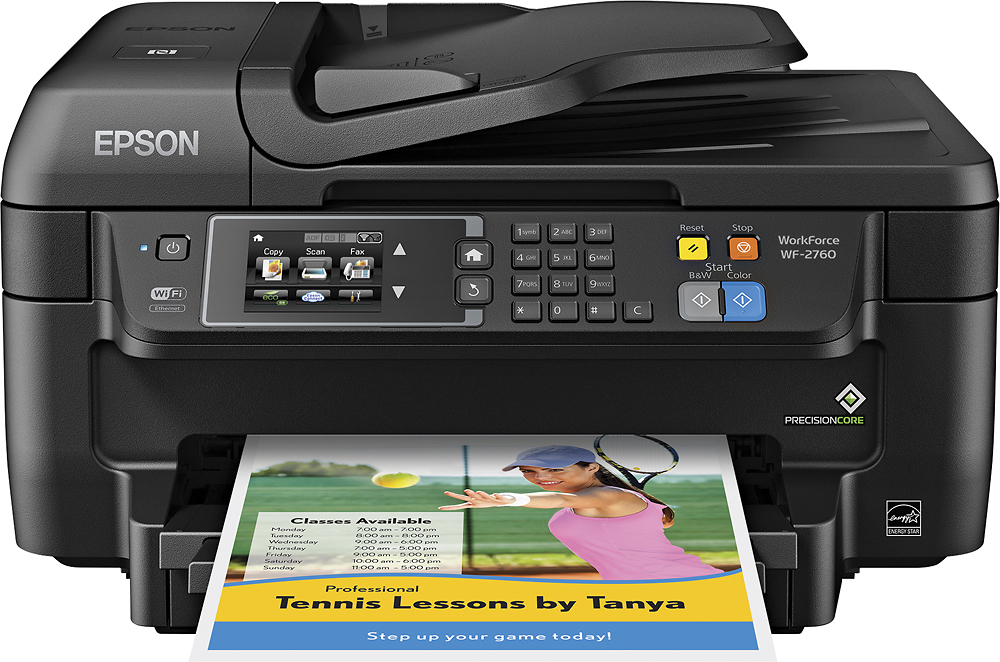
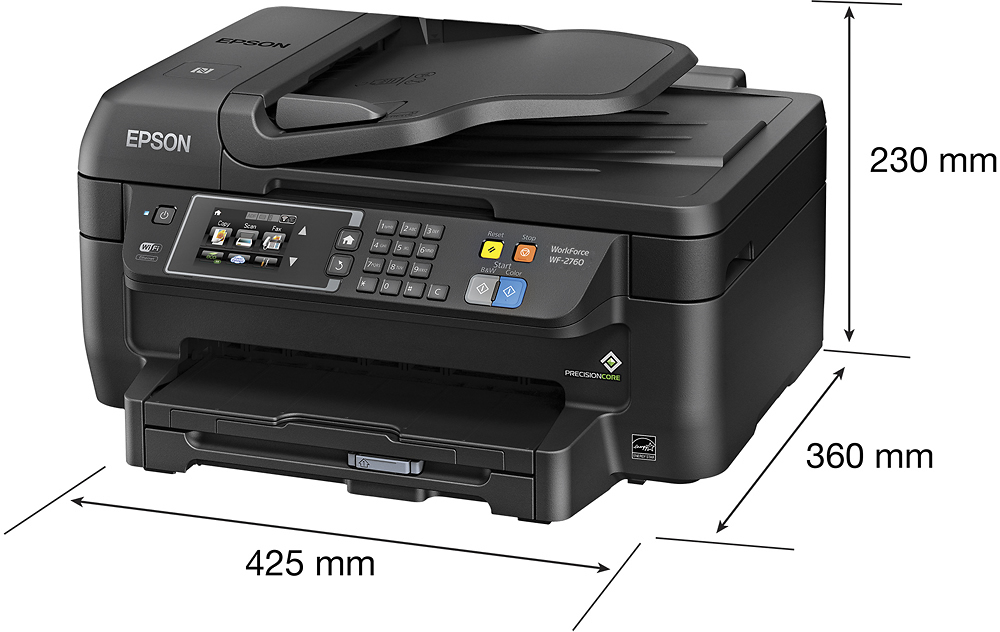
Customers often highlight the WorkForce WF-2760's excellent print quality and ease of use, along with its convenient wireless functionality and reasonable price. Positive feedback also mentions the printer's compact size and straightforward setup process. However, some users note that the printer can be noisy and that the paper tray could be more robust.
This summary was generated by AI based on customer reviews.
Rated 3 out of 5 stars
Ink Eater
||Posted .This reviewer received promo considerations or sweepstakes entry for writing a review.Good little printer but it goes thru ink like none I have ever used
No, I would not recommend this to a friendRated 3 out of 5 stars
Meet my need
||Posted .This reviewer received promo considerations or sweepstakes entry for writing a review.The scanner for photos was my primary need. The Epson did a good job
I would recommend this to a friendRated 3 out of 5 stars
Nice cheap printer uses ink too fast
||Posted .This reviewer received promo considerations or sweepstakes entry for writing a review.This is a good budget printer but it goes thru ink very fast.
No, I would not recommend this to a friendRated 3 out of 5 stars
Ink and wifi
||Posted .This reviewer received promo considerations or sweepstakes entry for writing a review.The ink runs out after 6-7 pictures. The wifi is temperamental.
No, I would not recommend this to a friendRated 3 out of 5 stars
Pending
||Posted .This reviewer received promo considerations or sweepstakes entry for writing a review.I haven't been able to hook it up yet, I don't have internet.
I would recommend this to a friendRated 3 out of 5 stars
great
||Posted .This reviewer received promo considerations or sweepstakes entry for writing a review.great model with good printing ability it looks wonderful
I would recommend this to a friendRated 3 out of 5 stars
Difficult to use
||Posted .This reviewer received promo considerations or sweepstakes entry for writing a review.Compared to other PRINTERs. This one is hard to set up
No, I would not recommend this to a friendRated 3 out of 5 stars
OK, but Noisy.
||Posted .This reviewer received promo considerations or sweepstakes entry for writing a review.It's a good printer for the money, but it sure is noisy.
I would recommend this to a friendRated 2 out of 5 stars
Difficult to install
||Posted .This reviewer received promo considerations or sweepstakes entry for writing a review.We were unable to install the printer on our 3 devices at home despite the salesman's assurance that it would be easy. We ending up calling GEEK squad who spent about a half hour to get it connected. It cost us $100 to do so, nearly the cost of the printer. Not a good deal
No, I would not recommend this to a friendRated 3 out of 5 stars
printer
||Posted .This reviewer received promo considerations or sweepstakes entry for writing a review.we had some trouble getting it set up to our wifi,
No, I would not recommend this to a friendRated 1 out of 5 stars
Very bad printer
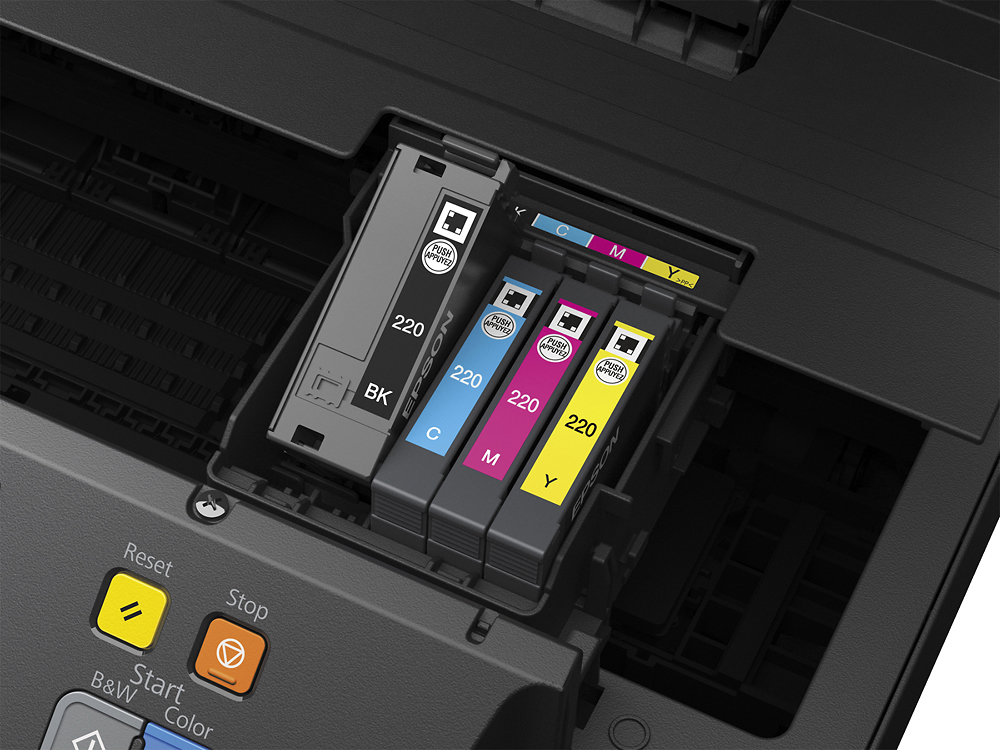
||Posted .This reviewer received promo considerations or sweepstakes entry for writing a review.I had to return this printer to Best Buy. After setting it up and getting started, I could not get it to advance beyond the first step. (select language). It stayed on French and I could not do anything past this step. Second, the instructions are horrible. No where did it say how to install the ink cartridges beyond the first one (black) Nothing saying how to move the ink holder over to install the other color cartridges. After an hour of messing with it and going online for answers, which I could not find, I gave up and returned the item.
No, I would not recommend this to a friendRated 1 out of 5 stars
unreliable
||Posted .This reviewer received promo considerations or sweepstakes entry for writing a review.almost daily, and sometimes more than once a day the printer gives me message "Printer offline" even though the wifi icon on the printer home screen shows it is connected. My wireless computer is online. The printer is right next to the router, so distance is not a problem. To correct the problem, I have to unplug the router for a few seconds, reconnect it, and restart my computer before it prints. RIDICULOUS! Today I was going to copy pages from a book. I got the message that the paper source setting is invalid. It then details paper size supported as 4x6, 5x7, 8x10 which is not what I want or need. Of course this all happens when I need to print or copy something.
No, I would not recommend this to a friend- Pros mentioned:Ease of use, Print quality, Size
Rated 5 out of 5 stars
Great All-in-One
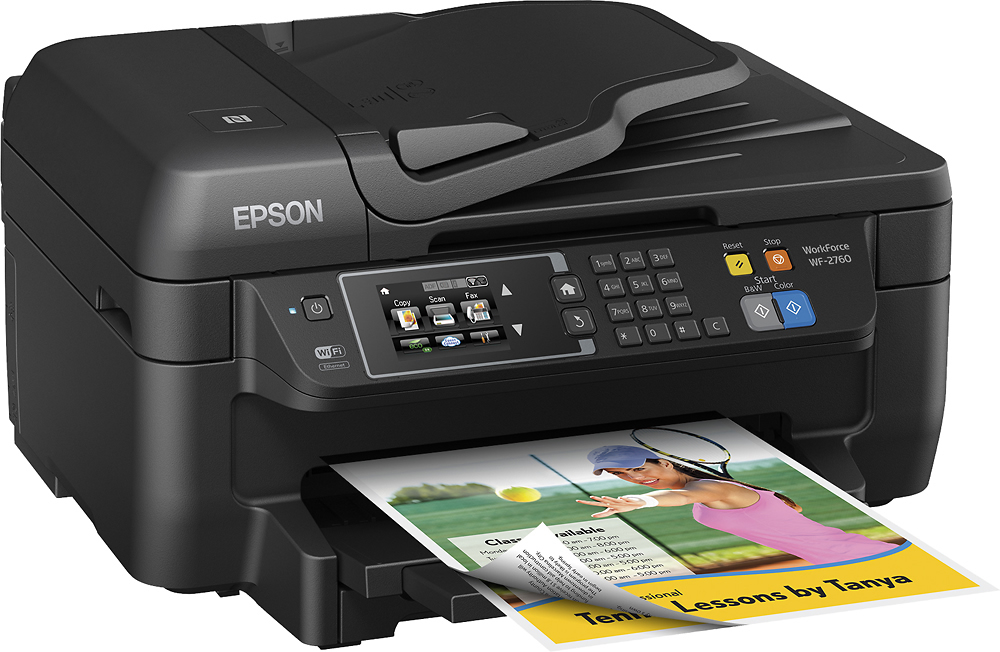
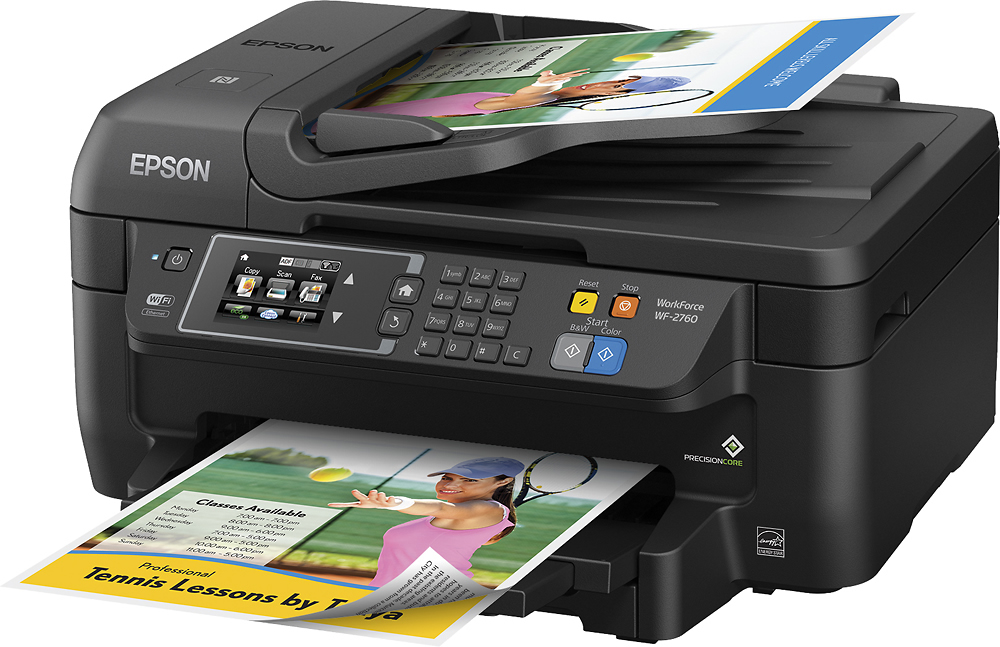
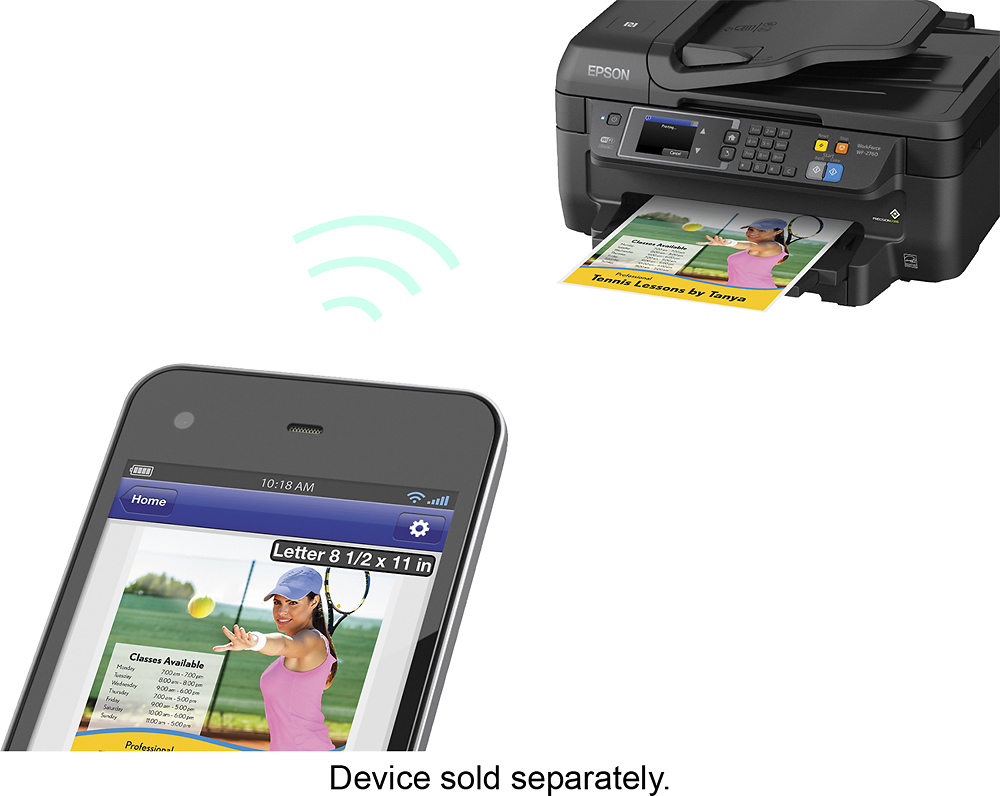
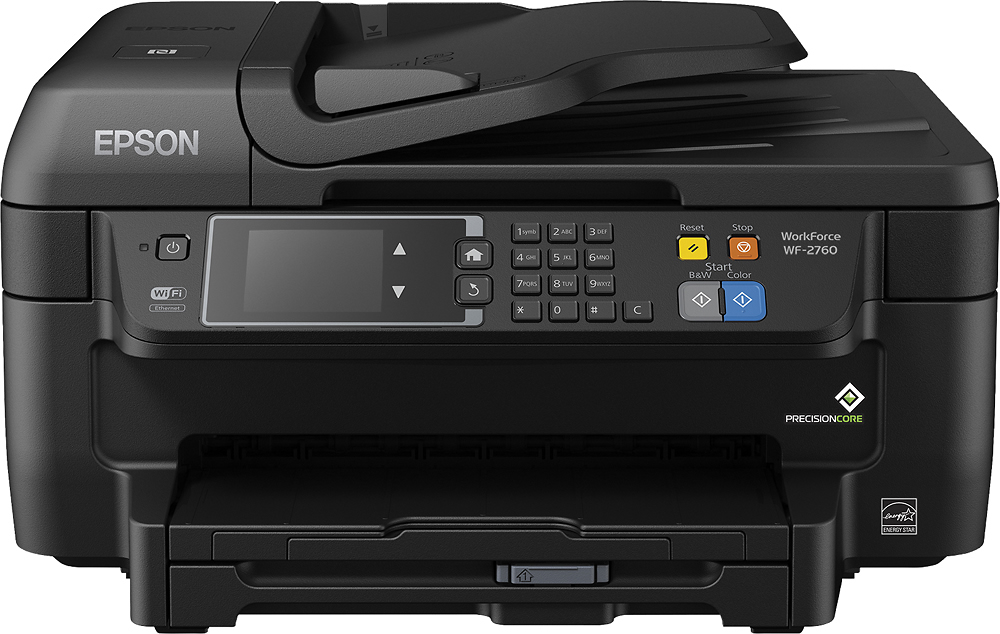
Posted .This reviewer received promo considerations or sweepstakes entry for writing a review.This is a review for the Epson WorkForce WF-2760 that I received free of charge to do a beta test and review. I have been needing a good printer that does pretty much everything, so this one fit the picture perfectly. Once I took the printer out of the box I was surprised at the size of the printer. It was not as big as I thought it was going to be, but that is a good thing if you do not want something to take up too much space. The printer is also pretty light. Printer has everything you would need, print, scanner, copier, and fax. I have used everything but the fax as I do not use fax. Everything works great! This printer is totally wireless. Setup was a breeze with no issues. This printer is pretty quick at printing pages. Max paper load is 150 sheets which is a bunch! The pages look great when printed. There is no wet feeling with the paper unlike other printers I have used. Google Cloud print is easy to work with this printer. You can also use an app for both Android and Apple for your phones/tablets. This also works great and very easy to use! Overall This is a great professional printer for a home office and or for the every day person.
I would recommend this to a friend Rated 1 out of 5 stars
Slow and uses too much ink
||Posted .This reviewer received promo considerations or sweepstakes entry for writing a review.First off I had a ton of trouble getting this printer to link to my wireless connection. I had to call Epson directly after 2 hours of following the directions provided only to find out that the software was out of date. an hour on the phone with them finally fixed the problem. Now on to the printing, I have only had this printer for 90 days and have had to change the ink 2 times. I haven't even done that much color printing. Most of the ink was used to adjust the heads as the pictures were printing out distorted. Needless to say I will be checking with best buy to see if I can return this printer and apply it to a different style or brand.
No, I would not recommend this to a friendRated 2 out of 5 stars
It is finicky.
||Posted .This reviewer received promo considerations or sweepstakes entry for writing a review.Most times prints, but sometimes does not recognize the size of the paper. You have to reset the machine and then it prints. Ink cartridges are tiny and have to be replaced sooner than you think. I would not buy this machine again.
No, I would not recommend this to a friendRated 1 out of 5 stars
Won't buy Epson again
||Posted .This reviewer received promo considerations or sweepstakes entry for writing a review.I have had this printer for 3 days and I am already getting printer error messages. The document feeder doesn't want to work and it makes a horrible loud sound, so I can't fax. I bought this printer to replace the 2750 modeI I had for three months before it completely stopped working. Epson wouldn't do anything to help me with the other one and I bought this one because I had $100 worth of ink for the other one I couldn't return. Going back to Brother brand which lasted me 10 years.
No, I would not recommend this to a friendRated 2 out of 5 stars
It's an okay all-in-one printer
||Posted .This reviewer received promo considerations or sweepstakes entry for writing a review.Overall, I should've purchased something different. I dislike the fact that, I have printed less thsn 100 pages and the printer head began to mess up. I ended up running out of ink before I could fix the problem.
No, I would not recommend this to a friendRated 2 out of 5 stars
If it is whack, send it back.
||Posted . Owned for 1 year when reviewed.This reviewer received promo considerations or sweepstakes entry for writing a review.Was not happy with this unit at all. Horrible connectivity and the build quality on this unit was lacking. I return this unit ASAP and decided on another unit.
No, I would not recommend this to a friendRated 2 out of 5 stars
Waste of money
||Posted .This reviewer received promo considerations or sweepstakes entry for writing a review.I bought this because it was on sale - I should have spent the money on something better. This product frequently (nearly always!) gives false paper jam notices when set to quiet mode. No wonder it was on sale...
No, I would not recommend this to a friend- Pros mentioned:WirelessCons mentioned:Noise level
Rated 5 out of 5 stars
Perfect for Mac and iPhone printing!
Posted .This reviewer received promo considerations or sweepstakes entry for writing a review.We are a primarily Mac and iOS device household. This printer makes it super easy to print from our iPhones and iPads wirelessly. Love it! Setup was a breeze. I didn't even have to physically connect it to a computer. I was able to set up wifi from the built in touchscreen. My Mac recognized it right away. And iOS setup was automatic. As long as the printer is on the same wifi network as your devices, it just automatically shows up as an available printer. Sure, it's noisy. But I don't plan on printing while anyone is sleeping. It's fine for the occasional printing at home or in a home office. This is a review for the Epson WorkForce WF-2760 that I received free of charge to do a beta test and review. Oh, one more thing I love about this printer. The paper tray is enclosed. I hate those printers with the paper sticking out the top. It looks tacky, and the paper gets dusty when it's not used often... and if the paper gets dusty, print heads get clogged. An enclosed paper tray is a MUST, and this printer has it.
I would recommend this to a friend