Customer Ratings & Reviews
- Model:
- C11CF77201
- |
- SKU:
- 5117300
Customer reviews
Rating 4.4 out of 5 stars with 1759 reviews
(1,759 customer reviews)Rating by feature
- Value4.0
Rating 4.0 out of 5 stars
- Quality3.9
Rating 3.9 out of 5 stars
- Ease of Use4.0
Rating 4.0 out of 5 stars
Customers are saying
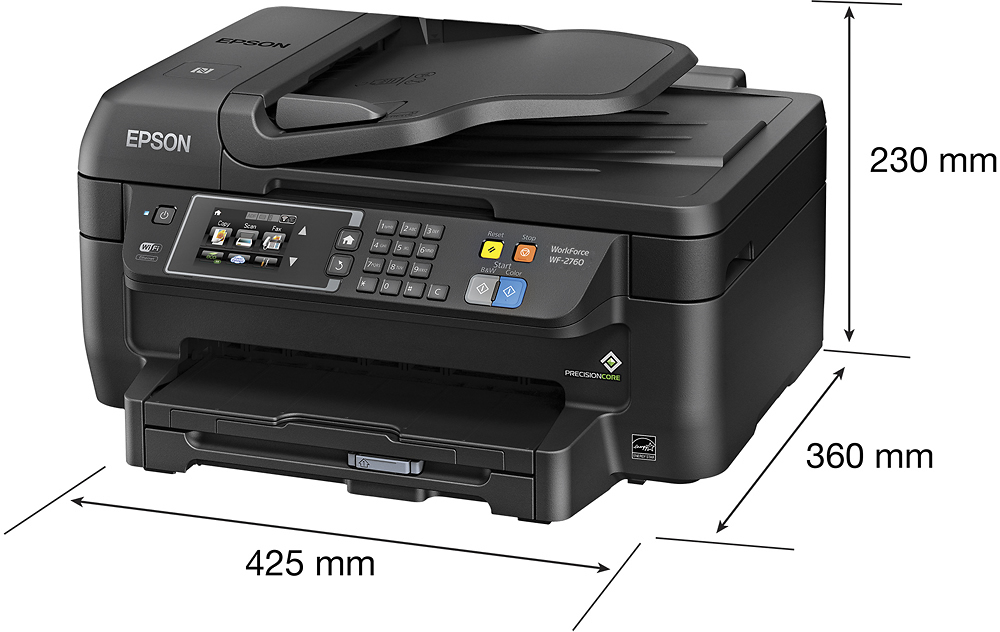
Customers often highlight the WorkForce WF-2760's excellent print quality and ease of use, along with its convenient wireless functionality and reasonable price. Positive feedback also mentions the printer's compact size and straightforward setup process. However, some users note that the printer can be noisy and that the paper tray could be more robust.
This summary was generated by AI based on customer reviews.
- Pros mentioned:Print qualityCons mentioned:Paper tray
Rated 4 out of 5 stars
Nice light-duty printer with some perks
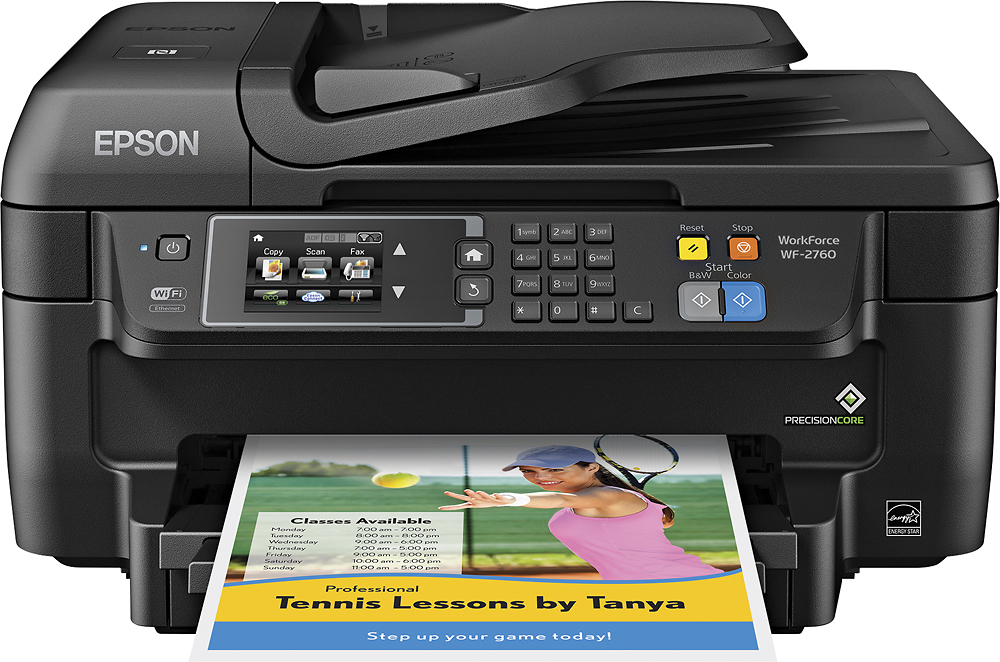
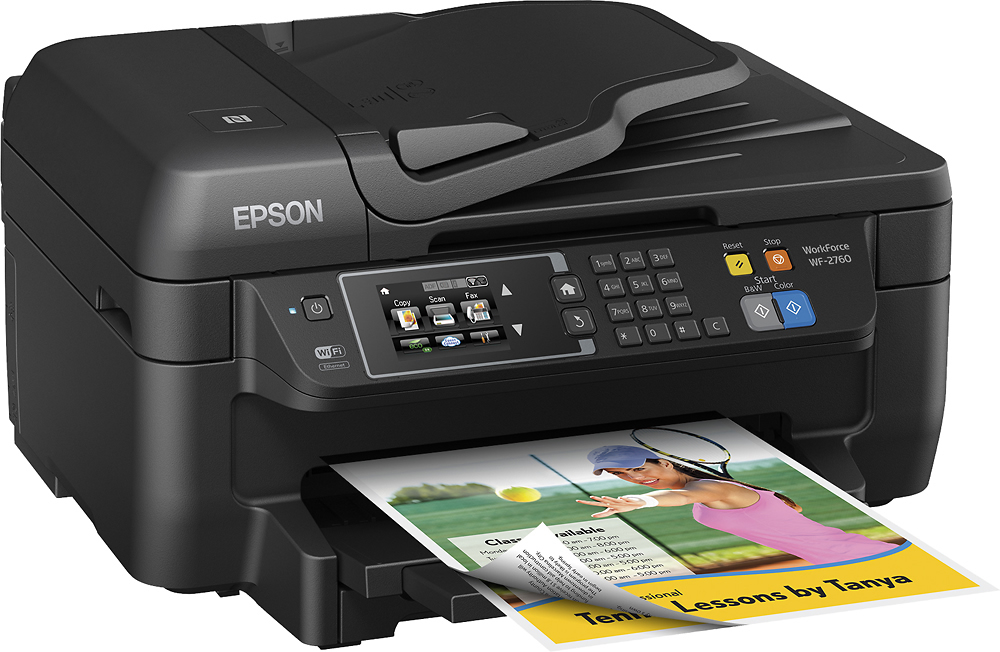
Posted .This reviewer received promo considerations or sweepstakes entry for writing a review.This is a review for the Epson WorkForce WF-2760 that I received free of charge to do a beta test and review. This is a decent all-in-one printer for relatively light duty, with some surprising features for its price range. Rather than review this based on the features it has or lacks, I will mostly concentrate on how well they work. Physical setup: I found it easy, with the printed documentation and software install walking through all the typical steps. It takes a few minutes to prime the ink system but overall the process was pretty quick. While you can use the printer in windows 10 without installing the software, you will need the software to scan to your computer and use all the features the print driver offers. One minor setup annoyance - by default, sound is enabled on the touch screen and it's quite loud until you go turn it down in the settings. Touch screen: Because this is a resistive screen, not capacitative like your smartphone, it requires a little pressure to operate. And some features (like the keyboard to enter your wifi password) are very small, making them kind of inconvenient to use. But overall I prefer this to the 4-line text display on some other Epson models. It's easy to find the functions you want and just looks more modern. Connectivity: Epson seems to really shine here. It is common for a wifi printer, especially lower-end ones, to ONLY have wifi to save on the cost, but this printer has wifi, wired ethernet, and USB. It supports a ton of printing protocols (options the casual user will never use), the multiple cloud methods work well, and it even has an NFC tag you can use with your smartphone to quickly initiate printing (kind of a gimmick). Printing: yes, it looks good even in the default standard quality, is reasonably fast, and is somewhat noisy. The print driver supports a 'quiet mode' which slows down paper feeding to make it a little quieter at the expense of speed. Fax: yes, it faxes, another feature often missing from low-cost printers. I haven't had a chance to use it but it does support faxing from the computer as well as faxing physical pages. ADF: a nice bonus to have in this price range, but it is a little finicky and feels slow. For the best quality scans or copies you may want to use the flatbed. On some copies I've seen "stretched" areas as if the feed speed was not consistent, that did not happen on the same document copied on the flatbed. Duplexer: another bonus often missing from this price range. It works well and is fast enough that you will like using it. Scanning: A little bit yuck. Ok, so it does a good job. But it is slow at higher resolutions. A 3.5x5 photo at 1200 dpi took nearly 5 minutes. It is good for documents but I wouldn't want to use it for photos. It does use the full epson scan software (not the limited "epson scan 2" that came with the ET-3600) which gives lots of options. You can scan to computer from the printer's control panel even for networked computers as long as they are running the software (can't do that with the ET-3600). And I love the scan-to-email function. Photos: This is NOT a photo printer. If photos are a priority for you this is not the printer to get. Yes it does borderless prints and they look quite good. But they are not as good as a more serious photo-oriented printer. Also there is no dedicated photo paper tray which is a huge inconvenience. There's also no card slot or usb port for printing from or scanning to media. It is quite convenient to print photos from your phone to send to Grandma... but I don't want prints like these for myself. Paper tray: I am not a fan; it is kind of flimsy, has to be removed to load and is kind of tricky to insert, and can only hold a stack about 3/4" thick. It doesn't have a dedicated photo tray or a quick way to load an envelope without removing your regular paper. You have to set your paper type on the control panel every time you switch. If you print a lot or use different paper a lot you'll find it inconvenient. Ink: Going by the specs I'd say this is average as far as ink cost. The cartridges are inexpensive but their rated capacity is not very much (less than 200 pages for the standard black?), so it all adds up and seems to be about the same as the HP printer I had before. I'm really spoiled in that way by the Eco-tank. Still, changing cartridges is way easier than filling the Eco-tank and in a way I think they might be much more appropriate for lots of people (not to mention the much lower up-front cost). Overall: This seems to be designed as a somewhat light-duty printer and I think it is quite good in that regard. It's great for casual printing (especially from mobile devices) and the occasional copy or scan. For the most part, it "just works" the way it's supposed to. Larger amounts of printing will have you cursing the paper tray and buying lots of ink cartridges. Serious scanning will have you cursing the slowness. Some features could be implemented a little better. But its flexibility - connectivity and protocol support plus options in the print driver - is amazing for the price, and it has some nice convenience features like the ADF and duplexer that boost its value also.
I would recommend this to a friend Rated 1 out of 5 stars
ok printer
||Posted .This reviewer received promo considerations or sweepstakes entry for writing a review.printer works fine when printing from computer, when making copies, printer screen read not suppointing printer paper
No, I would not recommend this to a friendRated 1 out of 5 stars
Printer quit working after about 30 days or so
||Posted .This reviewer received promo considerations or sweepstakes entry for writing a review.Printer quit working after about 30 days or so. The black ink quit first, then it told me that I needed to replace the colored ink after I had just replaced them..
No, I would not recommend this to a friendRated 1 out of 5 stars
nice price for printer
||Posted .This reviewer received promo considerations or sweepstakes entry for writing a review.Im having difficulty doing double sided printing and touch screen not very easy to use...Im hoping to return item but not sure if still time to do so...
No, I would not recommend this to a friendRated 1 out of 5 stars
horrible
||Posted .This reviewer received promo considerations or sweepstakes entry for writing a review.I took it back and the epson rep was actually there and said that they were having a lot of issues with this model. would not print two-sided
No, I would not recommend this to a friendRated 1 out of 5 stars
loud
||Posted .This reviewer received promo considerations or sweepstakes entry for writing a review.The machine always need to be connected again and again to the internet most of the time I have a message which says printer not found
No, I would not recommend this to a friendRated 1 out of 5 stars
Will not buy again
||Posted . Owned for 1.5 years when reviewed.This reviewer received promo considerations or sweepstakes entry for writing a review.This was purchased for my home. I barely used it. Problem with ink head cleaning. I have already replaced.
No, I would not recommend this to a friend- Pros mentioned:Ease of use, Print quality, Wireless
Rated 5 out of 5 stars
Absolutely love this printer!
Posted .This reviewer received promo considerations or sweepstakes entry for writing a review.I have had this all in one printer for about a month now and I absolutely love it. First off, it's extremely easy to set up. I love that it is wireless and I can print from wherever in my house. The quality of the printing is great as well. There is a paper tray in the bottom that holds about 100-150 sheets of paper so you don't have to keep adding paper often. It includes four ink cartridges, which I see as the only down side; you have to replace four different cartridges when you run out of ink. The scan quality is great as well. Overall, this product is very user friendly and so easy to set up. I love that it has a paper tray so the paper isn't constantly falling out. This is a great option if you want an all in one printer! This is a review for the Epson WorkForce WF-2760 that I received free of charge to do a beta test and review.
I would recommend this to a friend Rated 1 out of 5 stars
This product is not what I expected.
||Posted .This reviewer received promo considerations or sweepstakes entry for writing a review.To this day I can not get incoming faxes, even after spending hours on the phone with the company. I wish I never bought this item.
No, I would not recommend this to a friend- Pros mentioned:Print qualityCons mentioned:Noise level
Rated 4 out of 5 stars
Is it what it is. A very decent AIO.
Posted .This reviewer received promo considerations or sweepstakes entry for writing a review.I've been using the Epson WorkForce WF-2760 for a few weeks now and it's not a bad little AIO Printer/Scanner/Fax once you get it all setup to your liking. It offers quality black/grayscale printing that competes with my Samsung M2020 laser printer (which I love BTW). The color printing and detail is pretty good as well. I have printed a few photos so far, though not on photo paper, which you can tell hurts it. This isn't an issue for typical non-photo color printing. Wireless printing is exceptional and quick whether printing via computer, mobile device (I prefer mobile printing) or via one of the Cloud Services. The Epson WorkForce WF-2760 2-sided auto-feed printing works great but my favorite part of the WF-2760 is the scan quality. Scanned documents would have you to believe that the document was the original electronic copy of it and not a scan of it. If your printing needs require advanced printer setup, this may very well be the printer for you. The Network Settings and Services are extensive. I didn't use the fax feature as we're an all mobile phone home. This is about where my praise of the Epson WorkForce WF-2760 ends. This AIO is a pain to setup originally. The instructions provided are absolutely straightforward and clear. There's zero confusion there. But once you start setup and configuration for wireless printing that where it fails extensively. Using Windows 10, I inserted the installation disc and followed the steps. 1st step advised that there was a "latest update" to the setup and asked if I wanted to download it and use it (I did). The installation steps on Windows 10 would fail at Wireless Setup confirmation. Not as in, not accepting my Network Information, but fail as in the setup would just fail to attempt anything. I attempting going straight to the Epson website to obtain the setup installation directly. A no go. I ended up having to uninstall everything Epson on my laptop and use the original setup installation (without the update) to be able to successfully setup network wireless printing. Setup via USB was no issue as long as I was wanted a wired installation. The Epson WorkForce WF-2760 would also be considered as loud as a freight train in the category. Even in what Epson offers in a "Quiet Mode" can be heard throughout a multi-floor home. Your mileage may vary on ink usage but with just around 200 pages ran through it, my black level is about 50% but my colors are no less than 85% each. You also shouldn't expect it to win an printing races, but all-in-all for this all-in-one, it's a great recommendation once you get everything setup. The price makes it a great choice for anyone looking for a reliable get the job done AIO. This is a review for the Epson WorkForce WF-2760 that I received free of charge to do a beta test and review.
I would recommend this to a friend Rated 1 out of 5 stars
Absolutely bad product
||Posted . Owned for more than 2 years when reviewed.This reviewer received promo considerations or sweepstakes entry for writing a review.Absolutely bad product. Put it to garbage long time ago, would not recomend it to anybody.
No, I would not recommend this to a friendRated 1 out of 5 stars
Poor Quality Printer
||Posted .This reviewer received promo considerations or sweepstakes entry for writing a review.This printer is cheaply made. Not up to Epson's standard. Feels like it will fail apart just putting paper in.
No, I would not recommend this to a friendRated 1 out of 5 stars
Worst Pinter
||Posted .This reviewer received promo considerations or sweepstakes entry for writing a review.Printer lasted less than 2 months. Epson customer service was not very helpful. Last Epson purchase for me.
No, I would not recommend this to a friendRated 1 out of 5 stars
Returned right away
||Posted .This reviewer received promo considerations or sweepstakes entry for writing a review.Did not realize it needed wifi to set up. Difficult instructions for set-up, wasted hours. Returned to store.
No, I would not recommend this to a friend- Pros mentioned:Print quality
Rated 4 out of 5 stars
Great features, easy set up
Posted .This reviewer received promo considerations or sweepstakes entry for writing a review.I've been using the Epson Workforce WF-2760 for about a week now and it's working great! Set up was super simple. I did not need the CD that came with it or the manual. I just plugged it in, followed the instructions on the screen and in a few minutes it was up on my wifi. Set up on my Mac was dead simple as well. I just went to Add Printer and it found it on the network and didn't need anything else. Set up on my Andoid phone was only slightly more involved in that I had to download a program but it was easy enough to find through the Play Store. Once that was installed, it was simply a matter of selecting print and I had a double sided pdf printing directly from my phone. I've printed both black and white and in color and both work well. In standard mode, print speed is fast enough, though not blazingly fast. Printing noise is not bad but the paper advance can be a little noisy. So far the ink seems to go a little quickly but I know that printers tend to ship with cartridges that are not fully loaded and the replacements for this are much cheaper than for my laser printer. Single sided and double sided prints work well for me. The ability to photo copy from single sided to double is handy but it'd be nicer if it could do double to double. I don't have a home phone line so I wasn't able to test out the fax capabilities.
I would recommend this to a friend Rated 1 out of 5 stars
Cheap....
||Posted .This reviewer received promo considerations or sweepstakes entry for writing a review.Printer doesn't scan well....print changes font...won't buy an epson ever again ...will go back to HP
No, I would not recommend this to a friend- Pros mentioned:Ease of use, Print quality
Rated 4 out of 5 stars
Printer packs a punch of great features
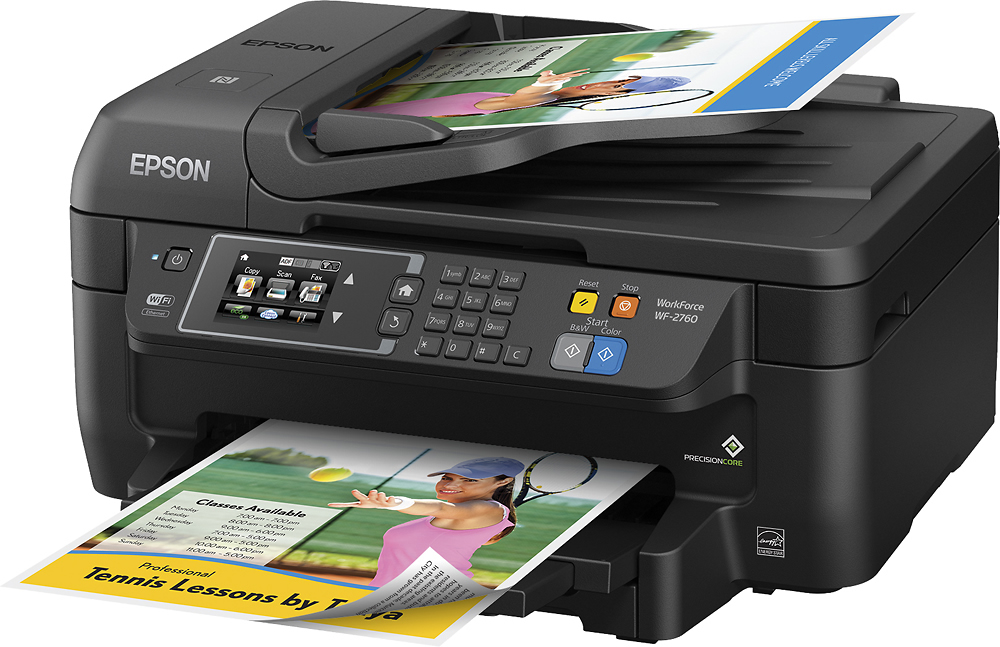
Posted .This reviewer received promo considerations or sweepstakes entry for writing a review.This is a review for the Epson WorkForce WF-2760 that I received free of charge to do a beta test and review. I use this Epson Workforce WF-2760 in a home environment. Even though it has the word “work” in the name, this printer works very well for me. Setup was easy. The printer comes with a setup cd, a power cord and the initial printer cartridges. This worked fine for me since I still have a CD drive on my desktop but the software is also available for download from the Epson website. The software guided me through the initial setup (which was also touched upon in the included quick start guide). I use this printer wirelessly so Wi-Fi was set up using the printer and its touchscreen. I like that the printer has the touchscreen because it makes navigating the menus easy. You can swipe up and down to move around the menus. Feature wise this printer has all that you would need from an all in one. The automatic document feeder makes scanning or copying multiple documents easy. It is nice to see the ADF for a printer at this level. Wireless printing lets you place the printer wherever you want instead of needing to have it connected to your computer. Also, printing from my IPad and android phone is easy. Nothing to set up, as long as it is on the same Wi-Fi network it prints for me. Scanning is also very simple. I like that you can scan and the printer will send it to my google drive account (after setting up the service from the printer menus). Copies come out looked like the originals as well. As far as noise, it is a bit louder than other printers I have owned, but print quality is also much better. Text comes out looking sharper than previous prints with other printers. I did find faxes fed through the ADF to be a bit slow, so just a heads up if you fax multiple documents frequently. There are 4 cartridges for this printer (black and 3 colors). I prefer this because if one color runs out you can buy a replacement instead of having to throw out a combo color cartridge like other printers have if one color runs out. Overall I think this printer packs quite a punch for a normal sized printer. This is a great choice if you are looking for an All in One with wireless printer, faxing, and cloud scanning features.
I would recommend this to a friend Rated 1 out of 5 stars
Junk
||Posted .This reviewer received promo considerations or sweepstakes entry for writing a review.Poor print quality. Controls are hard to navigate. Worst printer I've ever had.
No, I would not recommend this to a friendRated 1 out of 5 stars
Not a quality machine and Ink $ Outrageous
||Posted . Owned for 1.5 years when reviewed.This reviewer received promo considerations or sweepstakes entry for writing a review.Don’t buy unless you want to pay out the nose for ink way too often.
No, I would not recommend this to a friendRated 1 out of 5 stars
I'm very pleased with this printer.
||Posted .This reviewer received promo considerations or sweepstakes entry for writing a review.This is my 3rd Epson all in one printer. It meets my printing/copying/faxing needs very well.
I would recommend this to a friend