Customer Ratings & Reviews
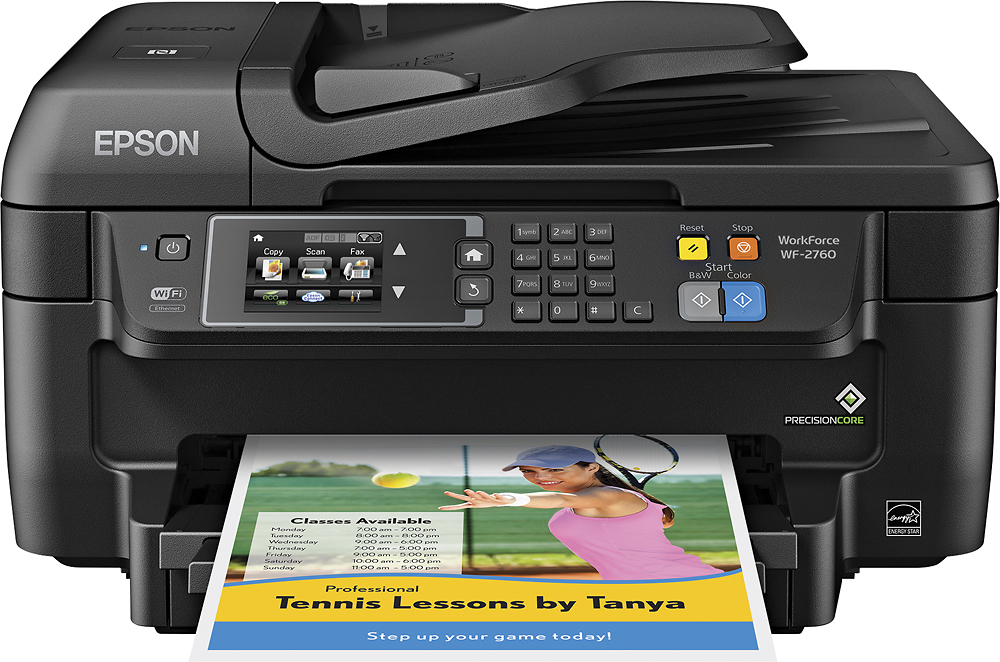
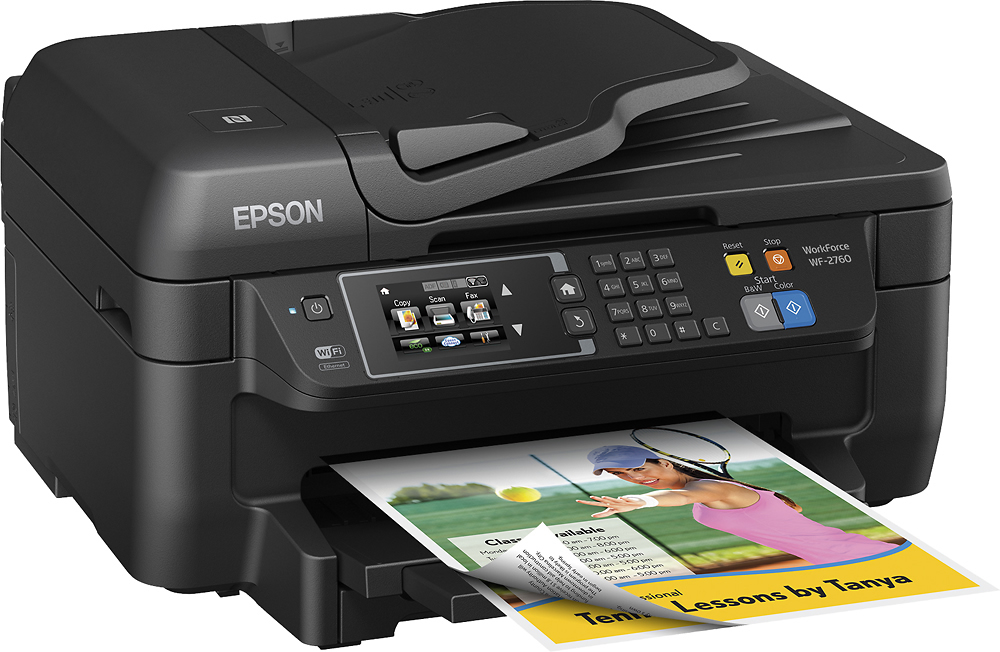
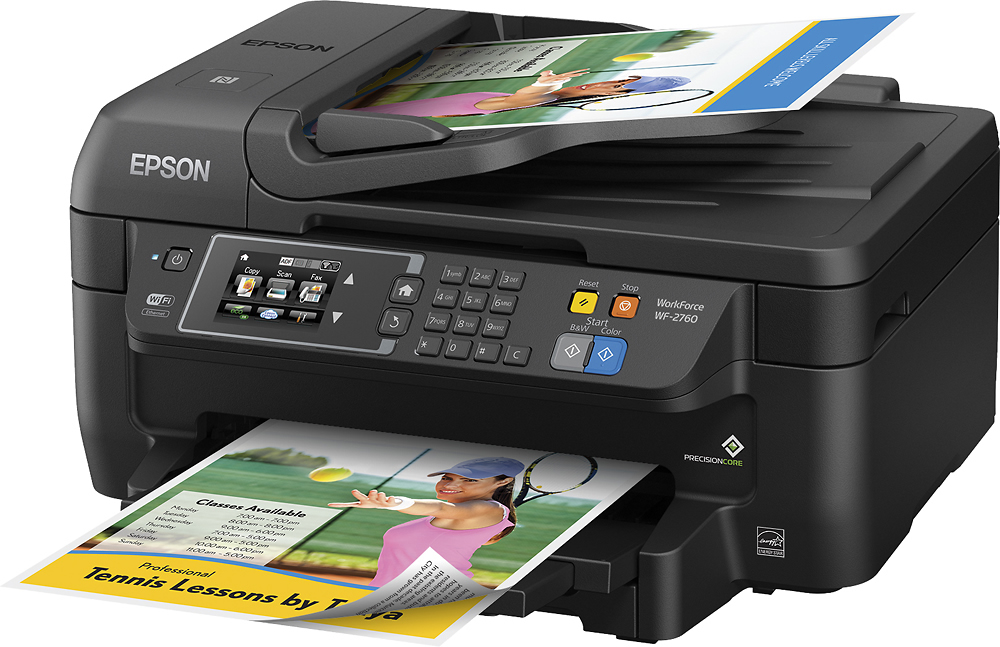
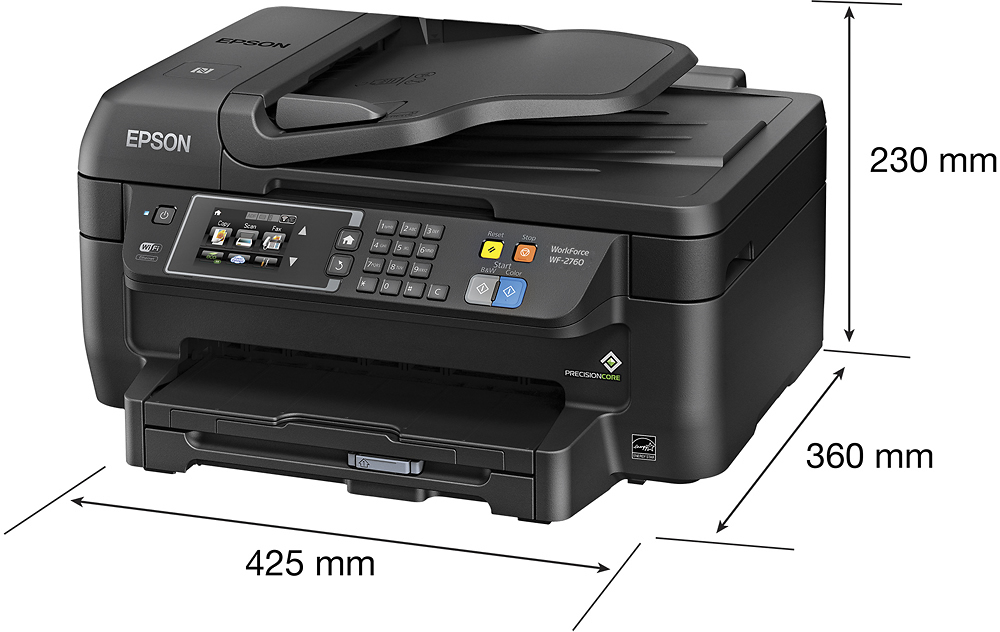
- Model:
- C11CF77201
- |
- SKU:
- 5117300
Customer reviews
Rating 4.4 out of 5 stars with 1759 reviews
(1,759 customer reviews)Rating by feature
- Value4.0
Rating 4.0 out of 5 stars
- Quality3.9
Rating 3.9 out of 5 stars
- Ease of Use4.0
Rating 4.0 out of 5 stars
Customers are saying
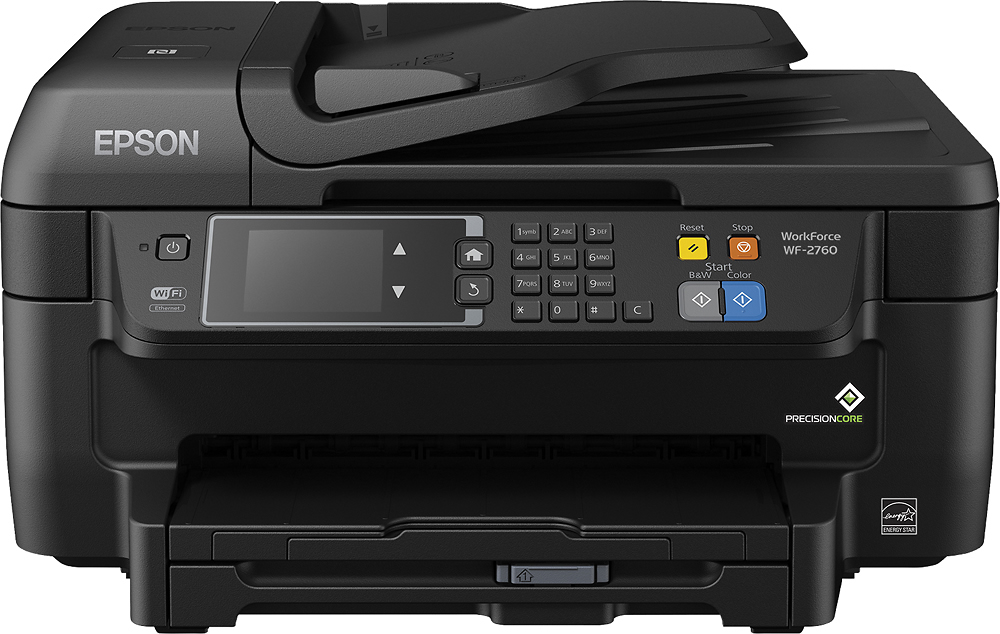
Customers often highlight the WorkForce WF-2760's excellent print quality and ease of use, along with its convenient wireless functionality and reasonable price. Positive feedback also mentions the printer's compact size and straightforward setup process. However, some users note that the printer can be noisy and that the paper tray could be more robust.
This summary was generated by AI based on customer reviews.
Rated 1 out of 5 stars
Terrible waste of money
||Posted .This reviewer received promo considerations or sweepstakes entry for writing a review.This printer worked for two days and then it only produced blurred copies. Waste of money.
No, I would not recommend this to a friendRated 1 out of 5 stars
Worst
||Posted .This reviewer received promo considerations or sweepstakes entry for writing a review.Worst printer. Ink ran out after like 2 pages. Now won't connect to my wifi anymore
No, I would not recommend this to a friend- Pros mentioned:Ease of use, Print quality, Size
Rated 5 out of 5 stars
Good All In One
Posted .This reviewer received promo considerations or sweepstakes entry for writing a review.This is a review for the Epson WorkForce WF-2760 that I receive free of charge to do a beta test and review. This is a great All-In-One printer. The size of the print ins't too large and did not require much space on my desk. The touchscreen feature is ok. Setting up the printer and installation of the software was easy. I connected to the printer to my wi-fi I was able to print from other devices on my network. Having the Apple Air Print and the Google Cloud Print is great it allows you to print from multiple devices in your home. The print quality is very good. The Epson WF-2760 is my new favorite printer when it comes to print quality.
I would recommend this to a friend - Pros mentioned:Print qualityCons mentioned:Noise level
Rated 2 out of 5 stars
jack of all trades = master of none
Posted .This reviewer received promo considerations or sweepstakes entry for writing a review.I have been using this printer for approximately two weeks. I received the unit and was excited to have a wifi-enabled printer that could scan documents (taxes etc) and print photos/documents all over WIFI. But in short, it seems that while attempting to make a economical all-in-one Epson cut a lot of corners making a VERY LOUD printer, that prints with sub-par resolution and color quality, and scans at the bare minimum acceptable DPI. My first impressions were good. I took the printer out of the box and was pleased by the compact size. I quickly plugged it in and installed my ink cartriges. The user interface was simple and responsive, allowing me to connect to WIFI and get the printer up and running in around 5-10 minutes. The first thing i did was install the smartphone companion application for my android phone and print out a few photos on my premium glossy cannon inkjet paper. Even at the highest printer resolution, the photos were of poor quality. They printed at a reasonable rate but the images lacked the crispness, vibrancy and depth of color that i get from my CANON Pixima ix6520....accepting that this was not a photo printer i moved on and printed some various documents and manuals that i needed hard copies of. I was flabbergasted by the shear volume of this machine. The print head slams back and foth, gears grint and it is so loud that you cannot hold a conversation in it's proximity without raising your voice. This is not a printer i would recommend for a shared office or work-place. Despite these disadvantages i was still excited to play with the scanner. After all tax season isn't that far away and i like to have electronic copies of all of my related information for archival (fire) purposes. I figured that the built in 30 page document feeder would be a great tool. For my first scan i took a flier from the newspaper, one with a lot of photos and gradiant colors to push the limitations of the machine. It was at that point i saw that the printer only allows me to scan at 300 dpi max. (for comparative purposes, my offices scanner/copier from 2008 is capable of scanning at 1200 dpi at a rate of 10+ ppm). 300 DPI is the bare minimum i recommend for document scanning and rules out quality scans of color photographs (i.s. i do not recommend this machine if you are planning to archive grandma's photo albums)...but it does perform well at general scanning of text documents. It is not terrific at pencil sketches on copy paper, but line art or handwritten text in ink is quite legible. IN A NUTSHELL...this is a very cost effective all-in-one printer/scanner/copier (FAX NOT TESTED). But it has some serious drawbacks and limitations that customers should be aware of prior to buying. For general office work it should serve most people fairly well, so long as you are not on the phone while printing. P.s. I did perform a firmware update prior to reviewing. Even with the latest Epson firmware there is no notable improvement in the performance of any of the reviewed functions
No, I would not recommend this to a friend - Pros mentioned:Print qualityCons mentioned:Noise level
Rated 4 out of 5 stars
Excellent for small office use
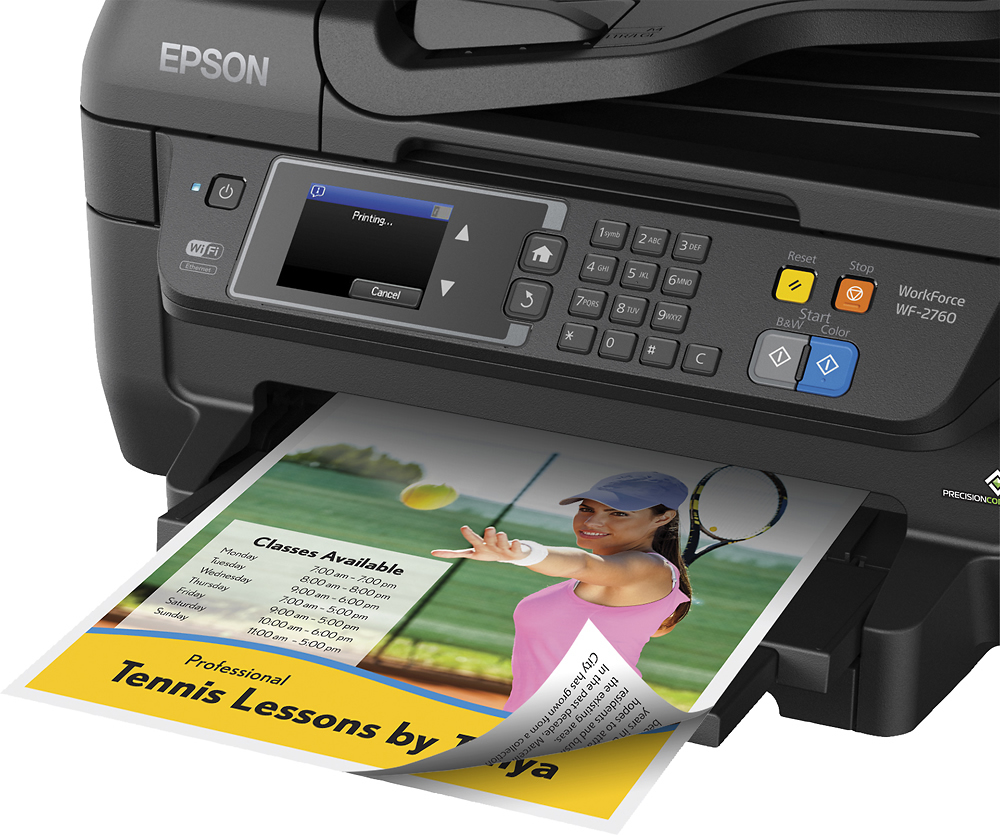
Posted .This reviewer received promo considerations or sweepstakes entry for writing a review.This is a review for the Epson WorkForce WF-2760 that I received free of charge to do a beta test and review. I was very pleased with this printer when I received it. This printer has a fairly small footprint considering it is an all-in-one printer, I am accustomed to large office all-in-one printers and was very pleased with this. It is a very nice looking device that isn't overly obtrusive. Set up went very smoothly, from unboxing, removing the tape and installing the cartridges to setting it up on my home network. The instructions were very clear and accurate. It took several minutes for it to be ready to print after I turned it on but that wasn't unexpected. It is a fairly noisy device, I immediately noticed how loud it is as it set up itself for the first use. I decided after setup that I wanted to test the print from mobile feature and I couldn't have been more happy about the results. The image came out very clear and was printed quickly, it seemed a little less noisy as well. The scanner and ADF seemed to work very well, scanning both a stack of documents and then photos on the scanner glass. I was very happy with the resolution of the scanner after scanning several photos. The touchscreen display didn't give me any trouble using and is very self explanatory. I have not tested the fax capabilities but I do not see this as being a problem for this device. I was very satisfied with this product and will continue to use it for as long as it lasts. I would also definitely recommend this for home or small office use.
I would recommend this to a friend Rated 1 out of 5 stars
looking for wireless capability
||Posted .This reviewer received promo considerations or sweepstakes entry for writing a review.can't hook up for wireless; need to get help to resolve
No, I would not recommend this to a friendRated 1 out of 5 stars
Printer
||Posted .This reviewer received promo considerations or sweepstakes entry for writing a review.Product does not work. Haven't used till today......
No, I would not recommend this to a friend- Pros mentioned:Print quality
Rated 4 out of 5 stars
Great All-In-One
Posted .This reviewer received promo considerations or sweepstakes entry for writing a review.This is a review for the Epson WorkForce WF-2760 that I receive free of charge to do a beta test and review. This is a great All-In-One printer. The size of the print is compact and did not require much space. The touchscreen feature is wonderful. This is my first printer with a touchscreen and don’t know how I didn’t purchase a printer with this feature in the past. Setting up the printer and installation of the software was simple. I connected to the printer to my wi-fi I was able to print from other devices on my network. Having the Apple Air Print and the Google Cloud Print is great it allows you to print from multiple devices in your home. Be sure to download the Epson Creative Print app. With this app you have many options, you can create Collages, Stationery. I love the print quality!!! Photography is a hobby so I print pictures just to see the advantages of DURABrite. Print quality is a I must say regular printed documents the quality was wonderful. The Epson WF-2760 is my new favorite printer when it comes to print quality.
I would recommend this to a friend - Pros mentioned:Ease of use, Print quality
Rated 5 out of 5 stars
Quick, Affordable, Simplistic!!!
Posted .This reviewer received promo considerations or sweepstakes entry for writing a review.WOW...Printers have come so far over the years. I remember when I got my first personal printer what a big deal it was!! Its amazing to me how much technology and options they can pack into these Printers at such an affordable price point!! The Epson WF-2760 is LOADED with options and the price is amazing for what you get. You can scan, print, copy, and fax on this baby and it has this nice big almost 3 inch color screen to navigate the options. The setup is painless, and with wifi printing now a days its a snap to easily print from your phone.Sit on the couch and easily print a document no need to run to a computer. This is not the quietest of printers but for the price point I was already amazed at what it had to offer. Prints are very vivid, and copies just the same. One of the things I was most impressed with was the scanning...it does a nice and very clear scan of photos and receipts I scanned. Epson also give you access to some software you can opt to download to your computer which makes some options much easier to navigate. Also duplex printing works good and helps save on paper...you can print on both sides of the document. Its a good size and not too big and fits very nice on a computer desk area and with the wifi printing you can pretty much put it anywhere...the days of having it right next to computer are gone!! If you are looking for a simple, featured packed, affordable, good all in one solution this is a great direction to go in!! I have to say I was pretty impressed by what it had, and it definitely exceeded my expectations.“This is a review for the Epson WorkForce WF-2760 that I received free of charge to do a beta test and review.”
I would recommend this to a friend - Pros mentioned:Print quality
Rated 5 out of 5 stars
A work beast of a printer
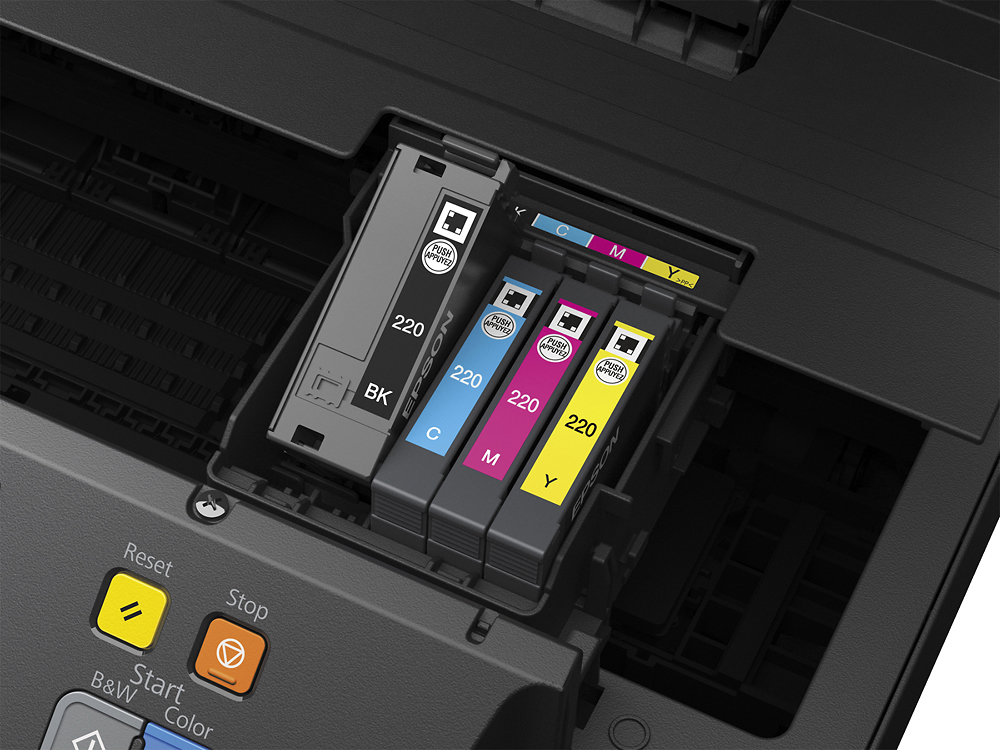
Posted .This reviewer received promo considerations or sweepstakes entry for writing a review.“This is a review for the Epson Workforce WF-2760 that I received free of charge to do a beta test and review.” I recently received the Epson WF-2760 for review and after about one week of use I must say I am very impressed with this printer. This printer lives up to its name. It is one work force machine that can take care of all your printing needs with ease. The build quality is very superior. I took about 5 minutes for the software and drivers to download to my PC. And while doing that I was able to download the android printer app and plugin to my Note 5 and set up my Ipads and iphones for airprint to this printer. So total setup time was maybe about 10 minutes for a PC, Apple airprint and Android app and plugin. The double sided print feature is great and one feature I did not have with my previous printer. I didn't realize till now the percs to being able to print double sided sheets. Photos of all sizes printed great with good color and qaulity. Being able to scan multiple papers at a time for faxes or coping was definitely a good feature. It takes 3 different color ink cartridges and 1 black one which will save on money since you only have to replace the color that is low. The NFC feature is also something that comes in very useful. It was very easy to check my ink levels and printer printer specifications. It is also a good feature if you don't want to give a visitor access to your wifi. They can just tap their NFC compatible device and get their print job done that way. After a week of use I am very impressed with this printer and would recommend it to anyone for home or business use.
I would recommend this to a friend - Pros mentioned:Ease of use, Wireless
Rated 5 out of 5 stars
Great all in one printer
Posted .This reviewer received promo considerations or sweepstakes entry for writing a review.I’ve been looking to replace my old printer for some time. The cost of just the cartages was getting close to a new printer so it had to go. I did know that one, I wanted it to be wireless, If your anything like me you already have enough of these running through your house. Two, possibly have the scanner built in to save some room. I was given the chance to try out the Epson Workforce WF-27060 all in one printer, scanner and fax machine. I figured it was worth the try. Unpacking and getting it ready to use was as simple as pulling off the tape that held the scanner and other drawers in place. The tap was all tabbed blue painters tape so you didn’t have to find something to find an end to pull it up. There was also no residue from the tape. The ink cartridges were easy to install as well. No twisting tabs off, getting ink on your fingers etc. Just one little piece of plastic then press into place and that was it. Connecting my laptop to it was next. I wasn’t looking forward to this part but it was easier than I thought. I put the startup disk in and installed the software. It wasn’t able to find my laptop at first, but I went to the actual printer and there was my Wi-Fi at the top of the list. I put in my password and was able to print. It couldn’t have been any easier. Scanning was easy as well. I opened up the app on my laptop and had a document scanned in sec. , “This is a review for the Epson Workforce WF-2760 that I received free of charge to do a beta test and review.”
I would recommend this to a friend - Pros mentioned:Print quality
Rated 4 out of 5 stars
Nice printer for the price
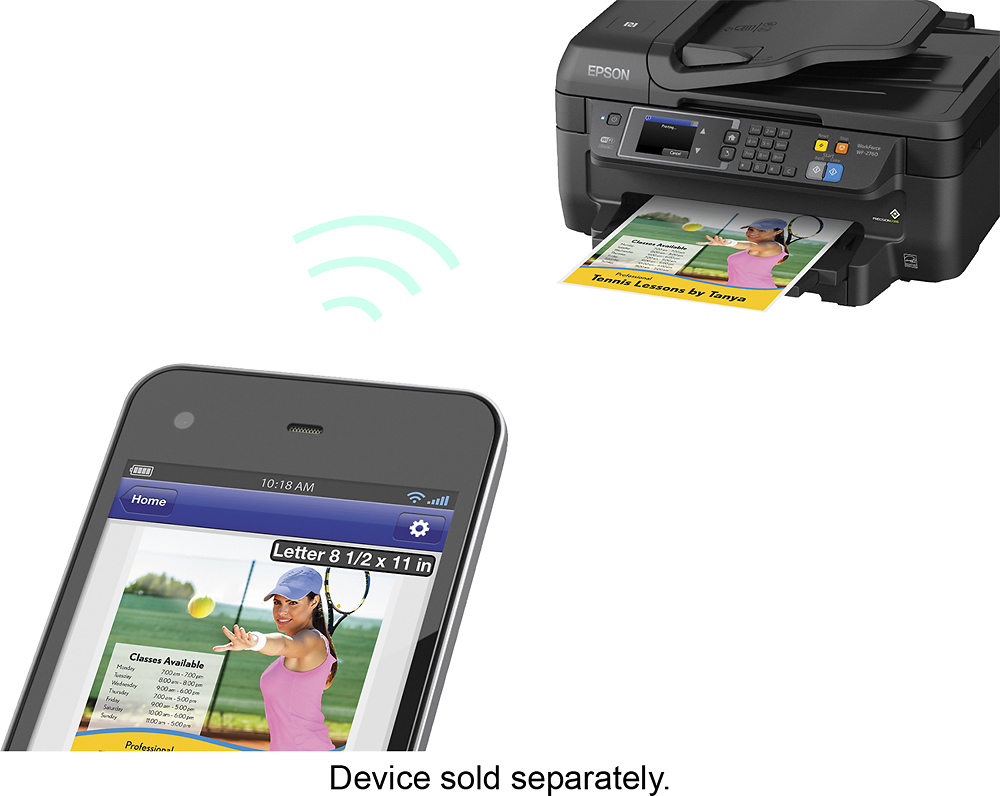
Posted .This reviewer received promo considerations or sweepstakes entry for writing a review.This is a review for the Epson WorkForce WF-2760 that I received free of charge to do a beta test and review. The printing scanning and copying I have did with the Epson WF-2760 is typical of my daily activities using a combo printer, scanner and copier. I printed from a Mac, PC, Ipad and Android phoneboth locally as well as using Google Print and Epson iPrint from outside my home and did not experience any significant issues. The one thing I did find annoying is if you use the Epson iPrint Android app to print something like a photo and you choose a paper size other than what is in your printer, the printer will show you a warning about the incorrect paper size, but the app does not. The printer will show you a warning saying "The paper does not match the paper source setting". You have to acknowledge on the printer. A competitors product knows what size paper you have in the printer and does not allow you to print other than what page size is available. I have not quite figured out the need for the printer having NFC. Printer is lacking USB/SD card slot. My printing, scanning an copy test compared the Epson WF-276 to and HP OfficeJet 8610. Overall I am happy with the Epson WorkForce WF-2760 and would purchase one. ----Ink costs---- I am not going to even comment about ink costs. All manufacturers are making a fortune on ink. After printing 186 pages, 20 pages just in black and 166 in color/black the approximate levels of the 4 brand new ink cartridges are: Black ~80% Cyan ~45% Magenta ~75% Yellow ~90% I printed equal number of characters in each color with the exception of the print tests listed below. ----Print---- Timed from paper feed until print completed. Text with some color: Using Google Docs and their template called "Project Proposal - Spearmint". This document is one page with 1089 characters and is is primarily black with a few parts being spearmint in color. I printed 10 single sided 8.5 x 11 pages with default settings on two printers. Epson WF-2760 - 2 min 4 seconds. HP OfficeJet 8610 - 33.73 seconds. Same document in black and white only. 10 single sided 8.5 x 11 pages Epson WF-2760 - 46.81 seconds HP OfficeJet 8610 26.56 seconds ----Scan---- Timed from the time the scan started to feed document until visible on computer. 1 sided black and white scan Epson WF-2760 - 1 min 16.55 seconds HP OfficeJet 8610 1 sided color scan Epson WF-2760 1 min 23.68 seconds HP OfficeJet 8610 ----Copy---- Timed from the time the scan started to feed document to copy until print finished. 1 sided black and white copy Epson WF-2760 22.31 seconds HP OfficeJet 8610 28.55 seconds 1 sided color copy Epson WF-2760 25.02 seconds HP OfficeJet 861024.72 seconds ----Fax---- I am not able to comment about the fax capabilities as I do not have a landline.
I would recommend this to a friend - Pros mentioned:Ease of use, Print quality
Rated 5 out of 5 stars
Compact and mobile friendly
Posted .This reviewer received promo considerations or sweepstakes entry for writing a review.Sometimes you can have a manufacturer who knows how to design good hardware but not good software. Epson is apparently good at both. This printer is part of the WorkForce series so it's a little more heavy duty quality than a typical homeowner model. I use it for personal and business use but if you have kids around the house I recommend the WorkForce due to its better build quality and better durability. Setup is real simple it took me less than 10 minutes to have a test paper printed. The printer is ok in regards to speed, it's not super fast but it's not too slow, so for occasional printing it's perfect, if you're trying to print hundreds of papers at a time you need a higher end model. I printed pictured using Kodak Photo Paper and the colors looked amazing. I love the software capabilities specifically the ability to easily print from my phone. I have a Nexus 6 on Android 7.0 and the Epson app works perfectly on my phone. I enjoy not having to go onto my computer every time I need to print. I had this printer for around 2 weeks and so far I am very happy with the quality of the printer and the printouts. This is a review for the Epson WorkForce WF-2760 that I received free of charge to do a beta test and review.
I would recommend this to a friend - Pros mentioned:Print quality
Rated 5 out of 5 stars
Excellent home or home office WiFi printer
Posted .This reviewer received promo considerations or sweepstakes entry for writing a review.This printer is amazing! Setup to my home network was a breeze, and the Epson companion apps are awesome. I appreciate that as a Mac and iOS user that this printer is AirPrint ready. The print quality is vivid and I found more effective to print an important school project at home versus heading to a local print store. Additionally the scanning quality is great. I have been able to sign, scan, and email documents that look highly professional. I haven't been able to use the fax function, as I don't have a home phone line. I would highly recommend this printer for any home office. Please note: “This is a review for the Epson WorkForce WF-2760 that I received free of charge to do a beta test and review.”
I would recommend this to a friend - Pros mentioned:Ease of use, Print quality
Rated 5 out of 5 stars
Good Espon printer for the office space.
Posted .This reviewer received promo considerations or sweepstakes entry for writing a review.DISCLAIMER: This is a review for the Epson WorkForce WF-2760 that I received free of charge to do a beta test and review. I received my Epson WorkForce WF-2760 Wireless All-In-One Printer for my work space at the office. When I unpackaged the machine it was extremely easy to setup. The setup would have probably went by even faster if I didn’t have to find a spare USB cable. All I had to do was put the ink cartridge in the machine and connect it to the Wi-Fi and I was ready to go. The touch screen options and capabilities make this printer easy to print and switch jobs that you would like the printer to do. An average day of printing consists of documents that need to be signed, fliers and copies of marketing info. This printer was able to do all of it fast and the quality of the pages printed were fairly nice. I don’t usually have to print out crazy designs or photos, but usually I have to have our company logo on documents that I print out. The Espon Workforce printer got the job done for me and I would recommend it to anyone that needs a multi-capable printer for their office space.
I would recommend this to a friend - Pros mentioned:Ease of use, Print quality
Rated 5 out of 5 stars
Great Bang for the Buck
Posted .This reviewer received promo considerations or sweepstakes entry for writing a review.Although this is a review for the Epson WorkForce WF-2760 that I received free of charge to do a beta test and review I will try to be as objective as possible. I do want to remind anyone that this review is being based on the $149 price point. I would like to compliment the ease of setting up this printer, it was very simple to connect and use. I have had issues with others where the wifi will disconnect randomly and often but not on this printer 5/5. Functionally it works well on all aspects printing, scanning and faxing 5/5. Printing speed is very good but could start up a little quicker in my opinion 4.5/5. The most important to me and most people is going to be printing quality to which I say you have nothing to worry about this printer will provide you with good quality print outs 4.8/5. The interface was simple to use and reaponsive for the most part 4/5. Overall I would rate this wireless printer a 4.7/5 and definitely a great product for the price.
I would recommend this to a friend - Pros mentioned:Ease of use, Print quality
Rated 5 out of 5 stars
pretty decent
Posted .This reviewer received promo considerations or sweepstakes entry for writing a review.This is a review for the Epson WorkForce WF-2760 that I received free of charge to do a beta test and review. I am a fan of epson printers and I do the best I can to be as un-biased as possible. I am not a fan of the epson 220 ink cartridges as the cost per page is high compared to some of the other epson cartridges like my other printer that uses the 670s, but for light use printing (occasional photo-printing and documents) the printer does a good job. I have to print off some pictures of family to decorate my new office, and the pictures that I printed off were fairly decent. So, I the instal was fairly easy. I had my computer doing other stuff at the same time as doing the instal, so the software and drivers took a bit of time, but it was straight forward. I strongly suggest going to epson and downloading the drivers so you get the latest. Over all, I'd have to say this printer is a solid All-in-one printer and I look forward to using it more and more.
I would recommend this to a friend - Pros mentioned:Print qualityCons mentioned:Noise level
Rated 5 out of 5 stars
Work force is a workhorse!
Posted .This reviewer received promo considerations or sweepstakes entry for writing a review.This is a review for the Epson WorkForce WF-2760 that I received free of charge to do a beta test and review. Connectivity, that's the word for this printer! Do you need to print it when you're at work? Google Cloud Printer. Want to print when walking on the street, send it thru email. Want to print from your phone? NFC! There is no way you'll be out of options... Another big plus about this printer is the ink cartridge. It's always cheaper to change just the color you need. The printer is fast and reliable, the only cons that I see is that it's noisy. I've been using laser printer for a while and forgot about how noise a inkjet can be. The question that left is that if I would buy this printer if I didn't get it for free, and I can say that I would. The printer is well priced for the product, the touch screen is very responsible and configuration was very easy. If you looking for a problem solver, this is your printer!
I would recommend this to a friend - Pros mentioned:Ease of use, Print quality
Rated 4 out of 5 stars
Great printer on a budget
Posted .This reviewer received promo considerations or sweepstakes entry for writing a review.This printer works very well and has a high quality. It only took 5 minutes to set up, and works with cloud services like Google Cloud Print. I had a small problem with the black ink, but that was resolved in the printer's maintenance menu. This printer also copies, scans, and faxes. When I tried this, I was surprised by the quality. It worked very well in both the ADF and the regular scanner. The colors were vivid, and I could barely tell the difference. The printer was fast, and it was easy to perform the maintenance tasks like loading ink. This is a review for the Epson WorkForce WF-2760 that I received free of charge to do a beta test and review.
I would recommend this to a friend - Pros mentioned:Print quality, Size
Rated 5 out of 5 stars
Great printer for small offices/ college dorm room
Posted .This reviewer received promo considerations or sweepstakes entry for writing a review.This is a review for the Epson WorkForce WF-2760 that I received free of charge to do a beta test and review. I am so glad that I have decided to try the Epson printer model WorkForce WF-2760. This model is light and a perfect size for a small home office or college dorm room. It has a nice, smooth design that will not ruin the view of your room. it is easy to connect to the computer. I had a little trouble with the Wifi connection but after a few trials I was successful. The instructions and tutorials are very easy to understand and guided me very well through every task I wanted to do. Copies of the printed images are very good quality. At first here was a problem with alignment but the screen of the screen of the printer guided me what to do in order to fix the issue. In overall, it is a very great printer, cartridges are affordable. I am glad to own this printer.
I would recommend this to a friend