Customer Ratings & Reviews
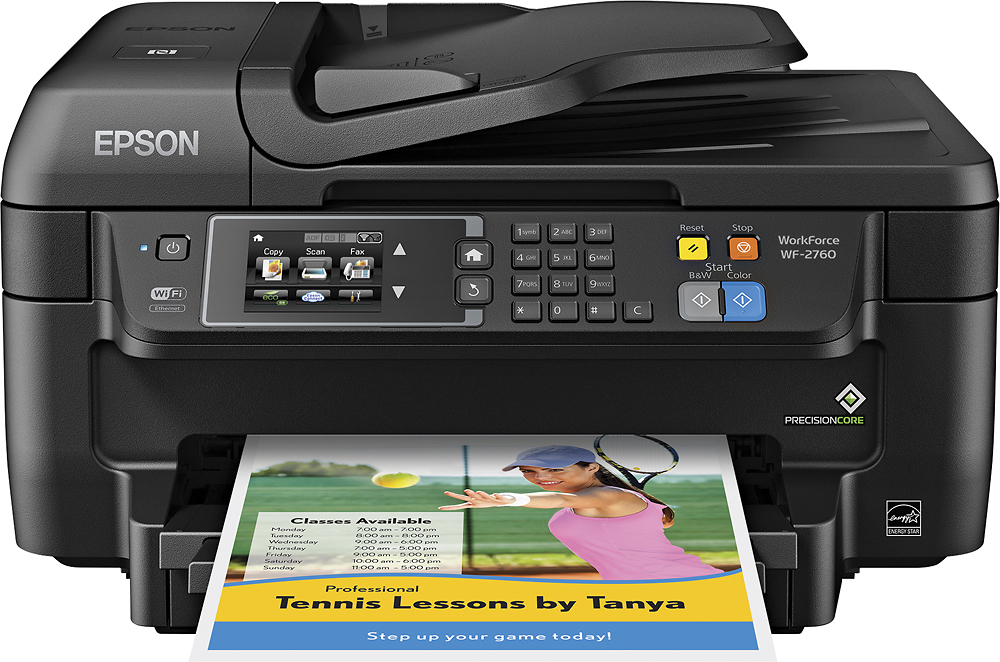
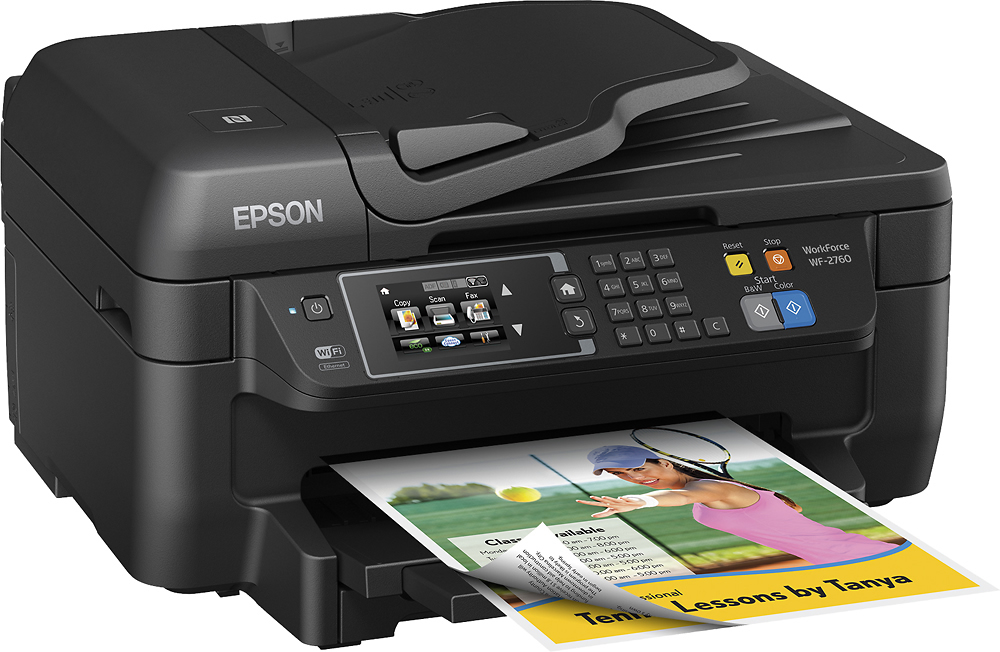
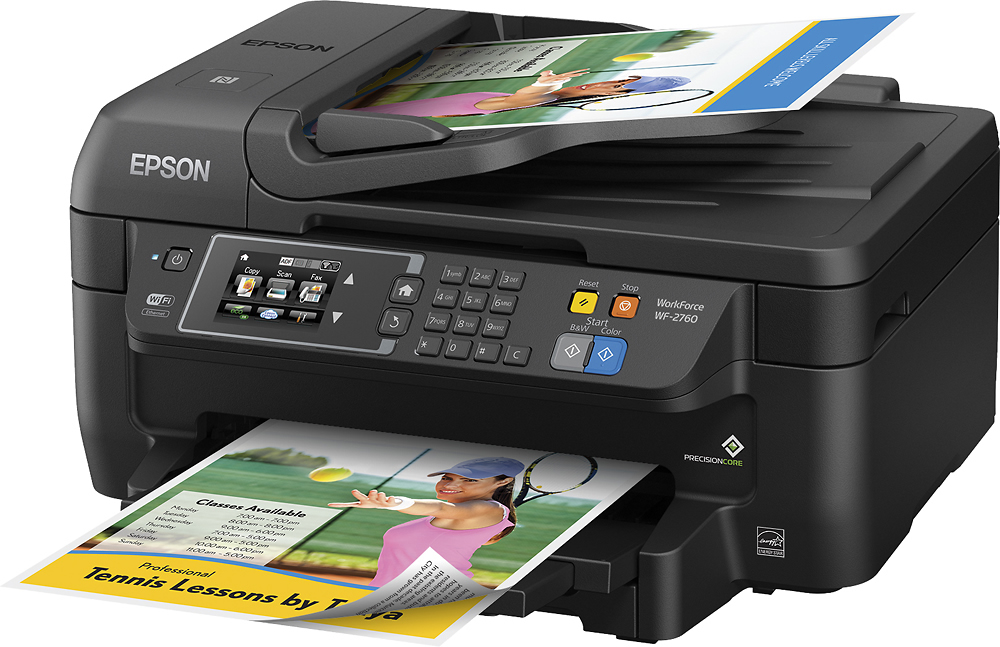
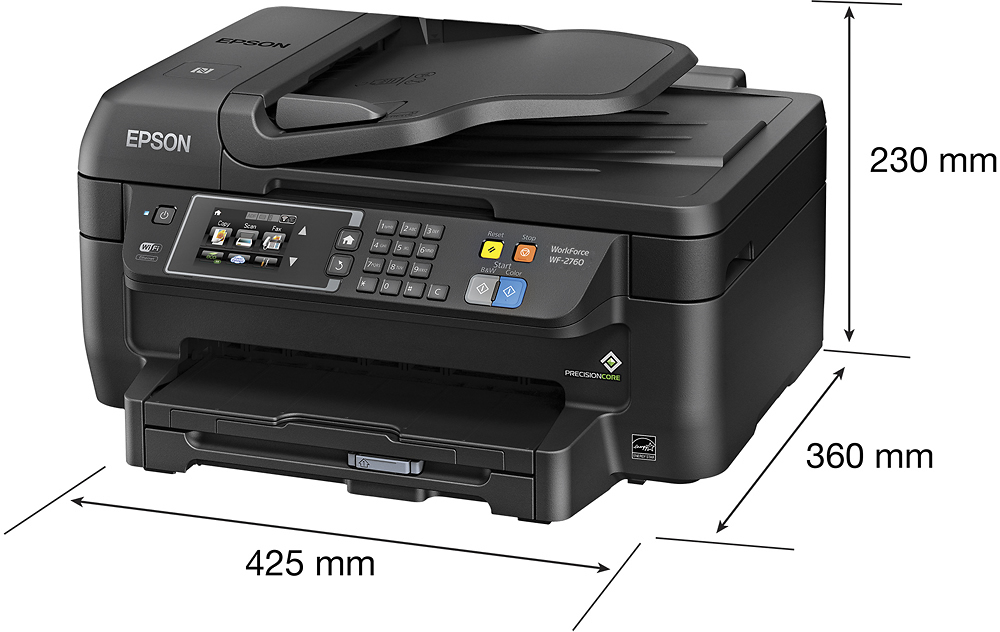
- Model:
- C11CF77201
- |
- SKU:
- 5117300
Customer reviews
Rating 4.4 out of 5 stars with 1759 reviews
(1,759 customer reviews)Rating by feature
- Value4.0
Rating 4.0 out of 5 stars
- Quality3.9
Rating 3.9 out of 5 stars
- Ease of Use4.0
Rating 4.0 out of 5 stars
Customers are saying
Customers often highlight the WorkForce WF-2760's excellent print quality and ease of use, along with its convenient wireless functionality and reasonable price. Positive feedback also mentions the printer's compact size and straightforward setup process. However, some users note that the printer can be noisy and that the paper tray could be more robust.
This summary was generated by AI based on customer reviews.
- Pros mentioned:Ease of use, Print quality
Rated 5 out of 5 stars
Great product for the price
Posted .This reviewer received promo considerations or sweepstakes entry for writing a review.I received the Epson printer and was so excited to get this set up. Very user friendly and easy to start using. I currently have an HP printer and let me tell you that the Epson by far exceeds the HP. The paper feeds quickly when printing documents. There are no smudges if you grab it straight from the printer. I printed a graph from excel and the color and quality looks great. I have not printed any photos or paintings so I cant comment on that but based on what I have used it for so far, I am really pleased. The look of the printer is sleek and it perfectly fits in my desk. The touchscreen display is a nice added touch. I would definitely recommend this product especially since its a great upgrade to my current home printer. This is a review for the Epson WorkForce WF-2760 that I received free of charge to do a beta test and review.”
I would recommend this to a friend - Pros mentioned:Print quality
Rated 4 out of 5 stars
Epson WF-2760
Posted .This reviewer received promo considerations or sweepstakes entry for writing a review.This is a review for the Epson WorkForce WF-2760 that I received free of charge to do a beta test and review.” I love the way this printer scans, copies, faxes and prints my documents and photos. The sharpness and clarity are awesome. The ink cartridges are relatively inexpensive as well! This printer connects to all of my wi-fi ready devices, even my I-phone, so I can even print crisp photos from it. It is flexible to use a USB or wireless connection, so I have the best of both options!
I would recommend this to a friend - Pros mentioned:Print quality
Rated 4 out of 5 stars
Great upgrade over my last Epson
Posted .This reviewer received promo considerations or sweepstakes entry for writing a review.This is a review for the Epson WorkForce WF-2760 that I received free of charge to do a beta test and review. The setup of this printer was overall pretty easy. I didn't have a CD drive, so I downloaded the software on my computer from Epson's website after deleting the software from the last Epson printer I had just removed from the network. Installation went without a hitch. The setup was very straight-forward and easy to follow along. The only hitch I ran into was setting up the printer on the wireless. The setup program was having an issue seeing the printer, so I wound up having to manually add the printer to my wireless network via the touchscreen panel on the printer. Once that was complete, the remainder of the printer setup was cake. Adding the printer to my other computers was a breeze as it was immediately found and added to them, and quickly I might add. I don't have an analog line in my house for the fax, so I won't be using that feature and can't speak for it, but all the other features work excellent. The printer prints fast in both black and white and in color. The resolution is excellent, and far better than my last Epson. Scanning is a breeze with the software installed on your computer. Just launch the scanning program, insert your document, and start scanning to wherever you want the documents to be stored. The copy feature also works great. What's also really nice about this printer is that it holds a decent amount of paper, and loading the tray is easy. This is a welcome change from the last printer that needed to have the paper loaded in the back, and it was always difficult to line up the paper properly. That's not the case with this printer. Also, the ability to print via NFC is great. That's a new feature I haven't seen on other printers in the past. Overall, I am quite pleased with this printer, and would definitely recommend it to others. The only thing I can really say anything negative about it is the setup not being able to add it to my wireless network. That's a minor hitch that I can easily overlook since setting up the printer on the network through the touchscreen panel was easy.
I would recommend this to a friend - Pros mentioned:Print quality
Rated 4 out of 5 stars
Good value for an all-in-one printer
Posted .This reviewer received promo considerations or sweepstakes entry for writing a review.This is a review for the Epson WorkForce WF-2760 that I received free of charge to do a beta test and review. Unboxing: Printer is packaged very well and has your typical amount of tape on the printer to keep it secured. Package contained the printer, a set of ink, power cord and documentation. Setting up the printer was easy. Connected power cord, ethernet and powered on. Then added the ink cartridges and a few minutes for it to prime. Then went through the on screen menus to finish the setup. The touch screen is large enough to read the screen easily and the menus were simple to navigate. Total setup time was less than 10 minutes. Print and scan quality were great. Printing time was fast but a bit noisy. Scan time seemed to take longer than expected. It also has a document feeder for 2 sided printing and scanning - very convenient vs manually flipping pages/prints. The paper tray holds 150 sheets which I think is sufficient for home and home office use. The printer can also be connected directly to a computer and also supports NFC. I haven't tried to use it or have a need for it. Since the printer is connected to my home network via ethernet, all my wired and wireless devices can access the printer. You can scan files to the cloud or to a local computer. It would have been nice if they included a USB port so that you could scan to media or even print from media. I didn't try the fax capability - I like many people, have gotten rid of a home phone and just use a cell phone. I would recommend this printer to anyone who needs a good printer/copier/scanner/fax for a decent price. If you are doing high volume printing I would recommend something else that holds more ink and paper. If you don't need fax capability then you can find printers that are comparable or lower priced that may be better for you (i.e. higher resolution prints, photo printing, etc)
I would recommend this to a friend - Pros mentioned:Print qualityCons mentioned:Noise level
Rated 5 out of 5 stars
A great printer for the Price
Posted .This reviewer received promo considerations or sweepstakes entry for writing a review.This is a review for the Epson WorkForce WF-2760 that I received free of charge to do a beta test and review. Connectivity and set up was simple. Ran some test pages from my phone and worked really well. Scanned a pile of documents for work and that was seamless also. Printed a double sided booklet and was impressed with the capability as I didn't need to manually load the paper. I am very impressed and the price point is great. Currently I can't comment on how long the ink will last as I haven't run out yet. It is however a little on the noisy side, but not terrible.
I would recommend this to a friend - Pros mentioned:Print quality
Rated 5 out of 5 stars
Great Office Printer
Posted .This reviewer received promo considerations or sweepstakes entry for writing a review.This is a review for the Epson WorkForce WF-2760 I received free of charge to do a beta test and review. This printer is a great office printer, the functionality of the printer is simple and easy to set up and use. The touch screen is a great addition. It makes programming and ease of use a breeze. The print quality ranks along side top laser jet printers. From printing business cards to business documents - all the images and text was nice and crisp and looked as if it had been printed professionally from a print company. The fact that the printer prints fast in color and even faster in b/w is a plus in a fast paced business. The printer's functionality of being able to print double sided with ease, being able to scan double sided with ease, connectivity to Dropbox and having NFC has made it a godsend to have in the office. The printer has greater pros than cons, but their are a few cons to this printer, the paper feed tray only holds 150 sheets of paper making it a process if you are printing more than 150 pages at a time. Also the printer does not have rear paper feed slot, creating a problem if you have specialty paper that needs to be printed on. For instance, while printing business cards I had to remove the paper from the tray and load one page at a time and that was time consuming. This printer could stand having a paper feed tray that holds up to 500 sheets of paper and a rear feed slot. Overall this printer is great if you need something fast, reliable and to produce quality documents.
I would recommend this to a friend - Pros mentioned:Print quality
Rated 5 out of 5 stars
Great all in one for the price point!
Posted .This reviewer received promo considerations or sweepstakes entry for writing a review.This is a review for the Epson WorkForce WF-2760 that I received free of charge to do a beta test and review. TL/DR: Good printer for the price point. I found it louder than most printers. I also found it to scan and print in quality I usually expect from another tier up in price point. Setup was easy, but had a few oddities. Unboxing: Well packaged, easy to open and get into. Noticed right away for an all in one, it was lightweight. And not too tall/bulky. I like the size of the unit, as it doesn’t take up unnecessary room like some of my other printers. Has a plastic look/feel of a home printer. Setup: Following the instructions was easy. To get the actual unit setup. I had to go back and forth between guide and screen. I wish the LCD had all the setup instructions, and not just a small subset of the instructions. Small inconsistencies across the LCD screen, and manual “will take 4 minutes” vs “will take 5 minutes”. It would be nice if the LCD screen followed you through in detail of setup, so you don’t have to go back and forth with the manual. First thing I noticed during setup, its LOUD. Its louder than other printers I have owned. It prompts you by default to setup fax but not Wifi. Wifi came later with the software. I went into settings and added it myself. This area could use improvement on setup. Default paper size is Letter, but I wish for the average user it gave a Letter/8.5x11. Just so all people knew what letter meant. Software Setup Now the printer is setup and on the network, I installed the software. I do not use included disks, but rather I go straight to the website for the newest released. At 13 megs, the driver and utility were a pleasantly small download. And then I was introduced to a software that downloaded a much larger program. Autochecked for a firmware download, and it installed quickly. Overall use: It prints quickly, and in vibrant colors. High quality scanner works great for pictures and receipts. Autofeeder on top is a snap to use.
I would recommend this to a friend - Pros mentioned:Print quality
Rated 4 out of 5 stars
great for document and office work
Posted .This reviewer received promo considerations or sweepstakes entry for writing a review.“This is a review for the Epson WorkForce WF-2760 that I received free of charge to do a beta test and review.” Have been using this printer for almost a week now and have to say that it has been a good printer so far. There are a few things that I like and some things that I feel need to be worked out. First off I have to say that I am very impressed by the speed that the printer prints at. Even with solid black and vivid color pictures it keeps up and prints out in a very fast pace. I Like that it has a built in fax and auto feed. About the auto feed I feel that it lacks some of the speed that the printing has in that it is somewhat slower than other printers I have owned with an auto feed. Even though it is somewhat slow on the auto feed I do like that it lets you scan several pages with its high capacity auto feed slot. As for the quality of the prints compared to others I have to say that the colors are not so vivid on photo prints, but for document printing or black and white it does an amazing job. I guess being that this is more of a work printer than a home or photo printer. Over all I have to say even with the lower quality in photo printing and the slow auto feed that this has been a good printer to have as a back up and to use for on the go and quick printing of documents that I need for work and school
I would recommend this to a friend - Pros mentioned:Print quality
Rated 5 out of 5 stars
Great All-in-One Printer.
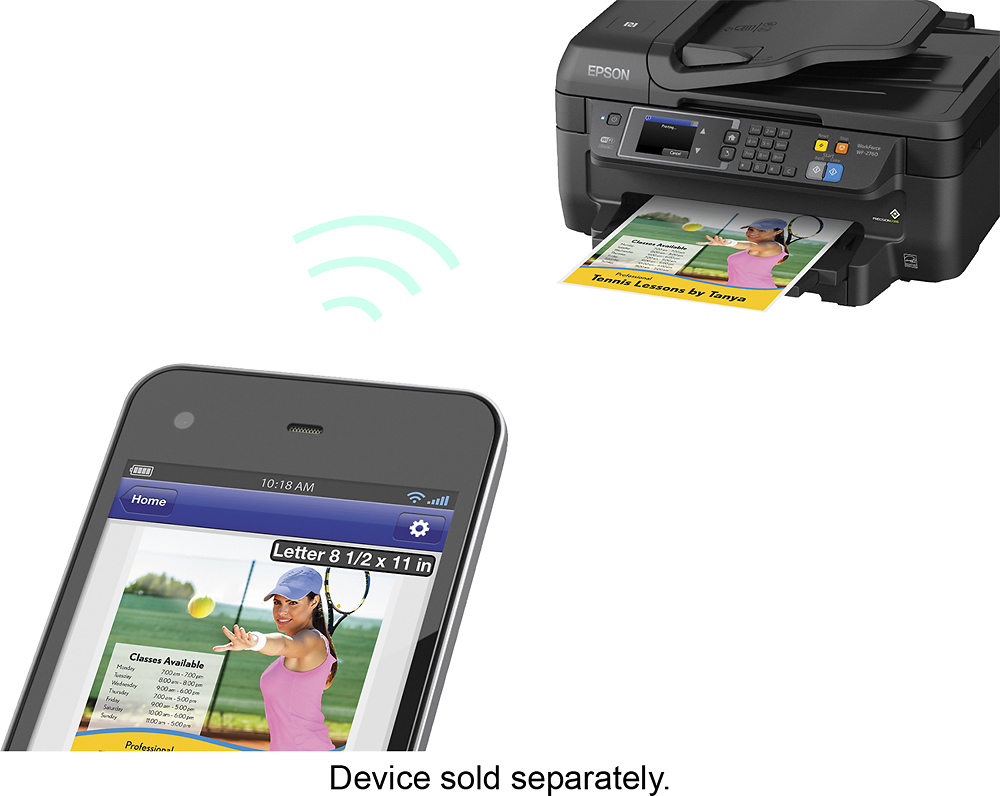
Posted .This reviewer received promo considerations or sweepstakes entry for writing a review.Everything from setup to use of this printer is very easy. Not only is it simple, it is very feature rich. Have an Android, and want to print to it? The Epson mobile app will let you do that. Have an iPhone or iPad you want to print to? The printer has air printing built in, so you can print to it with no configuration at all. You can also use AirPrint with your Mac. PC has a simple driver to connect wirelessly as well. Have a friend over who needs to print, but you don't want to give them your Wifi password? No problem, have them tap their phone on the NFC sensor, and out comes the print job. These are just a few of the list of features this printer has. 2-Sided printing, and a document feeder are some important bonuses. Need to fax? This All-in-One has you covered. I really, really like this printer. Being a heavy mobile user, I've found that mobile printing isn't always easy, and this product does it really well. This is a review for the Epson WorkForce WF-2760 that I received free of charge to do a beta test and review. Pros: Affordable, feature rich, works with mobile devices, good print quality. Cons: Color printing a bit slow
I would recommend this to a friend - Pros mentioned:Print quality
Rated 5 out of 5 stars
Great Printer for College Student or Small Office
Posted .This reviewer received promo considerations or sweepstakes entry for writing a review.This is a review for the Epson WorkForce WF-2760 that I received free of charge to do a beta test and review. At first I was surprised by the quality of the printer. The quality of the printer is sturdy and sleek. It is simple that it won’t stand out in the room and won’t harm the aesthetics of your room, it sits there, blending with the room. Furthermore, I found that the tutorial was easy to follow and there wasn’t anything I was confused at. Simply to follow and setup. This printer is perfect for a college student or for a home user. The instructions for setting up Google Cloud print and Epson Print was easy as well. Everything flowed and there weren’t any problems with setting up with the printer. Works like magic. Next onto the print quality. I was pleasantly surprised by the quality of the prints. A few 4x6” pictures were printed out compared to my current printer. Pleased to say that the quality of the photo is much better than my current printer, even though the current printer I have is much more expensive than the Epson WorkForce WF-2760. The print speed is fast enough for a college student needing to print out a research paper or a home office that needs to print out their taxes. Because of Epson Print and Google Cloud is integrated into this printer, it makes a college student’s life much easier when they need to print something out and the printer is shared with other roommates. No need for cords dangling everywhere, making a mess, only a wifi connection is needed and you’re good to go! The ink is incredibly cheap as well. For an XL black ink cartridge, you only need to pay $30. Compared to other XL inks, they are cheaper than the competitors by more than double! The only caveat for the printer is that it cannot connect to 802.1X wireless interfaces. Other than that, I am pleased to own this printer and for many years to come.
I would recommend this to a friend - Pros mentioned:Ease of use, Print quality
Rated 3 out of 5 stars
Good Value
Posted .This reviewer received promo considerations or sweepstakes entry for writing a review.The Epson WorkForce 2760 multi-function printer is an excellent entry-level device for a one-man home business. It was very easy to set up and connected to my wireless network without any fuss or issues. The fax even alerted me when I plugged the line in to the line out. The output is great with crisp black text and rich colors, even on plain paper. That being said, the printer is very slow, and while it would be acceptable for printing a few pages at a time, large jobs and use by multiple workers is beyond its scope. However, given the price, you get a printer, scanner and fax for the price of most simple printers. It is a good printer to start out with, and if you find you need more capacity or faster printing, you can always upgrade to one of Epson's more sophisticated printers in the WorkForce line. I received this printer free of charge to beta test and review.
I would recommend this to a friend - Pros mentioned:Print quality
Rated 5 out of 5 stars
Excellent printer
Posted .This reviewer received promo considerations or sweepstakes entry for writing a review.Ive been really impressed with this printer! The set up was seemless and took maybe 8 minutes which is amazing. It has been the easiest printer to setup printing from an android device that I have ever used which is wonderful because the process is usually awful. Photo and text quality is superb. The laser like quality claim is spot on. Unfortunately it is on par with all other inkjets in its class on ink cost per page.
I would recommend this to a friend - Pros mentioned:Print quality
Rated 5 out of 5 stars
Great printer with a lot of features.
Posted .This reviewer received promo considerations or sweepstakes entry for writing a review.This is a review for the Epson WorkForce WF-2760 that I received free of charge to do a beta test and review. I have been using the Epson WF-2760 for about 2 weeks now. I have used all the features except the fax portion of the unit (I do not have a home phone line). The printer has been awesome. It has handled all the tasks that I have thrown at it. I have printer some fliers, along with multiple pages of schoolwork for my 12-year-old. I have also printed a few photos. They quality of the prints has been great. Pictures and text were all printed clear. I didn't measure the print speed, but to sure seemed like it was fast when I printed out a couple PDF manuals. The unit sits in a bedroom that has been converted to a home office. When in use, it is not loud at all. I have had some that were loud when printing. The copy feature is well, a copy feature. It's quick and produces a good quality copy. No complaints with this part at all. The scan feature works great as well. The quality of the scans is great. I used this feature to send documents to others. It also has great features. If you have an iPhone, you can print directly to it. Very easy, and time saving as well. The other thing I like about it, is that it has 4 cartridges for ink. So, if you print a lot with one ink, you only must replace that one. It’s a great printer for your cost. I’m glad I have one!
I would recommend this to a friend - Pros mentioned:Price
Rated 5 out of 5 stars
Affordable Printer with Advanced features
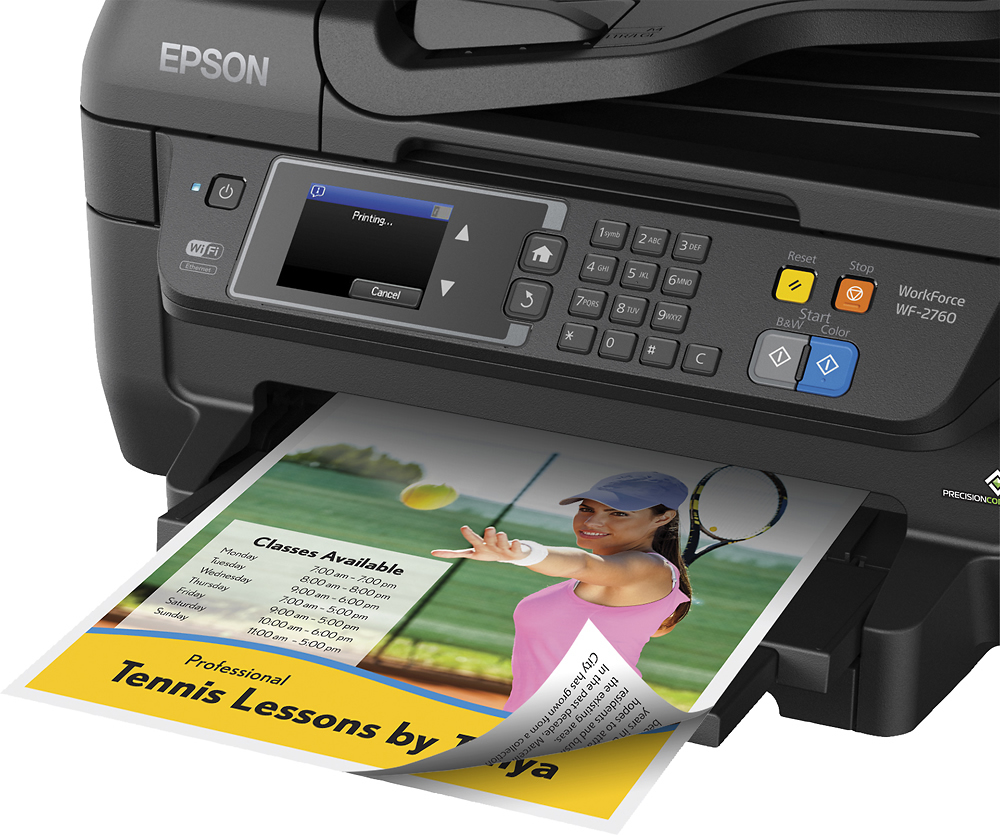
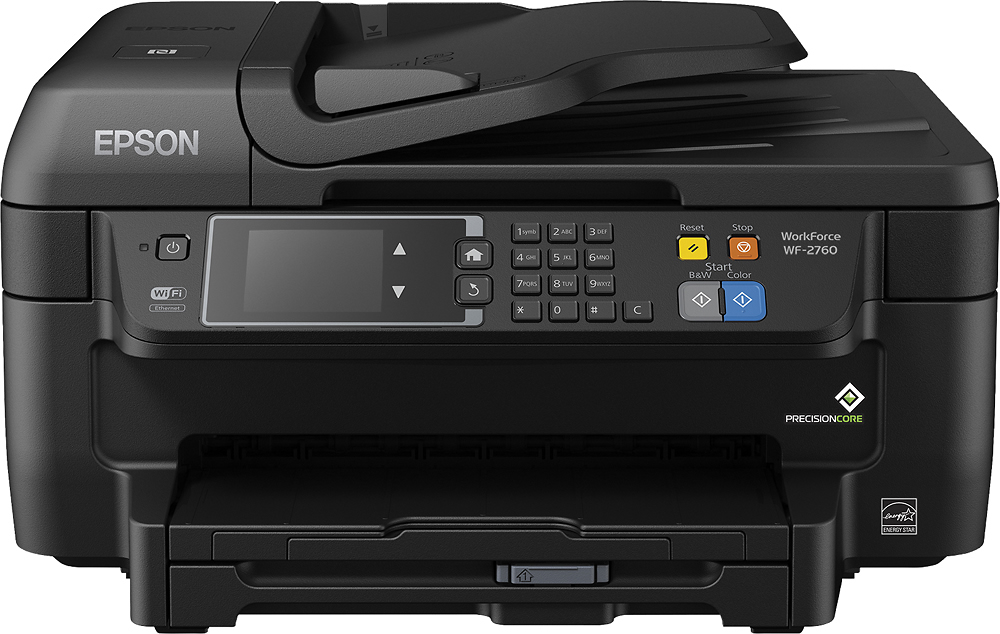
Posted .This reviewer received promo considerations or sweepstakes entry for writing a review.I have been running the WF-2760 for over a week now. Prior to this I had the 2630 which was a decent printer. The 2760 has moved the paper tray to the bottom of the printer as most ink jets have it. This prevents having the paper exposed in the back and requiring more room for the printer itself on your desk. It is a minor change, but I appreciate the improvement. The color touch screen simplifies menu navigation, especially during set up. While I do not think it was a requirement on a home office printer, it is a nice add on. The Epson connect software is pretty much unchanged. I love the ability to scan to email, or cloud services like drop box. This is a great feature when your printer is located somewhere different than your PC. This printer adds the ability to print from your cell phone via NFC. While I believe there are some that will find this feature useful, personally I have never felt the need to print something that is on my phone, but to each their own. The document feed is a great feature, especially when copying or scanning multi-page documents. It is another simple feature that I wish all printers had. I have been very happy with the printer, and would recommend it to anyone looking for a reasonably priced printer/scanner. “This is a review for the Epson WorkForce WF-2760 that I received free of charge to do a beta test and review.”
I would recommend this to a friend - Pros mentioned:Print quality
Rated 5 out of 5 stars
Sold All-In-One
Posted .This reviewer received promo considerations or sweepstakes entry for writing a review.If you are looking for a printer that can do it all this it the one to choose. When you compare this printer to many at the same price point you will be hard pressed to find something comparable. The printer was very easy to set up. It took roughly 10 minutes to completely set up the printer with my Mac, and print my first test print. Our household consists of two laptops, and several iOS devices. Thanks to the wireless connectivity all our devices can now share the printer from any room in the house. Within the first 3 days of setting up the printer we had to scan a document that was 27 pages. Previously we would have had to open the printer 27 times to scan the document, but thanks to the 30 page feeder I put the document in, press scan, and I walked away till it was done. This printer also features a 150 page paper tray which is great if you plan to use the printer in your home office. Things I love: -Wireless printing -Large capacity paper feeder -Large capacity paper tray -Small footprint
I would recommend this to a friend Rated 4 out of 5 stars
Impressive for the Price
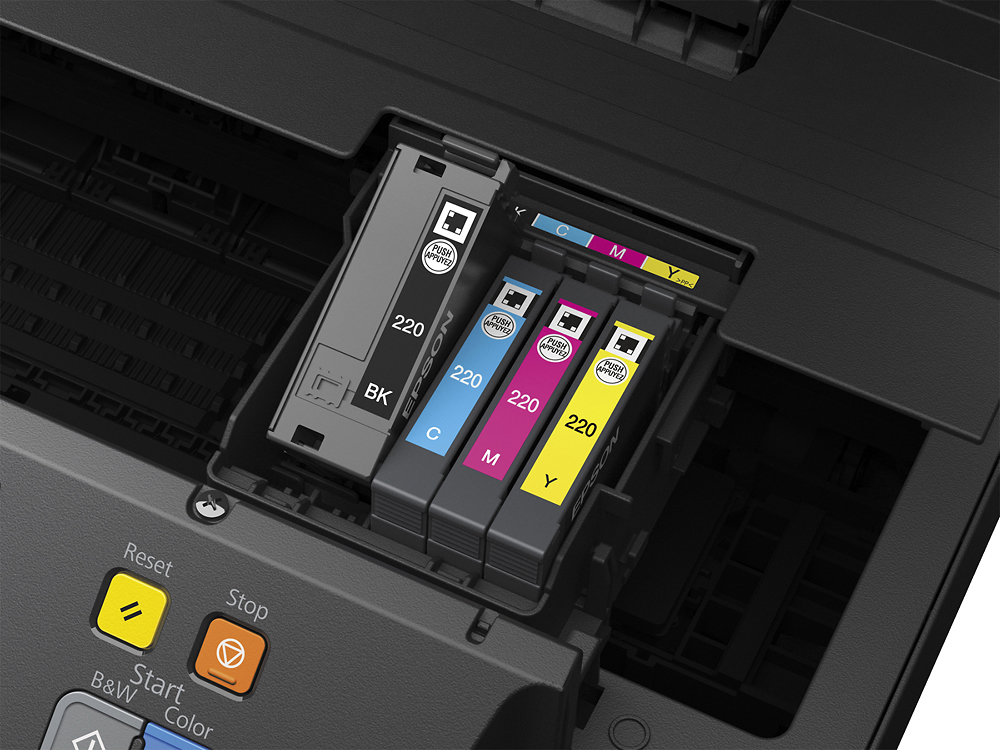
Posted .This reviewer received promo considerations or sweepstakes entry for writing a review.This printer is all-around pretty darn solid! For the price it has a pretty good set of features. I was particularly surprised that it has a feed tray for scanning/copying documents, duplex (2-sided) printing, and even NFC printing. It was easy to get up and running in a few minutes too. Overall the print quality and speed isn't amazing, but that's expected from a $100 inkjet. I'm happy to see that it has 4 different ink cartridges (black, yellow, magenta, and cyan) so you don't need to throw out a mostly-full cartridge if you're only out of one color. The copy feeder kind of stretches/squishes the image in parts, but nothing too terrible, and pretty reasonable for the price. Overall a nice set of features for the price, although it doesn't blow me away on performance. This is a review for the Epson WorkForce WF-2760 that I received free of charge to do a beta test and review.
I would recommend this to a friend- Pros mentioned:Wireless
Rated 4 out of 5 stars
Good Option for Cheap
Posted .This reviewer received promo considerations or sweepstakes entry for writing a review.Disclaimer: This is a review for the Epson WorkForce WF-2760 that I received free of charge to do a beta test and review. I was given the WorkForce WF-2760 from a Betabound test. I already had a Brother printer, similar in price but thought why not try this one out. This one is bigger, with the fax tray on top making it slightly less sleek than its counterpart. That being said, it's overall a nicer printer. It has less errors and I never have to worry whether it will properly connect or I'll have to restart it. It may be a little clunkier, but it's worth it. The touchscreen is a nice bonus as well. I did have one problem scanning things, but all around I'm giving my Brother printer away and keeping this one.
I would recommend this to a friend - Pros mentioned:Print quality
Rated 5 out of 5 stars
This bad boy is Awesome!!
Posted .This reviewer received promo considerations or sweepstakes entry for writing a review.This is a review for the Epson WorkForce WF-2760 that I received free of charge to do a beta test and review. This printer is pretty amazing I must say, it comes with many features. You can scan, print, copy and fax all on this one printer and its wireless!!! Woohoo! The wireless part is a must in my mind for those of us that use our phones for everything in today's world. Initial setup was quick maybe about 5 min, once done your ready to be a printing machine. You don't have to scan your documents one page at a time, just load the paperwork up and this beauty will scan them all for you. Printing doesn't take 10 years, i print documents from my phone and its done in no time at all and a BIG POSITIVE it prints double sided with no manual flipping and placing of paper. YAY!! if you need to fax some important paperwork, no problem, slap those papers on there and fax it off. I love this printer!!
I would recommend this to a friend Rated 5 out of 5 stars
Superior features at reasonable price
Posted .This reviewer received promo considerations or sweepstakes entry for writing a review.Purchased to replace Canon that would repeatedly lock up. Canon had many features including fax and separate ink cartridges which were both a must in a new printer. Reasonably easy set up but problems with wireless which could be my router.
I would recommend this to a friend- Pros mentioned:Print quality
Rated 5 out of 5 stars
Epson Workforce WF-2760
Posted .This reviewer received promo considerations or sweepstakes entry for writing a review.Epson review This is a review for the Epson WorkForce WF-2760 that I received free of charge to do a beta test and review. I received the printer- delivered from FedEx, shortly after filling out the survery. Upon its arrival I promptly unpacked it from the colorful box and referenced the instructions sheet to make sure I was doing it properly. I was very excited to be trying out such a different printer than I'd ever used before. The colorful screen on the front of the printer was easy to navigate and simple to use. Printer quality seems to be very high, and quick to get printing. I'm very happy to have had the experience to score such an awesome printer opportunity. There are so many features and capabilities this printer has. Definately a great printer for any student or home office.
I would recommend this to a friend