Customer Ratings & Reviews
- Model:
- C11CF77201
- |
- SKU:
- 5117300
Customer reviews
Rating 4.4 out of 5 stars with 1759 reviews
(1,759 customer reviews)Rating by feature
- Value4.0
Rating 4.0 out of 5 stars
- Quality3.9
Rating 3.9 out of 5 stars
- Ease of Use4.0
Rating 4.0 out of 5 stars
Customers are saying
Customers often highlight the WorkForce WF-2760's excellent print quality and ease of use, along with its convenient wireless functionality and reasonable price. Positive feedback also mentions the printer's compact size and straightforward setup process. However, some users note that the printer can be noisy and that the paper tray could be more robust.
This summary was generated by AI based on customer reviews.
- Pros mentioned:Ease of use, Print quality
Rated 4 out of 5 stars
Great printing and quick, goes through ink
Posted .This reviewer received promo considerations or sweepstakes entry for writing a review.Love the easy usage and set up also very quick printing and not very loud. The only problem is eats through ink like crazy, be prepared to buy a lot.
I would recommend this to a friend - Pros mentioned:Print quality
Rated 3 out of 5 stars
Good Wifi Colored Inkjet Printer
Posted .This reviewer received promo considerations or sweepstakes entry for writing a review.Full disclosure before my review. This is a review for the Epson WorkForce WF-2760 that I received free of charge to do a beta test and review. Setup Unboxing was straight forward with no real surprise. Setup went smoothly when connecting to my WiFi. I used MAC filtering and EPSON displayed the MAC ID while setting up WiFi. I can begin to tell how frustrating it is when a manufacturer doesn’t display this in the setup. Setup on Epson virtual print and Google cloud print was a little a tricky but once it was set up, it works nice and had zero issues. Performance/Product Quality Nothing really stands out on this printer than others. The touch screen is very nice and the interface is easy to use. I haven’t used the NFC and not sure if I ever will. I installed the Epson App on my Android phone and Apple iPad and it’s easy to print. Printer speed is fast and the quality image/print looks really clear. Epson “claims” it’s near laser printer. While this printer is better than most ink jet, this is still not good enough. I know this because I have Brothers Monochrome laser printer that I use daily. Value/Cost Overall Epson makes pretty decent printers. The price of ink is a little on the high side per page print. While there is 3rd party ink available on Amazon it is still expensive. This printer approach is “cheap” (Epson probably losing money selling this unit but make it up on ink sales) on an initial purchase but expensive when buying genuine Epson ink which cost more of the lifetime of the unit. I wouldn’t buy this printer model but I’d buy their EcoTank printer models. Check them out. They have permanent ink cartridges but there is “tanks” on the side where you add ink as needed. The initial purchase is much higher but the ink is much cheaper making the life owning the unit much cheaper.
I would recommend this to a friend - Pros mentioned:Print quality
Rated 5 out of 5 stars
Solid Printer for Home Use
Posted .This reviewer received promo considerations or sweepstakes entry for writing a review.I've had numerous other wireless all-in-one printers, but this has been the best printer so far. It was very easy to set up and has been the most dependable to connect to and use when I need it. Some of the features I have really appreciated are the two-sided printing, document feed scanner and being able to quickly scan and print from my iPhone. I have had trouble with my other printers that say they are compatible with Chromebooks, but was able to quickly print to this printer. Nothing spectacular about this printer, it has all of the features I need and it just works which you don't appreciate until you have problems! This is a review for the Epson WorkForce WF-2760 that I received free of charge to do a beta test and review.
I would recommend this to a friend - Pros mentioned:Print quality
Rated 4 out of 5 stars
Epson WF-2760
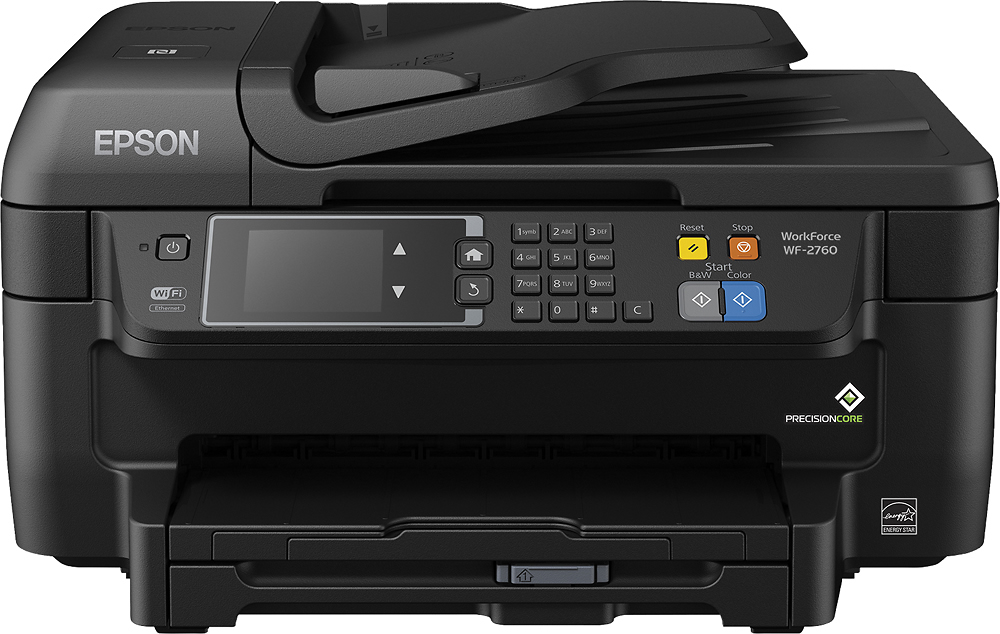
Posted .This reviewer received promo considerations or sweepstakes entry for writing a review.This is a review for the Epson WorkForce WF-2760 that I received free of charge to do a beta test and review. First I will say that I have always owned HP printers, but after using this Epson my mind has been changed. Setup was quick and easy to follow, the printer size is good for an all-in-one and takes up hardly any space on the desk. Being able to print wireless from most of my devices is an added bonus. Overall I am pleased with this printer and would recommend to anyone in need of a home or small business printer.
I would recommend this to a friend Rated 5 out of 5 stars
I love this printer
Posted .This reviewer received promo considerations or sweepstakes entry for writing a review.This is a review for the Epson WorkForce WF-2760 that I received free of charge to do a beta test and review.” This printer looks amazing. I love the touch screen capability. The set-up of the printer was super easy. I love not having a ethernet cord like previous printers. I spent 5 minutes looking for it, then decided to read "what's in your box" form. I haven't had any issues so far. It does exactly what it says. It comes with several cartridges, so I pray that they are inexpensive. I love the wireless capability and being able to use the app and print from my phone. I send 10-12 faxes daily, so this option was flawless. This is definitely a must have printer.
I would recommend this to a friend- Pros mentioned:Print quality
Rated 5 out of 5 stars
Easy to setup and works well
Posted .This reviewer received promo considerations or sweepstakes entry for writing a review.This is a review for the Epson WorkForce WF-2760 that I received free of charge to do a beta test and review. This was nicely packaged with everything needed to set it up except an network cable. Setup was painless and quick and using WPS it connected to my network first try. Windows installed all the needed software and drivers and I was up and running. Printing is quick and sharp. Colors looks great. It's very quiet also. Overall I can't say anything bad about it. It does everything well, quiet and quick. Can't ask for much more for the price.
I would recommend this to a friend - Pros mentioned:Ease of use
Rated 4 out of 5 stars
Great printer, but it is kind of loud.
Posted .This reviewer received promo considerations or sweepstakes entry for writing a review.This is a review for the Epson WorkForce WF-2760 that I received free of charge to do a beta test and review. This printer is pretty simple to setup and use. Really the only complaint I have is that the printer is very loud during printing. The scanner is clear and simple to use. Wireless settings were easy-to-use and connecting to the network was much easier than other printers I have owned.
I would recommend this to a friend - Pros mentioned:Print quality
Rated 4 out of 5 stars
All-in-One printer
Posted .This reviewer received promo considerations or sweepstakes entry for writing a review.After looking at the consumables, decided to replace my old HP with the Epson. A fax is included, but I got rid of my land line years ago, can't review that. Setup use easy. Using USB on main PC, WiFi on other PCs / iPhone Pros - Great print quality, quite and fast. Cons - printing over WiFi requires you to log into the printer WiFi, so you lose connection to the internet.
I would recommend this to a friend Rated 5 out of 5 stars
Small but versatile
Posted .This reviewer received promo considerations or sweepstakes entry for writing a review.I was very impressed with all of the functions that they managed to fit into this printer, while keeping it small in size. I love that it has a self-feeding scanner to scan multiple pages easily. The setup was pretty easy and straightforward. I had one small hiccup during setup but resolved it very quickly. Overall I have been impressed with this printer. This is a review for the Epson WorkForce WF-2760 that I received free of charge to do a beta test and review.
I would recommend this to a friend- Pros mentioned:Print quality
Rated 5 out of 5 stars
Excellent low cost machine
Posted .This reviewer received promo considerations or sweepstakes entry for writing a review.This machine has all the features you would expect from a much higher priced product. Like all Epson products, this is very easy to setup including wireless printing. Duplex printing used to be a feature in the more expensive machines and has a sheet feeder for easy multiple page scanning and copying. This machine has lots of features for a great price. This is a review for the Epson WorkForce WF-2760 that I received free of charge to do a beta test and review.
I would recommend this to a friend - Pros mentioned:Print quality
Rated 4 out of 5 stars
This is a great product
Posted .This reviewer received promo considerations or sweepstakes entry for writing a review.This is a review for the Epson WorkForce WF-2760 that I received free of charge to do a beta test and review. This is a very nice all in one for a great price. The initial set up is not exactly user friendly but through persistence I finally figured it out and I love it. I definitely recommend it to anyone that wants quality on a budget
I would recommend this to a friend - Pros mentioned:Print quality
Rated 3 out of 5 stars
Average printer
Posted .This reviewer received promo considerations or sweepstakes entry for writing a review.“This is a review for the Epson WorkForce WF-2760 that I received free of charge to do a beta test and review.” The printer is OK, but not one I would buy. The print quality is good, though the photos I have printed on glossy and matte papers aren't quite as sharp as my Epson 810, but they are passable. Of course, the 810 has one more ink cartridges than the 2760, which has four. The 2760 also is much slower when printing a photo. Another feature it doesn't have that the 810 has -- and one I think is important -- is an SD card slot. When scanning, You need to use the USB port to your computer. The USB cord I have is too short to reach my computer, which is several feet away and I would rather scan to an SD card. Printing on regular paper is fine...quality and sharpness are good. But overall, the printer is just too slow and without an SD slot, I wouldn't buy it.
No, I would not recommend this to a friend Rated 4 out of 5 stars
Great little home office printer
Posted .This reviewer received promo considerations or sweepstakes entry for writing a review.This is a review for the Epson WorkForce WF-2760 that I received free of charge to do a beta test and review. I enjoyed this printer and thought it was great for home office use. I was able to set it up easily and it prints excellent quality documents to help keep my records in order.
I would recommend this to a friend- Pros mentioned:Ease of use, Price
Rated 5 out of 5 stars
Happy with this purchase
Posted .This reviewer received promo considerations or sweepstakes entry for writing a review.Good price, easy to set up, and works great. Very happy with this purchase.
I would recommend this to a friend - Pros mentioned:Print quality
Rated 4 out of 5 stars
NICE PRINTER
Posted .This reviewer received promo considerations or sweepstakes entry for writing a review.For the money this is a Great Buy. wasn't sure at first but VERY glad I got this one. If you have kids going to college this is a great buy. Just remember you still have to buy cartridges, but I will admit. BestBuy has the best prices for ink Cartridges
I would recommend this to a friend Rated 4 out of 5 stars
Great all in one printer, fax, copy!
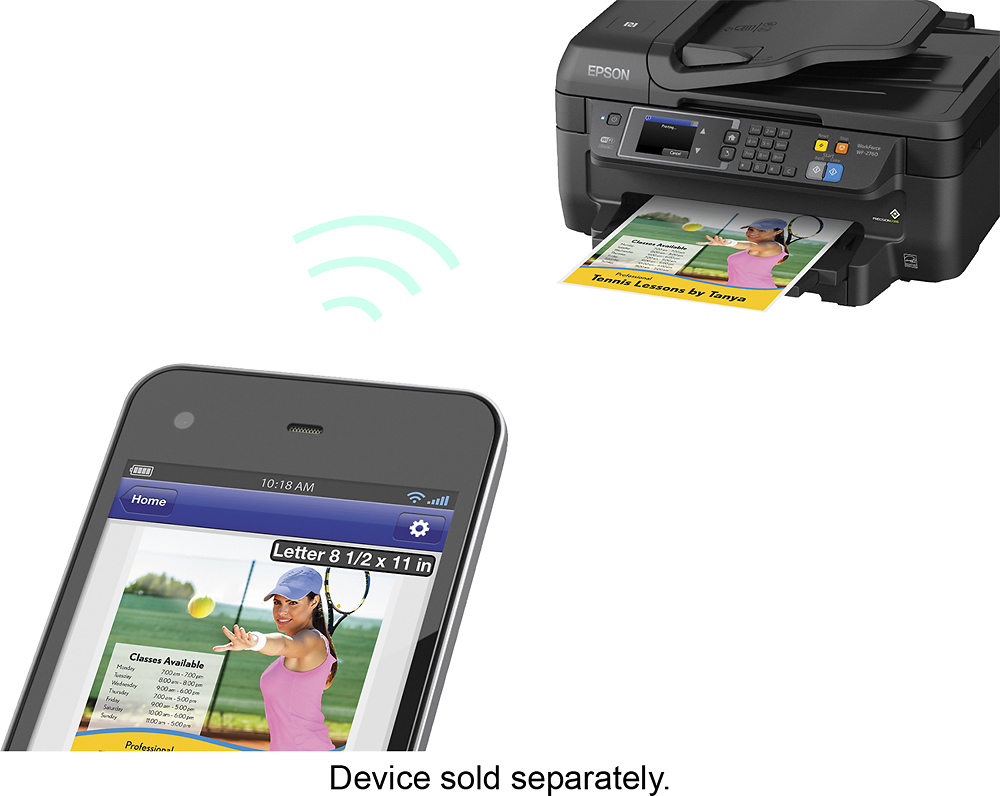
Posted .This reviewer received promo considerations or sweepstakes entry for writing a review.This is a review for the Epson WorkForce WF-2760 that I received free of charge to do a beta test and review. I found the printer thus far to be working as advertised and was easy to install everything and set up for wi-fi. I was able to print from both my imac and laptop with ease and enjoyed not having to use cords to connect. The scanner was also easy to scan and select my computer, it automatically opened the scanned document and looked great! I haven't used the fax feature yet but it's great to be able to copy, fax, print, and scan. I'm still figuring out the software so the only con is the scanner software was difficult to find after the install from the disc. It's a great deal for the price and the ink was also easy to install. It seems like the black ink is a bit cheaper than my old printer so that's also a great Pro.
I would recommend this to a friend- Pros mentioned:Print quality
Rated 5 out of 5 stars
Epson FTW!
Posted .This reviewer received promo considerations or sweepstakes entry for writing a review.We needed a new all-in-one after our last one died. So glad we got this one! Print quality is great and it even does double sided documents. Best feature: AirPrint! We can now print effortlessly from our iPhones or iPads. This is not the newest model, but it definitely delivers what we need it to do.
I would recommend this to a friend Rated 4 out of 5 stars
Great all-in-one printer for great value!
Posted .This reviewer received promo considerations or sweepstakes entry for writing a review.I found the printer thus far to be working as advertised and was easy to install everything and set up for wi-fi. I was able to print from both my imac and laptop with ease and enjoyed not having to use cords to connect. The scanner was also easy to scan and select my computer, it automatically opened the scanned document and looked great! I haven't used the fax feature yet but it's great to be able to copy, fax, print, and scan. I'm still figuring out the software so the only con is the scanner software was difficult to find after the install from the disc. It's a great deal for the price and the ink was also easy to install. It seems like the black ink is a bit cheaper than my old printer so that's also a great Pro.
I would recommend this to a friendRated 4 out of 5 stars
Great product for a great price
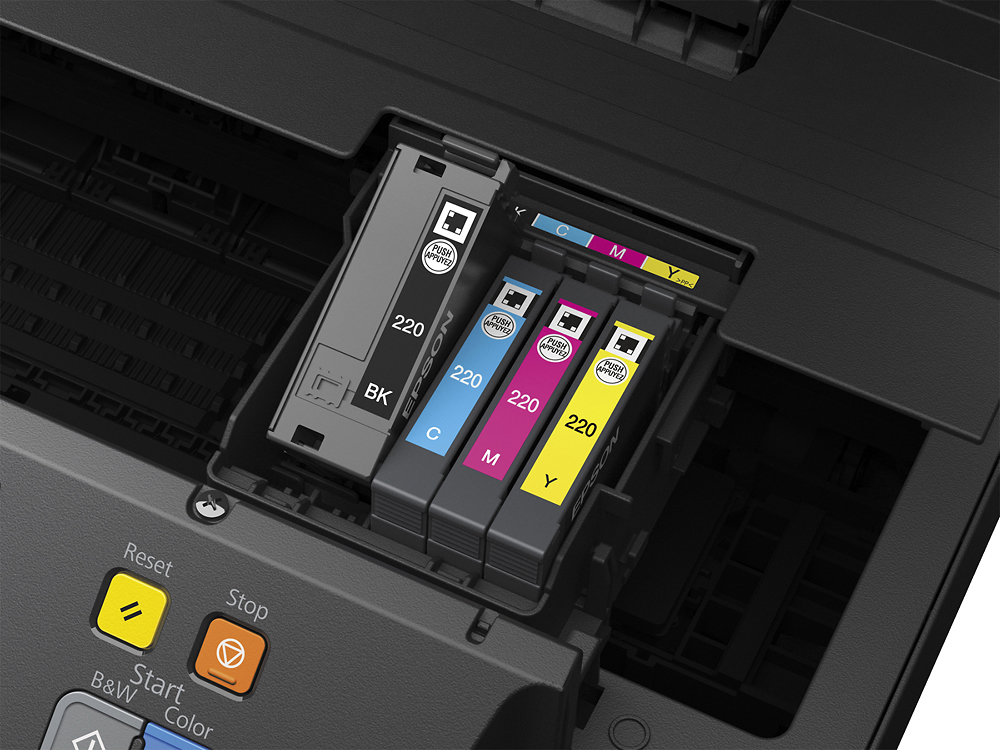
Posted .This reviewer received promo considerations or sweepstakes entry for writing a review.This is a review for the Epson WorkForce WF-2760 that I received free of charge to do a beta test and review. The printer arrived in great condition. The box was a little nicked however the printer was pristine and the included materials were all together. The steps to setup the printer are fairly easy to follow and it only took about 20 minutes to setup. I love the ability to use this printer with my smart phone because it eliminates the need to start up a computer. I did notice that colors are not as deep as expected and look a bit “dry”. I would suggest to give this printer a try if you’re looking for a affordable printer with great tech features.
I would recommend this to a friendRated 3 out of 5 stars
Great - For a year
Posted .This reviewer received promo considerations or sweepstakes entry for writing a review.Printer worked great for 11 months and then stopped printing in color. Luckily it is still under warranty for 5 more days. Epson customer service was great, sending out a replacement refurbished unit free of charge.
I would recommend this to a friend