Customer Ratings & Reviews
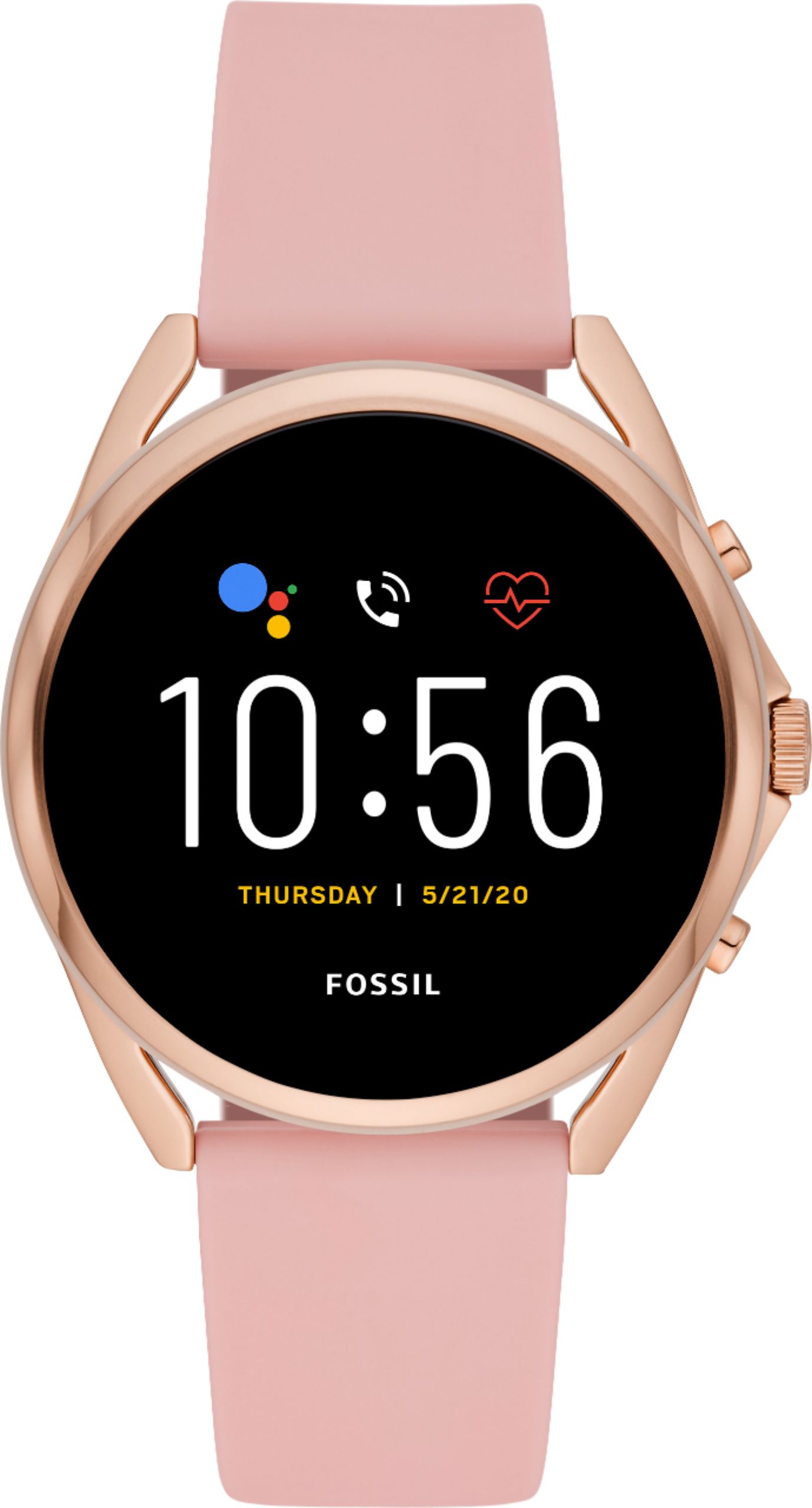
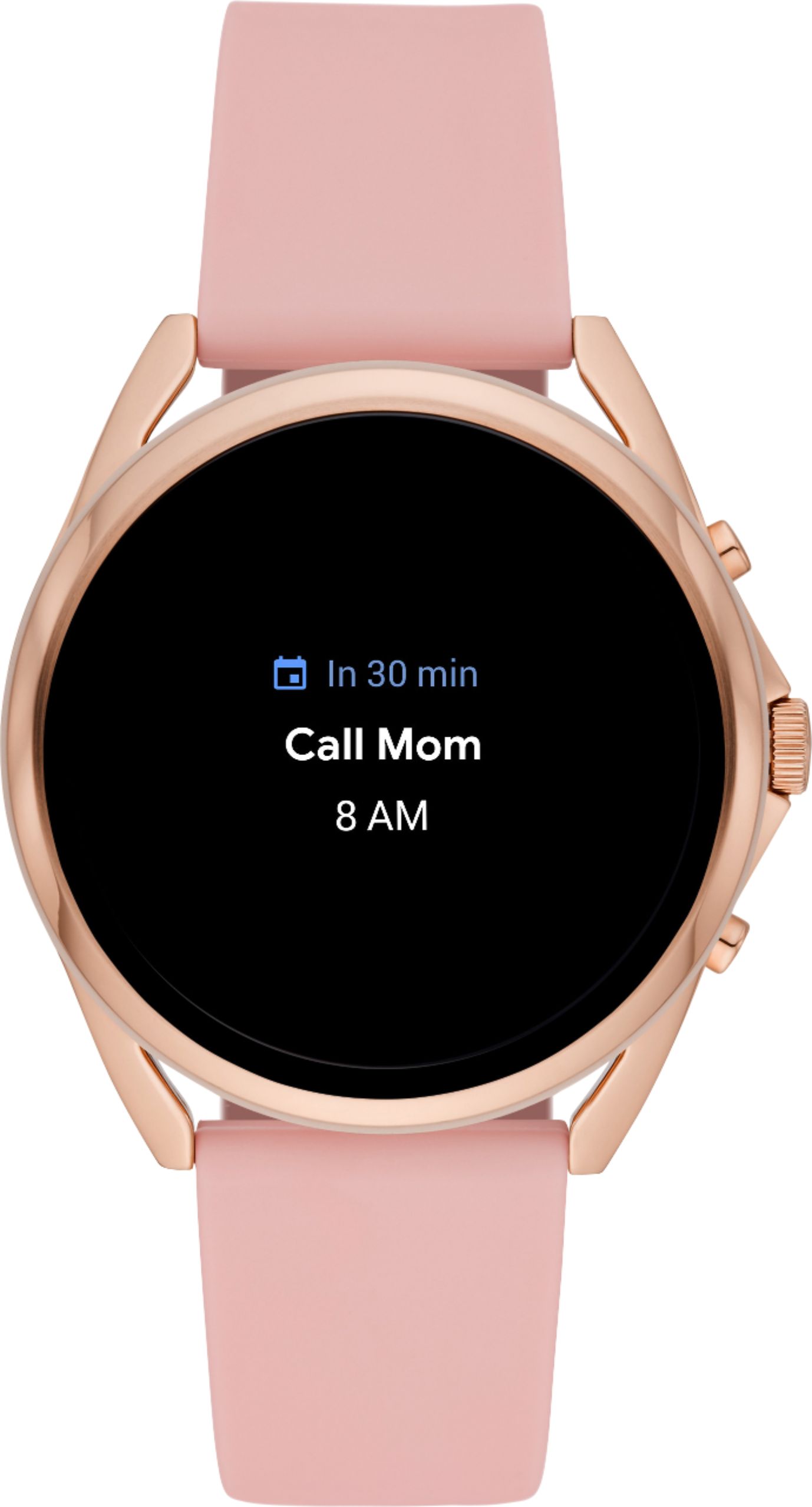
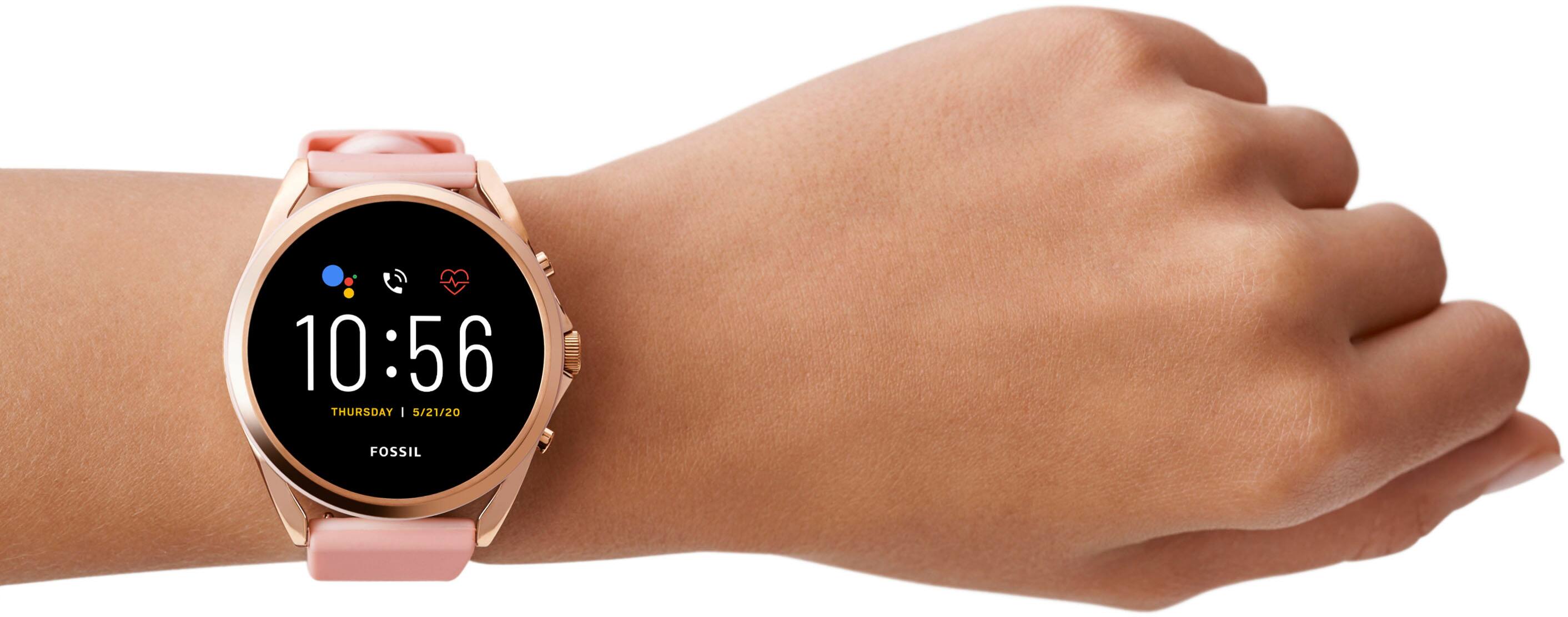
- Model:
- FTW60754
- SKU:
- 6458332
Rating by feature
- Battery Life
Rating 3.4 out of 5 stars
- Durability
Rating 4.0 out of 5 stars
- Comfort
Rating 4.0 out of 5 stars
Customers are saying
Customers are impressed with the Gen 5 LTE Smartwatch's long-lasting battery, sleek design, and untethering LTE connectivity. They find the fitness tracking feature accurate and easy to use, and appreciate the bright and easy-to-read screen.
This summary was generated by AI based on customer reviews.
- Pros mentioned:Battery life, Design, Easy to use

Good Watch
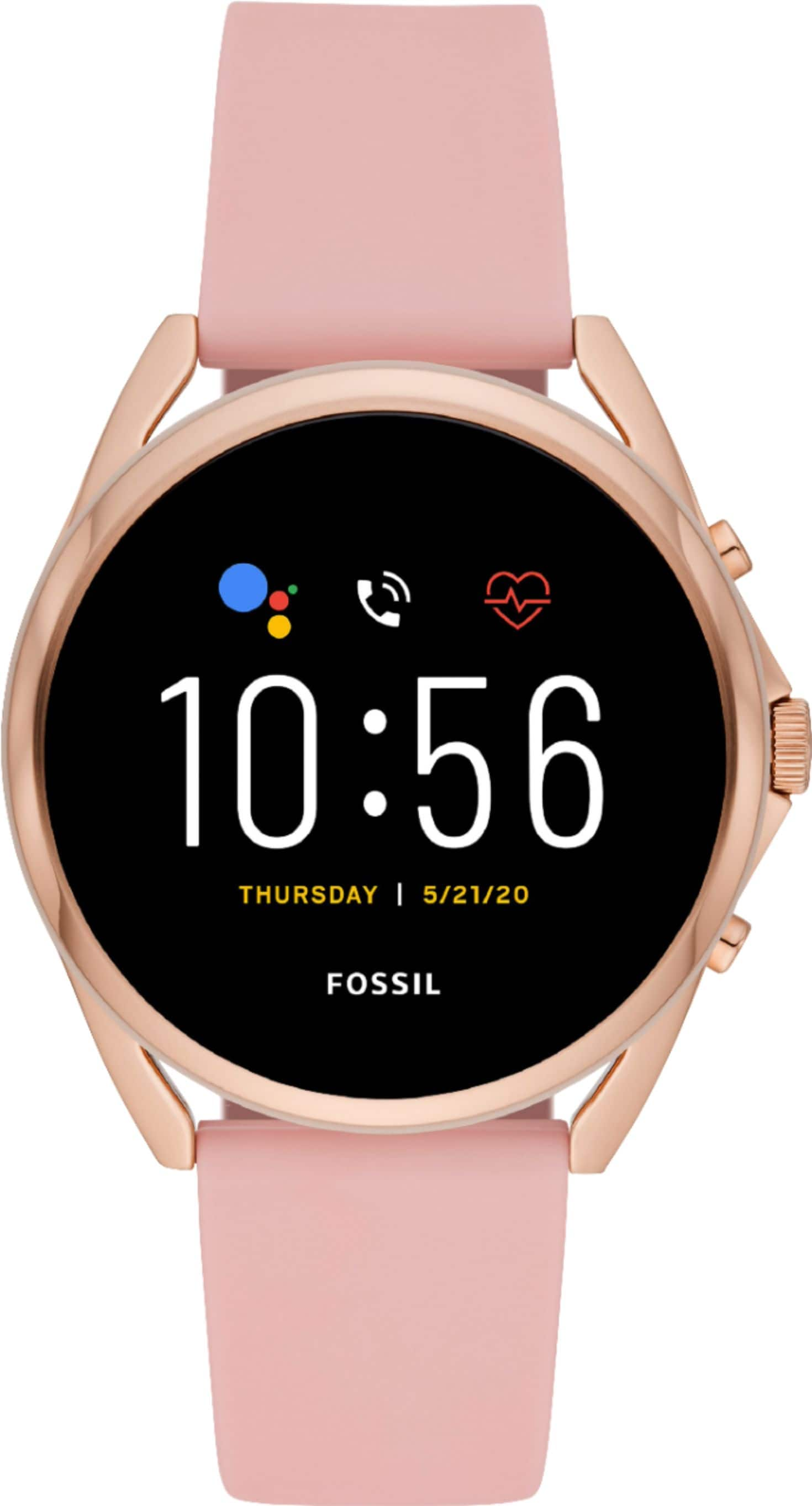
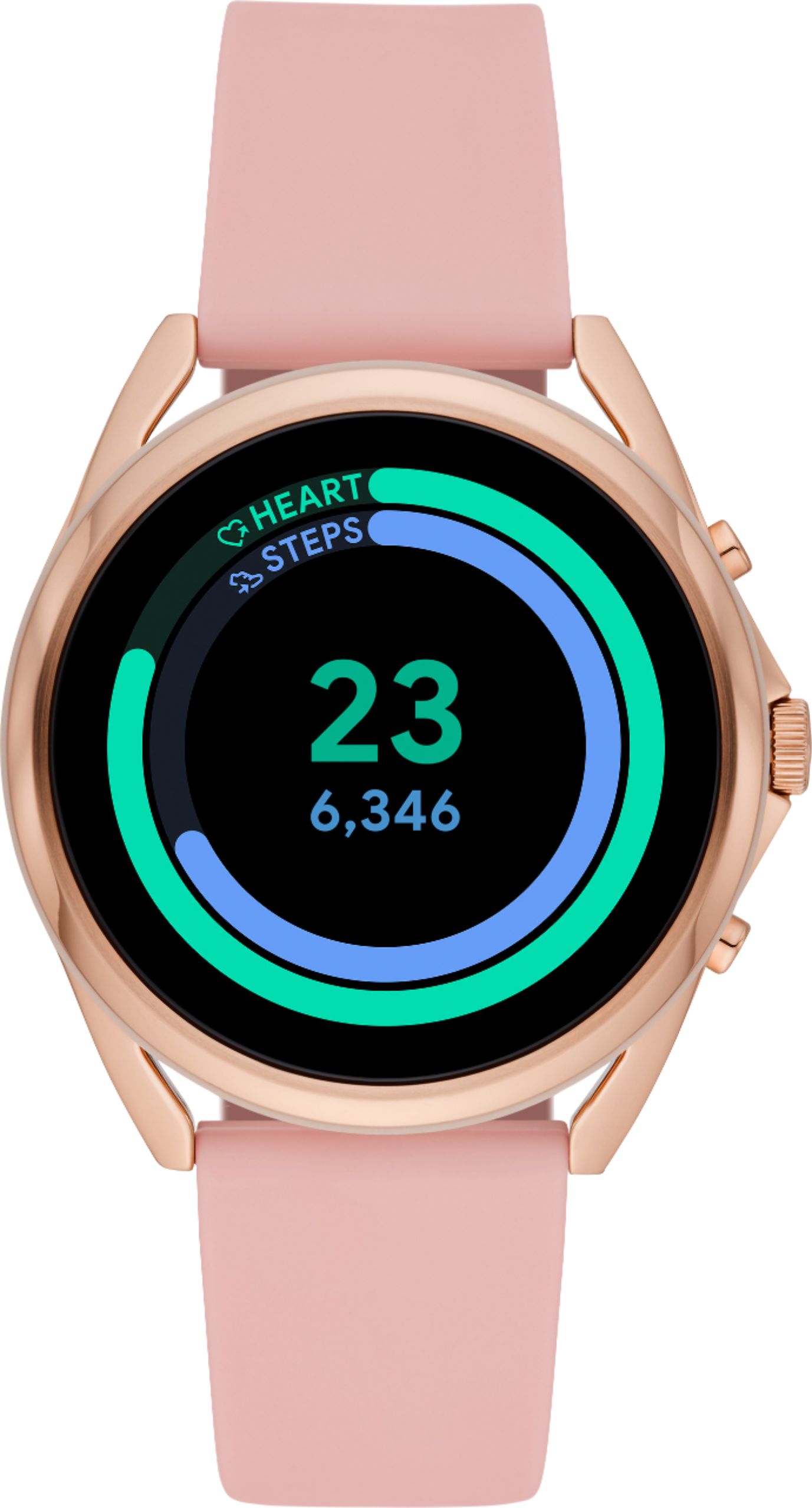
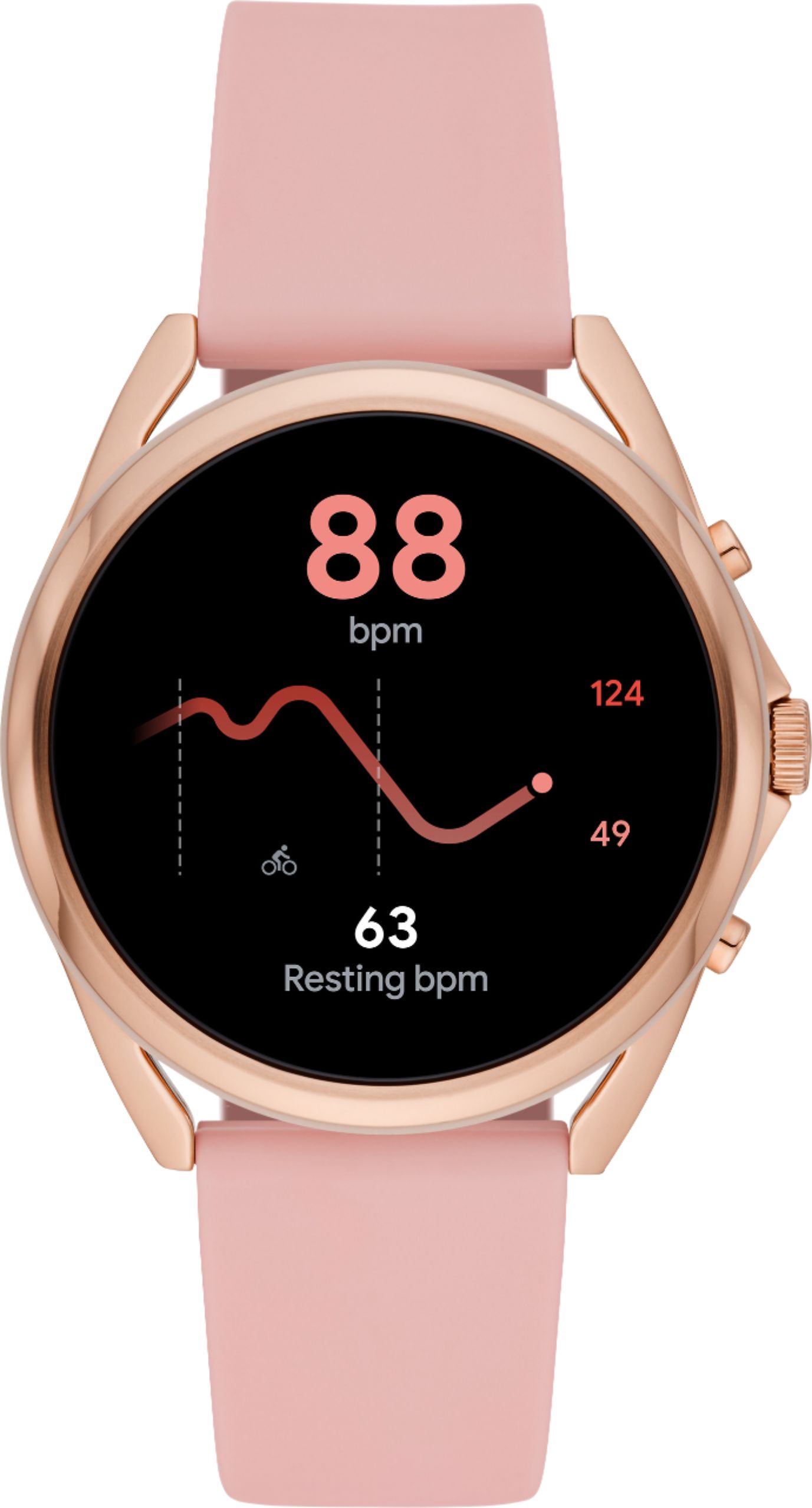
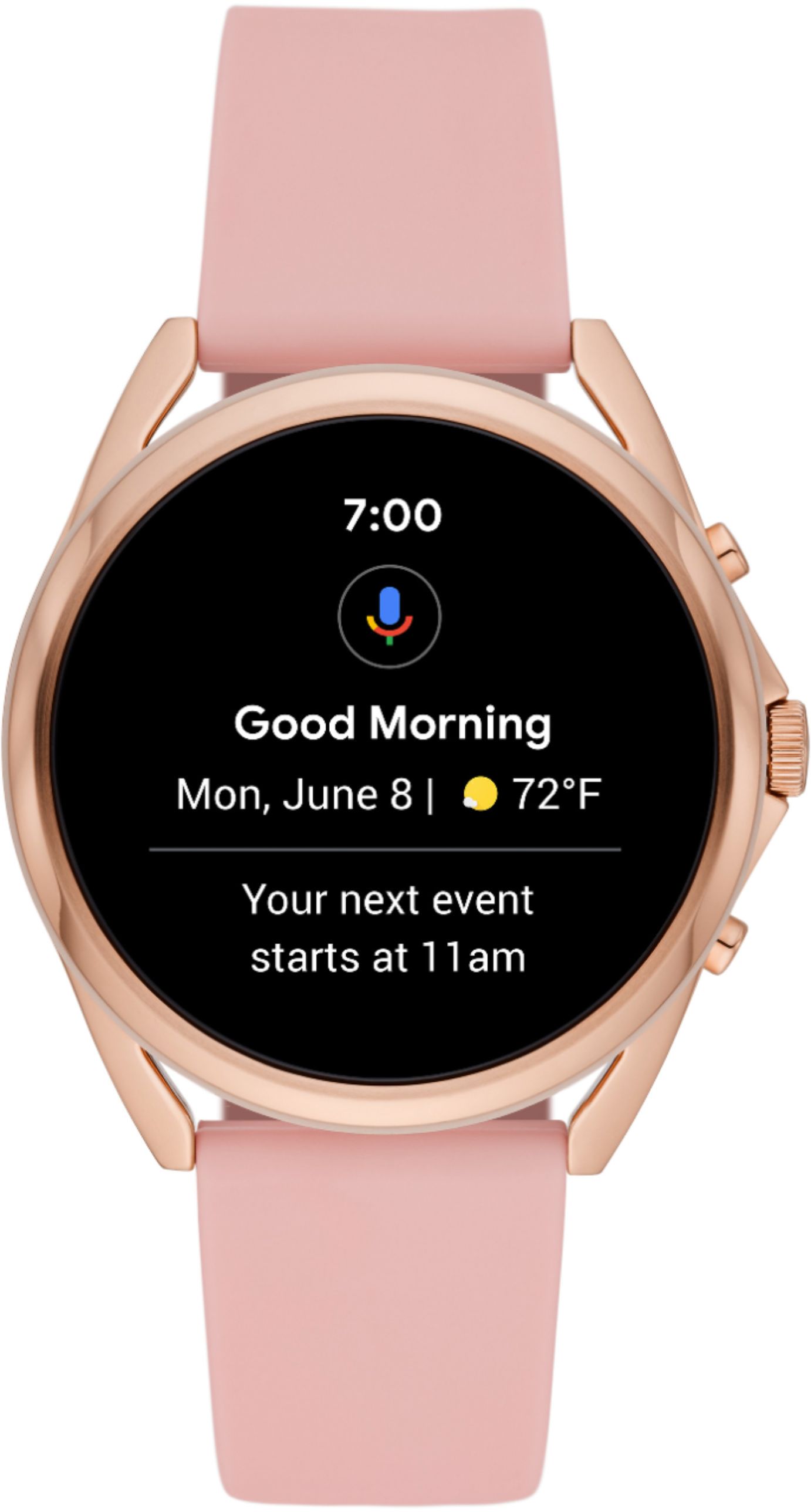
|Posted .This reviewer received promo considerations or sweepstakes entry for writing a review.I was on the verge of finishing this review and then my Dad tried the watch and made me realize some observations making me re-write for the general audience. This review is not for the tech nerds. I hope to make my words user-friendly. If you have never tried a smart watch like this before and are afraid that it might be too technical for you and that you will have to pay extra each month through your phone provider to keep it working, please stop worrying. YOU DO NOT NEED TO PAY EXTRA TO HAVE FUN WITH THIS WATCH. I am sharing this up first as my Dad (retired more than 13 years back) had that as his biggest concern. Yes, if you Numbershare (activate phone functionalities where this basically replaces your phone) you will need to pay a little over 10 dollars a month to Verizon. But, please read on if you don't want to do it. For the new smartwatch enthusiast: you just need to sync this watch with your phone via bluetooth and you will not have to take your phone out of your pocket when you go out. You can receive calls and messages and text from the watch itself. The first step is to download the Google Wear OS from the Playstore in your phone. It is really easy and the app will immediately detect your phone. Just follow the instructions and you will be ready to enjoy the watch in no time. This will monitor your heart rate and more importantly, when you swipe the screen, it will take you to Google Fit. It is really easy to configure Google Fit and you can measure your steps, heart rate, calorie burn, work-out numbers etc. If the lockdowns have got you down this device may inspire you to measure your steps and count your calorie burn quite efficiently. The watch looks splendid. The display is AMOLED and 1.28 inches in diameter.. The display configuration can be changed to suit your predilection and that is an easy process as well. Battery life is multi-day alright. I charged this yesterday morning and it still has a lot of juice left 36 hours later. The charging disc is stylish. Here are the rudimentary numbers from the company: Display: 1.28" AMOLED / 416 x 416 / 328ppi Case: 45 mm, Stainless Steel Strap: 22 mm, Silicone (interchangeable) Supported Carrier: Verizon Wireless Compatibility: Use the Google WearOS app on your phone with Android™ 6.0+ (excluding Go edition). NumberShare is required to activate service on Fossil Gen 5 LTE. • Lifestyle: Always on Display with thousands of watch faces to personalize your look and always see the time. Hundreds of apps from assistant to fitness, payments, music, social, news, games, stop watches, and more. With Cellular connectivity, a swimproof design and charging in less than an hour, it’s perfect for all your activities. • Health: Automatically tracks activity goals, steps, heart rate, and more. Activity modes with GPS keep you on track with your distance and path. Advanced sensors provide the data to power all your health and fitness apps. • Utility: Leave your phone behind and stay connected for notifications, calls, texts, apps and automatic time, time zone and calendar syncing. When someone calls your phone's number, your watch will ring and you can take the call even when your phone is miles away. Optimize your battery life with Smart Battery Modes. • Preloaded Apps: Agenda, Alarm, Calendar, Cardiogram, Contacts, Enhanced Phone Dialer App, Facer, Google Assistant, Google Fit (Workout, Heart Rate, Goals, Breathe), Google Pay™, Google Play Store, Nike Run Club, Noonlight, Smart Battery Modes, Spotify, Stopwatch, Timer, Translate • Battery: 24 Hr + multi day Extended Mode **Varies based on usage and after updates install**. USB cable with magnetic charger snaps to rings on watch case back and spins 360 degrees for ease of use. 50 minutes to reach 80%. I would strongly recommend this watch to anybody who is in the market for a smart wearable.
I would recommend this to a friend - Cons mentioned:User friendly
Fossil Smartwatch
||Posted . Owned for 3 weeks when reviewed.This reviewer received promo considerations or sweepstakes entry for writing a review.Not worth buying. The watch is not user friendly.
No, I would not recommend this to a friend - Pros mentioned:Design
Didnt work to well with i phone
||Posted . Owned for 1 month when reviewed.This reviewer received promo considerations or sweepstakes entry for writing a review.I like the look. Bur didnt work to well with i phone
No, I would not recommend this to a friend Fossile fun
||Posted . Owned for 1 month when reviewed.This reviewer received promo considerations or sweepstakes entry for writing a review.This a grest watch i never miss a notification, phone call or a text massage
I would recommend this to a friend- Pros mentioned:Battery lifeCons mentioned:Speaker
A good smartwatch
|Posted .This reviewer received promo considerations or sweepstakes entry for writing a review.Having been using this for about past week, I can say that I enjoyed using it. The battery life is very good. I was toying with it for hours on my first day and it still lasted the whole day, and had some battery life to spare. It does most of what I'd expect it to do, with a few short comings, which is mostly a lack of apps that support it. It does support most of the major apps music streaming apps like Spotify, Pandora, and iHeart, but strangely no YouTube music. It can also be setup for number sharing which allows you to use just the watch without the phone. I found that this works, but there is no replacement for the phone. You can make and answer calls, but hearing someone of the watch can be difficult, especially with some background noise. It's best to have some earbuds paired to the watch to make calls. Messaging works, but trying to type on the tiny keyboard is not very fun. Speech to text is the best option here, but when the word is wrong it's a pain to correct it. While the watch has some quirks. I personally feel that the notifications is where it shines. I can't tell you how many times I've missed calls, texts, emails because my phone was in my pocket, another room, etc. and I simply didn't get a notification. This watch is constantly on your wrist and give off a sound and a vibration you will always feel. It also has a heartrate monitor, and steps counter. And because it's Fossil, there's a bunch of watch faces to chose from, and plenty more to download to suit your taste. Likes: 1.) Always feel notification when wearing the watch 2.) Sufficient battery life when using it regularly everyday 3.) Number share, can use watch without the phone Dislikes: 1.) Underwhelming app support 2.) Not very practical to text from 3.) Watch speaker is not that loud
I would recommend this to a friend Poor excuse for a wstch
||Posted . Owned for 3 weeks when reviewed.This reviewer received promo considerations or sweepstakes entry for writing a review.Really poor interface. I spent lots of time trying to figure it out. I paid a huge restocking fee to get it out of my life.
No, I would not recommend this to a friendits ok
||Posted . Owned for 1 year when reviewed.This reviewer received promo considerations or sweepstakes entry for writing a review.its an okay smartwatch. I would think for the price the screen would look better.
I would recommend this to a friend- Cons mentioned:Slow charger
Great
||Posted . Owned for 2 months when reviewed.This reviewer received promo considerations or sweepstakes entry for writing a review.Its great but slow atfter a few months!!!!!!!!!!!!!
I would recommend this to a friend - Pros mentioned:Battery life
Nice watch for average use
|Posted .This reviewer received promo considerations or sweepstakes entry for writing a review.The Fossil Gen 5 watch is a nicely made, good looking smartwatch. I have had a number of normal fossil watches over the years and it feels similar and with the correct face it looks very similar to several I have. The WearOS is definitely the week point of the watch. It works well enough but is missing the nice extras of the other major smartwatch OS. It does a good job of notifications, calls and some apps. There were several apps I was hoping would be useable over the watch but they do not have the option. The WearOS problems are easy to find online and hopefully they'll be fixed through future updates so it doesn't really need to be reviewed. The watch itself is well made. It has switchable bands which is a nice option. The screen is bright enough for use outside, has a very responsive touch and is tough. I've accidentally smacked the face on different things a number of times and it did not scratch or deform at all. The hardwire buttons work well and are easy to customize. The battery lasts for a little longer than a day without the eSIM active, but it is on so I don't know that it will change battery life much. Verizon was not helpful in getting the watch connected to the network. I'm still trying to active the eSIM and will update the review when I do. the watch works well when connected to the phone. Hopefully WearOS can improve and this watch will be great, right now I'd say it's good and worth it if you are looking for an Android watch.
I would recommend this to a friend Don't like it. Too big
||Posted . Owned for 3 weeks when reviewed.This reviewer received promo considerations or sweepstakes entry for writing a review.Hard to operate. Haven't been able to set it up to count my steps. Would like to return it for a refund
No, I would not recommend this to a friendCellular
||Posted . Owned for 1 month when reviewed.This reviewer received promo considerations or sweepstakes entry for writing a review.Sons daily driver and he loves it. Would recommend.
I would recommend this to a friend- Pros mentioned:Design, Fitness tracking, Lte connectivity
Stylish, responsive, convenient, decent battery
|Posted .This reviewer received promo considerations or sweepstakes entry for writing a review.This Fossil Gen 5 LTE smartwatch in black with a silicone strap has a simple but stylish look. It’s large enough to read the screen easily but isn’t overly bulky. The buttons are functional without sticking out too far. Overall, the aesthetic seems like it would fit in just as well at work, the gym, out on a run, etc. That said, I really like that the strap can be swapped out. Fossil offers a variety of other 22 mm bands, in stainless steel, leather, and nylon… so it’s easy to customize as needed. I use an Android phone and have owned watches with Wear OS (Google’s wearable device operating system) before, so I was already familiar with the user experience. The watch doesn’t do everything a smartphone can, but Wear OS has LOTS of apps available. That means there are many things you can do right from your wrist. I’ve been using my Gen 5 LTE to stay on top of my calendar, check weather, headlines, and stock quotes, access my grocery list and other notes, and tapping to pay at stores. Wear OS also has Google Assistant built-in, so I’ve been using that to control our smart-home connected lights, thermostat, and home alarm system. The Gen 5 LTE experience has been smooth and responsive for me while doing all those things. Activating the Fossil Gen 5 LTE and getting it added to my Verizon account was straightforward, but did require about a half hour to tap through all the options, enter passwords, etc. It was all done using the Wear OS app on my phone. Verizon has a feature called Number Share, so while I see in my account that watch has its own phone number, it rings when my phone rings, and when I place a call from the watch, the outgoing caller ID is the same as my phone. Be sure to check with Verizon to find out what it will cost to add the watch to your account – your existing plan selection and location will determine the monthly charge and per line taxes/fees. This is my first smart watch with a built-in cellular connection, and it’s been very convenient that it works independently of my phone. You might be wondering why you’d leave your phone at home since we’re all so used to having ours with us everywhere. I’ll say that as a runner, it’s been super exciting to head out the door without having to think about where to clip, stash, or strap my phone. Pockets are a no-go, and my phone is awkwardly large for a hip/waist packs option. Armband phone holders aren’t my thing either, so I’ve mostly been running without my phone. Now, with the Gen 5 LTE, I can track my run pace/route/distance using Google Fit (or one of the other available Wear OS fitness apps) and still have the option to answer an important call from family, friends, work, etc. From a personal safety standpoint, it’s nice to know that I could call for help if something happened. I’ve also been running errands and making other quick trips without taking my phone with me. It’s nice to have one less thing to grab on the way out the door. The speakerphone on the watch is surprisingly useful for such a small device. I can hear callers easily in most environments, and the microphone usually picks my voice up clearly. I’ve been told that it can be hard to hear me when my wrist is too far from my face, however. That doesn’t mean I need to talk directly into my wrist awkwardly, but I do make sure to keep my arm somewhat elevated while using the phone feature… either up on a desktop, counter, or with my arms folded across my chest. Battery life on the Fossil Gen 5 LTE has been good enough that I can get a full day’s use, but do need to recharge it every day. I could use the extended battery mode to stretch it to more than one day of use between charges, but that mode disables some background features. Overall, I think the Fossil Get 5 LTE is a stylish and convenient smart watch. I’m enjoying it and can recommend it with just a couple of caveats: Battery life requires daily recharging to keep all features active, and the Cellular features only work with Verizon, so you’re beholden to them for service as well as their plan fees, surcharges, etc.
I would recommend this to a friend - Pros mentioned:Design, Lte connectivity
A solid Smartwatch Contender
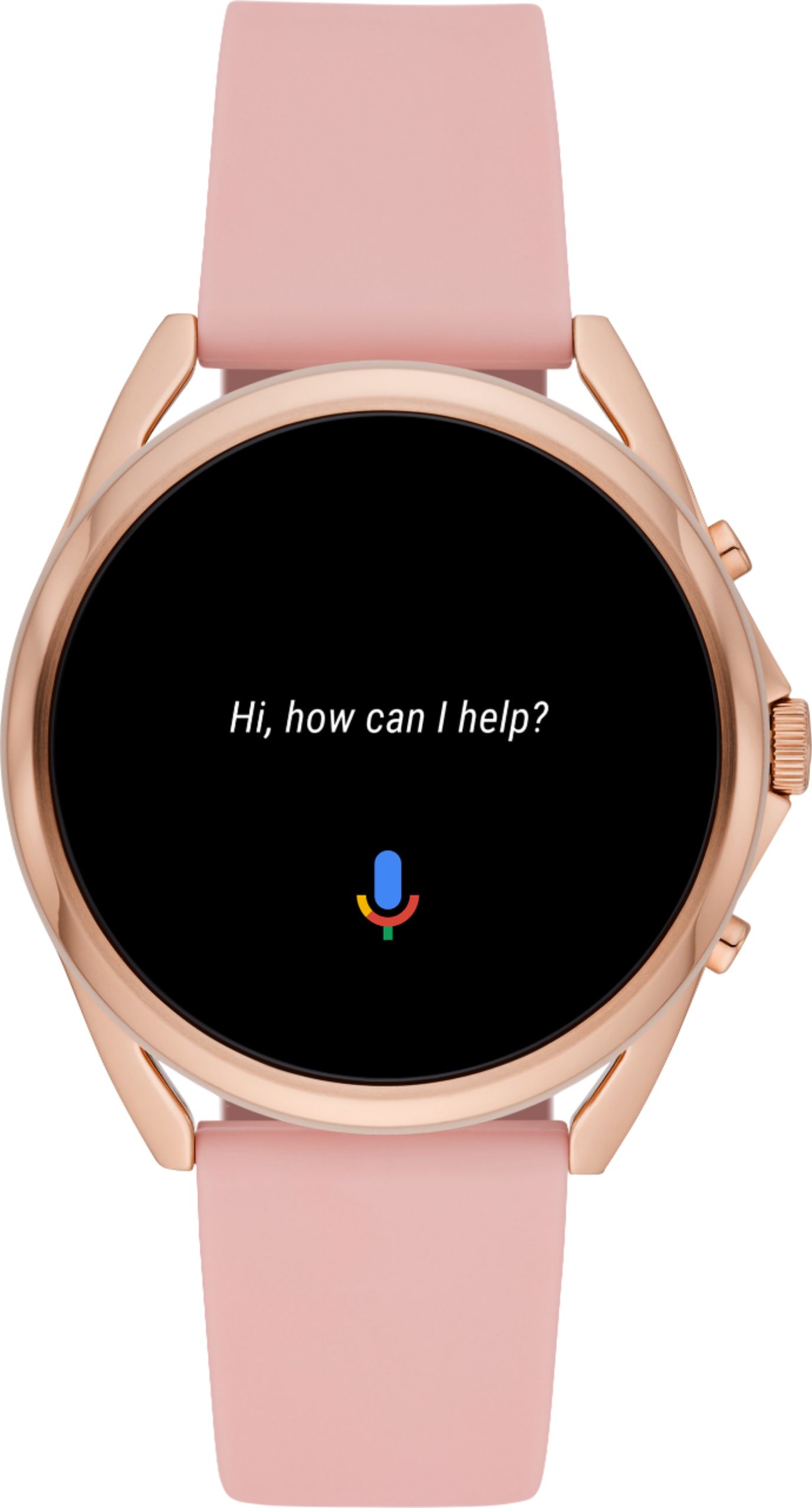
|Posted .This reviewer received promo considerations or sweepstakes entry for writing a review.This is my first Wear OS-Based LTE smartwatch. Aside from great looks, this Fossil Gen 5 comes with a flexible watch band and charging cable. No actual charger comes with this watch. The watch has three external buttons. The center button is the power button. Press it once, and you’re in the app section. Press it again, and you are returned to the home screen. The center button also has a scroll knob for scrolling through apps, notifications, and more. Straight out of the box, the top button is mapped to the phone app; the bottom button is mapped to the fitness app. Both the top and bottom buttons can be reassigned to different apps in the Personalization section in Settings. For those people interested in purchasing this watch, note that Fossil’s LTE only runs on Verizon’s cellular network. Configuring this watch out of the box was fairly easy. The first part of the configuration prepares the watch to work with your cellphone and maps the watch to your Google account. The second part handshakes with Verizon and configures LTE so the watch can perform mobile functions when needed. The very first thing you will need to do is install the Wear OS app on your cellphone. For LTE to work, you also have to authenticate to Verizon’s network, so make sure you have your Verizon username and password before starting. Turning on the watch is sufficient to get the setup process rolling. Just a minute or so into the process, you will be directed to use the Wear OS app for all subsequent steps. When the setup process is near completion, the Wear OS app will prompt you to begin the LTE setup. This step will require you to enter the Fossil’s IMEI number - which is found on the outside of the box the watch came in. You will need to authenticate to the Verizon network, so be ready with the username and password info I alluded to earlier. When all is complete, Verizon will have issued your watch an eSIM for mobile communication, a dedicated phone number unique to the watch, and both the Fossil smartwatch and your cellphone will be NumberShared. If you run into a problem successfully completing the LTE/eSIM process, your best bet is to contact Verizon support and ask them to confirm that your Fossil’s IMEI number is in their database. If the IMEI is not in their database, ask Verizon to manually add it for you. If you are not familiar with NumberShare, it allows phone calls directed to your cellphone to also ring on your Fossil. Additionally, all notifications and messages that go to your cellphone will also be directed to your watch. Essentially, both watch and phone will share the same cellphone number. And since they share the same phone number, you can use either device to answer calls or place calls. When I’m out and about and only have my smartwatch, I often carry a pair of earbuds and pair them to the smartwatch. That way, I don’t have to lift my wrist to my mouth to talk and listen – you know, like the old Dick Tracy character. Be aware that there are additional costs associated with NumberShare. Verizon charges a $10/mo fee to NumberShare your cellphone and watch, and a one-time activation fee of $30-$35. I use a lot of Google products, as well as a fair number of IOT (Internet of Things) devices at home. I mention this because I regularly use ‘Ok Google’ commands at home to turn devices on/off, or to perform device-specific functions. Since this Fossil watch supports these same commands, all I have to do is tap the Google Assistant icon and say a command. I can open my garage, unlock (or lock) a door, turn lights on/off, and more. I find this very cool! The battery on this watch – based on my current testing – is adequate for a day’s worth of use. I generally turn my watch on at 5:30am, and by the end of the day I have around 30%-40% remaining on my battery. It can also be a lot less depending on how actively I used the watch. Phone calls with earbuds, for example, are a big hit to the battery. I generally charge the watch at the end of the day and leave it off until morning. One nice thing is that it can go from 30% to 100% with less than an hour’s charge. For battery management, you can set the watch to one of four settings: Daily (which is the default), Extended, Custom or Time-Only. Daily mode has everything fully enabled, which means you’ll have the worse battery life from this setting. Extended mode will turn the always-on screen switched off and adjusts Bluetooth but permits you to still get your notifications and health data provided. Custom mode lets you individually tweak which features will run, thus giving you greater control over battery usage. Time-only is as the name implies, it blocks all features except for showing you the time. In Time-Only mode, the battery will run for days rather than just 12-18 hours in Daily mode. You exit out of Time-Only mode by pressing the center button until the watch restarts. I played with Wi-Fi by turning it on and off to gauge the impact to the battery, but eventually left it on full-time. Wi-Fi can be especially handy if you and the Fossil are separated from your phone where Bluetooth connectivity is no longer possible (typically 30~ feet). If the Fossil - with Wi-Fi set to automatic - can jump on a Wi-Fi network somewhere, your phone will be able to pass data between the Fossil and phone over Wi-Fi via the Cloud – a capability fundamental to Wear OS. The watch also has Google Pay, which - with NFC turned on- can be used to pay for goods at stores that permit doing so. I have a number of apps running on the Fossil at this writing. They include Agenda (calendar viewing), Messaging, Weather, Contacts, Google Fit/Workouts, Flashlight, Google Pay, Play Store, Stopwatch, Timer, Alarm, and others. Each of these will sync with their associated app on my Samsung phone when communication between phone and watch is in place. All in all, I like this watch. I find it attractive looking, it is responsive, and works well paired to my phone and in standalone mode. Still, I think Wear OS has some catching up to do when compared to its competitors. As such, I’m going to give it a strong 4-star review.
I would recommend this to a friend Watches
||Posted . Owned for 5 months when reviewed.This reviewer received promo considerations or sweepstakes entry for writing a review.Absolutely love my watch. It works great for me because of the waterproof. Thats what i needed for my job .
I would recommend this to a friend- Pros mentioned:DesignCons mentioned:Network
Classy Styling Held Back by WearOS and VZW
|Posted .This reviewer received promo considerations or sweepstakes entry for writing a review.Let me start this off by saying that I was unable to activate this watch on my Verizon account. Anyone that has an unlocked phone on Verizon take note; you likely WILL NOT be able to activate this watch on your account and utilize the LTE functionality. Verizon requires installation of an additional app (My Verizon Services, NOT the standard My Verizon), and this app is only available preinstalled on locked Verizon phones. I tried side-loading the app onto my unlocked Galaxy S21 Ultra and it would not install. Unfortunately, this is a carrier restriction and Fossil, while incredibly helpful in troubleshooting, had no options for getting this working. Activation issue aside, this watch is incredibly stylish and quality. One thing that's continued to annoy me about certain smart watches is that you can tell from a mile away that they're a smart watch because of the tacky styling. This watch, however, looks amazing. The great hardware is responsible for both of the stars of this review. Unfortunately, the software on this (Google's WearOS) does not live up to the quality hardware. I have hopes for some updates in the future that may address my issues, but as it stands now in early May 2021, here are a few of my annoyances that impact my enjoyment of using the Gen 5: -No YouTube Music integration. This speaks to a much larger issue with Google and their utter inability to understand the needs of their customers (they replaced the great Google Play Music app with the significantly inferior YouTube Music app). Anyone that rewards Google with loyalty of using their music service will be punished by not being able to use it on their smart watch OS. -The notification system seems completely broken. The watch was alerting me multiple times for the same email coming through, for instance. -The navigation system is highly unintuitive. The Gen 5 uses the crown wheel as a means for scrolling (which works great and is well implemented), but how WearOS is laid out just doesn't make sense in certain instances. Additionally, if you want to turn the watch off, you hold down the wheel button, which then activates Google Assistant and THEN shows you the power menu to turn the watch off. UX design 101 has been let down here. Overall, I'm disappointed that in my particular instance, this watch doesn't fit my needs. While the build quality and style are top notch (honestly, Fossil did an amazing job in the hardware department as would be expected from their track record in the watch industry), the software and network limitations make this a hassle to use.
No, I would not recommend this to a friend - Pros mentioned:Battery life, Easy to use
Great watch for the Android side
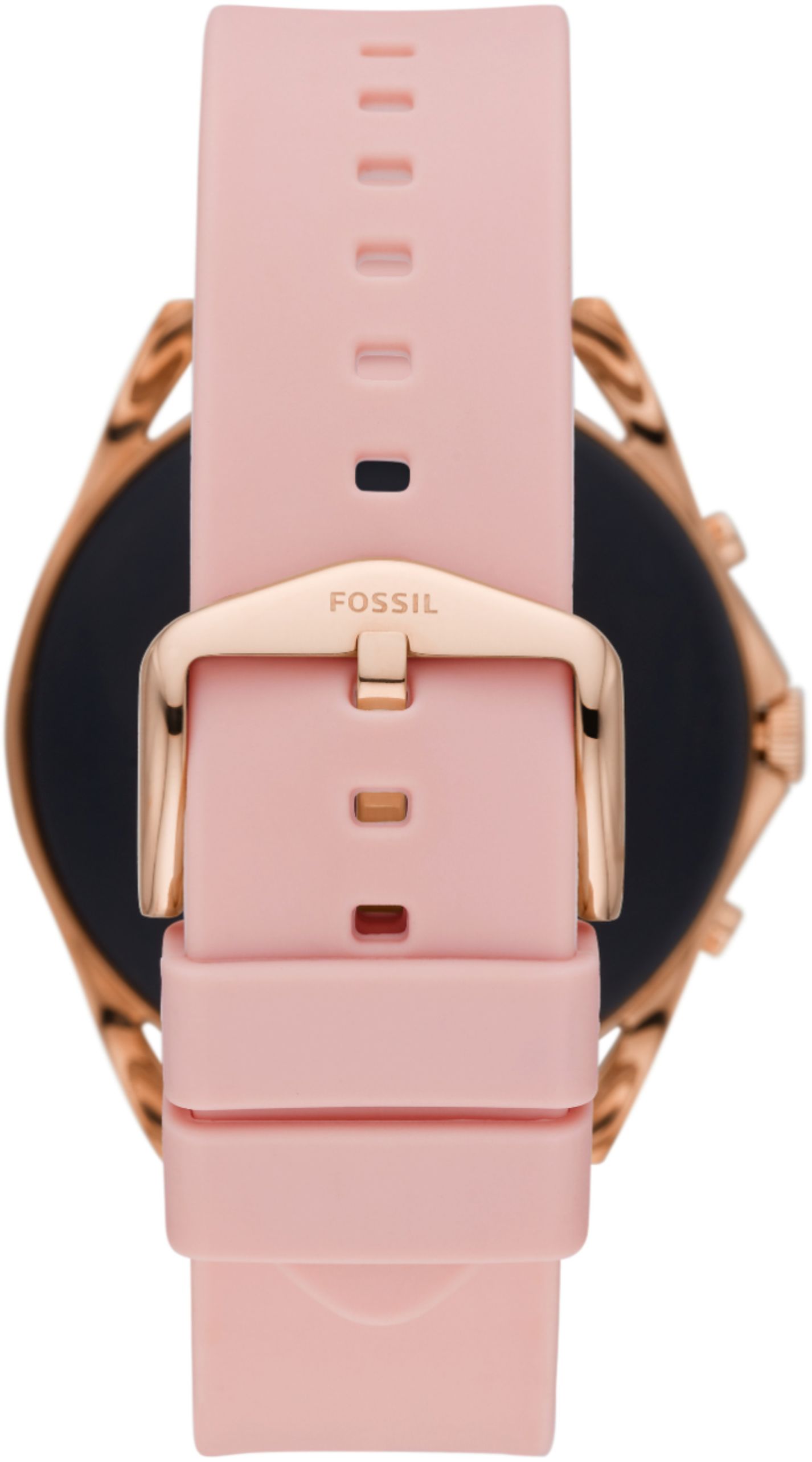
|Posted .This reviewer received promo considerations or sweepstakes entry for writing a review.I have been enjoying my Fossil Gen 5 smartwatch. I also own a Samsung Galaxy Active 2 and that is about the extent of my smartwatch experience. Aesthetically the Fossil watch is leaps ahead of my other watch in my opinion. I love the larger watch face and the variety of face styles available through the Wear OS app. Looks much more professional and I am more comfortable wearing it all day regardless of what my schedule is. The watch band out of the box is just a basic black silicon but doesn't downgrade the appearance of the watch overall in my opinion. I'm sure there will be aftermarket options available if you want a leather band. Functionality wise it has been the best smartwatch experience I have had so far with Android. It was super easy to link with my phone and verizon account to enable LTE calling and data straight from the watch regardless of where my phone might be at the time. I didn't have that on my old watch and never realized what I was missing. Now when I go for a run I dont have to worry about having my phone to stream music from spotify. This also offers touch free pay via Google Pay which works well. The watch is extremely responsive, offers plenty of onboard storage for apps, and easy to customize. Using the watch dial to scroll through emails and messages works fantastic and is one of my favorite features of this watch versus my previous. The display is bright, easy to read, and offers a "always on" option which I like to use. Scrolling through messages looks very smooth it is also very responsive to touch inputs and rarely misses a beat. Battery life has been more than adequate and with my usage I think I could get 2 full days of use out of it without using any sort of battery saver modes. I just typically recharge it at the end of the day and it is sitting around ~70% with use from about 8am until 8pm. Overall a nice classy upgrade to my previous smartwatch. Great features and performance I would strongly recommend this watch if you are looking for one of the best smartwatch experiences available on Android.
I would recommend this to a friend - Pros mentioned:Battery life, Fitness tracking
Unexpectedly Good Smart Watch
|Posted .This reviewer received promo considerations or sweepstakes entry for writing a review.This watch is packaged in a way that displays the how good this item looks. You get to see exactly what you are getting. It’s an attractive looking watch that can be worn in a workout or casual setting and the band is very comfortable. For the initial setup, I had to change my usual phone brand and go through a little bit of a pain to get connected to the network. Once set up I was able to put this watch through its paces and I’m quite impressed with what I can do. This is not my first smartwatch and I can tell that Fossil has done their homework on this one. First, I’d like to comment on the extreme variety of watch faces. With so many faces, it is super easy to set the face up to your specific liking. I’m a person that really like being able to customize things that make them feel more like my own. Also, if you don’t like how the face looks, it’s really easy to change. Next, I’m big on fitness and I enjoy the ability to see my progress throughout the day. Having the capability to track a run or hike and know my distance at a glance is a must and this watch delivers. This watch goes as far as to show calories burned, steps taken, even can give you a temperature reading. Which makes this watch great for tracking your fitness. A few features to note are. Google Assistant gives you the ability to use voice commands over the watch or answer questions that you may have. Touch Screen gives you the ability to easily navigate the watch and its features. Water Resistant for those that like to track their swim or triathletes. Great Battery life that has already surpassed expectations, it has better battery life to my last comparable smart watch. The Fossil Gen 5 LTE Smartwatch is an unexpectedly good watch. I would definitely recommend this watch to anyone that love android phones and operating systems. It is highly competitive to any of the top name brand watches.
I would recommend this to a friend Perfect Combo - Fossil Quality & Smart Technology
|Posted .This reviewer received promo considerations or sweepstakes entry for writing a review.The Fossil Gen 5 LTE Smartwatch is a great combination of Fossil's brand, quality, and recognition and the all-important smart technology that many are looking for. Sharp AMOLED screen is easy to view and touch responsive. 8GB of storage onboard and 1GB of RAM makes this watch powerful to handle your everyday needs. I found this watch to be a great alternative to the big brand smartwatch. It has all the same features including Health/activity tracking, step counting, alerts, etc all using the google platform of Android. Work for both Android and iOS phones, just download the google apps - the setup will walk you through what you will need. Take calls hands-free from your watch, or even make calls if you forget your phone - you are connected! I did find the setup to Verizon Wireless a bit of a headache. It took a few calls to Verizon for assistance - wish it was easier! Moving from an Apple product to the Fossil watch with take a bit of getting used to, but it is a easy switch and a far less price! The feel and comfort of the Fossil watch is better than the big competitor as well! The watch band is comfortable and soft and no button/fold closure on the band which can be uncomfortable. The round face is a nice flashback to tradition watches and the watch faces are customizable in abundance. The only other issue I have it that you are limited to 5 applications at a time on the watch. This seems odd as it has more than enough memory and RAM to handle more! PROS - Fossil brand, quality, and recognition - Comfort meets Classy - Value priced but powerful - Easy integration with your Google Lifestyle - Works on both Android and iOS platforms - LTE cellular via Verizon Wireless - Customizable watch faces and apps CONS - Limited application storage (5 at a time) - Only currently works on Verizon LTE (works without cellular subscription for other functions), this may not work for those with AT&T or T-Mobile - LTE setup is a bit harder than the instruction state For the price and features, this is the smartwatch to have if you are in the market! Get It!
I would recommend this to a friendGetting better, Fossil…but, still NOT good enough
|Posted .This reviewer received promo considerations or sweepstakes entry for writing a review.I’ll be completely honest…I don’t really know what to make of this watch. I don’t “love” it, but I don’t hate it. In certain ways, I like it more than the Samsung Galaxy Watch 3 I’ve been wearing/using for the past 8 months…and, in certain ways, I like it far less. However, before I get into explaining, let’s start this review at the beginning. UNBOXING AND INITIAL IMPRESSIONS: The packaging is simple, and straightforward, with the only plastic being the clear box cover. Not the best “environmentally-friendly” packaging…but far, far from the worst. I understand the clear plastic top, as it allows people to see the product. On the ‘plus’ side, the two pieces of molded cardboard holding the watch appear to (possibly) be recycled material, so that’s a great ‘counteract’ to the plastic. SETUP: Admittedly, I ran into a few problems here…with Fossil partly at fault, and Verizon partly at fault. As for Fossil’s part in this, this is due to Fossil having ‘forgotten’ to provide the IMEI numbers to Verizon for pre-activation. Without the IMEI number (which, in a matter of speaking, is like a serial number…it’s what cell service providers use for “blacklisting” devices when they’ve been stolen, preventing the thieves from activating the devices under a different account) in the Verizon system, Verizon was completely unable to activate the smartwatch. Moving forward a few days, once Fossil had notified me that the IMEI problem had been resolved, I ran into my second activation problem. This was caused by Verizon customer service people having no clue how to properly do their job. Granted, what led to this ‘problem’ was that I already had a smartwatch line on my account, with a watch (Samsung Galaxy Watch 3) already associated to that line. The “problem” involved something that should have been incredibly simple to do, but the first two phone calls were handled by two people who had no clue how to properly do it. The first time I called, the person “accidentally” created a new line (which would have hit me with a $35 ‘activation’ fee), associated the new watch to that “number share” line, and deactivated the Samsung watch from its line…but left that line active (which also meant I would have ended up paying for two “number share” lines. I didn’t discover this person’s error until later that night, thus, I had to wait until the following day to get it corrected. In calling the second time, instead of switching the Fossil watch’s IMEI to the first “number share” line, and canceling the second lined, the person goofed things up even further, by keeping the Fossil watch on the ‘new’ line, and canceling the original line. In this error, I would still have been hit withy the activation fee…plus, my “number share” line would have had a new number. Needless to say, I was getting more & more irritated with Verizon’s customer service (or Customer Dis-service). The following day, I had to call again. Thankfully, this time, I not only ended up speaking with someone who knew exactly what they were doing, but he was able easily able to fix all the problems caused by the first two people. I’m just hoping that, when I’m done testing the Fossil watch, and go back to the Samsung watch, I don’t run into all these problems again. Why would I want to go switch again? That will be explained soon enough. ACTUAL USE: In many ways, the Fossil Gen 5 LTE Smartwatch is quite good – the display is bright, has vibrant colors, and a crystal-clear display. Additionally, the fonts are extremely easy to read. However, I’ve gotten so used to the dial on the Samsung watch, that I find using it a much easier way to navigate. The Fossil Gen 5 LTE Smartwatch, on the other hand, relies on a ‘primary’ button, and swiping on the display in one of four directions. Yes, it does have two other buttons (one above, and one below, the ‘primary’ button)…but, to be completely honest, they confuse me, as they both appear to have extremely limited functionality. Then, there’s the matter of the OS – one watch uses Tizen, while the other uses Google’s Wear OS. While Tizen is (for the most part) quite powerful, Wear OS has several limitations. The next problem I have is with the organization of everything. With Wear OS, all apps are shown on a single screen, and you have to scroll up/down to go through them. With Tizen, you can not only organize the apps however you like, but you can also arrange them onto different screens. Finally, in regards to ‘cards’ (similar to widgets on a cell phone, except that ‘cards’ take up an entire “page” (similar to a “homescreen” on your phone/tablet)), you have an extremely limited number of cards (I’m blanking right this minute, but it’s either 2, or 3) you can have “active”…with Tizen, you can add several. About the only thing I truly like about the Fossil watch is that LTE has been added (according to what I’ve read, the original Gen 5 Smartwatch was a Bluetooth-only device. Unfortunately, herein lies the next problem – even when it’s within Bluetooth range of my cell phone, it’s constantly disconnecting from Bluetooth, and switching to LTE. I don’t know if my unit has a defective Bluetooth chipset, or whether this is part of the “design”. With other LTE-capable smartwatches, they are always connected via Bluetooth when within range of the paired phone (and, obviously, when said phone has its Bluetooth enabled), and ONLY switch to LTE when out of range of the phone, or when the phone’s Bluetooth is turned off. ADDITIONAL THOUGHTS: So, is the Fossil Gen 5 LTE Smartwatch bad? Not necessarily. If you are using it as a “Dick Tracy” phone (for those old enough to understand what I’m saying), it works great…and, the sound quality is quite good. One advantage this watch has over the Samsung watch (and, to be completely honest, I don’t know if this has to do with Wear OS vs Tizen, or something else) is that, even when the watch is connected via LTE (ie. NOT connected to phone via Bluetooth), your text messages & emails STILL come through. This is a HUGE advantage over the Samsung watch, and one of the things that makes it ‘better’. However, while the Fossil watch can do heartrate monitoring, it does NOT have the ability to do an ECG (which the Samsung watch can do). Also, battery life is on the somewhat dismal side. With my Samsung watch, I can almost always get 2 full days (sometimes even partially into a third day) use before it needs charging…with the Fossil watch, I’m barely making it through a single day, and this is with fairly minimal use. With heavy use, I’m guessing it would need to be charged around lunchtime. Making this even worse, I am NOT using “always on”…if I were, battery life would be even shorter. Thankfully, the watch does offer users various “battery modes”, allowing various sensors to be turned on/off, so some users will be able to extend battery life. FINAL VERDICT: To accurately answer the “Would I recommend this” question, that would depend on several factors, which (unfortunately) could easily be different for different potential purchasers/users. If you’re not on Verizon, this watch is NOT for you, as it’s (currently) ONLY available for use on the Verizon Wireless network. Also, if you’re not using an Android cell phone, this watch is NOT for you, as it is ONLY compatible with Android devices. For anyone using an iOS device and/or on another network, you have no choice but to look elsewhere. If you’re on Verizon AND use an Android device, the Fossil Gen 5 LTE Smartwatch COULD be for you. Notice I said “could”. This is because, due to things I’ve pointed out above, as well as things left unmentioned, another smartwatch could serve you better. If I wasn’t using a Samsung smartphone, and if I had never had a Samsung smartwatch, my opinion of this watch might be quite different, and I would probably be recommending it. But, because I DO use a Samsung cell phone, because I DO have a Samsung smartwatch, and because I DO know the ‘positives’ of the Samsung watch & ‘negatives’ of the Fossil watch, I am unable to recommend it. Again, this does NOT mean the Fossil Gen 5 LTE Smartwatch is “bad”…it isn’t. In many ways, it’s quite good, and would be the best choice for certain people. It is because of this last point that I am giving it a 2-star rating (as opposed to a 1-star). If it didn’t have the problems it has…especially the battery life problem…I might have given it a 3-star rating (honestly, more like a 3.5-star). However, the battery life problem is a HUGE problem…especially when Fossil touts a longer life per charge. I did have higher hopes for it…but, the reality is not the same as what my hopes were. Disclaimer: This product was provided free, or at reduced cost, for the purpose of reviewing the product. Nevertheless, the above review, be it positive, negative, or anywhere in-between, is a 100% honest review, and the price paid played absolutely no part in my review.
No, I would not recommend this to a friendNice, But Has Drawbacks
|Posted .This reviewer received promo considerations or sweepstakes entry for writing a review.This is a nice smart watch. Pairing it was easy through the Wear OS app. The Google Assistant is great and responds pretty fast. But there are some drawbacks. The fit wasn’t that great. I think a smaller band needs to be included and I wear my watch on my right wrist. It’s not easy at all to navigate the screens. I really wish the main screen had instant health data like steps. Yes, you can tap the heart at the top and get your heart rate but there should be an easier way. When I’m walking or running, I like to look at my device and instantly know how I’m doing. The call quality is great both in and out. I haven’t had any issues with that. Overall this is a nice unit but it does have some issues that need to be corrected on a future release.
No, I would not recommend this to a friend