Customer Ratings & Reviews


- Model:
- 010-02038-02
- SKU:
- 6319480
Rating by feature
- Value
Rating 4.5 out of 5 stars
- Quality
Rating 4.6 out of 5 stars
- Ease of Use
Rating 4.5 out of 5 stars
Customers are saying
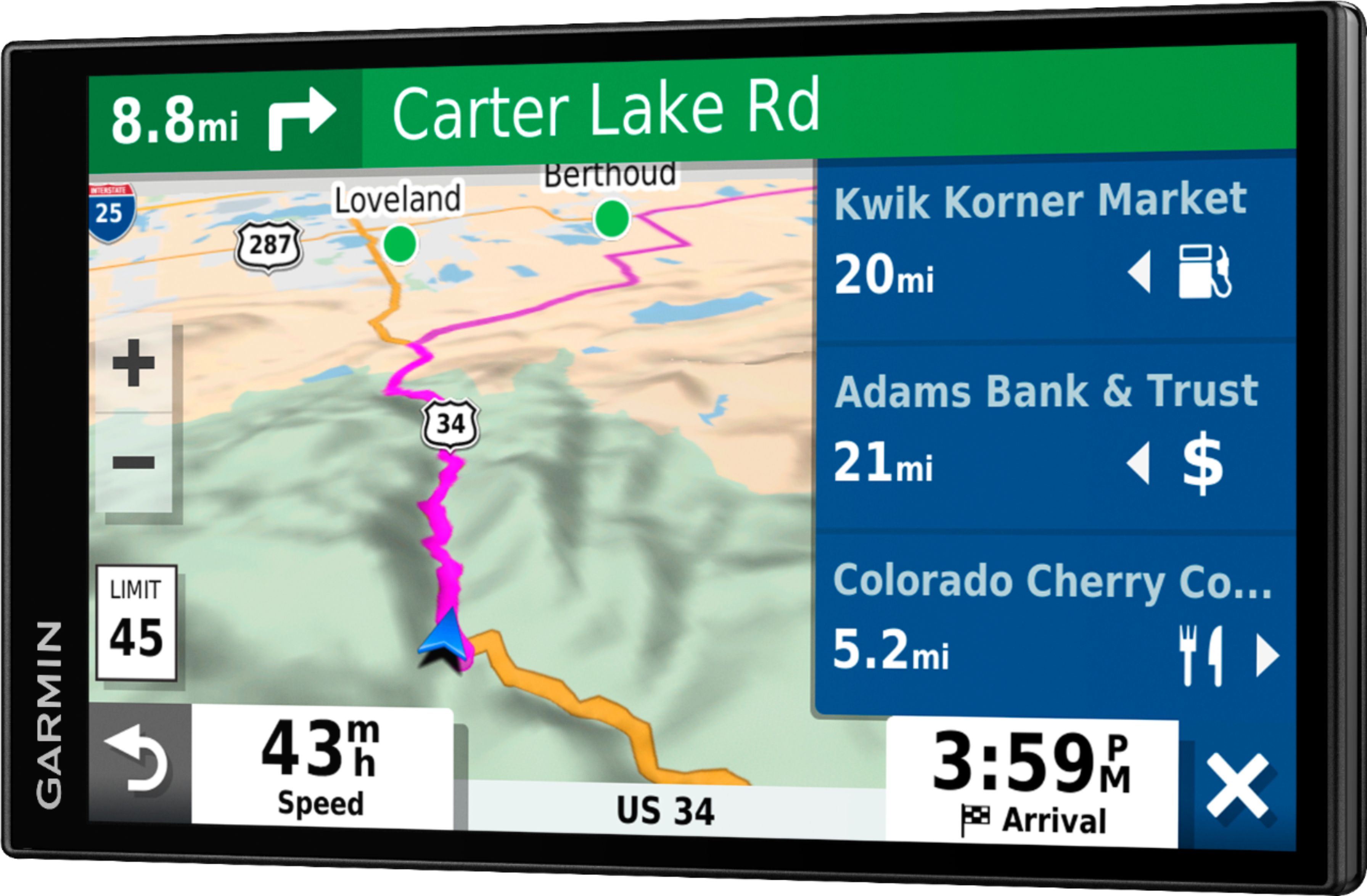
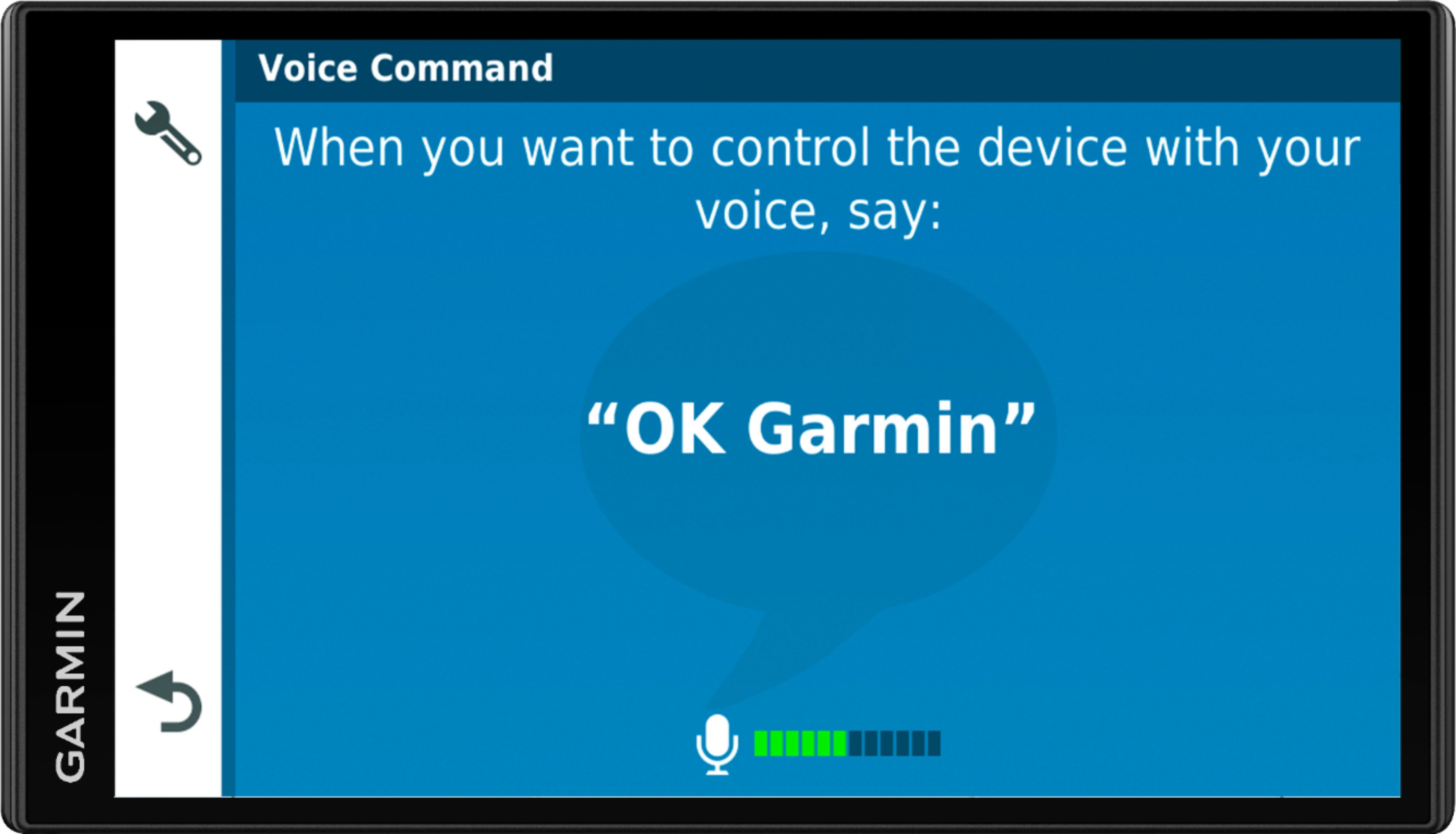
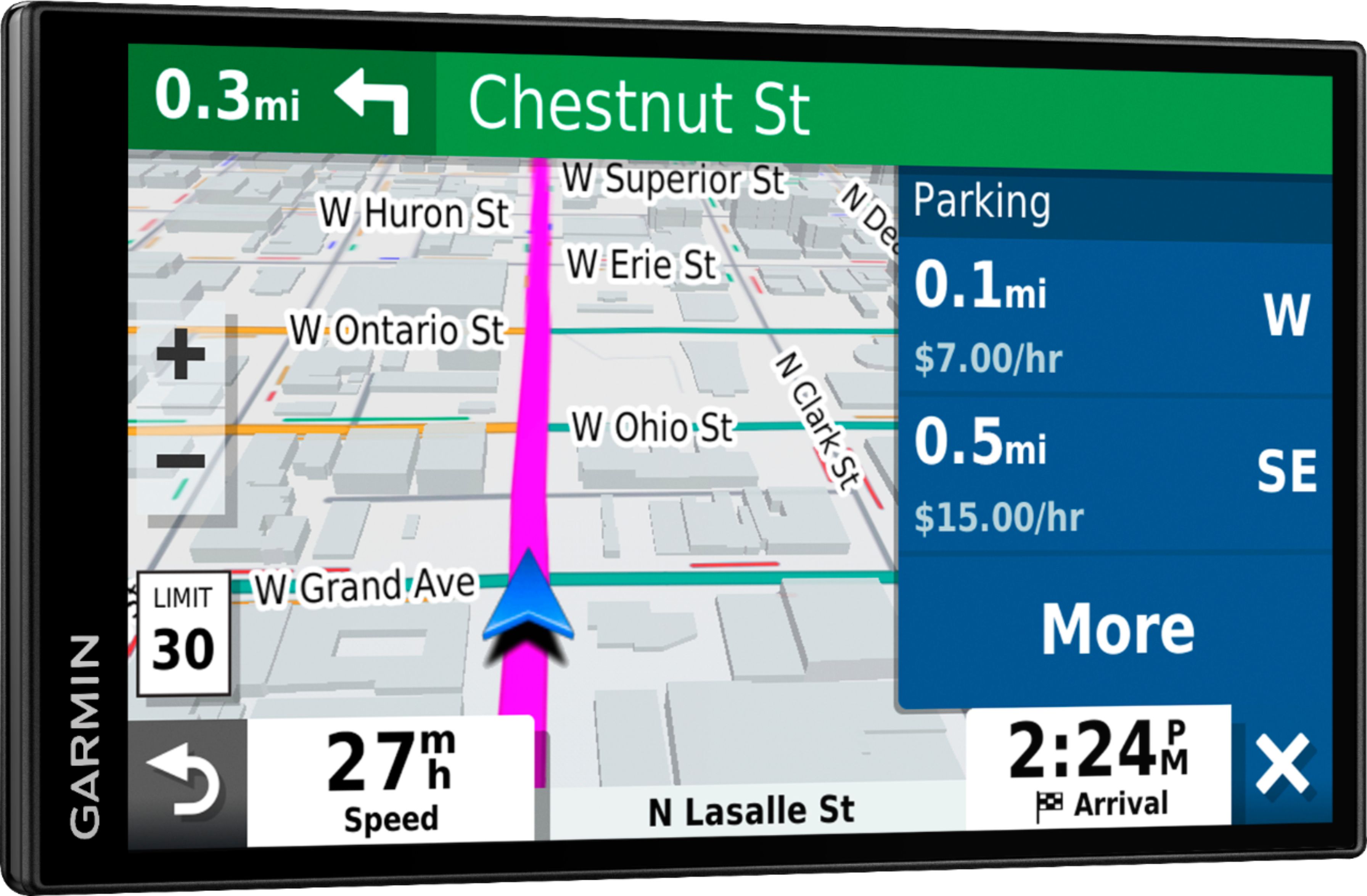
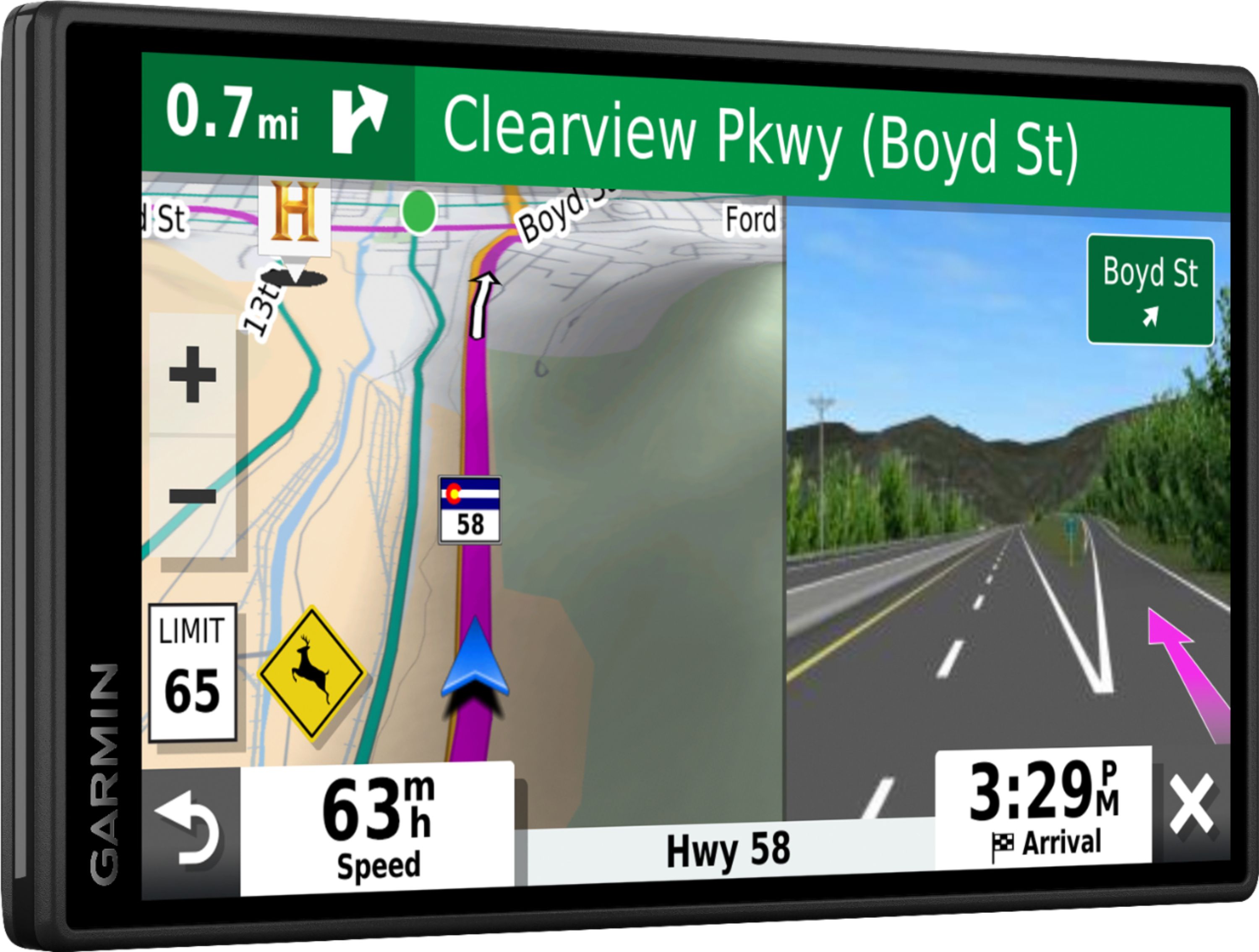
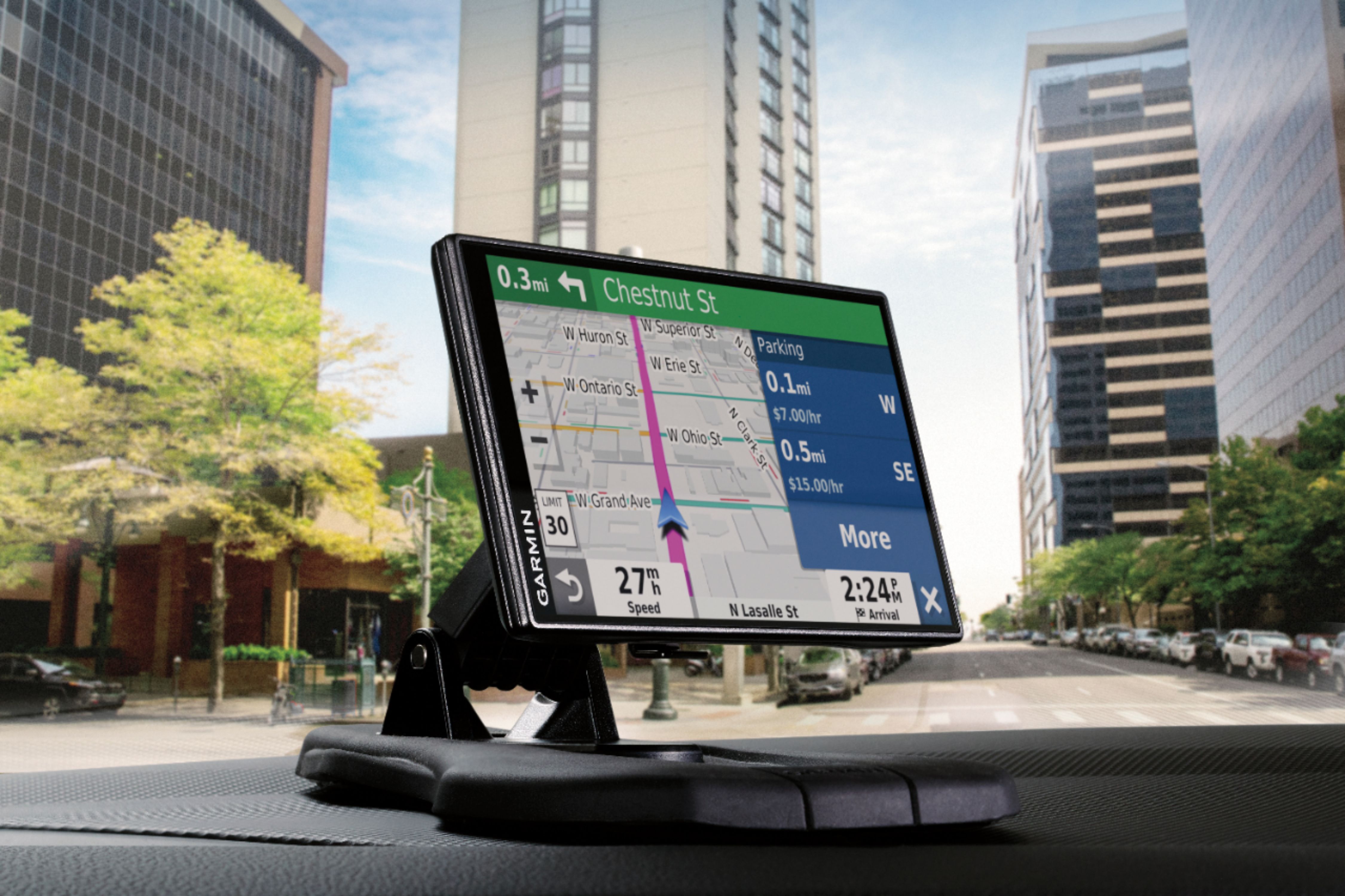
Customers often highlight the large screen size, ease of use, and accurate GPS navigation as significant advantages. Many appreciate the inclusion of live traffic updates and free map updates. However, some users mention challenges with the voice command function and report that the battery life could be improved. Navigation inconsistencies were also noted by a few customers.
This summary was generated by AI based on customer reviews.
- Pros mentioned:Screen size, TrafficCons mentioned:Voice command
Excellent for Seniors
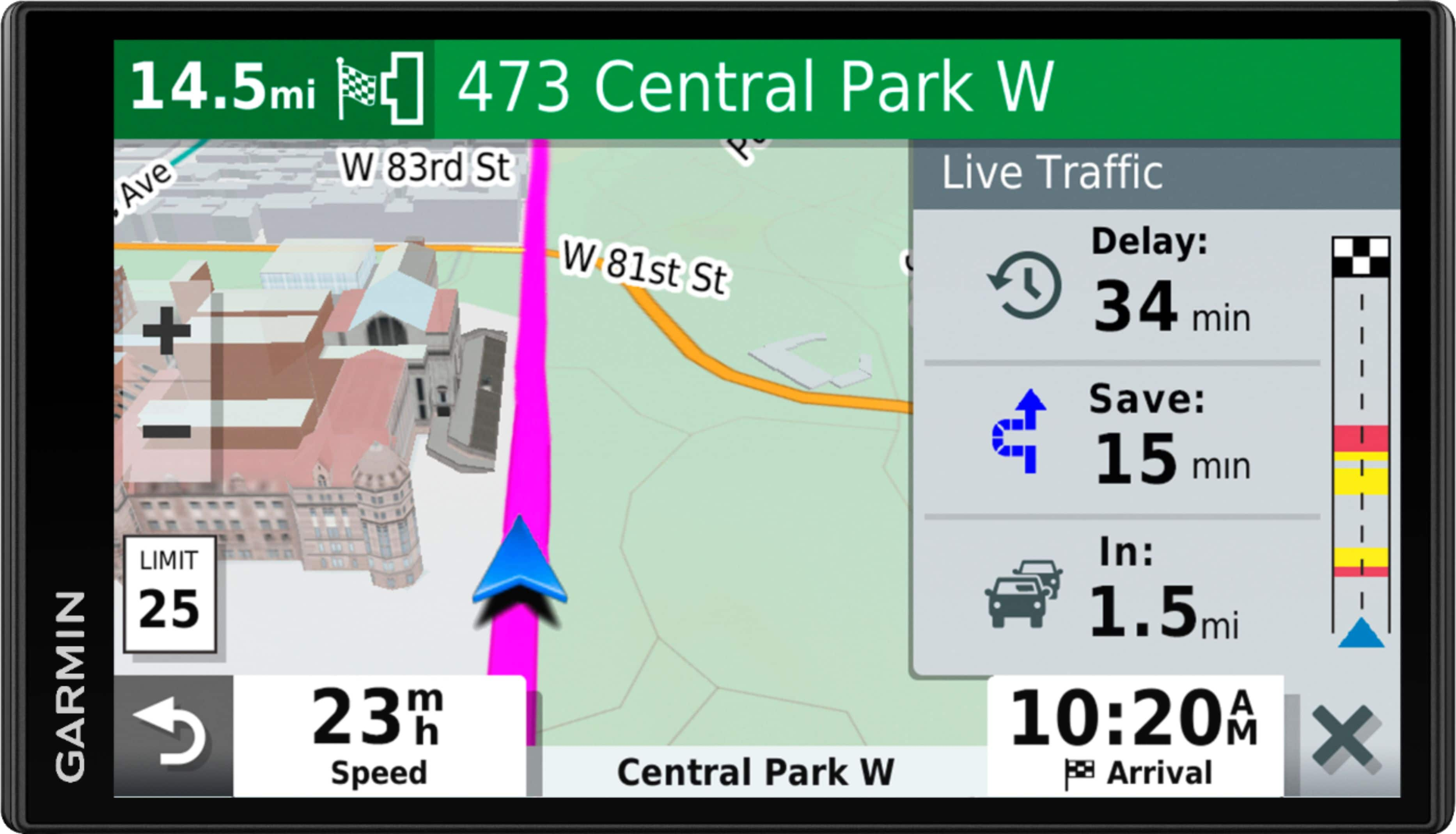
||Posted . Owned for 1 week when reviewed.This reviewer received promo considerations or sweepstakes entry for writing a review.The 7 inch screen is a great selling point along with life time map updates, traffic updates, live parking, smart notifications - ex: red light camera ahead, over the speed limit etc. The instructional voice in not as annoying as my previous Garmin, it doesn’t scream recalculating when u miss a turn, it simply gives u left and right instructions until you get back on route, love that.
I would recommend this to a friend - Pros mentioned:Ease of use, Gps
Size and ease of use
||Posted . Owned for 3 weeks when reviewed.This reviewer received promo considerations or sweepstakes entry for writing a review.Bought this unit june of 2020 on sale and what an amazing unit. Unit seems solid and well built. Pros: ease of use, being able to use Bluetooth on your phone to send your destination to the unit. Cons: sometimes my phone doesn't automatically connect to the unit once its powered on. turning it off and back on fixes the issue. Nothing serious enough to not purchase. Not being able to display the time and direction being traveled at the same time use to bother me but I got use to it. It would still be nice to customize the screen though. When alerts are turned off they stay off. There's several other options within the unit that I can't comment on because I don't use them.
I would recommend this to a friend - Pros mentioned:Screen size, Traffic
Accurate and advanced
||Posted .This reviewer received promo considerations or sweepstakes entry for writing a review.I really like this gps unit, big screen, many useful functions, accurate and a really useful traffic updates feature which also includes providing faster alternate routes, it also connect to smartphones if you want that to provide more features
I would recommend this to a friend - Pros mentioned:Screen size
Great GPS unit
||Posted . Owned for 2 months when reviewed.This reviewer received promo considerations or sweepstakes entry for writing a review.The unit was purchased as an upgrade to my prior Garmin that I have had for 8 years. I like the clarity and size of the unit. The unit allows me to update the maps via WiFi which is much more convenient than my olderunit which required connection to a computer for updates. It also easily pairs with the Garmin app and provides live traffic updates.
I would recommend this to a friend - Pros mentioned:Screen size, Traffic
Garmin does it again w/ great product.
||Posted . Owned for 3 weeks when reviewed.This reviewer received promo considerations or sweepstakes entry for writing a review.Great product. Works as advertised. Links up to phone and traffic. It's large and easy to use. Places of interest are very important to me.
I would recommend this to a friend Accessory to having no built in navigation
||Posted . Owned for 1 week when reviewed.This reviewer received promo considerations or sweepstakes entry for writing a review.Just tried out this weekend on a trip to Vermont worked well, still figuring out how to set the settings for my liking, my only real complaint would be the loudness of the speaker, it would be the complete package if the volume wasn’t so low
I would recommend this to a friendWonderful to have the Garmin DriveSmart65
||Posted . Owned for 3 weeks when reviewed.This reviewer received promo considerations or sweepstakes entry for writing a review.I had a Garmin NUVI many years ago, but since my current cars had good navigation, I sort of let that go. Rental cars are whole different animal. Since I needed something reliable for use with a rental car, I purchased this Garmin DriveSmart 65, and I am completely satisfied. I like the loud volume, accuracy of the maps and the easy to use the Garmin app on my laptop to download updates. I had to purchase the proper "cup holder" from a 3rd party vendor, which worked out great. I look forward to using my Garmin DriveSmart65 for a few more years of renting cars in other locations.
I would recommend this to a friend- Pros mentioned:Ease of use
Great product
||Posted . Owned for 1 month when reviewed.This reviewer received promo considerations or sweepstakes entry for writing a review.Very easy to use and set up. Great directions, good display. Does everything I wanted it to do. It's great
I would recommend this to a friend very nice unit ,,
||Posted . Owned for 7 months when reviewed.This reviewer received promo considerations or sweepstakes entry for writing a review.i have garmen units from back when you had to load the street mapping software years ago ,, meebe decade ago ,,Now with the features on this new purchase make it much better ,, and the bigger the screen the better .. the features that i liked the best is the traffic and street names displayed . ... and all others are nice too .. very happy with this and got on sale deal of day ,, i built a arch mount over my shifter and my right hand reaches the unit with a breeze ..
I would recommend this to a friend- Pros mentioned:Screen size
Helpful traveling companion.
||Posted . Owned for 1 year when reviewed.This reviewer received promo considerations or sweepstakes entry for writing a review.Love the large screen. I would have given 5 star except there are too many missing location
No, I would not recommend this to a friendBrand response from GarminProductExpert
Posted .Thank you. Missing location although not completely unheard of, are rare. Please visit support.garmin.com for assistance in search options. Worst case we can assist with reporting a missing location such as new construction via https://supportforms.garmin.com/en-US/form/report-map-error/ These report will get to the mapping provider for correction in a future map update.

- Pros mentioned:Gps
Works great and is very easy to use
||Posted . Owned for 1 month when reviewed.This reviewer received promo considerations or sweepstakes entry for writing a review.I am camping across Canada this stunner and it has been a lifesaver
I would recommend this to a friend Garmin DriveSmart
||Posted . Owned for 3 weeks when reviewed.This reviewer received promo considerations or sweepstakes entry for writing a review.Love the size. Easily read without staring to see directions. So far so good when using. Good value for money.
I would recommend this to a friendGarmin
||Posted . Owned for 3 weeks when reviewed.This reviewer received promo considerations or sweepstakes entry for writing a review.Really good service and evrithing works pefectly good price and fast delivery
I would recommend this to a friendWorks great setup the way you like it
||Posted . Owned for 1.5 years when reviewed.This reviewer received promo considerations or sweepstakes entry for writing a review.Setup the way you like it no toll road and no u turns helps a lot
I would recommend this to a friendWont turn on
||Posted . Owned for more than 2 years when reviewed.This reviewer received promo considerations or sweepstakes entry for writing a review.In 2 years i only used it 5-10 times now wont work tried everything
No, I would not recommend this to a friendBrand response from GarminProductExpert
Posted .This isnt typical of our products. I highly recommend reaching out to Garmin Support for further assistance.
- Pros mentioned:Accuracy, Ease of use, Screen size
Excellent GPS from GARMIN
||Posted . Owned for 2 months when reviewed.This reviewer received promo considerations or sweepstakes entry for writing a review.This is a very excellent GPS system that a large screen, easy to understand controls and exceptional flexibility as you navigate the information highway as well as the traditional national highway system. With my sense of direction I need an accurate and reliable system and this is it. Also like the map update capability because in so many areas, the growth is remarkable and the highways and roads are continually changing and new stores are constantly opening. The Garmin keeps you up to date.
I would recommend this to a friend - Pros mentioned:Accuracy, Ease of use, Screen size
Great GPS
||Posted . Owned for 3 weeks when reviewed.This reviewer received promo considerations or sweepstakes entry for writing a review.I really like this gps unit, big screen, many useful functions, accurate and a really useful traffic updates feature which also includes providing faster alternate routes. Easy to use and no longer having to hear recalculating.
I would recommend this to a friend - Pros mentioned:Ease of use, Gps, Screen size
Garmin DriveSmart is smart
||Posted . Owned for 1 month when reviewed.This reviewer received promo considerations or sweepstakes entry for writing a review.I bought this to replace an old Garmin and have to say I like this one even better. The screen is larger, good resolution, easy to use. Bluetooth is a nice feature and it definitely has a few more "bells and whistles" than the old Garmin. Love the free map updates!
I would recommend this to a friend - Pros mentioned:Gps, Screen sizeCons mentioned:Voice command
Excellent product. Super features for road trips.
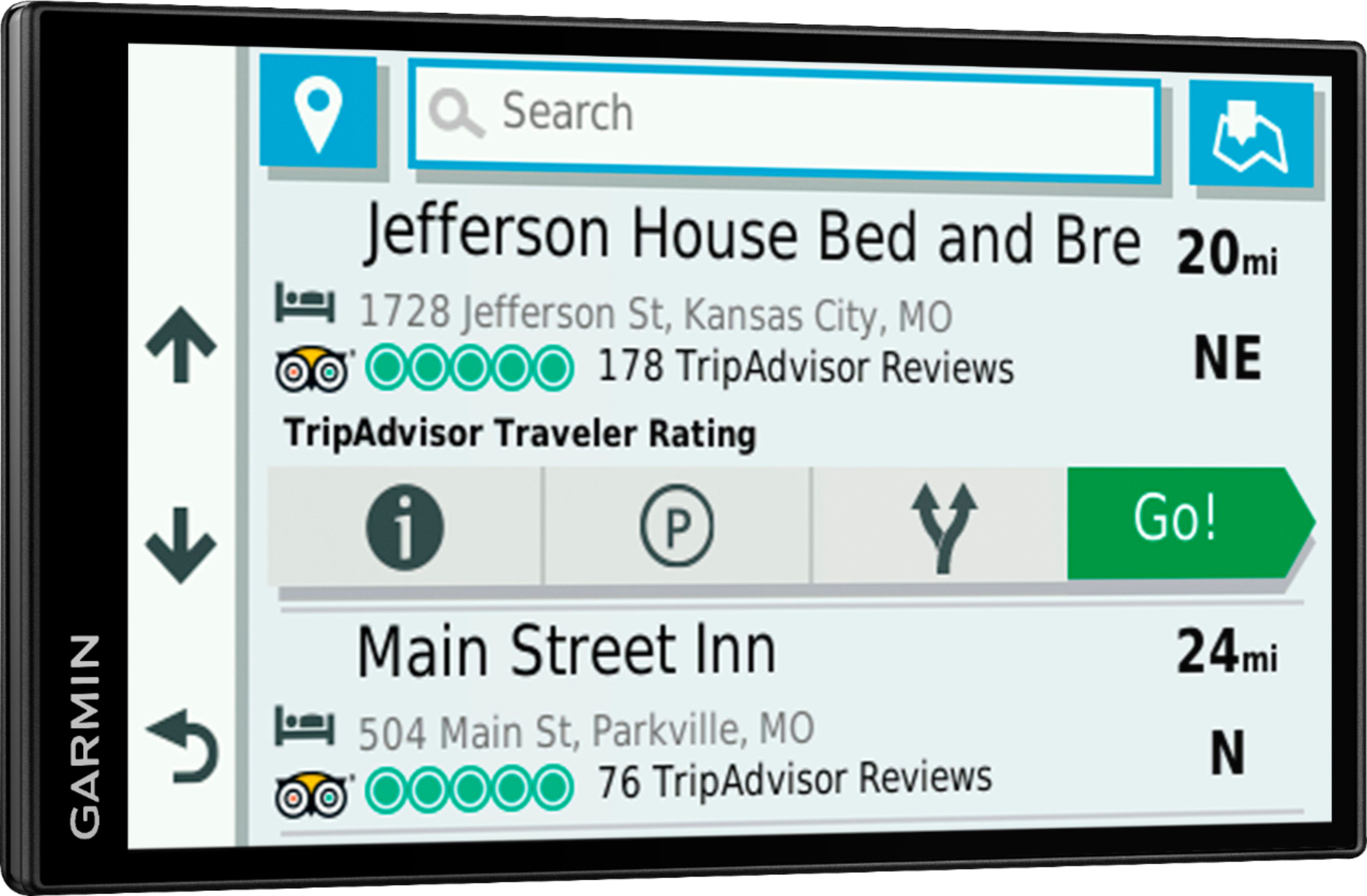
||Posted . Owned for 3 weeks when reviewed.This reviewer received promo considerations or sweepstakes entry for writing a review.Right out of the box, used it for an unexpected 2,000 mile road trip. NOTE.1, when you first turn it on, select APPS, and then select Owners Manual. It is built into the GPS unit. Reading it first will save you a lot of time. 2. Mount it to your dash or windshield. You need to be able to see it while you drive. Do not try to hold it in your hand. The big screen is excellent. Not only displaying directions and posted speed limits but also shows your speed. It also displays upcoming food, fuel, and rest stops and points of interest along the highway. When you miss a turn, it takes a few seconds for the voice to figure out what happened and give you new directions. It needs to tell you something like "CALCULATING ROUTE" to make you slow down or stop. If you keep making turns it takes longer for the voice to help you. This is a little tricky because the voice only comes on while you are moving. Pairing it to a cell phone in the vehicle, held by someone other than the driver, allows this GPS to cross locate you with cell towers. It always knows where you are. it also has a TRIP ADVISER feature which shows up coming hotels. I highly recommend this GPS.
I would recommend this to a friend - Pros mentioned:Screen size
Great upgrade from my 5" Garmin Nuvi 2597LMT
||Posted . Owned for 1 month when reviewed.This reviewer received promo considerations or sweepstakes entry for writing a review.I already have a Nuvi 2597 LMT which has a 5” screen and the Garmin traffic feature. I have always liked it and saw no need to upgrade other than a couple recent trip driving trips to Chicago where on busy sections of interstate, the screen suddenly seemed a bit small. When in Best Buy, I took a quick look at the 6” models and the DriveSmart 65 caught my eye. It seemed just enough bigger that I took a chance when it was on sale and upgraded. I am not disappointed at all and am quite pleased. The screen is noticeably larger making it much easier to read and the graphics are crisper with better detail. It uses the same mount so any mounts I already have still work. My only complaint is the volume can’t be accessed quite as easily but isn’t difficult. Now for what I found surprising in a good way. Adding an additional stop to an existing trip is much easier and more intuitive. On the Nuvi 2597 the questions were a bit confusing on adding a stop along the way (checking for a restaurant or music store nearby). On the DriveSmart, adding to the trip is simpler and works well. The other feature I’m enjoying is the voice control. I’m not a big fan of all the Amazon and Google assistants – I don’t need Amazon listening in to my conversations and reporting everything back to the mothership so they can sell me more product; and in general, I feel capable of doing things for myself; but the Hey Garmin commands are pretty handy while driving. The voice recognition isn’t perfect but gets me to a screen where a quick tap completes the task. Much safer navigating while driving. I still prefer a dedicated GPS rather than using my phone. I don’t want to be approaching a turn/change in directions when a call comes in taking my focus off the directions. If you feel the same, I highly recommend the Drive Smart 65. I’m very pleased with my purchase.
I would recommend this to a friend