Customer Ratings & Reviews


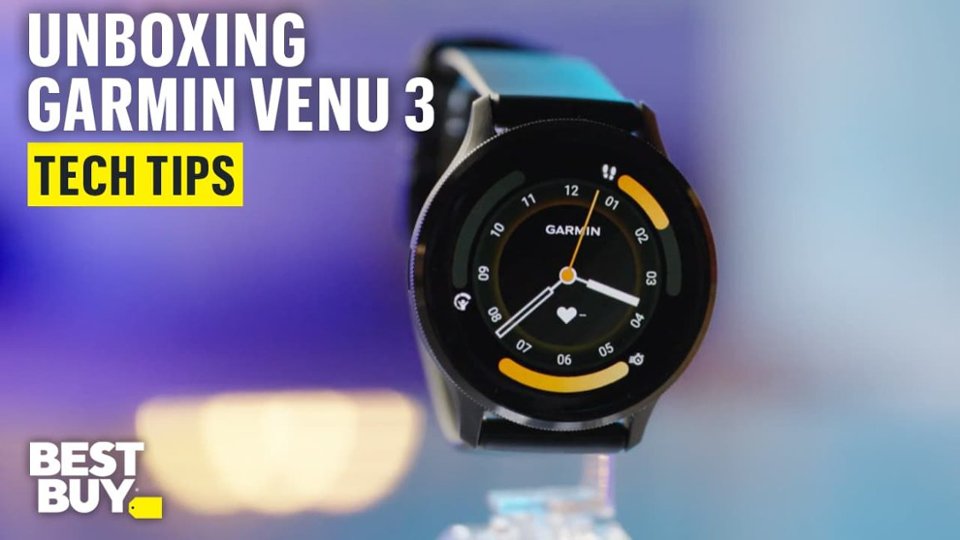



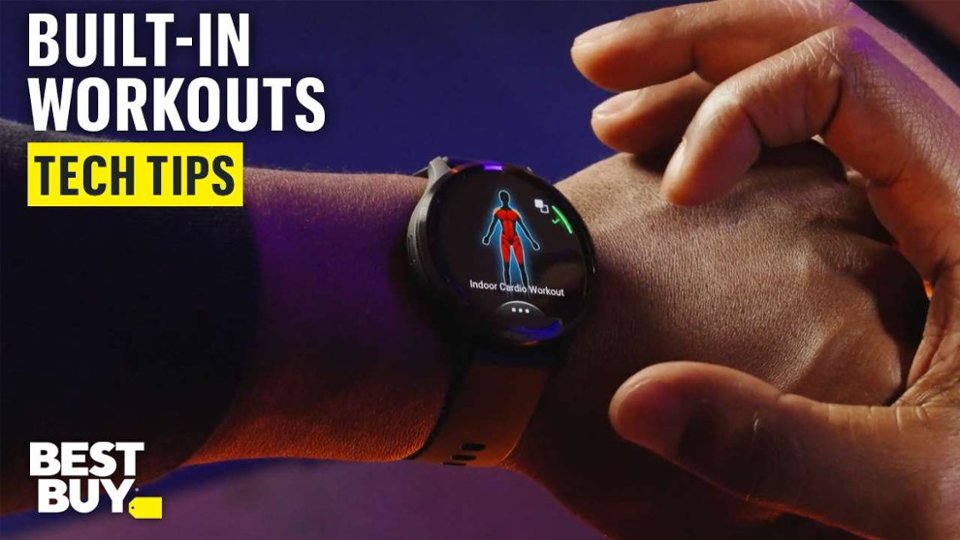

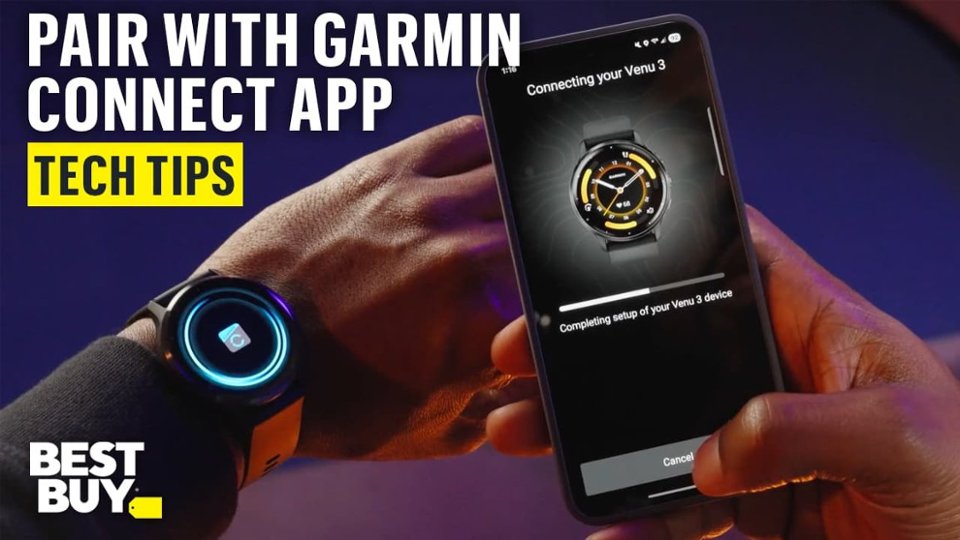
- Model:
- 010-02784-01
- SKU:
- 12266657
Rating by feature
- Battery Life
Rating 4.8 out of 5 stars
- Durability
Rating 4.7 out of 5 stars
- Comfort
Rating 4.7 out of 5 stars
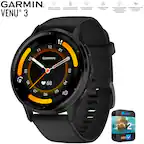
My Venu 3 Watch
||Posted .This reviewer received promo considerations or sweepstakes entry for writing a review.Great watch with many useful features from sleep monitoring to tracking steps, weather, etc.
I would recommend this to a friendBetter than applewatch!!
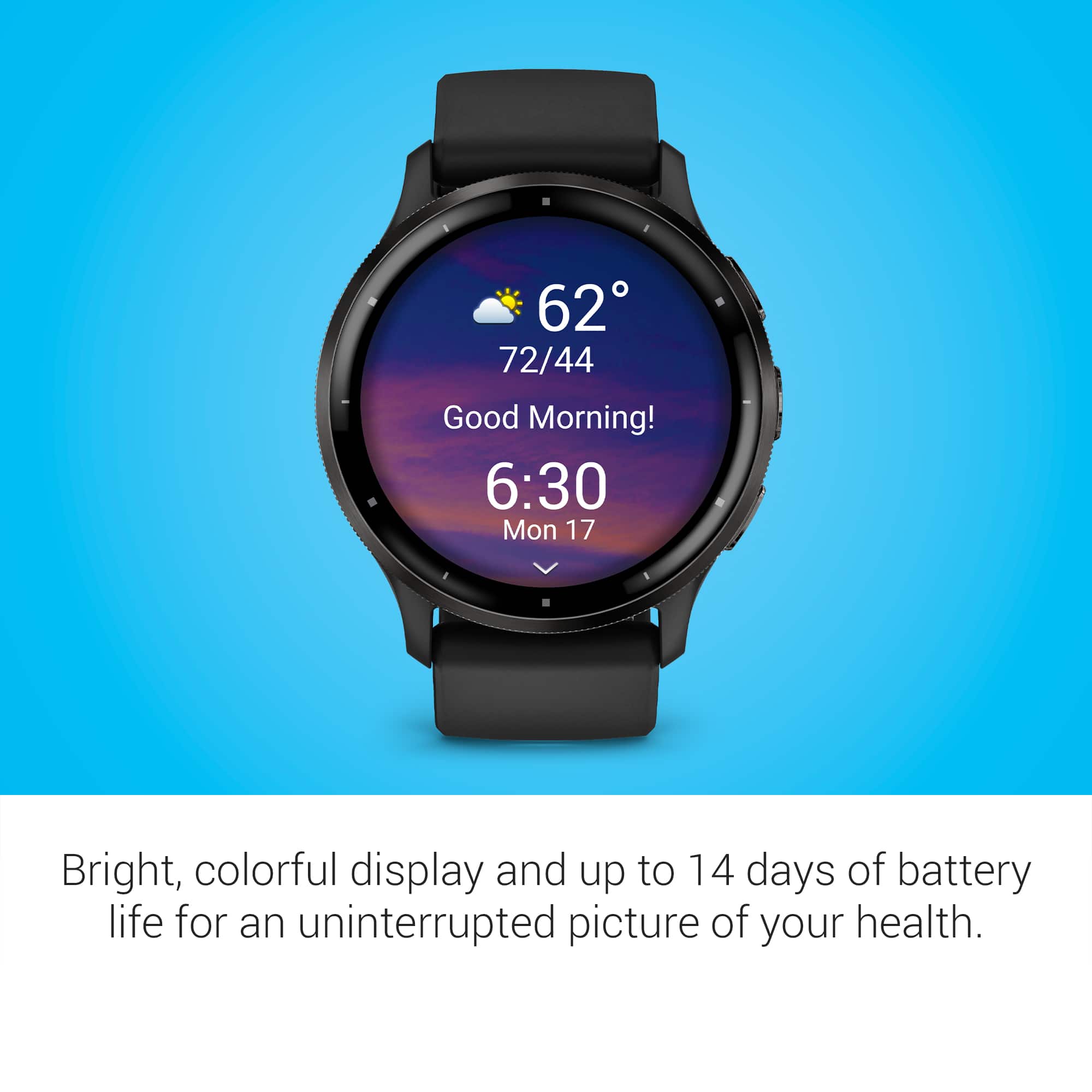
||Posted . Owned for 3 weeks when reviewed.This reviewer received promo considerations or sweepstakes entry for writing a review.Batterie lasts forever and it is more accurate with my steps. And it is affordable compared to apple!
I would recommend this to a friendExcellent watch!
||Posted . Owned for 2 weeks when reviewed.This reviewer received promo considerations or sweepstakes entry for writing a review.This is my first garmin after years of Apple Watches. I super dig it!!
I would recommend this to a friendVenue 3 the best
||Posted . Owned for less than 1 week when reviewed.This reviewer received promo considerations or sweepstakes entry for writing a review.I purchased this watch to replace my old Venue 2, and the differences are abismal, this one is way better.
I would recommend this to a friendGarmin Venu 3 review
||Posted . Owned for 3 weeks when reviewed.This reviewer received promo considerations or sweepstakes entry for writing a review.This has been the best fitness tracking watch I’ve owned. I prefer this over the Apple Watch. Tracking sleep, food, water, etc. I love it
I would recommend this to a friendVery good
||Posted . Owned for 3 months when reviewed.This reviewer received promo considerations or sweepstakes entry for writing a review.Love it! Great battery life! Took me a little to get used to but now I love it!
I would recommend this to a friendQuality product
||Posted .This reviewer received promo considerations or sweepstakes entry for writing a review.This watch has been amazing at helping me monitor my stress levels and sleep habits. Highly recommended
I would recommend this to a friendBattery Life
||Posted . Owned for 3 weeks when reviewed.This reviewer received promo considerations or sweepstakes entry for writing a review.Impressed with battery life. still getting familiar with the other functions of the watch
I would recommend this to a friendWatch
||Posted . Owned for 2 weeks when reviewed.This reviewer received promo considerations or sweepstakes entry for writing a review.Omg i love this watch ..Its been great keeps ip with all of my miles .
I would recommend this to a friendBest watch ever
||Posted . Owned for 1 month when reviewed.This reviewer received promo considerations or sweepstakes entry for writing a review.Betthen apple watch to be honest.i will recommended for sure .
I would recommend this to a friendBest fitness watch
||Posted . Owned for 3 weeks when reviewed.This reviewer received promo considerations or sweepstakes entry for writing a review.Perfect ⌚ for fitness, super slim, battery last for more than 6 days.
I would recommend this to a friendGreat smart watch with excellent features.
||Posted . Owned for 1 month when reviewed.This reviewer received promo considerations or sweepstakes entry for writing a review.Great Display and features health and exercisegood.
I would recommend this to a friendGarmin Venu 3
||Posted . Owned for 2 months when reviewed.This reviewer received promo considerations or sweepstakes entry for writing a review.Great product. Sometimes the HR feature seems off but no product is perfect. Not clunky at all! Would recommend getting it!
I would recommend this to a friendVenu 3
||Posted . Owned for 3 weeks when reviewed.This reviewer received promo considerations or sweepstakes entry for writing a review.Great watch, haven’t had any problems with it at all.
I would recommend this to a friend
Versatile and awesome health smartwatch
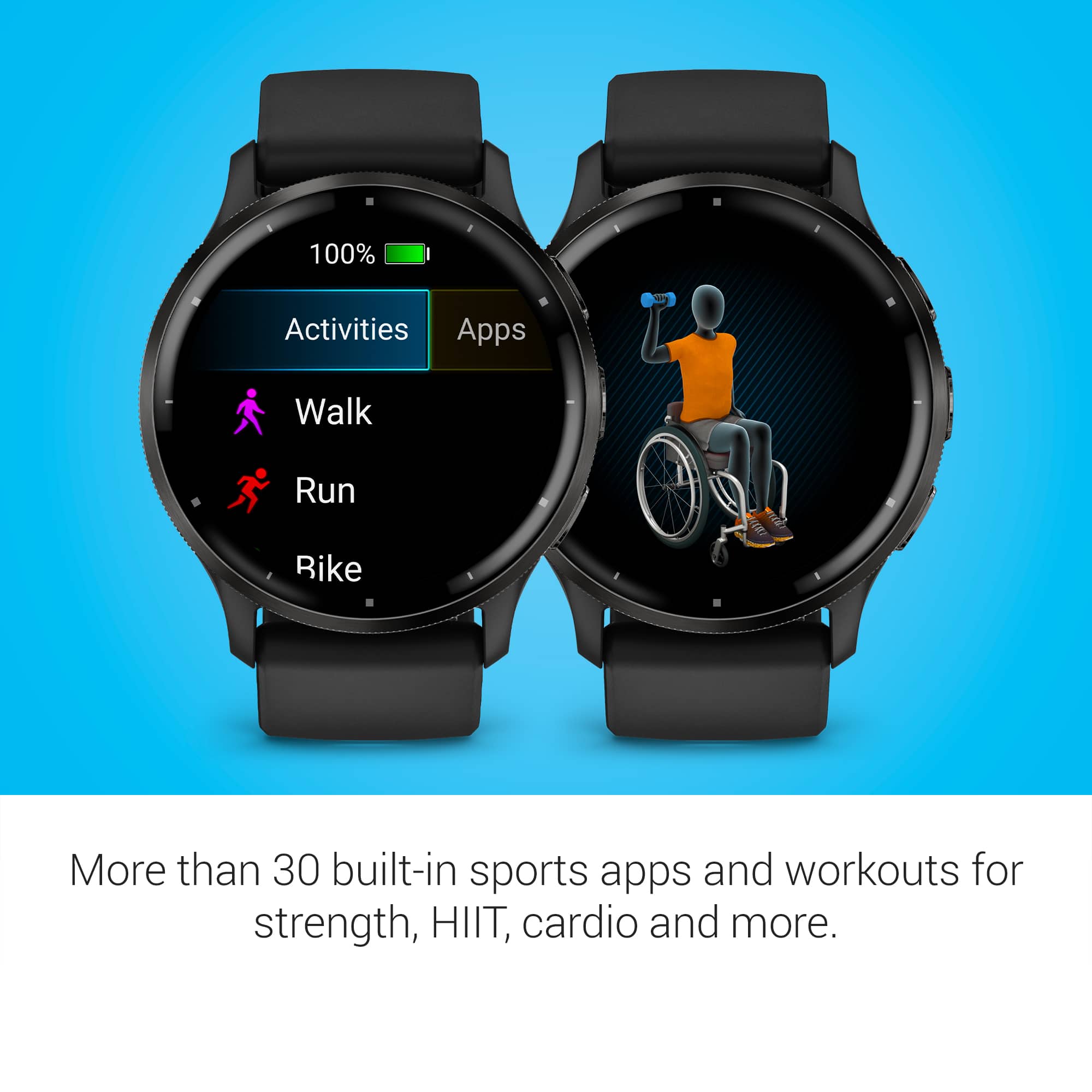
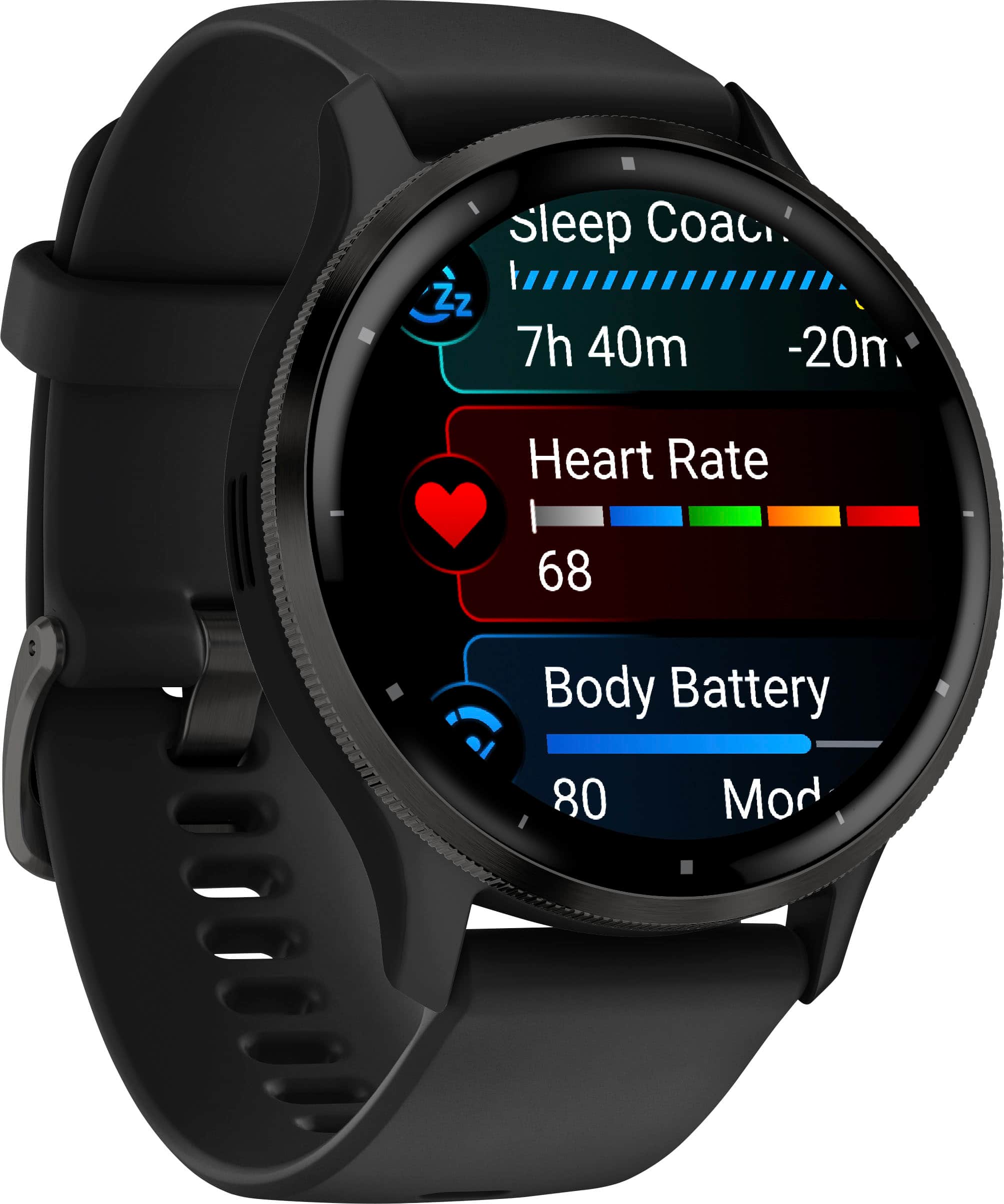
|Posted .This reviewer received promo considerations or sweepstakes entry for writing a review.First let me tell you a little about myself, I am a triathlete, marathoner and a hiker so to keep track of any or all these I must have a good watch that does a good job and has a great battery life. The Garmin Venu 3 does a great job on all the sports as well as every day tracking. I got the Garmin Venu 3 because when I completed the Camino de Santiago (The way of St James) I had a Garmin Fenix watch and it worked excellent and I gave that watch to a family member that is going train for a triathlon so now I am starting to use the Garmin Venu 3 since it just came out. So far I have ran outside as well as inside, worked out, went on a walk, cycled and slept with the watch, unfortunately the pool has been closed at my gym but I am certain it will work there as well. Running outside, I ran a few miles without the watch being on, so make sure that once you are going for a run, first, it will get the GPS signal, once it has a good signal then it will let you know it is ready so then you have to press the start button and then go. Once I knew how it worked It did a great job tracking the run, and it gives plenty of information, pace, distance, heartbeat, time, elevation, cadence, and more. The Venu also has options in running like mixed intervals, quarter mile repeats, run and walk, workouts, training calendar and finally the LiveTrack. I took it out on a bike ride and it also gives you the distance, total time, average speed, total accent, average heart rate, and it goes into details plus has great visual charts including the map where I ran with the colors showing the speed, I like the LiveTrack feature because it keeps track of your location during the activity and lets your friends and family follow along. So, LiveTrack is useful for instance, if you are doing a race, your family and friends will know where you are so they can meet you in different spots without guessing. I like that I have a button that I can press so I can have access to my assistant, so if I have my phone on my backpack and I push the button of my watch I can ask my assistant and will answer with the watch speaker, I do not need to take my phone out. Also the body battery function is great to have, it tracks my sleep, my activity and lets me know if I need to let my body rest or if I am ready to go out again and workout. The sleep coach is also something I like, it keeps track on how well I rested and it also gives me a score and even tips on when I should go to sleep. Pool swim, you can set your watch to do 25 50 meters or yards or even custom to what the pool size is. Among other activities you also have walk, run, treadmill, bike, pool swim, strength, cardio, yoga, meditation, bike indoor, bouldering, breathwork, climb indoor, disk golf, elliptical, ebike, floor climb, gaming, golf, handcycling, handcycling indoor, hiit, hike, indoor track, open water, padel, pickleball, pilates, row, row indoor, ski, snowboard, snowshoe, stari stepper, sup, tennis, walk indoor, xc classic ski, and you can change the order on what you want to be first on the list. The Venu 3 also comes with different useful apps, Wallet, phone, music, flashlight, alarms, timer, stopwatch, health snapshot and tips. Also connect IQ Store, Body battery, calendar, calories, challenges, contacts, dial pad, floors climbed, Garmin coach, hearth rate, history, hrv status, hydration, intensity min, jet lag and each of these are helpful. I like the application; it shows my day stats, challenges, calendar, news feed and more. Connect with other people is also fun to encourage each other on activities. I also like that I can customize the look of the watch as well as preset buttons. Overall the list is long on the things I like about it, battery life is one big yes for me, it lasts up to 14 days, it might last less if you have all the notifications sent to the watch but perhaps 10 days with all the notifications, I like that a lot. The one thing I would like is a bigger size since the Venu 3 looks a bit small at 45mm.
I would recommend this to a friendWrist band leaves rash with in hour.
||Posted . Owned for 3 months when reviewed.This reviewer received promo considerations or sweepstakes entry for writing a review.Horrible, leaves rashes all over wrist, even when wearing it loose, so loose it just spins around on your wrist. Contacted Garmin because others said they will swap your bands with a fabric or different material one. They told me no, gave me a bunch of crap to stop it from leaving a rash basically saying just don't wear it or barley touch it to your wrist and clean it everyday all day... They offered to buy it back from me instead of just a new band but ok. Have this allergy causing crap back. Loom on reddit everyone has the same issue.
No, I would not recommend this to a friendBrand response from GarminProductExpert
Posted .We're sorry you've experienced this issue. Here is a link to our fit and cleaning guidelines. As well, there are accessory bands that can be purchased on our website.
https://www.garmin.com/en-US/watch-fit-and-care/
Garbage
||Posted .This reviewer received promo considerations or sweepstakes entry for writing a review.Get broken in 26 days, turning off after 2 minutes, after every restart, no support
No, I would not recommend this to a friendGreat fitness tracker, mediocre smart watch
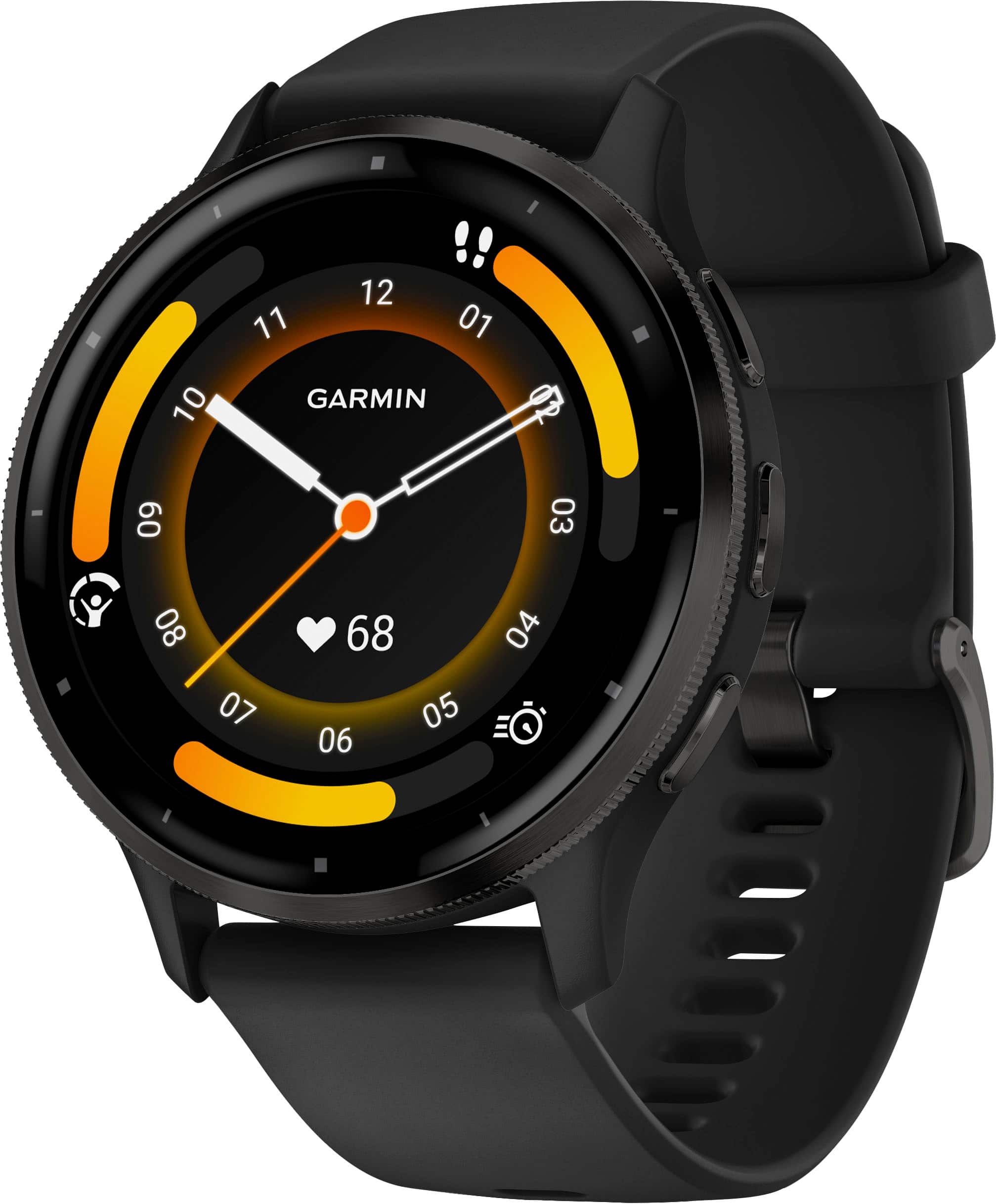
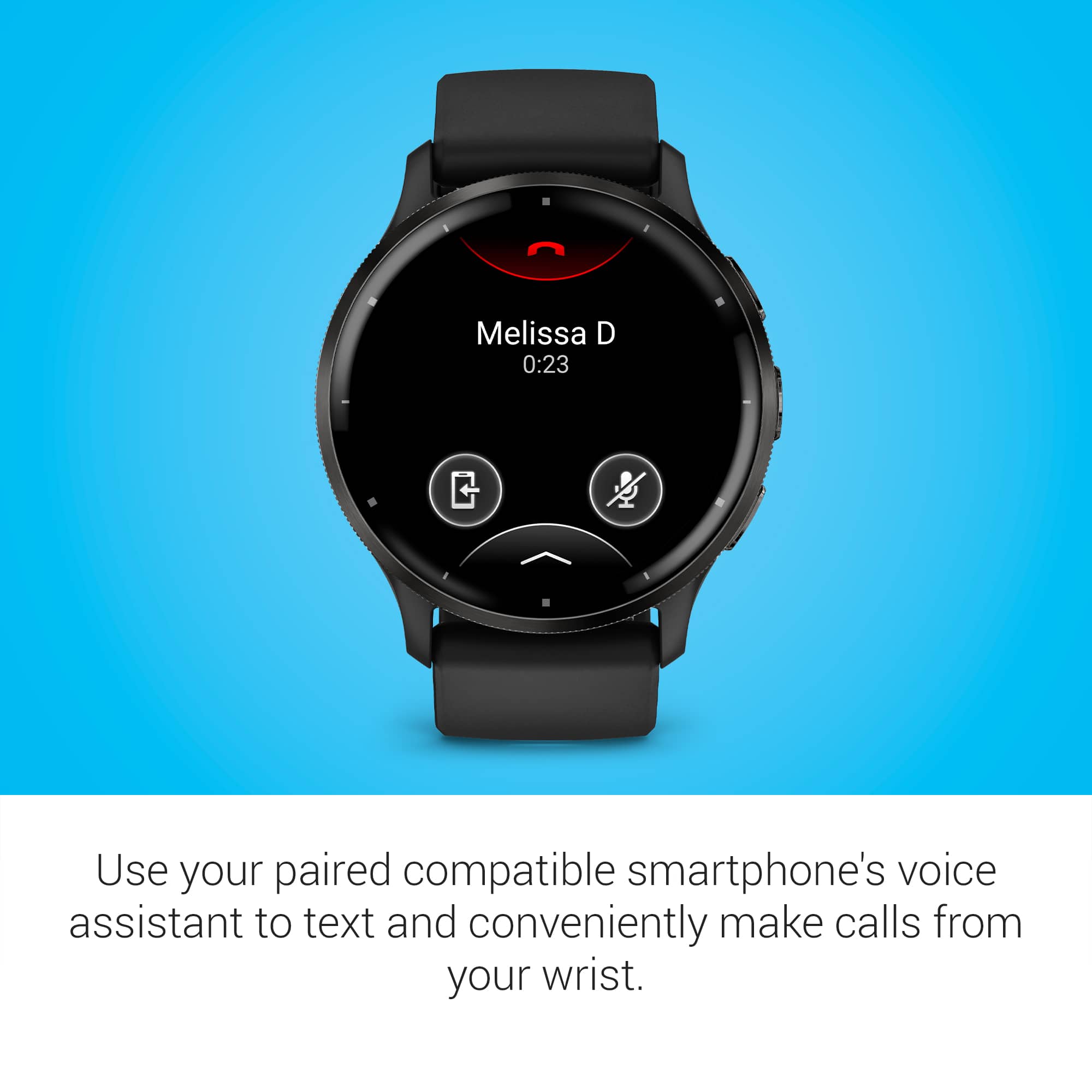
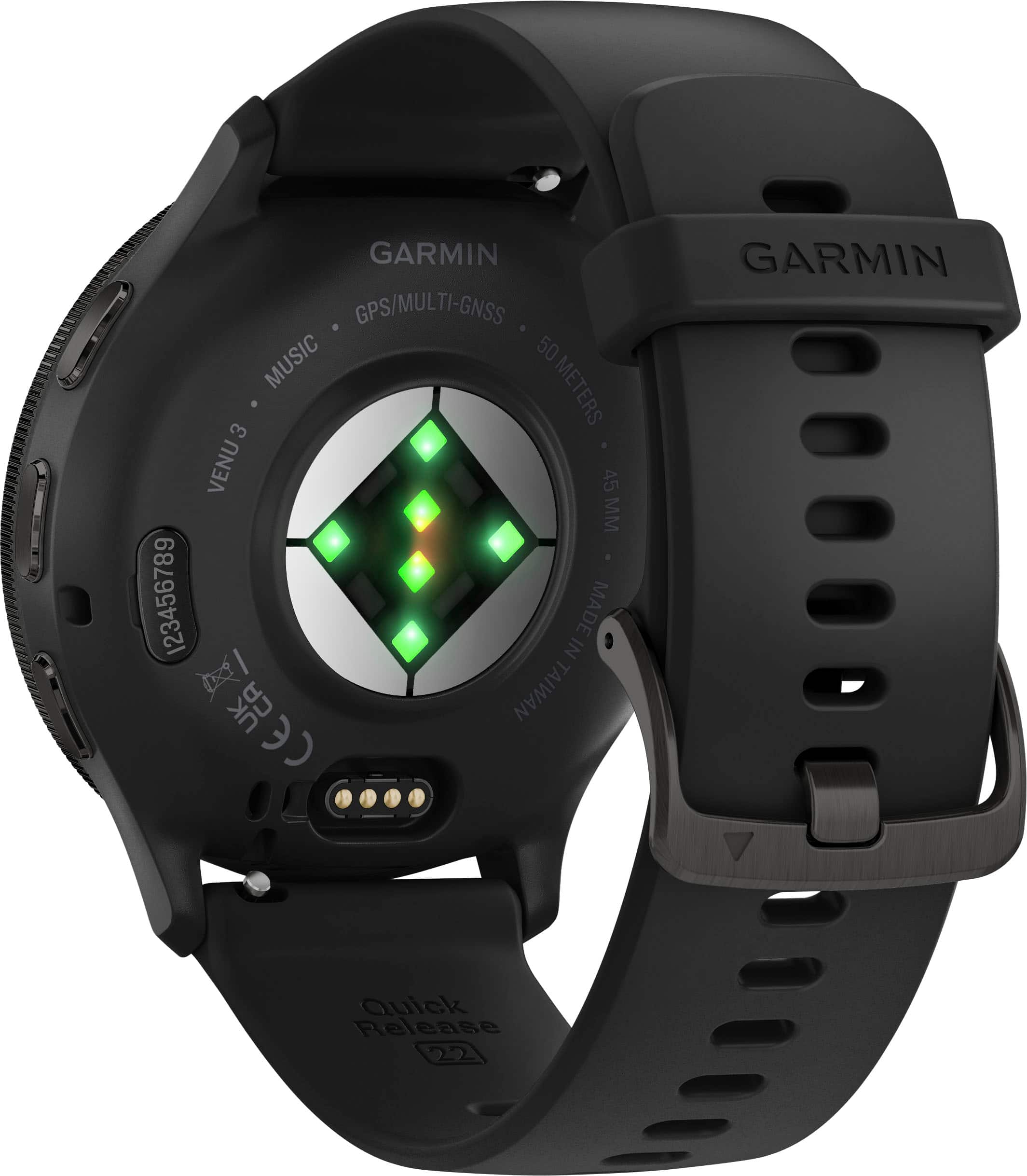
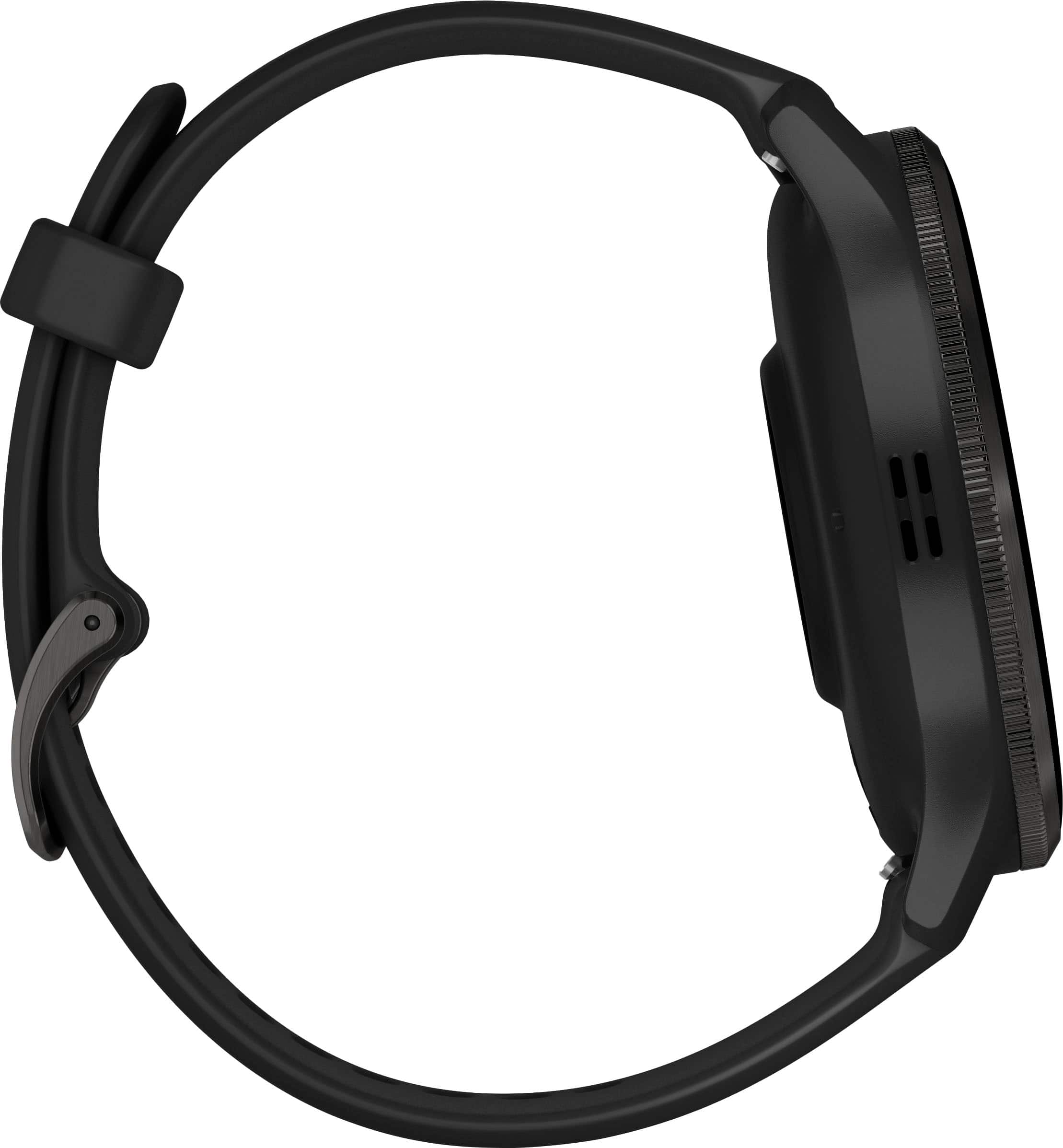
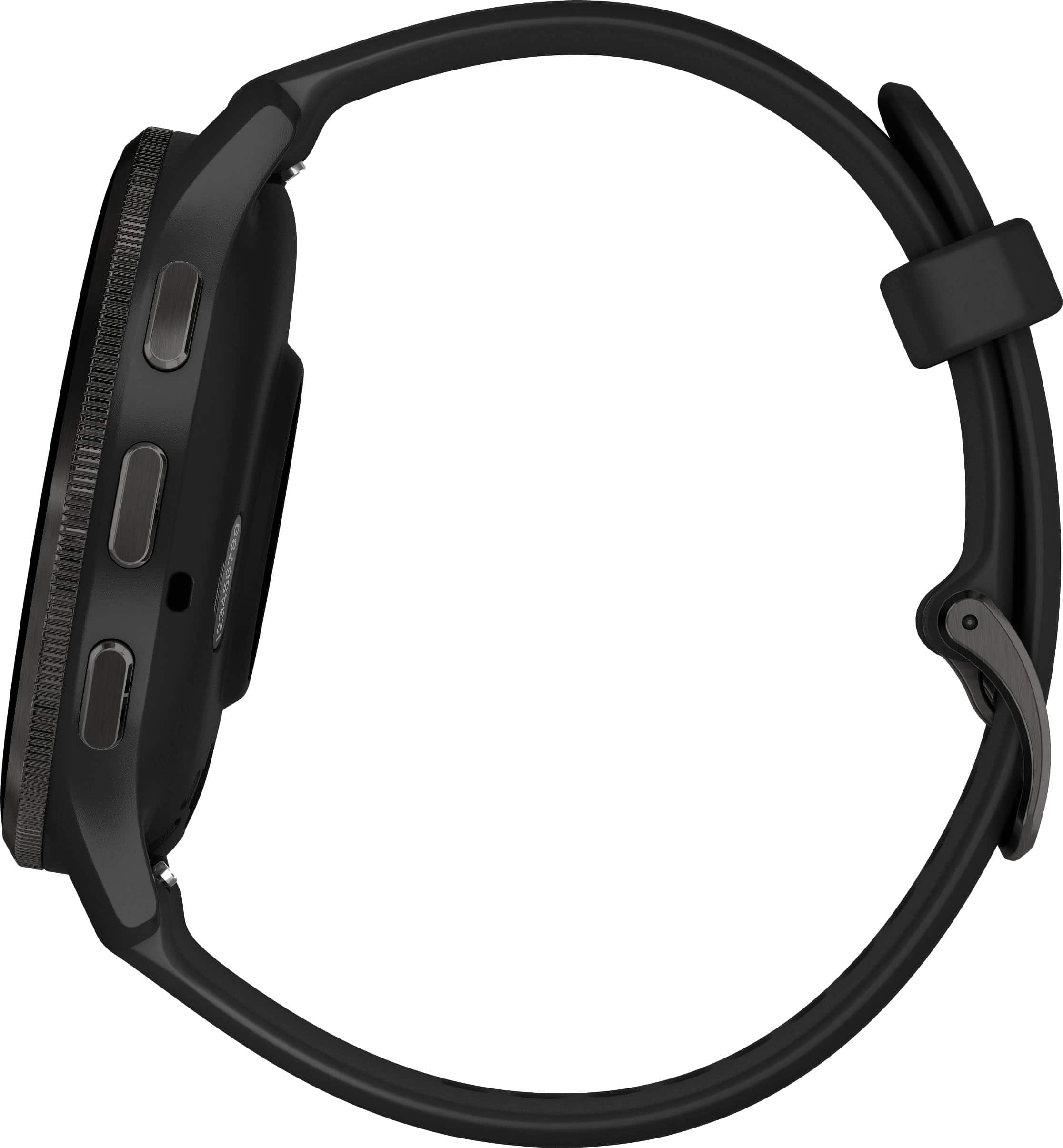
|Posted .This reviewer received promo considerations or sweepstakes entry for writing a review.The case of this is a bit large (45mm diameter), but it is delightfully thin, at only around 11mm (not including the heart rate sensor bump on the bottom). If this is too big, Garmin offers a Venu 3S that is smaller. The biggest thing for me is that it is incredibly light, weighing under 48g. This is the first device that I have owned that is actually comfortable enough to wear while sleeping (there is a sleep tracking system that also monitors your heart rate variability – nice). But if you don’t find the straps to be comfortable, then they can be removed using the quick release spring bars, and replaced with any two-piece 22mm watch strap that you want to use. The battery life is also impressive, with a realistic life of around 10-12 days, given moderate usage. As a fitness tracker, this is great. There is both a heart rate and a blood O2 sensor, as well as the usual motion tracking and GPS goodies on board. Doing a quick run will yield a GPS map outline of your path, as well as keeping all useful statistics. There are dozens of activities supported, including paddleboard and e-bike as options, as well as the usual walking, swimming, running, cardio, and others. The information is shown on a nice and bright round OLED display that is visible even in bright sunlight. While in an activity the data fields can be customized. When not being used in an activity, it does the usual tricks of showing your heart rate on a variety of watch faces, as well as other information, including current temperature and weather, sunrise and sunset times, number of steps taken, calories burned, current heart rate, and a lot of others. Alerts and messages from your phone can also be displayed, including text messages, emails, and phone calls. Phone calls can actually be taken through the speaker and microphone on the watch. A long-press of the middle button can also access your phone’s voice assistant. You can also control music being played back on your phone with the usual volume and playback controls. There are several customizable watch faces built-in, and you can download more from the “Connect IQ” marketplace. Many are free, and some cost a couple of dollars. I like the “LCD X” watch face, and it is worth the buck and a half asking price. You do need the marketplace app to install any additional apps, activities, or watch faces, and that same app is also used to make any customizations. It also supports a wallet, where you can store credit or debit card info, similar to Google pay or Apple pay. Once activated, it takes a four-digit PIN to unlock the cards. The only issue is that it identifies the cards by the last four digits of the car number, and you cannot give useful text names to the cards. Otherwise, it works well. So far this sounds like an excellent device, but now we get to the one area that needs work: integrating with your phone. Overall, this does a good job, but there is ONE FEATURE that it really needs that is lacking: integration with the phone’s mapping software. While navigating with Google maps (I am an Android user), it would be highly desirable to have the watch buzz and alert me to upcoming turns. While I am walking, I want my watch to vibrate and tell me that I have to turn right in 30 feet. Sadly, this does not seem to be possible at all. Showing any sort of map at all is not supported by Garmin, which is funny given that their background is in GPS and mapping. There are some 3rd party map applications, but they all have limitations and require jumping through some hoops to get them working, when they do work at all. It also does not allow you to read your email or messages (except through notifications), but this is fine given the small size of the screen. But if you ignore the lack of Google maps integration (I cannot speak to use with an iPhone), then this is an excellent product. I am hoping that Garmin will add this feature soon.
I would recommend this to a friendBalance between smart watch and fitness tracker wi
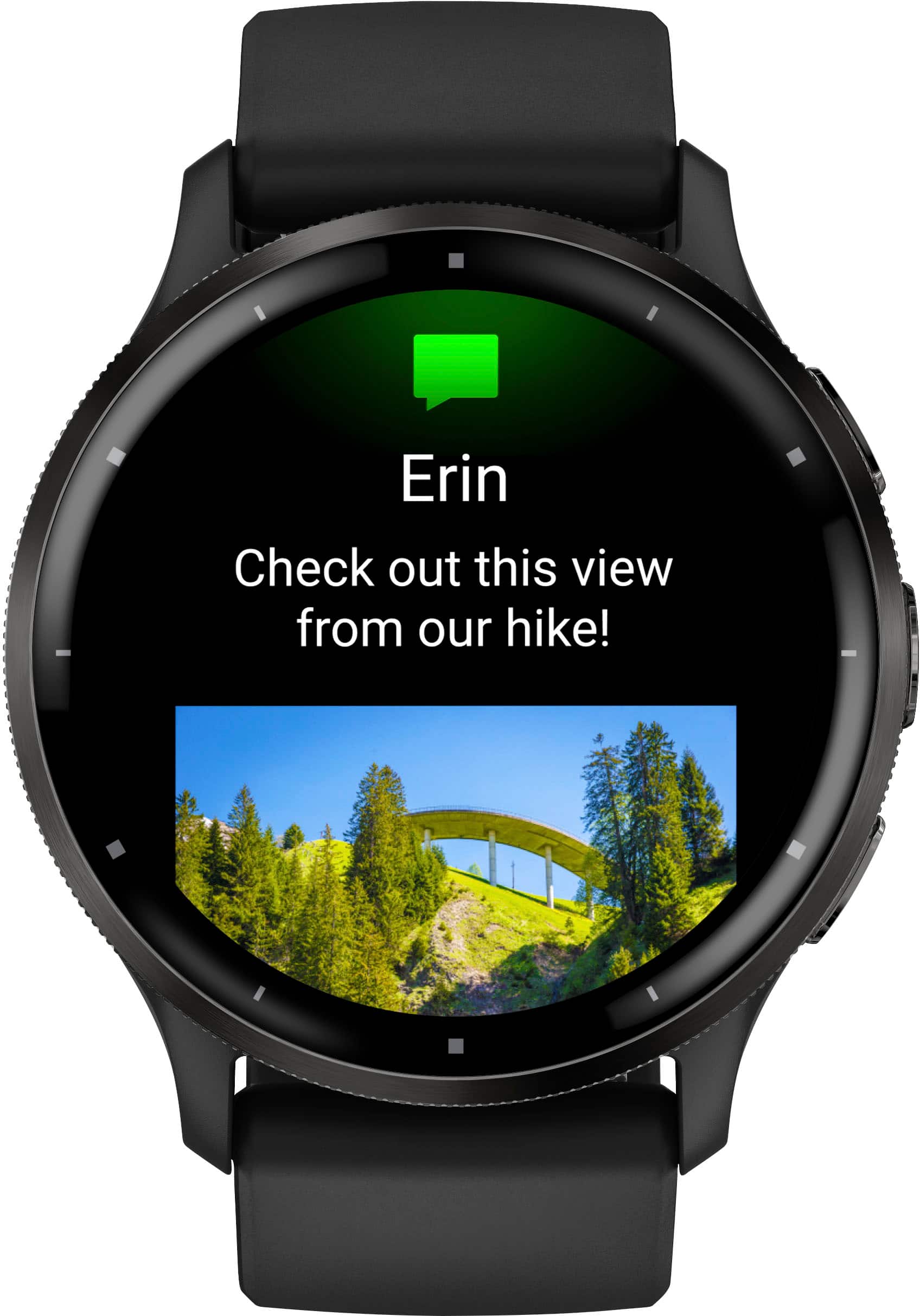
|Posted .This reviewer received promo considerations or sweepstakes entry for writing a review.Before getting the Garmin Venu 3 GPS, I have been switching smart watches between a Withins ScanWatch ($350) and a Tissot Connected T-Touch ($1200). The reason behind choosing those 2 watches above others was the amazing battery life where the Withins would give me a month of usage (with limited smart watch features but good fitness tracking) and 6 months of battery use with the Tissot (good fitness tracking and poor smartwatch features). When I saw the Venu 3 that claimed almost 14 days of battery life, a bigger screen with Garmins reputation with fitness tracking, I decided to give it a try. Build quality and design: I love the black polymer look where its not fully gloss but not fully matte either, the band is comfortable and stays clean, the watch looks biggish and stylish with everything you wear, and I can wear it to work and to work out or basketball unlike my metal withins and Tissot. Features I am enjoying the most: - One very underrated feature is nap tracking, this is the first watch that does that without messing sleep tracking. - Bright screen with images from texts and newsfeed showing on the screen! - Body battery energy that seems and feels very accurate - Calory expenditure and showing how many calories I spent during activity and during rest! This helped me a lot with regulating my intake. - Stress monitoring and management. - Great app with detailed features while still getting most of the information collected on the watch itself. - Heart rate monitor - Respiration rates - Calendar snapshots which show you your activity withing the app. - Good selection of watch faces in the app. Features I miss having that are not available in this watch: - Integration with Google Fit (both my Withins and my Tissot integrate with fit and that’s how I have been tracking and having most of my fitness stats since 2014. This is not available with Garmin. - No Oximeter. And honestly at this price point, its disappointing. - Strange charging port placement and clickness. I have charged the battery once and I was afraid that I will snap the port pins while I was plugging the watch in. Real life usage for what this watch is intended for: I do like hiking a lot and I do hard hikes a few times a year, I did one hike recently while having this watch in Smokey Mountains to top rock and I had another fitness tracker on and 2 of my friends have different trackers/ smartwatches as well. The Venu 3 was as accurate as any of them and it was really great to see all the different measures it takes in real time. Conclusion: In my opinion and through my use of different smart watches that fit my life and priorities, I do believe that that Venu 3 is a great option that have most features I need from both a smart watch and a fitness tracker without the compromising short battery life. I intend to keep using it and I do recommend it for anyone who wants a good smart watch with a good battery life.
I would recommend this to a friendGreat fitness watch, ok smartwatch
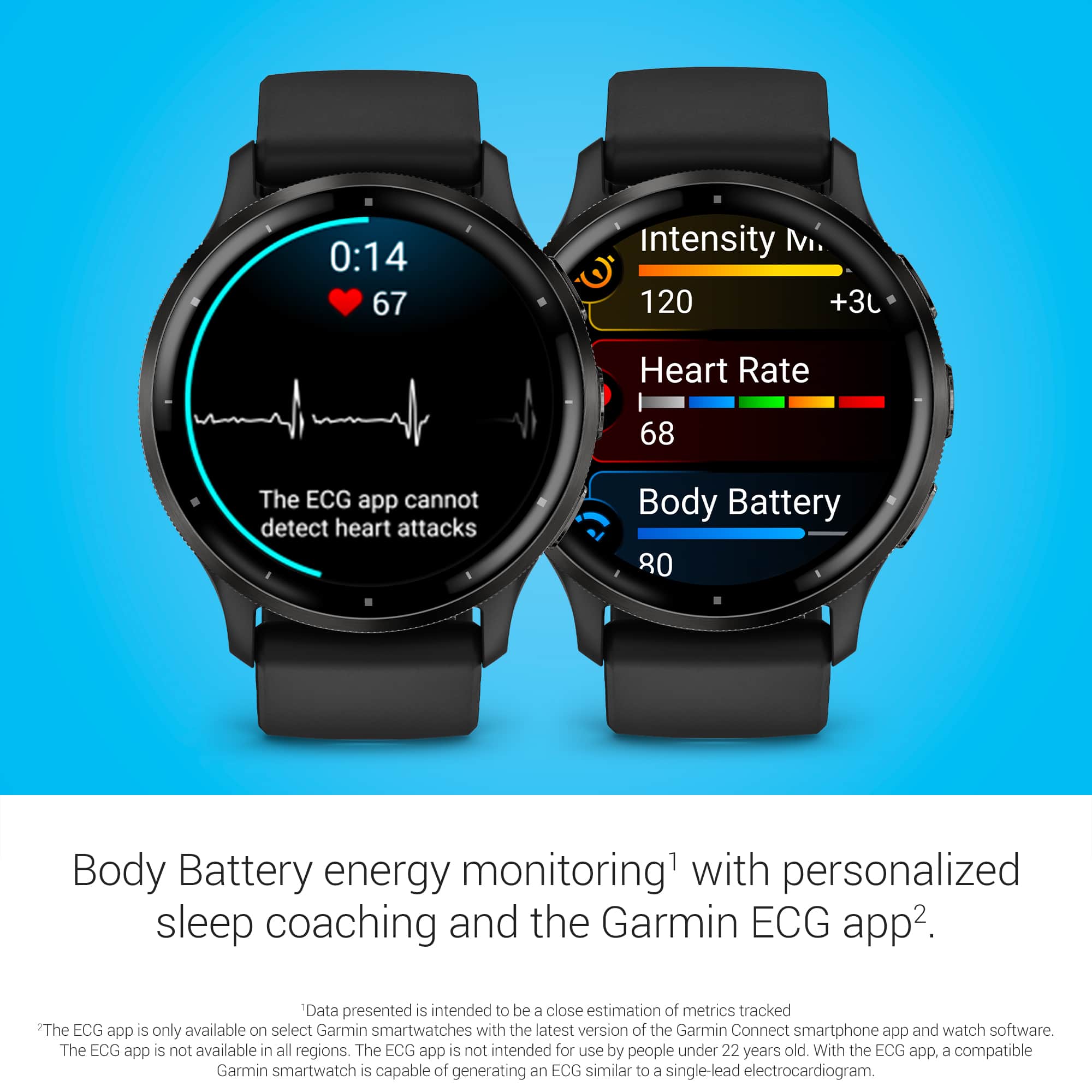
|Posted .This reviewer received promo considerations or sweepstakes entry for writing a review.Pros Good screen Always on option Good battery life Lightweight Smaller size for daily wear Has the main features for novice to intermediate athletes Uses standard watch bands 3rd party apps available Body battery helps you know when to exercise Tells you how much to train and when in plain English No need to guess if you truly need that rest day Continuous heart rate and SPO2 monitoring Integrated coached exercise options Very accurate GPS Very accurate sleep tracking Speaker and microphone for calling Cons Battery life much lower than stated Very limited 3rd party apps Most 3rd party apps incomplete Paid apps don’t list price and aren’t paid directly in store Step counter too sensitive Weight training tracking far overestimates caloric burn Very limited good watch faces Timer randomly turns on Watch ignores notification settings Notification preferences not customizable per app Alarm doesn’t sync with phone alarms No hourly chime option ECG function missing from previous generation The Garmin Venu 3 seems to be Garmin’s attempt to strike a balance between a dedicated smartwatch and hardcore exercise training device. The battery life, reflective screen, and solar charging are missing but in turn you get a much smaller case and OLED screen. Garmin doesn’t state the maximum brightness of the screen, but the best guess based on visual inspection it’s probably somewhere around 600-700 nits. While not very accurate a free app measured the brightness at a max of 760 lux. In short, the screen doesn’t get as bright as the competition but still reasonably bright. The newest heart rate sensor is included for better accuracy but at the time of writing ECG functionality is not available. There is no word from Garmin if it will be added later but the previous Venu 2 had such functionality. The style can blend in more easily for casual wear versus Garmin’s higher tier offerings. Out of the box it includes a silicone band which doesn’t breathe well but is reasonably comfortable. It is compatible with standard watch bands so you can easily change the style. One thing to note is that while the bezel is stainless steel, the case is essentially plastic. This means that while it is light and should be durable, it does feel cheaper on the wrist. From a durability standpoint it does have gorilla glass 3, but it rests slightly above the stainless-steel bezel so it will be the first thing to get hit in a fall. Included in the box is the proprietary charging cable which plugs into the back of the watch. Unfortunately, wireless charging is not supported. Setup Setup is done through the Garmin Connect app. It took several attempts to pair where it would not show up in the app but it finally worked. Suspecting this might be due to early firmware the first thing was to check for firmware updates within the Garmin Connect app. This brought to light something that after reading is common with Garmin watches. Depending on the watch, certain features might only be available on the watch even if showing on the app. After multiple update checks that kept saying failed came the realization that the watch also has a check for updates option in the menus. After tapping update on the watch, it found an update and prompted to install. This led to another odd behavior where the watch just switched to updating but gave no feedback on the progress. After 45 minutes the watch was put on the charger to see if that might be the problem, but still no progress was displayed. After leaving on the charger for approximately another 45 minutes the watch chimed saying update was completed. For someone new to Garmin watches this might be a bit concerning thinking something is wrong. Everything updated correctly but the process could be refined. The next day the watch prompted for another update automatically and this next update only took about 20 minutes. After this point things smoothed out quite a bit although certain settings when changed withing the app, such as display, would not change on the watch. The setting only seemed to change when done directly from the watch. After further testing it seems some of the issue might be related to battery management limiting how often the watch syncs with the phone. The watch does have a manual sync button which seemed to improve this. The Venu 3 can mirror your phone notifications for phone, text, and apps. While it would be great if Garmin allow turning off apps on a per app basis it is an all or nothing setting. This means if you want to get security alerts from your security cameras on your watch you also must allow every email that arrives to alert you as well. This makes the smart watch aspect seem much less smart. Hopefully Garmin will offer more customizability on this in the future. Because having app notifications on meant the watch constantly buzzed every minute or two with each new email, news article, and security alert the option was turned off. The strange thing is for some reason some apps, such as Gmail and one news app, are still alerting on the watch. There doesn’t seem to be any reason for this happening as the settings are off and even stranger is that it isn’t all emails. This seems like it could be user error, but no other options have been found that could cause this. The Venu 3 is supposed to be part smart watch and part fitness watch. Connect IQ which is their app store. It is mostly loaded with third party watch faces. You can browse for apps and watch faces but any fees are not listed because they are paid directly to the developer using the method the developer chooses. They simply say Payment. Some apps are listed with no price also activate a trial period on install, such as the Big Easy watch face, suggesting at some point they may prompt for payment. It did not indicate it was a paid app so it is strange it would say trial. Overall, the app store is limited with mostly variations of watch faces, most of which are data heavy with little emphasis given to readability or aesthetics. Garmin has a few watch faces, such as Mountain Festival, that do this quite well. Apps and watch faces can be specific to certain watches. There are some very well-developed fitness watch faces for the Fenix series of watches that aren’t available for the Venu. It would be nice if Garmin can find a way to make apps and watch faces universal to their entire lineup. Performance With an iPhone Apple restricts access to features like messages. The Venu 3 can display new text messages as well as answer and place calls but what you can’t create new texts. At least not the normal way. Garmin has a clever workaround the restrictions by using Siri connected via Bluetooth to compose new text messages as well as access more features on the iPhone. Unfortunately, at least on my iPhone it was not stable as it kept saying Bluetooth disconnected. It is possible that this is related to the phone though as it has an early build of iOS 17 and other Bluetooth devices have been behaving strangely. While the smart watch features are a bit behind, Garmin has a lot of experience on the fitness side. Garmin has spent time trying to take all the data the Venu 3 collects and simplifying it down to answer what I should do today for my health. It takes your heart rate, SPO2, HRV, sleep, and activity intensity to determine what your body needs. If your HRV is decreasing, it shows the number but more importantly it will let you know what you need to do. Maybe you need more sleep or just a light workout day. In either case, it will tell you in plain English what you need to do. Using these metrics, it can get a good idea that even if you haven’t exercised, maybe you are under more stress and your vitals are off. Right after getting the Venu 3 the family caught a virus going around. When feeling off, our normal rule is if you aren’t sure if you feel like exercising or not then do it. You will know when you can’t. Of course, sometimes this has caused pushing through and feeling worse. Well, the Venu 3 took out the guesswork. It noticed my HRV and SPO2 took a slight dip and eventually my sleep quality. First it suggested a little more rest and light exercise. As things progressed it recommended taking a rest day and bumped sleep up further. No need to guess if I was making excuses to sit on the couch. As the family started to recover my sleep goals were reduced and it gave me the green light for exercise. Now I know if that jog I’m dreading will be one where I will feel happy or regret pushing through after. It can also determine your training intensity using those same metrics and determine how long you need to recover before you do another hard training session. For example, after what felt like an unusually hard weight training session it increased my recovery time from my normal 48 hours to 69 hours. Overall, the sensors have been very accurate with heart rate and GPS matching the most accurate devices I own. If there was one criticism on accuracy it would be the step counter. The Venu 3 can’t tell the difference between fast chopping of vegetables or the slow stirring of a pot and walking. While making a meal it interpreted chopping vegetables as a brisk walk. Final Thoughts As long as this is, there is still much more it could cover. The big question is who is the Venu 3 for? If your primary concern is a smartwatch with lots of apps, there are better options. Where the Venu 3 shines is in taking lots of health metrics and simplifying them down to what should I do today for my health. You can still dig into the data if you want but between a simplified body battery meter, automatic recovery time calculations, and dynamic sleep suggestions the Venu 3 means you don’t have to. If you are a novice or intermediate fitness enthusiast looking for a sleek fitness watch you can wear every day that has some smart watch features while not being as big and bulky as the top end Garmin watches then the Venu 3 is worth consideration.
I would recommend this to a friend