Customer Ratings & Reviews

- Model:
- GE166
- SKU:
- 6462556
Rating by feature
- Battery Life
Rating 4.0 out of 5 stars
- Speed
Rating 3.8 out of 5 stars
- Display
Rating 3.9 out of 5 stars
Customers are saying
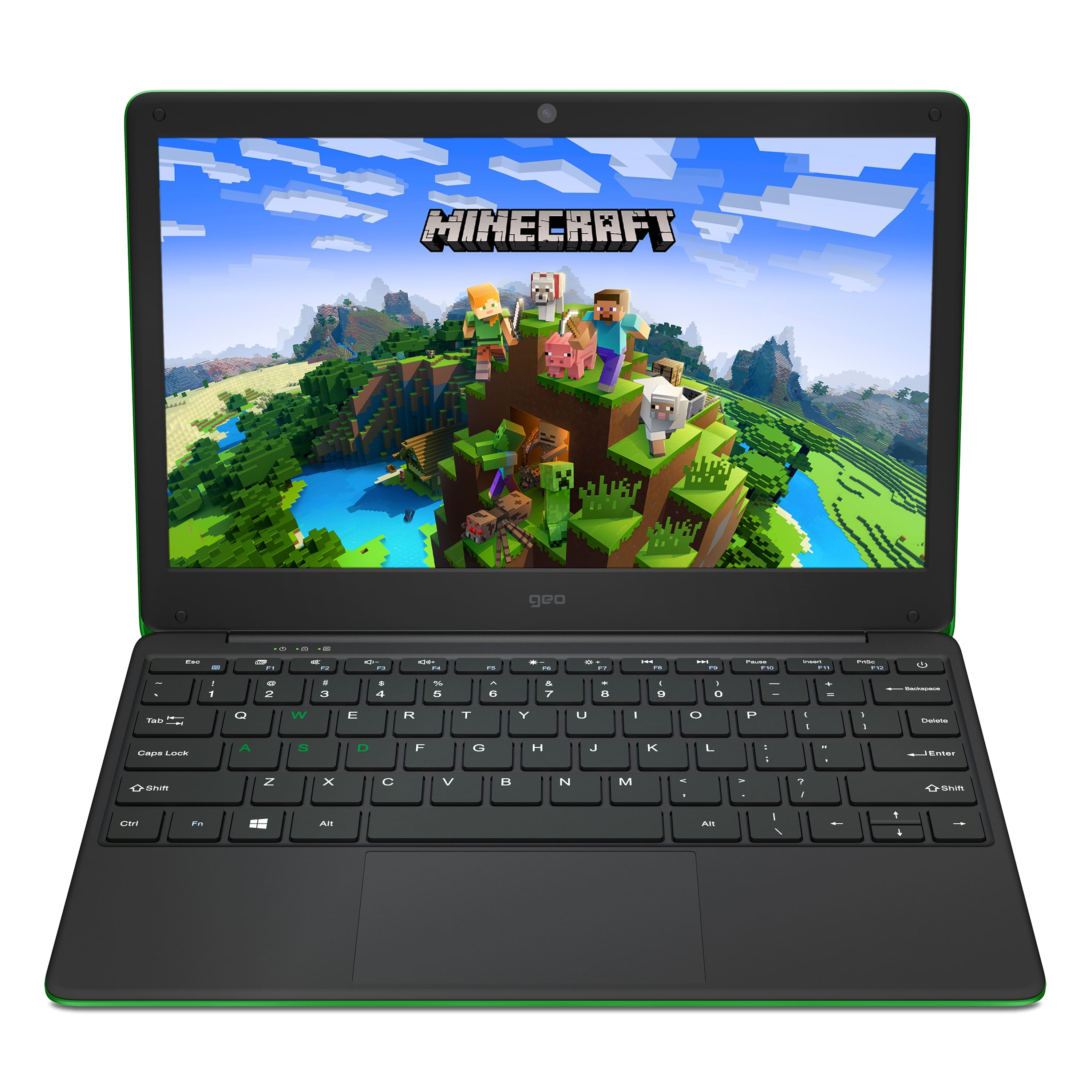
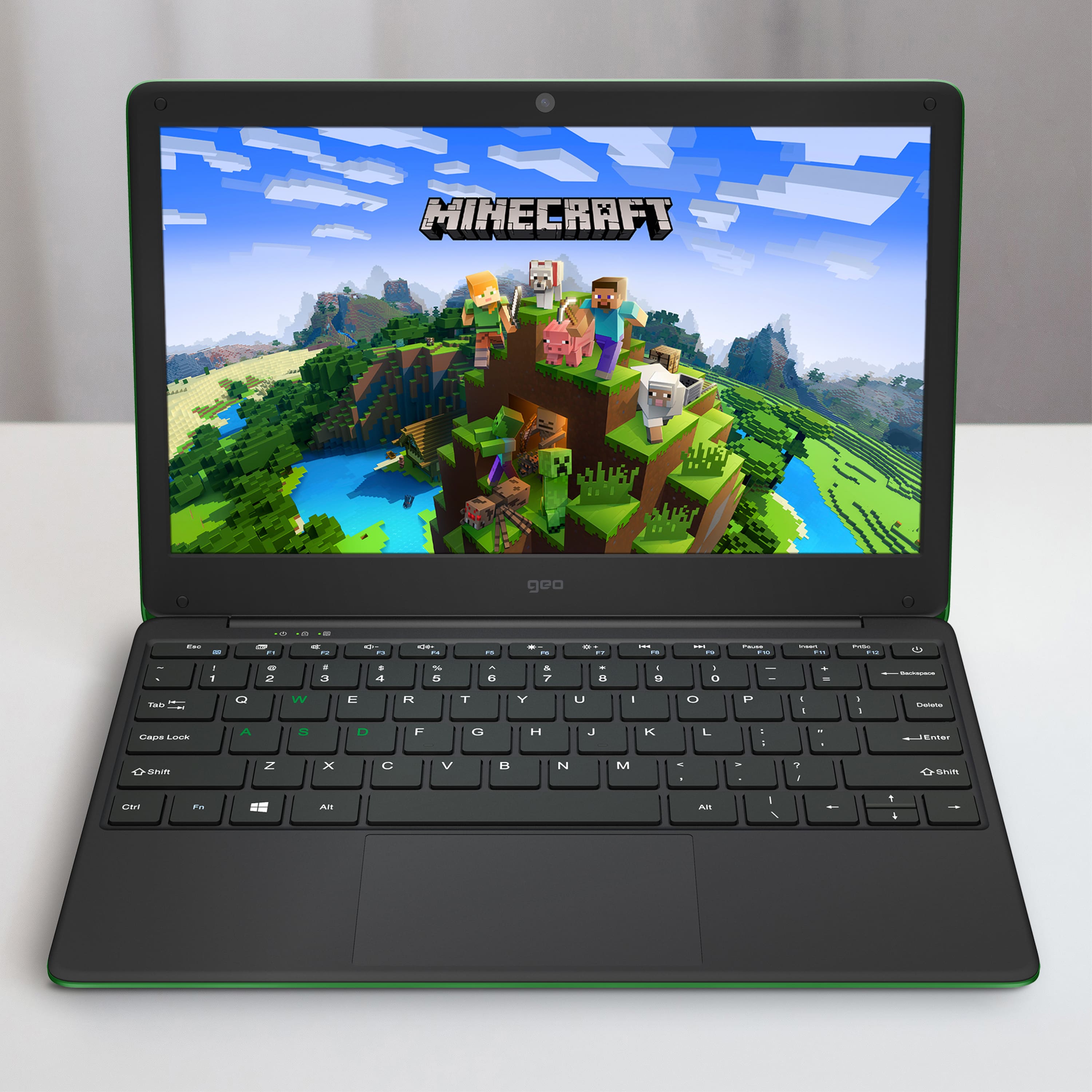
Customers love the GeoBook 120 for its budget-friendly price, vibrant color options, and kid-friendly design. Many parents appreciate its suitability for light gaming and schoolwork, and kids enjoy playing Minecraft on it. However, some customers have concerns about the screen quality and slow performance, and a few wish it had more storage.
This summary was generated by AI based on customer reviews.
- Cons mentioned:Screen
Fragile
||Posted . Owned for 1 month when reviewed.This reviewer received promo considerations or sweepstakes entry for writing a review.Bought for our 8 year old son for Christmas. It lasted one week. He dropped it carrying it from the table to the sofa, and the screen broke to a completely unusable state. Something designed for kids should be a little more durable.
No, I would not recommend this to a friendBrand response from Support
Posted .Hi there, I'm sorry to hear this has happened. Unfortunately, like any other laptop, if the GeoBook is dropped from a height it is very likely that the screen will break. If you need the screen specs to source a replacement screen, please contact the Geo Support Team at www.geo-computers.com/support. Thank you!

Excellent
||Posted . Owned for 1 month when reviewed.This reviewer received promo considerations or sweepstakes entry for writing a review.A nice purchase I have Done for over Few years now I really enjoy shopping with Best Buy.
I would recommend this to a friend
Great kids Chromebook Alternative
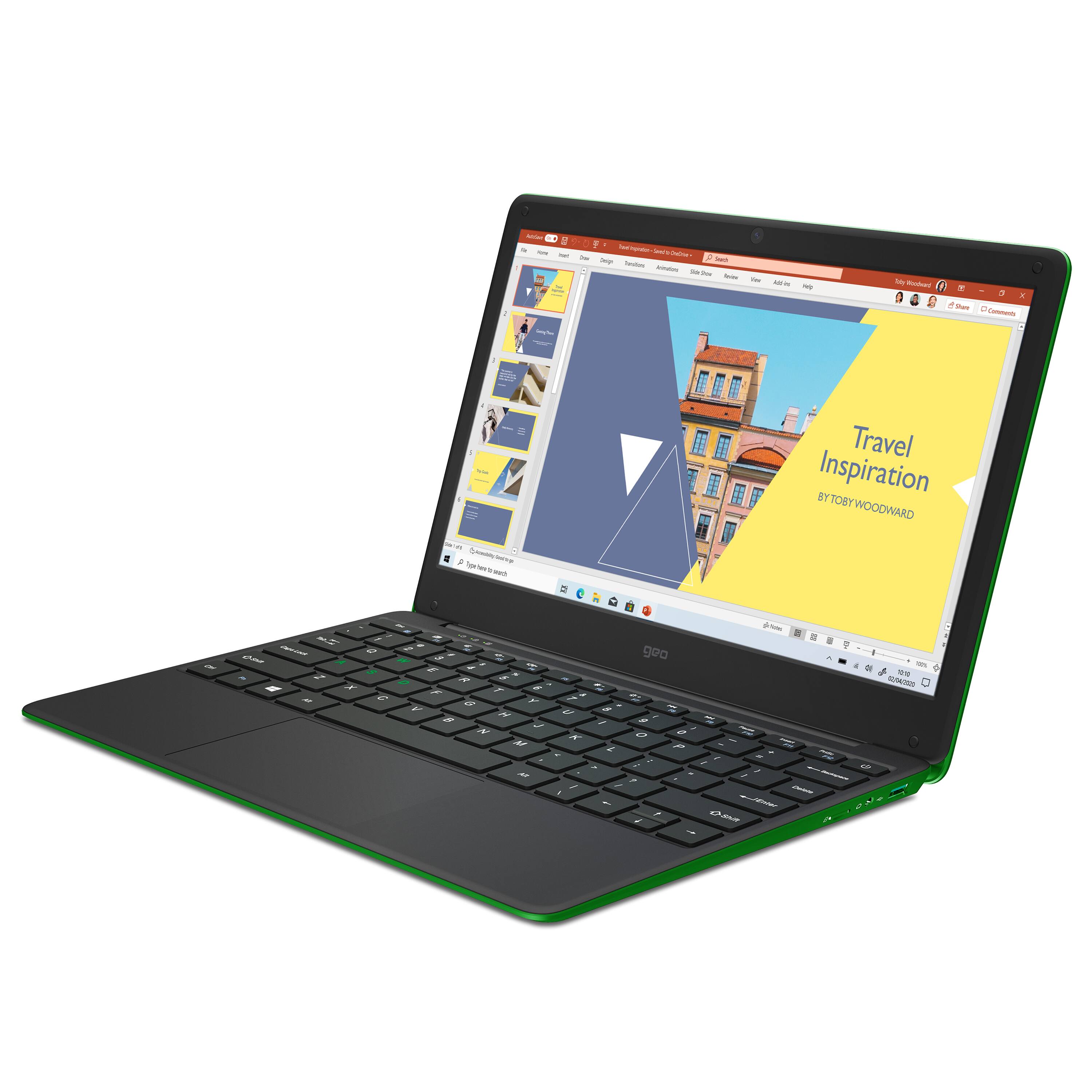
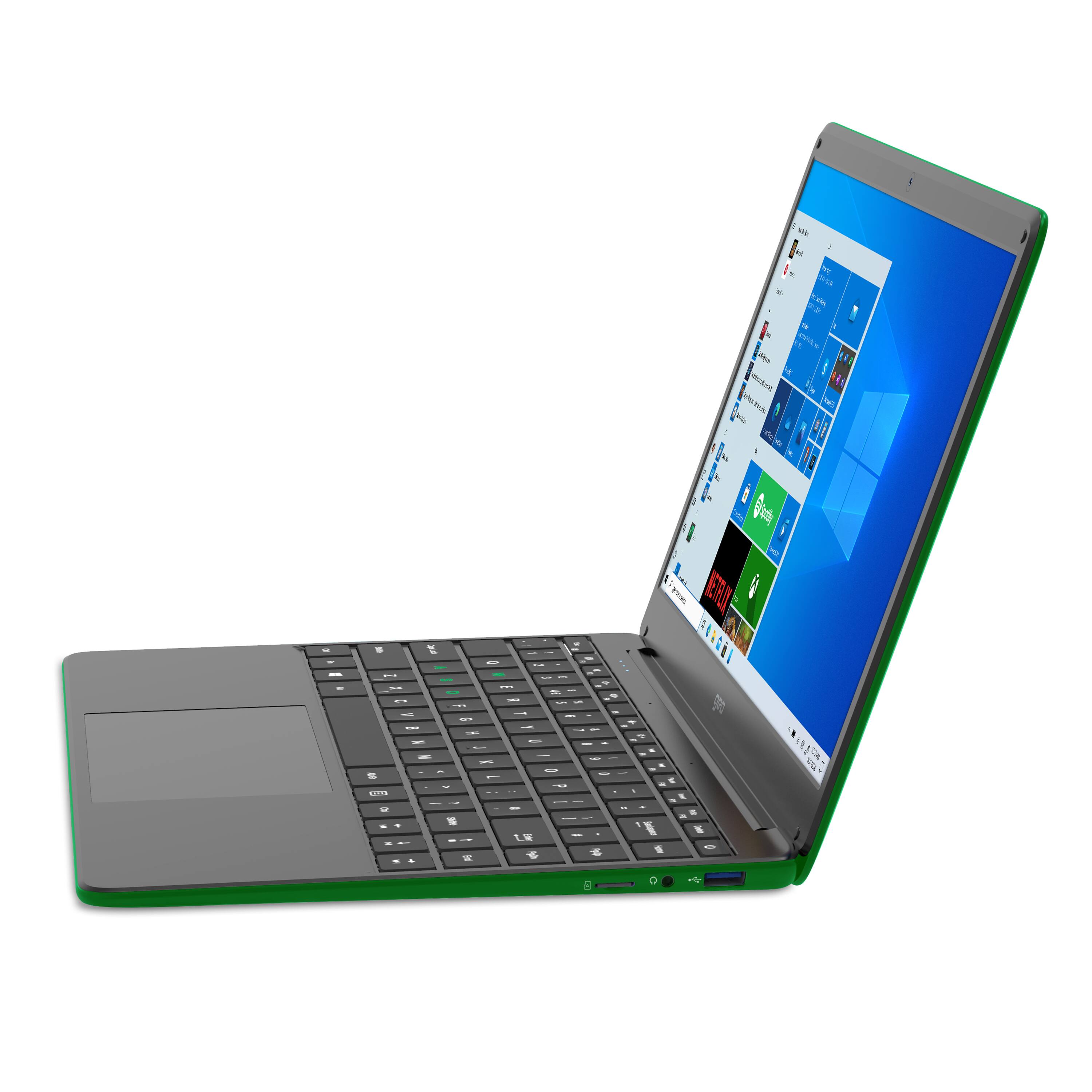
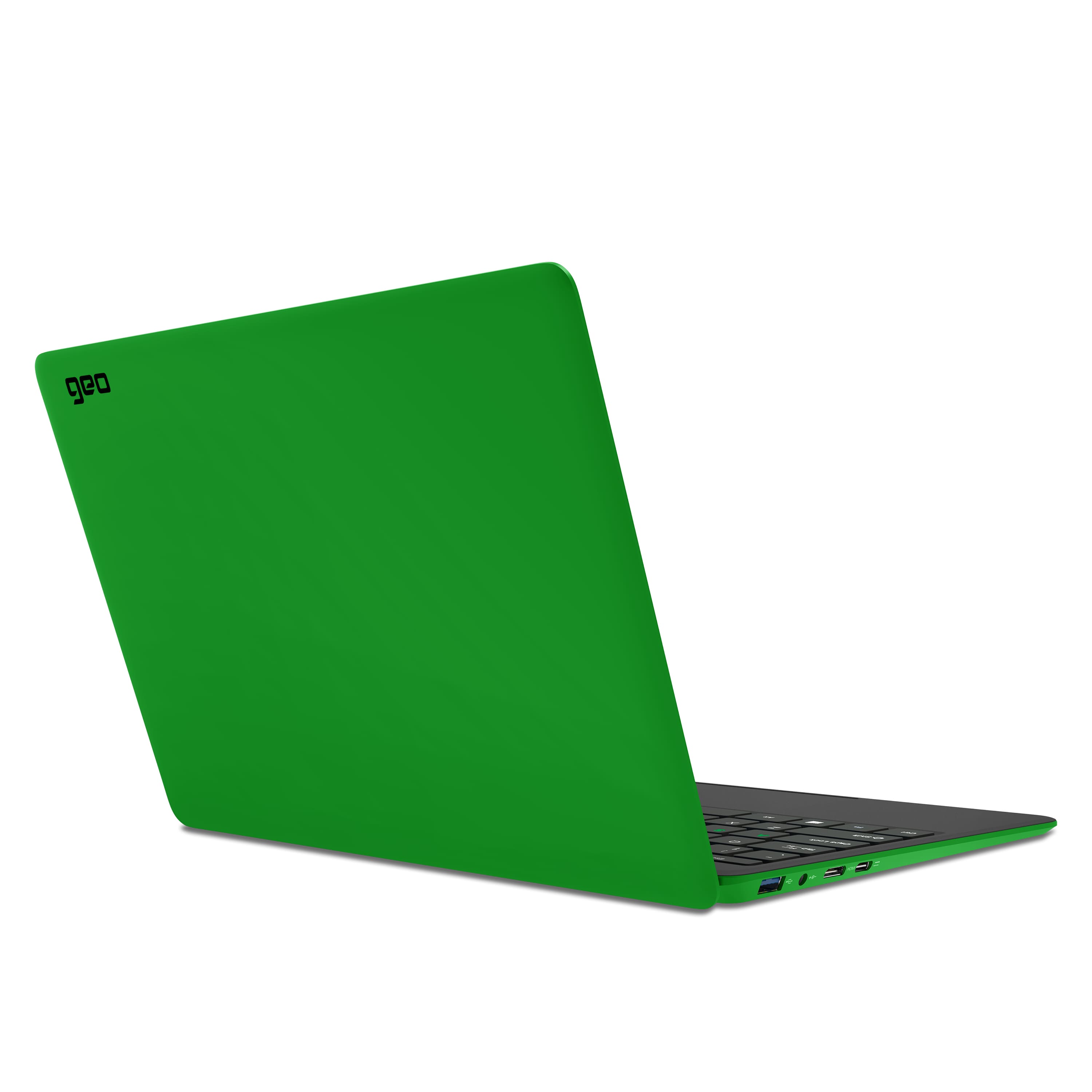
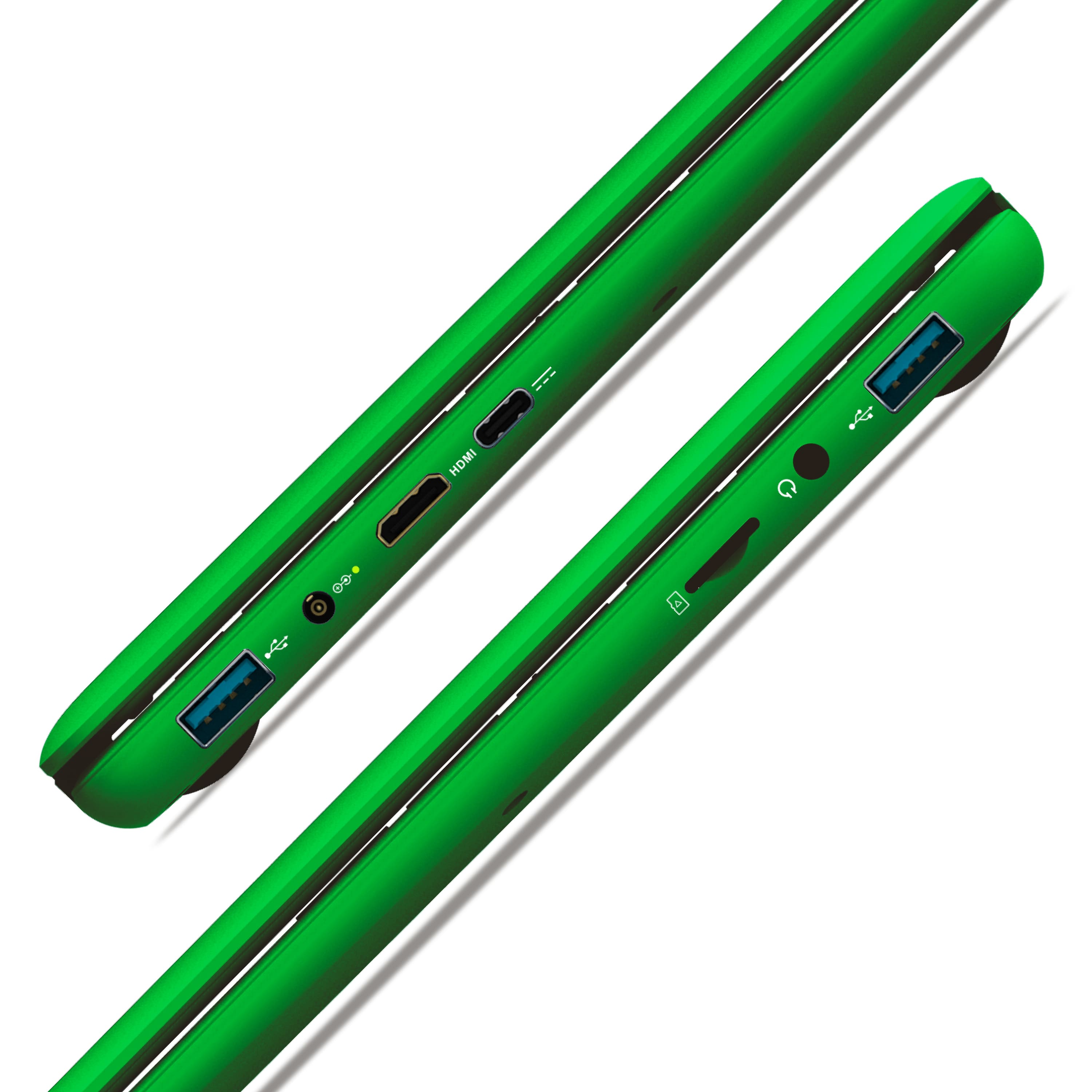
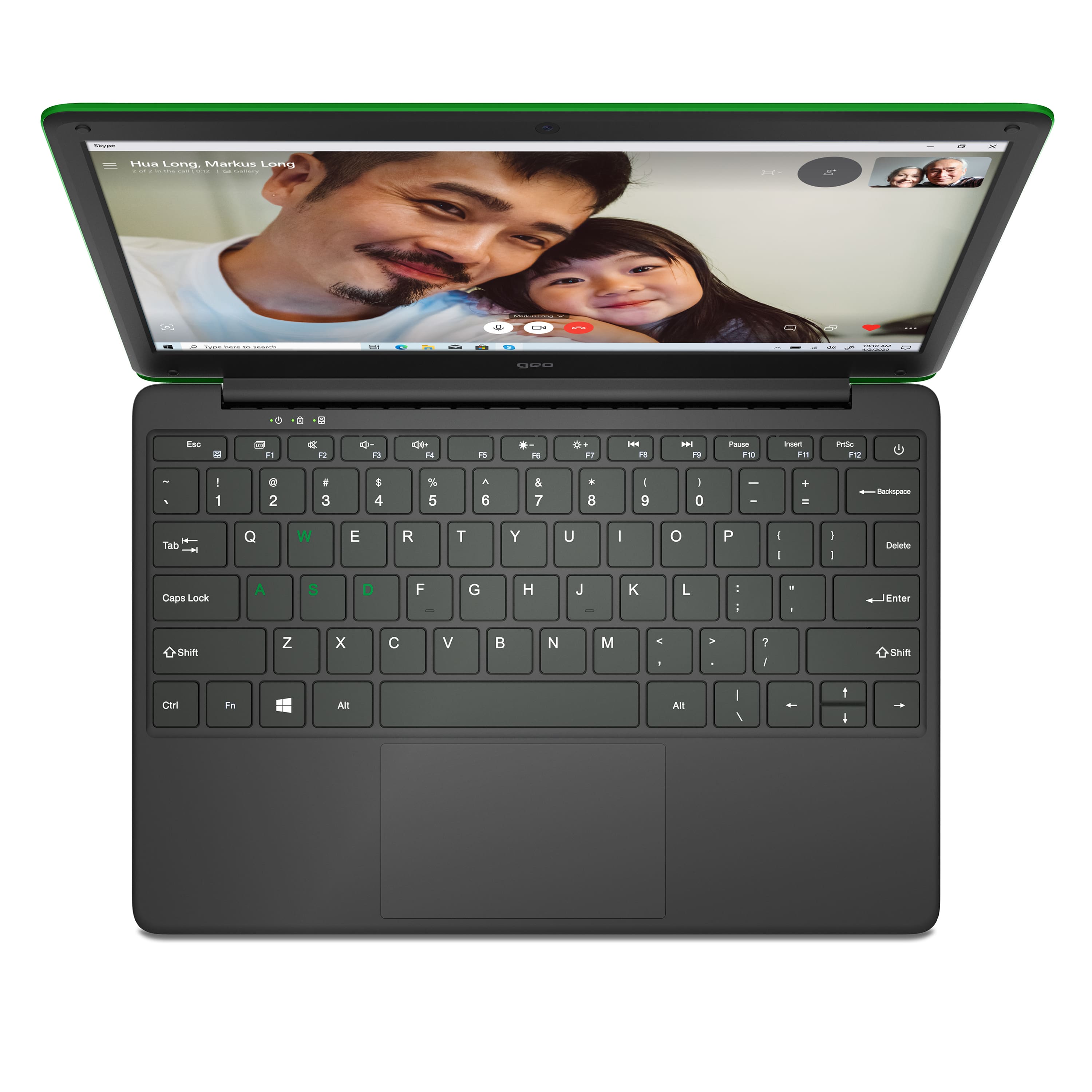
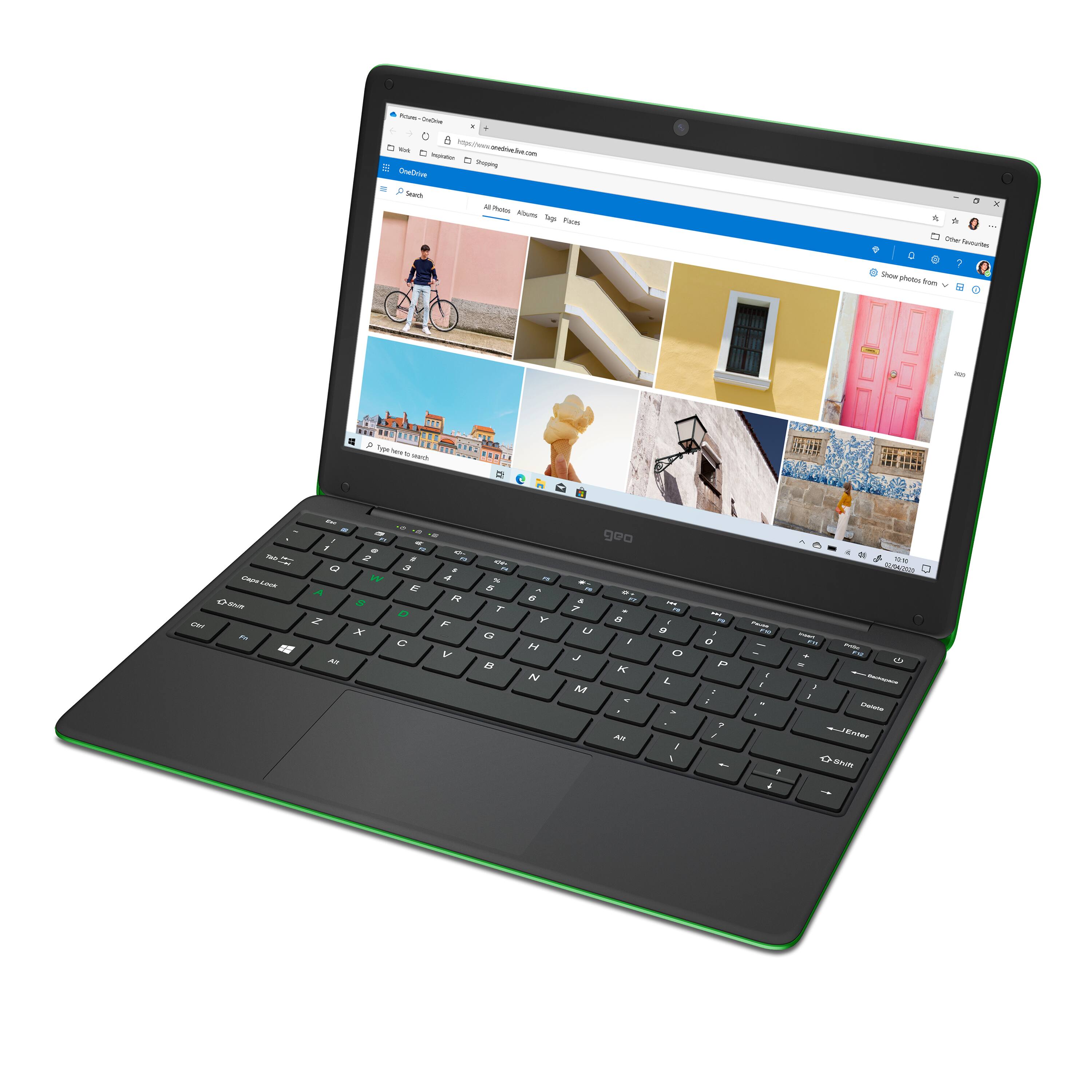
|Posted .This reviewer received promo considerations or sweepstakes entry for writing a review.This is a budget laptop through and through but is perfect for a young child for both school work and some very light gaming. It’s essentially a Chromebook, but with windows. Please note that I am commenting on the laptop both from the perspective of a parent buying this for their child and from my son’s perspective. IN THE BOX You get the laptop along with a charger. The purchase also includes a year subscription of Office 365 which you can sign up for after setup. DESIGN I actually like the look and feel of this laptop a lot. It’s really slim has a cool light blue hue to it (which is different from the black and silver laptops you see everyday) and it has a nice “rubber” feeling coating to the outside that makes it easy to grip. It has a decent size trackpad, and the typical keyboard you’d expect in a small laptop. It has the up and down arrow keys jammed together which I don’t love, but is almost a necessity given the small footprint. The only thing I wish it really had was backlit keyboard. I get it, it’s a super cheap laptop, but the light blue color with white lettering is more difficult than normal to see without good lighting. And the brightness of the screen doesn’t help much. In terms of ports, it has 2 USB-A 3.0 (blue) ports which is nice, a USB-C, also nice, headphone jack and microSD slot. I like that it includes HDMI out, but it’s HDMI-mini. I don’t have one of those hanging around, so that’s a bit of a bummer, but I get why a full sized HDMI wouldn’t have worked. It’s too big. And it obviously has a proprietary charging port which is a tiny circle. My other main complaint would be for USB-C charging. I charge most of my electronics with one, and when my kid loses his charger (inevitably) it would have been nice to charge it via USB-C. SETUP It’s like any Windows laptop. No “kid” skin to speak of, it’s a full fledged Windows laptop through and through. I will say that I had issues setting up my son’s account, which I set up as a part of my family account so I can lock certain apps and websites when he signs in. But this was undoubtedly user error, nothing to blame the laptop for. I will add that I use an Alienware as my desktop, and it comes full of bloatware (some helpful, others I never use). I was happy to see the Geobook comes with no bloatware. Which is a good thing given its limited storage space and computational power. USE AND PERFORMANCE In the world of QHD, 4K, and even 8K, a lot of people might balk at this laptop’s screen resolution. I’m here to say that it’s just fine. I’m not just saying that because a young kid might not care or know any better, but even using it myself, the 1366X768 resolution is just fine for everyday tasks and school work (and light gaming). My only complaint about the screen was that it came with a dead pixel. It is only noticeable when the screen is on and completely black, but in day-to-day use, I don’t see it at all. The 64 GB hard drive however, is a bit more difficult to swallow. Windows 10 itself takes up a bulk of that space. Putting movies, videos, pictures, maybe some games, will eat up the hard drive space quickly. My kid doesn’t edit videos, photos or play large games (think Call of Duty) so the lack of storage isn’t a big concern (at least for now). I like that it is expandable via microSD. I’m comfortable upgrading HDDs in a laptop and wouldn’t have minded the ability to do so here, but for my kid who doesn’t know what bleeding edge tech looks like, the relatively slower speeds of a microSD card compared to high end SSD isn’t an issue. It also only has 4 GB of RAM, which when you think about it, isn’t a lot since most newer phones have at least that much. But when your kid is browsing the web, watching YouTube videos, doing Google Classwork or even playing Minecraft or Roblox, there is virtually no performance hiccups. I haven’t opened a bunch of tabs or opened programs to really stress it, but I can tell you that day-to-day use (and having heard no complaints from my son about slowdowns, etc., the 4 GB of RAM is more than adequate for this laptop. I mentioned gaming. My son plays Roblox and it runs just fine on this laptop. So does Minecraft. I don’t let my kids play high end games (like GTA or Call of Duty) so I don’t see a reason to install it and test its capabilities, but I’m certain for AAA games it won’t run them very well. But again, for what this laptop is, that’s perfectly ok. BATTERY LIFE I have to mention the battery life. It’s great. It has close to 15 hours of battery life. I’m certain its’ the Intel Celeron processor combined with the low resolution screen that helps it last that long. For kids who aren’t accustomed to charging their electronics regularly, this can be extremely helpful. CONCLUSION This is a terrific laptop for what it is. A budget laptop for kids. It seems durable (although we haven’t really dropped it, etc., so I can’t say how it would hold up to kids handling it long term). It has everything they need and it’s Windows. Obviously Google Classroom will work through Chrome, which, if your kid does NTI from home is a plus. While I like Chromebooks, I do prefer Windows and having a budget Chromebook-ish Windows laptop for my kids is better (in my opinion).
I would recommend this to a friend- Pros mentioned:Price
Budget friendly and ideal for kids
|Posted .This reviewer received promo considerations or sweepstakes entry for writing a review.Budget friendly computer for light duty usage on a day to day basis. This computer sports a nice but effective Intel Celeron processor. It's enough to get by for web surfing, streaming, and MS Office tasks but will seem to slow down if you push it for more intensive usage. The 4GB of RAM is pretty minimal, but is enough for this machine. 64GB of storage space is good for this machine, as it's an entry level Windows based laptop. You also get some ports for your external devices such as 1 HDMI, 2 USB 3.0 Type A, 1 USB Type C, Micro SD card slot. The color is unique and inviting in a soft powder blue case/shell with a soft plastic/rubber texture. You'll get yourself a nice sized 12.5 inch LCD screen with an adequate screen resolution of 1366 x 768 HD resolution. Adequate for an entry level machine and sufficient for virtual classes and schooling from home. It's lightweight which is nice as it makes it easy to be portable and move around with. About 3 pounds and .7 inches thin. The built in webcam will also allow for 2MP video along with the built in microphone so you'll still be able to take part in virtual web based interaction. The box is fairly simple and to the point, as you get a laptop, power adapter, and quick start guide. In my opinion the best part of this laptop is that you'll also get a 1 year subscription to Microsoft 365 Personal which is helpful and useful in itself. After that 1 year you can decide what you'll want to do going forward, but it has been coming in handy for our household so far. I feel that this machine is ideal for elementary aged, maybe middle schoolers, and senior citizens. It can accomplish the tasks you would need to do with Windows 10 S mode. Don't expect it to do heavy gaming or processing, but use this machine as a budget friendly alternative to a tablet or a laptop that would cost twice the price. PRO: Screen size is nice Compact and portable Unique color Price CON: Select audience
I would recommend this to a friend - Cons mentioned:Screen
Screen broke one month later
||Posted . Owned for 2 months when reviewed.This reviewer received promo considerations or sweepstakes entry for writing a review.We bought this laptop for our daughter in early August. Just after the return period (August 25, 2021 in our case) the screen developed a problem where approx 1/3 of the surface area on the right margin is washed out and not as responsive to graphics changes. Also, If you are buying this for your child to play Minecraft, note that Windows S (the OS for this computer) cannot support the original/full version of Minecraft; it isn't even offered for purchase through the Microsoft store when accessing through this machine.
No, I would not recommend this to a friendBrand response from Support
Posted .Hi there, I'm sorry to hear this has happened. Please can you contact the Geo Support Team at www.geo-computers.com/support so that they can assist you further. Thank you!
- Pros mentioned:Price
Impressive Value
|Posted .This reviewer received promo considerations or sweepstakes entry for writing a review.The GeoBook 120 is quite an impressive value - especially considering that it comes with 1 year of Microsoft 365 Personal which costs $70 on its own. The GeoBook does not have the streamlined simplicity of a Chromebook, but instead manages to provide a more full featured windows experience at an incredibly low cost. The physical build does feel rather plastic and cheap but it functions well and is truly able to meet the entry level needs of most young students. Researching on the internet, word processing, spreadsheet creation, watching Youtube, using Netflix, Video chat, and even very light gaming all work well. The battery will play video for over 3 hours and will allow over 5 hours of web browsing or word processing. It is important to note that the GeoBook runs Windows 10 Home in S Mode. This means that only applications from the Microsoft store will download and run on the laptop - which actually improves security of the laptop. The laptop also does NOT have a graphics card, so the GeoBook should NOT be purchased for gaming. BUT, my 7 year old son was thrilled to discover that the computer is able to run Roblox reasonably well. The GeoBook comes with about 24 gigabytes of remaining harddrive space, but does have a MicroSD slot that allows up to 64 gigs of extra space. The keyboard feels cheep and rather clunky, but works appropriately. The laptop has a built-in camera, but it is only 2MB and it does not have a physical shutter cover to block the camera. If you are concerned about the security of a camera being pointed at your child every time the laptop is open, you may want to buy a 3rd party cover for the webcam. Also, be aware that the video output is Mini HDMI - so you will need a special cable to output the video to a 2nd monitor. Overall I am impressed with the value of the GeoBook and would definitely recommend it to those who want a low cost, but nearly full featured laptop.
I would recommend this to a friend Geo Minecraft Edition
||Posted . Owned for 1 month when reviewed.This reviewer received promo considerations or sweepstakes entry for writing a review.Looks and feels nice for the price range. After doing all the updates it runs pretty fast for range as well. Put a 128 gb micro sd card in it for extra space no problem.
I would recommend this to a friendGreat Starter Laptop
|Posted .This reviewer received promo considerations or sweepstakes entry for writing a review.The Geobook 120 is a 12.5” entry-level laptop that I have been messing around with for about a week now. I have had the chance to use it almost daily as well as having my kids take their turns with it. The fun color scheme and entry level specs skews this machine towards young school age kids, as well as anyone looking for an affordable machine to meet some basic computing needs. Specs CPU – Intel Celeron N4020 Dual Core 1.10 GHz processor w/ integrated Intel 600 graphics Memory – 4GB LPDDR4-2133 Graphics – integrated Intel 600 graphics Screen – 12.5” 1366 x 768p HD TN Storage – 64GB eMMC – expandable via SD card up to additional 64GB Ports – 1X USB C / 2X USB 3.0 / 1X HDMI 2.0 / 1X microSD Slot / TRRS 3.5mm Jack (headphone and mic support) Network Connectivity – Wireless AC Audio – dual speakers Webcam – 1080P with dual microphone Dimensions – 11.9 x 8.11 x 0.71”; 3.05lb Battery – 34200 mWh Li-ion Other – Windows 10 S w/ 1 year subscription of Office 365 Design The design of the GEO 120 is pretty fun. Mine comes in the light blue color which adds to the fun look. The outer chassis material is a grippy soft touch plastic and features plenty of rounded edges. The inner material is a smooth soft touch plastic – still in that light blue. The keyboard and touch pad keep with the color scheme, and the keys feature white lettering. There is no backlight to the keys. The touchpad is generously sized for the form factor. Its clickable and understand multi-finger inputs. The keyboard also has a function key for media controls, but it does not feature a function lock. The overall design reminds me a bit of the netbook I had back in college. Small form factor, very lightweight, and great for on the go tasks. I had my GF’s youngest daughter (10y.o.) help me test the GEO out. She liked the color and the size of the laptop. It was perfect for her to sit on the couch with it in her lap. The base didn’t get particularly warm on her, so hold the laptop on bare skin was no issue. The only thing she had trouble with was the white lettering on the keys. She isn’t a touch typist yet, so she still relies on being able to quickly read the key faces. The white lettering is tough to see in bright overhead light (keys are kind of shiny) and in dimly lit rooms. Other than that she liked the look and feel of the GEO. The keyboard was easy to type on and the keys felt nice to her. They had a good little click that provided enough tactile feedback. She also liked the trackpad because it was fairly responsive and accurate. Performance The GEO 120’s 4GB of low power RAM coupled with the 1.1GHz dual core means its not going to be a compute power house. If you are used to faster machines this will feel like a step back. However, through the eye of a kid getting their first laptop the GEO has more than enough power. My testing partner has a 12” Chromebook from school, so this isn’t her first machine by any means. However, the comparison between the two was favoring the GEO a bit due to it being a touch faster and more familiar OS (Windows vs. Chrome). When it came to playing games she was able to load up some games from the Microsoft store that were already on her account. I’m not 100% sure what all she was playing, but I know she played Human Fall Flat and a couple of other Gamepass games. As far as I could tell she didn’t have any issues or complaints with how the games ran. I would be hesitant to have her try anything too intensive, but knowing it can crank out good experiences on resource-light games is a plus. The 64GB of eMMC isn’t a whole lot. eMMC is essentially a soldered SD card – not a traditional HDD or SSD but more like the memory in your phone. The 64GB drive is faster than a HDD, so it moves along well. However, that 64GB does fill up quickly especially if you or your child wants to add some games. I plan to pick up a fast microSD card (64GB max) to toss in the expansion slot. At 128GB I think we would be fine, and not have to do a lot of storage housekeeping. Display The 12.5” 1366 x 768p (HD) display is perfectly adequate and its pixel density is just fine (125 ppi) for the size. Compare it to a 21.5” 1080p screen and this beats its out by a decent amount (102 ppi). I know seeing 768p can throw you off, but in this case its fine. Its not too bad of a display, and it absolutely fits the budget on the machine. However, I do have some issues with the display. In a really bright room the panel isn’t bright enough to not be slightly washed out. The TN panel is an older technology that fits the budget, however it provides really poor vertical off angle viewing. Horizontal off angle viewing isn’t as greatly affected though, which was surprising. I would expect you would want horizontal to suffer more than vertical on a laptop where you are the only viewer. However, I can see screen sharing with siblings as a reason to align the panel for better horizontals. The last issue I have relates to the display housing in the chassis. It is noticeably weak enough to “ripple” the image on the screen along the entire bottom when adjusting the angle or even slightly wiggling the screen. You can also cause ripples along the edges where you grab with even the lightest touch. Speakers and Webcam The speakers are there. They are very tinny and don’t have a lot of power. I had them at max volume and could talk over them. They are acceptable for limited use, but I would absolutely recommend a headset. The webcam does a nice job overall. My GF’s daughter loves to Skype her grandma, so she was thrilled to use the webcam. It does a nice job overall. You do need to stay in a well lit room as it starts to get grainy in low light. The dual mics pick up your voice well, and don’t do too bad with background noise in general. Other Thoughts So this is my first time running across Windows 10 S. I had honestly never heard of it. It serves as sort of a stripped down Windows experience that is optimized for security and speed. You can’t install 3rd party apps – you can only install apps available in the Microsoft store. Edge is the only browser and it defaults to safe search. The OS appears to have been optimized for lower spec’d systems – I mimicked this experience on my old netbook with a cracked stripped down Win7 build, and it was absolutely the way to go back then. So hopefully Win10 S does the same job of removing some of the system overhead to keep things snappy. If you don’t want or need this protection you can always upgrade (for free) to plain Win10 Home Edition, but you won’t be able to go back once you upgrade. Overall As an adult with a gaming PC, gaming laptops, a workstation class laptop I can say I am not really the target for this PC. However, I do see the value in a machine like this for a quick runabout or travelling. It is very easy to transport. Where it really shines is with the kids. My GF’s daughter loved it and it didn’t even occur that it was a lightly spec’d machine. She loves getting to use it. As a parent I really like the baked in Office 365 sub, and the walled garden that is Win 10 S. I personally would upgrade it to Home but only because I don’t need those barriers. The only drawbacks I really saw were with the display panel and the speakers. They were the only somewhat underwhelming aspects. Everything else seems great though.
I would recommend this to a friendThe Price is not Worth the Hassle!
||Posted . Owned for 3 weeks when reviewed.This reviewer received promo considerations or sweepstakes entry for writing a review.I’ve had this computer for less than a month and it’s given me more trouble than it’s worth. A few days after I go it. The skin of the computer was marked with fingerprints that I haven’t been able to get off. Yesterday, I had it in a red bag and the color bled into the computer. Today I opened it up and the screen was half blank. I’m a school teacher and I’m not rough with my materials, so to find my screen “cracked” makes me wonder if the affordable price has been worth the hassle. I wanted to love it, I really did but now I’m just disappointed with the product and with the customer service offered at Best Buy. So sad.
No, I would not recommend this to a friendBrand response from Support
Posted .Hi there, I'm sorry to hear you are disappointed with your GeoBook 120. From the photos you provided to our Geo Support Team, we confirmed that the damage to the screen was caused by accidental damage. Unfortunately the warranty doesn't cover against accidental damage, but we can provide you with the specs for the screen if you contact the Geo Support Team again. Thank you!
Cuteness
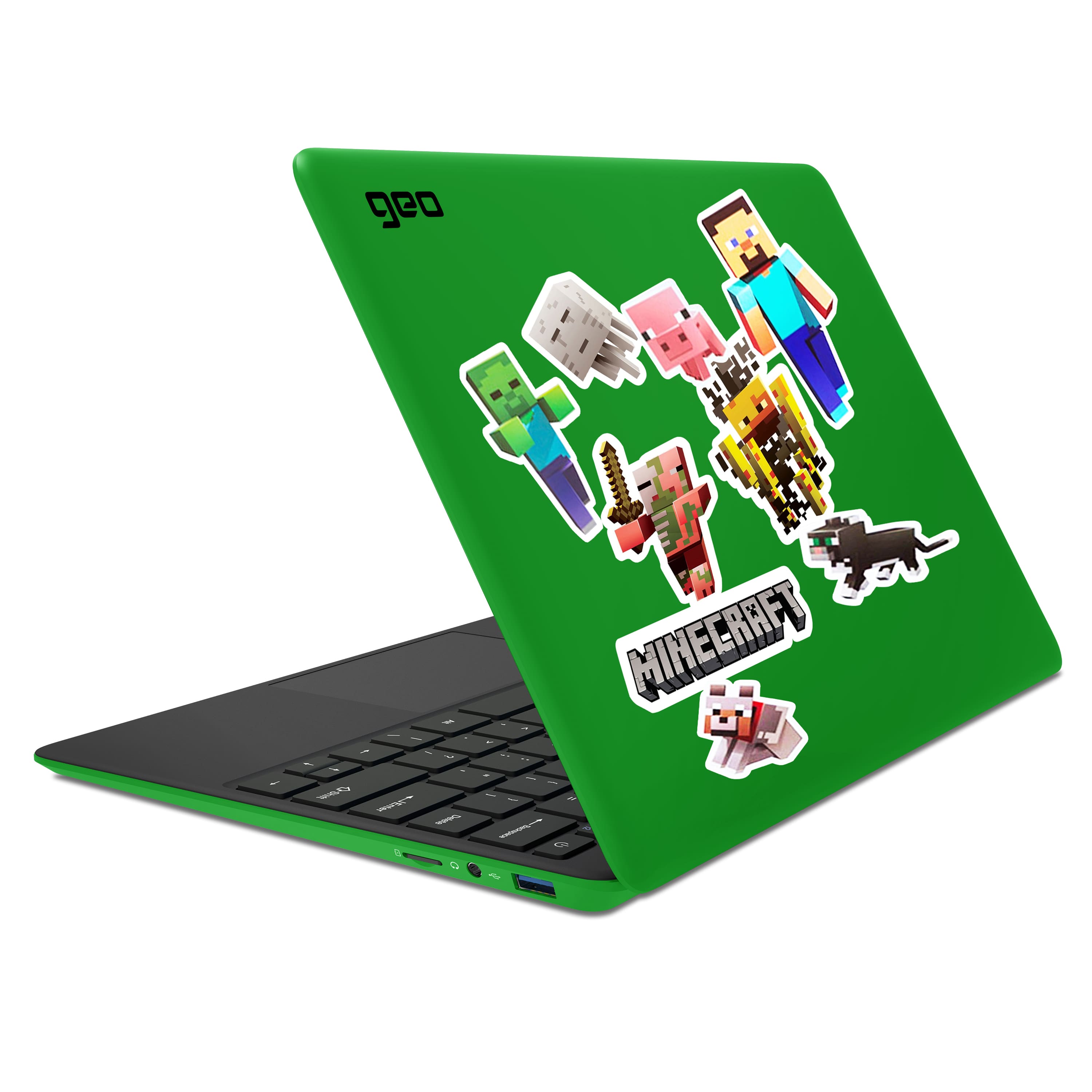
||Posted . Owned for 2 weeks when reviewed.This reviewer received promo considerations or sweepstakes entry for writing a review.Overall out the box, this was a great laptop for a kid. Its a bit light and comes with cool minecraft stickers for the laptop.
I would recommend this to a friendScreen broke by 6 months--no warranty
||Posted . Owned for 10 months when reviewed.This reviewer received promo considerations or sweepstakes entry for writing a review.We started using this computer in the spring of 2022 and liked the keyboard, the screen size and the video camera. However within 6 months the screen broke. As you can see from other reviews this happened to other customers as well. When I contacted customer support to get the screen repaired or replaced under warranty they would not cover it stating it was damaged due to our fault not theirs. Our family uses several laptops and we've never had a screen broke on any of our computers especially within the first 6 months.
No, I would not recommend this to a friendGreat for kids. Replaces Chromebook.
|Posted .This reviewer received promo considerations or sweepstakes entry for writing a review.This was an interesting product. Kind of like a Chromebook kind of like a tablet. So let's go with physical appearance. Nice color Lightweight Grippy feel Has multiple ports to plug in Keyboard is nice feeling Size is good. Not too big not too small. Performance For being a small compact performance was decent. Battery life lasted 3 days of moderate use. First day was heavy due to Microsoft updates. Video conference via Skype was good. Mic was clear Sound was decent. My kids used this for their remote Skype music lessons and it did well. No lagging. No freezing.. Screen was decent. I streamed 4k and it looked nice. USBc allowed me to use HDMI adapter to run a big screen and it worked just fine. Memory was good. Half of the available space was used by operating system. So saving files locally may not work out. You will need to work off the cloud and with the 1 year subscription of Microsoft office that will help. Printing to wireless printers was much easier than using Chromebooks. For whatever reason Chromebooks have App issues and it made.it difficult to print. Because this is Windows 10 based it took care of that issue. Only thing I could ding this on was the polarization of the screen. It has filters on it which is probably good to help with eye fatigue but I did not completely like it. Other than that this is like a Chromebook but running Microsoft 10 lite. For the purpose of my kids this will do just fine for any additional distance learning if needed and general school work. Based on what my kids do on computers and how this computer performed. I would recommend this product for kids if you don't want to use a Chromebook.
I would recommend this to a friend- Cons mentioned:Screen
Complete Disaster
||Posted . Owned for 3 weeks when reviewed.This reviewer received promo considerations or sweepstakes entry for writing a review.The screen is very delicate, broke after the 3rd day of purchase
No, I would not recommend this to a friendBrand response from Support
Posted .Hi there, I'm sorry to hear this has happened. The damage that can be seen in the photo is caused when pressure is applied to the screen, such as dropping it, dropping something onto it, closing the lid onto something etc, causing the screen to break internally.
Stopped charging/keys falling off
||Posted . Owned for 1 month when reviewed.This reviewer received promo considerations or sweepstakes entry for writing a review.I purchased this for my daughter for Christmas. One of keys fell off and now the laptop wont charge or power on. It could be the power brick but nothing uses that small of a port to charge anymore. It would be nice if the usb-c port could be used as a back up charging port. Very disappointed with this purchase.
No, I would not recommend this to a friendBrand response from Support
Posted .Hi Dave, I'm sorry to hear this has happened. Can you please contact the Geo Support Team at www.geo-computers.com/support so that we can assist you further with your GeoBook 120. Thank you!
Manufacturer is horrible
||Posted . Owned for 2 months when reviewed.This reviewer received promo considerations or sweepstakes entry for writing a review.Best buy is great but this computer company is worthless. They are hard to contact and does nothing to help. It was my son's birthday gift and he is left with a broken computer not Best buy's fault it's the manufacturer
No, I would not recommend this to a friend- Cons mentioned:Storage
value product that works
|Posted .This reviewer received promo considerations or sweepstakes entry for writing a review.Upfront this is a reliable value product that works Good: 1. After set up the speed of this unit is acceptable. 2. Free Office 360 for every device you own (12 months) 3. All ports work as advertised including the USB C 4. Micro SD 128GB card works fine 5. WPS Office (free) installs from the Microsoft store and works with Google classroom 6. Unit is well protected with the soft plastic case 7. Back of case is removable but most parts are permanently attached 8. Unit was charged enough to boot out of the box 9. Microsoft Mouse works perfect Needs work: 1. 64GB is too small to run Windows 10 full version and full Office at the same time/stay in S mode 2. No known way to run Apps or Office from the Micro SD card 3. Lettering on the keys is white and very hard to see against the light blue background 4. Could not find a way to register this product on the Geo website. After setup, I did a deep clean of all unneeded files in Free up disk space in control panel as well as trimmed the drive. First update took a very long time so just walk away and let it reboot when needed. You may need to wiggle the mouse every 5 minutes to keep the screen active. Other wise it may shut down left unattended for too long. Suggested use is for school, internet surfing and paying bills. This unit is fine for most school work except dedicated computer classes in HS . Specifications: (https://geo-computers.com/geobook-120-colors-laptop-us/)
I would recommend this to a friend - Pros mentioned:Minecraft
Pleasantly Surprised
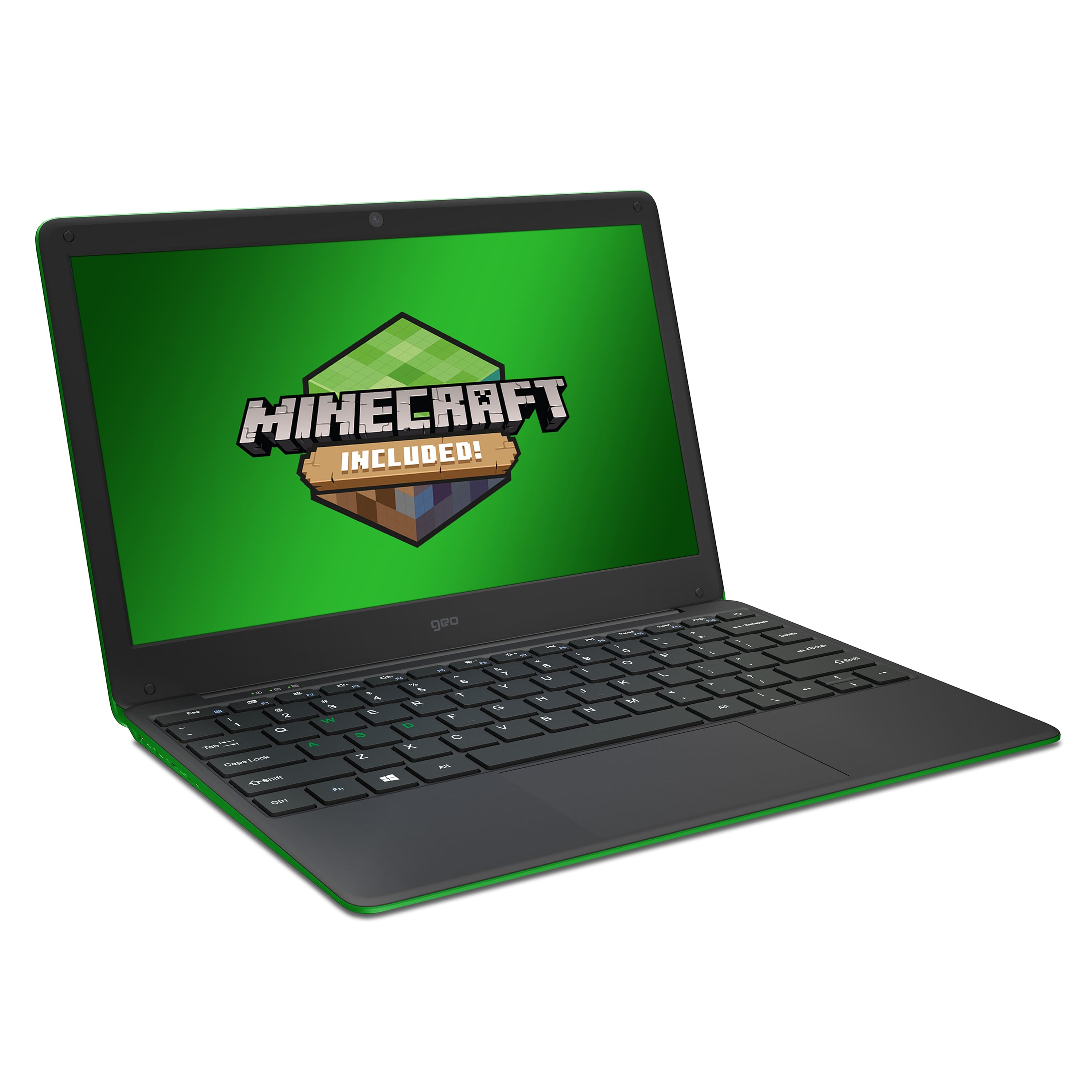
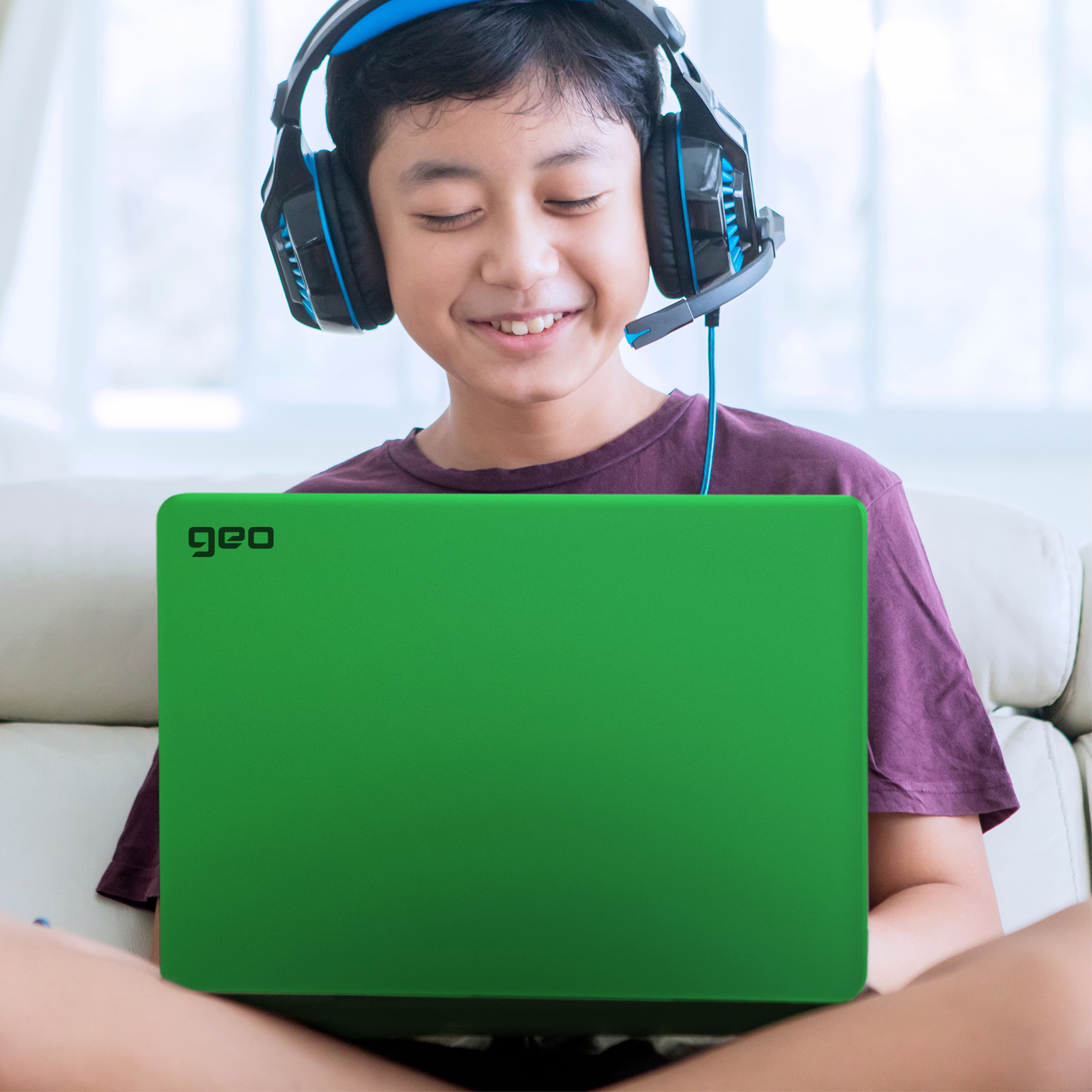
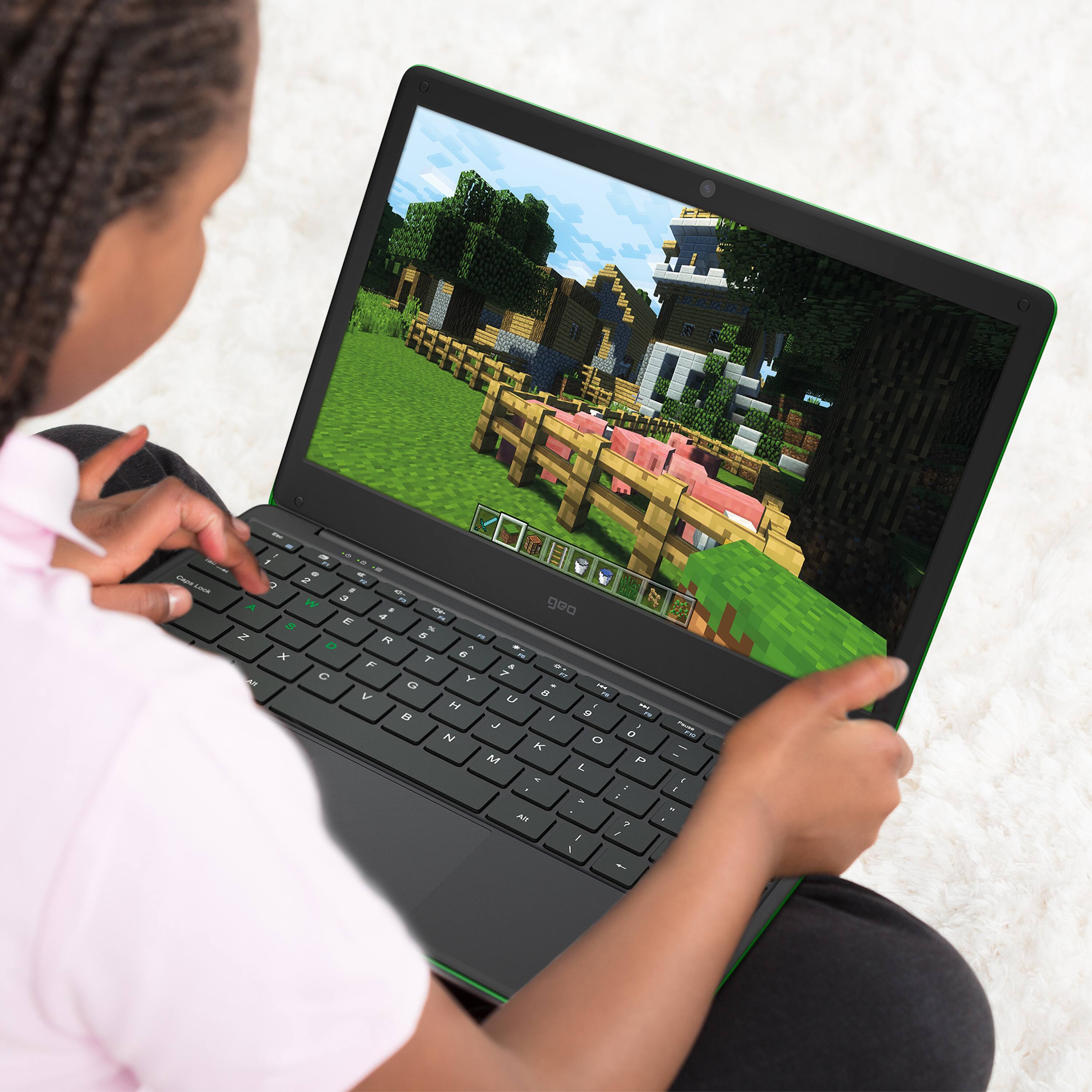
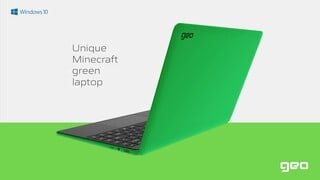
||Posted . Owned for less than 1 week when reviewed.This reviewer received promo considerations or sweepstakes entry for writing a review.This laptop replaced an HP EliteBook 2740p for me as my remote work / Work From Home laptop after a long time of trying out different entry-level machines. What I wanted was "all-day" battery for the least amount of money possible, with the ability to run useful operating systems (So no Chromebooks). I am pleasantly surprised by both the build quality and value proposition of this laptop. Under Alpine Linux with GNOME, typical working power draw is around 3.75W/h, giving the laptop just under 9.5hrs of battery (34.2Wh rated battery). Thermals seem to hover around 40-50C under typical load, which is a bit warmer than I'd like, but you can hardly feel it and the laptop is passively cooled so it remains completely silent. Performance is honestly way better than I had hoped. The 6W Intel Celeron N3450 is about 7% faster overall (CPUBenchmark.net) than the upgraded 35W i5-560m in my EliteBook 2740p. It also allows the laptop to return many times the battery life of my maybe 1.5hrs tops in the EliteBook. RAM is a bit scarce, sure, but 4GB is sufficient even under Windows 10 S for most normal/light office/school workloads. The 64GB eMMC is unlabeled/Generic, but puts down pretty nice read/write/latency numbers so the machine remains responsive. Same goes for the quad-core Celeron, ranging from about 800MHz to 2.2GHz (thermals permitting) depending upon load. Screen color tends to be a bit cool, but backlight is even and viewing angles are acceptable given the price range. Matte finish is well done and seems to resist fingerprint oils well. No bonuses like Ambient Light Sensors nor backlit keyboard, but given the price, that is completely understandable. Speakers are serviceable. Clear enough and usable in quiet environments. Microphone seems to be much better kit than the speakers. Webcam is completely usable, but very much an entry-level webcam. Port selection is both less than I want coming from an EliteBook and more than I'd expect given the way most laptops are headed. Type C is welcome, two USB-A 3.0 ports is great, 3.5mm headphone jack will never not be awesome, and the power port has a really positive click/lock when engaged and a tiny charging status LED. The touchpad is spacious, accurate, supports Windows Precision Touchpad/gestures, and has physical clicks for left/right. The clicks are very positive, so the physical feedback is nice. Keyboard is spacious given the chassis size and has decent keyfeel and range. I am not in love with the layout (Power in the keyboard tray, delete under Enter, right-ALT instead of MENU) but it is comfortable and works great. The body-color (green) WASD keys makes me chuckle, but I like it. No Go-Fast stickers! No marketing garbage! A single Intel Celeron foil sticker on the right palmrest and your model/serial sticker on the bottom and you're done. Branding is limited to the single "geo" screen printed on the lid in black. It is clean and looks and feels far better than the price would have you believe. Size/weight are acceptable, and I'd say that I personally think it could have stood to have a bit more heft via a larger battery, but it remains emminently portable as a result of the size pack it uses. It comes with Windows 10 S, which can be unlocked for Windows 10 Home, a year of Microsoft 365, and Minecraft Starter Edition for Windows 10 Bedrock (and some sticker packs). Minecraft Bedrock ran acceptably well and was a nice bonus. Not sure I'll use the sticker packs, but the green color scheme for the hardware is pretty great and certainly a draw for me. Linux support is pretty much flawless for all the main distros, so you can't go wrong. Be aware that at present the touchpad does not work under Alpine, but any Debian/Arch/openSUSE based distro will be golden. Linux Mint CINNAMON EDGE in particular was a joy on this hardware in testing. I guess in summary, a number of carefully considered compromises were made to have this laptop retail for the price it does, and provided you can be well-served by something in this class, I think it absolutely is worth the money and should be carefully considered.
I would recommend this to a friend A great affordable notebook for kids!
|Posted .This reviewer received promo considerations or sweepstakes entry for writing a review.My wife and I wanted to find a laptop that was geared specifically toward low-end, very simple tasks, that we could let our kids have for at home learning. Specifically, they have internet games they can play that help them work on various school subjects. We have other computers, laptops, tablets, etc. at home but most of them are "ours" as parents or are used solely for fun. This GeoBook from Geo has been helped fill this role very well. Our kids were SUPER excited to get a laptop "just like yours dad". They are very excited about being able to do things like ABCmouse, Prodigy, etc. and we're happy to have an option that doesn't take up our work computers. The notebook itself has some fantastic features for the price, the 64GB of memory is way more than they'll ever use doing what they're doing, the 4 GB of RAM is plenty for light work and internet tasks, the 12.5" screen is a great size for them as well. I must say though, the screen itself leaves a lot to be desired. The 768p resolution is actually really good on such a small screen but the colors are extremely washed out and viewing angles, especially vertical, are pretty bad. I've posted a pic for comparison. That said, our kids didn't care, they don't care about things like color accuracy, viewing angles, off axis color shift, etc. They just don't. Other than the sub-par screen, this has been a great tool for our kids and we're excited they'll have something that they can own and will be a tool they can use to help them learn at home.
I would recommend this to a friend- Pros mentioned:Minecraft, Price
Perfect Starter Laptop for Kids!
Posted .This reviewer received promo considerations or sweepstakes entry for writing a review.Great laptop for kids! Good specs for games, going online, doing homework, etc. My son was super excited to get Minecraft. Light weight enough for him to carry up and downstairs easily. Great value for the price. I don’t have to worry about him messing up my own laptop. Would definitely recommend.
I would recommend this to a friend - Pros mentioned:PriceCons mentioned:Screen
Strange keyboard, otherwise great
||Posted . Owned for 1.5 years when reviewed.This reviewer received promo considerations or sweepstakes entry for writing a review.Works well for crafting. Wouldn’t use it for gaming, processor slow for that. The keyboard is slightly off set, so can be tricky to type if you don’t remember to move over one key space. Happy with it for the price point
I would recommend this to a friend