Customer Ratings & Reviews


- Model:
- GE166
- SKU:
- 6462556
Rating by feature
- Battery Life
Rating 4.0 out of 5 stars
- Speed
Rating 3.8 out of 5 stars
- Display
Rating 3.9 out of 5 stars
Customers are saying
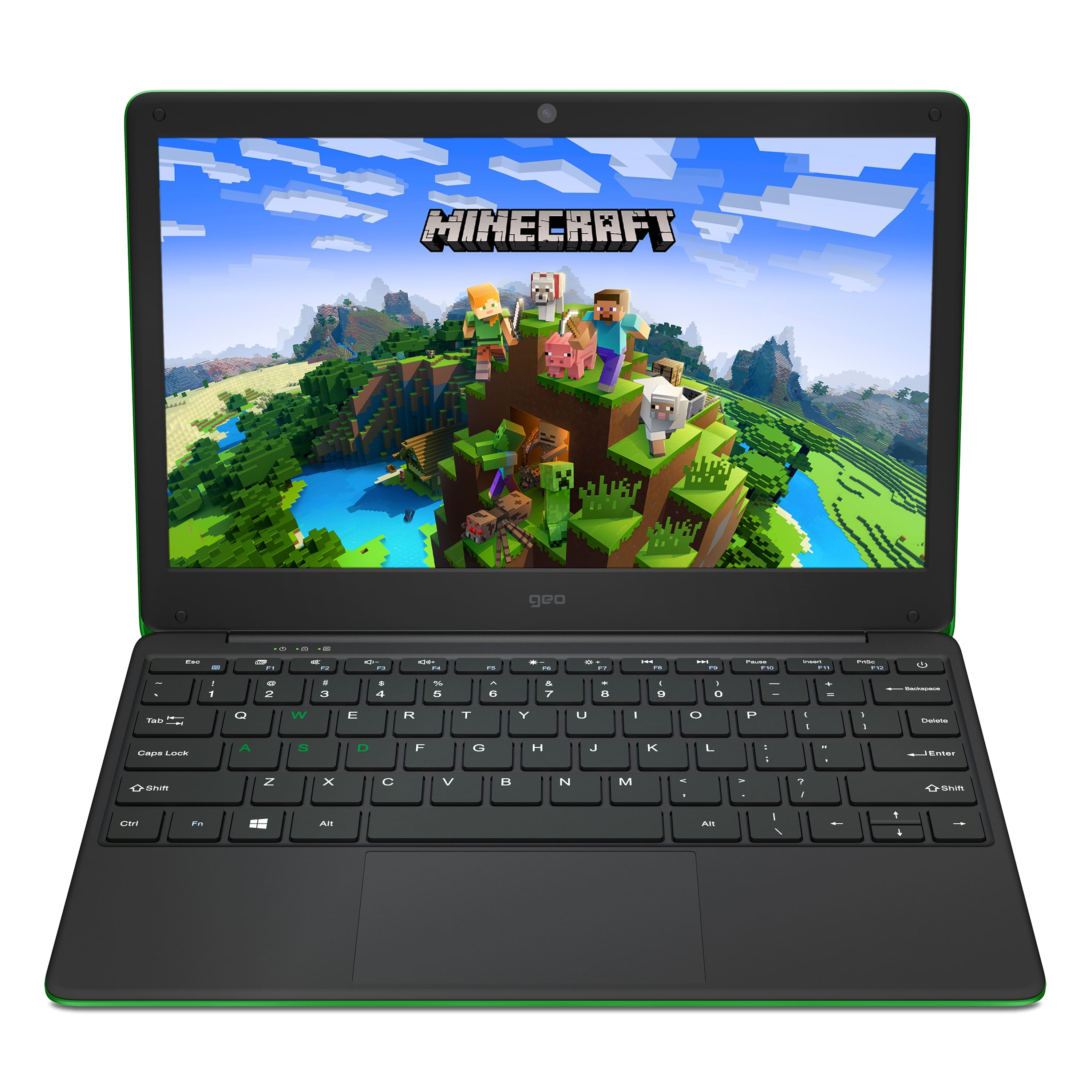
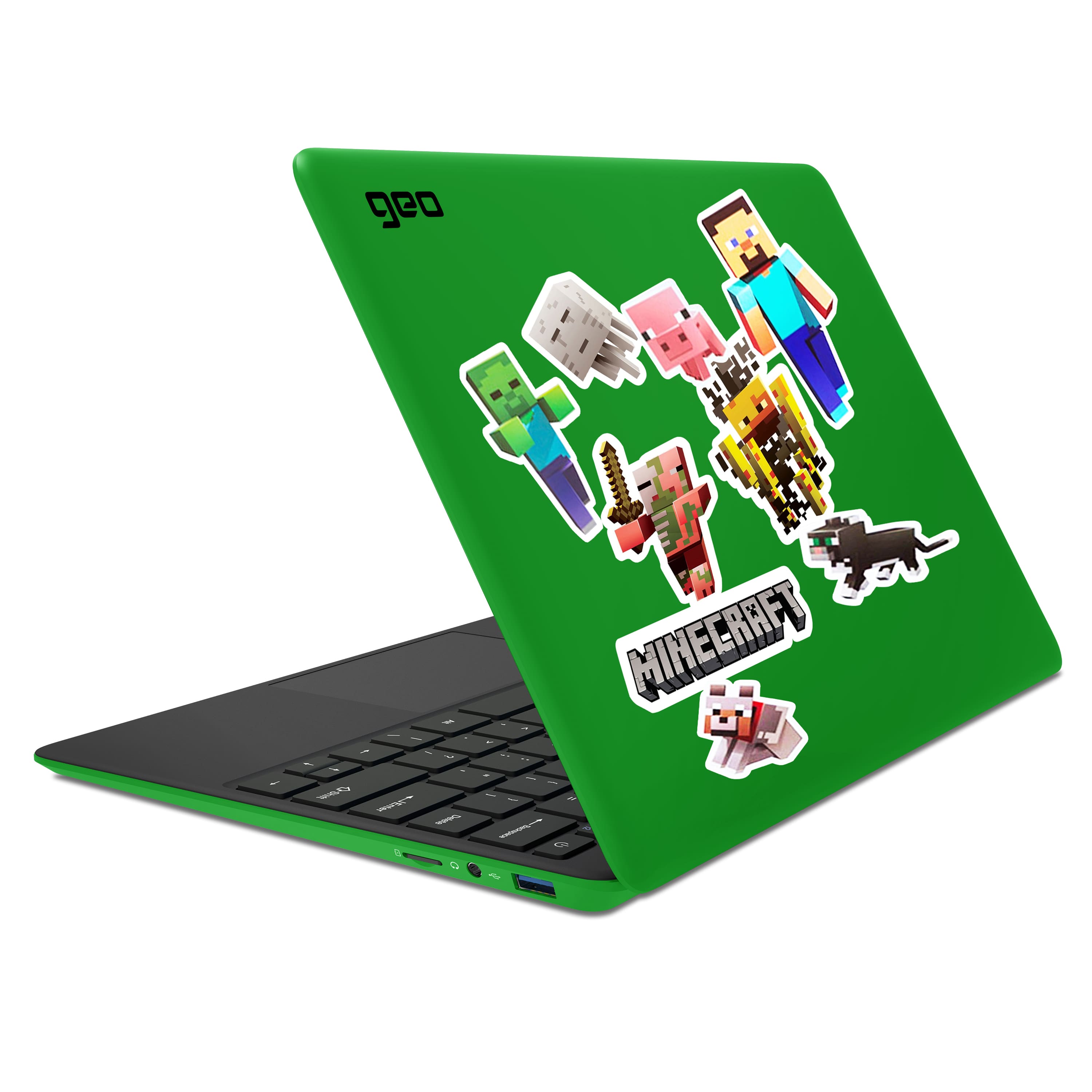
Customers love the GeoBook 120 for its budget-friendly price, vibrant color options, and kid-friendly design. Many parents appreciate its suitability for light gaming and schoolwork, and kids enjoy playing Minecraft on it. However, some customers have concerns about the screen quality and slow performance, and a few wish it had more storage.
This summary was generated by AI based on customer reviews.
do not buy
||Posted . Owned for 3 months when reviewed.This reviewer received promo considerations or sweepstakes entry for writing a review.had to return twice, every single one was broken, ended up just returning.
No, I would not recommend this to a friendNo microsoft 365
||Posted . Owned for 2 months when reviewed.This reviewer received promo considerations or sweepstakes entry for writing a review.No Microsoft 365. When tried activating, says deactivated. No help from Best Buy or Microsoft to activate subscription.
No, I would not recommend this to a friendBrand response from Support
Posted .Can you please contact the Geo Support Team at www.geo-computers.com/support so that we can help you activate your Microsoft 365. Thank you!

Stay away
||Posted . Owned for 5 months when reviewed.This reviewer received promo considerations or sweepstakes entry for writing a review.Not worth the money this item need to be removed didn’t even last 2 months
No, I would not recommend this to a friendBrand response from Support
Posted .Hi Cotto, I'm sorry to hear this has happened. Please can you contact the Geo Support Team at www.geo-computers.com/support so that we can assist you further. Thank you!
NO ACCOUNTABILITY
||Posted . Owned for 1 month when reviewed.This reviewer received promo considerations or sweepstakes entry for writing a review.Item came broken. The box was not damaged and manufacturer would not accept accountabilty that it was packaged damaged.
No, I would not recommend this to a friendBrand response from Support
Posted .Hi there, from the photos you sent the Geo Support Team our engineers did confirm that the device had suffered accidental user damage which unfortunately is not covered by the warranty. I'm sorry we cannot be of further assistance to you, but if you would like help with sourcing a replacement screen please contact the Geo Support Team again!
Don’t waist your money
||Posted . Owned for 1 month when reviewed.This reviewer received promo considerations or sweepstakes entry for writing a review.I bought one of this devices and after charging overnight it won’t turn on
No, I would not recommend this to a friendBrand response from Support
Posted .I'm sorry to hear you have had experienced issues with your GeoBook 120. Please contact the Geo Support Team at www.geo-computers.com/support so that we can help resolve this for you. Thank you!
Crappy labtop
||Posted . Owned for 6 months when reviewed.This reviewer received promo considerations or sweepstakes entry for writing a review.Was used twice and doesn’t even power on now is bad
No, I would not recommend this to a friendTouchpad mouse doesn't work.
||Posted . Owned for 2 months when reviewed.This reviewer received promo considerations or sweepstakes entry for writing a review.Have only had it for 2 months and the touchpad wont work. Even after recommended factory reset.
No, I would not recommend this to a friendBrand response from Support
Posted .Hi there, I'm sorry to hear you have experienced issues with the touchpad on your GeoBook 120. Please can you contact the Geo Support Team at www.geo-computers.com/support so that we can assist you further. Thank you!
Not worth it !
||Posted . Owned for 10 months when reviewed.This reviewer received promo considerations or sweepstakes entry for writing a review.Laptop inoperable never got a chance to enjoy it! Very disappointed
No, I would not recommend this to a friendOk if you dont need audio
||Posted . Owned for 3 months when reviewed.This reviewer received promo considerations or sweepstakes entry for writing a review.Audio was weak from unboxing and just went totally mute after a day or 2.
No, I would not recommend this to a friendBrand response from Support
Posted .Hi Johnny, please can you contact the Geo Support Team at www.geo-computers.com/support so that we can assist you further. Thank you!
- Pros mentioned:Price

Remote learning machine
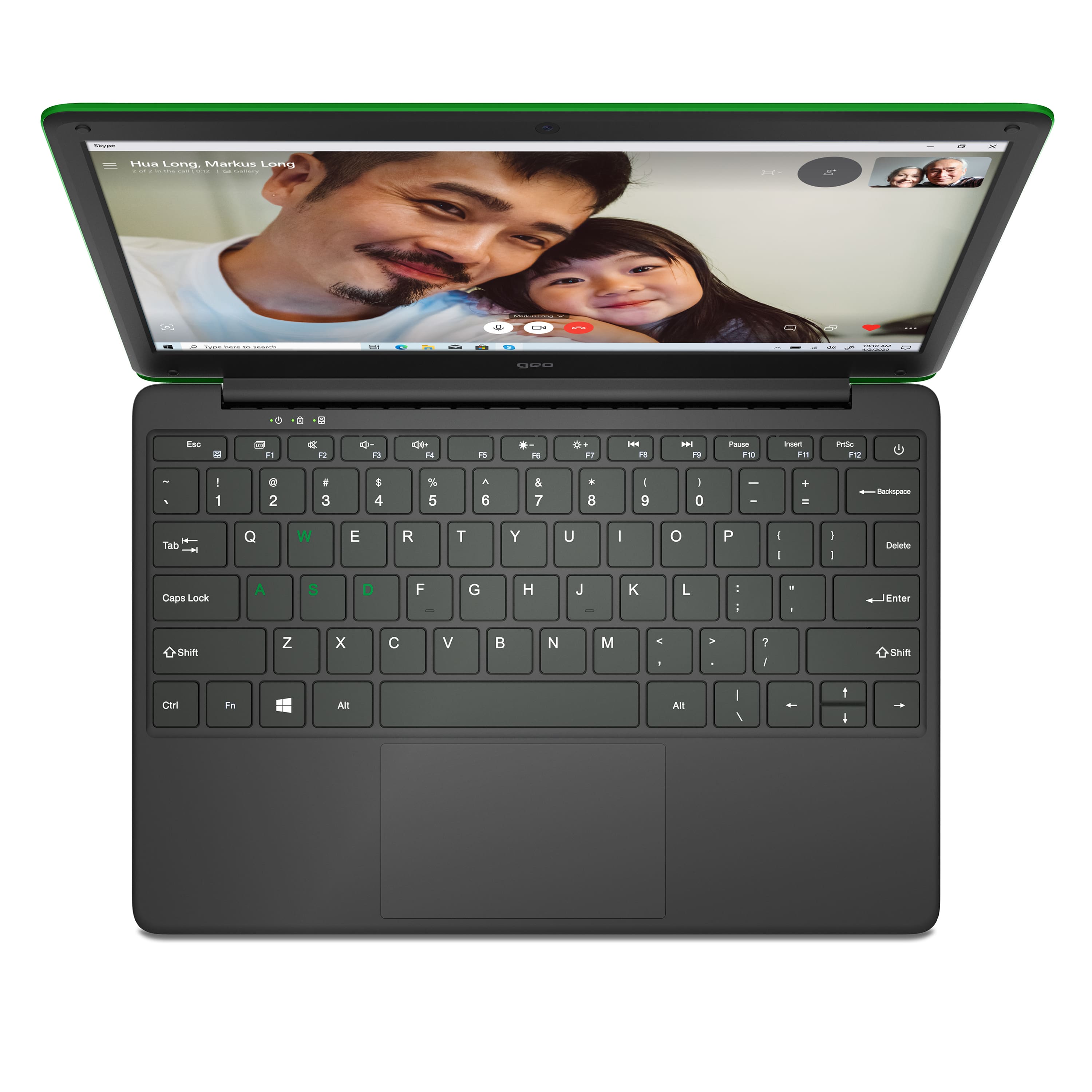
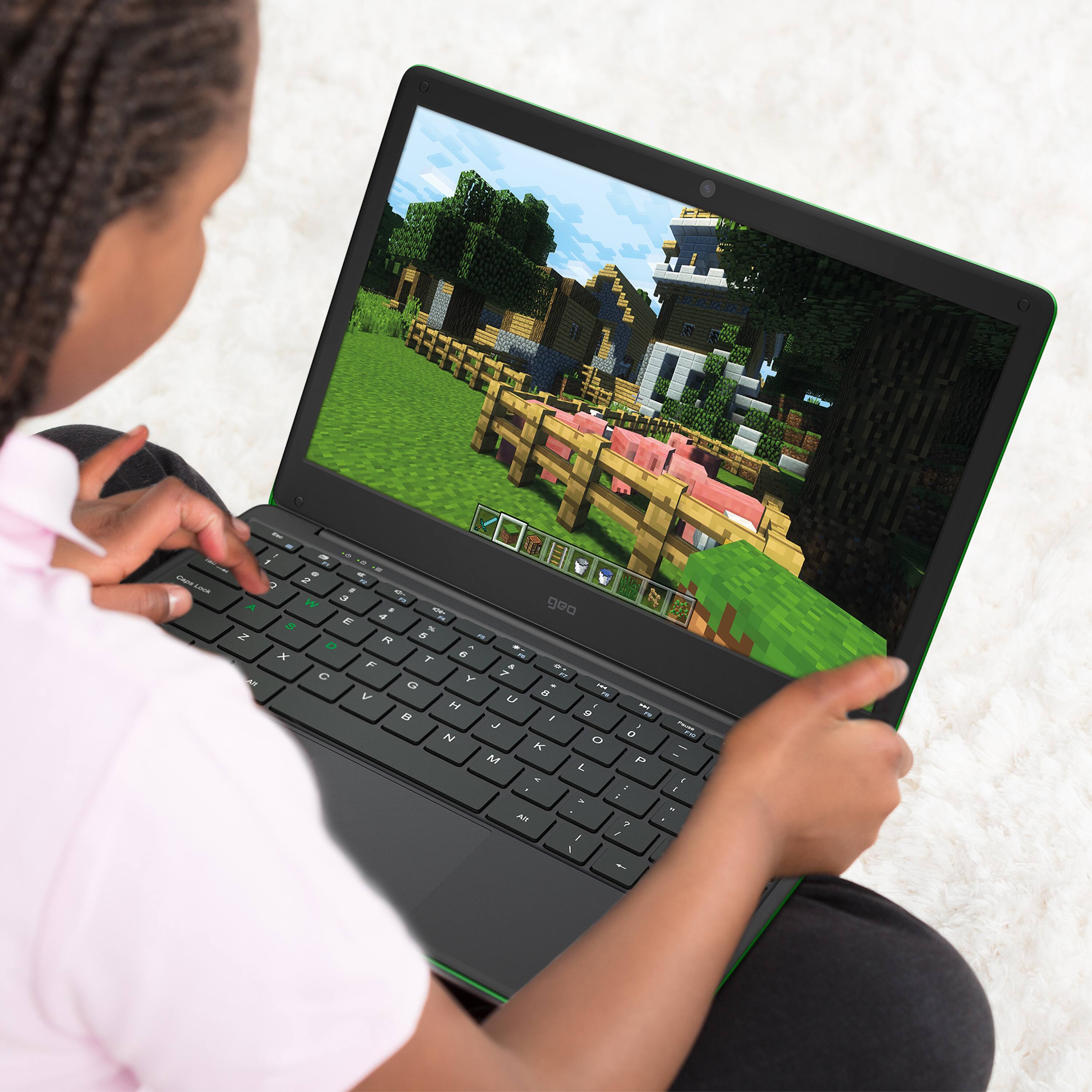
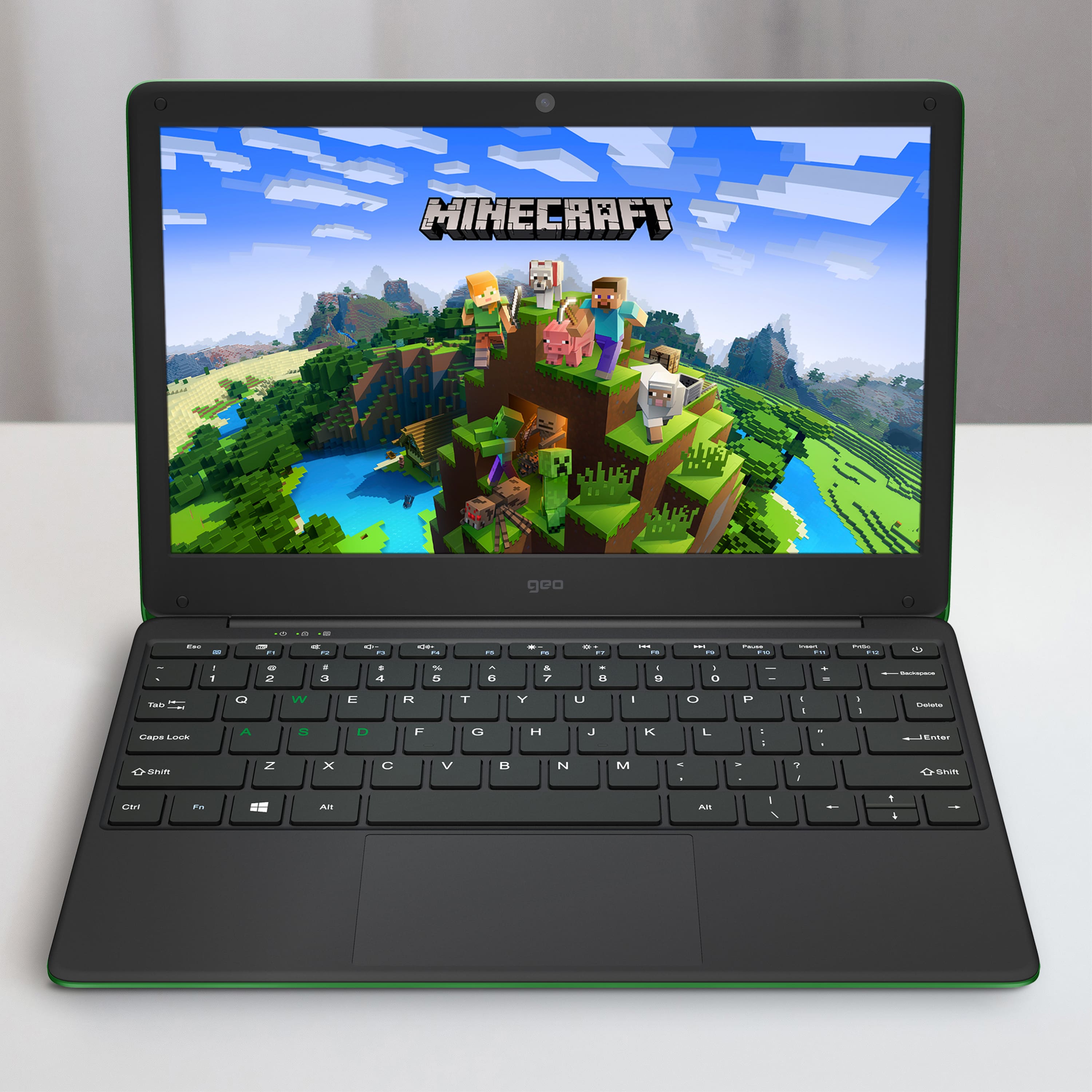
|Posted .This reviewer received promo considerations or sweepstakes entry for writing a review.Like many I had assumed that life would return to normal, especially for my kiddo. However, due to current events, our kid’s school still offers remote learning. The Geobook is a nice, affordable machine that I don’t feel nervous about letting my little one use. The screen is 768p, so not 4K, but combined with the 2mp webcam, is plenty sharp to conduct his remote learning sessions. 4gb RAM is enough to run Roblox and Minecraft without any hiccups. Again, for the screen size, there wouldn’t be much noticeable improvement even going denser than 768p, and 64gb memory is spacious enough for daily use. For the price point, the Geobook 120 checks off all the necessary boxes to hit a good deal. Performance is plenty enough for a child, and is working great. My kid really loves being a big boy with his own laptop, and I’m not nervous about him using a more expensive machine.
I would recommend this to a friend ugh
||Posted .This reviewer received promo considerations or sweepstakes entry for writing a review.terrible. don't like it. It has very slow speed and very bad battery life
No, I would not recommend this to a friendBrand response from Support
Posted .I'm sorry to hear you are not enjoying your GeoBook 120 Minecraft Edition. Please can you contact the Geo Support Team at www.geo-computers.com/support so that they can assist you further. Thank you!
Stolen from door
||Posted . Owned for 3 weeks when reviewed.This reviewer received promo considerations or sweepstakes entry for writing a review.Have not had a chance to review itwas stolen by my neighbor
I would recommend this to a friendBrand response from Support
Posted .I'm sorry to hear your GeoBook 120 was stolen, I hope you are able to get it back and get to enjoy using it!
Christmas gift
||Posted . Owned for 1 month when reviewed.This reviewer received promo considerations or sweepstakes entry for writing a review.Don’t know it’s a gift for Christmas for my granddaughter
I would recommend this to a friendBrand response from Support
Posted .Hi there, I hope your granddaughter likes her new GeoBook 120 for Christmas and that you are able to update your review!
Great Kids Laptop
|Posted .This reviewer received promo considerations or sweepstakes entry for writing a review.This laptop has been perfect for our 10 year old daughter. It is lightweight and durable and is plenty capable for her school work and entertainment. It comes with a year of Office 365 for doing homework and storing files on OneDrive. For her entertainment she loves using google to search for new things and then of course watching YouTube videos which it handles with ease with the 4GB of RAM. It has great battery life and we have her in the habit of plugging it in at the end of the day so she has plenty of power to get through the next day and then an additional day or two if she forgets to charge it. The laptop does not have a touchscreen and we have not hooked up a mouse as the younger age seems to prefer to use the track pad which is very responsive and accurate. The 64GB flash base storage is plenty for adding additional programs but pictures and movies would use up any leftover space quickly. That is just fine with us because at this age we would prefer the kids not have that type of media on the computer. So overall, we are and she is very happy with this entry level laptop that comes at a very affordable price.
I would recommend this to a friendA good choice for kids
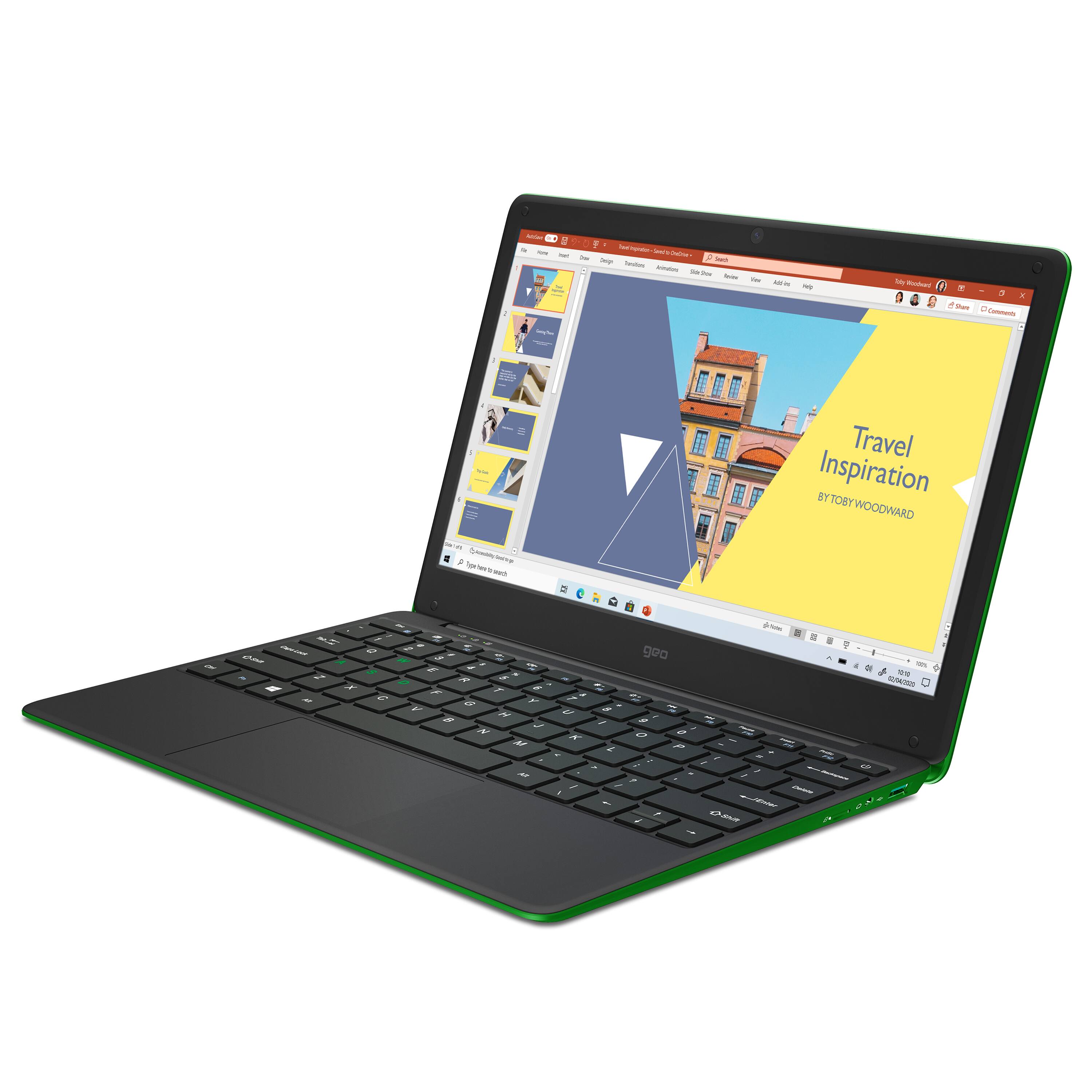
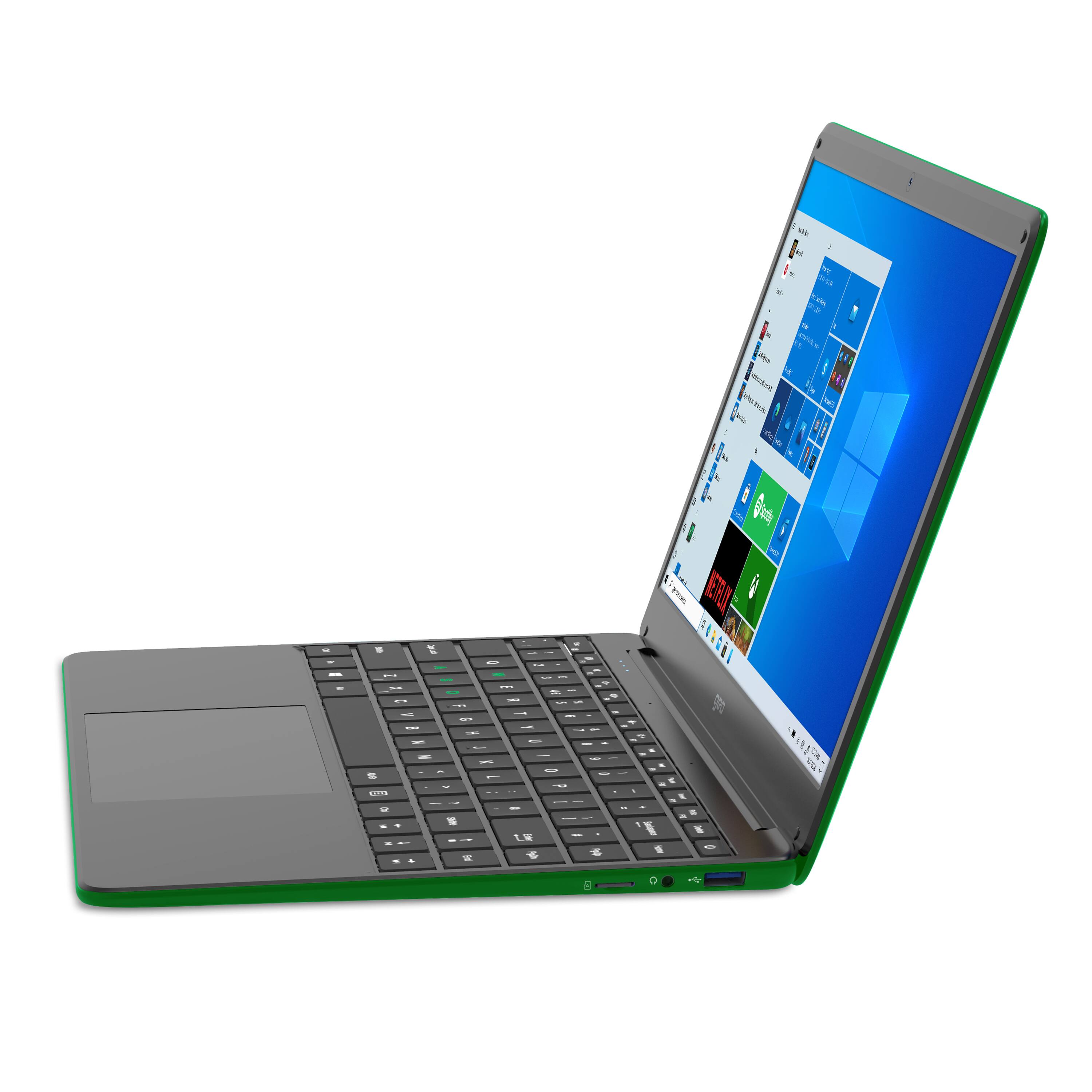
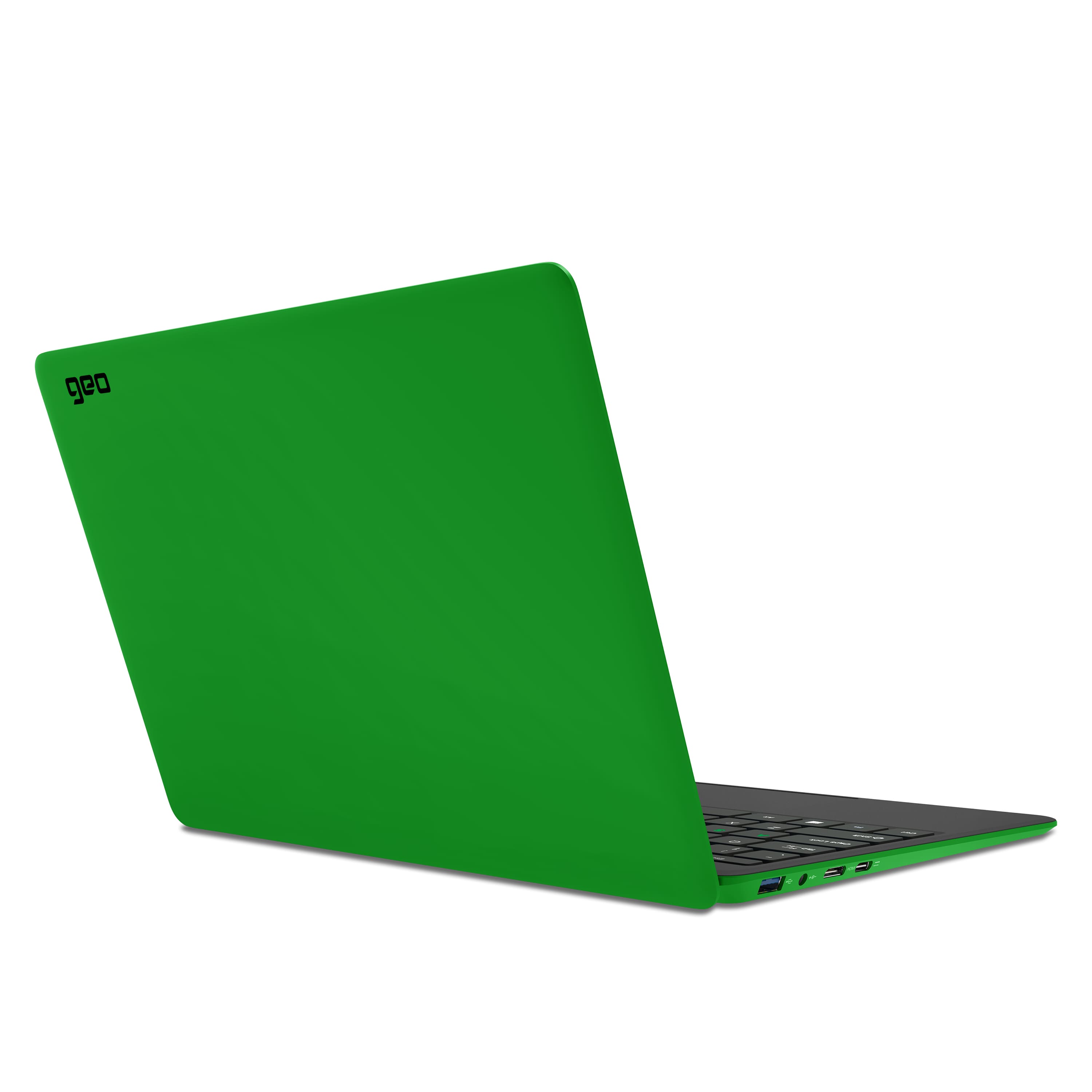
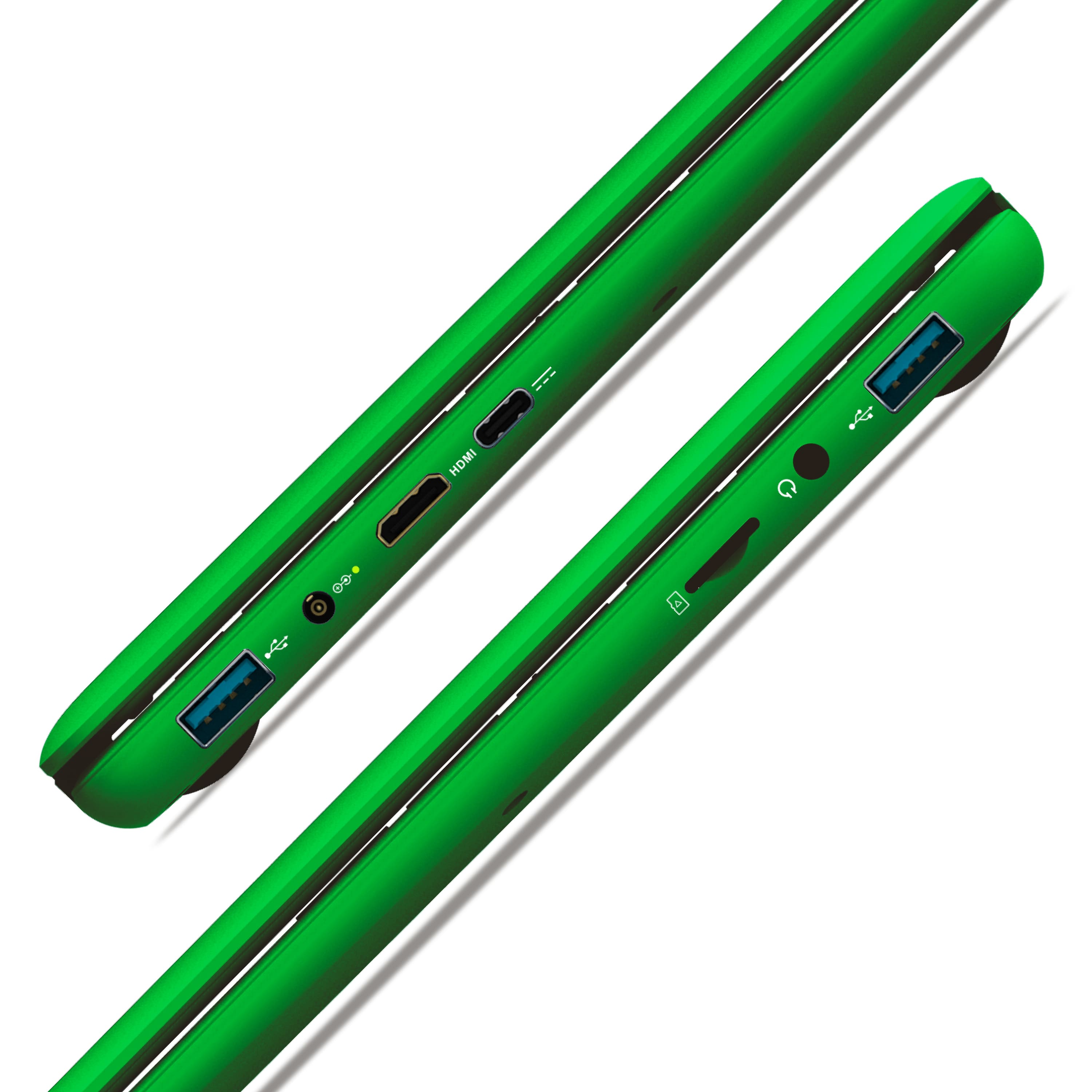
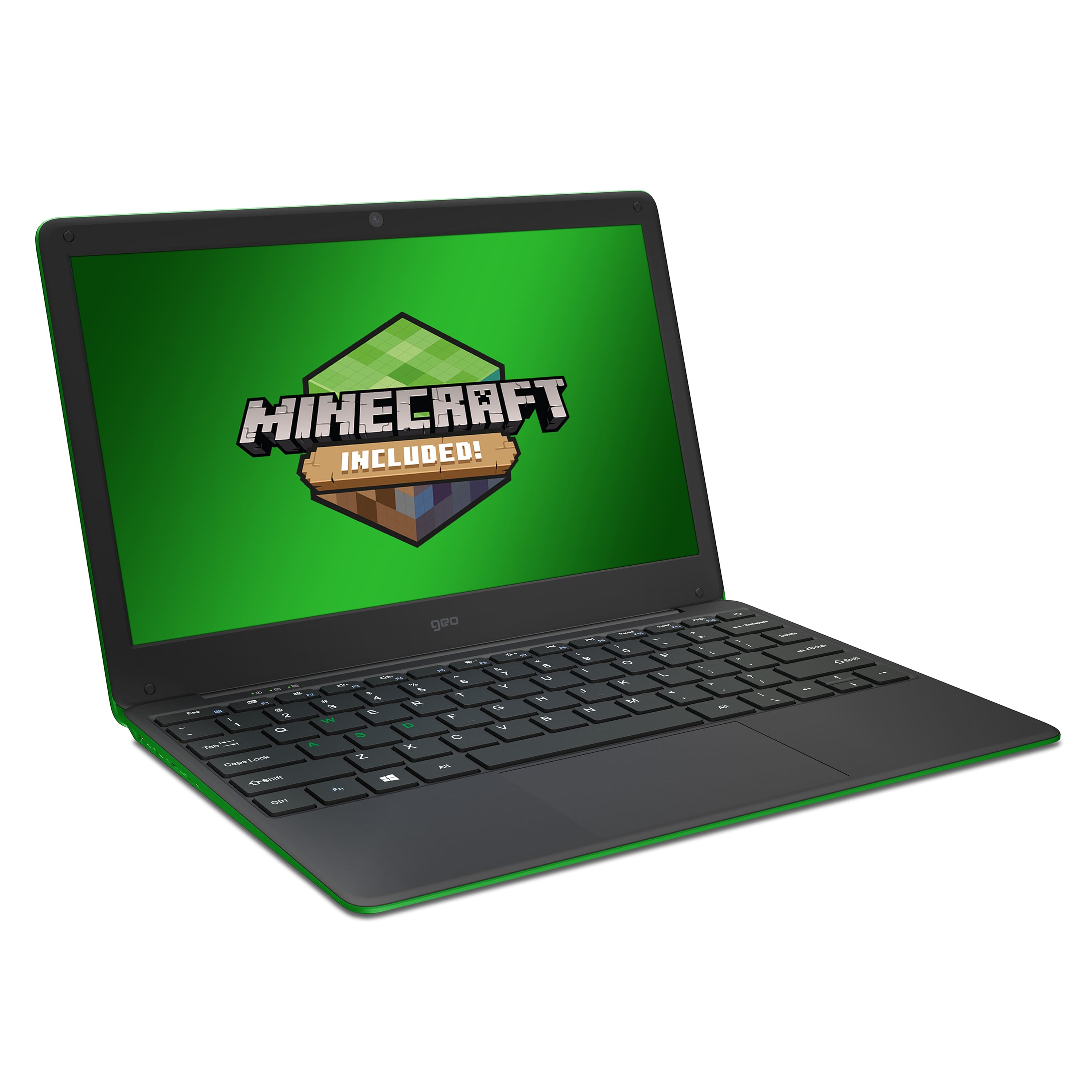
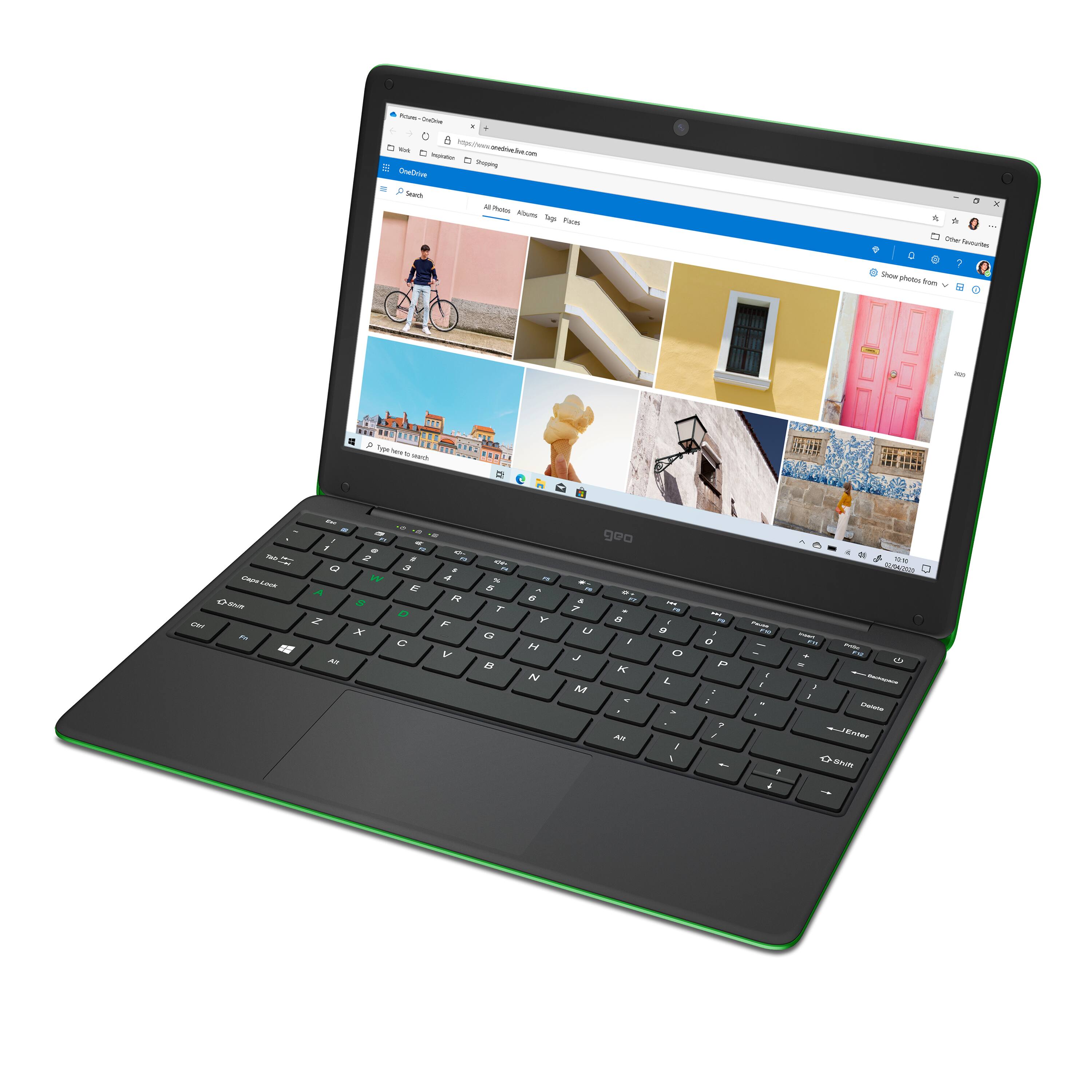
|Posted .This reviewer received promo considerations or sweepstakes entry for writing a review.This is great for its intended use as a child’s laptop. It runs all the learning apps that my six year old daughter uses as well as all popular streaming apps when she’s finished doing her homework. The hardware feels solid. The keys are large and with good travel and the trackpad is large and responsive. You can use most multi finger gestures for scrolling and zooming as well. I especially like the mat finish which covers the entire device, although it does feel a bit plasticky which is probably why it feels so light. Its got more ports than I would expect from a laptop at this price point, 2 USB 3.0, 1 USB-C, a Mini-HDMI, 3.5mm Audio and a MicroSD card slot. Since this laptop has only 64GB of RAM, the microSD slot is a welcome feature. It’s also got a 2MP webcam which my daughter used to video chat with her Aunt. While 2MP is not office video call quality, it worked quite well for calling family. This is by no means a powerful laptop and with 4GB of ROM you can expect this to work well for surfing the web, providing you don’t have a lot of tabs open in your browser and you’re not running multiple apps. For a child’s purposes, this is more than adequate. It can run the full suite of office apps. In fact, I am writing this review on this laptop using MS word. The only thing I wish this had is backlit keys. If this is being used in a dimly lit room, you have to sit with your head directly over the keys to see them if you are not a touch typist. My six year old is not. Also, if you’re in a very well lit room, there is a pit of glare on the plastic keys which can also make it difficult to see the letters. Having light blue keys with white lettering doesn’t help. A better choice might have been white keys with black lettering or black keys with white lettering. A small detail, but one that would enhance usability. Beyond that, there is not anything that would keep this from being an excellent choice for a child’s first laptop. My daughter heads straight for this laptop as soon as she get’s home from school, so she definitely recommends it!
I would recommend this to a friendCould be better: feels cheap, performs cheap
|Posted .This reviewer received promo considerations or sweepstakes entry for writing a review.GOOD - Lightweight - Can charge over USB-C - Windows S offers extra security for children - One year Office 365 subscription BAD - Poor, stuttering performance - Windows S limits software options - Terrible display - No touchscreen - Cheap, chintzy keyboard with no backlight - Poorly located Powed button - Clunky touchpad - Integrated camera limited to 25 fps - Mini HDMI port TL/DR A laptop isn't bad just because it was built to be cheap, but the Geo 120 seems to be built as cheaply as possible and it shows. If you absolutely need a Windows system for as little as possible, whether for kids or as a dedicated school computer, the GeoBook may fit the bill. But chances are you'll still be regularly disappointed with it. DETAILS GeoBook may advertise this specifically for children, but a low-cost computer can serve many purposes. I've used my share of low-cost, lower performance laptops over the years, even using one as a daily driver back in 2017. A low-cost laptop isn't a bad thing as long as you know what to expect from it and as long as the manufacturer doesn't overly skimp where it matters. The latter is where the GeoBook 120 suffers. Whereas my old 10" Atom device with 2GB RAM felt snappy enough for basic productivity, web browsing, and even some retro gaming, the GeoBook 120 constantly stutters and reminds me I'm working on a low budget device. The main bottleneck is the dual-core CPU. With only two cores, the OS is greatly limited in juggling the various threads of applications and system tasks. A particularly demanding task ( like opening a busy webpage ), even if it only lasts a few seconds, monopolizes half of the CPU, meaning the OS only has one available core to juggle all the remaining tasks. There's really no multitasking capability worth mentioning. Geo could have gone for a low-power four-core model for a minimal cost increase that would have solved this problem. The other big limiting factor is this comes configured with Windows in S mode, which limits the system to only install and run applications available in the MS Windows Store. For children and less tech-savvy users, this can be very helpful as it improves system stability and security ( no chance of them accidentally installing something from the web ) . However, being restricted solely to the Windows Store may be a dealbreaker to many users. Plenty of schools and libraries use software and applications for classes and curriculum that is not available. You essentially can't even change your web browser. As much as I prefer Edge over Chrome ( Firefox is my main browser ), I realize that not all websites work correctly in Edge either. You can change Windows out of S mode so it behaves like a normal Home or Pro version, but once you do you can't re-enable S mode without doing a full reset of the laptop. Raw computing performance aside, the GeoBook feels cheap in its design, fit, and finish. The display quality is terrible. The 1366x768 resolution isn't bad on a 12" screen, but the viewing angle is very limited so contrast, black levels, and color accuracy are practically non-existent. My particular laptop has a very blue tint, so I enabled the night light correction full time just to get somewhere close to neutral colors. Oddly for a computer aimed at children, there is no touchscreen. The casing around the display is so flimsy you get LCD ripples just by adjusting the display angle ( though you can't open the hinge past 135° ). The webcam above the display is also limited to 25 fps instead of a more computing friendly 30 fps ( perhaps because Geo is based in UK? ). The keyboard likewise has a very cheap feel, even by cheap laptop standards. It's almost as if the keycaps themselves flex a little. There is no backlight and the bright blue key color contrasts poorly with the white labels. Keys that can also double with the Fn modifier ( like volume up or Home/End on the cursor keys ) have an additional black silkscreen label, which is much more legible. I found the key layout odd in that the Delete key is placed below Backspace and above Enter. This moves the Backslash key to the right of the Spacebar and right Alt. The Backslash key is also erroneously labeled with a black "\" and white "|" as though it would default to the pipe character and require the Fn key to get a normal backslash. Perhaps the most frustrating change is the power key immediately above the Backspace. Nearly every laptop I've had placed the Delete key there. After accidentally putting my GeoBook to sleep the third time, I simply disabled the power key in Windows. The touchpad has a very unusual clicking design. You can physically click it down only on the left and right third of the pad, and on the bottom half. Imagine a large, fat "T" across the whole pad that can NOT be clicked. Expansion port offerings are mostly good. You get two full-sizes USB-A ports running at 3.0 speeds, one USB-C that can also charge the laptop, a headphone jack, and microSD slot for storage expansion. Oddly, Geo opted for a mini HDMI out port instead of a full size HDMI or mini DisplayPort, both being much more common. The GeoBook also uses a separate DC power in jack instead of just using the USB-C port. I also couldn't get the headphone jack to recognize the mic on a headset ( I'm guessing it's a 3-pole jack only and not 4-pole ). All these negative points aside, I could almost use the GeoBook for most daily uses. The locked-down S mode can be changed, so I don't mind that. The 4GB RAM and 64GB storage are on the low side, but are still perfectly adequate for basic computing and web browsing ( the 2GB RAM on my old system was a big restriction for web use ). And the included Office 365 subscription with 1TB storage helps cover the limited hard disk space. But the regular stutters and slowdowns due to the dual-core CPU are a constant annoyance. Likewise, I don't need a premium keyboard feel on a budget laptop, but I do want a sensible key layout that doesn't require me to retrain 15 years of typing muscle memory. And I don't need a fancy high-refresh display, but I would like one that doesn't invert whites and blacks just because I move my head five inches. All of these are problems my older and similarly priced 10" laptop didn't have. I don't know why Geo can't do the same now. If you absolutely need a cheap Windows device, the GeoBook 120 might work for you, if only just. The included 365 subscription is the saving grace that adds just enough value to make the rest bearable. As a dedicated school laptop to write papers, check emails, and do class research ( but no more than one at a time ) it can work. Perhaps children and non-power users won't find these deficiencies as problematic, if they even notice them at all. Children will certainly notice if their favorite game or app isn't available on the Windows Store, and that there is no touchscreen. For an inexpensive travel laptop for work, you're much better going for something a little more expensive and higher performing ( perhaps Geo's 14" model ). But aside from Windows and Office compatibility, a large format tablet with a dock can probably do just as well for a similar price.
No, I would not recommend this to a friendAffordable Option for Online Learning
|Posted .This reviewer received promo considerations or sweepstakes entry for writing a review.My daughter started attending virtual school this year and I needed an affordable computer that could run Microsoft Office (required by the school). This met all of her needs and even includes a 1-year subscription to Microsoft 365. Switching from a Chromebook has made life much easier, because of the compatibility and drivers offered by Microsoft Windows (allowing her to easily use our network printer and scanner that she could only access via cloud on Chrome). Pros - Windows Operating System - Includes 1 Year of Microsoft 365 (Office) - Solid build quality. The screen hinge is tight and feels sturdy. - Soft Touch Exterior that is available in attention getting colors. - Light and easy to carry. - The web cam and speakers work perfectly for online class. - Battery life has been great - normally lasting the entire school day with some charge to spare. - Includes a Mini HDMI, USB A & C, headphone jack and a micro-SD card reader. - Ambient cooling – no fan to fail or worries about overheating from being left on a soft surface like a bed or couch (my a daughter never sits at her desk). Things to Consider - To me the keyboard was a bit too soft and the trackpad buttons seemed a bit stiff/noisy. I also found the color combo of light blue case and white letters on the keys hard to see in some lights. Coming from a Chromebook my daughter said it seemed fine and was happy we were able to connect a Bluetooth mouse. - The screen is bright and the size works well, but the screen viewing angle is limited and is a bit grainy/fuzzy. - Storage is limited (35GB of free space) and the GeoBook is initially set to S-Mode, which limits your app selection to only those available in the Microsoft store. The good news is most of the essential apps are already loaded including office and you can always add a micro-SD card to increase storage (or use the cloud). I did choose to disable S-Mode so that we could download Chrome (her school's recommended browser). - We had no real performance issues. Some apps might take a second of 2 more to load, but everything works smoothly with no freezes or lag. With only 4GB of RAM you do have to be mindful when multitasking - limiting the apps you have open to around 3 and the number of open browser tabs really helps. This laptop is a great value. It works well for online learning, but I think it would make a great basic computer for almost anyone.
I would recommend this to a friendWindows 10!
|Posted .This reviewer received promo considerations or sweepstakes entry for writing a review.I love how this computer is built with students in mind! the 1 year subscription to office, excellent size, paired with a solid processor makes this feel snappy. Don't expect this to play AAA games, but it can handle whatever student workload you can throw this way. for the function it is trying to serve 10/10, highly recommended!
I would recommend this to a friendPerfect laptop for its intended audience
|Posted .This reviewer received promo considerations or sweepstakes entry for writing a review.It is important to know what you’re looking for when purchasing any laptop. There are so many specifications to consider and knowing what you intended to use it for is crucial. This laptop is intended for the younger audience, such as a grade school student looking to practice homework, search the web, type documents, read email and general daily work. It is not intended to be a powerful gaming laptop. The laptop is super fast with its 4 GB of memory and 64 GB SSD drive. It comes with a one year subscription of Microsoft Office, which is an incredible value by itself. It handles these demanding applications with ease and again, very fast and responsive. I recommend Microsoft Edge with the Windows Operating System running in S mode. This will handle anything needed for daily school work and browsing tasks and is super nice looking for children. My granddaughter loves it. The keyboard is easy to use and the trackpad is responsive. The display is nice and there have been no issues with the laptop. I like that she has Windows and the laptop is very affordable. This is a great alternative to other machines with other operating systems.
I would recommend this to a friendNice Laptop for Early Entry Students
|Posted .This reviewer received promo considerations or sweepstakes entry for writing a review.It is a very nice learning laptop for entry level students. It has enough CPU power to get through most non memory heavy programs but there is a lag when using intensive programs. It also has a lag if multi-tasking but then again this target group might not be affected. My nephew loves to use it for school and play, he is a teen so he more than likely won't come across limitations based on the software being used. The price and what it offers and it's build quality make this a solid "B-" rating.
I would recommend this to a friend