Customer Ratings & Reviews




- Model:
- GA01588-US
- SKU:
- 6428306
Rating by feature
- Value
Rating 4.6 out of 5 stars
- Quality
Rating 4.7 out of 5 stars
- Ease of Use
Rating 4.7 out of 5 stars
Customers are saying
Customers commend the Nest Audio Smart Speaker for its excellent sound quality and ease of use. Many appreciate its quick and easy connectivity with Google Assistant, along with its appealing design and suitable size. Some have noted that the bass could be improved, while others have mentioned its light weight.
This summary was generated by AI based on customer reviews.
- Pros mentioned:Connectivity, Ease of use, Sound quality
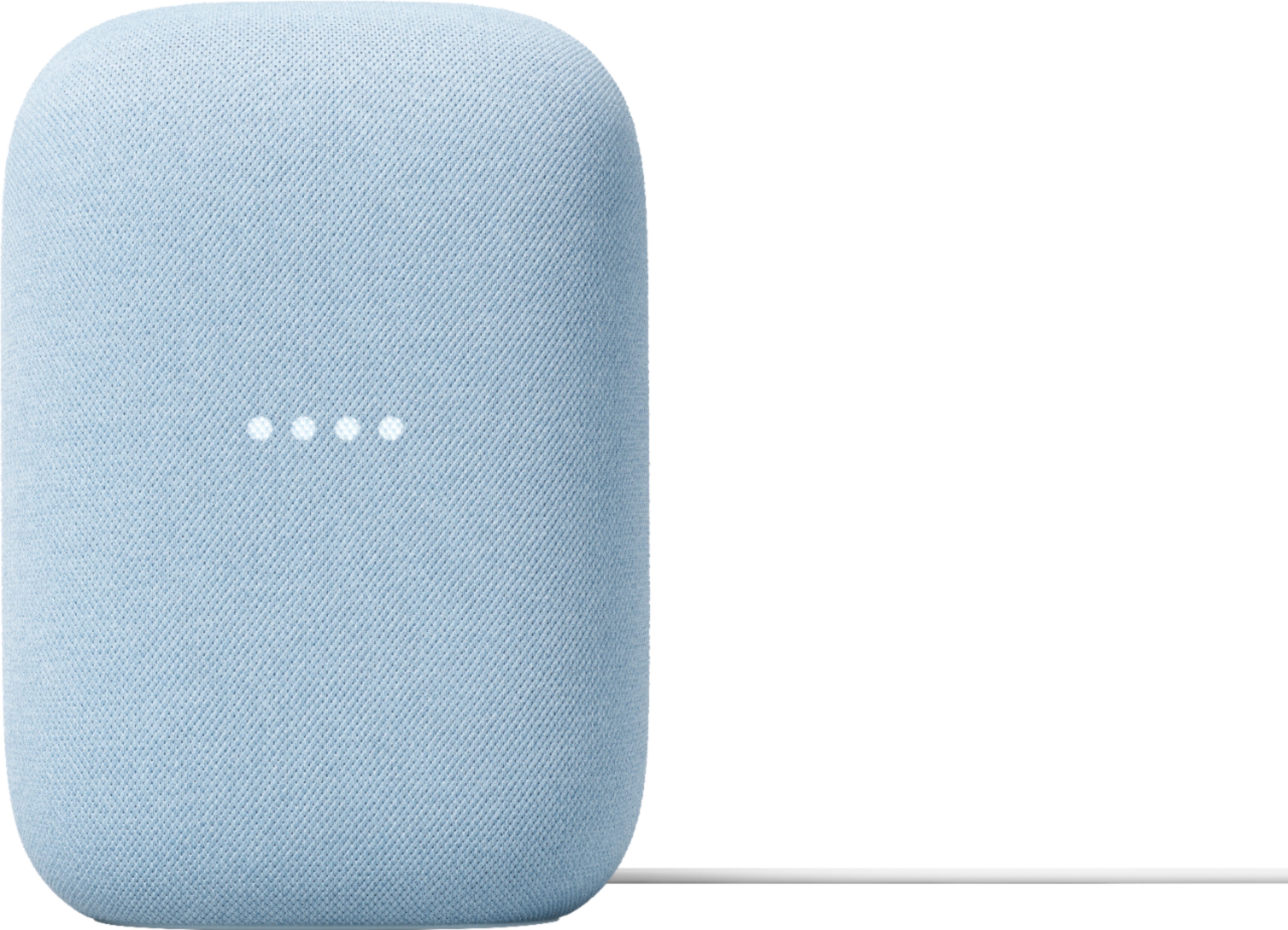
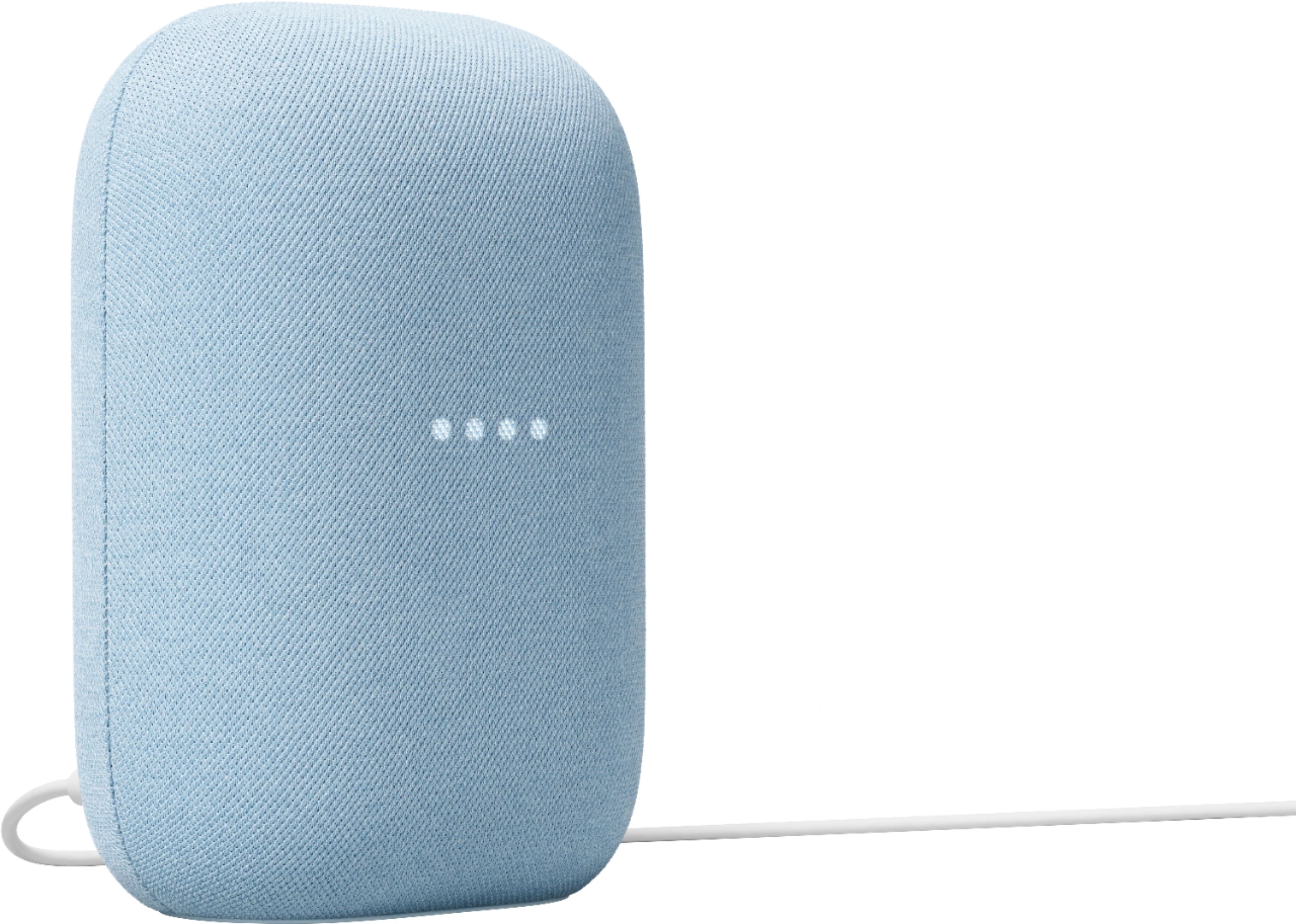
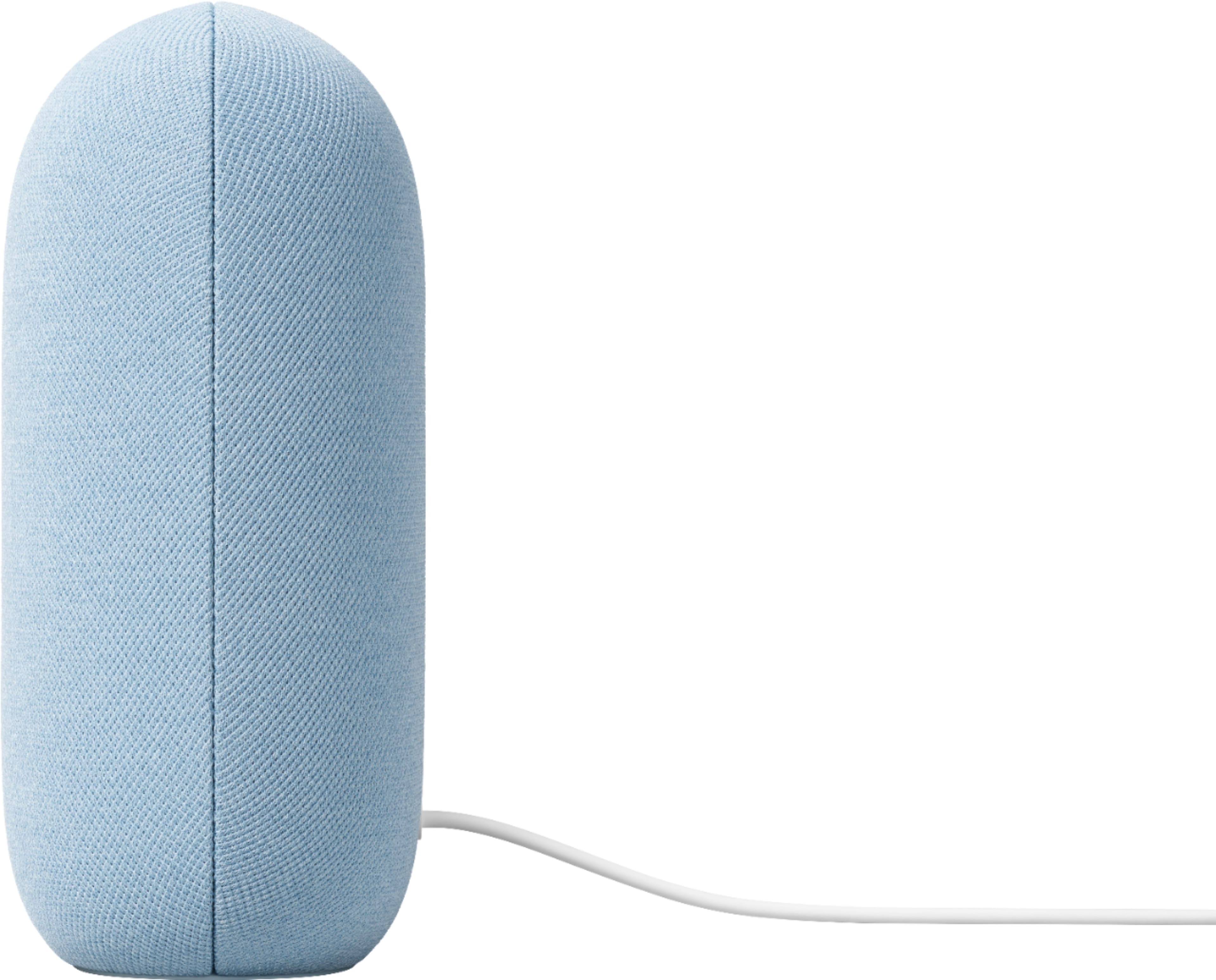
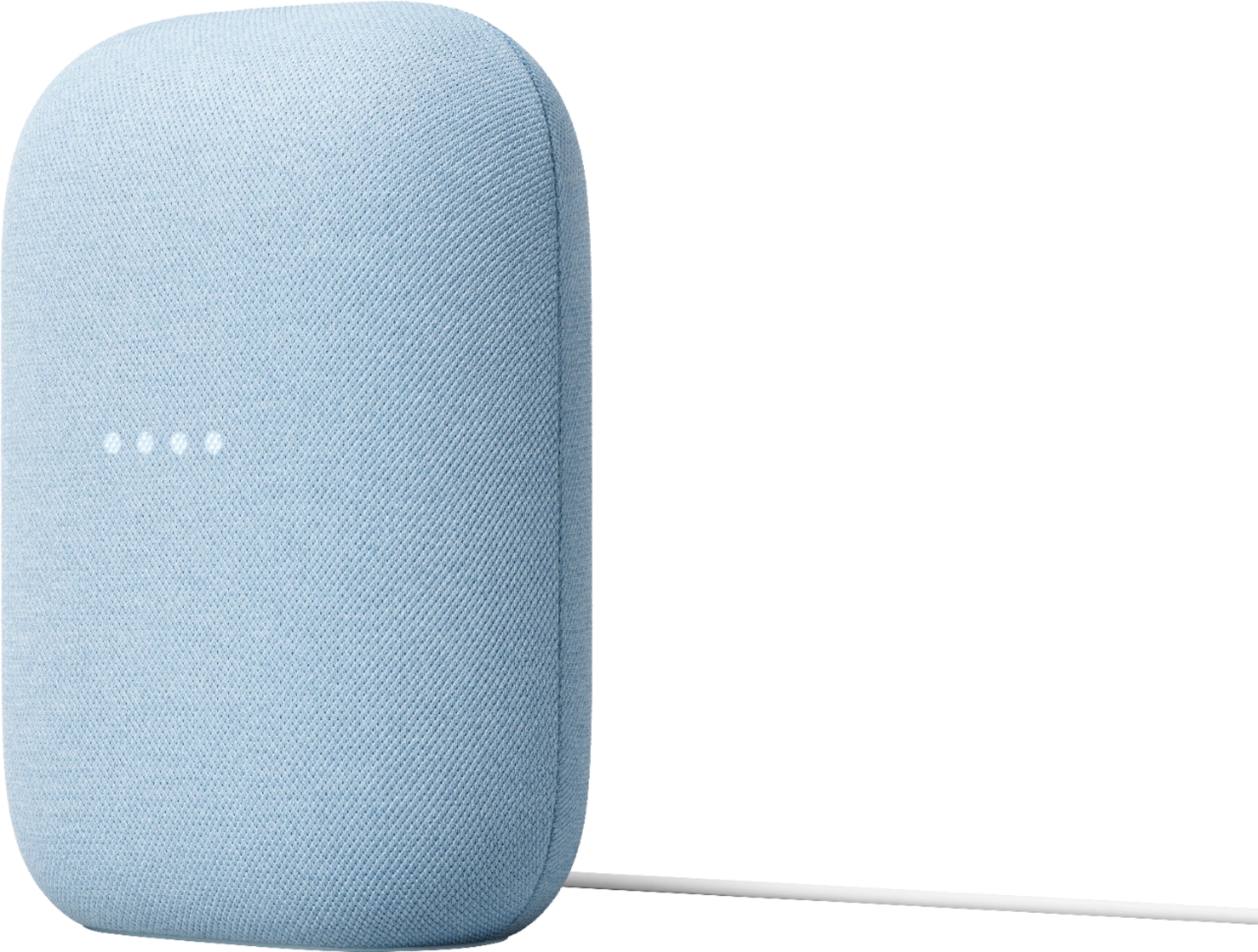
Google Nest Audio Speaker.
Posted .This reviewer received promo considerations or sweepstakes entry for writing a review.Nice speaker with good sound, easy connectivity, and easy to incorporate into my google nest casting groups. This smart speaker seems easy to communicate with and generally picks up commands at a normal speaking level.
I would recommend this to a friend bad update ruined product
||Posted . Owned for 4 months when reviewed.This reviewer received promo considerations or sweepstakes entry for writing a review.returned this because nest took away my ability to control the volume with my voice. I ended up taking back two speakers.
No, I would not recommend this to a friendBrand response from Nest Support
Posted .Hi A1Human, we appreciate you for sharing your feedback on your Nest Audio and we're sorry to hear that you had some difficulties in using voice commands and that you had to return it. You can control your Nest Audio using your voice via Google Assistant. You can follow the instructions here: https://support.google.com/googlenest/answer/7072489
If you've tried this already and the issue still persists then we recommend that you reach out to our support team so we can better analyze the issue and help find a resolution for you. You can contact us on our Google Help page here: https://support.google.com/googlenest/gethelp
Ehhh
||Posted . Owned for 1 week when reviewed.This reviewer received promo considerations or sweepstakes entry for writing a review.It’s okay. I bought this and an Amazon echo 4th gen to compare the speakers. Amazon’s unit was much better in my opinion. This speaker wasn’t bad just not as good as the echo. I returned it.
I would recommend this to a friendDoes not respond
||Posted . Owned for 1 month when reviewed.This reviewer received promo considerations or sweepstakes entry for writing a review.Does not respond or listen well. Music volume not loud enough. Should have gone with Alexa.
No, I would not recommend this to a friendBrand response from Nest Support
Posted .Hello there, JonathanF. Thanks for leaving feedback. We're sorry to hear that your experience with Nest Audio is below your expectations.
You can try adjusting the volume of your Nest speaker that may improve your experience, either by voice, by touch, or from the Google Home App. You can also change the audio settings of your in the Google Home app following the steps below:
- Make sure your mobile device or tablet is connected to the same Wi-Fi or linked to the same account as your Nest speaker.
- Open the Google Home app.
- Tap the device you want to adjust, select Settings, select Audio, then select Equalizer.
- Adjust Bass and Treble level.
You can also retrain your Google Assistant to better recognize your voice. See the steps below on how to do this:
- On your phone or tablet, open the Google Home app
- At the top right, tap your Profile or initial and then Assistant settings and then Voice Match.
- Tap Teach your Assistant your voice again and then Retrain.
For additional help, please reach out to our support team using this link: https://support.google.com/googlenest/gethelp
Mediocre sound
||Posted . Owned for 1 month when reviewed.This reviewer received promo considerations or sweepstakes entry for writing a review.Turns on by itself. Mediocre sound. Should’ve bought another.
No, I would not recommend this to a friendBrand response from Nest Support
Posted .Hi there, Mykola. Thanks for sharing your feedback on the Nest Audio. We’re sorry to hear that your experience didn’t meet your expectations.
You can try adjusting the volume of your Nest speaker that may improve your experience, either by voice, by touch, or from the Google Home App. You can also change the audio settings of your in the Google Home app following the steps below:
- Make sure your mobile device or tablet is connected to the same Wi-Fi or linked to the same account as your Nest speaker.
- Open the Google Home app.
- Tap the device you want to adjust, select Settings, select Audio, then select Equalizer.
- Adjust Bass and Treble level.
On the other hand, we’d like to learn more about why your speaker turns on by itself. Please contact us anytime and we’d be happy to provide you with troubleshooting guidance here: https://support.google.com/googlenest/gethelp
Not worth it
||Posted . Owned for 6 months when reviewed.This reviewer received promo considerations or sweepstakes entry for writing a review.I was and still unable to group 2 of these and a good home together. Very disappointed
No, I would not recommend this to a friendBrand response from Nest Support
Posted .Hi Dolfin97, thanks for sharing your Nest Audio experience with us. We're sorry to hear that you have some troubles with creating an audio group for your Nest Audios. You can group any combination of Google Nest or Home speakers using the steps here:
- Make sure your mobile device or tablet is connected to the same Wi-Fi or linked to the same account as your speaker or display.
- Open the Google Home app
- At the top left, tap Add and then Create speaker group.
- Tap each device you want to add to the group. A check Check will appear next to each device you select.
- Tap Next enter a name for your group then tap Save.
For Stereo Pairing, check the step by step guide here: https://support.google.com/googlenest/answer/7559493
If you need further assistance or have any other questions, you can contact our support team here: https://support.google.com/googlenest/gethelp
Boo
||Posted . Owned for 8 months when reviewed.This reviewer received promo considerations or sweepstakes entry for writing a review.Sounds was poor compared to mini. Do bot recommend because of price.
No, I would not recommend this to a friendBrand response from Nest Support
Posted .Hi ham1984, your feedback on your Nest Audio is appreciated. We're sorry that it didn't meet your expectations when it comes to sound quality. We'd like to know more about your feedback and get some details so we can check what we can do to improve your overall experience with your Nest Audio. If you're willing and care to give it another go, please reach out to us on our Google Help page here: https://support.google.com/googlenest/gethelp
Worthless
||Posted . Owned for 3 months when reviewed.This reviewer received promo considerations or sweepstakes entry for writing a review.Not worth the hype. Google Assistant is trash. Please go with Alexa or Siri
No, I would not recommend this to a friendBrand response from Nest Support
Posted .Hi Ruiz77, thanks for sharing your review about the Nest Audio, and it’s unfortunate to learn of your issue with its Google Assistant.
Google Assistant might not respond properly when you say “Hey Google” or “Ok Google,” particularly in a noisy environment, or if it's having trouble connecting to Google. Retraining your Nest Audio, to better recognize your voice, and adjusting the Hotword sensitivity may be helpful with the issue. You may follow the steps on these help articles:
- Check which devices are using Voice Match: https://support.google.com/googlenest/answer/7588195
- Adjust how sensitive Google Assistant is to “Hey Google: https://support.google.com/assistant/answer/9712065
You can also try these simple steps below that might help:
- Check your Wi-Fi network for possible congestion. Relieving some of your connected devices may help free up some bandwidth space.
- Check the distance between the Nest Audio and your router. Ensure that it is within a line of sight from your router.
- Check for wireless interference with other Wi-Fi hotspots or appliances and devices nearby.
- Restart Nest speaker and router to refresh the connection.
- Reset Nest Audio by following the steps here: https://support.google.com/googlenest/answer/7073477
If the issue persists, we’d like to learn more about your feedback and see how we can provide a better experience for you. Please feel free to get in touch with our dedicated team using this link: https://support.google.com/googlenest/gethelp
Minimal upgrade from Google Mini
||Posted . Owned for 2 weeks when reviewed.This reviewer received promo considerations or sweepstakes entry for writing a review.It doesn't get very loud and the Google Assistant has gotten worse over the years.
No, I would not recommend this to a friendUnknown
||Posted . Owned for 1 month when reviewed.This reviewer received promo considerations or sweepstakes entry for writing a review.Not worth the money. The volume is to low and can barely hear anything. Won't connect to most music apps. Just very disappointed
No, I would not recommend this to a friendBrand response from Nest Support
Posted .Hi Tamara,
Thank you so much for taking the time to share your experience with us. We're sorry to hear that Nest Audio didn't quiet meet your expectations. Your feedback helps us get better. There are several ways to control the volume of the Google Assistant, your media, timers, and alarms on Nest Audio. You can control it using voice commands, from the Google Home app and by touch controls. Take a look at the following link for more information: https://support.google.com/googlenest/answer/7072489
If you continue to get low volume from Nest Audio after adjusting the volume, we recommend restarting your Nest Audio.
- Unplug the power cord from your Nest Audio.
- Leave it unplugged for one minute.
- Plug the power cord back in.
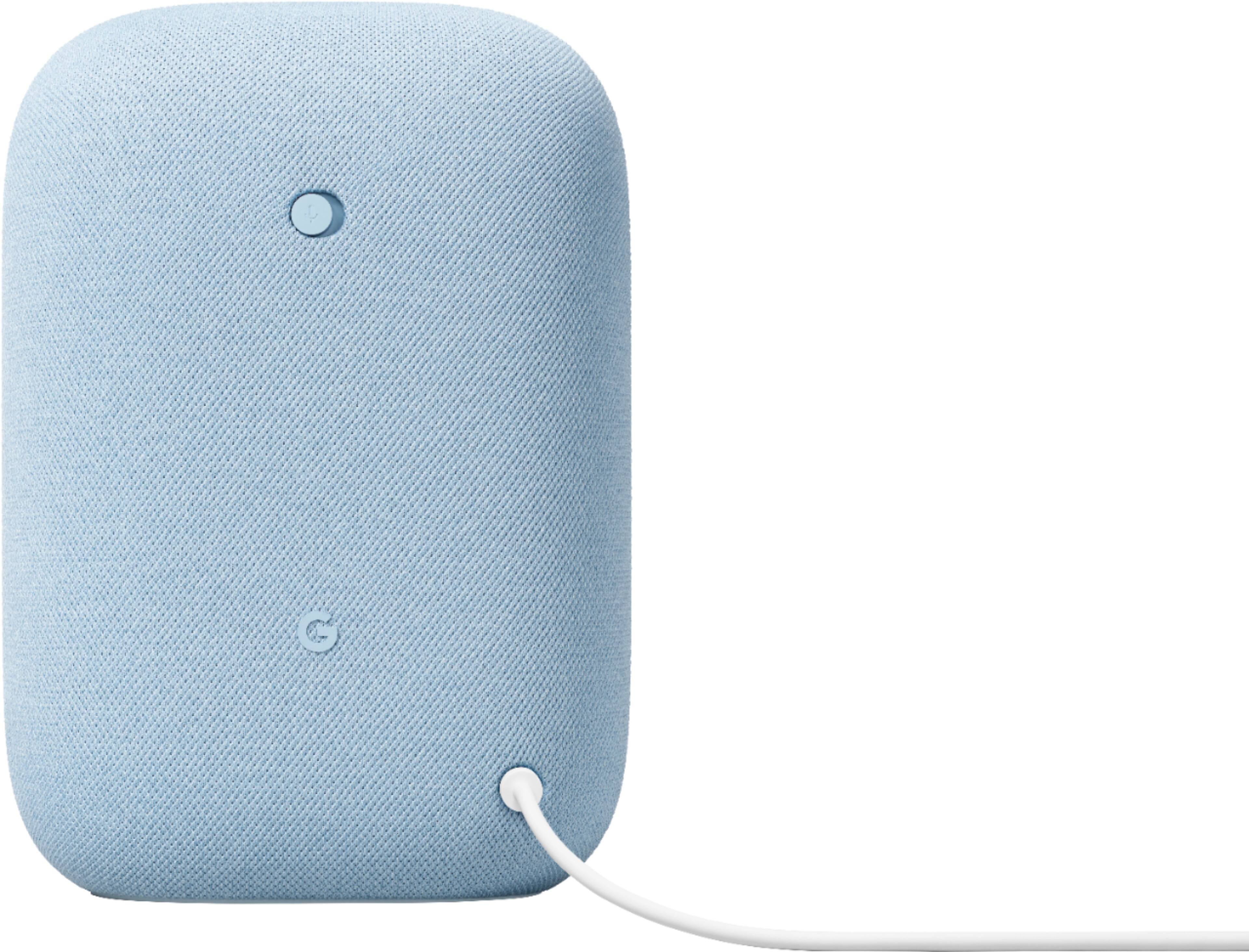
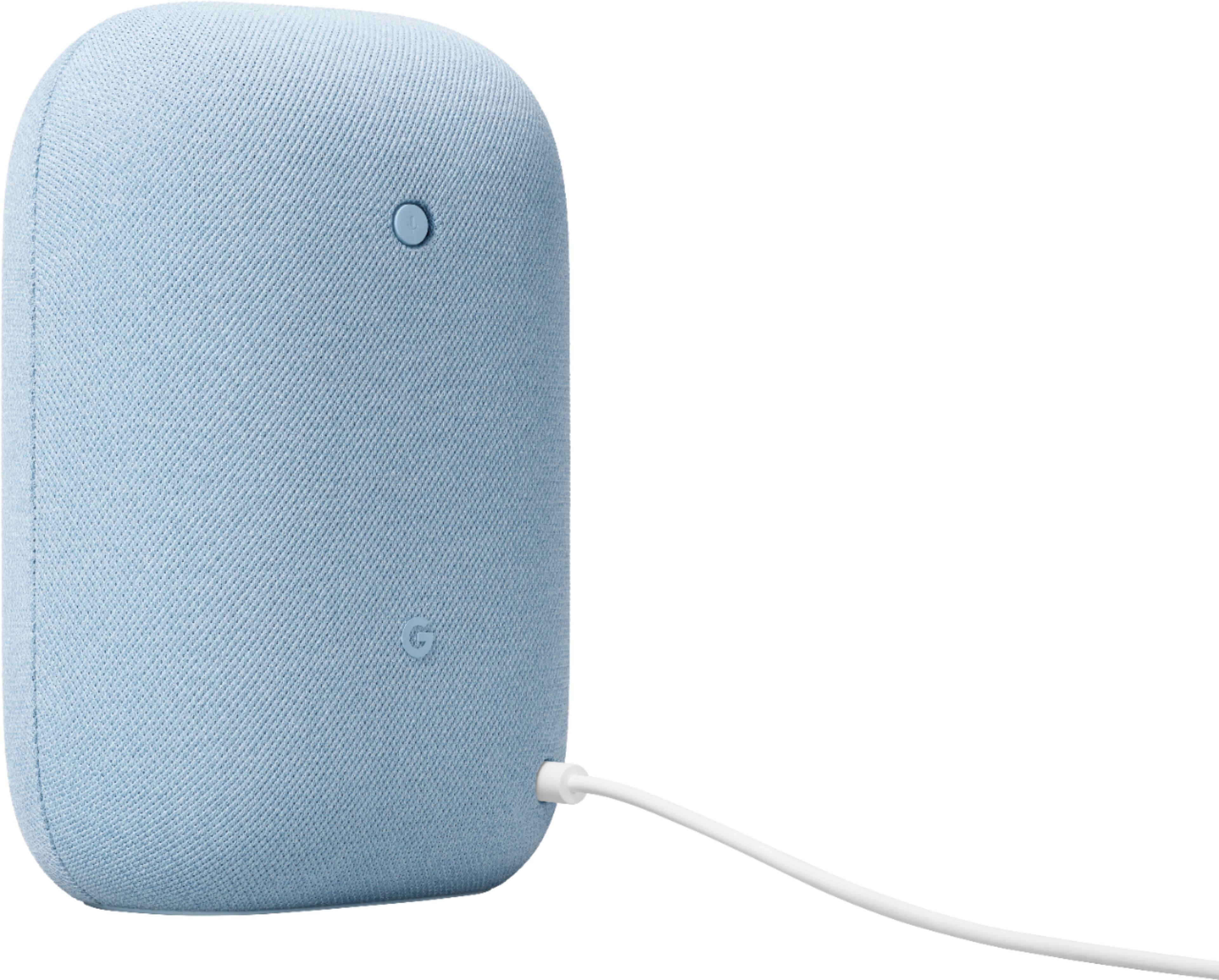
If the issue persists, perform a factory data reset on your Nest Audio device the set up. On the back of your device, switch the mic off. The lights will turn orange. Press and hold the center of the Nest Audio, near the top. After 5 seconds, your device will begin the factory reset process. Continue to hold for about 10 seconds more, until a sound confirms that the device is resetting.
We're here for you if you need more help. Moreover, your Nest Audio device comes with a 1-year limited manufacturer warranty starting from the date of original purchase. Feel free to reach out us here: https://support.google.com/googlenest/gethelp
Disappointing sound quality.
||Posted . Owned for 1 month when reviewed.This reviewer received promo considerations or sweepstakes entry for writing a review.Expected better sound quality than what this device delivers.
I would recommend this to a friendBrand response from Nest Support
Posted ."Hi RichNEPA, thanks for sharing your feedback, and we’re sorry to learn that the sound of the Nest Audio is below your preference.
If you haven’t yet, we suggest adjusting the volume of your Nest Audio that may improve your experience, either by voice, by touch, or from the Google Home App. This link might be helpful: https://support.google.com/googlenest/answer/7072489
You can also try changing the audio settings of your Nest display in the Google Home app. Here’s how to adjust bass and treble level:
- Make sure your mobile device or tablet is connected to the same Wi-Fi or linked to the same account as your Nest display.
- Open the Google Home app.
- Tap the device you want to adjust, select Settings, select Audio, then select Equalizer.
- Adjust Bass and Treble level.
For questions and concerns, feel free to let us know by visiting us here: https://support.google.com/googlenest/gethelp";
Sound was disappointing
||Posted . Owned for 1 month when reviewed.This reviewer received promo considerations or sweepstakes entry for writing a review.Expected it to sound better than it actually does.....
I would recommend this to a friendBrand response from Nest Support
Posted .Hi RichNEPA, thanks for sharing your feedback, and we’re sorry to learn that the sound of the Nest Audio is below your preference.
If you haven’t yet, we suggest adjusting the volume of your Nest Audio that may improve your experience, either by voice, by touch, or from the Google Home App. This link might be helpful: https://support.google.com/googlenest/answer/7072489
You can also try changing the audio settings of your Nest display in the Google Home app. Here’s how to adjust bass and treble level:
- Make sure your mobile device or tablet is connected to the same Wi-Fi or linked to the same account as your Nest display.
- Open the Google Home app.
- Tap the device you want to adjust, select Settings, select Audio, then select Equalizer.
- Adjust Bass and Treble level.
For questions and concerns, feel free to let us know by visiting us here: https://support.google.com/googlenest/gethelp
- Pros mentioned:Sound quality
Good upgrade to the old Google Speaker
Posted .This reviewer received promo considerations or sweepstakes entry for writing a review.Got this to replace original Google Speaker device for better sound quality. Does sound much better in my living room if you don't mind having single speaker setup. Sound quality is improved but it's still only coming from one source. Useful if you need Google Assistant nearby.
I would recommend this to a friend - Pros mentioned:Design, Sound quality
I like it!
Posted .This reviewer received promo considerations or sweepstakes entry for writing a review.Excellent sound. Stylish look Easy to set up I would recommend
I would recommend this to a friend Lasted a year
||Posted . Owned for 1 year when reviewed.This reviewer received promo considerations or sweepstakes entry for writing a review.Completely died after 1 year google has absolutely no customer service and no way to have them fix it. It also never worked that good either. Do yourself a favor and by an Amazon Eco.
No, I would not recommend this to a friendBrand response from Nest Support
Posted .Hi Andyland, thank you for sharing your review and we're sorry to hear that your experience with Nest Audio has been disappointing after using it for a year. Your feedback here is appreciated and rest assured that we'll relay this to the right team for future improvements. If you're willing to give it another try, please don't hesitate to contact us with your Case ID and let us help you with finding a better resolution for your concern. You can contact us anytime on our Google Help page here: https://support.google.com/googlenest/gethelp
- Pros mentioned:Sound quality
Amazing when bass is turned up all the way
Posted .This reviewer received promo considerations or sweepstakes entry for writing a review.I went full Amazon Echo for a home theater recently. The software is just too buggy to put up with, so I returned it. I decided to try Google instead. I got a set of 2 and paired them up as a stereo. By the way, getting a second Nest speaker and pairing them is definitely worth it. The sound quality is amazing. I went into the equalizer in the app and turned the bass up all the way. It sounds like a pair of mid/high end bookshelf speakers. I also like Google because their software works much better than Amazon. That's especially true with Bluetooth. Once you set it up, it perfectly synced and it connects to literally anything...a feature Amazon doesn't have with Echo. I tried connecting my speaker pair to my TV Bluetooth. To my delight, it actually makes an amazing soundbar. My TV actually syncs the audio/visual together perfectly. And it has a halfway decent amount of rumble to it. If you want a good smart speaker, Google does it far better than Echo. If you want amazing sound, get a second, and pair them up...then turn the bass up all the way. Connect them to a TV bluetooth, and you have a smart soundbar that you can disconnect/reconnect with a simple voice command.
I would recommend this to a friend - Pros mentioned:Sound quality
A speaker that works
Posted .This reviewer received promo considerations or sweepstakes entry for writing a review.Great sound quality and very very easy to set up and use. I am extremely pleased with this purchase!
I would recommend this to a friend - Pros mentioned:Sound quality
Nest Google speaker
Posted .This reviewer received promo considerations or sweepstakes entry for writing a review.I bought this speaker over the Hoildays got a really good deal on it ! It has taken we a while to figure everything out ! I know by the the other reviews how good the product is ! The clarity of sound’s good so far what i can get out it ! I have some other nest products I need to set up they can work together ! I would definitely recommend for family and friends !
I would recommend this to a friend - Pros mentioned:Ease of use, Sound quality
Simple and loud
Posted .This reviewer received promo considerations or sweepstakes entry for writing a review.The Google Home Speaker is very easy to use and sounds great. The product come with the speaker and a power cable. Plug it in, turn it on, and open your google home app on your smart device.
I would recommend this to a friend - Pros mentioned:Sound quality
Fantastic Speaker
Posted .This reviewer received promo considerations or sweepstakes entry for writing a review.Google Assistant is what it is. Either you like & use Assistant or not. For using Assistant this speaker checks the boxes. Where the Nest speaker shines in a sea of voice assistant speakers is it's sound quality. This little speaker sounds amazing, especially when paired with another for stereo sound. You'd be hard pressed to find any speaker that sounds this good for $100 & $50 when it goes on sale sometimes.
I would recommend this to a friend