Customer Ratings & Reviews
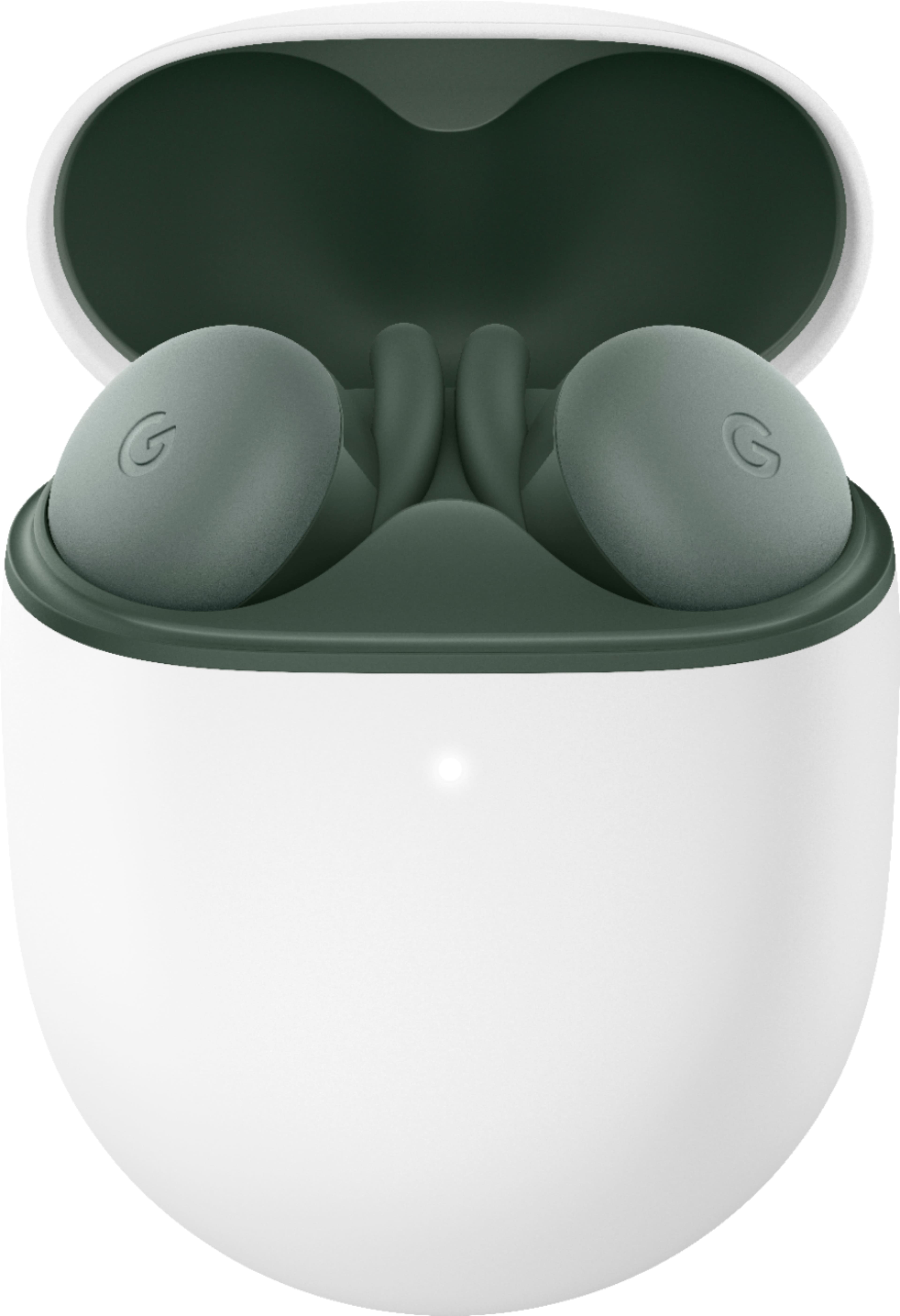
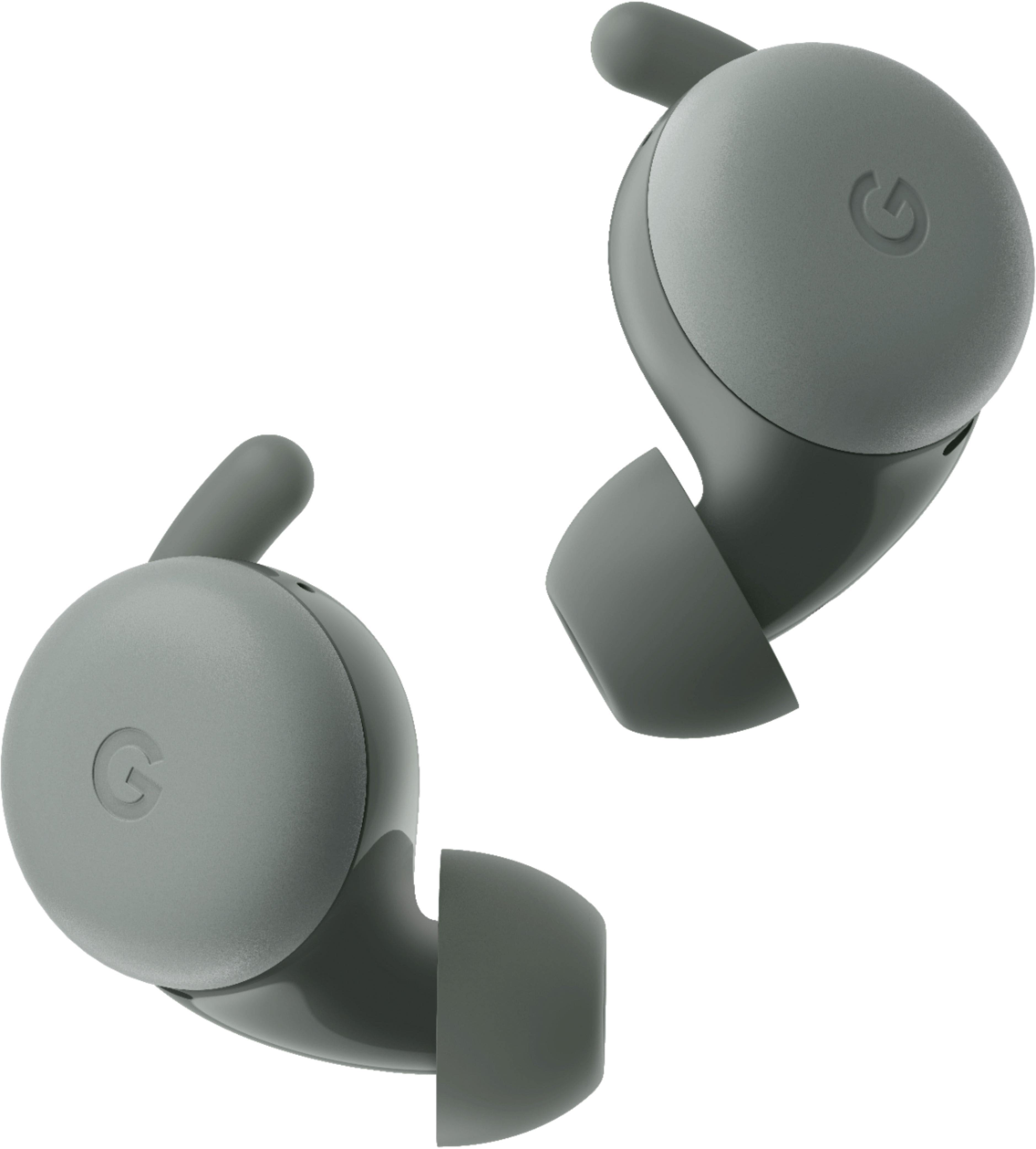
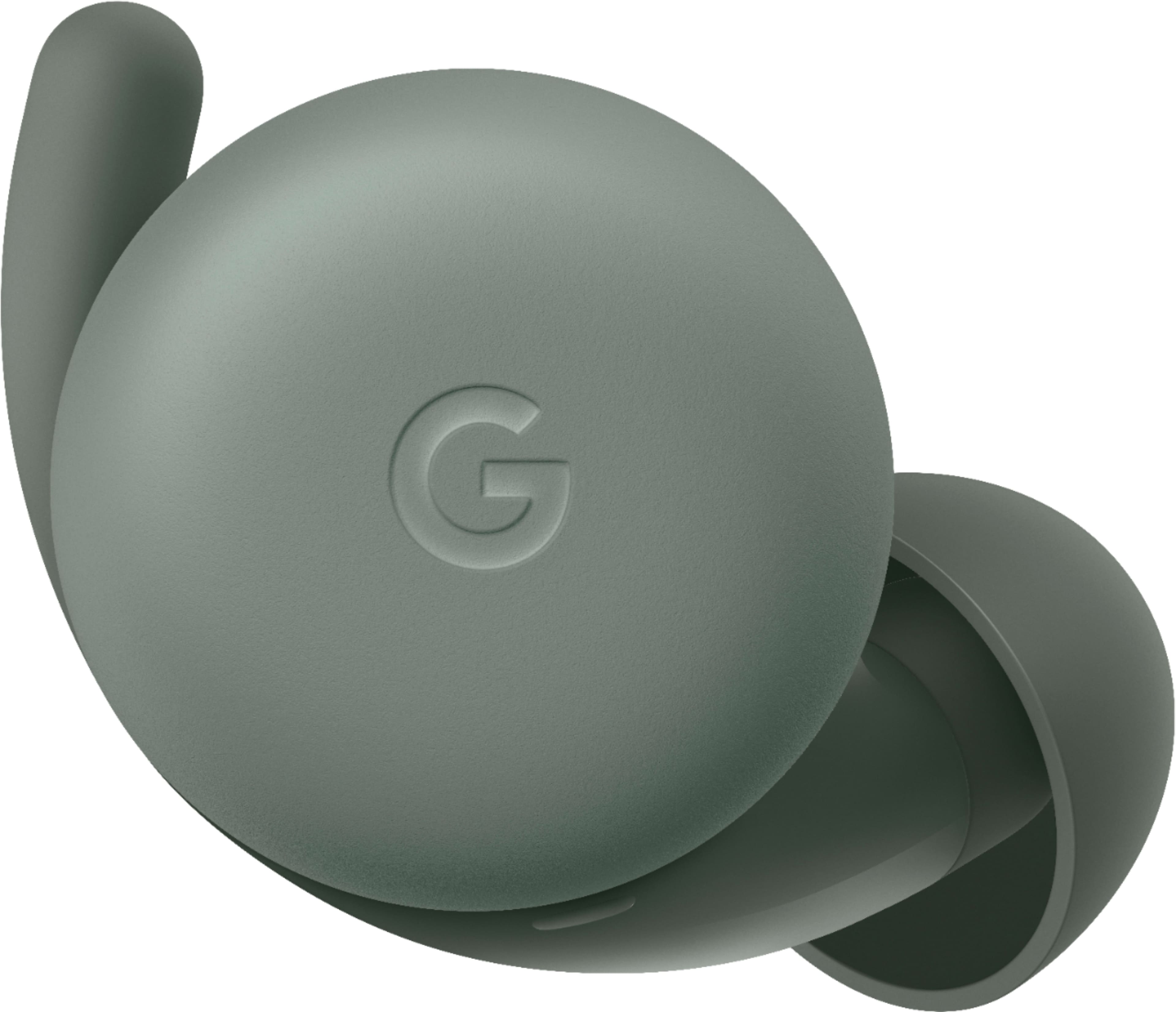
- Model:
- GA02372-US
- SKU:
- 6461035
Rating by feature
- Sound Quality
Rating 4.6 out of 5 stars
- Battery Life
Rating 4.5 out of 5 stars
- Connectivity
Rating 4.7 out of 5 stars
Customers are saying
Customers love the Pixel Buds A-Series True Wireless In-Ear Headphones for their impressive sound quality, comfortable fit, and long battery life. Many users appreciate the easy pairing, good connectivity, and compatibility with Android devices. The bass is also a frequently praised feature, especially considering the affordable price. However, some customers have noted that the volume doesn't get as high as they would prefer.
This summary was generated by AI based on customer reviews.
- Pros mentioned:Sound quality
Allergic reaction
||Posted . Owned for 1 month when reviewed.This reviewer received promo considerations or sweepstakes entry for writing a review.The overall sound quality is amazing but my main issue that I had with his product is it broke both of my ear canals out to the point where it sound like I was talking in a tunnel definitely wouldn't recommend this product if you want to have allergic reactions to it
No, I would not recommend this to a friend Ok ok earpods
||Posted . Owned for less than 1 week when reviewed.This reviewer received promo considerations or sweepstakes entry for writing a review.Not comfortable unlike airpods pro .!! Rest all is good n works as expected
No, I would not recommend this to a friendBrand response from Google Team
Posted .Hi Crk86, thanks for sharing your feedback with us. We're sorry to hear you find Google Pixel Buds A-Series uncomfortable to use.
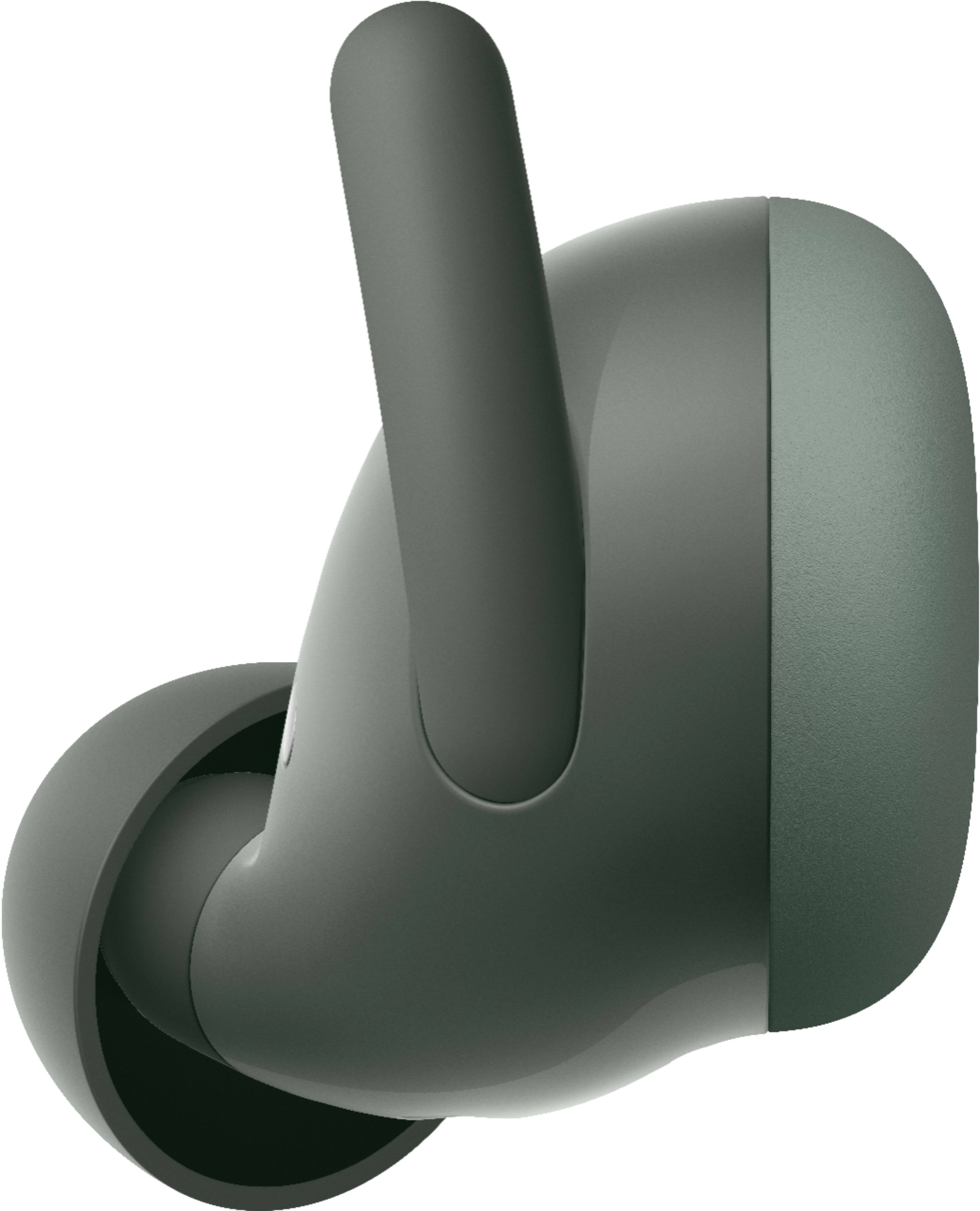
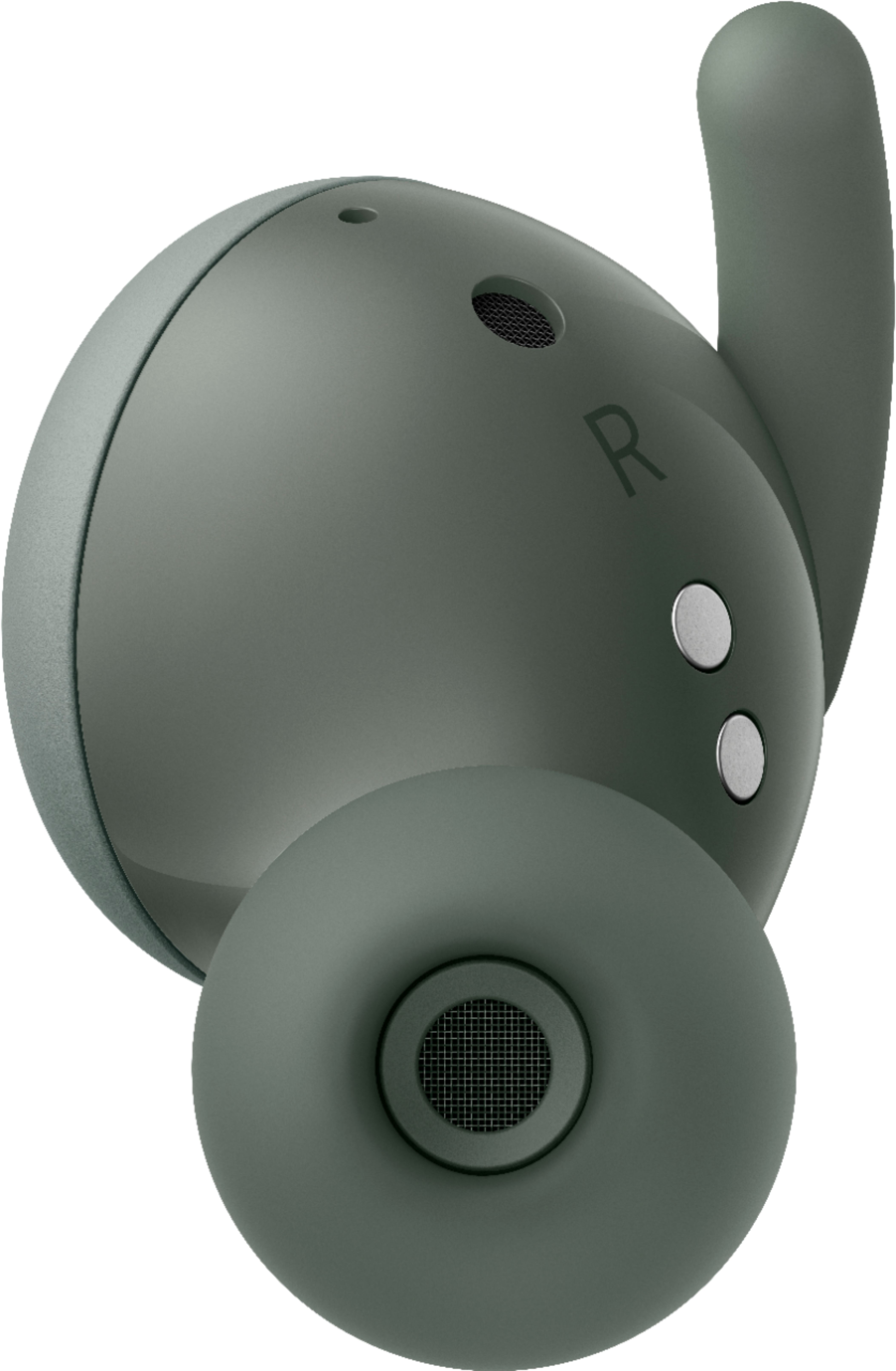
The stabilizer arc works to ensure a gentle, but secure fit. We suggest gently inserting your earbud with the wingtip or stabilizer arc, and tucking it into each ear to provide a better fit. Slightly rotate it back and forth until it comfortably stays in place when you move your head or tap either earbud. If you need a more visual guide, come visit this article on our help page: https://support.google.com/googlepixelbuds/answer/7573099
We also recommend trying out all 3 ear tip sizes to find the most comfortable tip for you, and ensure that you get the best ear tip seal. A good seal will definitely impact the sound quality, and will increase the bass sound levels that you hear.
For further assistance, you can always reach out to our support team anytime via the Google Pixel Buds support page on this link: https://support.google.com/googlepixelbuds/gethelp
Decent
||Posted . Owned for 1 week when reviewed.This reviewer received promo considerations or sweepstakes entry for writing a review.Cute case cute ear buds, not too shabby, but wouldn't pay much for them.
I would recommend this to a friendBrand response from Google Team
Posted .Hi Jacquie, thanks for giving us a review about the Pixel Buds A-Series, and we’re sorry to hear that it’s not ideal for you. We want to make every customer’s experience great, and we’d appreciate it if you can tell us more about your feedback to better understand your concerns. If you’re willing to reach out, please feel free to contact us anytime here and we’d be happy to help: https://support.google.com/googlepixelbuds/gethelp
Nots so great
||Posted . Owned for 1 week when reviewed.This reviewer received promo considerations or sweepstakes entry for writing a review.Not great I expected more from google Samsung and apple make them better
No, I would not recommend this to a friendBrand response from Google Team
Posted .Hi Sully, thanks for posting your feedback. We’re sorry to hear that Google Pixel Buds A-Series didn’t meet your expectations. We value your feedback as we’re always working to improve our products and services. If you’re willing, we’d like the opportunity to talk about your experience. Feel free to contact our support team. We’d be more than happy to assist and improve your experience here: https://support.google.com/chromecast/gethelp
horrible connection
||Posted . Owned for 2 weeks when reviewed.This reviewer received promo considerations or sweepstakes entry for writing a review.i just purchased a pixel 6 and well you guessed the pixel bud A series to go hand to hand, and when I open the case and try to connect it really fast, I was happy, but that was on the first day after that I have to manually connect the buds manually every 20 minutes, and today I am not able to connect at all I have tried several things but just don't work. To my surprise I have cheap buds that cost around 20 dollars and work perfectly, I am so disappointed with these buds, and as I am finished writing this am getting ready to return this item. no, I will not recommend this to anyone, please google do better than that .
No, I would not recommend this to a friendBrand response from Google Team
Posted .Hi Mianlu, thanks for sharing your feedback. We’re sorry to learn that you’re having connectivity issues with your Google Pixel Buds A-Series.
Here’s what you can try:
- Checking the placement of your phone, particularly in outdoor scenarios, may affect Bluetooth connection. You can improve the Bluetooth connection by changing the placement of the phone where the phone is held.
- Try reconnecting your A-Series to your source device (phone/laptop/tablet) by turning your Bluetooth off, then turn it back on and reconnect your A-Series.
- Check for possible sources of interference like microwave ovens, wireless speakers, baby monitors, Wi-Fi routers, and other wireless devices.
- Finally, you may also reset your Pixel Buds. Here's how: https://support.google.com/googlepixelbuds/answer/9991816
If the issue still persists, we may need to take a closer look at your device. Please feel free to contact our support team and improve your experience here: https://support.google.com/googlepixelbuds/gethelp
Sound great but don't sit well.
||Posted . Owned for 1 month when reviewed.This reviewer received promo considerations or sweepstakes entry for writing a review.They are great earbuds for everything . . . except staying in your ear.
No, I would not recommend this to a friendBrand response from Google Team
Posted .Hi there RBrown803, we´re glad that you find your Pixel Buds A-Series great. However, we do apologize to hear that it won't stay fit in your ear.
To ensure you get a gentle but secure fit using the stabilizer arc for your A-Series, we recommend gently inserting your earbud, with the wingtip or stabilizer arc and tucking it into each ear, to provide a better fit. Then, slightly rotate it back and forth until it comfortably stays in place when you move your head or tap either earbud. Also, you may want to try out all 3 ear tip sizes to find the most comfortable tip, and ensure that you get the best ear tip seal and provide the best listening experience. Checkout this visual guide on our help page: https://support.google.com/googlepixelbuds/answer/7573099
We'd love to help you out with any other support needs you may have. Please feel free to get a hold of any of our support agents here: https://support.google.com/googlepixelbuds/gethelp
- Pros mentioned:Connectivity, Fit, Sound quality

Excellent mic
|Posted .This reviewer received promo considerations or sweepstakes entry for writing a review.I love how fast these connect, I opened the lid and it popped up on my razr 5g to ask if I wanted to connect, then after I said yes it showed me the pixel app to download for them. That was really nice. They work really well; I haven’t had any connectivity issues even though I often do with different truly wireless headsets with my razr. They lock into my ears amazingly well so if you are active these should help with that. I love the look, feel and quality. They are crisp and clear and according to others I sound loud and clear via phone calls, WebEx, or MS teams. I love that the earbuds work independently of each other, and I can use just one. I ran into the problem that a meeting I was doing I used the entire battery life of the ear buds, so I took one out for 5 min and charged it and then switched and I was able to keep going that way. That leads into the bad part. I hit the edge of the limit on their battery life at 2ish hours during a meeting. Music lasts longer but meetings or calls drain it faster. It is possible to get more battery life with bass boost and adaptive audio turned off however I like those settings. Google assistant is great and having it as an option on my headset is nice, however, it keeps wanting to teach me stuff during meetings and doesn’t seem to think I would like to hear the other people on the call, I have yet to figure out how to disable tutorials besides just getting through them and if I don’t use a feature enough it seems to want to teach me again. Also, if you are talking to someone who is quiet and you turn it up to hear them the notifications can be quite loud, just to warn you. Overall, with being bombarded with notifications I wasn’t interested in, the tutorials that interrupted my meetings, as well as the loud notifications when I was listening to a quiet audio source, I ended up disabling google assistant on them for awhile. I enabled it later and made it through all the tutorials and it seemed to start learning which notifications I cared about a little but overall I really wish I could customize notifications a little more. I loved using them for meetings because the strength of the Bluetooth for my phone and the exceptional mic that had zero problems with MS teams (which is an issue with some of the headsets, especially the truly wireless ones). They sound great, feel great, and people can hear me great. Google assistant needs a little work on the notifications customization and not interrupting during calls or at not cutting out the other voices entirely.
I would recommend this to a friend Needs wireless charging
||Posted . Owned for 1 month when reviewed.This reviewer received promo considerations or sweepstakes entry for writing a review.Nice but no wireless charging for buds that cost 100$
No, I would not recommend this to a friendBrand response from Google Team
Posted .Hi Funky81cole, thanks for posting your review on your Pixel Buds A-Series. We're sorry to hear that your experience with the device didn't meet your expectations when it comes to wireless charging. We appreciate your feedback and rest assured that we'll relay this to the right team for improvements in the future. If you have additional questions or need further assistance with your A-Series, please don't hesitate to contact us on our Google Help page here: https://support.google.com/googlepixelbuds/gethelp
Needs work
||Posted . Owned for 1 week when reviewed.This reviewer received promo considerations or sweepstakes entry for writing a review.These are great earbuds if you are sitting down and not moving the moment you try and step outside to go for a walk they will cut in and out constantly so unfortunately I cannot recommend them
No, I would not recommend this to a friendBrand response from Google Team
Posted .Hi Phil, thanks for letting us know about the issue with your Pixel Buds A-Series. We´re sorry to hear that your A-Series constantly cuts in and out whenever you step out or go for a walk.
Resetting your A-Series may help improve the connectivity issue. You may follow the recommended steps below:
- Plug the charging case into a power source using the included USB-A to USB-C cable.
- Ensure that your A-Series are seated within the charging case and leave the charging case open.
- Press and hold the pairing button on the back of the case for 30 seconds.
- When the earbuds status light stops bouncing, let go of the pairing button.
- The earbuds status light will blink white and orange until the reset is complete and then start bouncing white. Your A-Series will be reset and should be ready to pair immediately.
We'd like to help you further. If you still experience the same issue even after resetting your A-Series, we recommend contacting our support team for further assistance here: https://support.google.com/googlepixelbuds/gethelp
Decent but would only get if free with purchase
||Posted . Owned for 1 month when reviewed.This reviewer received promo considerations or sweepstakes entry for writing a review.Not the best google could do. 1. no sound canceling at all, full heath rough 2. button is very sensitive, easy to touch when just touching your hair. 3. Shuts off on its own if not paired quickly and then your wonder what is going on.
No, I would not recommend this to a friendBrand response from Google Team
Posted .Hi alex, thanks for taking the time to share your feedback with us about the Pixel Buds A-Series. And we’re sorry to
learn about the issues you highlighted in your review.
While Pixel Buds A-Series doesn’t have Active Noise Cancellation, the Adaptive Sound feature automatically raises and lowers the volume based on the noise level of the external environment to allow you to hear your music and content even when there may be background noise. We understand that outdoor environments can be noisy, especially if you're in the office or somewhere like a city street, cafe, or subway. With Adaptive Sound feature, your A-Series will subtly and automatically optimize volume based on the noise level of your environment. To enable Adaptive Sound, simply follow these steps:
- On a Pixel phone with Android 10+: Go to Settings > and then Connected devices > and then Pixel Bud's settings.
- Other Androids: Open your Google Pixel Buds app.
- Tap Sound and then Adaptive Sound.
- Toggle Adaptive Sound.
We appreciate you for pointing these things out to help us identify areas we can improve for users like you. And we’re hoping to hear more about your issue with the earbuds shutting off on its own so we can learn on how we can provide a better experience for you. If you’re willing to reach out to us, you’ll find us always available here: https://support.google.com/googlepixelbuds/gethelp
Bad experience
||Posted . Owned for 1 week when reviewed.This reviewer received promo considerations or sweepstakes entry for writing a review.Really bad experience. I'm best buy costumer for yearssss! And this was really shocking . I ordered the Google buds, they never got to my house waited and contacted several times to CS. They didn't even apologize, they just told me it was delivered to the wrong address and I will have to wait for the refund to be approved. Took 5 days and no headphones. Great BB!
No, I would not recommend this to a friendNot the best product
||Posted . Owned for 1 year when reviewed.This reviewer received promo considerations or sweepstakes entry for writing a review.Horrible sound and not a great fit on the ear, there are better products out there
No, I would not recommend this to a friend- Pros mentioned:Battery life, Connectivity, Fit
Awesome sounds and great fit in-ear!
|Posted .This reviewer received promo considerations or sweepstakes entry for writing a review.I've used a variety of bluetooth earbuds over recent years. These are truly fantastic. The fit in the ear is a main differentiator compared to the regular AirPods especially, and even AirPod Pros. Connectivity and use with my Android phone, iPhone, MacBook, and Windows work laptop was flawless and the mic must be great too since people on the other end said I was crystal clear (yes, I asked). Battery life is pretty good and the case re-charges the buds quickly. And did I mention I love listening to music with them? Very pleased!
I would recommend this to a friend Loses charge quickly.
||Posted . Owned for 4 months when reviewed.This reviewer received promo considerations or sweepstakes entry for writing a review.The quick connectivity and controls when paired to my pixel are really cool, but the battery is fairly weak. I can't get through a day of work without charging it.
No, I would not recommend this to a friendBrand response from Google Team
Posted .Hi there, DreamyStorms. We appreciate you sending in your review on Pixel Buds A-Series. We're sorry to learn that your experience with the battery life was less than ideal. With the charging case, the device should provide you with up to 24 hours of listening time or up to 12 hours of talk time. The earbuds alone should give you up to 5 hours of listening time. If you are getting less than that, then we recommend reaching out to our support specialists so we can provide you with the best help possible and identify the cause of the issue you’re experiencing with your device. Please contact us on our Google Help page here: https://support.google.com/googlepixelbuds/gethelp
Not worth it
||Posted . Owned for 1 month when reviewed.This reviewer received promo considerations or sweepstakes entry for writing a review.No deep bass - required left ear to be paired. Right ear would not work without having left already going, which is no good for some one wanting to only use a right ear. Stayed in ear nice, and was very water proof.
No, I would not recommend this to a friendBrand response from Google Team
Posted .Hi there Stephen, we appreciate your feedback. We´re sorry to hear that the bass for your Pixel Buds A-Series isn't deep enough for you.
For the best audio experience with A-Series, we recommend trying out some helpful steps below:
- Check your mobile phone´s settings : do not enable 'disable absolute volume', or disable 'media volume sync'.
- Cleaning your earbuds snout and mesh area to ensure no ear wax or scabs is accumulated will also impact the sound quality. Check out this help page for more information on how to clean it: https://support.google.com/googlepixelbuds/answer/9112670
- We also recommend trying out all 3 ear tip sizes to find the most comfortable tip for you, and ensure that you get the best comfort and seal. Having a good seal will also increase the sound level you hear for your A-Series.
- And, if you´re looking for more bass, you can enable bass boost on your A-Series. Check out the step by step guide using this link: https://support.google.com/googlepixelbuds/answer/10028011
If you prefer to use a single A-Series earbud, you can wear just one (either) or both. Just leave the one you don't wish to use in the case (so that it won't automatically connect). The one in your ear will even automatically switch to a mono audio stream so that you don't miss anything from the left/right channels!
If you have any other concerns you would like us to address, please contact our support team by visiting this help page: https://support.google.com/googlepixelbuds/gethelp
one side stopped working
||Posted . Owned for 5 months when reviewed.This reviewer received promo considerations or sweepstakes entry for writing a review.one side stopped working after 2 months, will have to return or replace with warranty and its just a hassle, hopefully, the new one doesn't break as well.
No, I would not recommend this to a friendBrand response from Google Team
Posted .Hi Mikes, thank you for sharing your review on your Pixel Buds A-Series and we're sorry to hear that one of the earbuds stopped working. This is not the initial impression we want you to have of the device Our support specialists are standing by to assist you with any information you need with our limited warranty. If you experience the same issues with the new device, we recommend that you contact us on our Google Help page here: https://support.google.com/googlepixelbuds/gethelp
Review
||Posted . Owned for 7 months when reviewed.This reviewer received promo considerations or sweepstakes entry for writing a review.They did not live up to the reputation they were given. Calls were dropped and kept cutting in and out.
No, I would not recommend this to a friendSuper Dina
||Posted . Owned for 8 months when reviewed.This reviewer received promo considerations or sweepstakes entry for writing a review.Started off great and I would actually consider buying these again. I work outside and got rained on. They never worked again.
I would recommend this to a friendBrand response from Google Team
Posted .Hello there, SuperDina. We appreciate you sharing your experience with us, and we're sorry to hear that your Pixel Buds A-Series stopped working after using them outdoors. We understand the inconvenience this has caused you, and we'd like to assist you in resolving the issue.
To better understand the problem and provide you with the appropriate support, we recommend reaching out to our dedicated support team. Please visit our Google Pixel Buds support page using the following link: https://support.google.com/googlepixelbuds/gethelp
connected quickly
||Posted . Owned for 1 month when reviewed.This reviewer received promo considerations or sweepstakes entry for writing a review.at first there was a connection probpem to the google pixel, but then i figured it out and it was fine. I just turned my bluetooth off, then back on again
I would recommend this to a friendNot for phone calls
||Posted . Owned for 1 month when reviewed.This reviewer received promo considerations or sweepstakes entry for writing a review.Purchased for my wife mainly for phone calls. Sound quality for the people she was talking to was pretty bad. Maybe they are better for just listening to music.
No, I would not recommend this to a friendBrand response from Google Team
Posted .Hi steveh, we thank you for sharing your feedback with us about your experience with the Pixel Buds A-Series. We’re sorry to learn that you’re having an issue with its sound quality when talking to people.
We recommend you to reset the A-Series which may help improve its performance. Simply follow the steps below:
- Plug the charging case into a power source using the included USB-A to USB-C cable.
- Ensure your A-Series are seated within the charging case and leave the charging case open.
- Press and hold the pairing button on the back of the case for 30 seconds.
- When the earbuds status light stops bouncing, let go of the pairing button.
- The earbuds status light will blink white and orange until the reset is complete and then start bouncing white. Your A-Series will be reset and should be ready to pair immediately.
If the issue persists after trying the steps above, we’d like to have a closer look and work towards a resolution for you, simply visit us anytime here: https://support.google.com/googlepixelbuds/gethelp