Customer Ratings & Reviews


- Model:
- GA05764-US
- SKU:
- 12109904
Rating by feature
- Sound Quality
Rating 4.7 out of 5 stars
- Battery Life
Rating 4.7 out of 5 stars
- Connectivity
Rating 4.8 out of 5 stars
- Pros mentioned:Comfort
Comfortable earbuds
||Posted . Owned for 1 month when reviewed.This reviewer received promo considerations or sweepstakes entry for writing a review.Overall happy with the headphones. I would give the noise canceling 6 out of 10. They are comfortable to wear. Use them as my around the house earbuds.
I would recommend this to a friend In the game
||Posted .This reviewer received promo considerations or sweepstakes entry for writing a review.I love my Google pixel earbuds they are the best one's yet
I would recommend this to a friend- Pros mentioned:Battery life, Fit
Great idea poorly executed
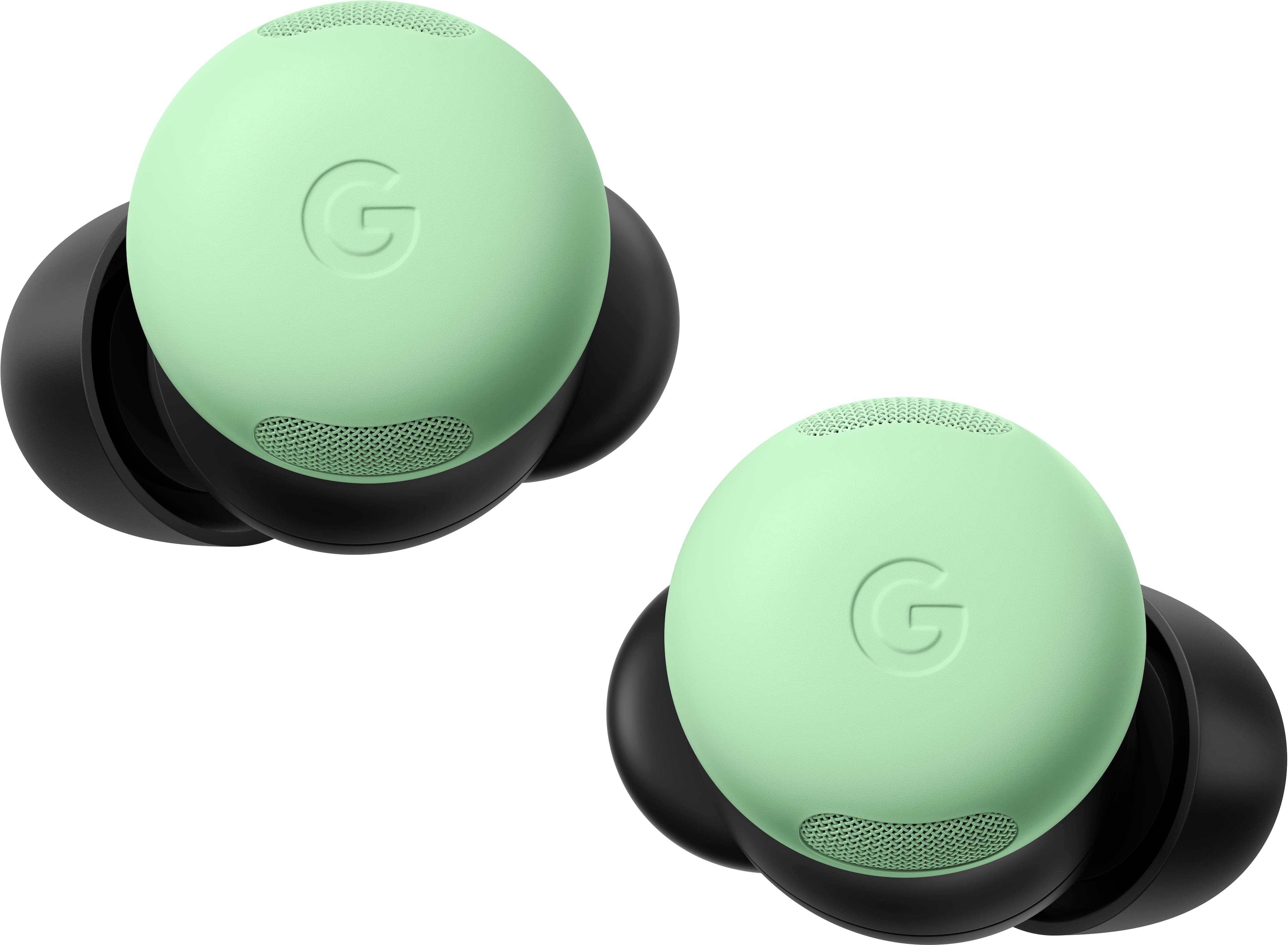
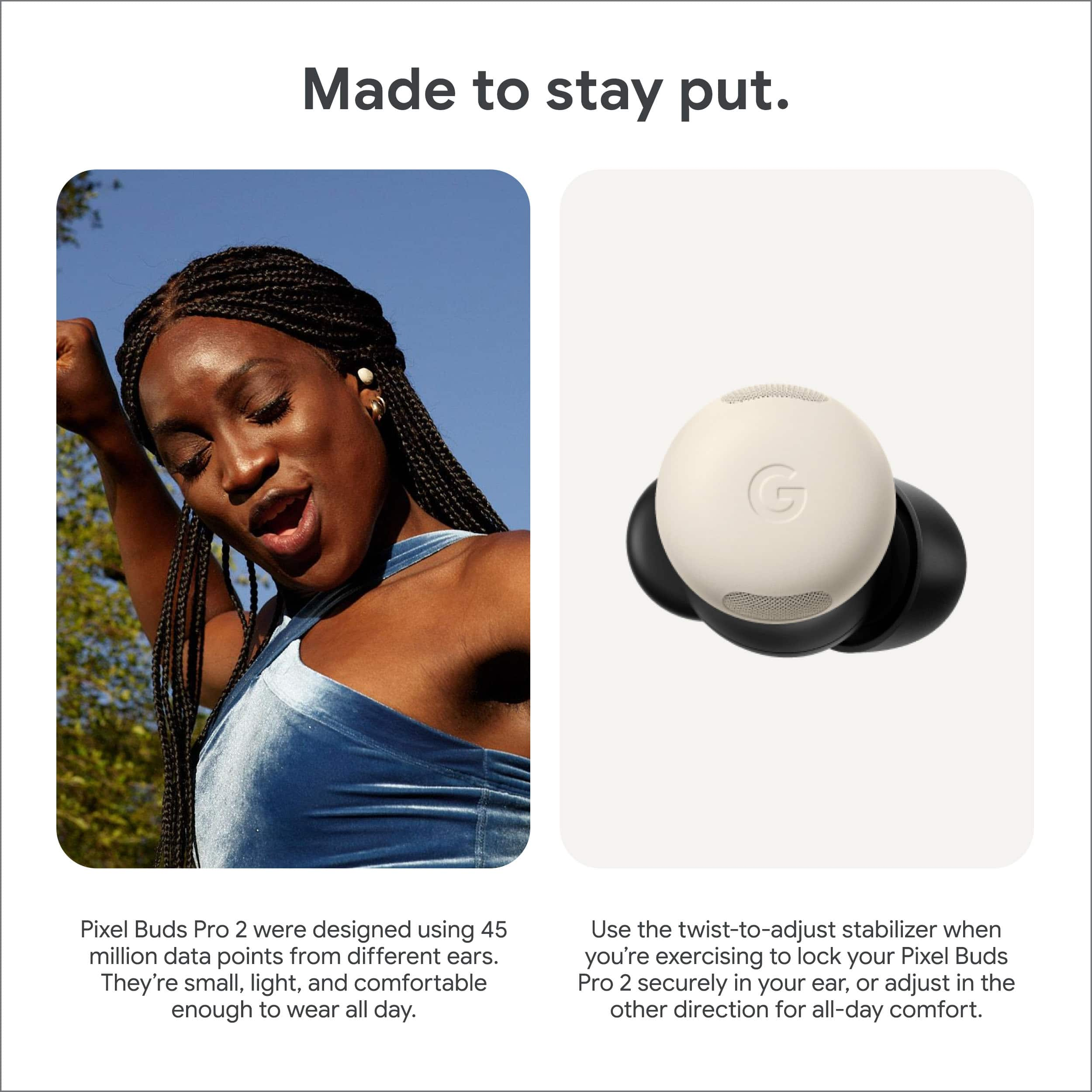
||Posted . Owned for 1 week when reviewed.This reviewer received promo considerations or sweepstakes entry for writing a review.I had the previous generation which were very good so I thought these would be even better. I like that they are smaller and lighter and the battery life is excellent. My issue is the fin that they added. At least for my ears the fin has nothing to "latch on to" so the buds barely stay in place. The only reason they don't fall out is because they're so light. I'm afraid I'm gonna lose them.
No, I would not recommend this to a friendBrand response from Google Team
Posted .We understand your concern about the fins not providing a secure fit. Have you tried using different ear tips to see if they provide a better fit? The Pixel Buds Pro 2 come with multiple ear tip sizes. If the ear tips don't solve the issue, you might consider reaching out to our support team for further assistance https://support.google.com/googlepixelbuds/gethelp

- Pros mentioned:Fit
Worth the upgrade
||Posted . Owned for 3 months when reviewed.This reviewer received promo considerations or sweepstakes entry for writing a review.The Pro 2 fix the problems on the previous version. Now the buds don't fall out all the time.
I would recommend this to a friend - Pros mentioned:Sound quality
Excellent upgrade
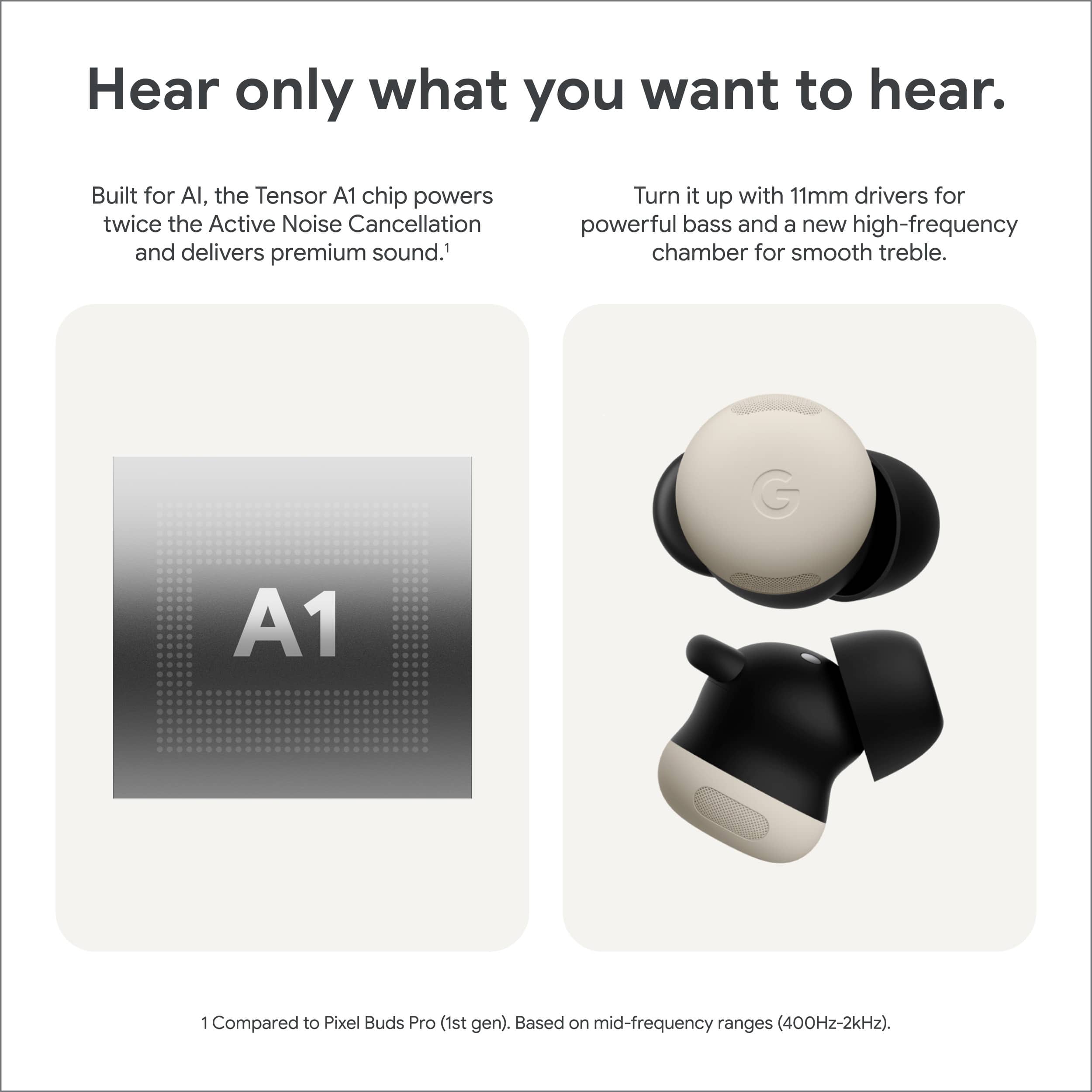
||Posted . Owned for 2 weeks when reviewed.This reviewer received promo considerations or sweepstakes entry for writing a review.The ear buds are excellent a great step up from the pixel buds one pro. The anc is very much improved and the firing is much better with a greater seal.
I would recommend this to a friend - Pros mentioned:Sound quality
Excellent!!!
||Posted . Owned for 3 weeks when reviewed.This reviewer received promo considerations or sweepstakes entry for writing a review.Love it, greatest product I could ever buy and use for daily use. I use them school and chilling and they meet excellent expectations of mine.
I would recommend this to a friend - Pros mentioned:Sound quality
Sounds great but lacking
||Posted . Owned for 4 months when reviewed.This reviewer received promo considerations or sweepstakes entry for writing a review.They sounds and work great, but eventually the noise cancelling and transparency mode stopped working. The microphone also doesn't work anymore
I would recommend this to a friendBrand response from Google Team
Posted .Hi there, LiamB. While we’re glad you’re enjoying the sound on the Pixel Buds Pro 2, we hear your concerns regarding issues with active noise cancelling — we get this can be frustrating. Normally, a quick reset can resolve these problems — here’s how:
1. Go to your device’s Bluetooth settings and forget the device.
2. Plug the charging case into a power source using a USB-C cable.
3. Make sure the earbuds are seated within the charging case and leave the charging case open.
4. Press and hold the pairing button on the back of the case for 30 seconds.
5. When the earbuds status light stops bouncing, let go of the pairing button.
6. Check the earbuds status lights.
Don’t hesitate to reach out to us: https://support.google.com/googlepixelbuds/gethelp?sjid=1168929876280557452-NC
- Pros mentioned:Fit
Pixel Buds Pro 2
||Posted . Owned for 1 month when reviewed.This reviewer received promo considerations or sweepstakes entry for writing a review.These are amazing. the fit is great, I forget they are in there at times. Case is small and sleek.
I would recommend this to a friend - Cons mentioned:Price
Good but too expensive
||Posted . Owned for 3 weeks when reviewed.This reviewer received promo considerations or sweepstakes entry for writing a review.good headphones but for the price it's nothing special too expensive
No, I would not recommend this to a friend - Pros mentioned:Sound quality

Best earbuds I have tried so far
|Posted . Owned for 1 month when reviewed.This reviewer received promo considerations or sweepstakes entry for writing a review.Super comfortable fit and amazing audio. Sounds cancelation is the best I have ever tried. Only issue is they sometimes fall out at the gym.
I would recommend this to a friendBrand response from Google Team
Posted .Hello there. We're glad to hear you're enjoying your Google Pixel Buds 2. We suggest you take a look at this helpful article to learn some tips on how to wear your buds correctly: https://support.google.com/googlepixelbuds/answer/7573099
Awesome
||Posted .This reviewer received promo considerations or sweepstakes entry for writing a review.Great sound , noise canceling pretty good . Battery life is really good .
I would recommend this to a friendGreat purchase
||Posted . Owned for 3 weeks when reviewed.This reviewer received promo considerations or sweepstakes entry for writing a review.Everything works great it's not the best both it is good in every aspect.
I would recommend this to a friendNoise reduction ear buds
||Posted . Owned for 4 months when reviewed.This reviewer received promo considerations or sweepstakes entry for writing a review.Great for its value Definitely a win when I bought it for my husband and loved it
I would recommend this to a friendGood but could be better
||Posted .This reviewer received promo considerations or sweepstakes entry for writing a review.4 stars because the audio is laggy while watching videos, seems like it's a common issue I'm using these with my Google pixel 10.
I would recommend this to a friendGood, but could be better
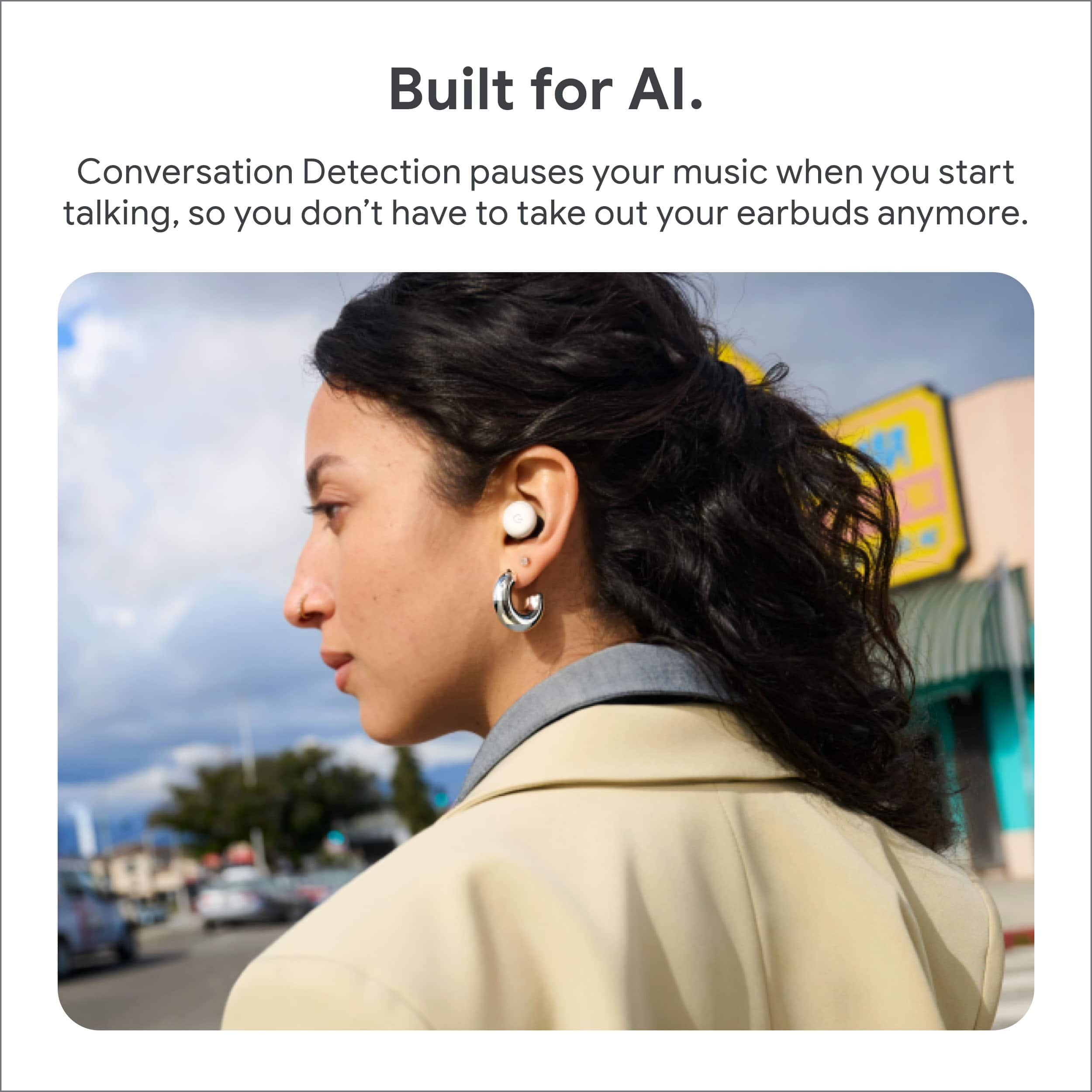
||Posted .This reviewer received promo considerations or sweepstakes entry for writing a review.I got these because i have small ears can't ever find ear buds small enough. These ones are good for small ears. I also really find my buds option. The biggest downside is how long it takes to transition when you start to talk it's suppose to go into active listing and allow you to hear and talk to someone. Its really slow and i have to go to my phone and pause my music manual isn't so slow. Also don't even try to talk to people on the phone with these. No one can hear you and you have to take them out completely and use your phone to talk on the phone.
No, I would not recommend this to a friendBrand response from Google Team
Posted .Hey there, user794190. While we’re glad you’re happy with the fit of the Pixel Buds Pro 2, we hear your concerns regarding the Conversation Detection feature. A factory reset may resolve this issue — here’s how to do it:
1. Go to your device’s Bluetooth settings and forget Google Pixel Buds.
2. Plug the charging case into a power source using a USB-C cable.
3. Make sure the Pixel Buds are seated within the charging case and leave the charging case open.
4. Press and hold the pairing button on the back of the case for 30 seconds.
5. When the earbuds status light stops bouncing, let go of the pairing button.
6. Check the earbuds status lights.
If this doesn’t resolve the problem, please reach out to us and we can investigate further: https://support.google.com/googlepixelbuds/gethelp?sjid=1168929876280557452-NC
- Pros mentioned:Sound quality
Good quality sound
||Posted . Owned for 1 week when reviewed.This reviewer received promo considerations or sweepstakes entry for writing a review.They sound amazing but I don't know they were broken and I got another one and today make a weird noise
I would recommend this to a friend - Pros mentioned:Sound quality
Headphones
||Posted . Owned for 1 week when reviewed.This reviewer received promo considerations or sweepstakes entry for writing a review.Exelente quality and soundver please. With this item. Recomended
I would recommend this to a friend - Pros mentioned:Sound quality
Great sound
||Posted . Owned for 5 months when reviewed.This reviewer received promo considerations or sweepstakes entry for writing a review.These buds sound great and work to perfection with my Pixel 9
I would recommend this to a friend - Pros mentioned:Sound quality
Expectations exceeded
||Posted .This reviewer received promo considerations or sweepstakes entry for writing a review.I have a pair of Airpods Pro, and compared to those- I would prefer the Pixel Buds Pro 2 sound quality... definitely exceeded my expectations!
I would recommend this to a friend - Pros mentioned:Sound quality
Sounds good
||Posted . Owned for 1 month when reviewed.This reviewer received promo considerations or sweepstakes entry for writing a review.Sounds good, quality is great, would buy again and recommend
I would recommend this to a friend