Customer Ratings & Reviews
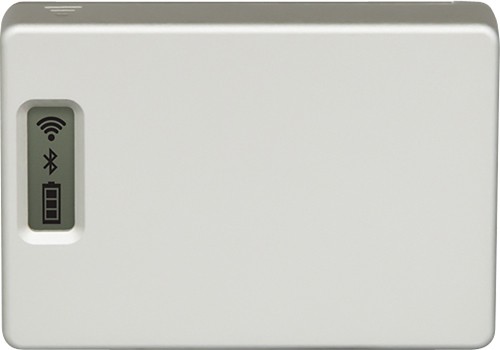
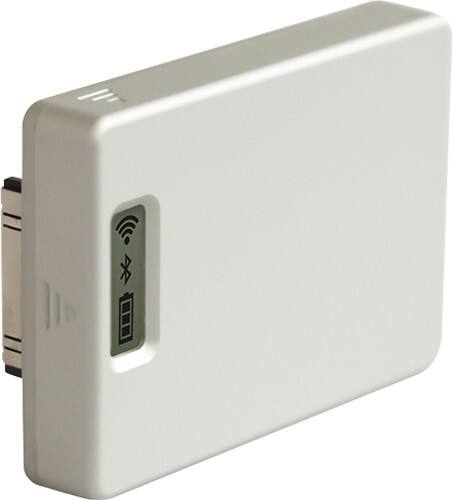
- Model:
- AWIFI-001
- |
- SKU:
- 4672847
Customer reviews
Rating 2.5 out of 5 stars with 2 reviews
(2 customer reviews)to a friend
Rated 1 out of 5 stars
Disappointing
Posted .This reviewer received promo considerations or sweepstakes entry for writing a review.What I wanted to do : put gopro on a pole and take pictures under the water from the boat. Doesn't work. After purchase you will need to navigate the nightmare of updating the firmware. Don't bother with the gopro web site instructions -- google it and get help or you won't succeed. Once I completed that and got a link I found that transmission through water is pitiful .. 1' at best. Perhaps the iphone app will make up for it? I waited nearly a year for the promised iPhone app to post a review. The app has finally arrived and it does NOT perform as promised. Laggy, Buggy, only works with one camera... when it works. Very restrictive work flow. These guys really over promised. Now they have a new camera body out that I am not sure will work with my existing accessories. You won't see any negative comments on their "forum". They don't accept customer feedback and they don't help customers who ask nicely. I've tried. Time to look elsewhere.
No, I would not recommend this to a friendRated 4 out of 5 stars
It works, but limited
Posted .This reviewer received promo considerations or sweepstakes entry for writing a review.There is some lag to using it, and you have to be reasonable about what you expect radio waves to do, water is not a good conductor. Some people are easily frustrated and so the firmware update makes them a little upset at the product, even though it is a software glitch. Basically in Windows rt click to close the status viewer or any of the software that is in your tasktray (by the clock) and then plug it in, hit the power button until you see the USB icon on the LCD screen and there ya go.
I would recommend this to a friend