Customer Ratings & Reviews
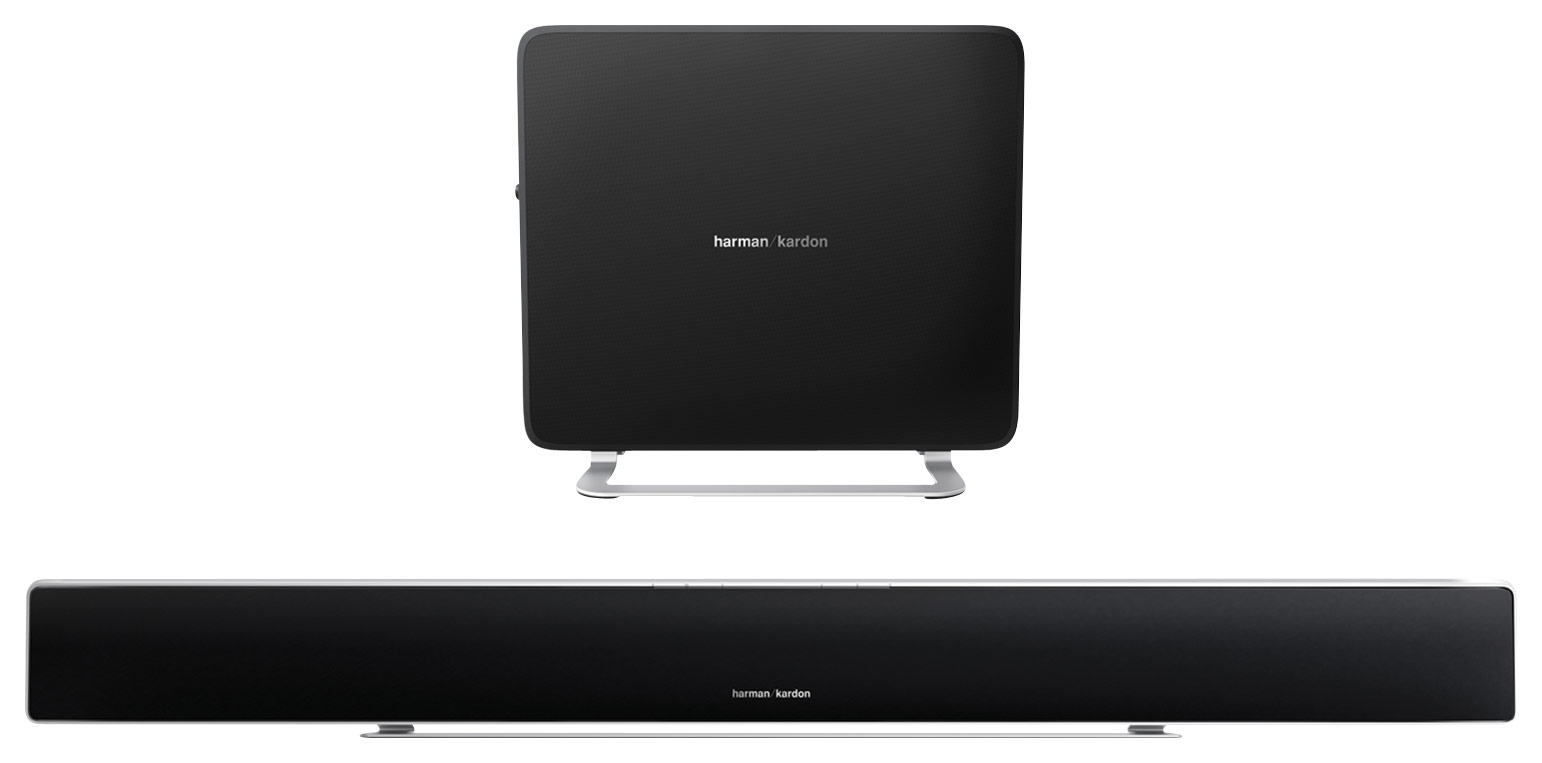
- Model:
- SABRE35AM
- SKU:
- 4261700
to a friend
- Pros mentioned:Easy setup, ThinCons mentioned:Stopped working
Just okay
||Posted .This reviewer received promo considerations or sweepstakes entry for writing a review.I really liked that the HK was thin and didn't take up a lot of space. The sound was a little thin too. But it was a simple set up and did sound better than the tv speakers. I only had the system for four days, set it up, sounded okay, decided to mount it on wall under tv, and it didn't work after plugging back in. Crazy, worked, unplugged, mounted, stopped working. Looking at new systems now.
No, I would not recommend this to a friendBrand response from Harman Kardon Support
Posted .Thank you for taking the time and submitting this review. We appreciate your feedback. I have included some troubleshooting steps which should identify a possible resolution after the bar had been mounted. We do apologize for this inconvenience. There is support available. Please visit www.harmankardon.com and click Support.
• Check if soundbar SABRE SB35 is ON (the Power Indicator should be white).
• Check if the cable connecting the TV or other source component to soundbar is properly connected at both ends.
• Check if the soundbar’s Source Selector is set to the correct source and that source is playing an audio signal.
• Check if the system is mute. If the system is mute, press the volume buttons to unmute the system.
• Check if the soundbar’s volume is not turned all the way down (the lowest setting of the Volume Down button will mute the system).
- Pros mentioned:Design, Sound quality
This is a great sound system
||Posted .This reviewer received promo considerations or sweepstakes entry for writing a review.I reviewed many sound bars before choosing the Harman Kardon I have purchased other products from them and their sound is excellent so I decided to give this one a try. The sound of this sounds great it was very easy to hook up it's not big booming sound but just the kind of sound that I needed for my living space. I like the fact that it's very slim and very modern-looking so it also matches my decor which is very minimalist you can't go wrong with Harman Kardon sound
I would recommend this to a friend - Cons mentioned:Bass
Great sound
||Posted .This reviewer received promo considerations or sweepstakes entry for writing a review.The sound quality is amazing. The clarity is what I expected. I would like itnto have a little Bit more bass
I would recommend this to a friend - Cons mentioned:Remote control, Stand screws
Great But some flaw
Posted .This reviewer received promo considerations or sweepstakes entry for writing a review.Just opened the box remote does not. I haven't received screws for stand as well. Cannot control the volume through TV remote.
I would recommend this to a friendBrand response from Harman Kardon Support
Posted .Thank you for your review. We appreciate all customer feedback. If this was purchased just days ago, please contact the store where you purchased the unit and they will be able to help.
The SB35 does have a learning mode feature to make it respond to your TV remote.
To program the Power, Volume and Mute command:
1. Ensure that the SABRE SB35 is switched ON.
2. On the soundbar, press and hold the Surround button until the display on the SABRE SB35 indicate you are in learning mode.
To program the Power command:
• Press the Power button on the soundbar and press the power button on the TV remote control.
To program the Volume command:
• Press the Volume + button on the soundbar and press the Volume + button on the TV remote control.
• Press the Volume – button on the soundbar and press the Volume – button on the TV remote control.
To program the Mute command:
• Press the Volume + and Volume – button on the soundbar and then press the Mute button on the TV remote