Customer Ratings & Reviews



- Model:
- 14a-ne1013dx
- SKU:
- 10554151
Rating by feature
- Battery Life
Rating 4.7 out of 5 stars
- Speed
Rating 4.5 out of 5 stars
- Display
Rating 4.6 out of 5 stars
- Pros mentioned:Overall performance
Hp Chromebook
||Posted .This reviewer received promo considerations or sweepstakes entry for writing a review.Perfect for school, very good starter laptop I haven’t had any issues
I would recommend this to a friend - Pros mentioned:Battery life, Design, Overall performanceCons mentioned:Screen quality

Solid Chromebook that feels like a normal laptop
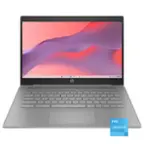
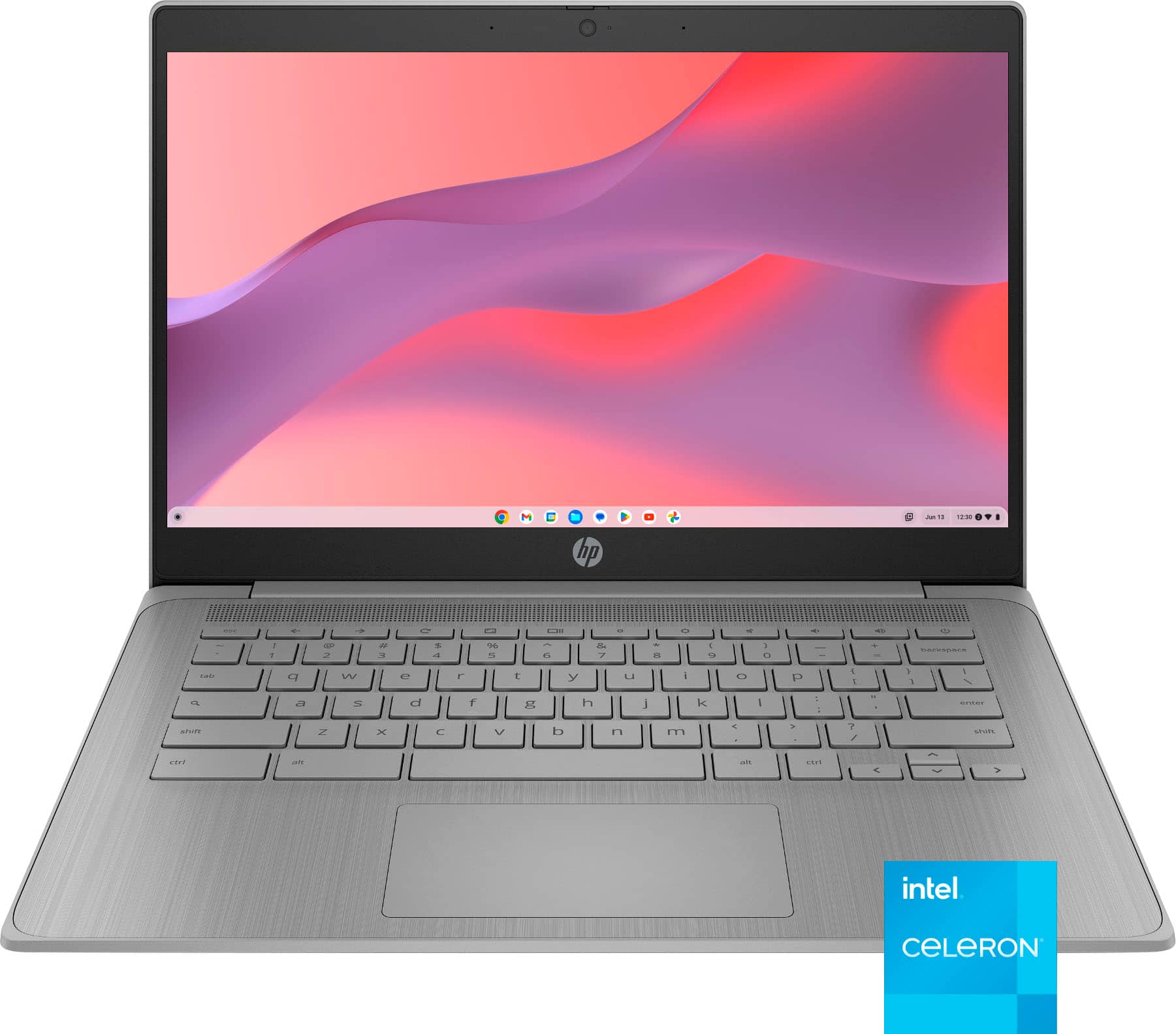
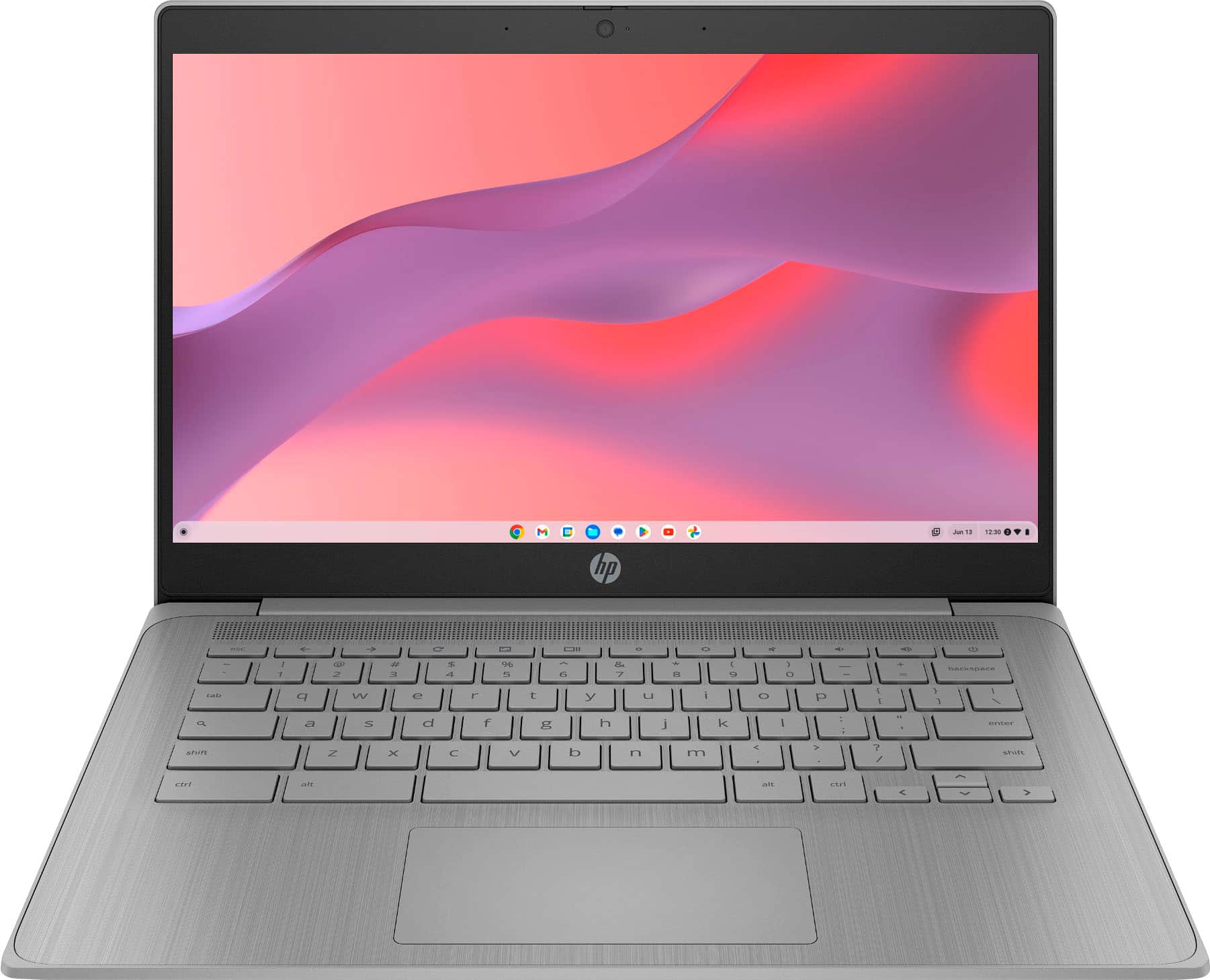
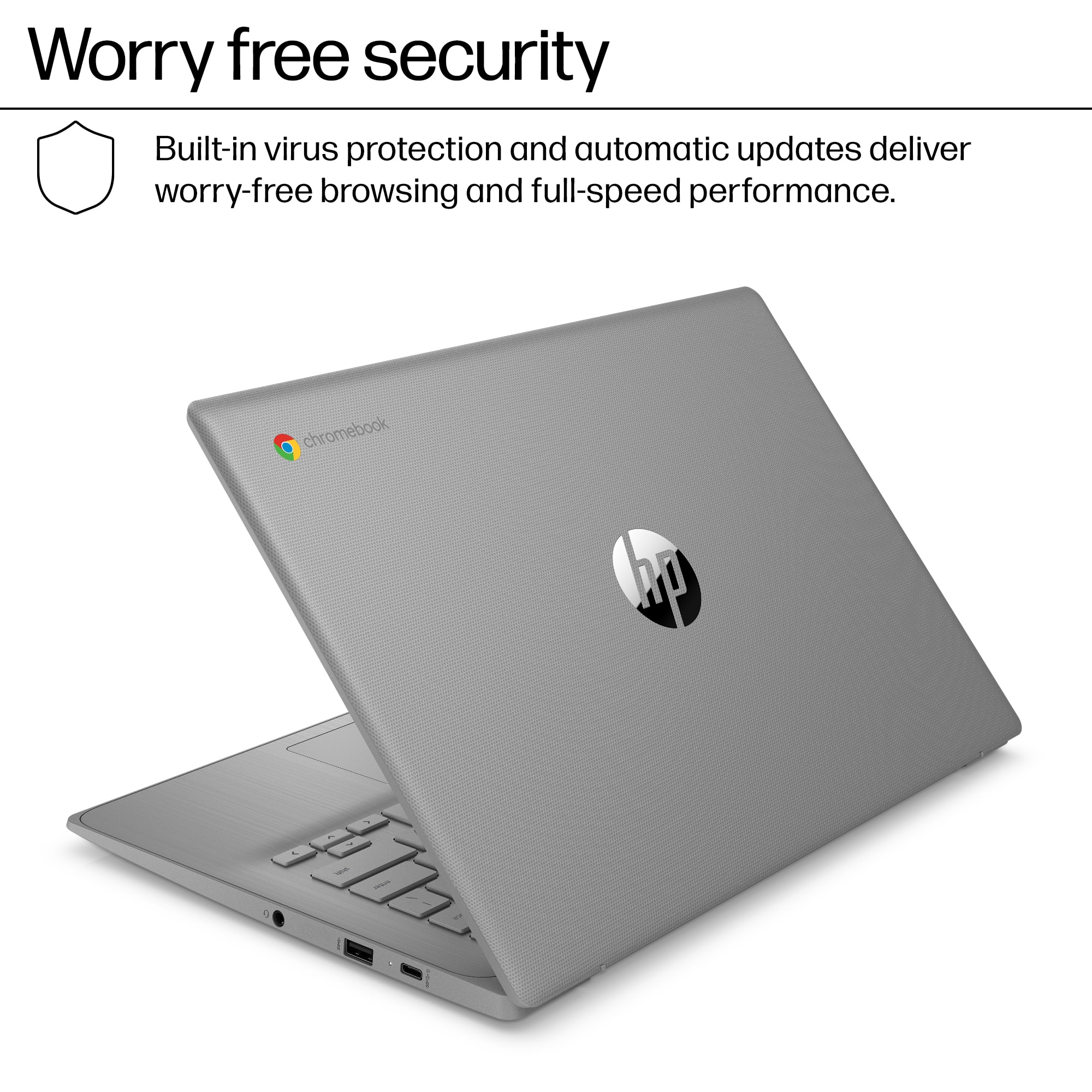
|Posted .This reviewer received promo considerations or sweepstakes entry for writing a review.I’m fairly impressed with both the Chrome OS platform and the performance and quality of the HP hardware I’m reviewing. The HP 14 Chromebook has a gorgeous design that looks like a normal business laptop. The grey color scheme looks great, and the quality of the finish competes with mid-grade Windows OS laptop. Despite using somewhat low spec processor, RAM and memory capacity, the performance is still pretty good due to the excellence of the Chrome OS platform. That is because the Chrome OS relies on using cloud computing technology, which makes it very efficient in optimizing limited on-board system resources. If you are an Android phone user, you would feel right at home with the Chrome OS user interface. The downside to cloud computing tech is that local storage is not a priority, so subscription to Google One services, while it’s not required, would enhance user’s experience greatly as it would solve the problem of having limited local storage. As is, the 64GB on board eMMC storage is ample of capacity to download and install many apps from the Google Play store. The build quality is good. The laptop uses durable material. The monitor hinge seems durable enough and the monitor can even lay flat on the table. Despite its 14-inch form factor, the laptop still feels light enough. Screen quality is typical of what you would expect from any laptop within the same price range. It’s useable and will do the job just fine. However, colors are muted, and the viewing angle is limited. It has plenty of brightness, which I really like. Bottom line is, I need to remind myself that this Chromebook is what one should expect from a laptop that sits at the upper entry level/ bottom price range. In terms of user experience, I enjoy using this Chromebook. Chrome OS comes with built-in anti-virus and malware protection so in most cases one does not need to pay for an internet security subscription. Audio is loud enough so streaming videos from Youtube is an enjoyable experience. The audio is good for listening to podcasts with ample volume and sufficient clarity, but the speakers are typical entry level ones, so music listening is not as enjoyable experience. Since this is a Chromebook, the preferred business app is Google workspace although you can still work with Microsoft Office through its web browser application. Importing your MS Office files to Google workspace apps is as easy as uploading all your files to your google drive. The Chromebook comes pre-installed with Google workspace so there is no need to install the mobile app version from the Google Play store. Although the laptop uses Intel Celeron, there is enough processing power for the Chrome OS to make user experience enjoyable for both business and entertainment. There is a front facing camera for video conferencing and again, the image quality is what one should expect from an entry level laptop. Battery life is also good, typical of Chrome OS laptops. I’m impressed with the availability of connectivity options and the wide range of ports. Of course it has Wifi and Bluetooth, but the fact that the laptop has both USB-C and USB-A as well as audio jack and HDMI port is just awesome. There’s plenty of connectivity options there, ready for both business and entertainment. Bottom line is this is a great Chromebook for those who know what to expect from a Chrome OS machine at the given price range. This Chromebook is a massive upgrade from the ones kids use in public school. Like: Great design and look Chrome OS rocks User experience of a normal business laptop Plenty of connectivity options Don’t like: Muted color display Limited viewing angle
I would recommend this to a friend - Pros mentioned:Overall performance
Great Laptop
||Posted . Owned for 1 month when reviewed.This reviewer received promo considerations or sweepstakes entry for writing a review.It’s perfect for schoolwork. I’ve had no issues at all.
I would recommend this to a friend - Pros mentioned:Overall performance
Good computer for a good price
||Posted . Owned for 3 weeks when reviewed.This reviewer received promo considerations or sweepstakes entry for writing a review.This computer had been very good I love it good for school and has storage and good extensions
I would recommend this to a friend - Pros mentioned:Overall performance
The Chromebook has been a blessing to me.
||Posted .This reviewer received promo considerations or sweepstakes entry for writing a review.The computer is my companion and I enjoy using it.
I would recommend this to a friend - Pros mentioned:Overall performance
Get you one!
||Posted .This reviewer received promo considerations or sweepstakes entry for writing a review.Great product will buy again. The pickup was nice and smooth.
I would recommend this to a friend The best Chromebook
||Posted . Owned for 3 months when reviewed.This reviewer received promo considerations or sweepstakes entry for writing a review.My son loves this chromebook. Screen clear. Speed fast. Lightweight. Touchscreen has not given my son any issues.
I would recommend this to a friend- Pros mentioned:Overall performance
Chromebook
||Posted . Owned for 2 weeks when reviewed.This reviewer received promo considerations or sweepstakes entry for writing a review.The computer chromebook is very good,es lo mejor y super rápido
I would recommend this to a friend - Pros mentioned:Battery life, Design, Overall performanceCons mentioned:Screen quality
HP delivers: Chrome reliable, secure, versatile
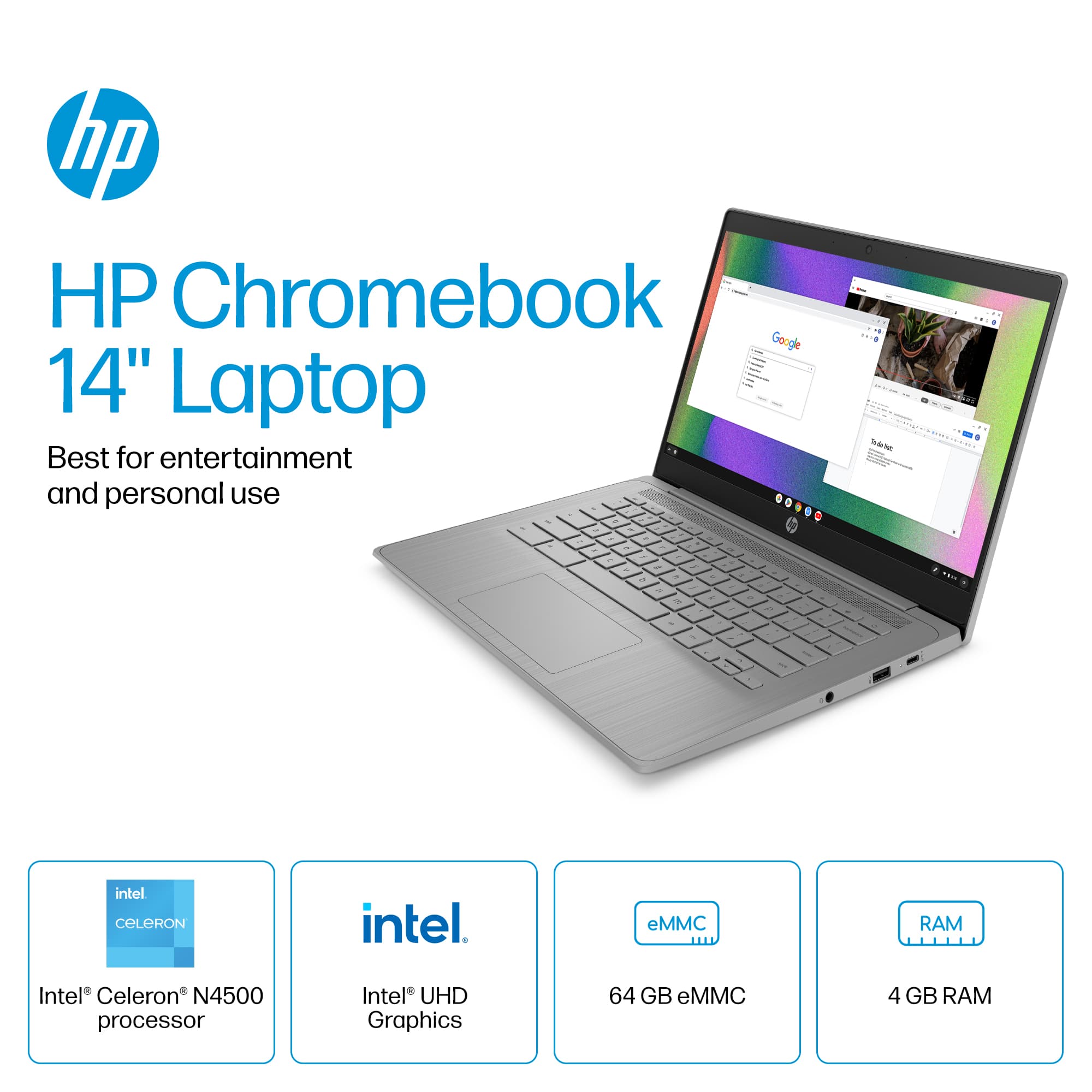
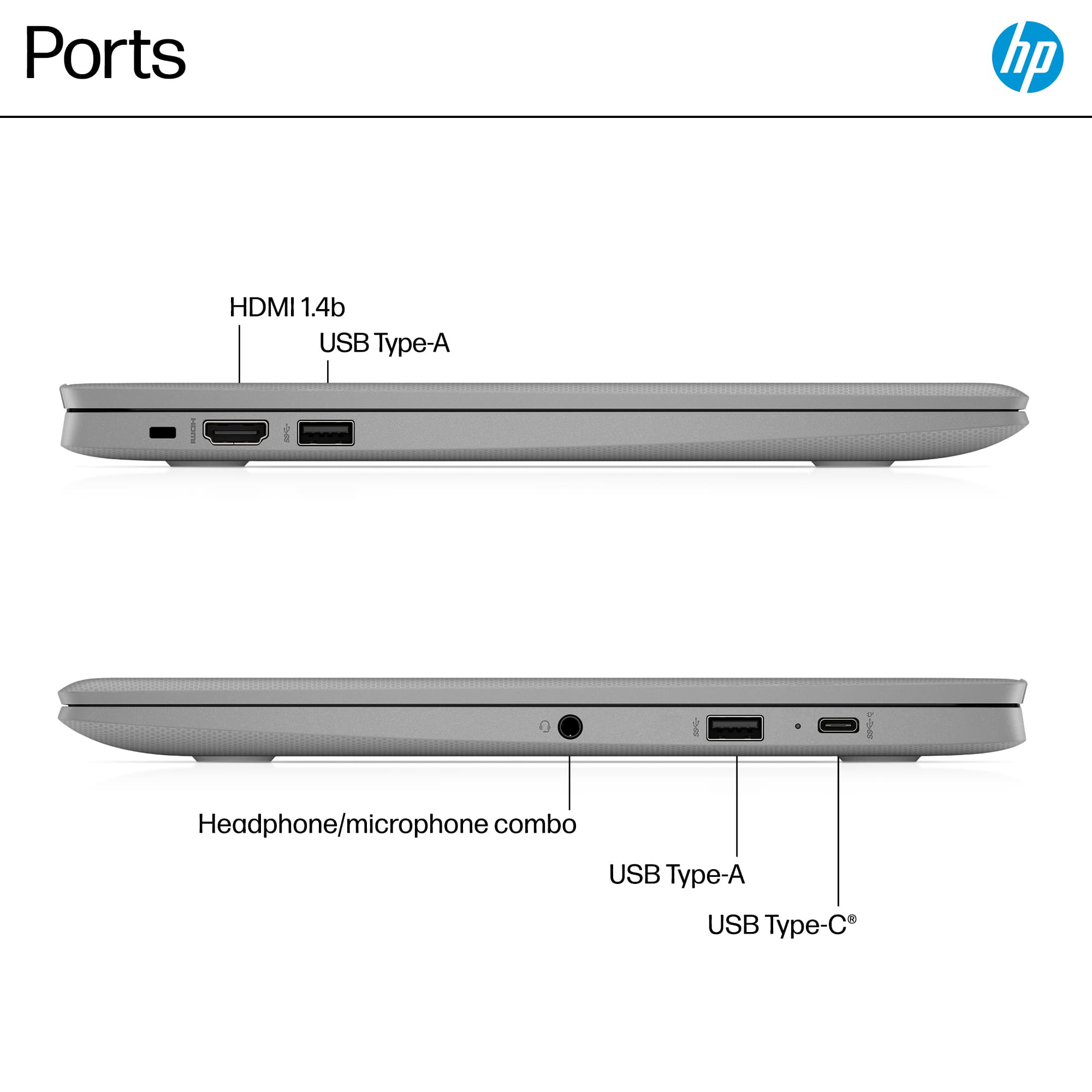
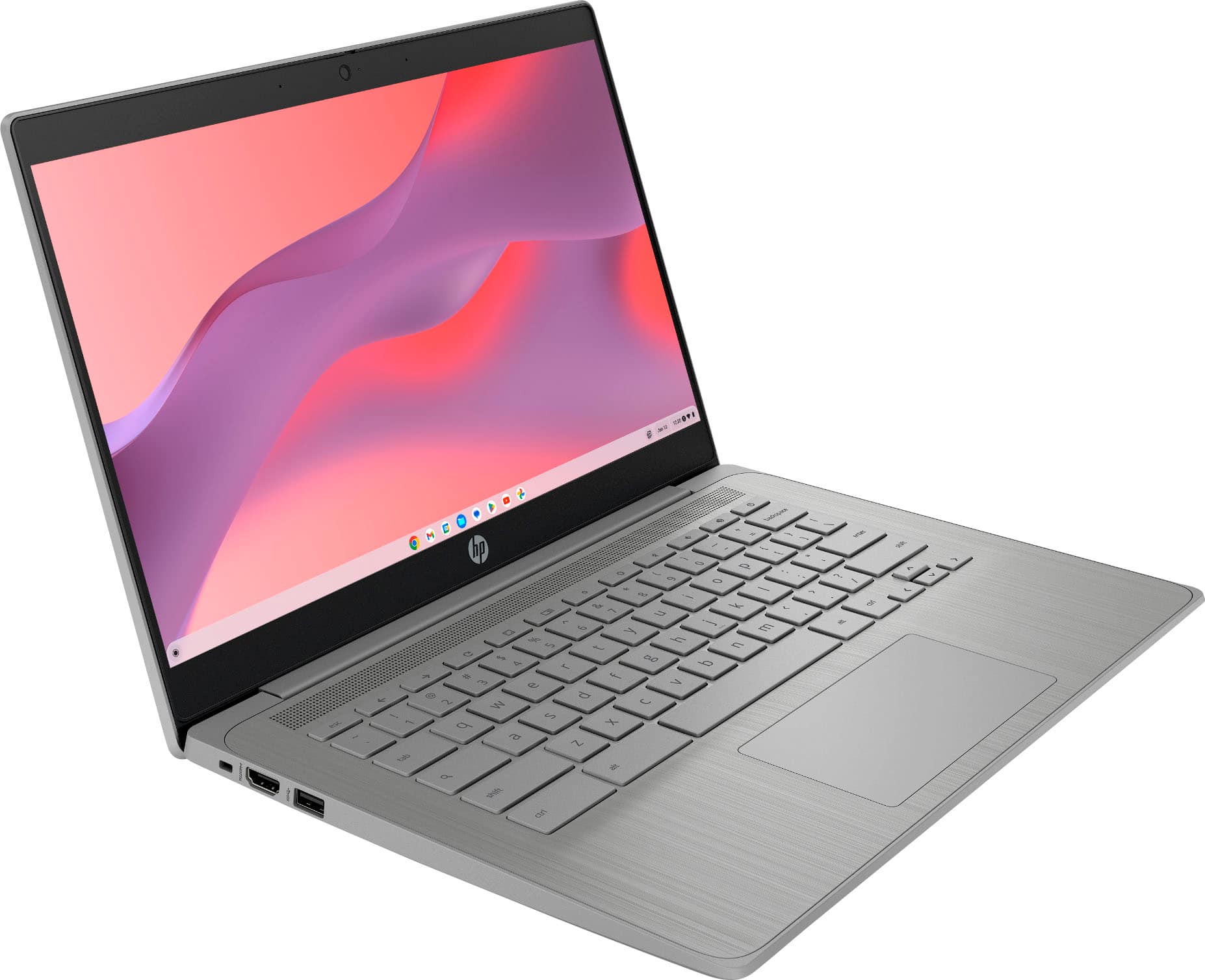
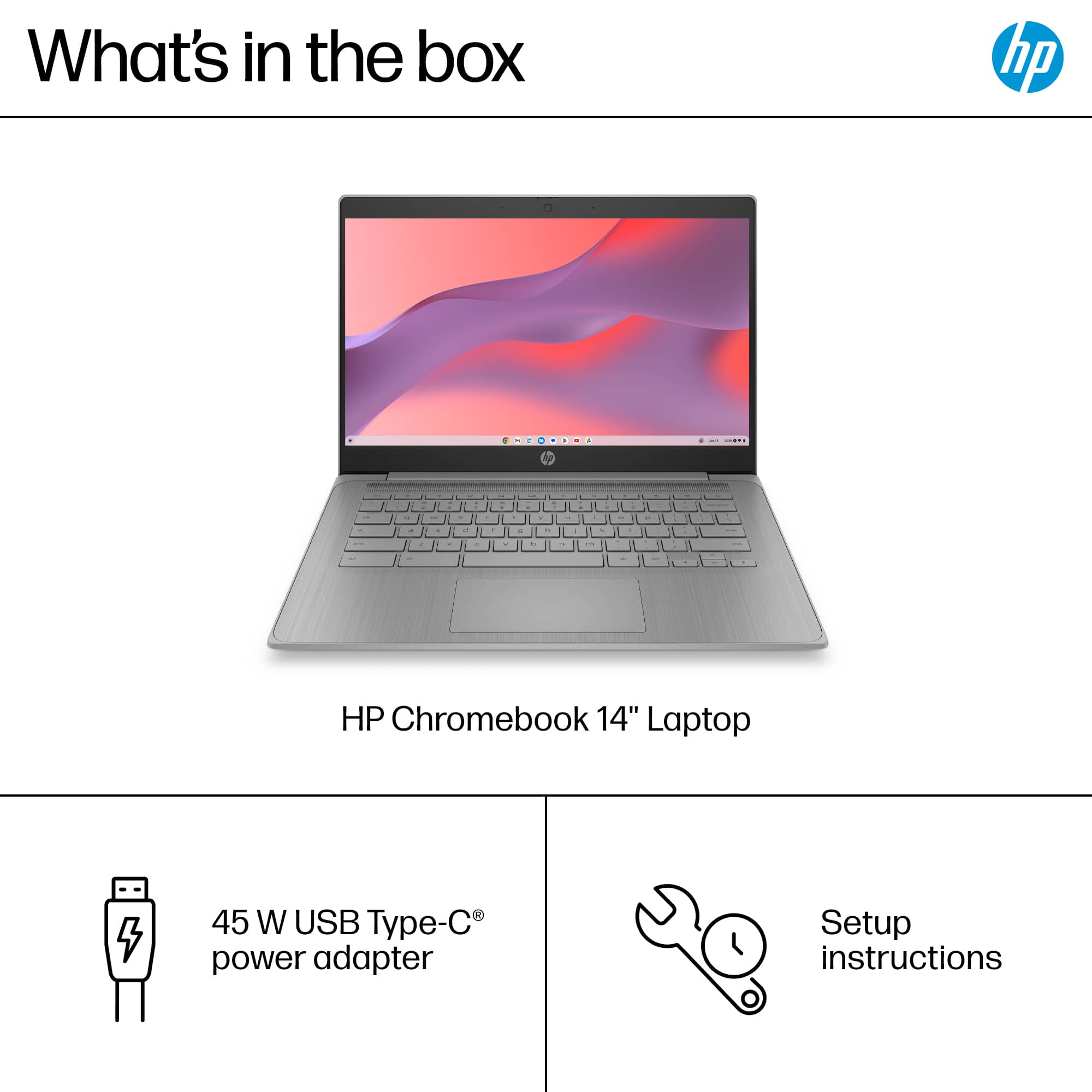
|Posted .This reviewer received promo considerations or sweepstakes entry for writing a review.HP Chrome 14a-ne1013dx Laptop : 14" Chromebook - Intel Celeron - 4GB Memory - 64GB eMMC. This 2025 version of HP’s well regarded Chromebook contributes to HP’S reputation for solidly built, nicely designed and good performing laptop. As expected, the Chrome operating system is easy to use, secure. and can access an immense library of applications. The important stuff is all here. And the decisions HP has made makes this 14” portable inviting for professionals looking to simplify their lives and students wanting to minimize the effort to do research, manage assignments and lighten their expenses. SETUP takes only minutes, requiring the usual network name and password (WiFi 6 is available), and it asks if you’ll be adding an existing Google eMail account or creating a new one. Without these you get only guest privileges. You can also simplify set up of your new laptop using personal info on your android phone. The account and a new device also allows a default amount of free storage, ensuring your files are safe and accessible from anywhere. Ports available on this HP 14” laptop include on the right side a USB-C port which also doubles as the charging port (45 watt power supply brick included), a USB-A port and a headphone/microphone jack. The left side includes an HDMI 1.4b output (for supplemental external monitor) and another USB Type-A port. Wireless access is available with that Wi-Fi 6 radio and Bluetooth.The laptop casework is a substantial and textured recycled plastic case. It has a very nice feel. USER EXPERIENCE: I may be an unusual Chromebook user in that I am here for the unique utility Apps I can get from the Play Store, simple writing Apps for the short-form reporting I do, and the extended time I might use the HP for a supplemental screen for viewing sporting events. As a computer user, with only intermittent use, it is nice to have a device that is easy to familiarize myself with quickly and just as easily pick it up again a week later and everything still feels intuitive. The Keyboard is comfortable, reliable, with a predictable feel with the track pad having the same description. But, I’d like to emphasize to the HP folks, I rely on those key labels and the contrast is far too low for my aging eyes. Backlighting is ideal, but more contrast is a huge help. I had no trouble loading in a VPN (SurfShark), my favorite alternate browsers (although they may display like a tablet or phone layout) and all types of media apps. Everything works with little fuss. The screen was my least favorite element in this laptop, because this LED design had a tunnel-like window of colorfulness and contrast. When I was seated with the screen carefully set directly in front of me, it was very nice. But I guess I move a lot in front of my computer, and I also try to view media from the side. Those two behaviors can make getting the best image difficult with this screen technology. Emphasis should be on my bad viewing behavior, so my experience will be unique. Audio is average, certainly serviceable for YouTube videos and sports events, but definitely not adequate for movies or music. Get good earbuds or headphones or a desktop system if this is important to you. Battery life was very good. I’ve wandered around my home for hours, closed up without shutting down, and continued my activities for a few days, off and on, with little lots of battery life to spare. I was especially surprised by the usefulness of what might seem like limited memory and storage. Chrome OS and the related Apps are very efficient, allowing for multiple Apps to be open and several windows active without slowing down my work. That’s a nice surprise. And, of course, Google offers reliable, secure storage on the cloud for free, and much more can be purchased for reasonable fees. SUMMARY: I’ll repeat myself. The HP Chromebook is a nice surprise. It has no bad behaviors and does nothing to remind you it’s a basic computing device. It does the important stuff well. And by important, I mean it is the ideal Web terminal, it provides access to a library of media, tools, utilities, limitless storage on the cloud, and authoring software, all while demanding little effort on my part, little expense and few compromises. I can recommend the HP Chrome Laptop.
I would recommend this to a friend Little guy with a big punch
||Posted .This reviewer received promo considerations or sweepstakes entry for writing a review.I have other laptops but i decided to buy this for black Friday and i like it and the price i couldn't beat
I would recommend this to a friendMini Chrome book
||Posted . Owned for 2 weeks when reviewed.This reviewer received promo considerations or sweepstakes entry for writing a review.It’s truly a very good price for a light weight size chrome book. Because of that, it also sucks on very slow capacity to run. And it’s not work on online projects. I ended up to return it. Sad
I would recommend this to a friendLaptop
||Posted .This reviewer received promo considerations or sweepstakes entry for writing a review.HP one of the best laptops out there Best buy had it on sale $200 off
I would recommend this to a friendPretty Ok
||Posted . Owned for 3 weeks when reviewed.This reviewer received promo considerations or sweepstakes entry for writing a review.Does what I need it to do which is the bare minimum. Not too fast and not capable of downloading Microsoft apps which is a let down for school.
I would recommend this to a friendHP 14 Chromebook
||Posted .This reviewer received promo considerations or sweepstakes entry for writing a review.It’s durable for the price I paid and good as a starter laptop
I would recommend this to a friendGreat computer for school/college
||Posted .This reviewer received promo considerations or sweepstakes entry for writing a review.I bought the HP Chromebook because the college courses that I am attending is mostly compatible with Chrome. It made my life easier.
I would recommend this to a friendGreat work
||Posted . Owned for 1 month when reviewed.This reviewer received promo considerations or sweepstakes entry for writing a review.I actually like the computer but it can sometimes start stopping and mess up
I would recommend this to a friend- Pros mentioned:Overall performance
Laptop for school
||Posted . Owned for 2 months when reviewed.This reviewer received promo considerations or sweepstakes entry for writing a review.Great product a little hard to see keyboard because it doesn’t light up it works great very functional
I would recommend this to a friend - Pros mentioned:Battery life, Overall performance, PortabilityCons mentioned:Storage capacity
Good Chromebook for basic web browsing and video
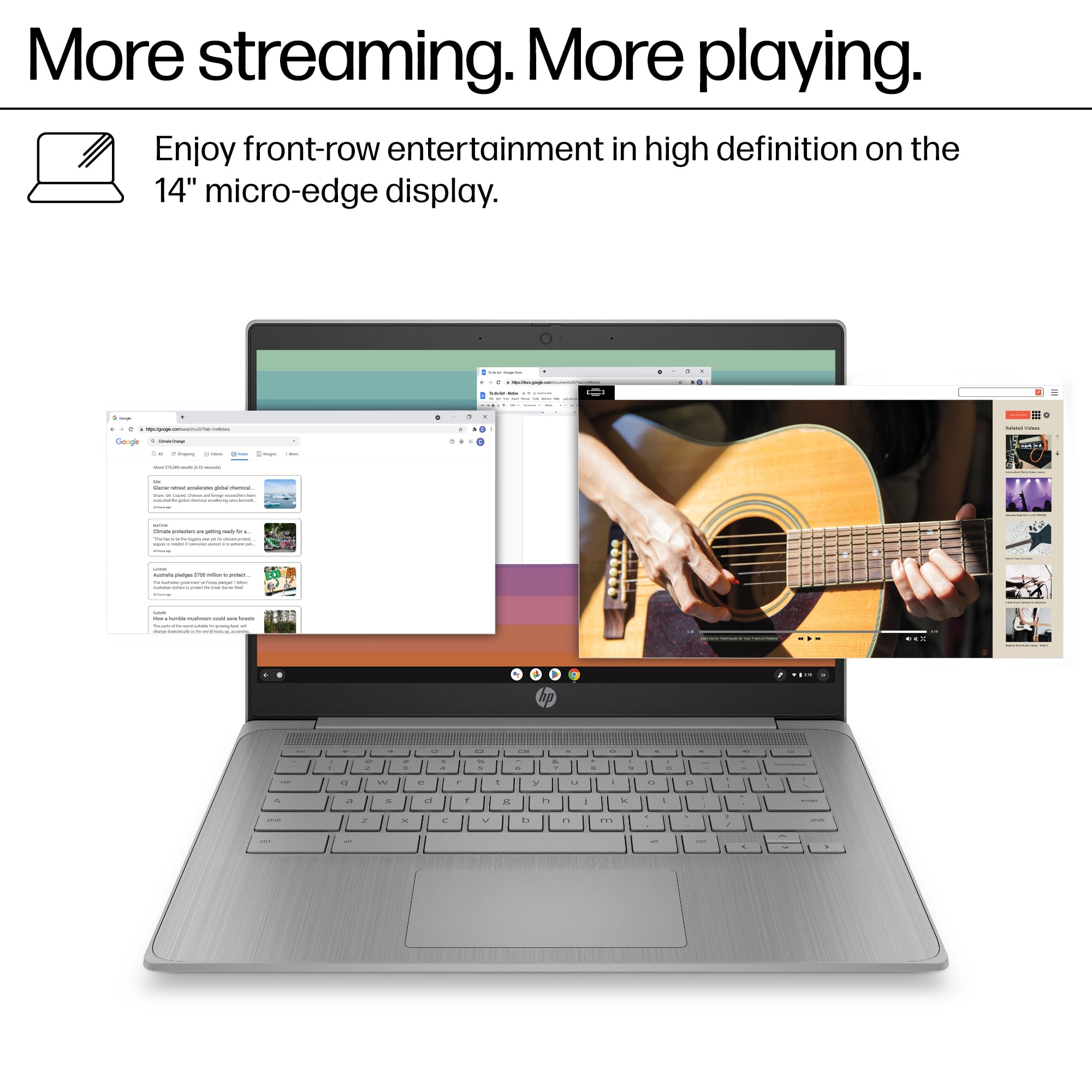
|Posted .This reviewer received promo considerations or sweepstakes entry for writing a review.This HP 14-inch Chromebook has an Intel Celeron N4500 processor, offers solid performance for everyday computing tasks. This lightweight machine excels at web browsing, efficiently handling Gmail and other Google services. Google Docs runs smoothly, making it suitable for students and professionals who primarily work with web-based documents. The 4GB of RAM proves adequate for these tasks without noticeable slowdown. Surprisingly, this Chromebook handles streaming video content exceptionally well. It manages 4K YouTube videos without buffering issues or frame drops. The 14-inch micro-edge display is also of decent quality for a Chromebook, making it an excellent option for media consumption despite its modest specifications. Look, I’m not saying I’m going to be watching my Dolby Atmos movie collection on this, but for simple YouTube videos like a recipe I want to follow along in the kitchen this display is fine. The 64GB eMMC storage is limited but sufficient for Chrome OS’s cloud-focused nature. The grey finish gives it a professional appearance. Battery life is respectable, typically lasting through a full day of intermittent use. The keyboard is comfortable for typing sessions, although it doesn’t match the comfort of premium models. The trackpad is just ok, not bad but not great either. For users seeking an affordable and reliable device for web-centric tasks, this Chromebook strikes a good balance between performance and price. It’s definitely on the higher end of Chromebooks compared to the underpowered ones I’ve used in the past, which were not pleasant to use. However, it’s not suitable for gaming or tasks that require significant CPU and GPU horsepower, such as photography and video editing. Keep in mind this only has Intel UHD graphics. If you go in knowing this you won’t be disappointed with this laptop.
I would recommend this to a friend New Laptop
||Posted . Owned for 3 weeks when reviewed.This reviewer received promo considerations or sweepstakes entry for writing a review.Great reliable computer for homework and research.
I would recommend this to a friend- Pros mentioned:Battery life
A solid Chromebook offering
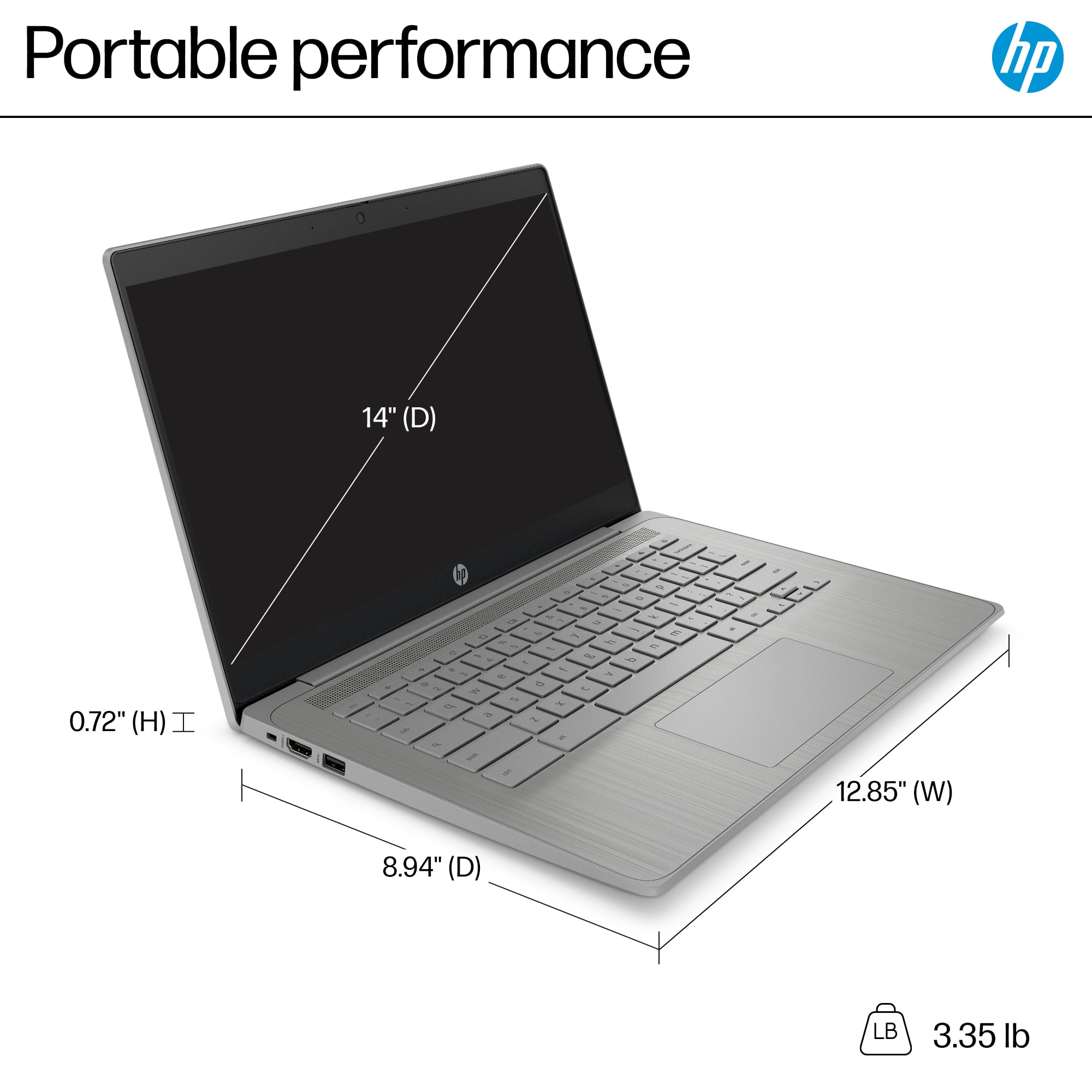
|Posted .This reviewer received promo considerations or sweepstakes entry for writing a review.The HP 14a-ne1013dx Chromebook is a fairly basic but still highly functional Chromebook. None of its specs will wow you, yet ChromeOS is light enough that everything still feels very snappy and responsive. Indeed, ChromeOS’s limitations for intense production work makes packing a Chromebook with high-end multicore CPUs a bit of a waste. Still, there are a few “luxuries” I wish this Chromebook had, nonetheless. Like most Chromebooks, setup out of the box is super simple. If you are an Android user, it’s even easier–you can use it to transfer your WiFi and Google credentials, making setup even smoother. You can be up and running in mere minutes. The device itself is made of plastic, with the out-facing areas covered in a textured plastic that resists showing fingerprints. Opening it up, the plastic is smooth but with a faint pattern of vertical lines to give it a more visually interesting look. The screen is surrounded by very dark gray, almost black, plastic bezels. While it’s a 14” screen, it is almost the same size as the most svelte 15” devices you might find, but the chassis is still lightweight. The non-backlit keyboard is acceptably comfortable to type on, with a generously sized but not huge trackpad beneath it. There isn’t a number pad, so keep that in mind if you’re a Google Sheets aficionado. The screen itself is 1366x768, which just crosses the threshold of being HD, and is about the lowest I would accept on a 14” screen. It’s acceptable enough for most casual uses though, and the viewing angles aren’t bad. Above the screen in the upper bezel you’ll find the webcam along with a slider for a privacy cover. Around the sides you’ll find two USB ports on the right side–a Type A port and a Type C port that doubles as the charging port for the 45W adapter. On the left side you’ll find another Type A USB port, the Kensington lock, and an HDMI port. Keep in mind that this is an HDMI 1.4 port, so if you’re connecting to a UHD TV you’ll be capped at 30Hz. Under the hood, so to speak, you’ll find an Intel Celeron N4500, a 2-core/2-thread CPU built for the mobile device market. It’s backed by just 4GB of RAM, but again, remember that ChromeOS is built for just such chips–it feels subjectively much faster than its modest specs suggest. Browsing the web, watching Youtube videos, working in Google Docs–all of these are plenty snappy, and remember one of the virtues here is that this translates to having great battery life. And although ChromeOS is a cloud-oriented OS, there’s a relatively generous 64GB of eMMC storage included as well. Overall, this is a perfectly serviceable Chromebook for most day to day tasks. There are a few features I wish it had–HDMI 2.0, full HD resolution, or perhaps a backlit keyboard–but as is it’ll definitely serve its intended purpose. I think anyone looking for an inexpensive computing device would be happy with this HP Chromebook.
I would recommend this to a friend