Customer Ratings & Reviews


- Model:
- L0R46AN#140
- SKU:
- 11529536
Rating by feature
- Value
Rating 4.3 out of 5 stars
- Quality
Rating 4.7 out of 5 stars
- Ease of Use
Rating 4.8 out of 5 stars
TO LITTLE INK IN THE CARTAGE
||Posted .This reviewer received promo considerations or sweepstakes entry for writing a review.Runs out ink within 250 to 275 pages. I do a lot of printing an this is unacceptable.
No, I would not recommend this to a friend- Pros mentioned:Price
HP Cartridges
||Posted . Owned for 1 week when reviewed.This reviewer received promo considerations or sweepstakes entry for writing a review.Great Value.Best Cartridges. Only HP Cartridges for my HP Printer.
I would recommend this to a friend great ink for a beginner
||Posted .This reviewer received promo considerations or sweepstakes entry for writing a review.ink works but doesn't seem to last very long--probably should print fewer copies
I would recommend this to a friendBack up
||Posted .This reviewer received promo considerations or sweepstakes entry for writing a review.Always need back up ink for the printer and this has always been reliable
I would recommend this to a friend- Pros mentioned:Price
runs out quickly
||Posted .This reviewer received promo considerations or sweepstakes entry for writing a review.It has a pretty good price but, it runs out too fast
I would recommend this to a friend Ink for Printer
||Posted . Owned for 2 weeks when reviewed.This reviewer received promo considerations or sweepstakes entry for writing a review.Well worth the price - plan on buying this product again
I would recommend this to a friendCan’t go wrong
||Posted .This reviewer received promo considerations or sweepstakes entry for writing a review.This is always a good reliable option for at home printing needs.
I would recommend this to a friendGreat
||Posted . Owned for 2 weeks when reviewed.This reviewer received promo considerations or sweepstakes entry for writing a review.It’s great for working from home not for big projects!!
I would recommend this to a friendGreat ink
||Posted .This reviewer received promo considerations or sweepstakes entry for writing a review.Not the best price since you stopped the 10% off if use best buy credit card
I would recommend this to a friendvery good
||Posted . Owned for 3 weeks when reviewed.This reviewer received promo considerations or sweepstakes entry for writing a review.I wish it came in xl , but all they had was the regular size.
I would recommend this to a friendCombined Package Saves Money
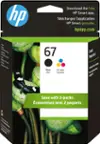
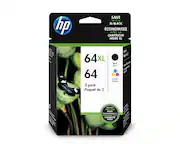
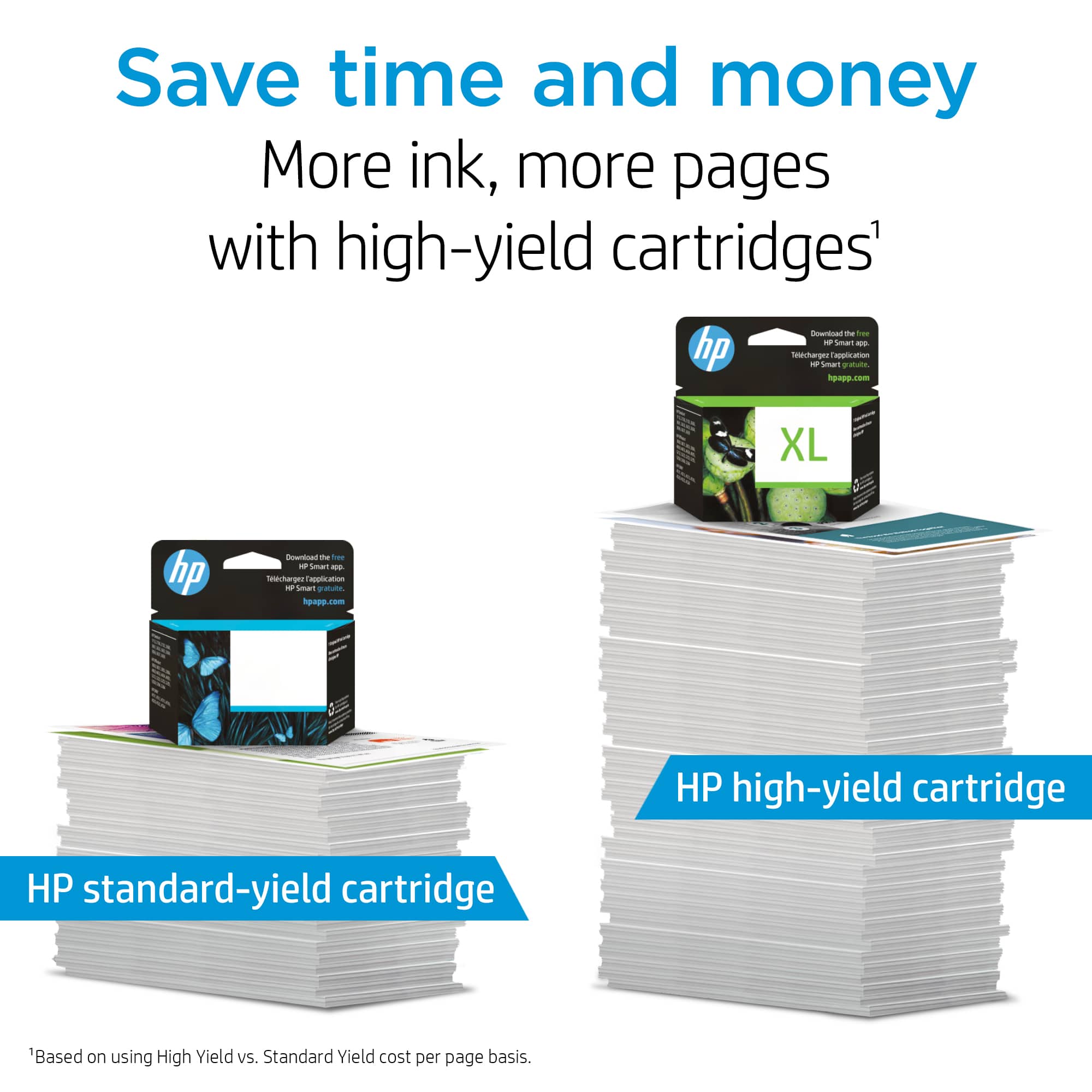
||Posted . Owned for 1 month when reviewed.This reviewer received promo considerations or sweepstakes entry for writing a review.Unfortunately, while HP professes to provide 400 printed pages for the enhanced cartridge and 190 for the regular cartridge, they obviously are not talking about full pages of printed words or diagrams. At most you may get 100-120 pages with the regular cartridge, but that is only if you use a few sentences per page. Of course, that is if the cartridge doesn't dry up before you finish using it, which is a common HP problem. On the bright side, the combined packages of color and black ink do give you a few dollars off, an otherwise, expensive convenience. But think of the $300 you spend annually on print cartridges as being an American patriot and your annual contribution to Making America Great Again.
No, I would not recommend this to a friendBrand response from HP Team
Posted .Hello Steve,
I can understand if you are disappointed when the cartridge seemed to run out too quickly. The advertised estimates of pages are based on a standard set of prints used by the industry.
How each individual cartridge will perform for you is determined by your own usage. High-density prints (such as images and graphs) will use more ink, especially if the paper is extra absorbent and the air is warm and dry.
Here are some things that might help lower your ink costs:
- Make use of the printer's draft mode whenever possible, to help stretch out black and colored ink
- Using the black-only setting will save on colored ink usage.
- To keep the cartridge from drying up prematurely, always use the power button on the printer itself to turn it off. That gives it time to ‘park’ so that the cartridges are protected from excessive drying.
- Shutting the printer down between uses will save electricity and a few drops of ink here and there that are used to keep the inkjets cleared and ready for your next print job.
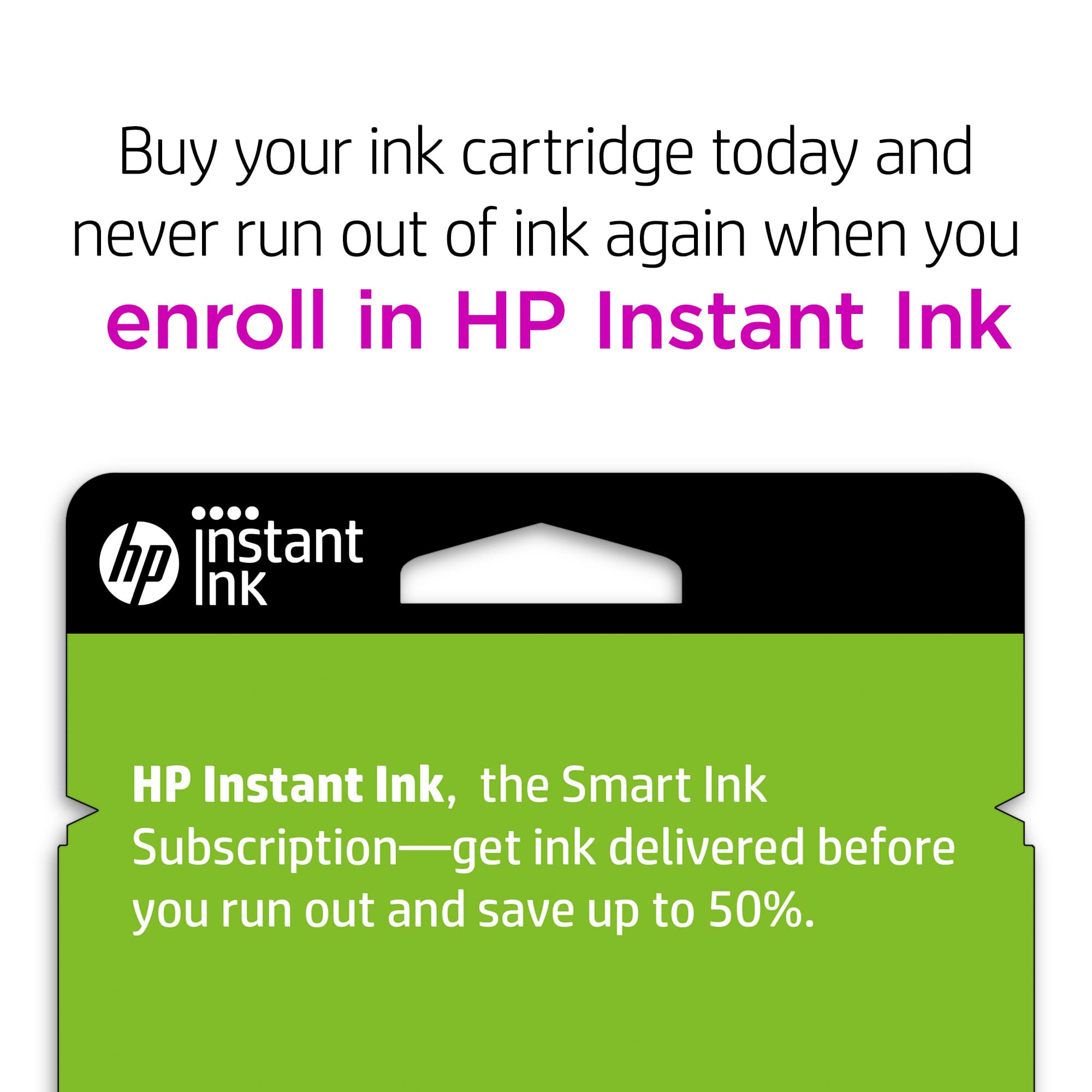
- Instant Ink lets you pay by the page. Check out the details at: instantink.com
If it appears that poor performance is due to a defect or you got a cartridge that was already low on ink, please contact the seller.
According to the Best Buy website: "If you receive a product that is damaged in shipping, defective or that is not the product you ordered, please return it during your return and exchange time period to Best Buy and we'll arrange for a replacement. If you would rather return the item by mail during your return and exchange time period, please call us for special instructions at 1-888-BEST BUY (1-888-237-8289)."
Mary
HP Care
hp.com/support
Works well
||Posted .This reviewer received promo considerations or sweepstakes entry for writing a review.So far so good, i haven’t had any issues with printing up photos or documents
I would recommend this to a friendit worked!
||Posted .This reviewer received promo considerations or sweepstakes entry for writing a review.had trouble with previous cartridge not being accepted. these were no problem
I would recommend this to a friendGood
||Posted . Owned for 10 months when reviewed.This reviewer received promo considerations or sweepstakes entry for writing a review.My printing quality is ok, it's not the ink but the HP.
No, I would not recommend this to a friendWorks, needs to last longer.
||Posted .This reviewer received promo considerations or sweepstakes entry for writing a review.Did exactly what it was purchased for, just needs to last longer.
I would recommend this to a friendGood
||Posted .This reviewer received promo considerations or sweepstakes entry for writing a review.I've been buying this product for three year's now never had a issue
I would recommend this to a friendprints fine
||Posted .This reviewer received promo considerations or sweepstakes entry for writing a review.The installation went okay, and the quality of printing is fine.
I would recommend this to a friend- Pros mentioned:Price
Ink
||Posted .This reviewer received promo considerations or sweepstakes entry for writing a review.Great value for a great name brand product in a close location
I would recommend this to a friend Expensive
||Posted .This reviewer received promo considerations or sweepstakes entry for writing a review.This is the only ink I can buy for my computer. It is expensive and goes fast.
I would recommend this to a friendGood product
||Posted .This reviewer received promo considerations or sweepstakes entry for writing a review.Nice stuff to use, but cause a bit of money. It doesn’t last that long.
I would recommend this to a friend