Customer Ratings & Reviews



- Model:
- J9V90A#B1H
- SKU:
- 5519200
Rating by feature
- Value
Rating 4.2 out of 5 stars
- Quality
Rating 4.1 out of 5 stars
- Ease of Use
Rating 4.0 out of 5 stars
Customers are saying
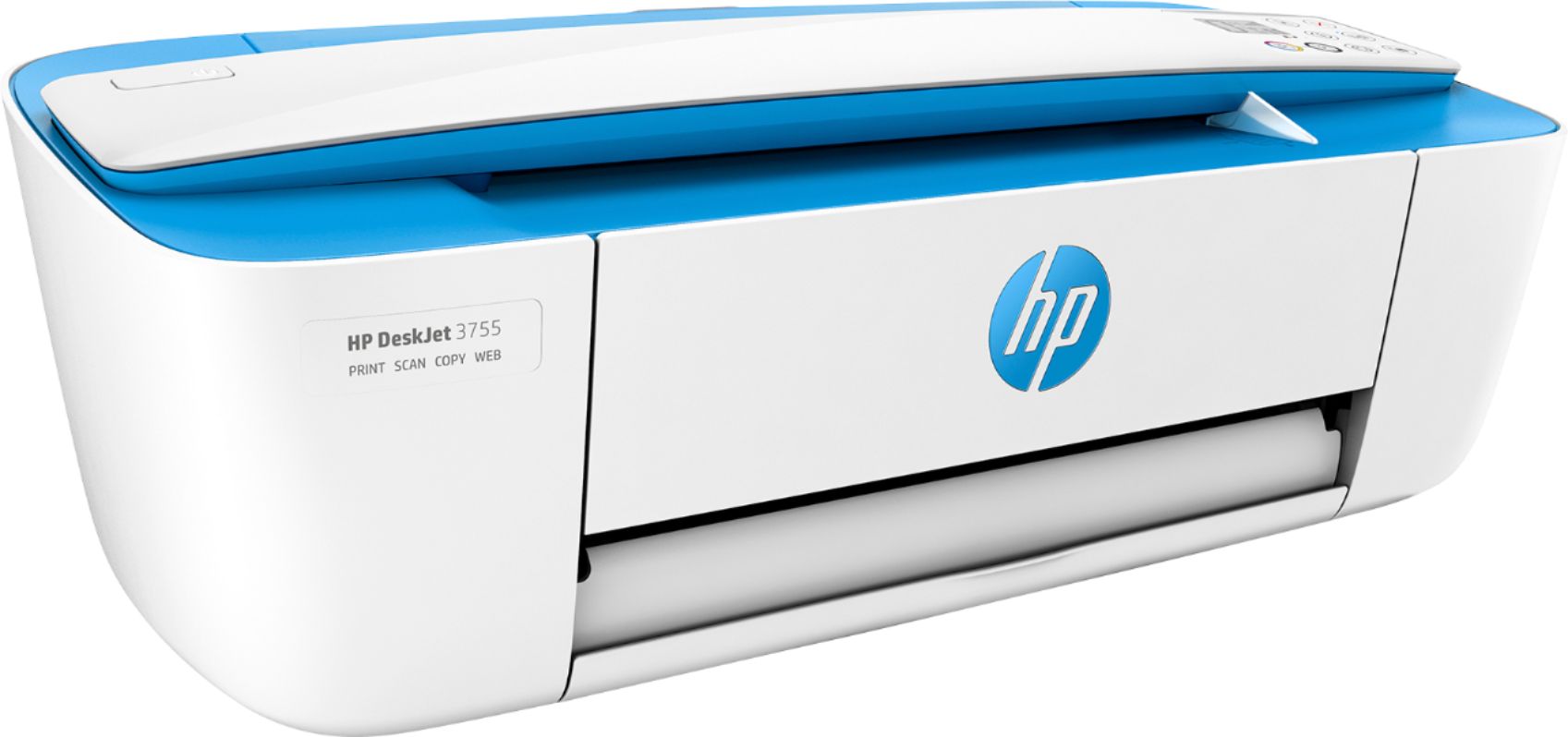
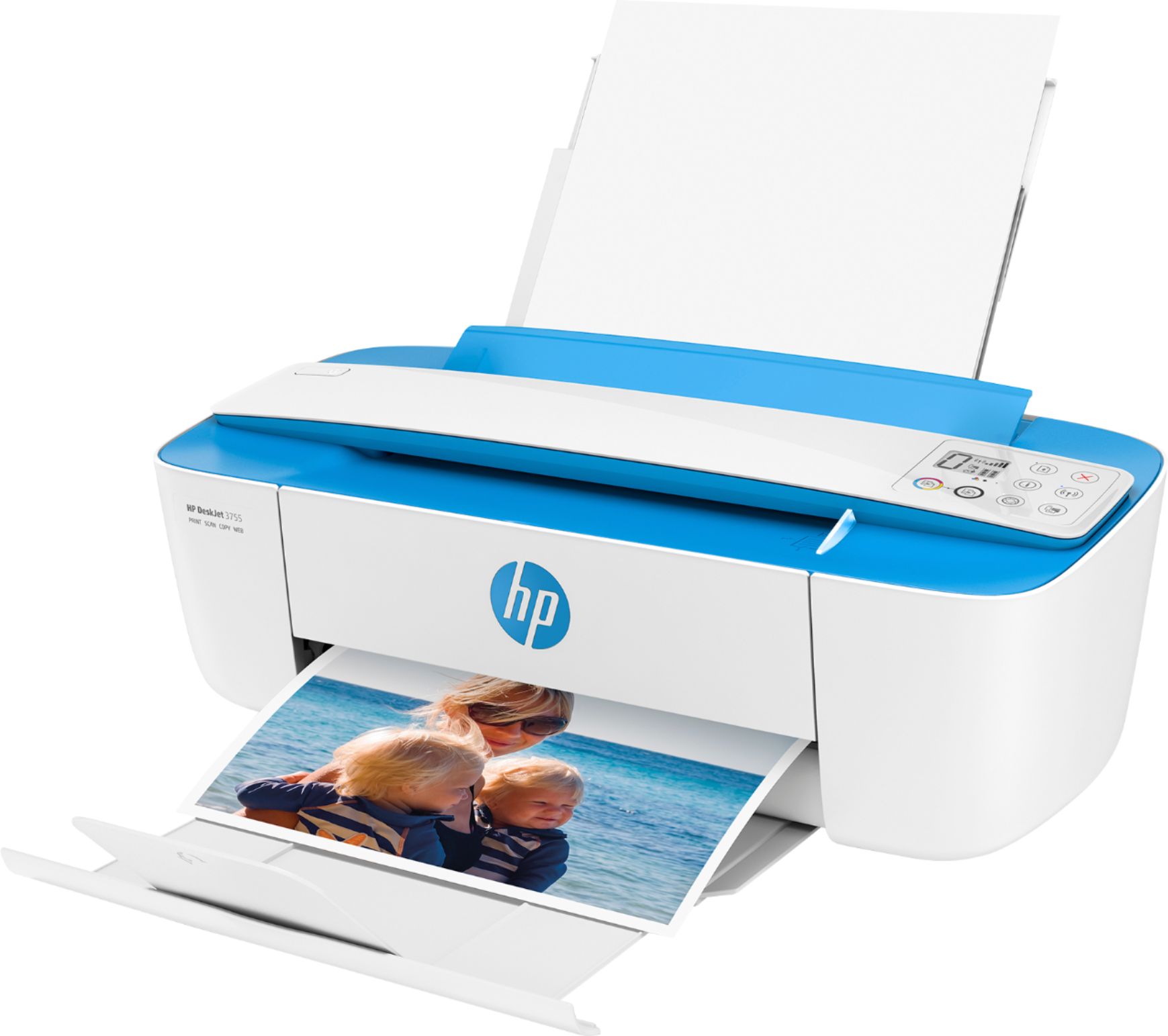
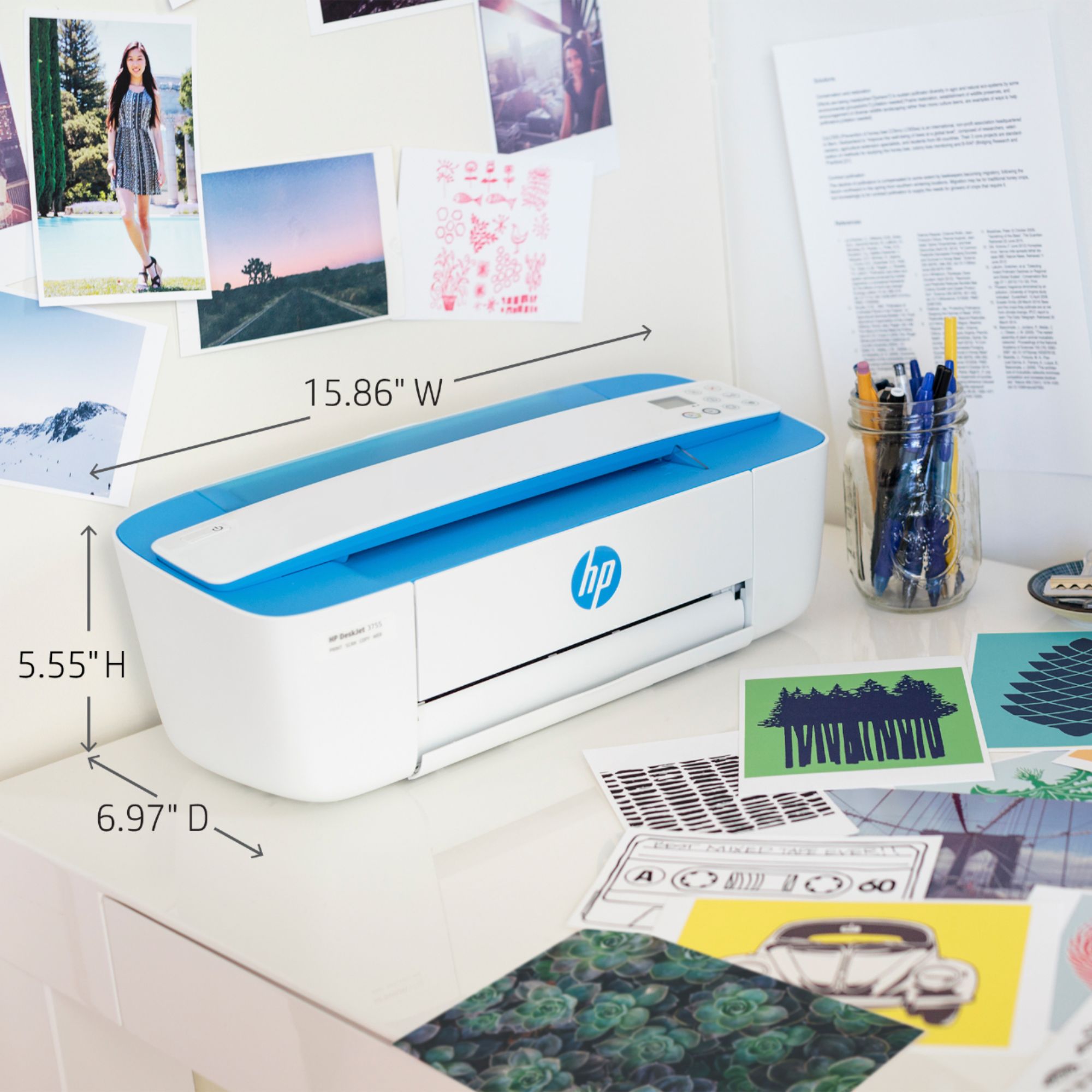
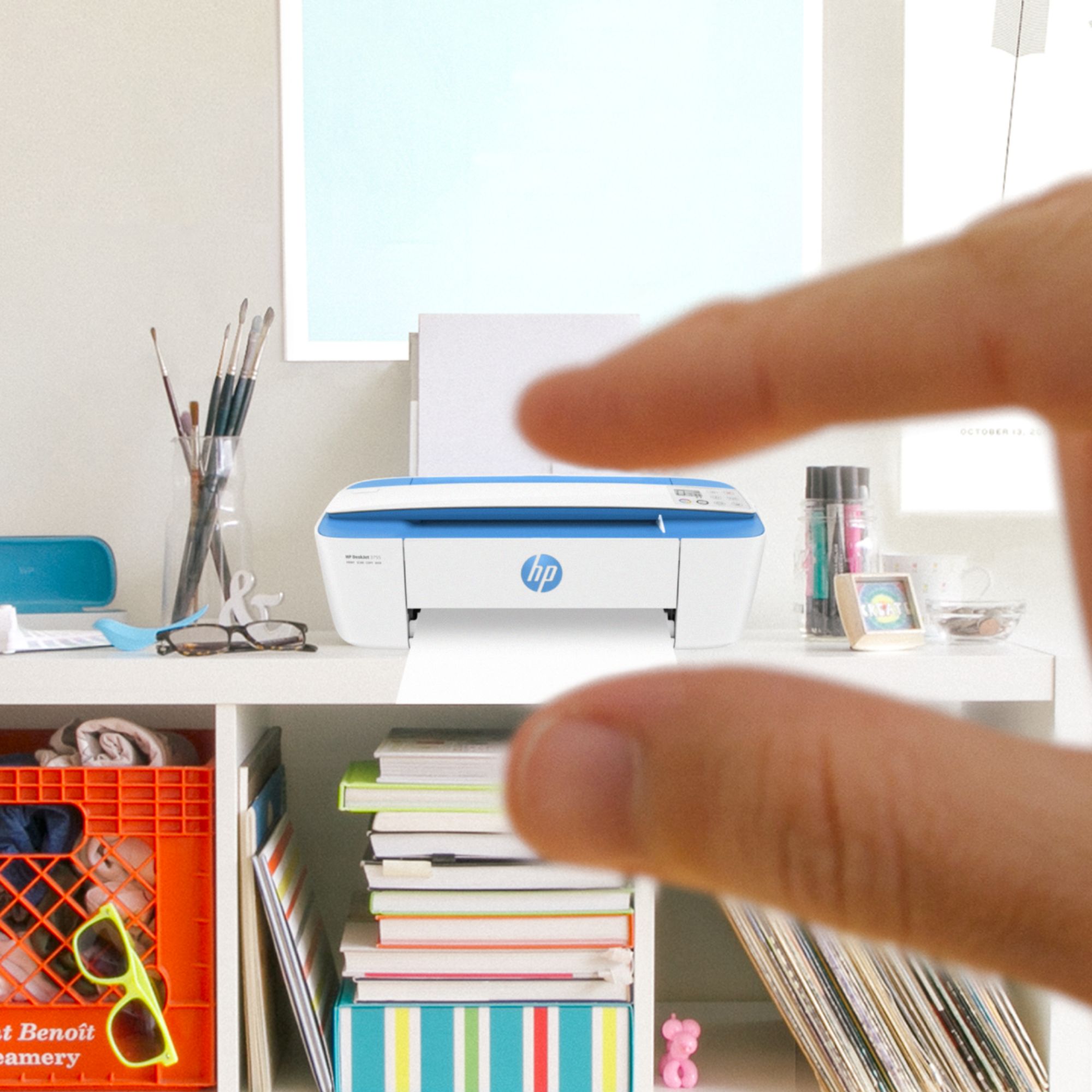
Customers consistently note the DeskJet 3755's small size and ease of use as significant advantages. The printer's print quality also receives positive feedback, along with its wireless capabilities and affordable price. Many appreciate its lightweight design and quiet operation.
This summary was generated by AI based on customer reviews.
- Pros mentioned:Print quality
Great printer
||Posted . Owned for 11 months when reviewed.This reviewer received promo considerations or sweepstakes entry for writing a review.Works great printing using wifi. Can print from phone and computer in another room.
I would recommend this to a friend - Pros mentioned:Ease of use
Good printer
||Posted . Owned for 1 month when reviewed.This reviewer received promo considerations or sweepstakes entry for writing a review.Cute little printer with fast printing speed. Easy to set up, and eligible for mail ink cartridges.
I would recommend this to a friend - Pros mentioned:Ease of use
Quick n compact
||Posted . Owned for 3 weeks when reviewed.This reviewer received promo considerations or sweepstakes entry for writing a review.Compact and easy to set up. Quick printing and easy to install ink cartridges.
I would recommend this to a friend Would be great but...
||Posted .This reviewer received promo considerations or sweepstakes entry for writing a review.According to the box this all in one printer was exactly what I needed, here comes the BUT...if I could only set it up to work like it promised...set up seemed easy but all of the features didn’t work and there are little to no help on the correct way to do it.
No, I would not recommend this to a friendBrand response from HP Team
Posted .Hey Danny,
I’m so sorry that the printer isn’t working as it should be! This is very disappointing to hear, especially since we always strive to provide reliable printing. With that said, I'd really like to make sure that we resolve this for you.
As I don't have enough information to identify this issue, what I’d recommend is contacting us for support. We’d be more than happy to help, so you can give us a call at +1 800-474-6836 between the hours of 8 am - 9 pm ET. To expedite the process, you can gather these beforehand:
- Model number
- Serial number
- Your location
- Your case number (from prior contact with support)
We look forward to speaking with you so we can make this right!
Chelsea
HP Care
hp.com/support
- Pros mentioned:Ease of use
All in one printer HP
||Posted . Owned for 2 weeks when reviewed.This reviewer received promo considerations or sweepstakes entry for writing a review.Great for home use. Easy set up. Very easy to use. Scanned pages are clear when uploaded.
I would recommend this to a friend Prints slowly
||Posted .This reviewer received promo considerations or sweepstakes entry for writing a review.Not fast even when connected directly to the computer via usb
No, I would not recommend this to a friend- Pros mentioned:Ease of use
Great Little Printer!
||Posted . Owned for 1 week when reviewed.This reviewer received promo considerations or sweepstakes entry for writing a review.This printer is very economical but has all the features I need and is easy to setup and get going!
I would recommend this to a friend - Pros mentioned:Size
Nice printer
||Posted . Owned for less than 1 week when reviewed.This reviewer received promo considerations or sweepstakes entry for writing a review.Nice printer that takes up very minimal space. Copy function works well too.
I would recommend this to a friend Print quality is low
||Posted .This reviewer received promo considerations or sweepstakes entry for writing a review.Print quality is lower than I hoped. Words are uneven
No, I would not recommend this to a friend- Pros mentioned:Ease of use
Great small printer
||Posted . Owned for 3 weeks when reviewed.This reviewer received promo considerations or sweepstakes entry for writing a review.Great price does a lot just like other big printers. Easy set up and easy to use
I would recommend this to a friend - Pros mentioned:Ease of use
cute printer
||Posted . Owned for 1 week when reviewed.This reviewer received promo considerations or sweepstakes entry for writing a review.super love this cute little printer. easy to use no brainer
I would recommend this to a friend Lasted only a year and half.
||Posted . Owned for 1.5 years when reviewed.This reviewer received promo considerations or sweepstakes entry for writing a review.I really thought I was getting a nice, simple printer all in one to use. What I especially liked about it was the scan feature, as many of the local office max and supply stores have closed near by for me to go to do it there at their place. A year and half later when scanning, I got a black box from my ink cartridge across the top of the page. And it can't be fixed. I had to start over and buy a printer.
No, I would not recommend this to a friendSetting Up Printer a Challenge
||Posted . Owned for 3 weeks when reviewed.This reviewer received promo considerations or sweepstakes entry for writing a review.Printer is working fine but was really hard to hook up. I don't have wi-fi at my apartment - just the ethernet connection to my computer. Fortunately I had a USB cable from my old printer to use. I had a hard time finding the driver to download online, and then I couldn't get it to print. I ended up contacting customer support with HP, and after 3 hours (with the tech remotely working on my computer), the printer would work. Unfortunately, the tech couldn't get the printer's wi-fi direct to work at all. At least I can print from my computer through the USB. BUT, it should not be this hard to get a printer to work.
No, I would not recommend this to a friend- Pros mentioned:Print quality
Quick and compact.
||Posted .This reviewer received promo considerations or sweepstakes entry for writing a review.This little printer is deceptively quick and efficient for the small size and price. I am pleased with the quality of the printing.
I would recommend this to a friend Save your money
||Posted . Owned for 7 months when reviewed.This reviewer received promo considerations or sweepstakes entry for writing a review.It's Nov 30 .20 Cant get printer to work screams it's off líne. No My internet is working fine all my devices are doing well. Tried wi fi direct nothing. It won't even print from my phone and at least it did that. I have 2 computers can't get it set up. Printer tells me it's not on but its lite up on the printer. Can't add it to my computers or phone now. New it set up on phone just fine not now. It's not even a year old and I hardly used it. The only thing it's good for is the trash. Buy at your own risk.
No, I would not recommend this to a friend- Pros mentioned:Print quality
Small but efficient!!
||Posted . Owned for 1 month when reviewed.This reviewer received promo considerations or sweepstakes entry for writing a review.The printer is small but powerful. It prints and scans very well.
I would recommend this to a friend Bad for chromebook
||Posted .This reviewer received promo considerations or sweepstakes entry for writing a review.this thing cost a fortune to run because the ink barely last 30 pages and I says that it's set up for easy Android and Chromebook usage however was really really difficult to use Ibotta an Epson instead and it's done really well and I like that but much better
No, I would not recommend this to a friendBrand response from HP Team
Posted .Hi Tim,
I'm very sorry to hear about these complications with the printer's setup and ink consumption. I can fully understand your disappointment and want to assure you that it was never our intention to deliver anything short of a reliable experience. That being said, I regret that we fell short this time.
Despite these complications, I do hope that you'll allow us an opportunity in the future to make this right. We would be grateful to be able to provide you with the seamless experience we intended on from the start.
Take care,
Chelsea
HP Care
hp.com/support
Great Buy at Best Buy
||Posted . Owned for 1 month when reviewed.This reviewer received promo considerations or sweepstakes entry for writing a review.Outstanding functionality for the price. Easy to set up. Intuitive interface.
I would recommend this to a friendHP Printer 3755
||Posted .This reviewer received promo considerations or sweepstakes entry for writing a review.I had problems getting the paper to be copied into the printer. As could see where the sheet needed to put into printer. I did eventually get it figured out. I also installed the printer driver so the printer could talk to the printer. It took a couple of tries but I got it to work. The problem is I can not copy a page out of a book, but I do not need to do that. Overall I am very happy with the printer and glad I have it.
I would recommend this to a friendGood for light printing needs.
||Posted .This reviewer received promo considerations or sweepstakes entry for writing a review.Purchased this printer for light use and works well.
I would recommend this to a friend