Customer Ratings & Reviews
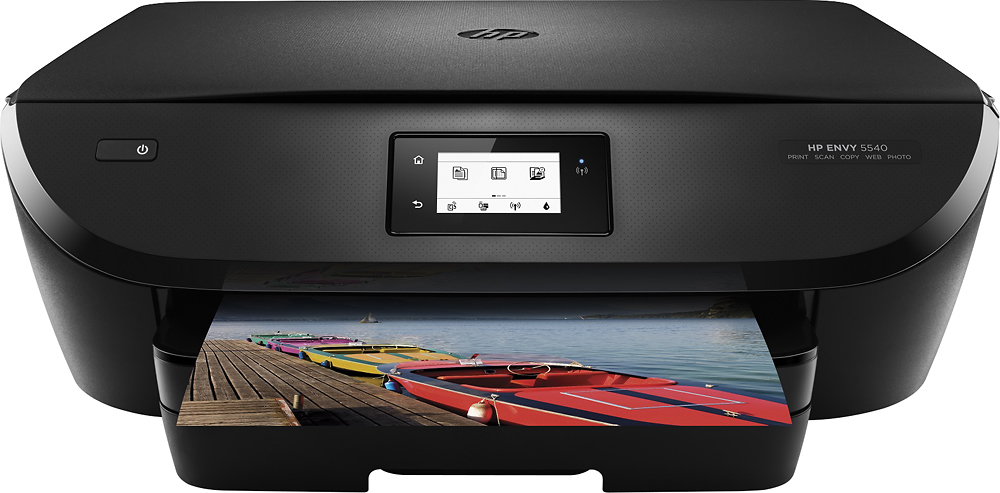
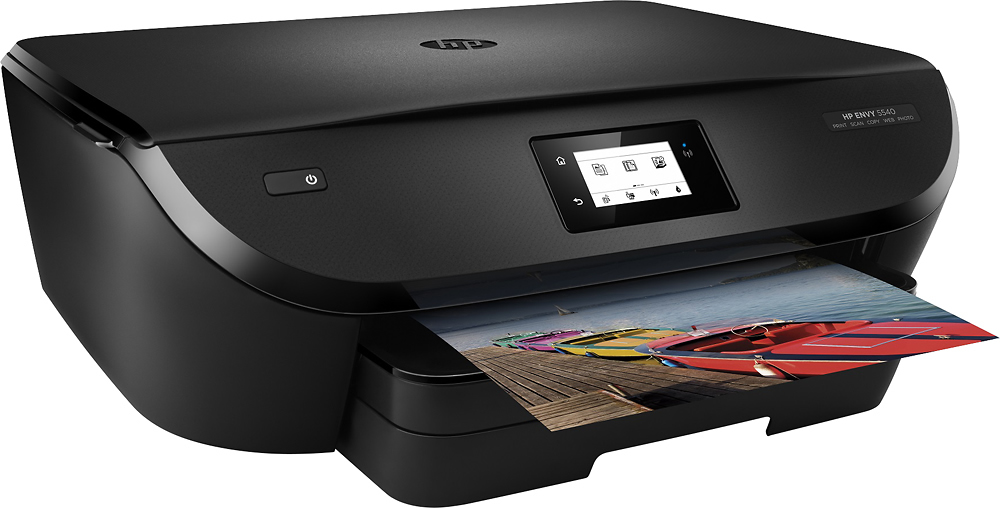
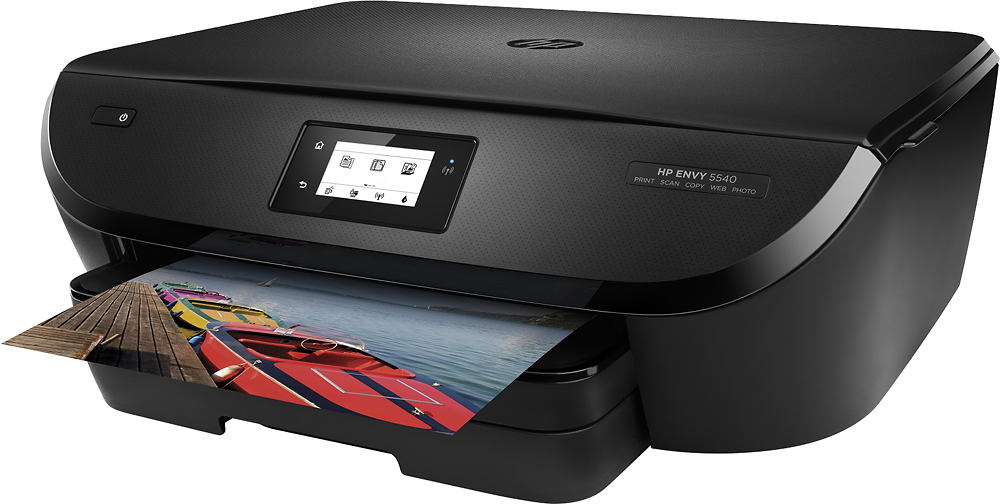
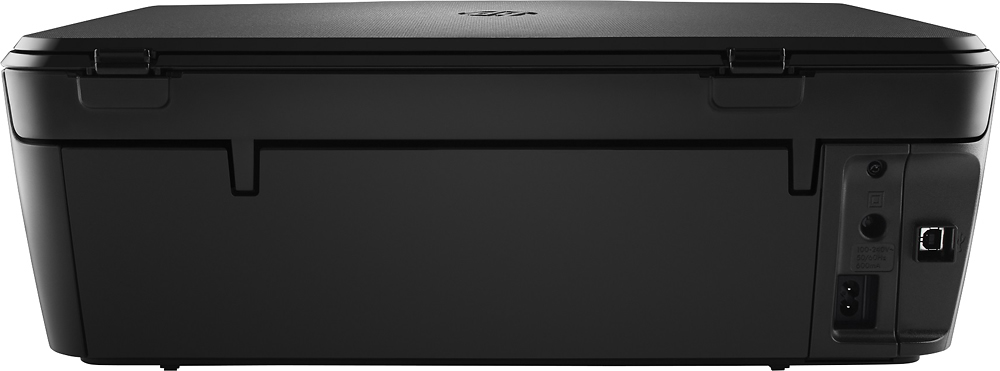
- Model:
- K7C85A#B1H
- |
- SKU:
- 4363410
Customer reviews
Rating 4.5 out of 5 stars with 2972 reviews
(2,972 customer reviews)Rating by feature
- Value4.3
Rating 4.3 out of 5 stars
- Quality4.2
Rating 4.2 out of 5 stars
- Ease of Use4.6
Rating 4.6 out of 5 stars
Customers are saying
Customers commend the ENVY 5540 for its excellent print quality and ease of use, along with its convenient wireless functionality. Many appreciate the printer's compact size and straightforward setup process. While some users found the paper tray design slightly confusing, the overall experience is overwhelmingly positive.
This summary was generated by AI based on customer reviews.
Rated 1 out of 5 stars
took it back
||Posted .This reviewer received promo considerations or sweepstakes entry for writing a review.Very slow and prints terrible pictures, and uses ink very fast.
No, I would not recommend this to a friendRated 1 out of 5 stars
Bad
||Posted .This reviewer received promo considerations or sweepstakes entry for writing a review.Returned product within 24 hours as it did not operate
No, I would not recommend this to a friendRated 3 out of 5 stars
Undocumented WPS PIN causes frustration
Posted .This reviewer received promo considerations or sweepstakes entry for writing a review.HP ENVY 5540 All in One printer - the installation instructions does not explain what the WPS PIN is and how to get it. In the WWW, all I found was that WPS stands for WiFi Protected Setup and that if you press a recessed button on the back of the printer, it would print out the WPS PIN. The HP ENVY 5540 does not have this button. You need the WPS PIN when you add the printer to the Windows OS. To get the WPS PIN, click on the WiFi symbol on the bottom of the display window on the printer. Press the gear symbol on the bottom left of the window. It will show you 3 menu options. The third menu option is WiFi Protected Setup. Select that option and follow the prompts. It will display the WPS PIN that is unique for your printer. Write it down so that you can enter it when you add the printer to the Windows OS.
I would recommend this to a friend- Pros mentioned:Print quality, Wireless
Rated 5 out of 5 stars
So far, so good!
Posted .This reviewer received promo considerations or sweepstakes entry for writing a review.I needed to replace an Epson that was less than a year-and-a-half old. I have always loved HP printers so I went back to what I know. I've had this one for about a month now and so far, I haven't been disappointed. First of all, the HP Instant Ink plan is amazing! I had never heard of it before, but I think it's a great idea. I signed-up right away and have already received my ink refill. (I haven't had to replace my ink yet and I've printed quite a lot of pages.) Secondly, I LOVE being able to email something directly to the printer. I work from home and previously couldn't print while connected to VPN. Now, I just email the document from my work email to my printer's email and voila it prints immediately! Lastly, I just printed my first picture on photo paper (directly from my phone) and honestly, I haven't ever seen a photo print this nicely from a home printer before. It looks like a professionally printed photo! I'm really happy with this printer! I'm just sorry I spent so much time and money trying to fix the stupid Epson printer before I gave-in and got this HP printer.
I would recommend this to a friend - Pros mentioned:Size, Wireless
Rated 4 out of 5 stars
Does what I need it to
Posted .This reviewer received promo considerations or sweepstakes entry for writing a review.I needed something that I wasn't too costly that I could connect multiple devices to. This printer allows me to print wirelessly from any room in my house from either tablet, computer or phone. When I am away from home and need things printed at home for others I can email it to the printer and have it picked up easily. It also has fun things for kids to do built right in so I don't have to find a new coloring book or maze for the kids to be occupied with. I recommend this little treat.
I would recommend this to a friend - Pros mentioned:Ease of use
Rated 4 out of 5 stars
Great printer, easy to install
Posted .This reviewer received promo considerations or sweepstakes entry for writing a review.Love this printer. It was a breeze to install. I had purchased a Canon earlier in the day and returned it because of a bad design. This printer is everything I want.
I would recommend this to a friend - Pros mentioned:Print quality
Rated 4 out of 5 stars
great printer
Posted .This reviewer received promo considerations or sweepstakes entry for writing a review.bought this for pictures and couponing... pictures are good quality but not the best... but for everyday printing and coupons? this is great and a good buy.
I would recommend this to a friend - Pros mentioned:Ease of use
Rated 4 out of 5 stars
Decent Printer/Scanner
Posted .This reviewer received promo considerations or sweepstakes entry for writing a review.Printer is easy to setup and use. I really appreciate the ability to print on both sides of the page. The only issue I have is if the printer is in sleep mode when you boot-up your laptop, then your laptop will show the printer as "offline" and it seems the only way to get past the problem is to choose the "shut down" (not sleep) option on the printer, then start it back up again. That somehow triggers the laptop to see the printer and print whatever jobs (if any) are stuck in the queue. I tried reinstalling drivers, but still I have to do this workaround. If you connect the printer via USB (cable not provided) instead of WiFi, then you shouldn't have this issue. Despite this minor issue, I like printer and would recommend it.
I would recommend this to a friend - Pros mentioned:Ease of use
Rated 5 out of 5 stars
Simple and Quiet
Posted .This reviewer received promo considerations or sweepstakes entry for writing a review.This printer is quiet and super easy to use w the programming from the phone or iPad When you print pictures or articles - it prints and it prints quietly where you don't know it's printing
I would recommend this to a friend - Pros mentioned:Wireless
Rated 5 out of 5 stars
This printer is excellent!
Posted .This reviewer received promo considerations or sweepstakes entry for writing a review.It's a wireless printer where I can print anything from my phone or laptop...wirelessly! The future is upon us! What's even better is that on my phone it will tell me if it needs new ink or paper. Also it will tell HP that I need more ink and they will send it to me if you subscribe to their service. So if you are a business owner that prints a lot of things then this is a treasured innovation-especially if you have been using a printer from early 2000's all of your life. The only con I can think of, is that it does have some connectivity issues with google chrome or chrome print-not sure why and google's advice for correcting this issue is non-existent.
I would recommend this to a friend - Pros mentioned:Ease of use, Print quality
Rated 5 out of 5 stars
Great Printer
Posted .This reviewer received promo considerations or sweepstakes entry for writing a review.I've only just hooked up the printer but it was easy to do. Prints nice so far. Haven't tried printing pictures yet but it works great. Effortless to set up and use so far.
I would recommend this to a friend - Pros mentioned:Ease of use, Wireless
Rated 5 out of 5 stars
Great wireless printer
Posted .This reviewer received promo considerations or sweepstakes entry for writing a review.This is my first wireless printer and I love it. It is so convenient to print from my phone. I would definitely recommend this printer.
I would recommend this to a friend - Pros mentioned:Ease of use, Size
Rated 5 out of 5 stars
Great printer
Posted .This reviewer received promo considerations or sweepstakes entry for writing a review.This is a great printer. It was easy to set up and works well. Plus it doesn't take up a lot of space.
I would recommend this to a friend - Pros mentioned:Price, Print quality
Rated 5 out of 5 stars
Great 3in1 printer
Posted .This reviewer received promo considerations or sweepstakes entry for writing a review.This is a great printer for the price. Replacement ink is also cheaper than most. I will buy again.
I would recommend this to a friend - Pros mentioned:Ease of use, Print quality
Rated 5 out of 5 stars
Easy to set up, Easy to Use
Posted .This reviewer received promo considerations or sweepstakes entry for writing a review.The printer was easy to set up and has produced very nice color and B&W prints so far.
I would recommend this to a friend - Pros mentioned:Print quality
Rated 4 out of 5 stars
A great printer for the price
Posted .This reviewer received promo considerations or sweepstakes entry for writing a review.It was easy to setup and the printer prints fast. Easy to use.
I would recommend this to a friend - Pros mentioned:Price
Rated 5 out of 5 stars
Works great
Posted .This reviewer received promo considerations or sweepstakes entry for writing a review.Affordable, reliable and perfect for the home user.
I would recommend this to a friend - Pros mentioned:Print quality
Rated 5 out of 5 stars
Perfect printer for my needs
Posted .This reviewer received promo considerations or sweepstakes entry for writing a review.The printer offers the ability to print, scan, copy, and fax. You can print photos on high gloss paper for that professional look. It prints and copies two sided documents. The only thing I do not like is that there is no document feeder as this makes two sided printing and scanning documents take a while.
I would recommend this to a friend - Pros mentioned:Print quality
Rated 5 out of 5 stars
Wondeful Printer!
Posted .This reviewer received promo considerations or sweepstakes entry for writing a review.Very affordable, easy to set up, and does it all - print, scan, copy and is wireless. Last two HP Printers lasted about a year with print heads clogging. This printer truly prints so clear and it is so easy! The print heads are in the ink cartridges so we hope that will take care of that problem.
I would recommend this to a friend - Pros mentioned:Print quality
Rated 3 out of 5 stars
Doesn't include all paper types
Posted .This reviewer received promo considerations or sweepstakes entry for writing a review.For the most part, I am pleased with this printer. I have only had it a short while, but the quality is good, the paper is easy to load, the scanner works well, etc. And I really like the fact that it only needs two ink cartridges. The reason I am giving it only 3 stars is because it will not print on legal size paper. Under the specs, the description only says that it prints on different paper types, and then says the max length is 14" and the max width is 8.5". I took this to mean that it could print legal size paper (8.5x14). This seems to be the only paper size it does not accept. This printer is used in a church office where we prefer to print the bulletins on legal paper, so this is a huge set back for me.
I would recommend this to a friend