Customer Ratings & Reviews
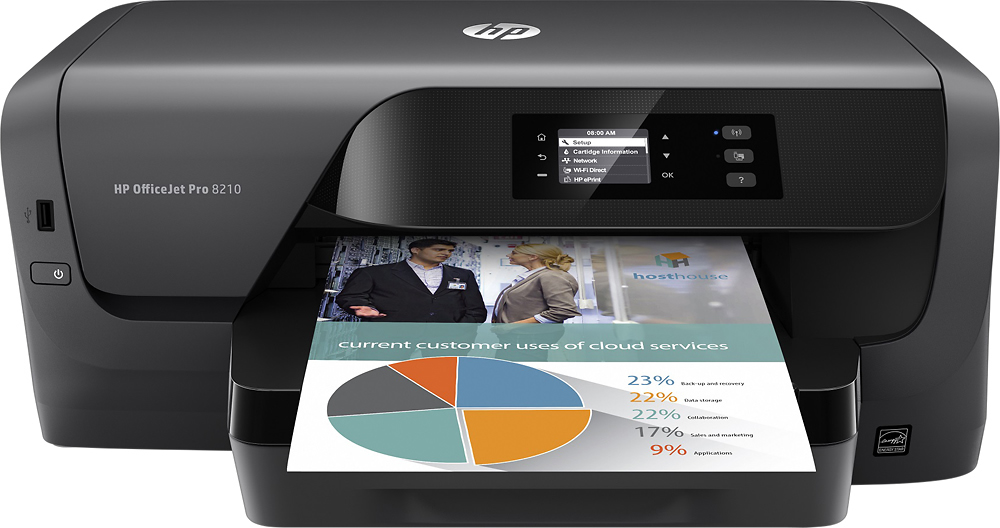
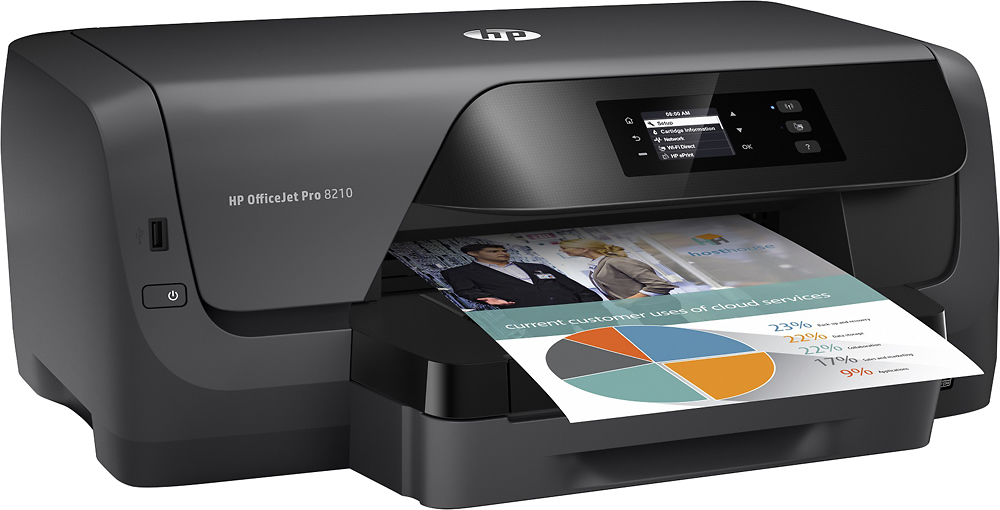
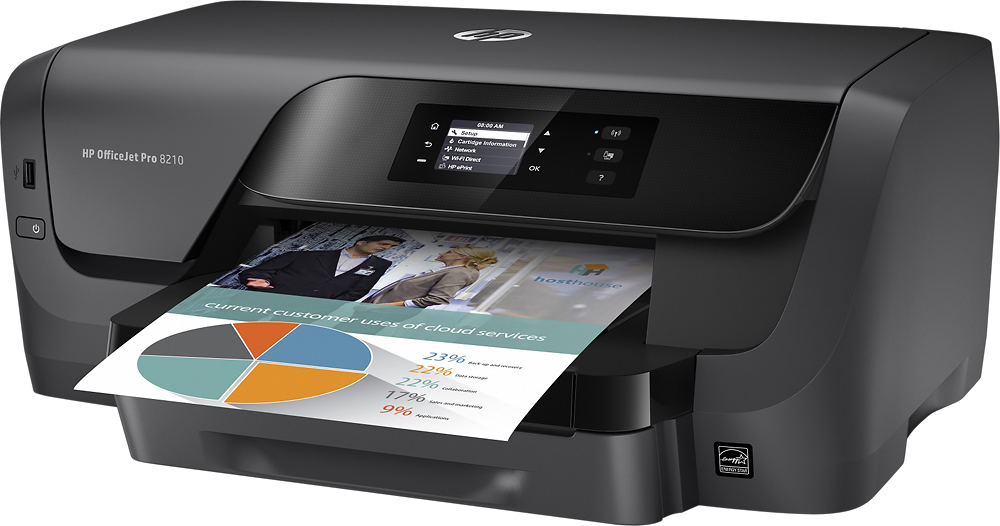
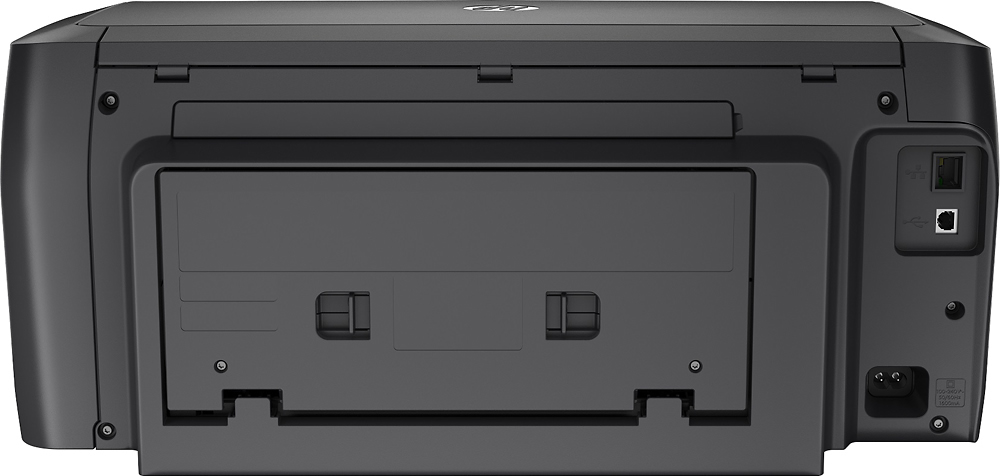


- Model:
- D9L64A#B1H
- SKU:
- 5536500
Rating by feature
- Value
Rating 4.0 out of 5 stars
- Quality
Rating 4.1 out of 5 stars
- Ease of Use
Rating 4.1 out of 5 stars
Customers are saying
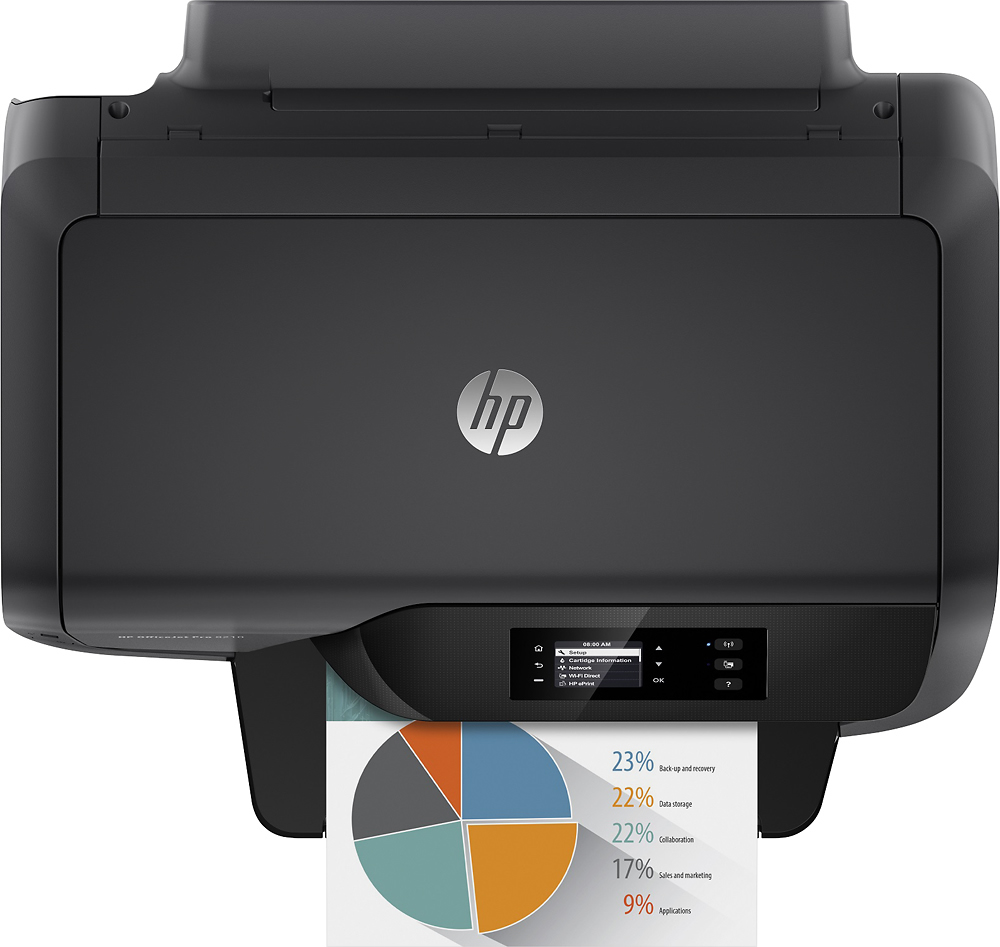
Customers commend the OfficeJet Pro 8210 for its excellent print quality, ease of use, and reliable performance. Many appreciate its wireless functionality and straightforward setup. However, some customers point out the absence of a scanner as a significant drawback, and a few mention the printer's relatively large size. The lack of copying functionality is also noted by some users.
This summary was generated by AI based on customer reviews.
- Pros mentioned:ReliabilityCons mentioned:Size
Decent printer
||Posted . Owned for 3 months when reviewed.This reviewer received promo considerations or sweepstakes entry for writing a review.Big for a printer without a scanner but performed great
I would recommend this to a friend - Cons mentioned:Scanner
Good Printer
||Posted . Owned for 1.5 years when reviewed.This reviewer received promo considerations or sweepstakes entry for writing a review.Good printer. Wish it had a scanning feature on the machine.
I would recommend this to a friend - Pros mentioned:Print quality
Quietly perfect
||Posted . Owned for 1 month when reviewed.This reviewer received promo considerations or sweepstakes entry for writing a review.I love it! It is quitter and produces a a very good print.
I would recommend this to a friend - Pros mentioned:Print quality
Great single function printer
||Posted .This reviewer received promo considerations or sweepstakes entry for writing a review.This is a very fast and well designed single function printer. I didn't need scanning and copying since I have those functions elsewhere. This one also supports HP's Instant Ink service which seems like a great deal. The ink cartridges are large and well located when it's time to change inks. One of my requirements was to print on heavy card stock and this one is able to pull heavier stock than any other printer I looked at. All around a great printer so far.
I would recommend this to a friend - Pros mentioned:Print quality
I would recommend
||Posted . Owned for 3 weeks when reviewed.This reviewer received promo considerations or sweepstakes entry for writing a review.This printer does not copy or scan and I had set it up before realizing this. However, if you have a lot of printing to do and/or multiple users, I would highly recommend this printer.
I would recommend this to a friend - Cons mentioned:Scanner
Not All Purpose
||Posted . Owned for 3 months when reviewed.This reviewer received promo considerations or sweepstakes entry for writing a review.I went to Best Buy and explained that I was a student and needed an all purpose printer. This was the one they suggested. The cost was pretty good, especially if it was all purpose, so I bought it and took it home. I set this sucker up and went to photo copy some forms for school...there was no photo copy capability. Why? What kind of all purpose printer cannot make a copy. I tried scanning but the copy sucked. So I got to pack the whole thing up again and take it back. Meanwhile I had to race out and purchase the first printer copier I could find at another store so that I could submit the forms I had needed for school. I imagine the printer is probably good but I wish the sales person understood its deficiencies when I asked for all purpose.
No, I would not recommend this to a friend - Pros mentioned:Ease of use, Setup
printer
||Posted .This reviewer received promo considerations or sweepstakes entry for writing a review.easy to use, love it for home use easy set up and linking
I would recommend this to a friend - Cons mentioned:Copying, Scanner
Perfect Home printer
||Posted .This reviewer received promo considerations or sweepstakes entry for writing a review.If you need a home printer without scanning and copying, this is the printer for you.
I would recommend this to a friend - Pros mentioned:Print quality
Fast quiet SOHO printer
||Posted .This reviewer received promo considerations or sweepstakes entry for writing a review.This replaced my old workhorse HP OfficeJet Pro 8100. It is faster, and more up to date with features like HP Instant Ink and the ability to print from iOS and Android mobile devices. My only minor complaint is that HP should have included a color (not grayscale) LCD. This printer has a lower ink cost per page compared to most printers, which is important for high volume printing.
I would recommend this to a friend - Pros mentioned:Ease of use
Great All-in-One Printer
||Posted . Owned for 3 weeks when reviewed.This reviewer received promo considerations or sweepstakes entry for writing a review.Great AIO printer so far. Good size, simple to install and happy I could bypass the HP app nonsense and manually connect to our wi-fi. (Instructions say hp registration is required but its not.) Works well.
I would recommend this to a friend - Cons mentioned:Scanner
Not What I Needed
||Posted .This reviewer received promo considerations or sweepstakes entry for writing a review.I specifically told the sales rep I needed an all-in-one printer and my purchase history indicated that I have always bought all-in-one printers from best buy. The rep did not have any in stock and offered to have one delivered. I was in the middle of moving into my new home and didn't realize in a timely fashion that the printer does not scan. This is the first time I have been unhappy with a best buy purchase and I wish I had set it up sooner so I could have returned it. I have a major scanning project to do and now have to purchase a new printer. Additionally the cartridges for this ridiculous printer are over $100. I am thoroughly unhappy and would prefer to return and exchange it for another printer capable of doing all of the task I require.
No, I would not recommend this to a friendBrand response from HP Team
Posted .Hi Yolanda, sorry to hear you are experiencing an issue with your HP OfficeJet Pro 8210 Printer as it does not have a scan function. HP printers generally have a 1-year warranty from their purchase date, you can verify the warranty using the following link: http://bit.ly/2mP3Xrb You can also contact HP Support in case you need further assistance: http://hp.care/2nbNQFi

Excellent USB 2.0 Printer for Home/Business
||Posted .This reviewer received promo considerations or sweepstakes entry for writing a review.Nice replacement for my last HP Printer. Very good online warranty and download help software support. Included instructions limited. If printing from a flash drive, make sure to use a USB 2.0 flash drive; USB 3.0 flash drives hang print job up in queue. To clear print a test page or go online for help. Printing from a Windows 7.0 and higher computer hard drive easy. Takes 4 color print cartridges (about $110 total).
I would recommend this to a friend- Pros mentioned:Ease of use, Print quality
Great printer
||Posted .This reviewer received promo considerations or sweepstakes entry for writing a review.Great quality printing and very easy to use and fast.
I would recommend this to a friend - Pros mentioned:Print quality
Delighted!!
||Posted . Owned for 3 weeks when reviewed.This reviewer received promo considerations or sweepstakes entry for writing a review.I can't believe how fast it prints multiple pages. I also like that it holds a big supply of paper, so that I don't have to refill it so often.
I would recommend this to a friend - Pros mentioned:Print quality
Satisfied !
||Posted . Owned for 3 weeks when reviewed.This reviewer received promo considerations or sweepstakes entry for writing a review.This HP 8210 OfficeJet printer is an exceptional printer for the money ! Very easy to replace ink cartridges and the print quality is excellent ! It's a great value.
I would recommend this to a friend - Pros mentioned:Ease of use
Great printer
||Posted . Owned for 2 months when reviewed.This reviewer received promo considerations or sweepstakes entry for writing a review.Excellent printer Super easy to set up and to use on a daily basis. Would buy again
I would recommend this to a friend - Pros mentioned:Print quality
Good Printer has some issues
||Posted .This reviewer received promo considerations or sweepstakes entry for writing a review.Printer is good for the price, you get color for cheaper. Have had some issues with windows 10 and the print spool. Doesn't handle a lot of printing well, will breakdown over time.
I would recommend this to a friend - Pros mentioned:Ease of use
Giveaway
||Posted . Owned for 3 weeks when reviewed.This reviewer received promo considerations or sweepstakes entry for writing a review.This printer was absolutely easy to put together and is super nice just like described
I would recommend this to a friend - Cons mentioned:Copying, Scanner
Disappointed
||Posted . Owned for 1.5 years when reviewed.This reviewer received promo considerations or sweepstakes entry for writing a review.Only useful for printing, no scanner or useful for copies. Couldn’t make an exchange
No, I would not recommend this to a friend - Pros mentioned:Ease of use, Print quality
HP printers are over engineered and a nightmare.
||Posted . Owned for 1 month when reviewed.This reviewer received promo considerations or sweepstakes entry for writing a review.I really enjoy shopping at Best Buy. My experience with this particular printer with Best Buy was awesome. The printer however is a nightmare. HP has overcomplicated everything. This is my last HP printer I will ever buy. I purchased brand new HP ink for my last printer which immediately died. I was unable to use the ink in my new printer.
No, I would not recommend this to a friendBrand response from HP Team
Posted .Hi, Kirby.
I’m sorry to hear that you’ve found your printer so difficult to use. It’s easy to understand why that would be unsettling, especially after your previous printer stopped working unexpectedly. I want to help you learn more about this device so you can get the most from it. I hope the resources and information below will do just that.
First, to learn more about your printer and all its features – or for help solving problems – you can access user manuals, how-to documents, troubleshooting guides and software updates here:
- support.hp.com/us-en/product/hp-officejet-pro-8210-printer-series/7902063
You can also visit a page on our support site that has diagnostic tools for various tasks and issues, including cartridge installation, print quality and connectivity. There you can find a general-purpose tool called the HP Print and Scan Doctor. If you use Windows, the tool will help identify and guide you through solutions to a wide range of common printing and scanning issues. You can find the page here:
- support.hp.com/us-en/topic/diagnostics
If you need further assistance with anything, I suggest that you contact us directly at +1 800-474-6836 so we can help you assess what’s happening and find a solution. (Please note that because of restrictions on workplace attendance associated with the COVID-19 pandemic in some areas, wait times for agents are longer than normal. Thanks in advance for your understanding.) To expedite the process, I recommend gathering the following information before the call:
- Model number
- Serial number
- Your location
- Case number (from any previous contact with HP support)
Keith
HP Care
hp.com/support