Customer Ratings & Reviews
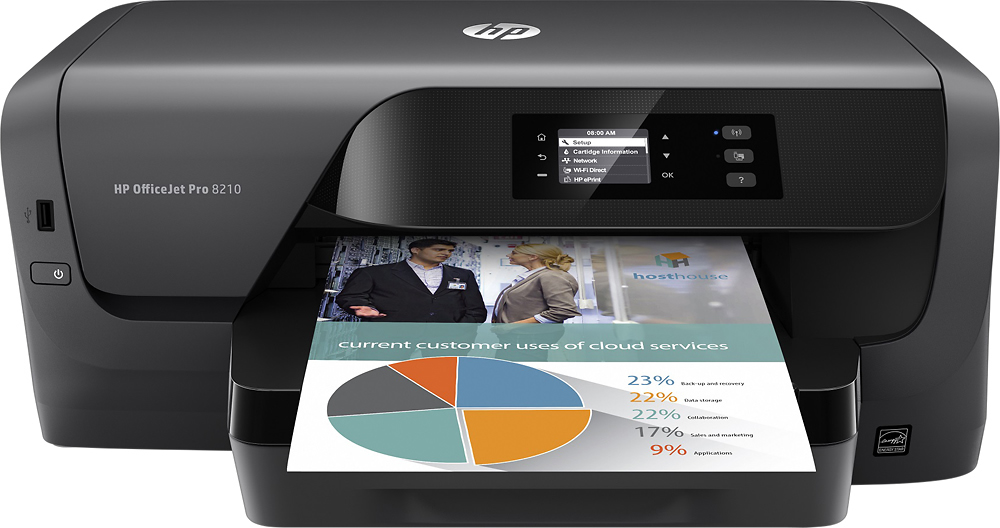
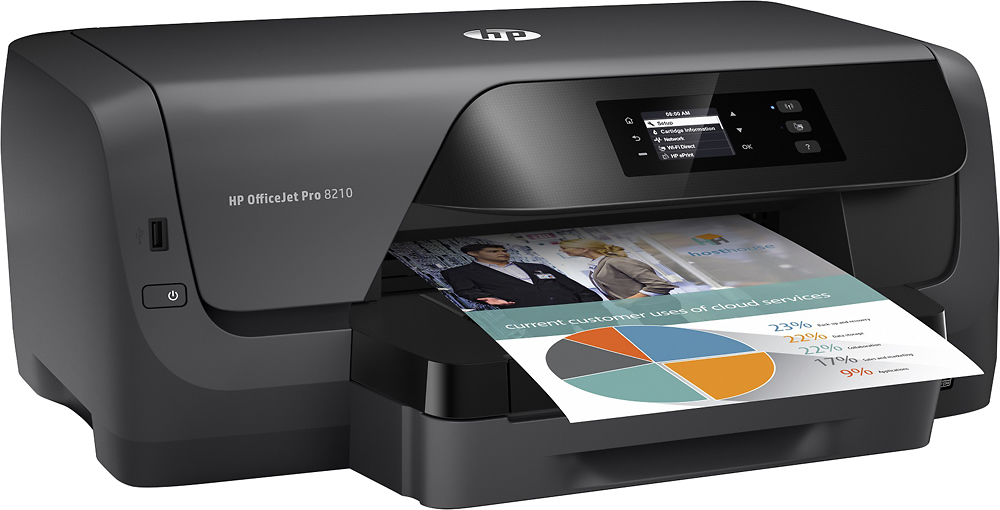
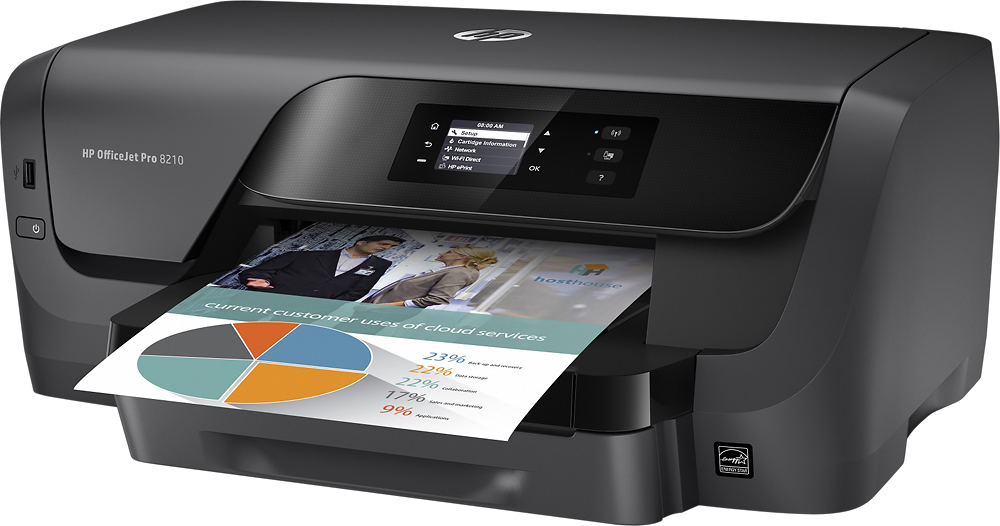
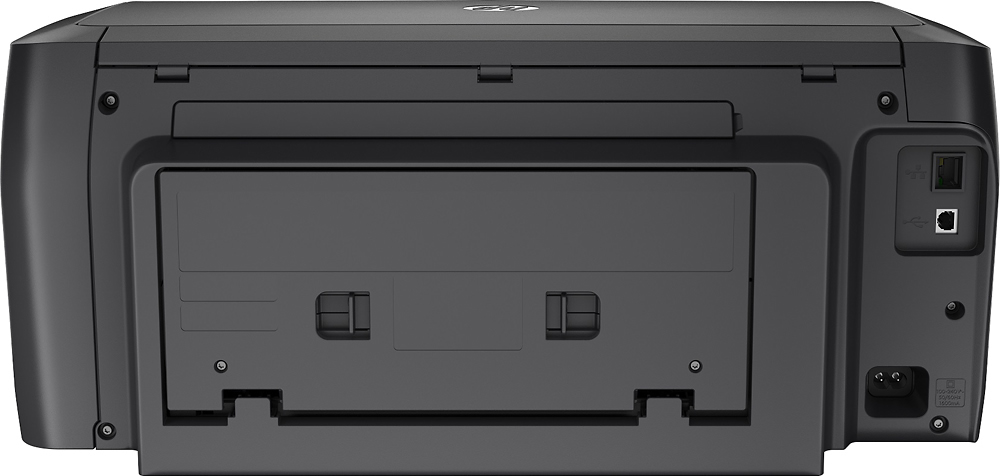


- Model:
- D9L64A#B1H
- SKU:
- 5536500
Rating by feature
- Value
Rating 4.0 out of 5 stars
- Quality
Rating 4.1 out of 5 stars
- Ease of Use
Rating 4.1 out of 5 stars
Customers are saying
Customers commend the OfficeJet Pro 8210 for its excellent print quality, ease of use, and reliable performance. Many appreciate its wireless functionality and straightforward setup. However, some customers point out the absence of a scanner as a significant drawback, and a few mention the printer's relatively large size. The lack of copying functionality is also noted by some users.
This summary was generated by AI based on customer reviews.
- Pros mentioned:Print quality
Works great!
||Posted . Owned for 1 month when reviewed.This reviewer received promo considerations or sweepstakes entry for writing a review.Great color printing. Pages print quickly. Easy set up
I would recommend this to a friend - Pros mentioned:Print quality
Great
||Posted . Owned for 3 weeks when reviewed.This reviewer received promo considerations or sweepstakes entry for writing a review.Great quality for the price small and no much noise
I would recommend this to a friend Safe and Reliable Choice
||Posted . Owned for 1 month when reviewed.This reviewer received promo considerations or sweepstakes entry for writing a review.Needed this specific printer, very pleased to find it at Best Buy. Reliable source, good service, fast and free shipping - I would recommend and would buy again.
I would recommend this to a friendprinter
||Posted . Owned for 3 weeks when reviewed.This reviewer received promo considerations or sweepstakes entry for writing a review.the printer prints our an 'extra page of blank paper' for each page print????? Also, when I select a picture in my computer to print out, My color printer does not print the picture out in color?
I would recommend this to a friendHP 8210
||Posted . Owned for less than 1 week when reviewed.This reviewer received promo considerations or sweepstakes entry for writing a review.Great home office printer to use with company network as many company IT departments do not have drivers for newer printers. I wish it were a little more compact in its dimensions so it would take up less real estate in my home office.
I would recommend this to a friend8210 Printer
||Posted . Owned for 1 month when reviewed.This reviewer received promo considerations or sweepstakes entry for writing a review.Met all expectations with good quality. Easy wireless setup .
I would recommend this to a friend- Pros mentioned:Ease of use
Love it!
||Posted .This reviewer received promo considerations or sweepstakes entry for writing a review.This printer does everything I need it to with ease.
I would recommend this to a friend - Pros mentioned:Print quality
Nice printer
||Posted .This reviewer received promo considerations or sweepstakes entry for writing a review.This is a nice printer for small print jobs. Good quality.
I would recommend this to a friend - Cons mentioned:Size
Basic but too large
||Posted . Owned for 1.5 years when reviewed.This reviewer received promo considerations or sweepstakes entry for writing a review.Basic printer, very large. I do not recommend it. Only good if you just need the basics to print, doesn’t let you do anything else.
No, I would not recommend this to a friend Very Dissatisfied
||Posted . Owned for less than 1 week when reviewed.This reviewer received promo considerations or sweepstakes entry for writing a review.Very unhappy with the product. There is no scan option on this model. Everything is done wireless which is fine if I wasn't redirected to set up accounts all over the place or to this site and the next to set up instant ink .I set up an hp account in which I was directed to do per the support page in order to copy or scan but how does that help with no scanner. I downloaded the mobile app however it would not allow me to login. I logged out and into my account using my pc just fine so no problem there and my printer was listed as available however I kept getting and error saying I needed to sign in to be able to use these features. Definitely an issue with the app. No way to contact anyone about this issue only a list of pre generated unrelated questions is the only option given. What I thought was a really good deal end up being an expensive bulky one function piece of equipment.
No, I would not recommend this to a friendExcellent printer
||Posted . Owned for 1 month when reviewed.This reviewer received promo considerations or sweepstakes entry for writing a review.Love this printer. Got it to replace my 8100. Unfortunately does not use the same ink cartridges as the 8100.
I would recommend this to a friendHP officejet
||Posted .This reviewer received promo considerations or sweepstakes entry for writing a review.This is a great printer. It's bigger than I thought it would be, but it set up and printed flawlessly. I really love the convenience of having a printer in the house again.
I would recommend this to a friendPrinter one
||Posted . Owned for 1 month when reviewed.This reviewer received promo considerations or sweepstakes entry for writing a review.Was looking for a copier also the printer is good but I needed one that copies also
I would recommend this to a friendgeekfan
||Posted . Owned for 1 month when reviewed.This reviewer received promo considerations or sweepstakes entry for writing a review.Overpriced printer this printer is almost 200 dollars and all it does it print will it went right back to the store about a week after don't waste your money
No, I would not recommend this to a friendBest in class
||Posted . Owned for 2 weeks when reviewed.This reviewer received promo considerations or sweepstakes entry for writing a review.Best budget and compact printer. My second one. Hp ink lasts longer too compared to others.
I would recommend this to a friendGreat Printer
||Posted .This reviewer received promo considerations or sweepstakes entry for writing a review.If your looking for a printer that's not everything else this is great choice. The LAN connection as well as WiFi connections makes it easy to setup and use in any environment. The availability of Apple Air Print and Google Cloud Print is a very nice feature.
I would recommend this to a friendHard to fix jams
||Posted . Owned for 1.5 years when reviewed.This reviewer received promo considerations or sweepstakes entry for writing a review.This printer jams a lot, and is difficult to fix. It often disconnects from the wifi.
No, I would not recommend this to a friend- Pros mentioned:Print qualityCons mentioned:Scanner
Hp printer
||Posted .This reviewer received promo considerations or sweepstakes entry for writing a review.Good printer hust didn't have a scanner. Good quality
I would recommend this to a friend hmmm
||Posted . Owned for 5 months when reviewed.This reviewer received promo considerations or sweepstakes entry for writing a review.Never been a HP person and was hoping for the best, the best I didn't get. Was returned without issues
No, I would not recommend this to a friendNew hp printer
||Posted .This reviewer received promo considerations or sweepstakes entry for writing a review.I cant get the printer to print..... i dont have a computer.... i put the hp apps on my note 9...i tried to do what the directions said.... trying to print from my note 9 ..the box says it prints from mobile phones.... but not working yet..waiting for son to help me... but i suspect ill have to bring it in to best buy for help....i got the 4 yr warranty.... .
No, I would not recommend this to a friendBrand response from HP Team
Posted .Hi there.
I’m sorry to learn that you’ve not been able to set up your printer using your mobile device. I can certainly understand why this would be a confusing and ultimately disappointing experience after buying the machine. I want to help you get the printer connected and working like it should, so I’ll direct you to a resource I hope will make that happen.
First, I recommend following this FAQ and troubleshooting guide to mobile printing you’ll find on our support site. It includes instructions for setting up a printer on a mobile device using the Android operating system:
- support.hp.com/us-en/document/c04024231
If you still cannot set up the printer, I recommend that you contact us directly at +1 800-474-6836 so we can help you assess the situation and guide you through the process. (Please note that because of restrictions on personal movement and workplace attendance associated with the COVID-19 pandemic, wait times for agents are longer than normal. Thanks in advance for your understanding.) To expedite the process, I recommend gathering the following information before the call:
- Model number
- Serial number
- Your location
- Case number (from any previous contact with HP support)
Keith
HP Care
hp.com/support