Customer Ratings & Reviews

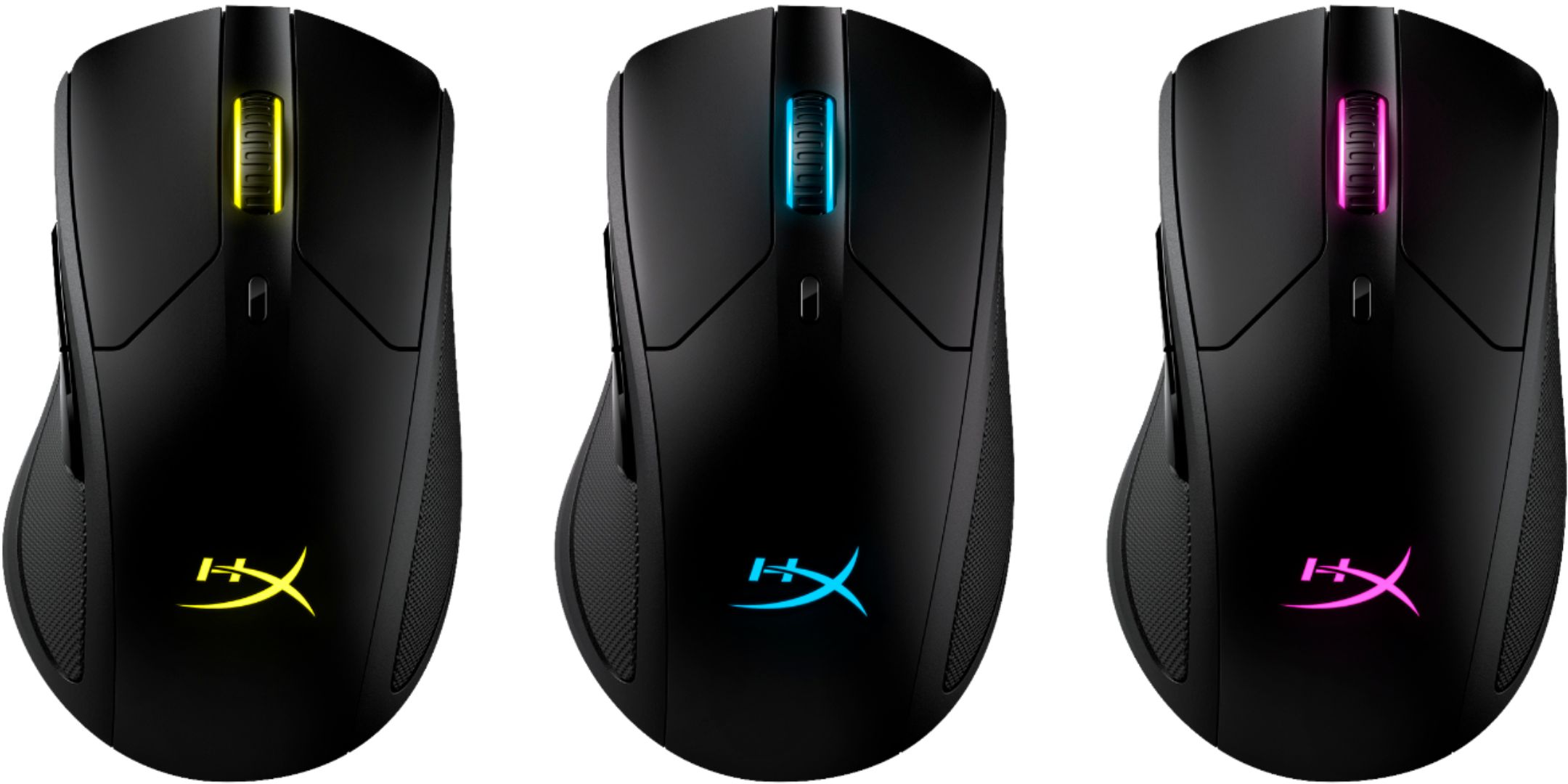
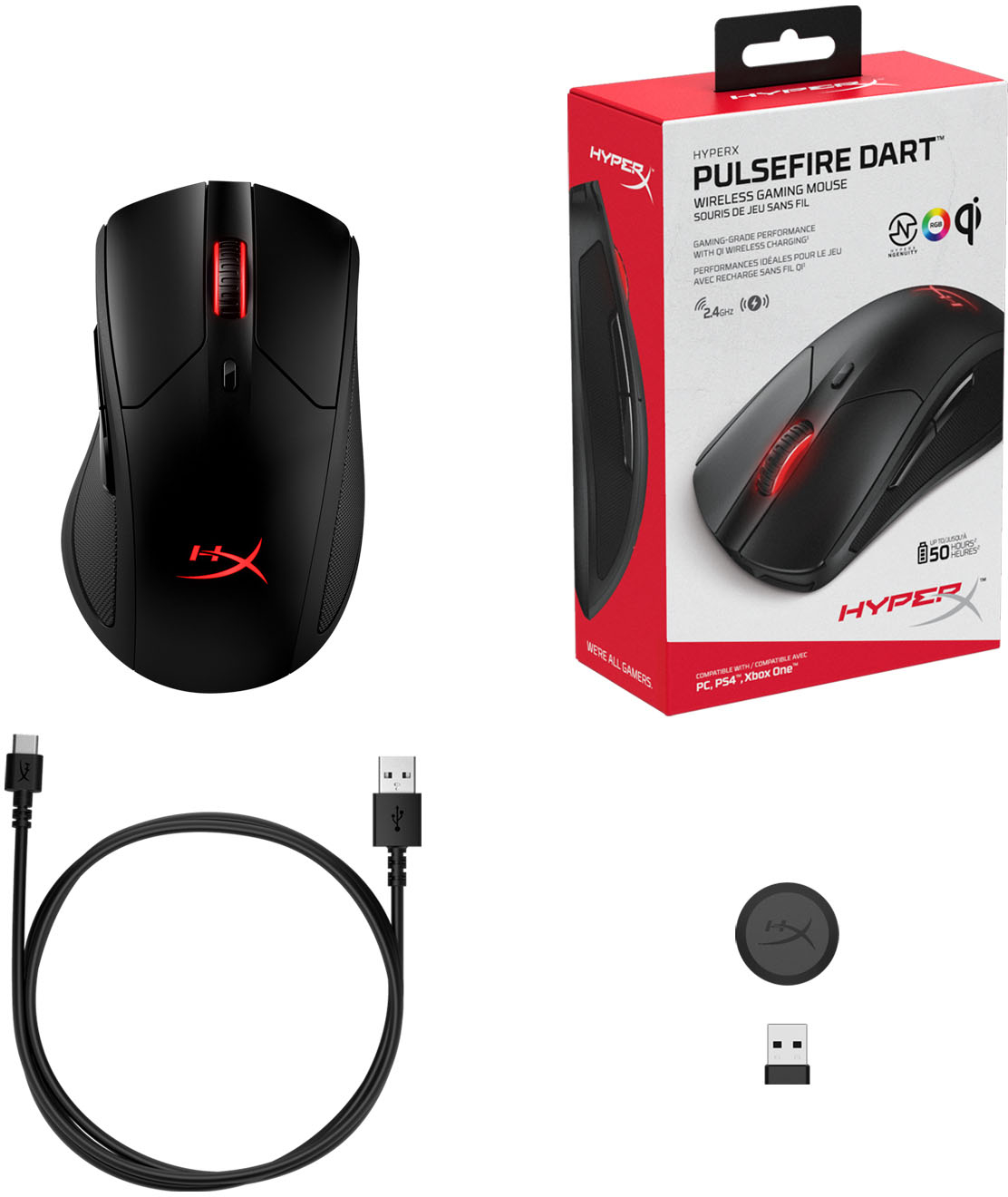
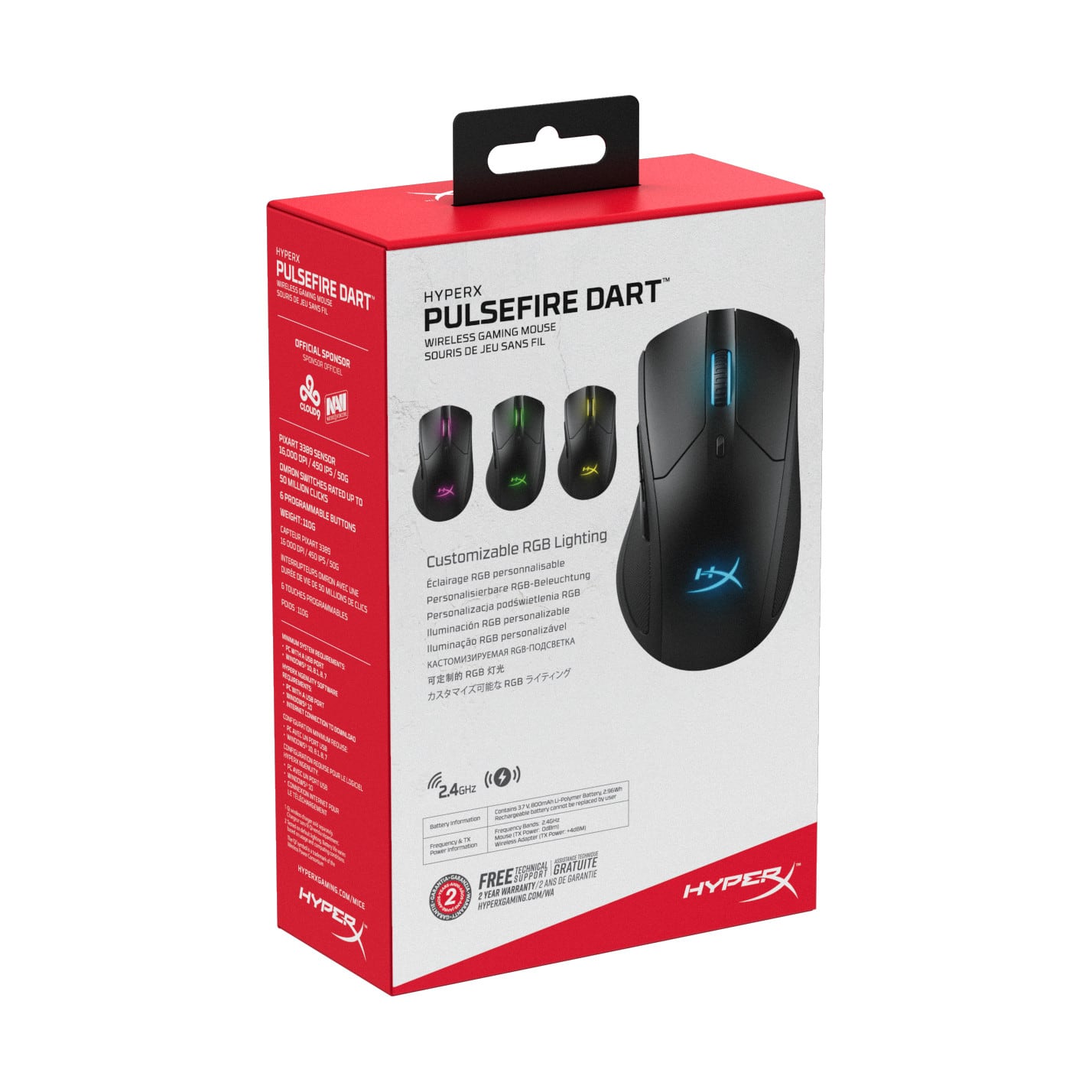
- Model:
- 4P5Q4AA/HX-MC006B
- |
- SKU:
- 6371057
Customer reviews
Rating 4.4 out of 5 stars with 108 reviews
(108 customer reviews)Rating by feature
- Value4.3
Rating 4.3 out of 5 stars
- Quality4.5
Rating 4.5 out of 5 stars
- Ease of Use4.4
Rating 4.4 out of 5 stars
Customers are saying
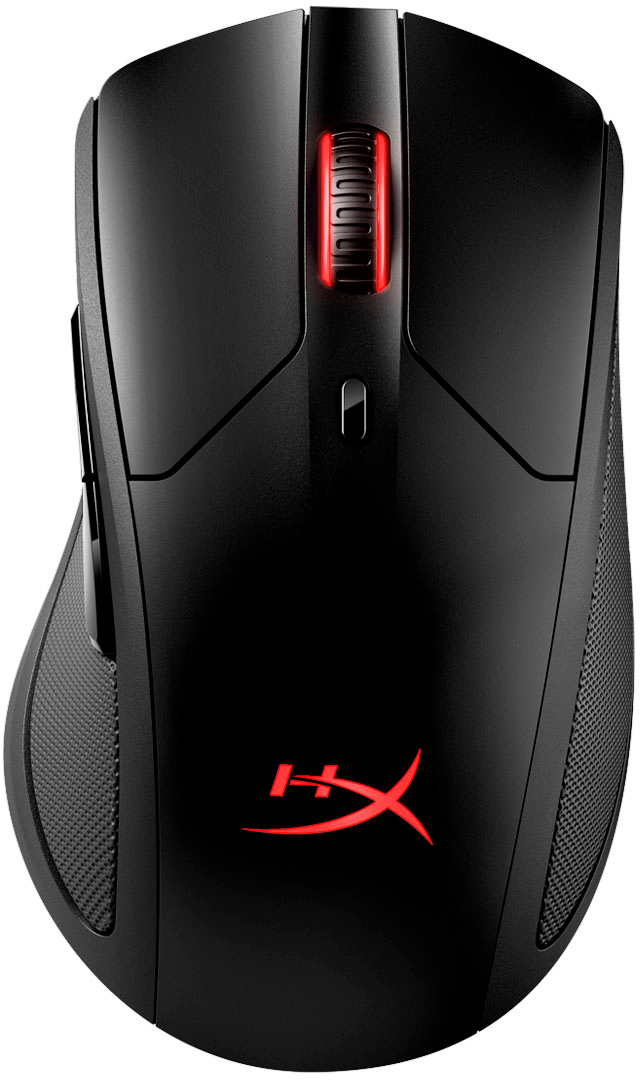
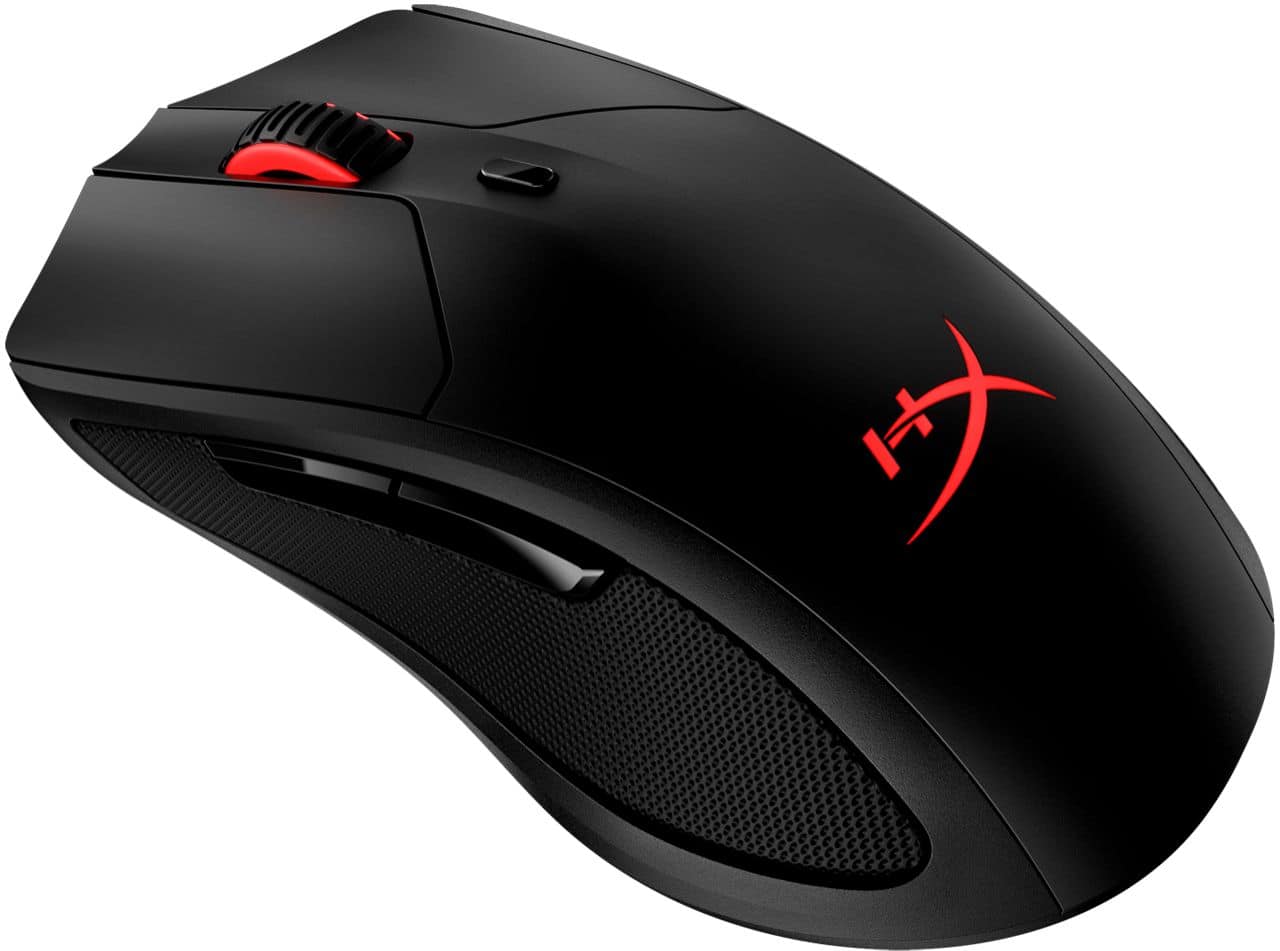
Customers are satisfied with the Pulsefire Dart Wireless Optical Gaming Mouse's wireless functionality, long battery life, and comfortable design. Many appreciate its responsive performance and customizable RGB lighting. However, some users experienced issues with the software, and a few reported problems with the scroll wheel. The mouse's weight and grip were generally well-received.
This summary was generated by AI based on customer reviews.
Rated 5 out of 5 stars
Best mouse
||Posted . Owned for less than 1 week when reviewed.This reviewer received promo considerations or sweepstakes entry for writing a review.Super fast and light, I love this mouse because it feels good quality
I would recommend this to a friend- Pros mentioned:Rgb lighting, Wireless
Rated 5 out of 5 stars
Love it
||Posted . Owned for 1 week when reviewed.This reviewer received promo considerations or sweepstakes entry for writing a review.Exactly what I was looking for I love how it’s wireless and it changes colors
I would recommend this to a friend Rated 4 out of 5 stars
Good mouse and decent size with only 2 side button
||Posted . Owned for 1 week when reviewed.This reviewer received promo considerations or sweepstakes entry for writing a review.Overall the mouse is good. Have had no issues yet. Glides smoothly over the mouse pad nice fit for a person with bigger mitts than other mice. Cons: the dpi button is directly below the wheel and so I constantly bump it so it switches from my 3450 setting to 800 but you can remove all the dpi settings or customize them via the ngenuity software you have to dl. Also I prefer to have AA batts instead of a rechargeable non removable batt. So it can be a wireless mouse or wired. Overall I love it since it is replacing my Logitech g703.
I would recommend this to a friendRated 5 out of 5 stars
Best gaming mouse
||Posted .This reviewer received promo considerations or sweepstakes entry for writing a review.This is gaming mouse is really good, my mom bought this for my birthday and it didn’t break when I used it for games and it is still in good shape
I would recommend this to a friend- Pros mentioned:Battery life, Comfort
Rated 5 out of 5 stars
Great comfy wireless mouse
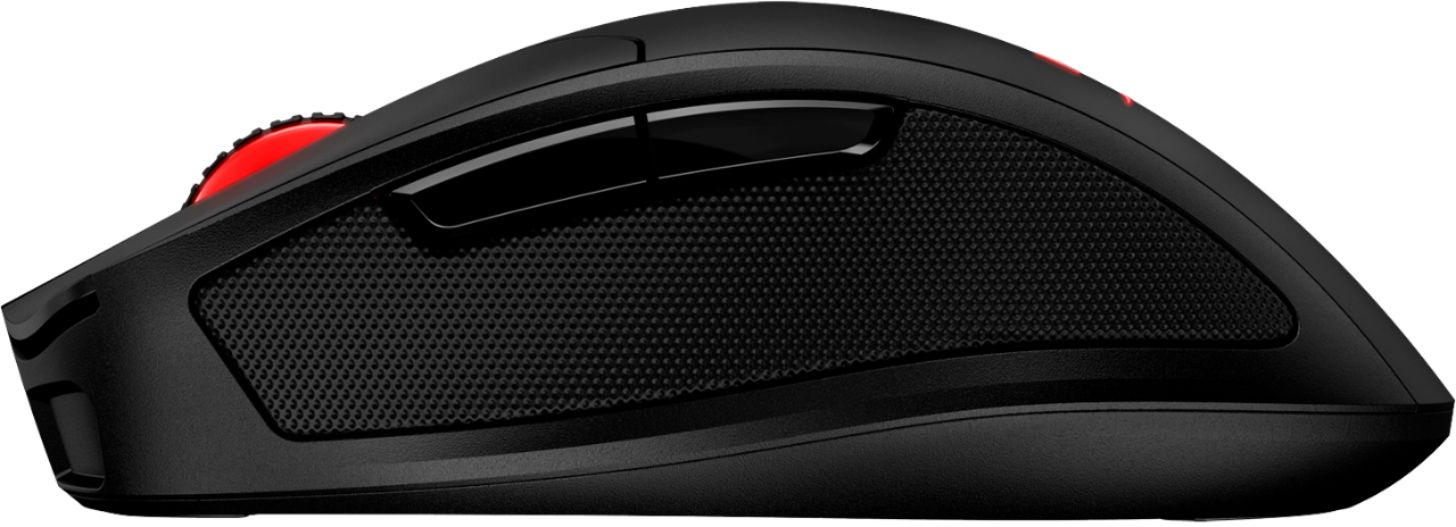
Posted .This reviewer received promo considerations or sweepstakes entry for writing a review.I love the padded cushions on the sides of the mouse. They make long gaming sessions more comfortable. Customizing the buttons and LEDs is really easy with the Ngenuity app as well. Battery life is pretty good; I can get through a whole day and more with one charge.
I would recommend this to a friend - Pros mentioned:Wireless
Rated 5 out of 5 stars
Great Build Quality + Wireless Charging
||Posted . Owned for 2 weeks when reviewed.This reviewer received promo considerations or sweepstakes entry for writing a review.I'm a couple weeks into using the Pulsefire Dart and I'm in love. This is my first wireless mouse. I had seriously considered Logitech's options, but didn't prefer the shape of the mice. The shape and build quality of this mouse is perfect. I also love the QI wireless charging - I just drop this on my wireless charger when I'm done using it, and it's always ready to go. I was a little worried about the weight of the Pulsefire, but it hasn't been an issue in game.
I would recommend this to a friend - Pros mentioned:Battery life
Rated 3 out of 5 stars
Outclassed by competitors
||Posted . Owned for more than 2 years when reviewed.This reviewer received promo considerations or sweepstakes entry for writing a review.Somewhat bulky ergo mouse. Heavy in use (around 140g), but moves easily. Wireless function works well with long battery life. Software is lightweight on your system and easy to use.
No, I would not recommend this to a friend Rated 4 out of 5 stars
Good, but, not as comfortable as it looks
||Posted . Owned for 1 week when reviewed.This reviewer received promo considerations or sweepstakes entry for writing a review.I expected it to be more comfortable because of the lid on the left side, but it doesn't make a huge difference. It's good for different types of grips and it feels good on the hand overall
I would recommend this to a friend- Cons mentioned:Software
Rated 1 out of 5 stars
Not there yet
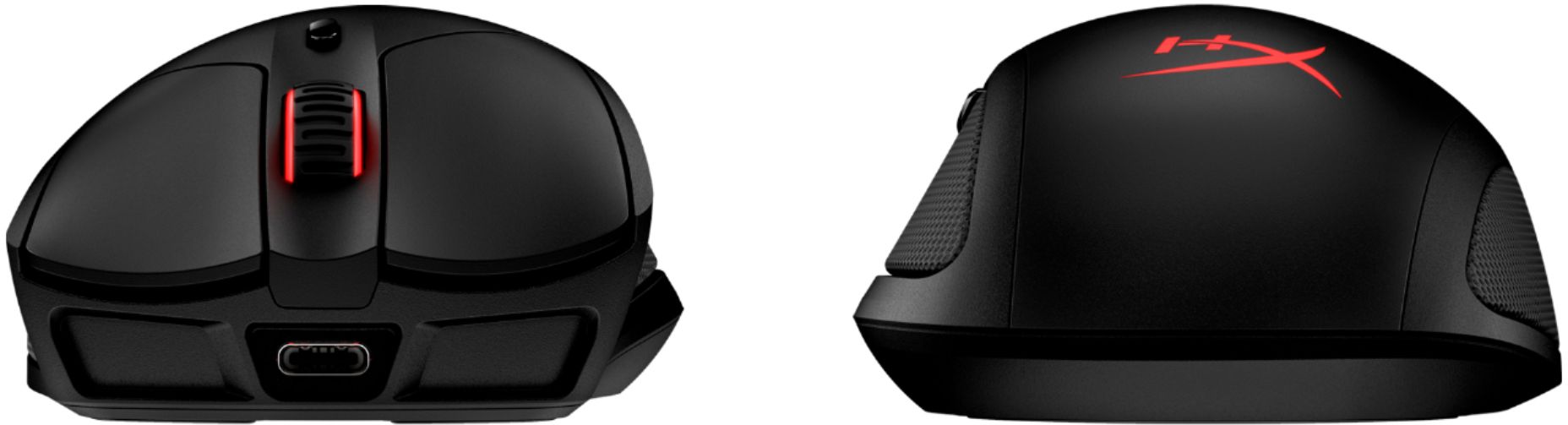
||Posted .This reviewer received promo considerations or sweepstakes entry for writing a review.The look and feel of this mouse is great and has a great shape. The side cushions/grips feel great and I felt that if I were to use it extensively it would feel comfortable for hours of gaming. Although I was unable to use it due to the software and wireless ability, or maybe inability. The software detects the mouse when it is plugged in via the USB-C that comes with it. But, once you try to use it wireless the software no longer detects the mouse and any keybinds and lighting profiles that have been set disappear. This made the mouse utterly useless for me as I have a discord keybind where the dpi button is and I have done that with every mouse I've owned (G502, G900, G403, Steelseries Rival 650). The G900 and Rival 650 are also wireless mice which I had no problems using wireless and still having my keybinds intact. The Pulsefire dart also loses any dpi settings saved when plugged in going wireless. I use 400dpi in game and it defaults to the onboard settings when being used wireless and thus I cannot play with this mouse. Although it seems as though this can be fixed with firmware updates/software updates I don't see that coming anytime soon. If I wanted a wired mouse I would have bought a wired mouse. I'm sure HyperX will find the solution to this but I hoped it would be sooner rather than later.
No, I would not recommend this to a friend - Pros mentioned:Battery life, Response
Rated 5 out of 5 stars
Do it all mouse
||Posted .This reviewer received promo considerations or sweepstakes entry for writing a review.Fantastic mouse with excellent grips on the side as well. Extremely responsive, so do not stress about that. Battery life is upwards of 50+ hours if you turn the RGB off. Great quality feel in the hand as well.
I would recommend this to a friend - Pros mentioned:Rgb lightingCons mentioned:Software
Rated 3 out of 5 stars
Love-Hate
||Posted . Owned for 1 month when reviewed.This reviewer received promo considerations or sweepstakes entry for writing a review.I want to love it, but I can't. I bought the HyperX Pulsedire dart about two months ago and since then I have had a love-hate relationship with the mouse. The hardware is absolutely fantastic! It has a high-quality feel, it is a bit heavy for my liking but still. The RGB lights are amazing along with the high-quality padding on the sides of the mouse. Where I run into a problem is with the software, it is absolute dog poop. I had no issues with it at first and then all of a sudden the software does not detect my mouse anymore, I called Kingston and they told me to wait for the firmware update to download but yea, that didn't work. Since then I have not been able to change any of the settings on the mouse because I am basically locked out of the mouse's software. I mean seriously, even though the software is in beta it does not give you any reason for the software to not even work. Even when the software does decide to work, it is very bare-bones and only has basic functions. If you are looking for good quality, a well-priced mouse with good software from a TRUSTED company, I would recommend the Logitech G305 or G703. Paying the $100 premium for a mouse that you can't even customize is a HUGE dealbreaker. HyperX, do better!
No, I would not recommend this to a friend - Pros mentioned:Battery life, Wireless
Rated 5 out of 5 stars
Great no frills mouse.
||Posted . Owned for 3 weeks when reviewed.This reviewer received promo considerations or sweepstakes entry for writing a review.Having used all other brands of mice in the market today, this one has a good set of features like wireless qi charging and a great 50 he battery life. Tracks great with good grip from padded rubber grips
I would recommend this to a friend - Pros mentioned:Comfort, Wireless
Rated 3 out of 5 stars
Not as good as I had hoped but I'm Happy
||Posted . Owned for 3 weeks when reviewed.This reviewer received promo considerations or sweepstakes entry for writing a review.Works okay wireless but needs recharging unless you turn it off every time you leave your computer. Wired connection works better but the receiver on the mouse doesn't hold the cord in very well. I don't regret this purchase and I've had it for several weeks. As long as it's fully charged or properly connected it's comfortable and has easy adjustments.
I would recommend this to a friend - Pros mentioned:Battery life
Rated 5 out of 5 stars
2021 Pulsefire Dart
||Posted . Owned for 1.5 years when reviewed.This reviewer received promo considerations or sweepstakes entry for writing a review.Purchased this back in 2021, still my favorite mouse to use. Charges fast, battery lasts very long I can go almost a full week before having to charge it.
I would recommend this to a friend Rated 4 out of 5 stars
Solid product, but the software is rough.
||Posted . Owned for 2 weeks when reviewed.This reviewer received promo considerations or sweepstakes entry for writing a review.I'm incredibly picky when it comes to mice and I've learned there's no such thing as a perfect one that will work for every user. I've always been pleasantly surprised by HyperX products and their tendency to perform well even against more expensive competitors. They often focus on performance over bells and whistles, which I appreciate. They're not busy or over-designed but still feel like premium products. The first and foremost thing I look for in a mouse is the shape and feel in my hand. A mouse with tons of features that feels awkward or uncomfortable to hold is useless. For a right-handed user with fairly large hands, it's fairly comfortable and familiar in shape. It's smaller than HyperX's Pulsefire FPS and its inspiration, the Razer Deathadder. I'd call it a... medium-large mouse. If you prefer extra large mice then this may not be big enough. The hump on the back is pronounced, so you may not like it if you prefer flatter mice. The leatherette side grips are unique and a bit plush with a little texture to help your grip. It's strange to say but this is probably the softest mouse I've ever used because of them. Performance wise, the mouse feels as good as any other similarly priced mouse. It's got a top quality sensor and the Omron switches, which are both fairly standard for gaming mice these days. The scroll wheel has a bit of a rattle to it which is possibly the weakest link. While the specs say it weighs 110g it feels much lighter, probably because of the lack of cable, with a lot of that weight in the rear where the battery is, of course. I normally prefer mice below 100g for gaming but I had no trouble using this in shooters, MMORPGs, or anything else really. I certainly wouldn't object if HyperX managed to get the weight down in the future of course. In terms of battery life, it boasts up to 50 hours and that's likely with minimal or no RGB effects, but even with them on, I've found I only need to charge it maybe once a week. The Qi charging support means it works with any Qi certified charger, including HyperX's own dual charging mat of course, but you can also plug it in with the included cable. Now while the mouse itself has plenty to love, there's one glaring thing about it I don't love, and that's the software to customize or update it. HyperX's NGenuity software is still in beta from what the product page says, and it shows. At present, the version this mouse uses is ONLY available on the Windows 10 app store, so older systems and Macs are out of luck. When it boots up and detects the mouse, it will likely ask for a firmware update. What it doesn't mention is that you need the mouse plugged in via USB to do that. NGenuity's customization options are fairly standard. You can adjust DPI settings and change your RGB patterns, although this mouse only has two RGB areas on it, one of which is covered when you actually use it typically. Where this software really stumbles and misses the mark though is that actually saving profiles is confusing and doesn't seem to actually work on this mouse, which supposedly has support for onboard memory. There's no way to save any profiles to the mouse itself, meaning that once the program closes, you lose all your customization options. While that's not THAT unusual, most of the time you can tuck those programs away in the system tray and ignore them, but not NGenuity. It cannot be minimized to the system tray. It gets to stay in your taskbar if you want to enjoy your custom settings. On its own, the Pulsefire Dart is a good product, or rather it has the potential to be a really good product. It DOES work just fine without the software if you're fine with the settings it comes with by default, but without the customization, you're not really getting the whole product. If they actually manage to iron out the kinks in NGenuity or at least let it save profiles with the software off, I'd definitely recommend this mouse to anyone. For now though, I'd say to wait, unless you absolutely need a wireless mouse today, or you really love the shape and feel of it. It does work just fine as a plug-and-play mouse, but for $99 you generally want a little more than "just fine", you know?
No, I would not recommend this to a friend- Pros mentioned:Battery life
Rated 4 out of 5 stars
Better than Razor lol
||Posted . Owned for 1 month when reviewed.This reviewer received promo considerations or sweepstakes entry for writing a review.Love this mouse, only reason I didn't give it a 5 Star was this was the second one I bought in the last year. The reason I had to buy another one was because the right mouse button suddenly became super sensitive to touch. I know I'm not that hard on the buttons. anyways though the mouse is light, and battery last for days. I charge the mouse about every 3 days, I usually game for about 4-6 hours a day
I would recommend this to a friend - Pros mentioned:Battery life, Comfort, Wireless
Rated 5 out of 5 stars
Excellent Mouse for Everyday Use
||Posted . Owned for 3 months when reviewed.This reviewer received promo considerations or sweepstakes entry for writing a review.Super comfortable mouse. Great battery life too. The wireless charging features makes for easy use too. No more pesky batteries.
I would recommend this to a friend - Pros mentioned:Battery life, Comfort
Rated 5 out of 5 stars
It works for me
||Posted . Owned for 3 months when reviewed.This reviewer received promo considerations or sweepstakes entry for writing a review.I purchased this mouse on the sole reason that it fit in my hand comfortably and reduced my wrist pain. I'm a graphic designer, so I'm on my computer up to 16 hours a day, everyday working. I need something that's comfortable to use. I'm a petite female and think this mouse is the perfect size. The mouse does what it needs to do. It hasn't lost charge, but I do plug it up every few days. I have it paired with an MSI GE66 Raider.
I would recommend this to a friend - Pros mentioned:Comfort
Rated 5 out of 5 stars
Great mouse!
||Posted .This reviewer received promo considerations or sweepstakes entry for writing a review.For what I got it for, about 69.99 it is one of the best wireless mice i've used. It has a very comfortable mesh pad for thumb and ring and pinky finger that i've not seen on any mouse yet, and honestly Its fantastic. It's light and responsive, the software is un-intrusive and easy to use. There are lighting options as well that allow you to put your own flair. Overall very straightforward, easy and comfortable.
I would recommend this to a friend Rated 5 out of 5 stars
Great mouse
||Posted . Owned for 2 weeks when reviewed.This reviewer received promo considerations or sweepstakes entry for writing a review.Come in super fast and it feels as good as it looks. Great mouse!
I would recommend this to a friend