Customer Ratings & Reviews
- Model:
- IPL24GC
- SKU:
- 5174706
Rating by feature
- Value
Rating 4.1 out of 5 stars
- Quality
Rating 4.1 out of 5 stars
- Ease of Use
Rating 4.0 out of 5 stars
Customers are saying
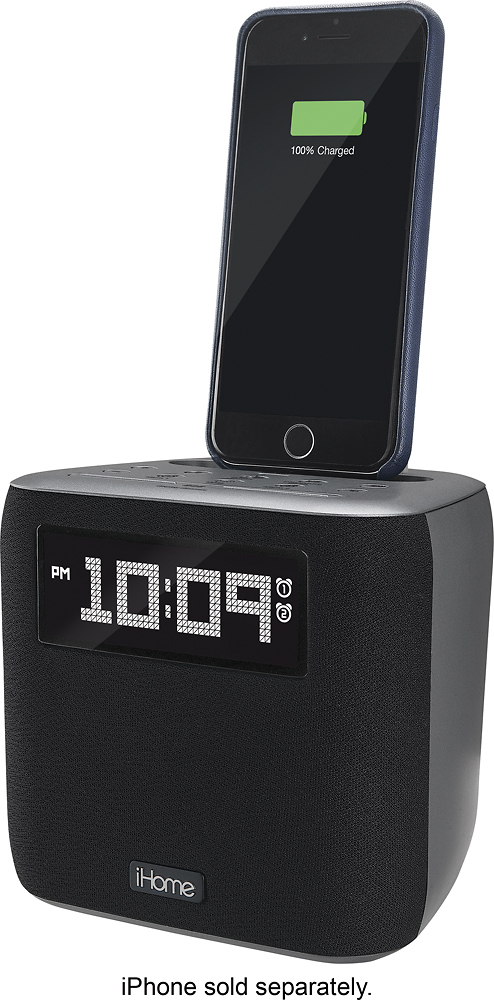
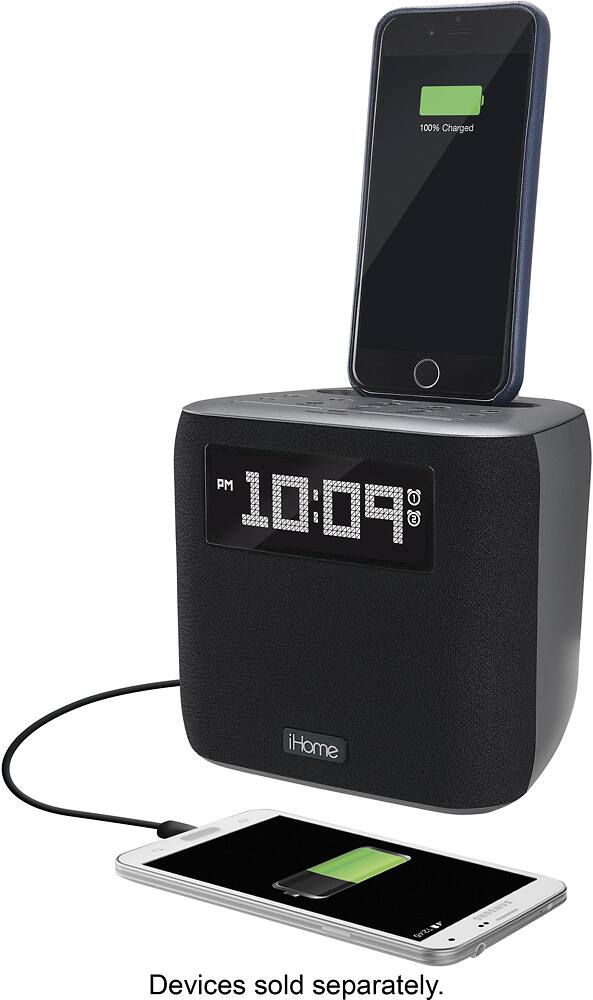
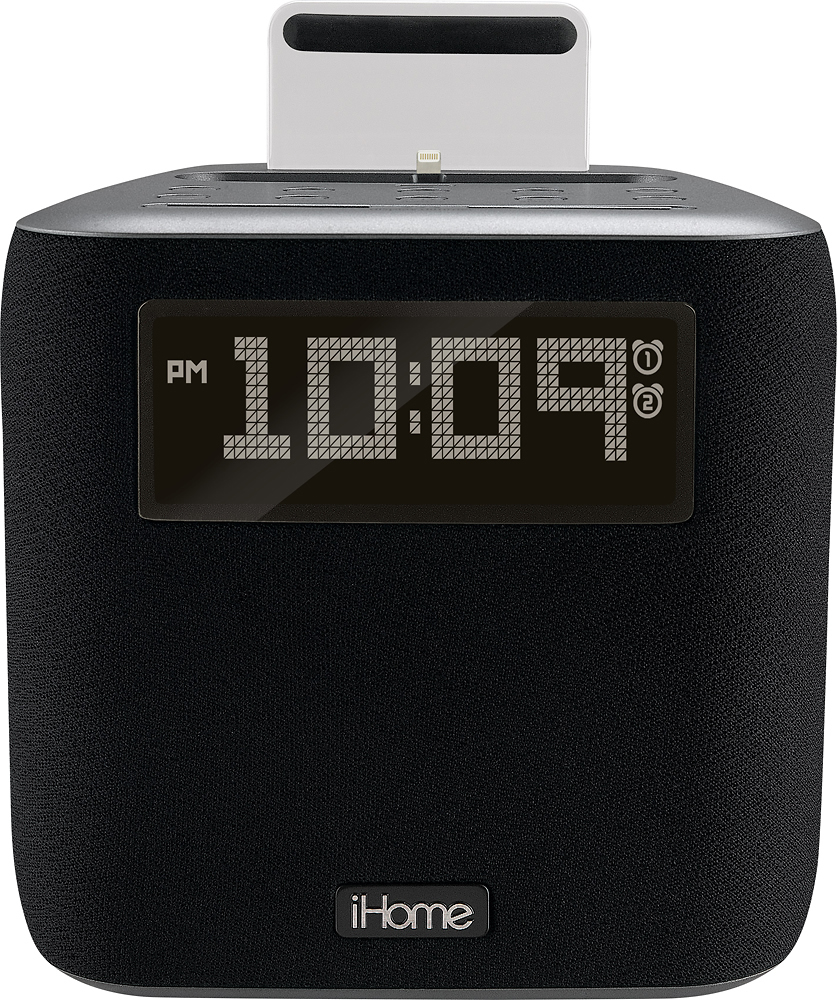
Customers recognize the Dual Alarm FM Clock Radio for its sound quality, compact size, and user-friendly design. Many appreciate the convenience of charging their iPhones directly through the device. While some users have concerns about compatibility with certain phone cases, the majority of customers are pleased with the product's performance and value for the price.
This summary was generated by AI based on customer reviews.
Not for me
||Posted .This reviewer received promo considerations or sweepstakes entry for writing a review.The clock radio charging station dod not live up to my expectations
No, I would not recommend this to a friendBrand response from iHome
Posted .The iPL24 Dual Charging Docking Clock Radio has a lot to offer. There is a Lightning connector to charge and play iPhone and iPod. Two alarms let you wake to your favorite iPhone or iPod tunes or FM radio stations through a high fidelity driver in a specially designed Reson8® speaker chamber. We welcome all feedback and appreciate your input.

phone must be out of case to recharge
||Posted .This reviewer received promo considerations or sweepstakes entry for writing a review.great product but phone will not charge unless out of any case u might have
I would recommend this to a friendDisappointment
||Posted .This reviewer received promo considerations or sweepstakes entry for writing a review.Very disappointed my IPhone 7 Plus will not have work with this item
No, I would not recommend this to a friendBrand response from iHome
Posted .The iPhone 7 Plus is compatible. Try removing your protective case so it will dock and secure properly. If the problem persists, please contact iHome Support: https://www.ihomeaudio.com/support/contact/ or 1-800-288-2792
It was a very small basic alarm clock radio.
||Posted .This reviewer received promo considerations or sweepstakes entry for writing a review.There was no display item on the shelf in the store. I purchased it thinking the item was as large as the box. It was a tiny plastic alarm clock that was not worth what I paid for it so I returned it to the store. I bought something similar elsewhere at 1/4 of the cost.
No, I would not recommend this to a friendBrand response from iHome
Posted .We are sorry to hear that the alarm feature resulted in you returning the portable unit. Our team would have welcomed the opportunity to assist you with choosing a model that better fit your needs. We hope that you will give our products another chance in the near future.
Update the clocks app developers!
||Posted .This reviewer received promo considerations or sweepstakes entry for writing a review.This thing would be super great if the app developers made the app compatible with iPhones. It only needs an update! The product itself works fine....just needs some tweaking.
I would recommend this to a friendBrand response from iHome
Posted .This is not an app enhanced model. You can play your music apps through it, but it will not interact with an app.
Fair
||Posted .This reviewer received promo considerations or sweepstakes entry for writing a review.Too complicated to program and use. My previous clock, which was similar, was simple and reliable and lasted 20 years. This model needs simplification of controls.
No, I would not recommend this to a friendBrand response from iHome
Posted .Today's alarm clock radio does more than those from 20 years ago, so naturally they are becoming more complicated. When anyone has difficulty setting up our products or understanding their functions, they are welcome to contact iHome support for help. Our people are experts at making instructions easy to understand: https://www.ihomeaudio.com/support/contact/ or 1-800-288-2792
Alarm is nice. But volume is not
||Posted .This reviewer received promo considerations or sweepstakes entry for writing a review.Not loud. Very little bass. Clock is easy to see at night. Possibly returning.
No, I would not recommend this to a friendBrand response from iHome
Posted .Please compare the volume of the FM radio with the dock. It could be that insufficient volume is coming from your other device. This model is not commonly described as having low volume.
- Cons mentioned:Phone compatibility
In case
||Posted .This reviewer received promo considerations or sweepstakes entry for writing a review.Terribly disappointed that this radio does not hold the phone in an Otter case.
No, I would not recommend this to a friendBrand response from iHome
Posted .We are sorry to disappoint. Most docking units require the case to be removed for a secure connection. Some thinner and bottomless cases are able to be docked.
Meh
||Posted .This reviewer received promo considerations or sweepstakes entry for writing a review.The sound quality is average and it will not charge an iPhone unless you take the phone out of the case.
No, I would not recommend this to a friendBrand response from iHome
Posted .The iP24 has 6 watts of audio output power; The docks are manufactured and sent to us from Apple. We understand the frustration of removing your case. The alternative is to purchase a dock extender. Thank you for taking time to provide feedback.
Not that good
||Posted .This reviewer received promo considerations or sweepstakes entry for writing a review.You have to remove your phone case before you can attach it to the charger
No, I would not recommend this to a friendBrand response from iHome
Posted .We are sorry to disappoint. Some cases can be docked on this unit. We suggest open bottom cases for the best fit.
ihome alarm clock
||Posted .This reviewer received promo considerations or sweepstakes entry for writing a review.It worked great for 3 months then just quit working for no known reason.
No, I would not recommend this to a friendBrand response from iHome
Posted .The clock has a one year warranty. Please contact iHome Support to troubleshoot. 1-800-288-2792 or https://www.ihomeaudio.com/support/
Broke my IPhone 6S+
||Posted .This reviewer received promo considerations or sweepstakes entry for writing a review.Best Buy won't refund since after 15 days from purchase. Lost $20 in points used to buy it. iPhone wants me to pay shipping both ways and will charge $28 if they feel it is out of 1 yr warranty. VERY DISAPPOINTED With BEST BUY not retuning my points and I won't buy another iPhone product anywhere!
No, I would not recommend this to a friendNot too happy
||Posted .This reviewer received promo considerations or sweepstakes entry for writing a review.I could not get the wireless keyboard to work with my computer
No, I would not recommend this to a friendBrand response from iHome
Posted .The product you have inquired about is manufactured by Life-Works Inc.
Life-Works has a licensing agreement with iHome Licensing LLC under which they produce a line of iHome branded products that integrate computer technology with the iPod, iPhone, iPad, and iPad Mini.
Life-Works can be reached by calling their customer service number: (877)-543-3540 Monday through Friday (9am to 6pm EST). You may also visit their website www.ihomecases.com for product information and general support.
Not a good product
||Posted .This reviewer received promo considerations or sweepstakes entry for writing a review.After getting this, the sync function for the time worked, but all other functions from the iPhone to the device failed and the clock would freeze up until you removed the battery with it unplugged. I returned it.
No, I would not recommend this to a friendBrand response from iHome
Posted .iHome docks are manufactured by Apple. We are sorry to hear about your trouble with the unit. Our Support Team would have been happy to assist you. We hope you will give our products another chance in the near future.
not worth it
||Posted .This reviewer received promo considerations or sweepstakes entry for writing a review.Setting the alarm(s) is a convoluted process and works inconsistently, and the companion app to set it from your phone is completely broken. Also the lightning dock broke off within two weeks.
No, I would not recommend this to a friendBrand response from iHome
Posted .I understand your frustration. The instructions to set the alarm are on page 6 of the user manual. You can contact iHome Support to have a copy emailed to you.
You must carefully take the iPhone/iPod off the dock to avoid physical damage. Yanking will cause the dock to break.
https://www.ihomeaudio.com/support/contact/ or 1-800-288-2792.
Terrible
||Posted .This reviewer received promo considerations or sweepstakes entry for writing a review.The salesman in the store told me repeatedly that the radio would receive AM stations. It would not. He even made me open the box when I tried to return it. Please train your sales people.
No, I would not recommend this to a friendBrand response from iHome
Posted .The time has come when the consumer and the salesperson can no longer assume that a clock radio will have the AM band. In this digital age, most people do not want to deal with the noise and static, as well as the poor audio quality of AM radio.
Good for Short Term Use
||Posted .This reviewer received promo considerations or sweepstakes entry for writing a review.This worked great for about 1 year. I got this for Christmas for my sister a year ago and the speaker now sounds awful. Really disappointed!
No, I would not recommend this to a friendBrand response from iHome
Posted .We apologize for the experience you encountered. Please follow these steps to reset the unit and iOS device at the same time.
Make sure you are not using a protective case. If you are using a protective case please try docking the device without the case.
1. Remove the batteries from the unit if applicable.
2. Unplug the unit from its power source (AC adapter).
3. Wait 20 minutes.
4. Plug the unit into a power source (without batteries).
5. Hard Reset the (iPad, iPod, iPhone).
Press and hold the Top (or Side) button until the slider appears.
Drag the slider to turn your device completely off.
After the device turns off, press and hold the Top (or Side) button again until you see the Apple logo.
If normal operation is restored, insert "new" batteries into the unit.
If the problem persists, please contact us at 1-800-288-2792
Doesn’t Charge
||Posted .This reviewer received promo considerations or sweepstakes entry for writing a review.Quit charging my phone after around 45 days. I am currently trying to get IHome warranty to replace.
No, I would not recommend this to a friendBrand response from iHome
Posted .We apologize for the inconvenience you have experienced this far. Please reset the iPL24 and restart your iOS device at the same exact time. If you left your case number here we would be able to take a look at the claim. We look forward to an update review once your situation has been resolved.
Poorly made
||Posted .This reviewer received promo considerations or sweepstakes entry for writing a review.Very hard to dock iPhone in place and stopped working 3 months after purchase. Waste of money
No, I would not recommend this to a friendBrand response from iHome
Posted .We apologize for the experience you encountered. Please follow these steps to reset the unit and iOS device at the same time.
Make sure you are not using a protective case. If you are using a protective case please try docking the device without the case.
1. Remove the batteries from the unit if applicable.
2. Unplug the unit from its power source (AC adapter).
3. Wait 20 minutes.
4. Plug the unit into a power source (without batteries).
5. Hard Reset the (iPad, iPod, iPhone).
Press and hold the Top (or Side) button until the slider appears.
Drag the slider to turn your device completely off.
After the device turns off, press and hold the Top (or Side) button again until you see the Apple logo.
If normal operation is restored, insert "new" batteries into the unit.
If the problem persists, please contact our Support Team at 1-800-288-2792
stopped working to charge phone after 2 weeks
||Posted .This reviewer received promo considerations or sweepstakes entry for writing a review.stopped working to charge phone after 2 weeks. Not a quality product.
No, I would not recommend this to a friendBrand response from iHome
Posted .If you recently added a case to your iPhone, make sure to remove the rubber cushion in the docking area. It is only there for iPhones without cases.