Customer Ratings & Reviews

- Model:
- NS-PA5C2HMS23
- SKU:
- 6521721
Rating by feature
- Value
Rating 4.4 out of 5 stars
- Quality
Rating 4.5 out of 5 stars
- Ease of Use
Rating 4.7 out of 5 stars
Customers are saying
Customers find value in the USB-C to Dual 4K HDMI Adapter's ease of use, HDMI connectivity, compatibility, and quality. Many appreciate its simple setup and high-quality feel, as well as its ability to work with various devices. Some customers have reported issues with display extension, while others have noted no overheating during extended use. The adapter's compact size and support for dual monitors are also appreciated features.
This summary was generated by AI based on customer reviews.
- Pros mentioned:Ease of useCons mentioned:Heat
Works great!
||Posted . Owned for 3 weeks when reviewed.This reviewer received promo considerations or sweepstakes entry for writing a review.Works like a charm. I have no issues so far and the dual monitors are working smoothly. Very easy to use. The only thing is that it gets pretty hot after some time.
I would recommend this to a friend BestBuy is whatever
||Posted . Owned for 3 weeks when reviewed.This reviewer received promo considerations or sweepstakes entry for writing a review.Does the job simple and satisfying. I also got a good discount for buying an open box one.
I would recommend this to a friendSplits Like The Best
||Posted . Owned for 7 months when reviewed.This reviewer received promo considerations or sweepstakes entry for writing a review.Needed to play some Baulders Gate 3 with the wife, using one Laptop and two TVs. Was able to use this with no issues to setup both TVs with some easy configuration of my Laptop.
I would recommend this to a friend- Pros mentioned:CompatibilityCons mentioned:Heat

Multiscreen support through USB-C
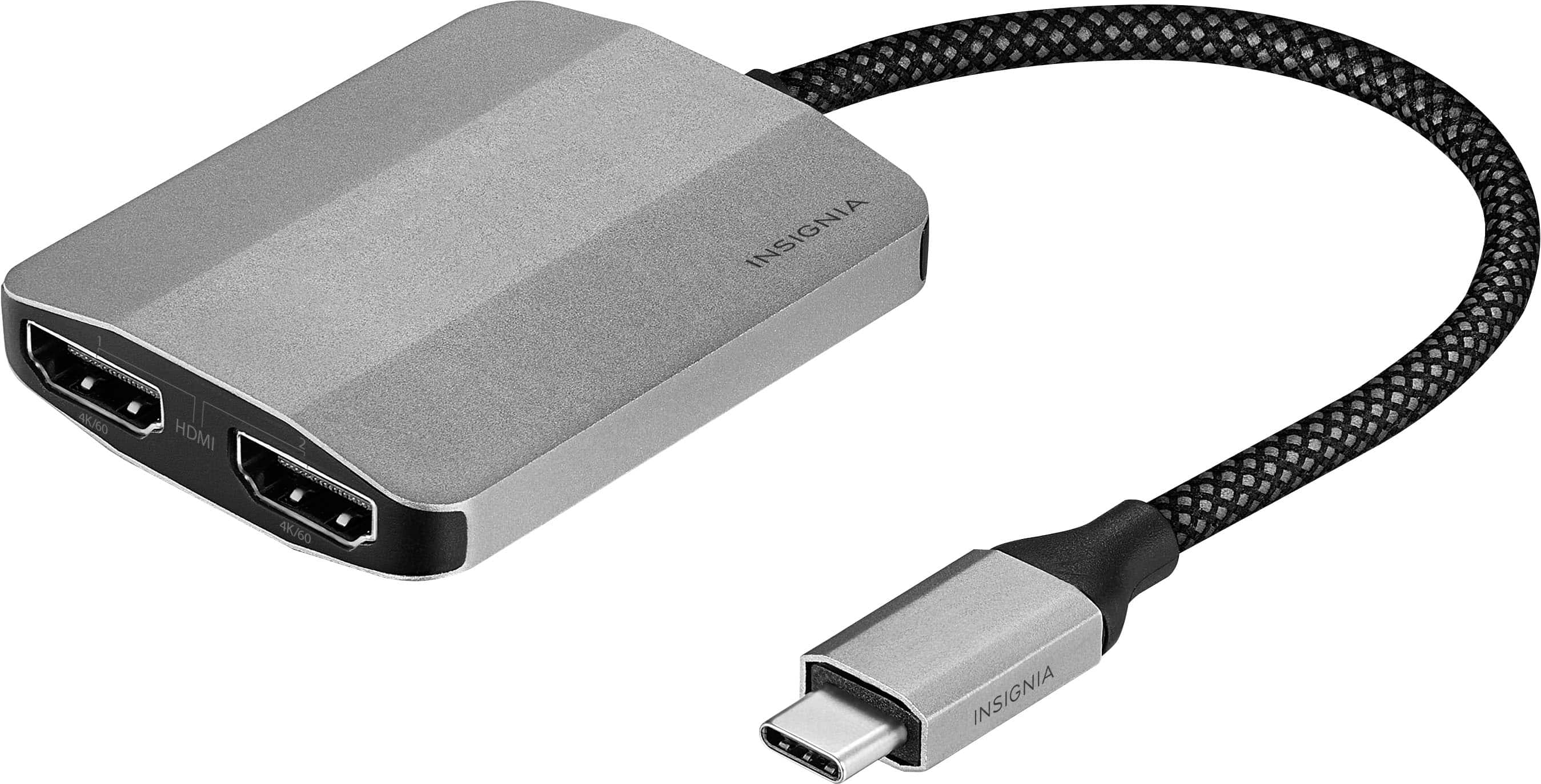
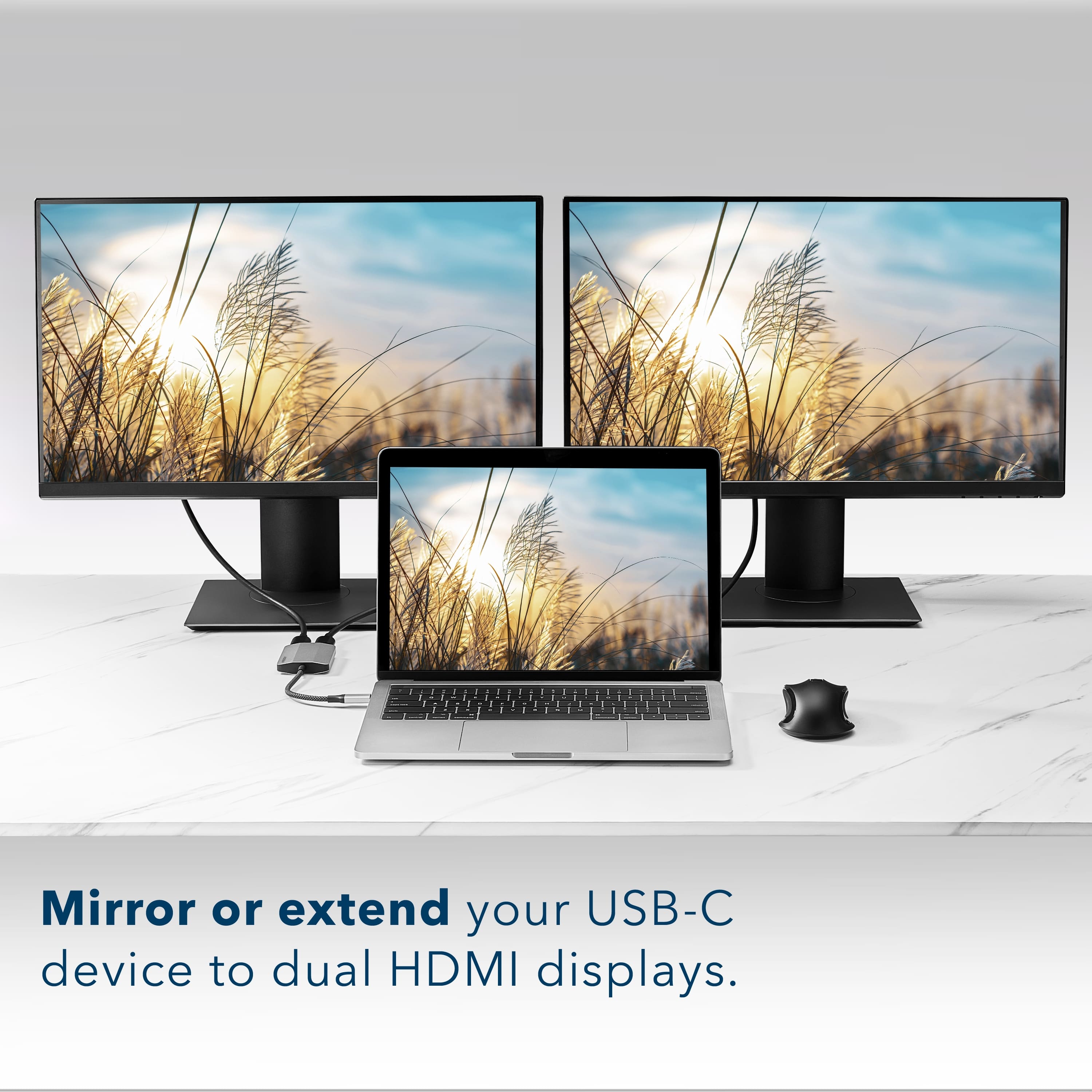
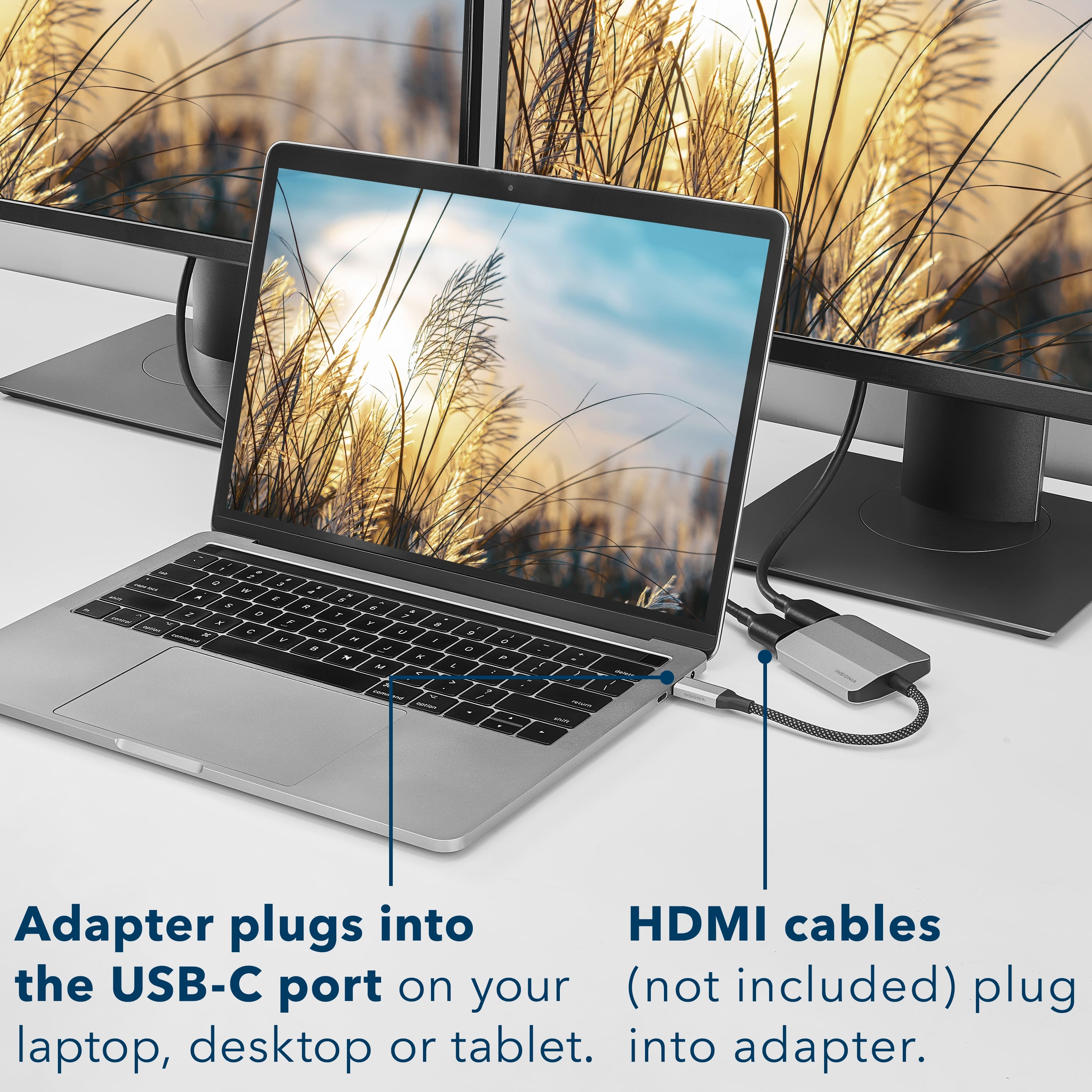
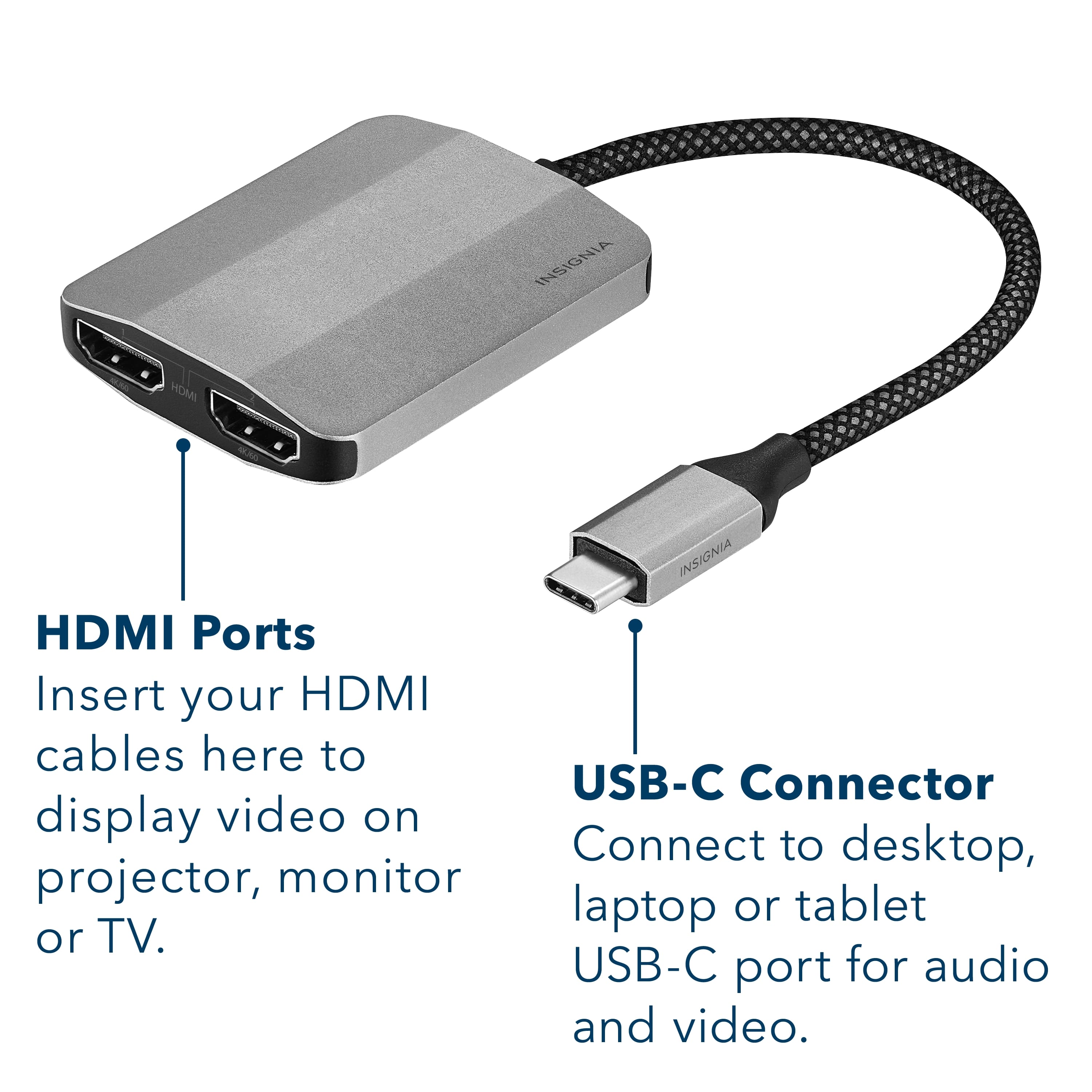
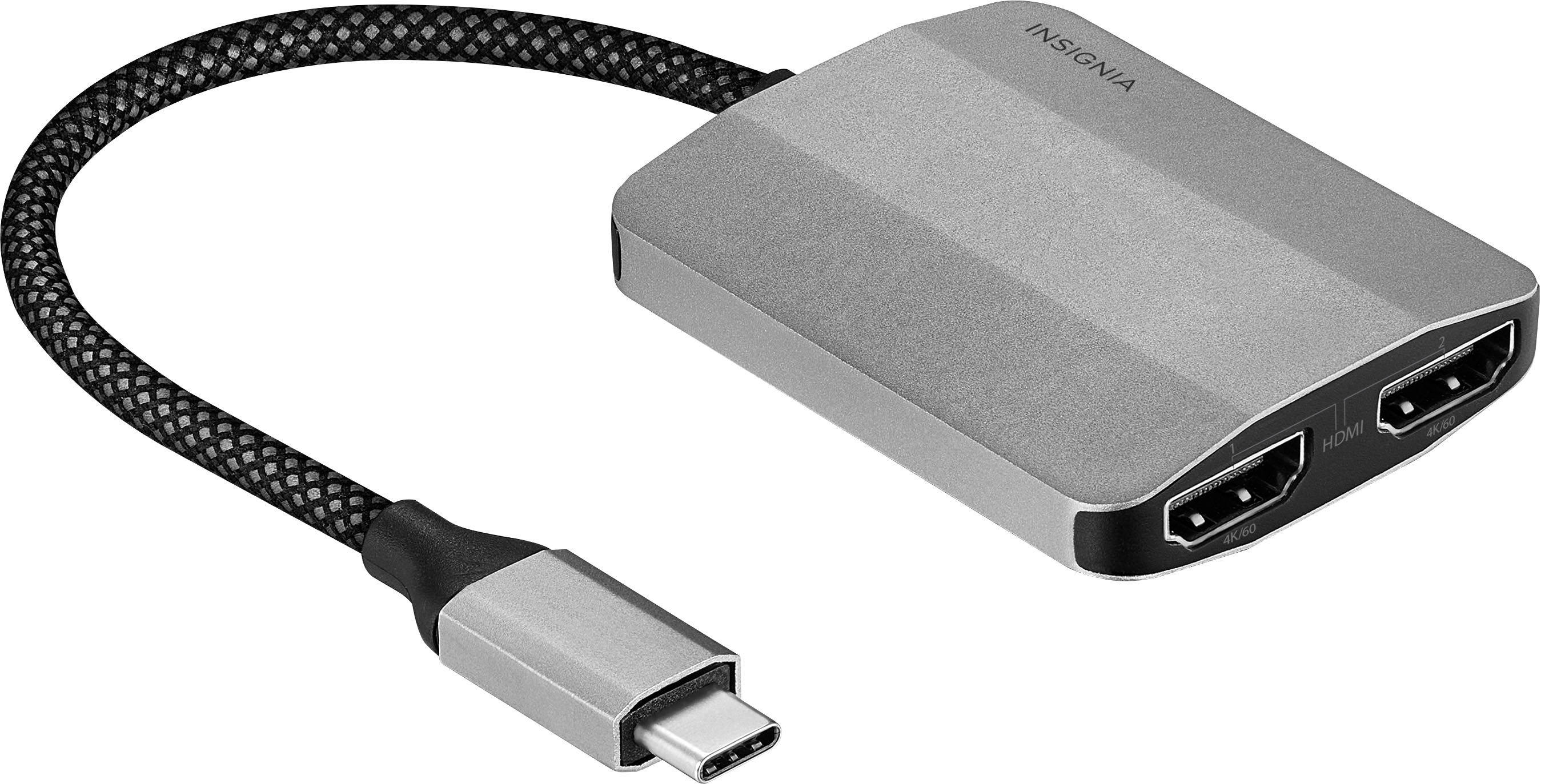
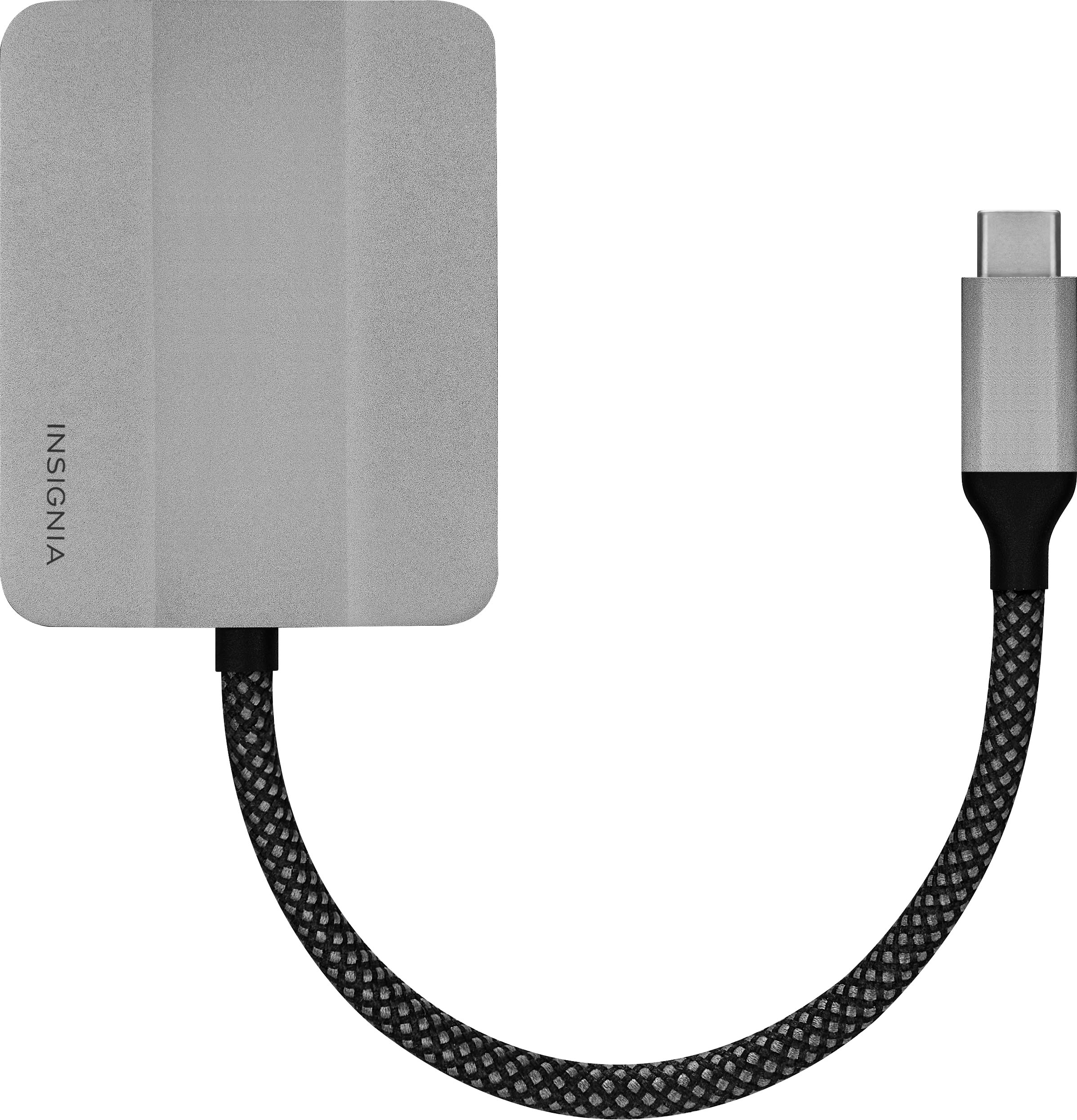
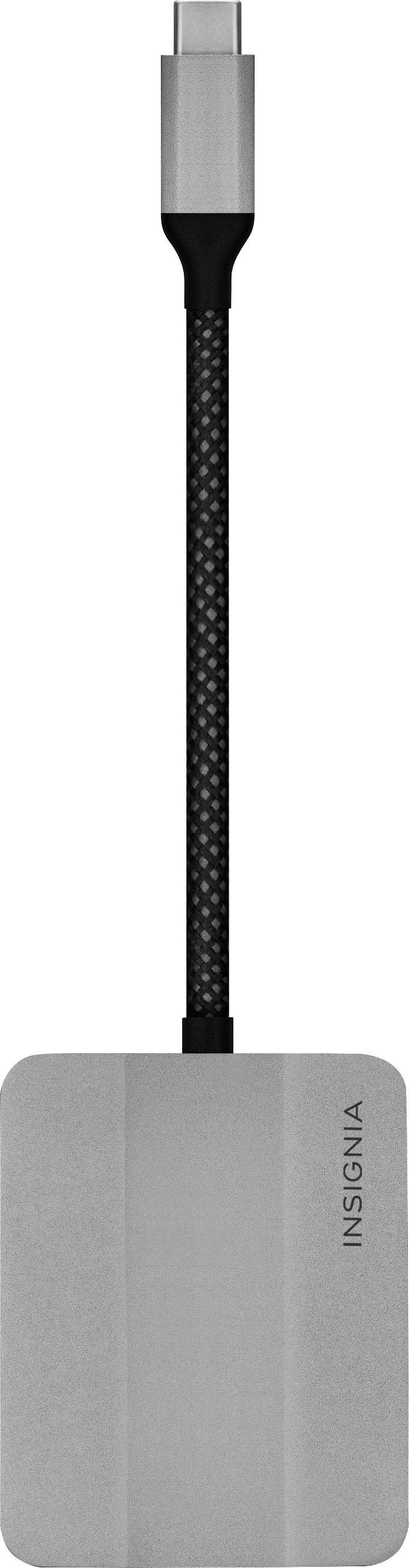
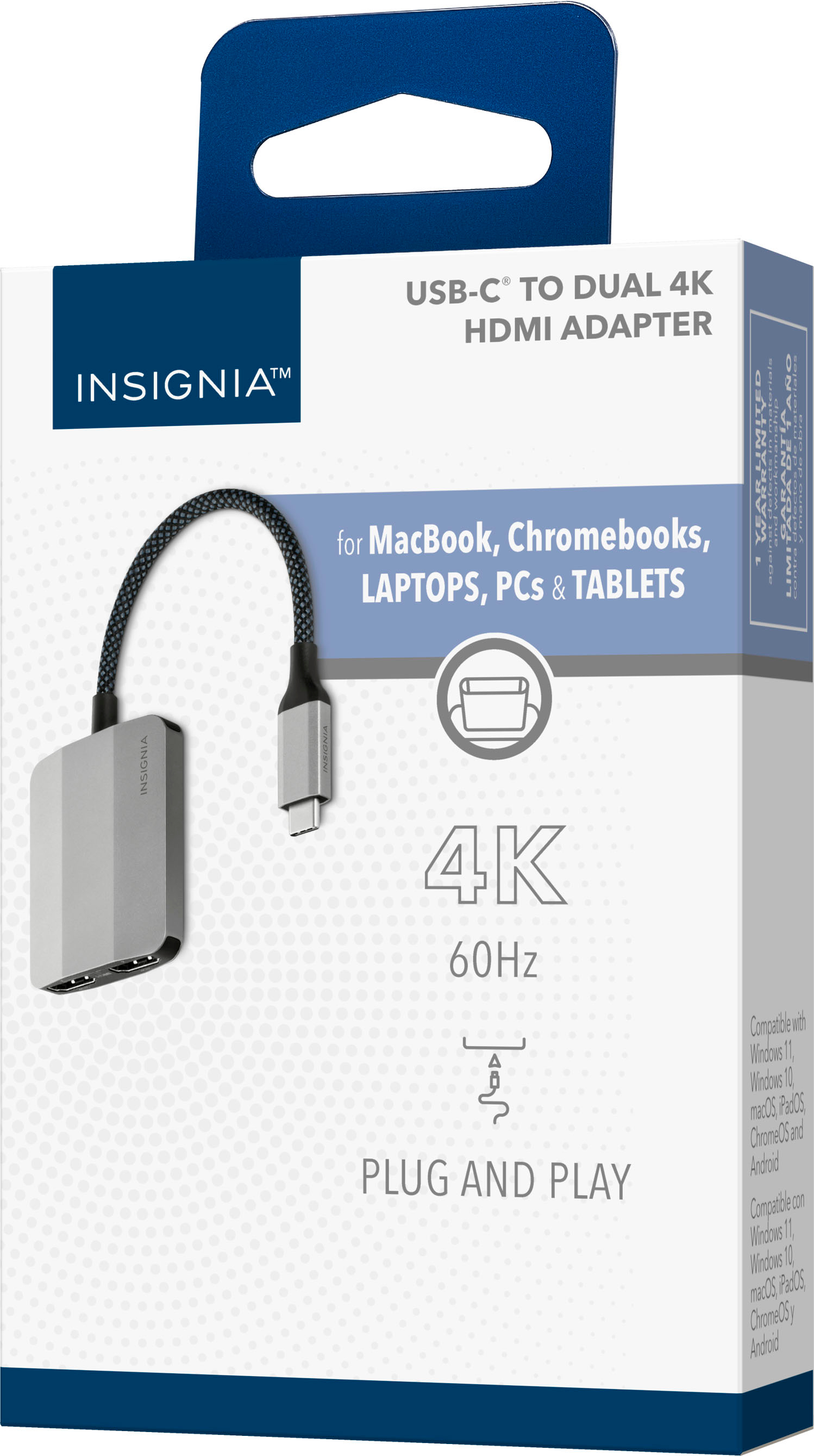
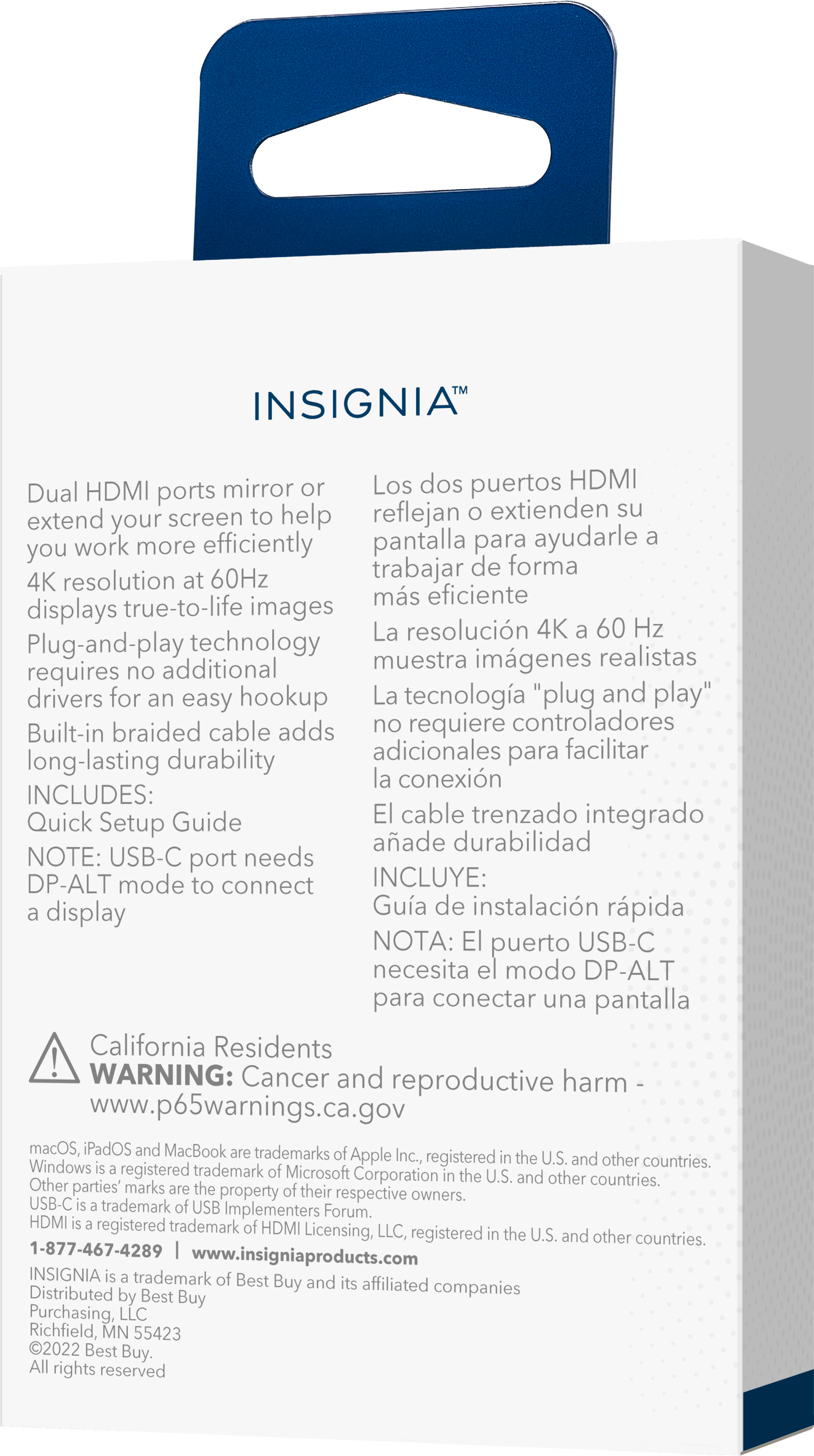
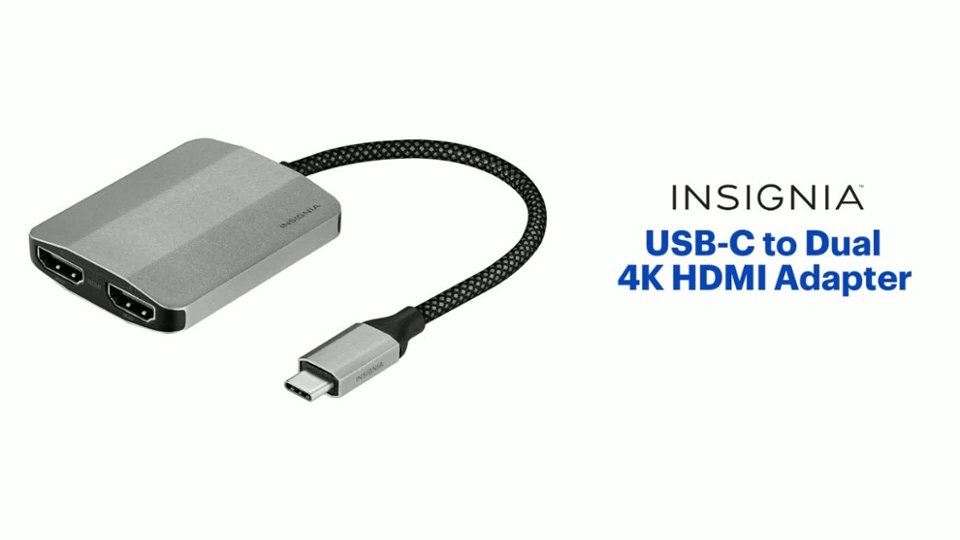
|Posted .This reviewer received promo considerations or sweepstakes entry for writing a review.The Insignia™ NS-PA5C2HMS23 USB-C to Dual 4K HDMI Adapter is great for Windows, Android or IOS devices that have a USBC port but no HDMI out port to extend your display to two additional monitors or projectors. This adapter allows you to extend or mirror your display through a USB-C port supporting DP alt mode to an HDMI-enabled display with up to 4K resolution at 60 Hz. I used the adaptor to extend my Microsoft surface go display to an Epson projector to project spooky halloween images to my Windows for Trick or Treaters to enjoy. This worked without a hitch, no drivers to install just plug and play! I had a perfect image and sound as well over HDMI. The adapter is plug-and-play requiring no additional drivers, however you need to have pretty current drivers for it to work so make sure they are up to date. It is adapter is compatible with Windows 11 & 10, MacOS 10.2, iPad OS 12, and Chrome OS 48 0 2564.82 and Android OS 8.0. The device is well built with braided cable and flexible rubber at each end, It has a cable length of 4.53 inches. The adaptor body is small with a metalic grey shell. The USB-C male input is also encased int the same metalic grey casing and is very solid. The dual HDMI ports are solid and spaced to have the minimum area nessesay for the 2 HDMI cables making the adapter very small and compact. The adapter is USB-IF certified, which means it is officially certified for compatibility across a wide range of devices. I noted no overheating during it's hours long use. The Insignia USB-C Dual 4K HDMI adaptor is a great accesory for your devices alowing you to extend your display or even project it. It comes with a 1-year limited warranty for both parts and labor.
I would recommend this to a friend Did not work as should.
||Posted . Owned for 2 months when reviewed.This reviewer received promo considerations or sweepstakes entry for writing a review.I attempted to use with 4 different computers (3 Dells and 1 MacBook Pro) and 2 new Samsung monitors. Thought I was just computer illiterate. Had a couple of my tech friends over for Christmas. They were also unable to get it to work. Outside of return window or would return.
No, I would not recommend this to a friend- Pros mentioned:HdmiCons mentioned:Heat
I swear I’m seeing double.
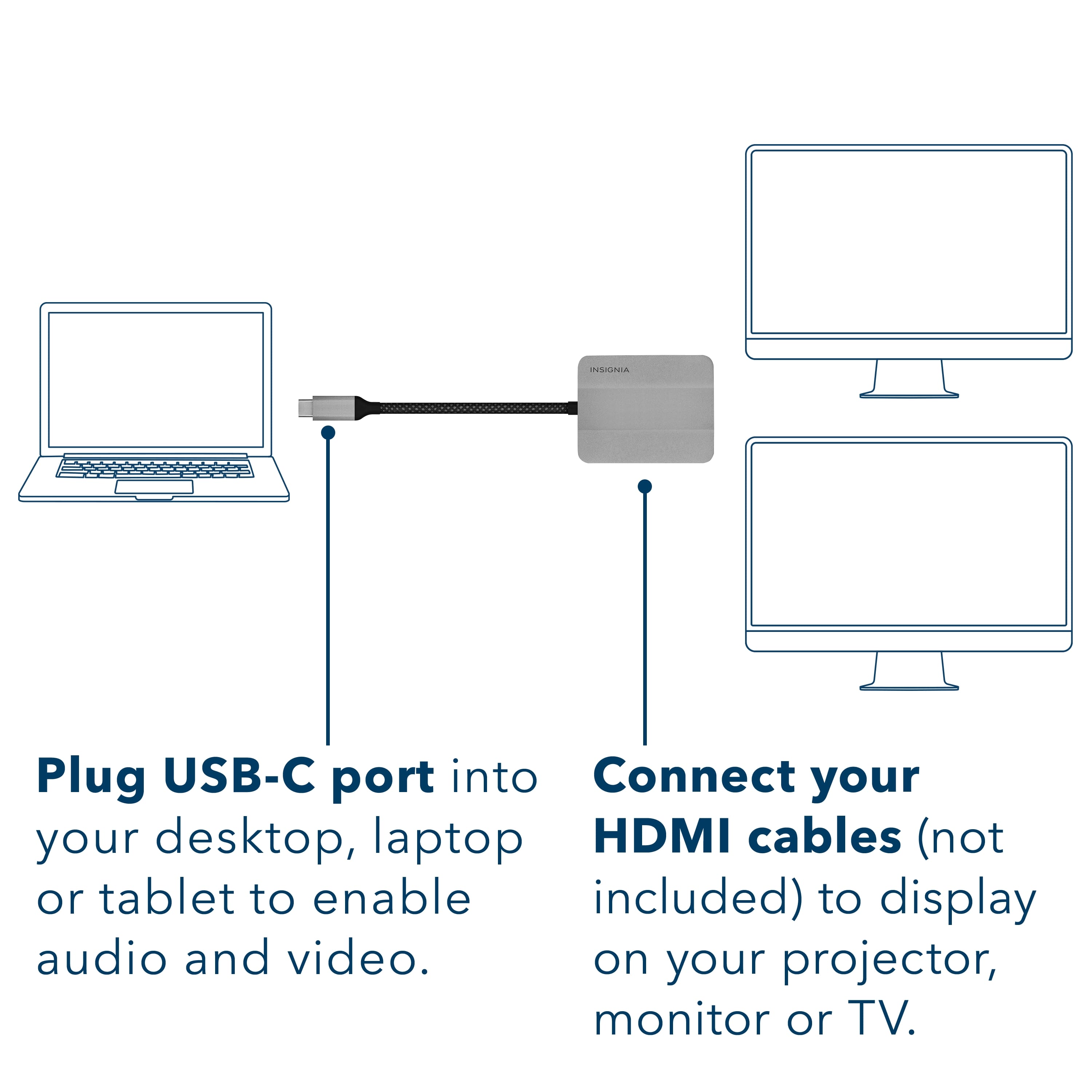
|Posted .This reviewer received promo considerations or sweepstakes entry for writing a review.If you have a modern, thin, laptop, you may only have USB-C connectors to serve as your power/charging connections and all other communications to external devices aside from wireless. In this case, USB-C connectors would also be required to connect with external monitors. As there is not an unlimited number of these connectors on laptops, sometimes you may need to use a docking device to expand the flexibility of the laptop to cover all of your needs. When you only may need a little help with a monitor or two, or have some high-end 4K monitors used at no more than 60 Hz, this very portable and affordable Insignia adapter may be perfect for your needs. It travels easily and is indispensable for those occasions when required to expand your laptop’s or device’s smaller screen size with something more expansive. In addition, with the employed plug-and-play technology, there are no additional drivers required to be added by the user when using this adapter. Bear in mind that this product will require that your connected computer have USB-C ports that supports DisplayPort (DP ALT Mode) to display your video. You also have to be running Windows 10 or 11, macOS, ChromeOS, iPadOS, or Android. You can either extend or mirror your existing screen onto your external one(s) depending on your originating device. You will also need an additional HDMI cable that is rated at the data speed required of the monitor for each monitor you intend to use. Speaking of cable, the short, braided cable that runs between the USB-C connector and the module holding the dual HDMI connectors on the adapter looks very sturdy and is well strain-relieved. It should last for a considerable time, even going in and out of computer cases and being setup frequently. I tried this adapter in several scenarios. The first, was a recent Dell laptop with 32GB of ram, EVO i7 Intel processor and Windows 11 home. I used the 15” laptop screen, a 26.5” desktop monitor turned upside down and a 24” desk top monitor turned on its side (ask my son why) all used simultaneously with an extended desktop using all three displays at 1080p resolution at 60 Hz. I ran three different high-definition video programs, one on each screen, from YouTube. All of the programs ran flawlessly, simultaneously. The next scenario was the same laptop with a 4k 65” screen and a 24” 1080P/60 Hz desktop monitor. The three monitors again ran three different programs simultaneously at the maximum screen resolution and size for each. In this situation, I noticed a very slight stutter on the 4K screen every once in a while, but I’m pretty sure it was the limitation of the wireless connection running out of bandwidth. The last scenario I tried was using a modern Chromebook graced with only 8 GB of ram and a recent Intel i5 processor with the same monitor configuration as the last setup. Although in the Chrome environment, YouTube wouldn’t let me run multiple instances simultaneously, all of the monitors were displaying program material without hesitation or artifacts. In all of the uses above, I noticed the adapter was slightly warm, but never excessively so. I am very happy with the performance of the adapter in all of the above situations, and for the affordable price, it seems like a worthwhile investment.
I would recommend this to a friend Bought to use with M3 iMac
||Posted . Owned for less than 1 week when reviewed.This reviewer received promo considerations or sweepstakes entry for writing a review. I was wanting to have two additional monitors hooked up to my iMac, M3 24 inch does not work
No, I would not recommend this to a friendBrand response from InsigniaCustomerSupport
Posted .Thank you for your feedback. It’s disappointing to hear that you’re having trouble connecting additional monitors to your iMac. The M3 iMac supports a specific number of external displays, so it’s important to ensure that any adapters or cables used are compatible with your setup. If you need further assistance or troubleshooting tips, please let us know. We’re here to help! Keith | Insignia Support https://www.bestbuy.com/site/insignia-usb-c-to-dual-4k-hdmi-adapter-gray/6521721.p?skuId=6521721

- Pros mentioned:Hdmi
Perfect for travel or home viewing
|Posted .This reviewer received promo considerations or sweepstakes entry for writing a review.I am delighted with the USB to HDMI 4K adapter. I work virtually, sometimes on the road, sometimes on the other side of my ranch at my son's house. This adapter makes it possible for me to display my work on larger monitors, and even on large televisions! While in a hotel, I can plug the computer easily into the television in my room and work from the bed or desk, but have a big picture! Also means I can take a smaller laptop on the road, so less to carry. At home on the ranch, I can easily hook my laptop up to a couple of huge monitors on my desk, OR, to a large mounted television. We do a lot of planning on maps and diagrams and charts for our ranch, so having everyone able to see the screen while siting comfortably without being on top of one another is a real boon. Overall, I am super please to review this Insignia adapter. I have several over the years for different ports and connections and they have never failed me. The device is small, but the braided cord is at least six inches long, giving you the flexibility to point the HDMI connections in any direction. It has a long (ish) USB 'handle' which makes it super easy to remove it from the computer without having to yank on the cord (which weakens the connection). If you travel or present to large groups, you should pick up one of these adapters and tuck it in your laptop bag.
I would recommend this to a friend - Pros mentioned:Hdmi
Handy device for extending your screen space
|Posted .This reviewer received promo considerations or sweepstakes entry for writing a review.Its a very handy to have this little device around. It very quickly allows you to extend your workspace by hooking up additional monitors to a Personal Computer. macOS,iPad OS ChromeOS or and android android. Just plug it into a USB-C portal on your computer, but be sure your device has the ability to support USB-c DisplayPort (DLP ALT Mode) ro transfer video signals, and you are ready to set up your device to extend your display without downloading any additional drivers.It is really a true plug and play device. Additionally you should be able to Stream or extend video to your monitor, projector, or TV, mirror your display onto additional monitors or stream independent content to each display or boost up your productivity by giving you more screen space to work from. You can use a USB-C to dual HDMI adapter with almost all USB-C laptops, And with the ability of using extra monitors or streaming to your TV vis HDMI you really do extend the abilities of your laptop. The Insignia USB-C to dual 4k HDMI adapter is made of metal and plastic with a heavy duty feeling cord of around 8 inches and has a one year warranty
I would recommend this to a friend - Pros mentioned:Quality
Works flawlessly in Windows 11 for 4k
|Posted .This reviewer received promo considerations or sweepstakes entry for writing a review.Quick Overview ================================= Having a single adapter to run dual 4K monitors is something really useful if it works as it should. Let's see how the Insignia USB-C to Dual 4K HDMI adapter performed. Overall build ================================= The adapter itself looks and feels high-quality. It has an all-metal build with a short braided USB-C connector. The two HDMI ports are labeled "1" and "2" and underneath each port the label reads "4K/60" for 4K resolution at 60 hz. Everything feels more premium than some of my other USB-C hubs/adapters that don't have braided cables and are made of plastic. Performance ================================= As expected, connecting this to a recent Windows 11 PC (Asus Strix 18) "just works". I was able to connect a 4K 60hz display to one port and a WQHD (2560 x 1440) to the other. As you can see in the screenshots, the 4K display is showing 60 hz (as well as the other display). Using this throughout my work day, there was no difference compared to my usual direct-to-the-HDMI-port connection. There was no perceptible lag in scrolling, video calls, or otherwise and since my display maxes out at 4K/60, this was a perfect adapter. Unless my adapter was faulty, things get a bit different on MacOS and Android. This adapter claims to be compatible with a wide range of devices including MacOS and Android (and iPad OS, ChromeOS), but it did not work as intended. Under MacOS on a MacBook Pro 14 (M1), the monitors were never properly detected (listed as generic PNP monitor) and just showed a generic name. I don't want to say that it doesn't work under MacOS, but I wanted to call that out. This is a work device and perhaps I don't have the proper rights to use this adapter. Under Android, I'm used to plugging in my Samsung Galaxy S23 Ultra, having DEX pop up, and getting to work as if it's a mini-PC. Unfortunately, I only got halfway there with this adapter. I saw that it triggered DEX on my phone, but nothing was ever output to the display so I couldn't do any real work on it. I tried two different monitors (that work fine with another USB-C to HDMI adapter) so there's something going on with this adapter that's preventing it from displaying properly. It could be my specific adapter since I think other people got it working properly. Conclusion ================================= If your main platform is Windows 10 or Windows 11, this is a great adapter that worked reliably with two monitors, as advertised. If you're looking to use this across multiple operating systems (including MacOS or Android), you may need to keep looking. I will check with Best Buy/Insignia to see if this is a faulty adapter since it's supposed to be driverless for all of the OSes that they support.
I would recommend this to a friend - Pros mentioned:Compatibility, Ease of use, Quality
Works great
||Posted . Owned for 1 month when reviewed.This reviewer received promo considerations or sweepstakes entry for writing a review.Better than I could have imagined. I was able to use it to connect both my HP 27 inch monitor and my 27 inch curved viotek monitor. I sometimes switch the connection between my personal laptop, work laptop, to my apple mac mini. And it’s very easy to transition between all devices.
I would recommend this to a friend - Pros mentioned:Connectivity, Quality
Excellent adapter
||Posted . Owned for 2 weeks when reviewed.This reviewer received promo considerations or sweepstakes entry for writing a review.I bought this HDMI adapter to connect my laptop to my TV and I am very happy with the quality and performance of this product. The adapter is easy to use, just plug and play, and it supports 4K resolution and high-definition audio. The adapter is also durable and well-made, with gold-plated connectors and a braided cable. It works flawlessly with my devices and I have not experienced any lag, flickering, or distortion. This HDMI adapter is a great value for the money and I would highly recommend it to anyone who needs a reliable and versatile HDMI converter. It is compatible with many devices, such as laptops, tablets, smartphones, cameras, game consoles, and more. It is also compact and lightweight, so you can easily carry it around or store it in your bag. This is one of the best HDMI adapters I have ever used and I am very satisfied with my purchase.
I would recommend this to a friend - Pros mentioned:Compatibility, Connectivity
Great Adapter
||Posted .This reviewer received promo considerations or sweepstakes entry for writing a review.The adapter worked exactly how I was hoping it would, easily connecting my laptop to my two external monitors using the adapter along with two HDMI connectors. It works with both my Mac and my Dell laptops.
I would recommend this to a friend - Pros mentioned:Quality
Excellent Dual Monitor Cable
||Posted . Owned for 3 weeks when reviewed.This reviewer received promo considerations or sweepstakes entry for writing a review.This was EXACTLY what I needed. I had been having issues setting up dual monitors and was having trouble. I came in and spoke with a tech and was very pleased at the time he took to listen to what I needed. I was quite sure if it would work but I gave it a shot. To my surprised it ended up being just what I needed and actually reduced how many different cables that I would need. The only bummer was that it was a little pricey with what I wanted to spend but was definalty well worth it. The quality of the cable was excellent
I would recommend this to a friend Finally Got Dual Monitors Working with My Laptop
||Posted .This reviewer received promo considerations or sweepstakes entry for writing a review.I picked this up because I needed to run two external monitors from my laptop and it worked exactly how I hoped. The DisplayLink / MHC support makes a big difference since a lot of laptops can’t normally push two displays through a single USB-C port. Setup was pretty straightforward – installed the DisplayLink driver and both monitors were recognized right away. I’m running two 4K monitors and everything looks sharp and stable. Build quality feels solid and it’s nice having a simple solution that actually enables true dual monitor support instead of just mirroring. If you need multiple displays from a laptop with limited ports, this works really well.
I would recommend this to a friend- Pros mentioned:Ease of use
Nice adapter
||Posted . Owned for 1 year when reviewed.This reviewer received promo considerations or sweepstakes entry for writing a review.Nice HDMI adapter, small and light. It does what it's supposed to. Good price for the quality
I would recommend this to a friendBrand response from InsigniaCustomerSupport
Posted .Thanks, Brooks! We're glad the adapter is working well for you—compact, reliable, and a great value!
- Shiela | Insignia Support
- Pros mentioned:Ease of use, Quality
USB adapter
||Posted . Owned for 5 months when reviewed.This reviewer received promo considerations or sweepstakes entry for writing a review.We used this for school and work. I purchased this and it’s been great.. extra adapters for our laptops. This mini docking station is a great product. No problems, great quality and it works good.
I would recommend this to a friend - Pros mentioned:Connectivity
Great little gadget that works out of the box
||Posted .This reviewer received promo considerations or sweepstakes entry for writing a review.This little gadget allowed me to connect two monitors to my laptop. It was literally plug in and it worked. I had to go to settings to adjust the display order but that was it. It was something new to me so I was a bit hesitant but pleasantly surprised. I wish I had don't it six months ago.
I would recommend this to a friendBrand response from InsigniaCustomerSupport
Posted .Thank you, RichY! We're so glad to hear that the Insignia™ USB-C to Dual 4K HDMI Adapter made it easy to expand your setup—it's always exciting when something works seamlessly right out of the box. Your experience is a great example of how simple and effective the right tool can be, and we truly appreciate you sharing it! Jeth|Insignia Support.
- Pros mentioned:Ease of use
Works as it should.
||Posted . Owned for 1 month when reviewed.This reviewer received promo considerations or sweepstakes entry for writing a review.Great for having dual monitors. Easy to use . Have 2 of these for different locations.
I would recommend this to a friendBrand response from InsigniaCustomerSupport
Posted .Hi there! Thank you for your feedback! We're pleased to hear that the Insignia™ USB-C to Dual 4K HDMI Adapter is working well for you and making it easy to use dual monitors. It's great to know that you find it convenient enough to have two for different locations. We appreciate your support and hope it continues to meet your needs! |Angelica| Insignia Products|
- Pros mentioned:Ease of use
Great
||Posted . Owned for 1 month when reviewed.This reviewer received promo considerations or sweepstakes entry for writing a review.Great item easy to use and setup i highly recommend
I would recommend this to a friend