Customer Ratings & Reviews
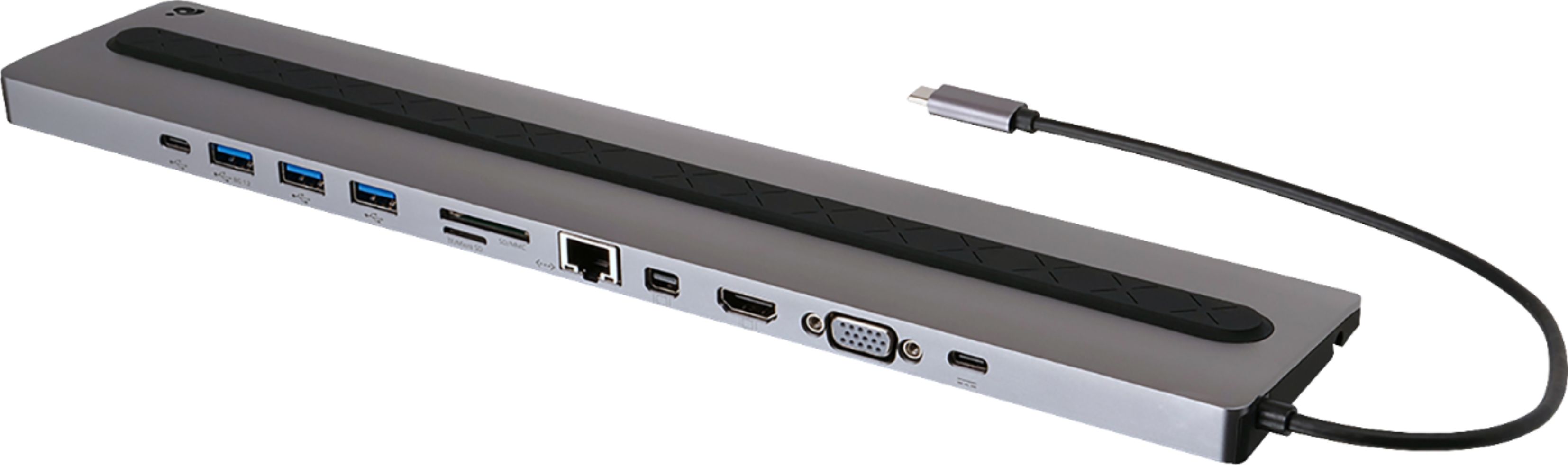
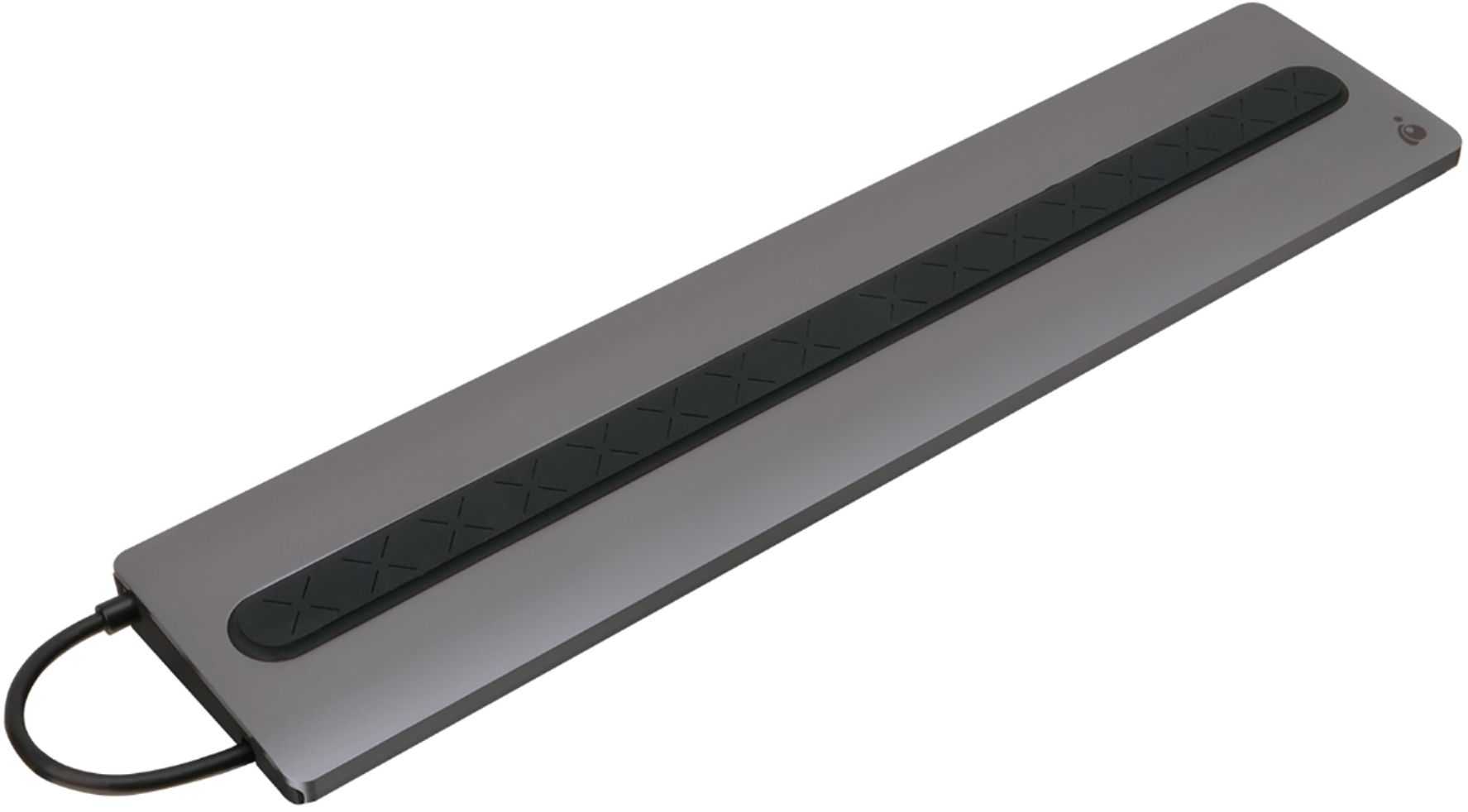
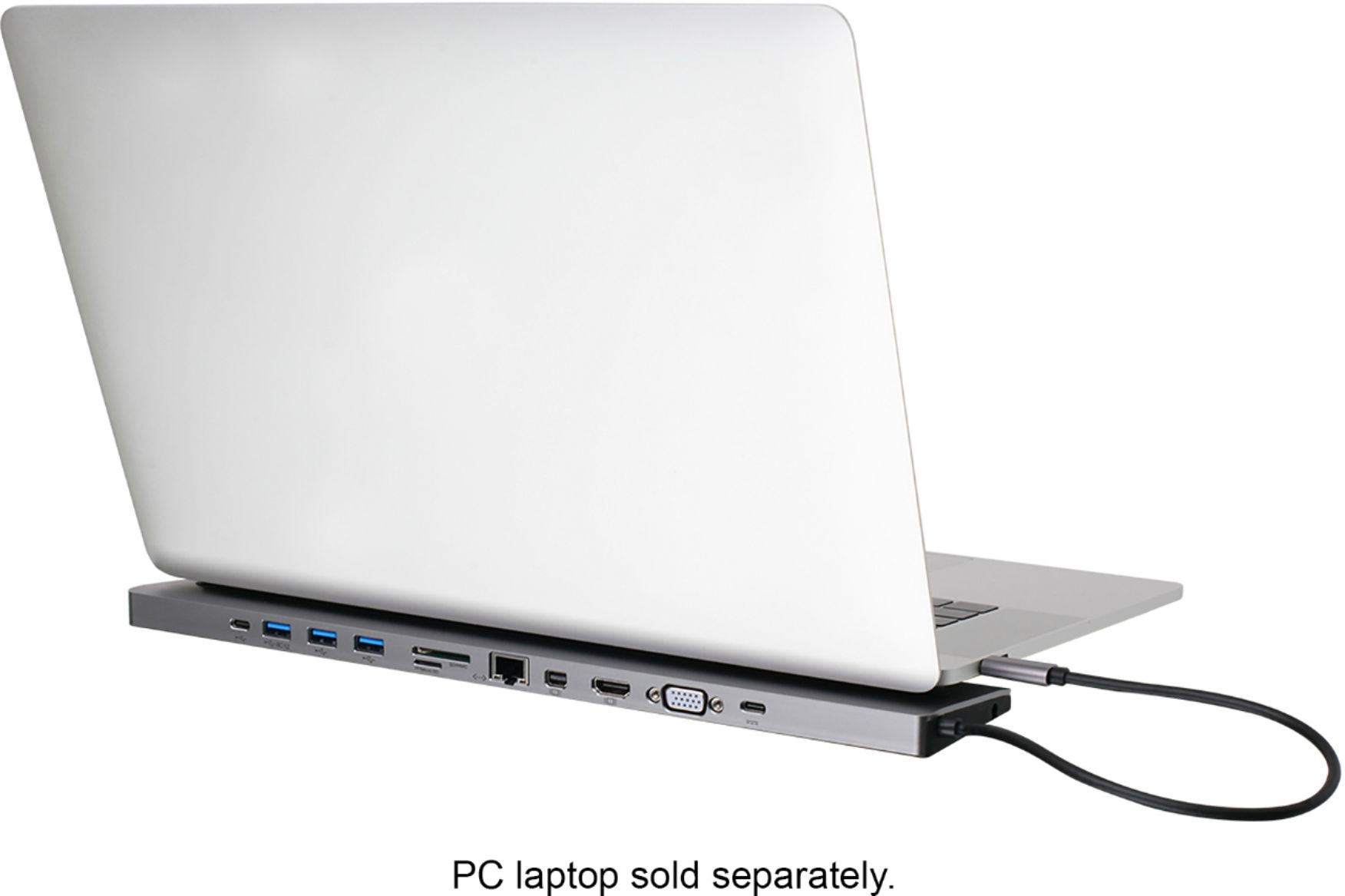
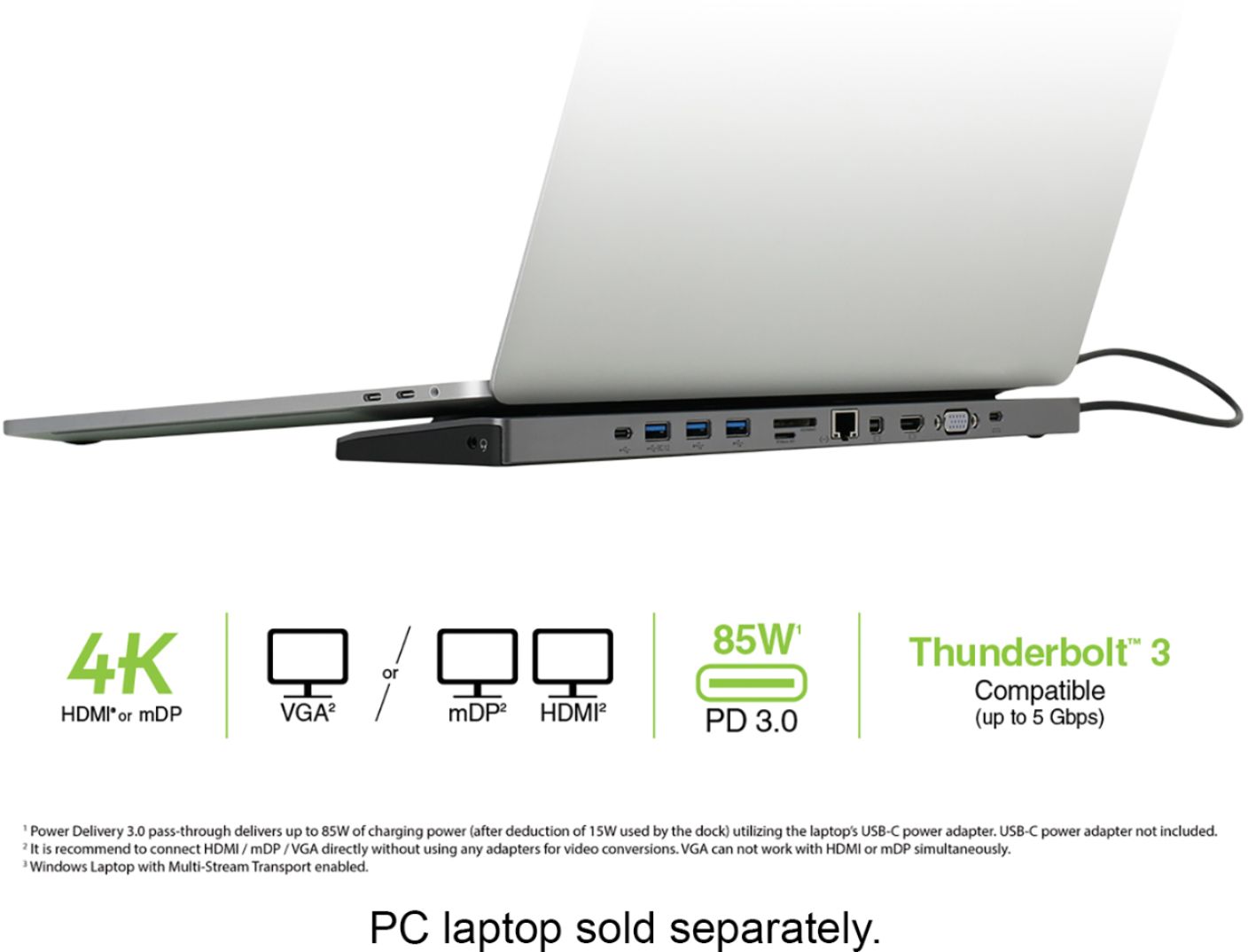

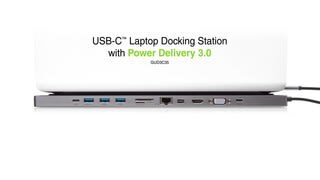
- Model:
- GUD3C35
- |
- SKU:
- 6269000
Customer reviews
Rating 4.1 out of 5 stars with 161 reviews
(161 customer reviews)Rating by feature
- Value4.1
Rating 4.1 out of 5 stars
- Quality4.4
Rating 4.4 out of 5 stars
- Ease of Use4.4
Rating 4.4 out of 5 stars
Customers are saying
Customers are positive about the USB-C Docking Station's ease of use, extensive port selection, and compatibility with various laptops. Many appreciate its compact size and ability to support multiple monitors. However, some customers are negative about the docking station's tendency to overheat and occasional power delivery issues.
This summary was generated by AI based on customer reviews.
Rated 1 out of 5 stars
Waste of Money - Do Not Buy.
||Posted . Owned for 3 months when reviewed.This reviewer received promo considerations or sweepstakes entry for writing a review.I'm very disappointed with this. You can't charge a kb and mouse simultaneously using this station. There are consistent issues with the signal to the monitor. I've tried different monitors, different cables and different laptops and the problems always follow the docking station. It's certainly possible that I've got a dud, but I've never had much luck with IOGEAR.
No, I would not recommend this to a friendRated 2 out of 5 stars
Didn't give it much of a chance
||Posted .This reviewer received promo considerations or sweepstakes entry for writing a review.I didn't give it much of a chance because it doesn't come with an AC Adapter. So you have to use your laptop power to power it. I want to keep my cables in my laptop bag not plug them into my dock. I returned it.
No, I would not recommend this to a friendRated 1 out of 5 stars
Has compatibility issues with MacBook Pro platform
||Posted . Owned for 2 months when reviewed.This reviewer received promo considerations or sweepstakes entry for writing a review.Device Causes intermittent malfunction and will render the external monitor unusable when laptop is placed on top of bar, causing a compatibility issue with hardware drivers affecting external Apple monitor , WiFi Internet and Bluetooth signal Stability and acquisition. This was diagnosed via trouble shooting MacBook Pro with Apple joint venture service Group. Did not experience this with previous version of this product.
No, I would not recommend this to a friend- Cons mentioned:Power
Rated 1 out of 5 stars
poor connection
||Posted . Owned for 1 month when reviewed.This reviewer received promo considerations or sweepstakes entry for writing a review.I've had it for 3 months. worked at first now it doesn't. Constantly loosing power even when plugged into power outlet
No, I would not recommend this to a friend Rated 2 out of 5 stars
Charging issues from USB C
||Posted .This reviewer received promo considerations or sweepstakes entry for writing a review.Thought this was supposed to charge through the docking station when a USB C adapter was added, but not working. Maybe the adapter that is the issue. Don't know yet.
No, I would not recommend this to a friendRated 2 out of 5 stars
It hasn’t worked with dual digital monitors
||Posted . Owned for 1 month when reviewed.This reviewer received promo considerations or sweepstakes entry for writing a review.It doesn’t work with a HDMI and a mini digital set of monitors, although it claims that it does. I need to fight with it more to see if is possible. It didn’t work at first plug-in.
I would recommend this to a friendRated 2 out of 5 stars
Maybe we had a bad one
||Posted . Owned for 2 weeks when reviewed.This reviewer received promo considerations or sweepstakes entry for writing a review.Bought this bc it was more expensive. Every time we plugged Mac book into it, it deactivated any internet connection. Maybe it was just ours.
No, I would not recommend this to a friendRated 1 out of 5 stars
Video quit on 2 units
||Posted .This reviewer received promo considerations or sweepstakes entry for writing a review.While the added ports were nice, I had 2 different docks fail in less than 5 days each. The video output on both of them failed. And these were from 2 different stores, so not sure if there was a bad lot, or what. After having 2 failures, I would not recommend this particular dock to anyone.
No, I would not recommend this to a friendRated 1 out of 5 stars
Awful product, doesn't work.
||Posted . Owned for 2 months when reviewed.This reviewer received promo considerations or sweepstakes entry for writing a review.I have purchased about 10 of these for my company, and so far 6 have outright failed. Ports stop working, video won't pass through, mini-display never works.
No, I would not recommend this to a friendRated 1 out of 5 stars
Didn’t work as expected
||Posted .This reviewer received promo considerations or sweepstakes entry for writing a review.This did not work as expected. The ports did not work with the Computer, monitor and oculus we tried to connect. Couldn’t figure out why so we got a different one that is cheaper and smaller and works!
No, I would not recommend this to a friendRated 1 out of 5 stars
didn't do what I was told it would
||Posted . Owned for 1 week when reviewed.This reviewer received promo considerations or sweepstakes entry for writing a review.does not offer what i needed. the mini display port does not support thunderbolt 2.
No, I would not recommend this to a friendRated 1 out of 5 stars
No 3 monitor hook up
||Posted .This reviewer received promo considerations or sweepstakes entry for writing a review.Not what expected, did not expand my monitor capability
No, I would not recommend this to a friendRated 5 out of 5 stars
An Excellent USB-C Dock
Posted .This reviewer received promo considerations or sweepstakes entry for writing a review.I've been searching for an excellent USB-C dock that would support a 4k monitor, offer a decent power passthrough for my 15" Macbook pro, fit discreetly on my desk, include a full-sized SD card slot, and not break the bank. I was so happy when I found this IOGEAR option but was hesitant about buying it based on other reviews. Let me say this now; this is a fantastic dock and my favorite currently on the market. Not only does it prop up my MacBook Pro, hiding discreetly under it, but it offers everything I need. I've been using the unit hooked up to 1 external HDMI ultrawide monitor, a 3.5mm headphone out, an external USB 3.0 HDD, and an 85w MacBook Pro charger. As some others have found out, this unit does not support Thunderbolt 3 monitors, but it never claimed that it did — it's USB-C port merely is USB 3. I did notice that my high-power Apple external CD drive had an issue with not enough power, but I've had that issue before on other docks. If you have a lot of high-power-draw accessories, I would recommend adding on a powered USB hub for your needs. Overall, I would recommend this hub all day long at its current price. Also, the build quality is excellent metal construction, and it stays firmly put on my desk despite my typing all day long.
I would recommend this to a friend- Pros mentioned:Usb-c
Rated 2 out of 5 stars
MAC & THUNDERBOLT USERS - BEWARE!
Posted .This reviewer received promo considerations or sweepstakes entry for writing a review.As others have indicated, while this dock appears to support two external monitors, it only allows them to mirror (i.e., show exactly the same image on each external monitor). If you look closely at the monitor pictures on the bottom of the box you will notice that Mac OS/Windows 10 under Thunderbolt 3 shows both external monitors with "B's" on the screen - their way of showing you that they show the same image (now how useful is that?) To be fair to IOGEAR, this is not a fault of their dock, but rather of Apple/Mojave/Thunderbolt 3 technology. I just very much wish they were clearer/more disclosing of this limitation than "fine-print" pictures. I may keep the dock anyway because of the 3 USB ports, the USB-C power port (frees up a thunderbolt/USB-C port on my new Macbook Air), and the spare USB-C port. However, for me, the HDMI/VGA/mini displayports and the Cat 5 network cable port are basically useless.
No, I would not recommend this to a friend - Pros mentioned:Usb-c
Rated 1 out of 5 stars
Doesn’t work for MAC dual split screens
Posted .This reviewer received promo considerations or sweepstakes entry for writing a review.Very disappointed! This was supposed solution #3. The label says works great for MACBOOK. Not so much. I was able to get dual screens to mirror but can’t do ANYTHING beyond seeing the pretty screens. The internet stops working when both monitors are connected to it and I could only do “mirror” . One monitor was an ACER 27” with HDMI to the dock and one was ACER 23” connected via a mini display port using an HDMI to MDP cord. Was told this should work by a supposed MAC EXPERT. Nope. Taking this back and trying to find solution #4
No, I would not recommend this to a friend - Cons mentioned:Power
Rated 1 out of 5 stars
Non-functional design
Posted .This reviewer received promo considerations or sweepstakes entry for writing a review.I purchased the 1st one of these and it worked 1 time and stopped working. The dock would not read any USB, pass power through it, USB, none of it work. I took it back to Best Buy and they replaced it. When I use the second docking station it will usually turn off my WiFi when I plug it up. I have called Tech Support and they act like they arent interested in helping me.
No, I would not recommend this to a friend Rated 1 out of 5 stars
Limited usefulness of USB ports
Posted .This reviewer received promo considerations or sweepstakes entry for writing a review.I got this for an easy dock for an MB Pro. My first gripe was that the USB cable to the computer was fixed. We all know the first thing to go bad are the cables, and I would have preferred a USB-C cable that was replaceable going to the computer. That said, I set it up, ran power to it, and connected to the computer, then attached an HDMI to run a monitor. So far so good. Then came the USB 3.0 stuff. I could not get anything to work. I have a powered hard drive (that is, it has its own power source, so isn't drawing its voltage from the hub), a powered enclosure (also with its own power) and an SD card reader for photo images. Nothing worked when connected to the USB-A. I even tried running one of them up to the powered hub built into my monitor. That didn't work. ALL of these work just fine when connected to the UNPOWERED USB-3 hub I was hoping to eliminate. Its a pretty nice idea, but it just doesn't seem to work all that well.
No, I would not recommend this to a friendRated 1 out of 5 stars
No customer support
Posted .This reviewer received promo considerations or sweepstakes entry for writing a review.Dock will not work on 2nd monitor. Followed directions perfectly. Also mouse and keyboard not working properly. Contacted custumer support and their "live chat" during their posted hours and have not receive a single reply. Will be returning this product and buy from one of their competitors.
No, I would not recommend this to a friendRated 1 out of 5 stars
Nice design, fails to perform
Posted .This reviewer received promo considerations or sweepstakes entry for writing a review.I recently got a 32" 4k monitor to use with my 15" MacBook Pro mid-2017 model. I've been through about 4 "dock" solutions so far, this was my latest one that I picked up at BestBuy after being frustrated with mail-order. No difference, I plugged it in, nothing. Neither my 4k monitor nor my standard monitor worked. All I hear is a clicking noise. Back in the day, IOGear was good stuff, not so much any more. Returned it right away.
No, I would not recommend this to a friendRated 1 out of 5 stars
Junk.
Posted .This reviewer received promo considerations or sweepstakes entry for writing a review.Junk. I like ioGear products, but this one is junk and that's probably why they are 50% off. I had three of these. Every one went bad between 6 months and year later. 1 of them destroyed an external hard drive on the way to collapsing. Cannot recommend.
No, I would not recommend this to a friend