Customer Ratings & Reviews

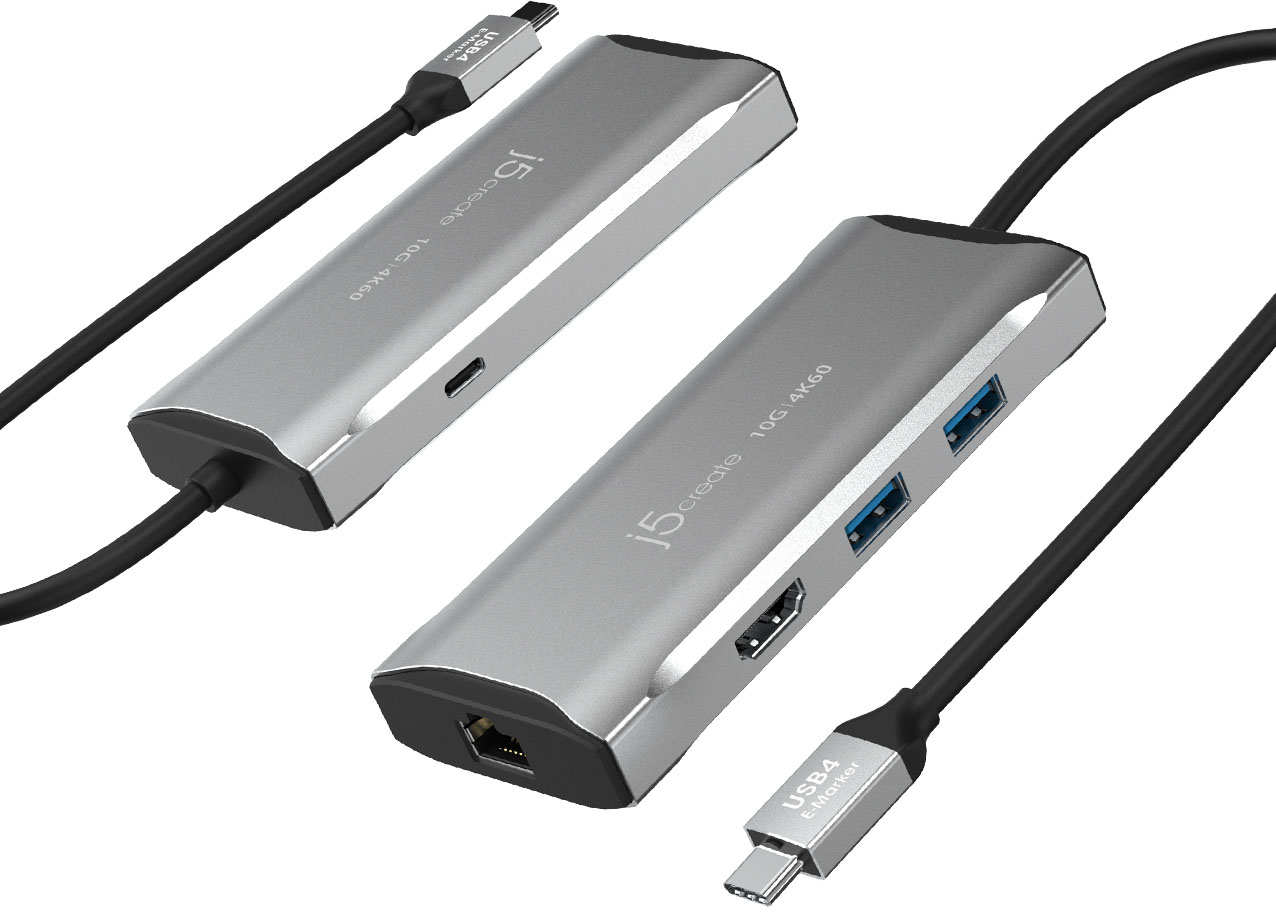
- Model:
- JCD392
- SKU:
- 6507853
Rating by feature
- Value
Rating 4.3 out of 5 stars
- Quality
Rating 4.4 out of 5 stars
- Ease of Use
Rating 4.6 out of 5 stars
Customers are saying
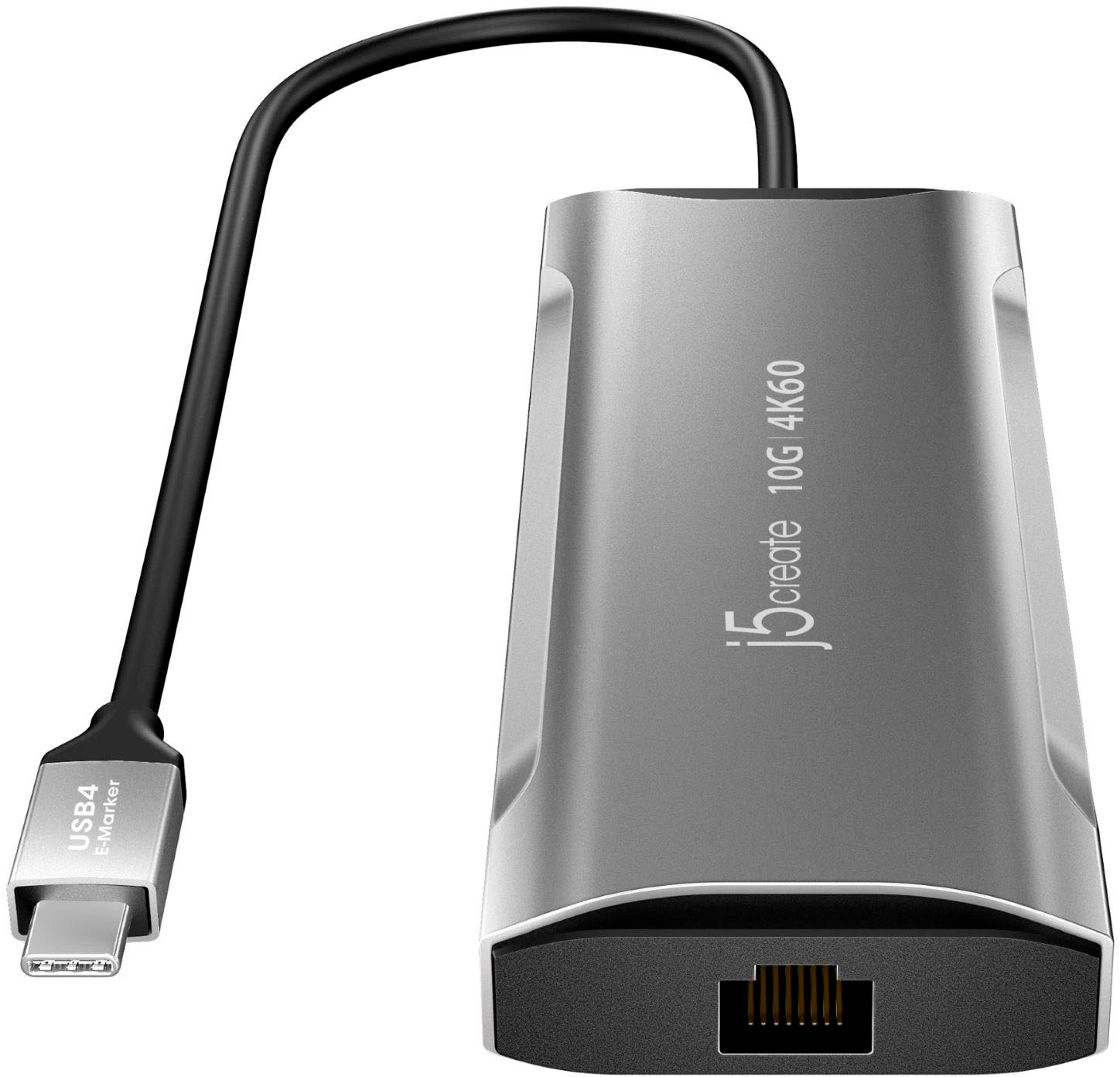
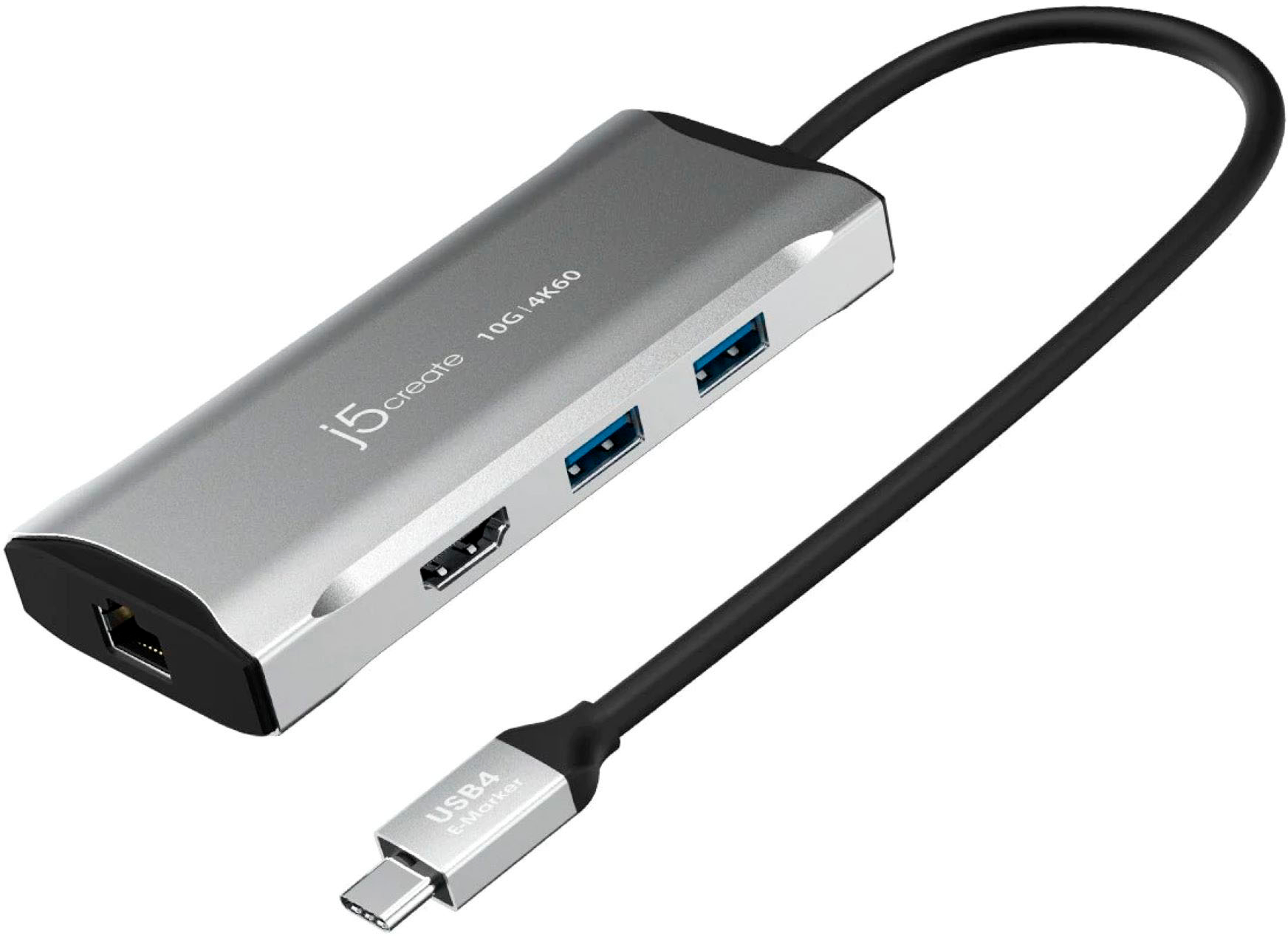
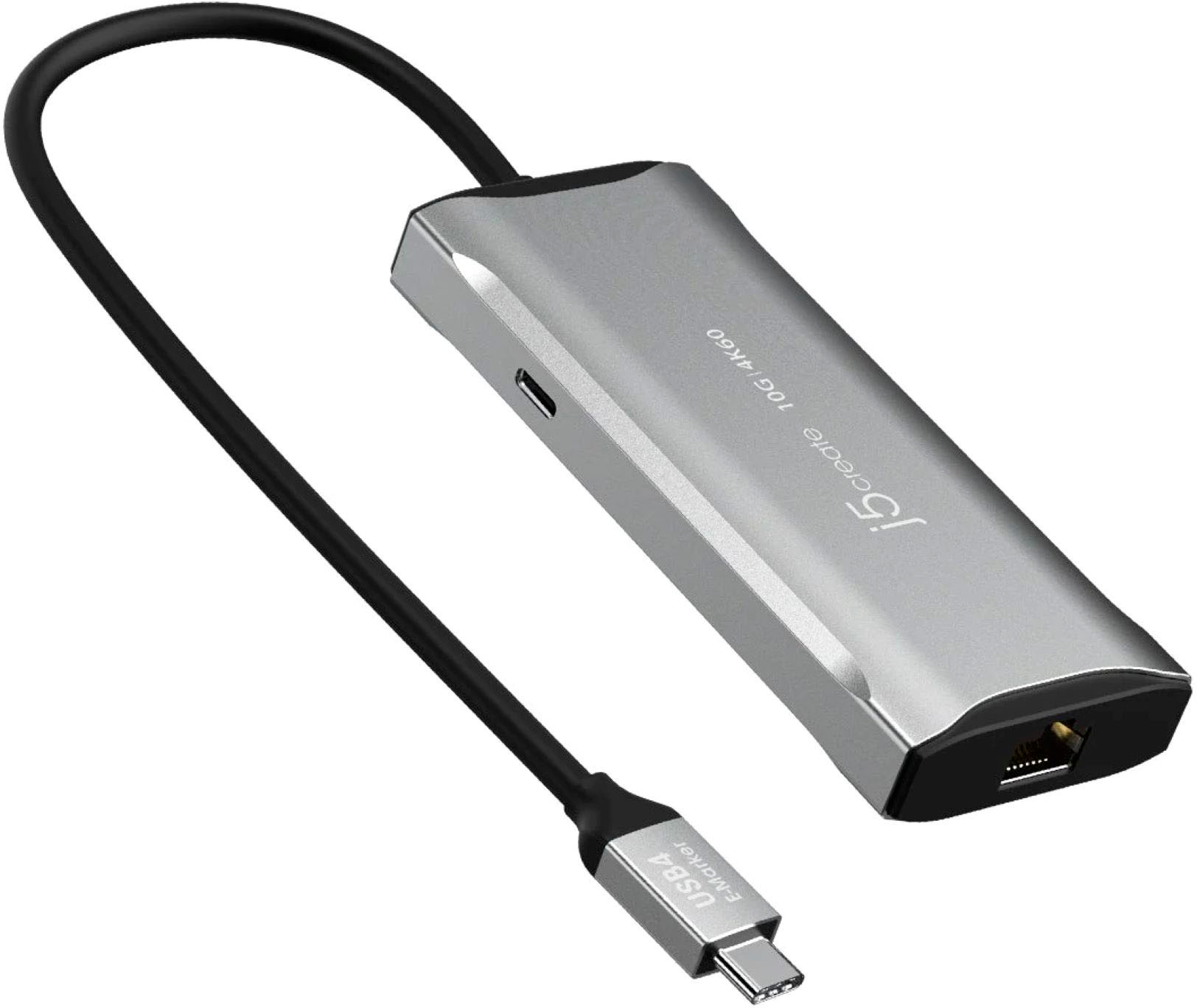
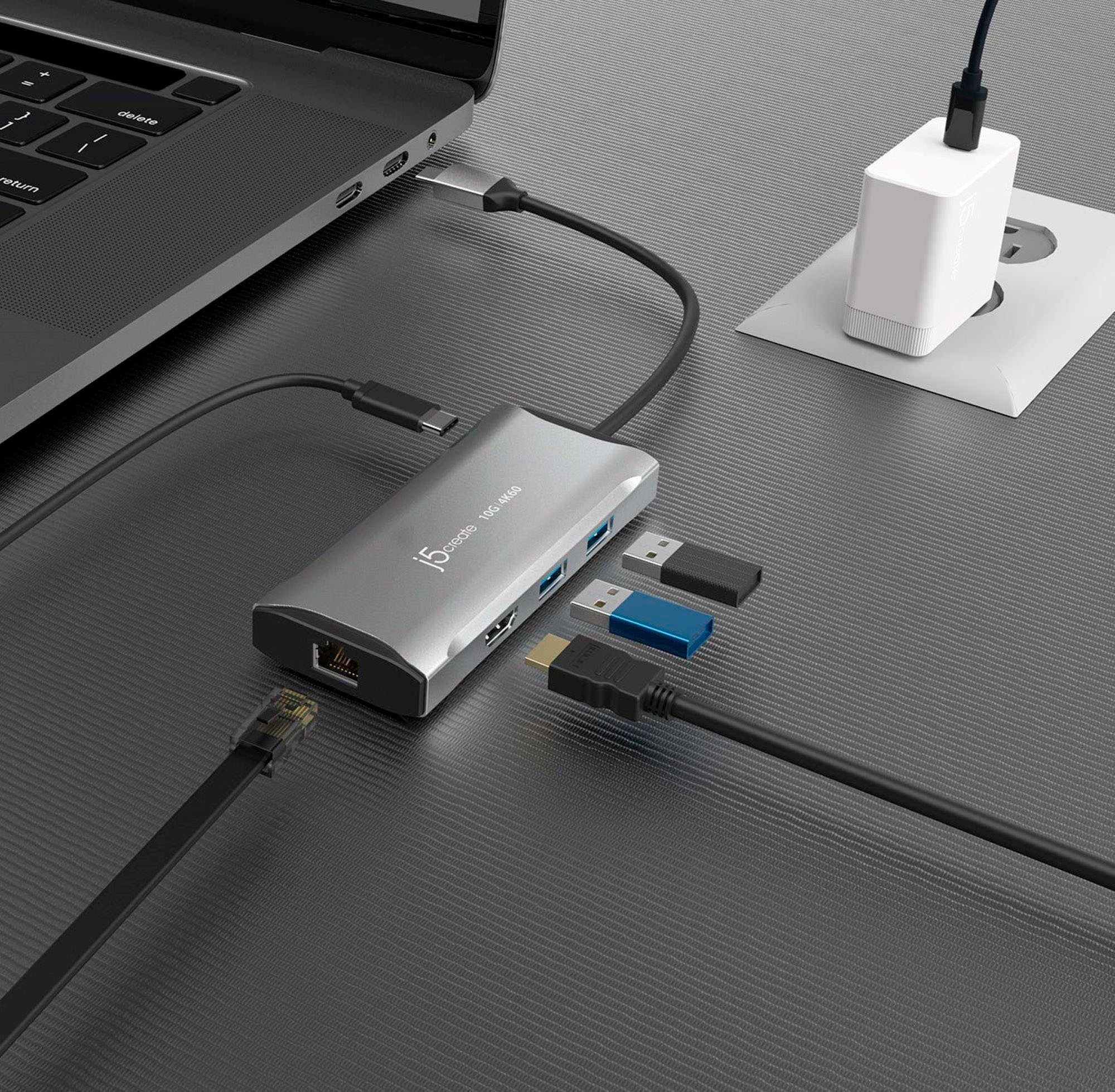
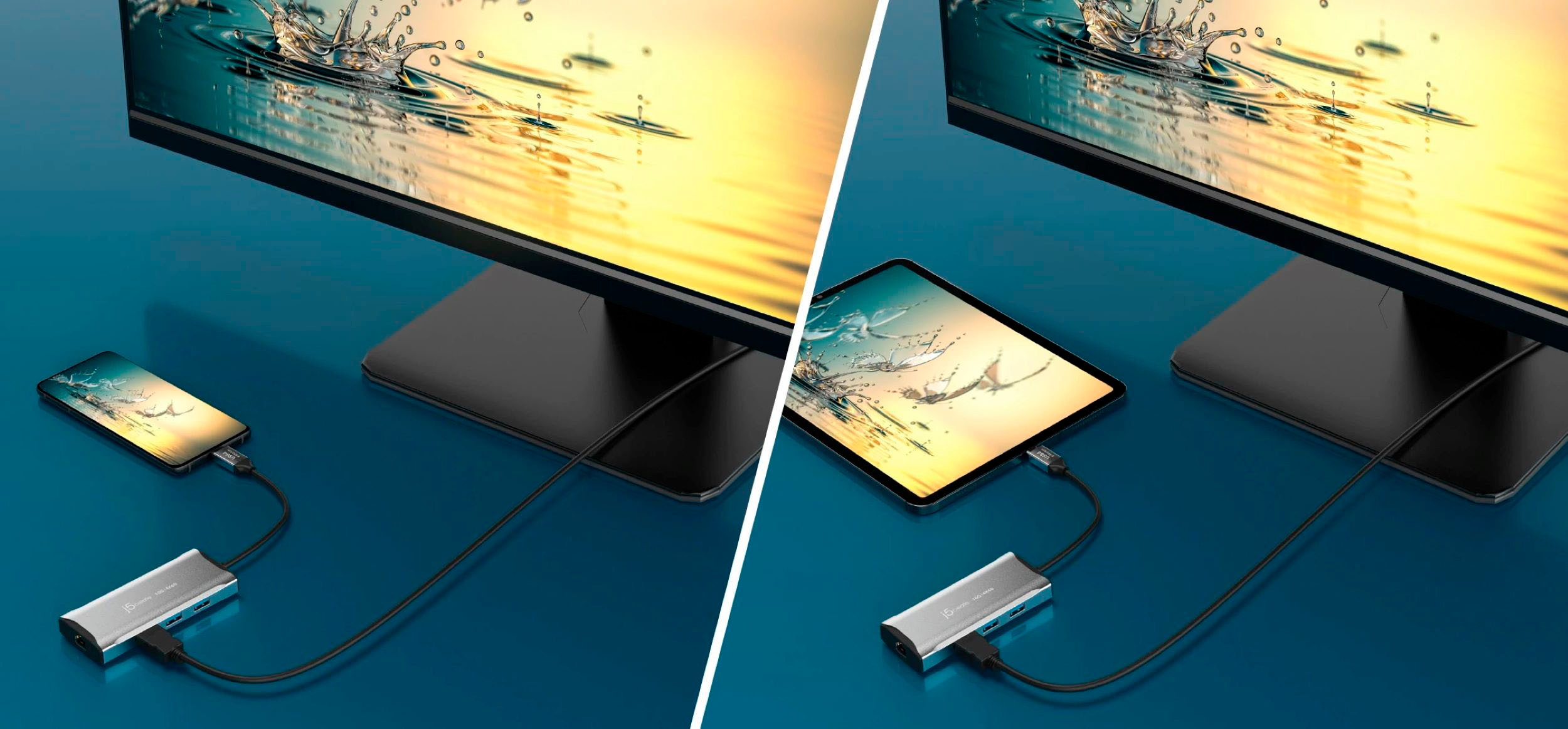
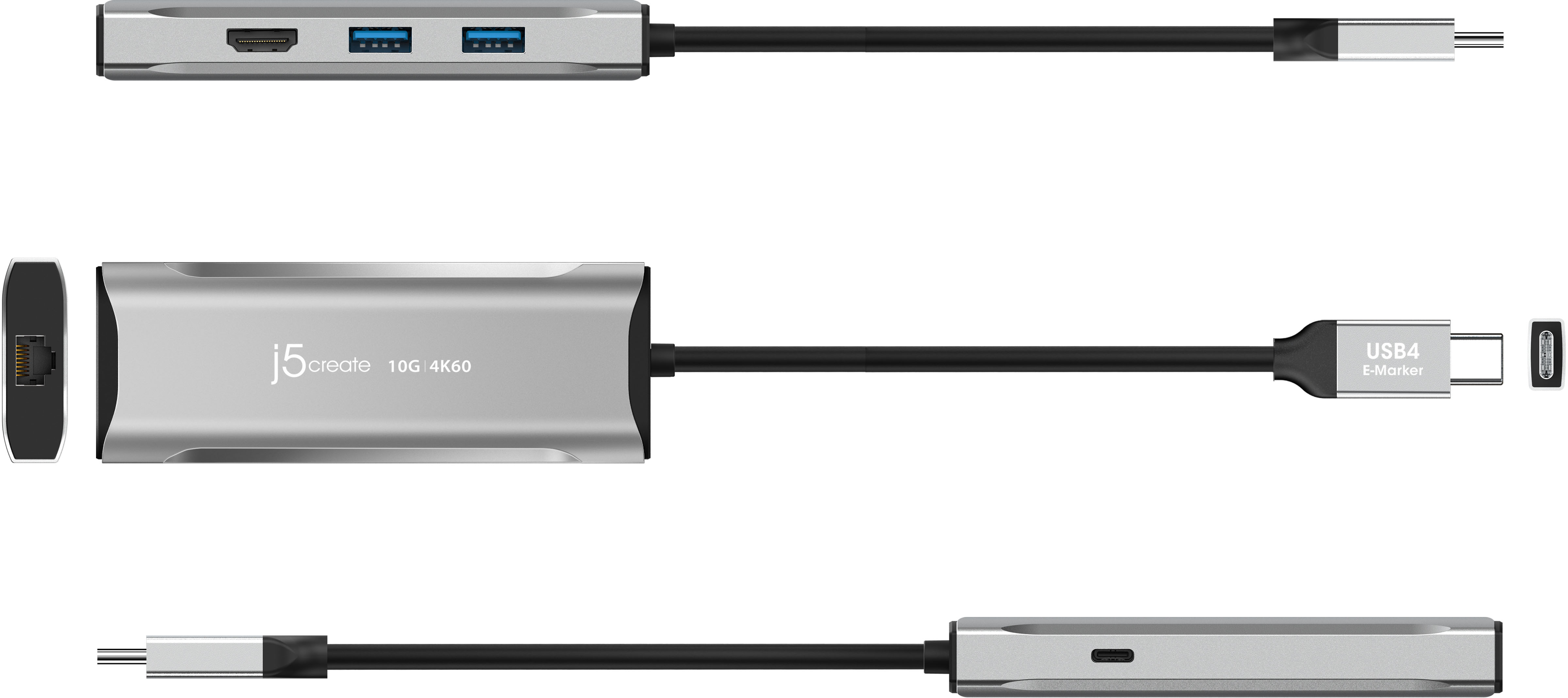
Customers are enthusiastic about the 4K60 Elite USB-C 10Gbps Travel Dock, highlighting its HDMI capabilities, ease of use, and overall product quality. Many appreciate its connectivity options and compact size, as well as its compatibility with various devices. Some customers have noted that the dock does not support fast charging and can get warm with prolonged use.
This summary was generated by AI based on customer reviews.
Works like a charm
||Posted . Owned for 3 weeks when reviewed.This reviewer received promo considerations or sweepstakes entry for writing a review.I needed this extender for my X1 to connect to monitors and it is everything I needed.
I would recommend this to a friendRj45 connector for all new computer
||Posted . Owned for 3 weeks when reviewed.This reviewer received promo considerations or sweepstakes entry for writing a review.Fast and suitable connection for new computers without ethernet connection
I would recommend this to a friendGreat adapter
||Posted . Owned for 1 month when reviewed.This reviewer received promo considerations or sweepstakes entry for writing a review.Awesome product just what I needed to download everything into my race car
I would recommend this to a friendGreat USB port extender.
||Posted . Owned for 1 month when reviewed.This reviewer received promo considerations or sweepstakes entry for writing a review.Great USB-C connected extender with multiple additional USB ports.
I would recommend this to a friendAmazing Dock
||Posted . Owned for 1 week when reviewed.This reviewer received promo considerations or sweepstakes entry for writing a review.One of the best docks out there to get for the price supports USB4 the only thing I would change/add is another USB-C
I would recommend this to a friendGpod standard cable.
||Posted . Owned for 1 month when reviewed.This reviewer received promo considerations or sweepstakes entry for writing a review.Each port work great, only wished that there was one more c-port.
I would recommend this to a friendA good value
||Posted . Owned for 3 weeks when reviewed.This reviewer received promo considerations or sweepstakes entry for writing a review.Compact, versatile with all the connections one would need. has a little weight to it - good construction.
I would recommend this to a friendCaptain
||Posted . Owned for 3 weeks when reviewed.This reviewer received promo considerations or sweepstakes entry for writing a review.Does what it is supposed to do. One month in. So far, so good.
I would recommend this to a friendAmazing!
||Posted . Owned for 2 weeks when reviewed.This reviewer received promo considerations or sweepstakes entry for writing a review.Ive been using it for the last two weeks for my Macbook air. Works amazingly.
I would recommend this to a friendGreat for travel
||Posted . Owned for 1 month when reviewed.This reviewer received promo considerations or sweepstakes entry for writing a review.Perfect docking station to keep in your bag and for travel.
I would recommend this to a friendOne adapter to carry
||Posted . Owned for 3 weeks when reviewed.This reviewer received promo considerations or sweepstakes entry for writing a review.Great versatile product - power through! Have already shown to others.
I would recommend this to a friendA good travel Docking Station
||Posted . Owned for 2 months when reviewed.This reviewer received promo considerations or sweepstakes entry for writing a review.A well throughout product A good home & travel Docking Station
I would recommend this to a friendDropping connections.
||Posted .This reviewer received promo considerations or sweepstakes entry for writing a review.Easy setup but it keeps dropping connections. It looses connection to the monitor and it blinks. USB devices go on and off with a constant dinging by the laptop. Great price, but not reliable.
No, I would not recommend this to a friendBrand response from J5create Team
Posted .If the dock isn’t getting enough power, it may disconnect frequently. Try using a higher-wattage USB-C power adapter (65W or higher).

- Cons mentioned:Heat
Barb
||Posted . Owned for 1 month when reviewed.This reviewer received promo considerations or sweepstakes entry for writing a review.If you plug in too many things it seems to get really hot - just saying
No, I would not recommend this to a friendBrand response from J5create Team
Posted .Generally, adapters emit heat as a normal part of its operation. Please note that hotter operating temperatures can be expected if the USB-C pass-through charging and/or all ports on the hub are utilized. Transferring data or charging devices can cause heat as it takes energy to move data.
Returned it
||Posted . Owned for 1 month when reviewed.This reviewer received promo considerations or sweepstakes entry for writing a review.You shouldn’t loose a USB-C port in using. I returned it and got an Anker model with more ports.
I would recommend this to a friendBrand response from J5create Team
Posted .The 4K60 Elite USB-C 10Gbps Travel Dock requires available USB-C port (host device) that supports DisplayPort v1.4 alternate mode and USB Power Delivery 2.0 or 3.0. Please refer to the manufacturer of your computer for more information about your device.
No Ethernet
||Posted . Owned for 1 month when reviewed.This reviewer received promo considerations or sweepstakes entry for writing a review.I needed to add ethernet to a laptop, so I purchased this device. I plugged it in, and could use the USB ports, the device showed up in device manager, but no ethernet adapter installed. I reached out to j5 support online chat and sent them an email, but received no response via either method.
No, I would not recommend this to a friendBrand response from J5create Team
Posted .If your laptop's USB-C port doesn’t support full data transfer or networking, it may not fully power or detect the Ethernet portion of the hub.
Existing VPN software, virtual adapters, or third-party firewalls can sometimes interfere with new adapter detection.
Go to Device Manager > View > Show hidden devices and check under:
“Network Adapters”
“Other Devices”
Anything with a yellow exclamation.
- Pros mentioned:Ease of use
Work
||Posted . Owned for 3 weeks when reviewed.This reviewer received promo considerations or sweepstakes entry for writing a review.I not the best when using this tech knowledge but this was easy to use and made my work faster.
I would recommend this to a friend Does it.
||Posted . Owned for 1 month when reviewed.This reviewer received promo considerations or sweepstakes entry for writing a review.Does what its supposed to do. Nothing here to brag about.
I would recommend this to a friendGarbage
||Posted . Owned for 3 weeks when reviewed.This reviewer received promo considerations or sweepstakes entry for writing a review.Garbage - doesn’t have enough ports and they only give you 2 weeks to return
No, I would not recommend this to a friendBrand response from J5create Team
Posted .If you have more specific details about the issue, please reach out to j5create customer support team for troubleshooting. Thank you.
Bought for SteamDeck
||Posted . Owned for 1 month when reviewed.This reviewer received promo considerations or sweepstakes entry for writing a review.I bought this for my Steamdeck. It works great for on the go and does everything I really need it to. For some reason, the passthrough charging isn't working when the battery is at a critical level.
I would recommend this to a friendBrand response from J5create Team
Posted .We have an available firmware update to address this issue regarding charging and the Steam Deck. FW update is available on j5create website under the "Support" tab > "Downloads/Drivers". Thank you