Customer Ratings & Reviews
- Model:
- JCD362
- SKU:
- 10946236
Rating by feature
- Value
Rating 4.3 out of 5 stars
- Quality
Rating 4.5 out of 5 stars
- Ease of Use
Rating 4.6 out of 5 stars
Great hub.
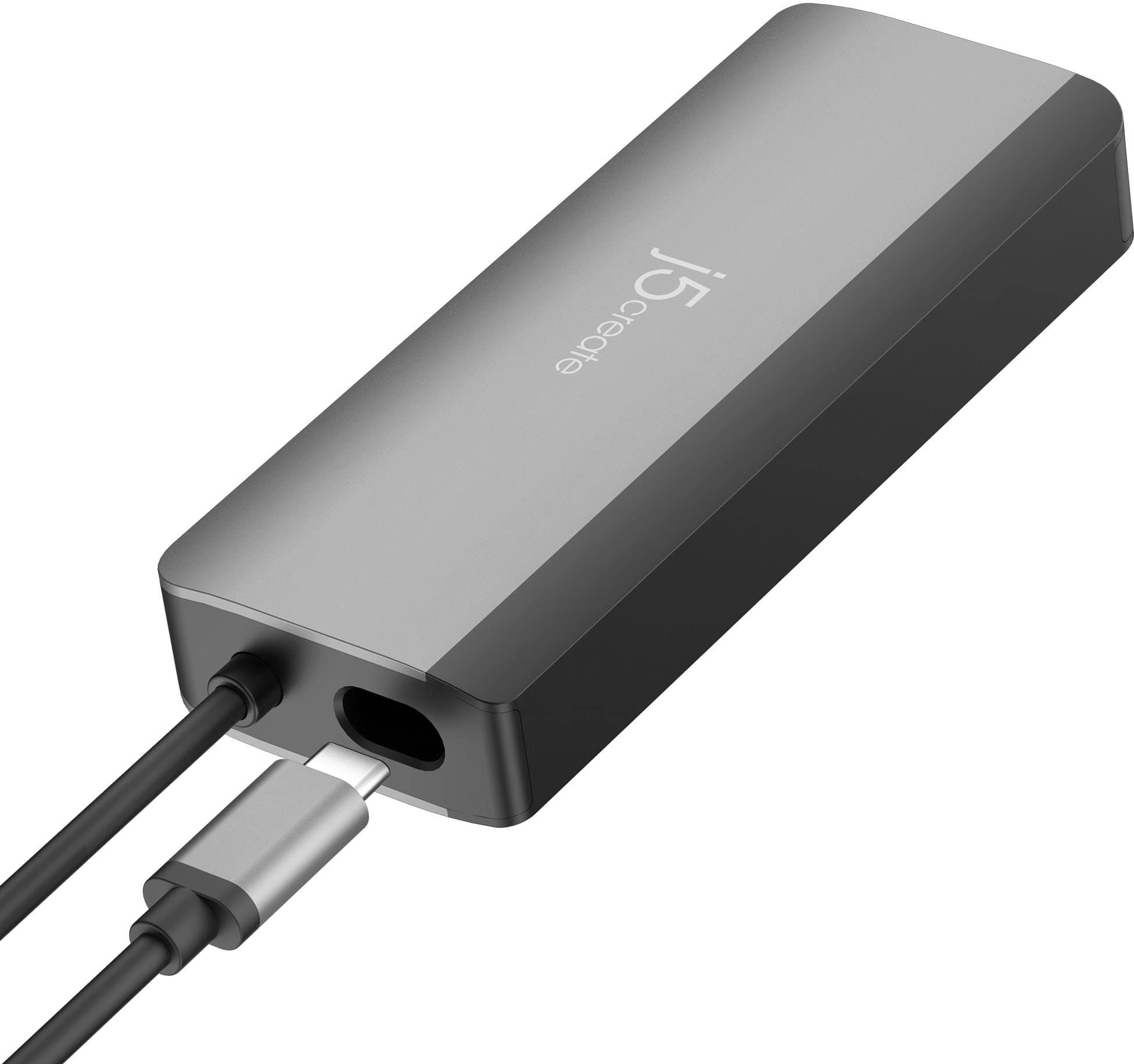
||Posted . Owned for 1 month when reviewed.This reviewer received promo considerations or sweepstakes entry for writing a review.Works great, has a little hole to store the cord in so it fits nicely in a pocket in my bag, passes power through too so you can just plug your charger into the hub and go. Just be sure your machine is under 80w, most are but just a thing to keep in mind.
I would recommend this to a friendPerfect
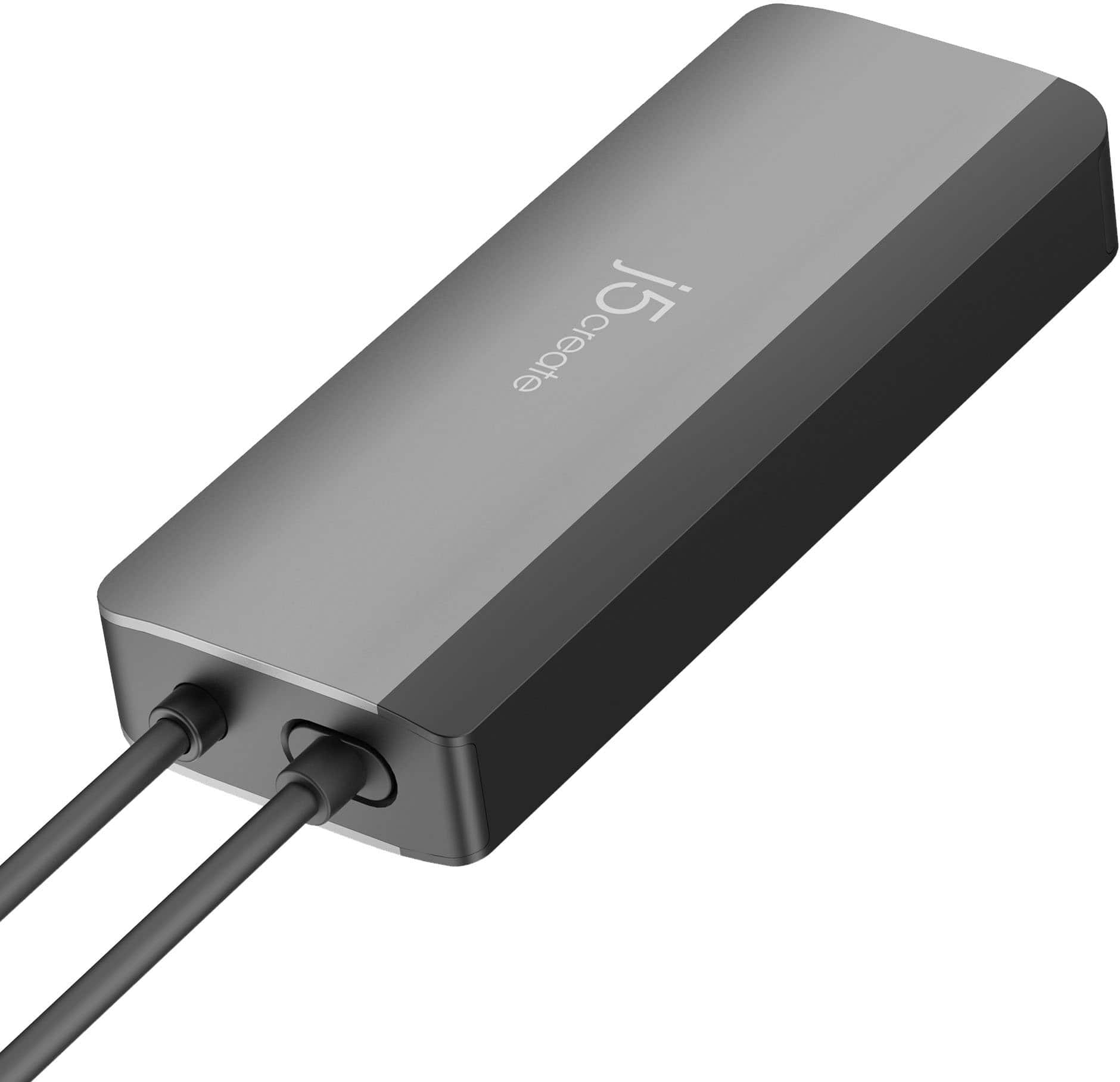
||Posted . Owned for 2 weeks when reviewed.This reviewer received promo considerations or sweepstakes entry for writing a review.Works great. Love how the plug docks inside the adapter to keep it clean
I would recommend this to a friendGreat adapter
||Posted . Owned for 3 weeks when reviewed.This reviewer received promo considerations or sweepstakes entry for writing a review.Wife wanted this for her work Mac mini so she wouldnt have to connect and disconnect everything regularly. It works perfectly for her and she hasnt had any issues with it.
I would recommend this to a friendThis is exactly what I was looking for.
||Posted .This reviewer received promo considerations or sweepstakes entry for writing a review.This is exactly what I was looking for my chromebook. It does not take up much room and I can have multiple devices instead of just one.
I would recommend this to a friendAwesome item
||Posted . Owned for 1 month when reviewed.This reviewer received promo considerations or sweepstakes entry for writing a review.Great item for storage and space. Bought this for my husband so he could travel and keep his electronics connected and safe.
I would recommend this to a friendUSB Hub
||Posted . Owned for 3 weeks when reviewed.This reviewer received promo considerations or sweepstakes entry for writing a review.Hub connects easily, power option is a plus, would highly recommend.
I would recommend this to a friendGreat Hub for a Laptop
||Posted . Owned for 2 weeks when reviewed.This reviewer received promo considerations or sweepstakes entry for writing a review.This is a great hub for connecting a laptop to an external monitor. I like that you can charge your laptop while it is hooked up.
I would recommend this to a friendJ5 Port
||Posted . Owned for 2 weeks when reviewed.This reviewer received promo considerations or sweepstakes entry for writing a review.So far so good. I needed the extra ports because my laptop only has one.
I would recommend this to a friendMuti-use usb ports
||Posted . Owned for 2 weeks when reviewed.This reviewer received promo considerations or sweepstakes entry for writing a review.Was a great recommendation by sales person. Solved our problem of few ports on mew laptop.
I would recommend this to a friendWorks Good
||Posted . Owned for less than 1 week when reviewed.This reviewer received promo considerations or sweepstakes entry for writing a review.Worked right out of the box. Exactly what I needed.
I would recommend this to a friendOffice Equipment
||Posted . Owned for 2 weeks when reviewed.This reviewer received promo considerations or sweepstakes entry for writing a review.Prefect for my office with all of the requirements of my office...
I would recommend this to a friendThis is the best quality port holder brand
||Posted . Owned for less than 1 week when reviewed.This reviewer received promo considerations or sweepstakes entry for writing a review.The best most helpful thing I’ve purchased for streaming and work!
I would recommend this to a friendGreat Product, Works Well
||Posted . Owned for 1 month when reviewed.This reviewer received promo considerations or sweepstakes entry for writing a review.So far has been a great product. No complaints. Has worked well with my HP Envoy x360 laptop.
I would recommend this to a friendBest option
||Posted . Owned for 1 month when reviewed.This reviewer received promo considerations or sweepstakes entry for writing a review.Good option, resolved my problem, work perfectly with my computer.
I would recommend this to a friendcompact docking station
||Posted . Owned for 1 month when reviewed.This reviewer received promo considerations or sweepstakes entry for writing a review.this product is compact and helpful with multiple ports
I would recommend this to a friendMisleading and of no practical worth
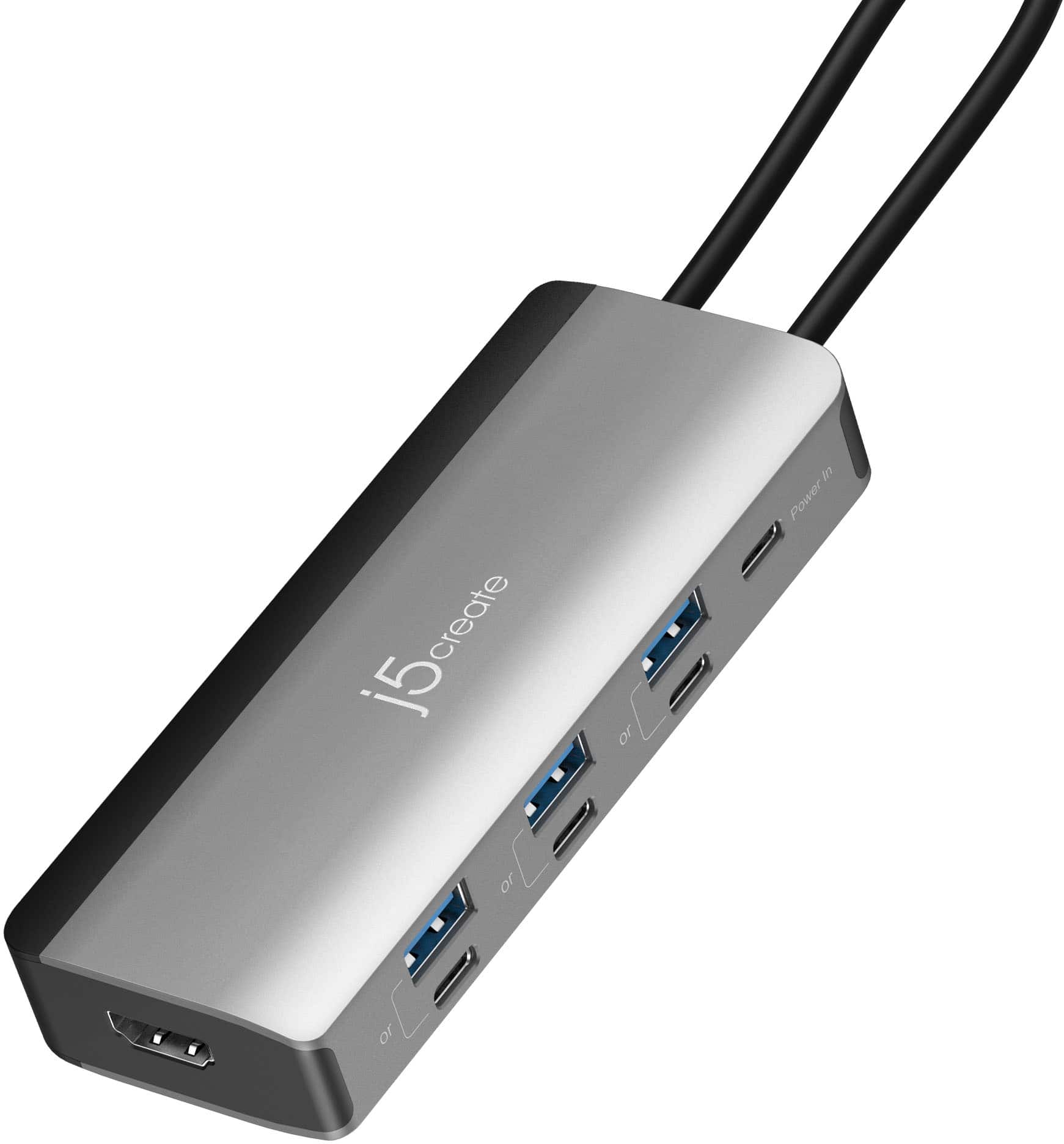
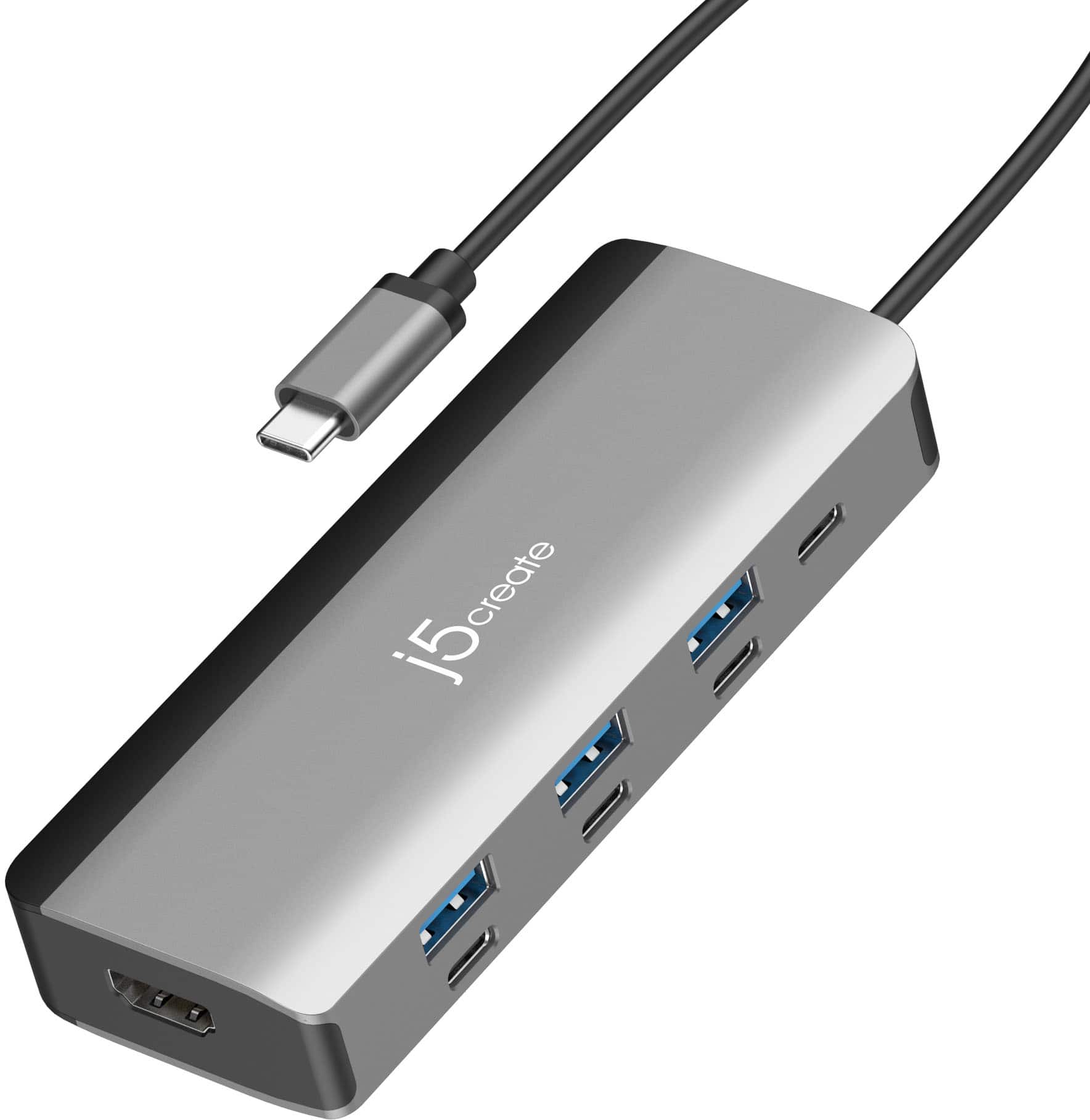
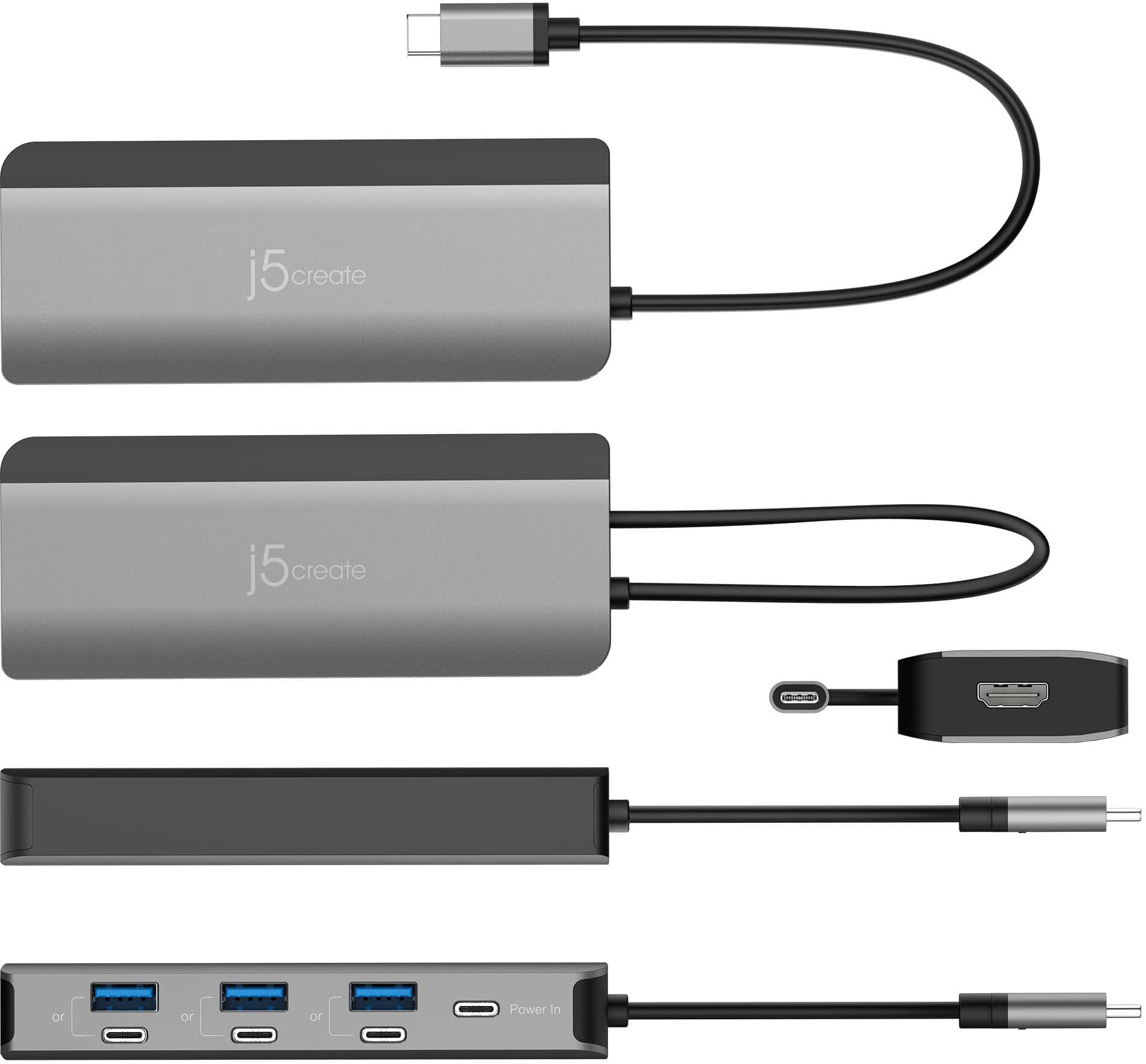
||Posted . Owned for 2 weeks when reviewed.This reviewer received promo considerations or sweepstakes entry for writing a review.Looking on the box the dock came in, it looked OK. When I got the actual dock out of the box and inspected it I found that the 6 docks or so it provided were actually 3 docks with each split between a usb-c port and a usb-a port. If you used both ports of a pair you only received half the data rate through each port. If you only used on port out of a pair, you received the full data through-put. Why would a company ever produce such a dock??? Worthless, in my opinion.
No, I would not recommend this to a friendBrand response from J5create Team
Posted .The Flexible Ports USB-C Hub is designed with shared port pairs (USB-A and USB-C) to provide flexibility for connecting different types of devices while maintaining the hub’s compact size and bandwidth limits. As noted in the specifications, each USB-A and USB-C pair shares the same data channel, so only one port in each pair can operate at full speed at a time.

Flickers and disconnected after 20+ minutes of use
||Posted . Owned for 2 weeks when reviewed.This reviewer received promo considerations or sweepstakes entry for writing a review.Read the reviews and it looked like an amazing deal however after maybe 20 of use the monitor starts flicker, then just outright stop working. I tired multiple HDMI cables and even another setup we have at home a same it's the same issue. Ended up using my Apple HDMI dongle from ages ago.
No, I would not recommend this to a friendBrand response from J5create Team
Posted .Monitor flickering or signal loss can sometimes be related to resolution/refresh rate settings, cable quality, or power delivery to the hub.
If you haven’t already, we recommend checking that your display is set to a supported resolution/refresh rate and, if possible, connecting a USB-C power adapter to the hub to ensure stable power.