Customer Ratings & Reviews

- Model:
- JUD380
- SKU:
- 5901250
Rating by feature
- Value
Rating 4.2 out of 5 stars
- Quality
Rating 4.4 out of 5 stars
- Ease of Use
Rating 4.5 out of 5 stars
Customers are saying
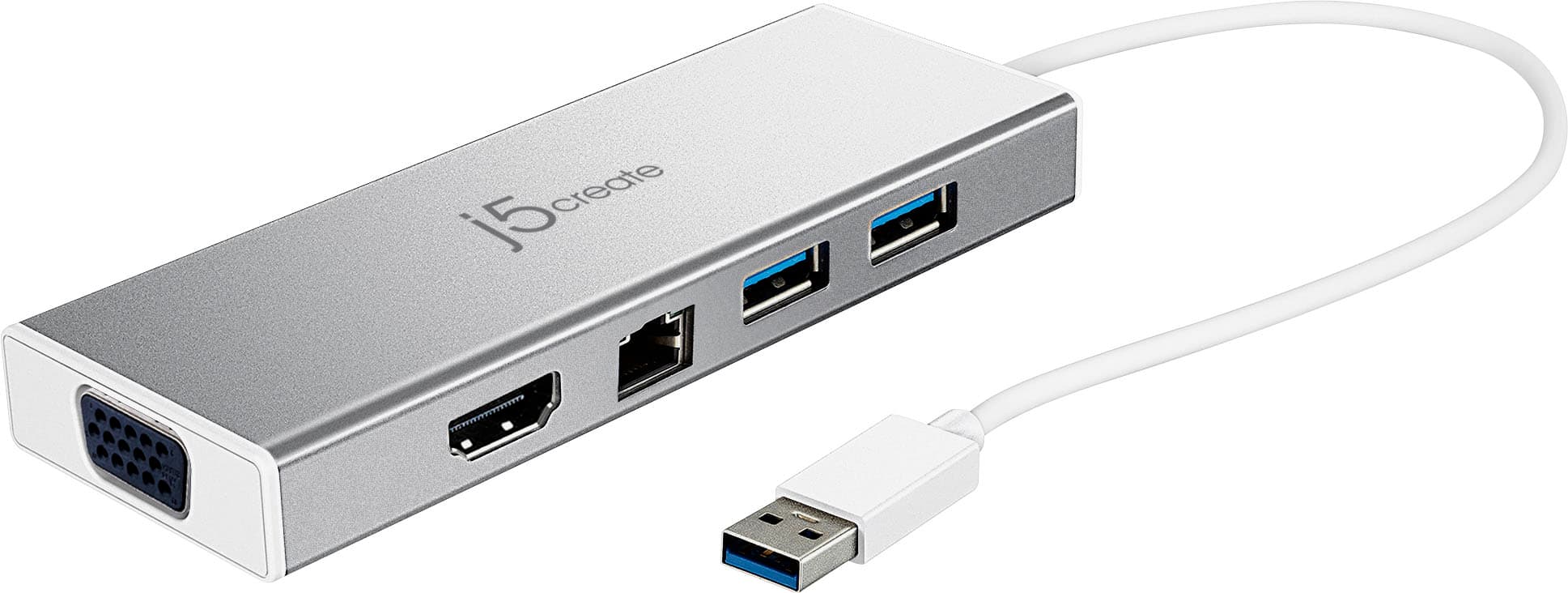
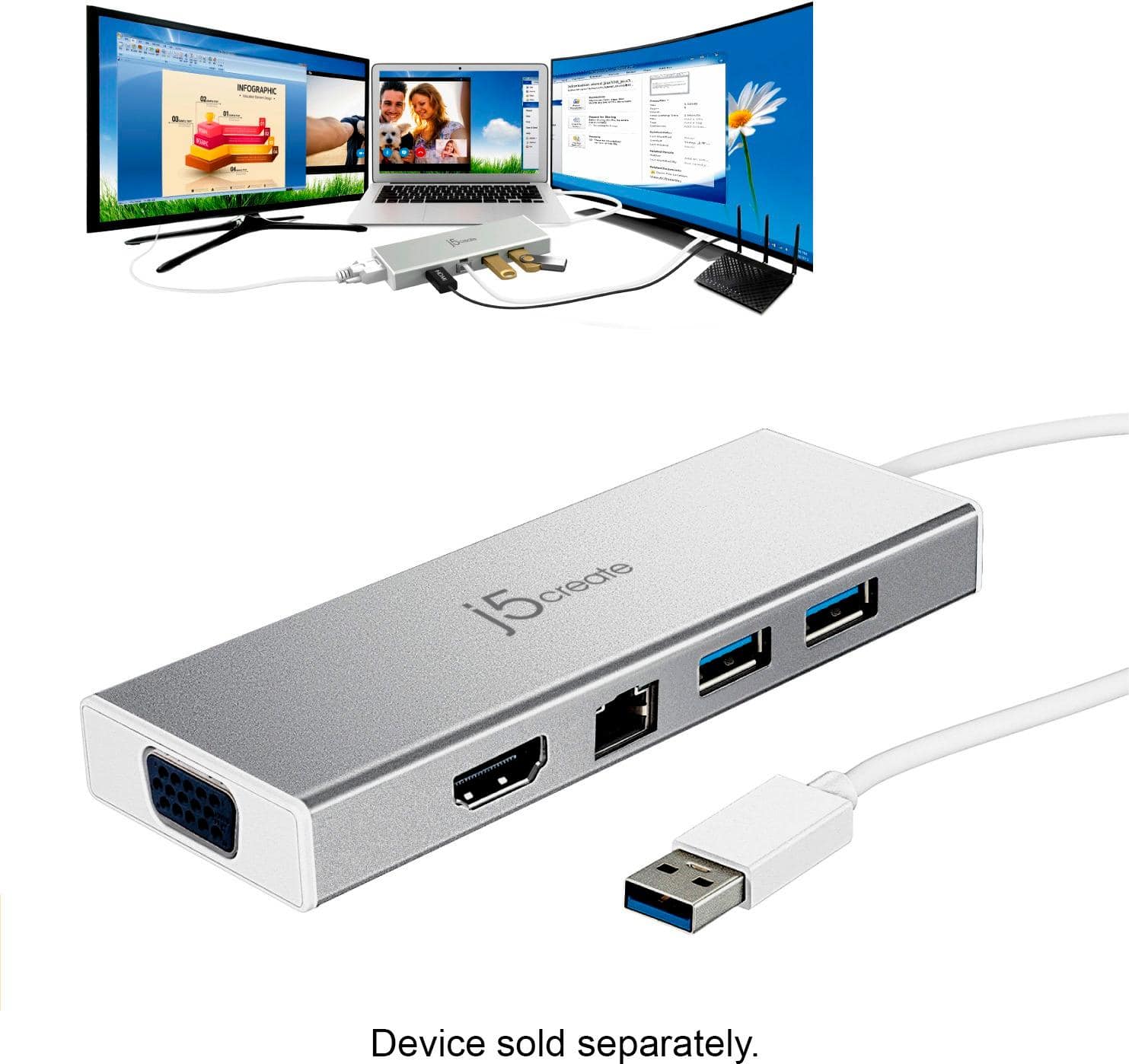
Customers are delighted by the USB 3.0 Mini Dock's ease of use, USB connectivity, overall performance, and compact size. Many appreciate its compatibility and the availability of multiple ports, while some find the price appealing. However, a few customers have noted that the device tends to heat up during use.
This summary was generated by AI based on customer reviews.
Good product
||Posted .This reviewer received promo considerations or sweepstakes entry for writing a review.Product needs better understanding instructions. Need to know all options.
I would recommend this to a friendBrand response from J5create Team
Posted .Hello Stevied, we're sorry to hear the JUD380's installation instructions were not easy to follow and comprehend. In situations like this, we recommend contacting the support team with their information printed on the packaging and a specialist will be glad to lend a helping hand.
Respectfully,
j5create
Not a valued item
||Posted . Owned for 1 month when reviewed.This reviewer received promo considerations or sweepstakes entry for writing a review.The device worked, however it causes my laptop now to shutdown and restart with no warning. This did not occur prior to added the Mini Dock.
No, I would not recommend this to a friendBrand response from J5create Team
Posted .Experiencing sudden shutdowns and restarts on your laptop after connecting a USB 3.0 Mini Dock. Such issues might indicate a compatibility problem, power supply issues, or other technical glitches. Here are some steps to help you address this problem: The micro USB power-in port is optional, but it is recommended when using with high-powered USB devices or with multiple peripherals at once. If it's not receiving adequate power, it could lead to stability problems. Ensure that the dock has the necessary power supply connected and that it's functioning properly. Try connecting the dock to a different USB port on your laptop. Some USB ports might provide more power than others, and using a different port could resolve power-related issues. If you have access to another laptop, try connecting the USB 3.0 Mini Dock to that laptop to see if the problem occurs on a different device. Check for driver conflicts, driver conflicts can cause stability issues. Ensure that there are no conflicting drivers on your laptop that might be triggered when the dock is connected. If you're using a Windows laptop, check the Windows Event Viewer for error messages or critical events that might provide more information about the sudden shutdowns and restarts.
Ok
||Posted .This reviewer received promo considerations or sweepstakes entry for writing a review.Ok product people at best buy just try to over sell this to much.
No, I would not recommend this to a friendBrand response from J5create Team
Posted .Hi Alex, the JUD380 is a great choice for adding a VGA, HDMI monitor to your computer, an Ethernet connection, mice, keyboards, web cameras as well. Simply download and install the driver required and you are all set. ** Feel free to contact us with our information on the packaging for Technical Support, device warranty registration or if you have any other questions and/or require any further
assistance and someone will be glad to assist you. Be sure to check out our website for other devices that could also be of great usage to you and your colleagues.
Just as a heads up, we also provide both Spanish and English speaking Technical Support. Thanks.
Computer
||Posted . Owned for 1 week when reviewed.This reviewer received promo considerations or sweepstakes entry for writing a review.I would recommend to a friend or purchase as a gift
I would recommend this to a friendBrand response from J5create Team
Posted .Hi Lisa,
We appreciate you recommending the JUD380 mini docking station. This is a great device for adding extra monitors and to improve connectivity for a laptop.
Have a great day,
j5create
- Pros mentioned:Ease of use
Docking station works good!
||Posted .This reviewer received promo considerations or sweepstakes entry for writing a review.I have a laptop and needed a docking station to set up my monitors to my laptop. This is working great!
I would recommend this to a friendBrand response from J5create Team
Posted .HDMI, VGA, Ethernet, USB ports for peripherals built into one dock make the JUD380 a must have; saving you space and money on purchasing multiple devices is what we do best.
Sincerely,
j5create
Docking station
||Posted .This reviewer received promo considerations or sweepstakes entry for writing a review.Docking station works great wish it had more plugs
I would recommend this to a friendBrand response from J5create Team
Posted .Hello,
We appreciate your feedback on the JUD380. There are some limitations on how much a single USB port can handle. We are glad to hear that the docking station is working for you.
Thanks,
j5create
Mac OS Big Sur, external monitors not recognized
||Posted . Owned for 2 weeks when reviewed.This reviewer received promo considerations or sweepstakes entry for writing a review.Worked fine until I upgraded to macOS Big Sur...then it didn't allow my Mac to recognize my external monitor that previously was working fine. J5create said their developers are working on a fix..but currently it is not usable with an external monitor.
No, I would not recommend this to a friendBrand response from J5create Team
Posted .Hello,
Due to the major changes with the Big Sur update there is a delay in the release of our drivers. We currently do not have an ETA as of today 11/17/2020. Our developers are currently working on updating the drivers. We appreciate your patience.
Thank you,
j5create
Laggy, crashy
||Posted .This reviewer received promo considerations or sweepstakes entry for writing a review.Used on a mid to high end HP Spectre 360. The unit is USB 3, not USB-C, so buyer beware. Running the HDMI through there causes the monitor to crash sometimes. It doesn't come with a charger. But at least the RF keyboard and mouse lag all the time. I'll keep looking, this one works, but not very well.
No, I would not recommend this to a friendBrand response from J5create Team
Posted .TimexSinclair, We're sorry to hear you experienced mouse lag using your wireless peripherals. When a wireless dongle is connected to the USB 3.0, radio waves are produced causing the mouse to jump, lag and not work overall. For such situations, we recommend wired, or Bluetooth and that should eliminate this issue. If you wish to speak with a rep in regards to this situation, please reach out to support and a rep will gladly answer any questions you may have.
Respectfully,
j5create
Maybe some other time
||Posted .This reviewer received promo considerations or sweepstakes entry for writing a review.The product seemed great and useful but I didn't need it anymore.
I would recommend this to a friendBrand response from J5create Team
Posted .Hi, we greatly appreciate your review as we strive for perfection. The mini dock's various capabilities make this a top seller, we're glad it met your expectations. Feel free to contact support on the casing for questions, concerns, warranty information and an agent will be happy to help.
Respectfully,
j5create
- Pros mentioned:Compatibility
Does great
||Posted .This reviewer received promo considerations or sweepstakes entry for writing a review.My laptop only has vga hook up so this is great when I go to customers and they have hdmi
I would recommend this to a friendBrand response from J5create Team
Posted .VGA or HDMI - the JUD380 provides connectivity to both; simply download, install the driver and you will be working off multiple screens before you know it. If needed, feel free to reach out to support for assistance and an agent will be glad to help.
Sincerely,
j5create
Bad product for MacBook Air
||Posted . Owned for 1 month when reviewed.This reviewer received promo considerations or sweepstakes entry for writing a review.I have been trying to download the driver requested to be able to use this docking station to connect hardwire internet service with dual monitors for my job. It has been very challenging. I’ve also had Best Buy GeekSquad assistant me with remote access, and they had NO Success informing me to contact 5jcreate to get an updated driver for Mac or exchange for a different one (that will be compatible) I’ve reached out the 5jcreate via phone/chat/email...they sent me an updated driver but unfortunately it still doesn’t work. I’m returning this product.
No, I would not recommend this to a friendBrand response from J5create Team
Posted .Hi Shay!
I'm so sorry to hear that this hasn't worked for you! My team is more than happy to continue to keep working on this and troubleshoot different options in order to get you up and running.
Thanks,
j5create
Perfect solution for Multi-Monitor
||Posted . Owned for 1 month when reviewed.This reviewer received promo considerations or sweepstakes entry for writing a review.Exactly what I needed! Had a new employee start and I needed a multi-monitor desktop setup for his laptop. Ordered online, picked up at-store and had it in-hand an hour later! Awesome product and BBY always had competitive pricing and availability.
I would recommend this to a friendNot all great
||Posted .This reviewer received promo considerations or sweepstakes entry for writing a review.I had trouble loading drivers. I hosed up Microsoft office
No, I would not recommend this to a friendBrand response from J5create Team
Posted .Plexus, We are sorry to hear about the JUD380 not being great for you. We have other models available and if you wish to learn of alternatives, please reach out to support and a rep will be more than happy to make recommendations.
Respectfully,
j5create
Need additional power
||Posted .This reviewer received promo considerations or sweepstakes entry for writing a review.This device “requires” additional power. Don’t wrk
No, I would not recommend this to a friendBrand response from J5create Team
Posted .For heavy-wattage adapters e.g. hard-drives; you may need to plug in additional power via the 5V micro-USB port on the JUD380. The USB ports are intended for mostly mice, keyboards, flash-drives, and web cameras. Because the mini-dock is bus-powered, no additional power source is required as it obtains it's power from the computer. We apologize for the experience you had with the adapter and would value the opportunity to turn things around. If interested, we can recommend other devices or attempt troubleshooting to see if there are power settings we can change to get the peripherals working. Technical Support information can be found on the packaging and an agent will be happy to help.
Thank you,
j5create
Mini Docking Station works fine
||Posted .This reviewer received promo considerations or sweepstakes entry for writing a review.The Mini Docking Station works great for our needs of connecting the Surface pro to a projector. First time used had to connect the docking station and projector to the computer prior to turning on the computer. Otherwise the projector was not recognized
I would recommend this to a friendBrand response from J5create Team
Posted .Hello and thank you for reviewing the JUD380; we are excited to hear it was able to get your projector up and running properly. Feel free to contact support on the packaging for questions, concerns, warranty information and an agent will be happy to help.
Cordially,
j5create
LLunsatisfied
||Posted . Owned for 11 months when reviewed.This reviewer received promo considerations or sweepstakes entry for writing a review.I purchased this for my surface notebook. Not what I really was looking for. Huge lag when using this with a wireless mouse, keyboard and HDMI to monitor. When the Mouse works, key board won’t, and visa-versa
No, I would not recommend this to a friendBrand response from J5create Team
Posted .We greatly value your feedback as it helps us improve. It sounds like the issue you may have experienced was related to leaky waves. Leaky waves is when the radio waves from one wireless device interfere with the wireless dongle of another peripheral resulting in lag, glitch, slow performance. In such scenarios, we suggest using wired, USB 2.0 connectivity, or Bluetooth instead. We hope we can assist if in the future you come across such issues with our adapters. Our contact information can be found on the casing and an agent is ready to assist.
Thank you,
j5create
Works but freezes at times
||Posted .This reviewer received promo considerations or sweepstakes entry for writing a review.So this does work to display my Laptop across 2 monitors however there are times when the dual monitors freeze what their displaying and the only way I am able to resolve it is by disconnecting the USB connector to my Laptop and reconnecting it again. Annoying!!!
No, I would not recommend this to a friendBrand response from J5create Team
Posted .Steve, In regards to the freezing at times, we recommend contacting the support team. We will offer solutions and if necessary, offer an exchange under the manufacturer's two year warranty. We apologize for the inconvenience and hope we can still turn things around.
Respectfully,
j5create
Looks great not compatible with apple
||Posted .This reviewer received promo considerations or sweepstakes entry for writing a review.Bought this because I have ‘multiple apple products to connect on the high side of price went to install it it wasn’t comparable with any apple product I had unfortunately. Did look great nice and sleek but not designed for what I bought it for
No, I would not recommend this to a friendBrand response from J5create Team
Posted .Due to the JUD380 operating off software, performance may not be as great as plug-and-play adapters. We do offer plug-and-play adapters; if interested, feel free to reach out to the technical support team and an agent will be glad to make suggestions in order to find you something that will work as expected.
Thank you for your review,
j5create
hub not docking station
||Posted . Owned for 2 weeks when reviewed.This reviewer received promo considerations or sweepstakes entry for writing a review.I tried this with my surface pro 7 and could not get it to work. I ended up returning it and purchasing a more expensive surface pro docking station. I would not recommend for surface pro use.
No, I would not recommend this to a friendBrand response from J5create Team
Posted .Hello, the Mini Dock requires a driver to be loaded to the computer. We do have a PnP device, driver free, JCD324B made for Surface Pro 7. If you have any questions regarding on these 2 devices, our contact info. can be found on the packaging or j5create website as well.
Kindly, j5create.
- Pros mentioned:Overall performance
Awesome
||Posted .This reviewer received promo considerations or sweepstakes entry for writing a review.Great product for people who don’t have allot of room. Works great.
I would recommend this to a friendBrand response from J5create Team
Posted .Space-efficient and economical; the JUD380 supplies the user with video ports, USBs for gadgets and Ethernet connectivity for a safer, faster web browsing experience. Easily download, install the driver and you're off!
Cordially,
j5create